
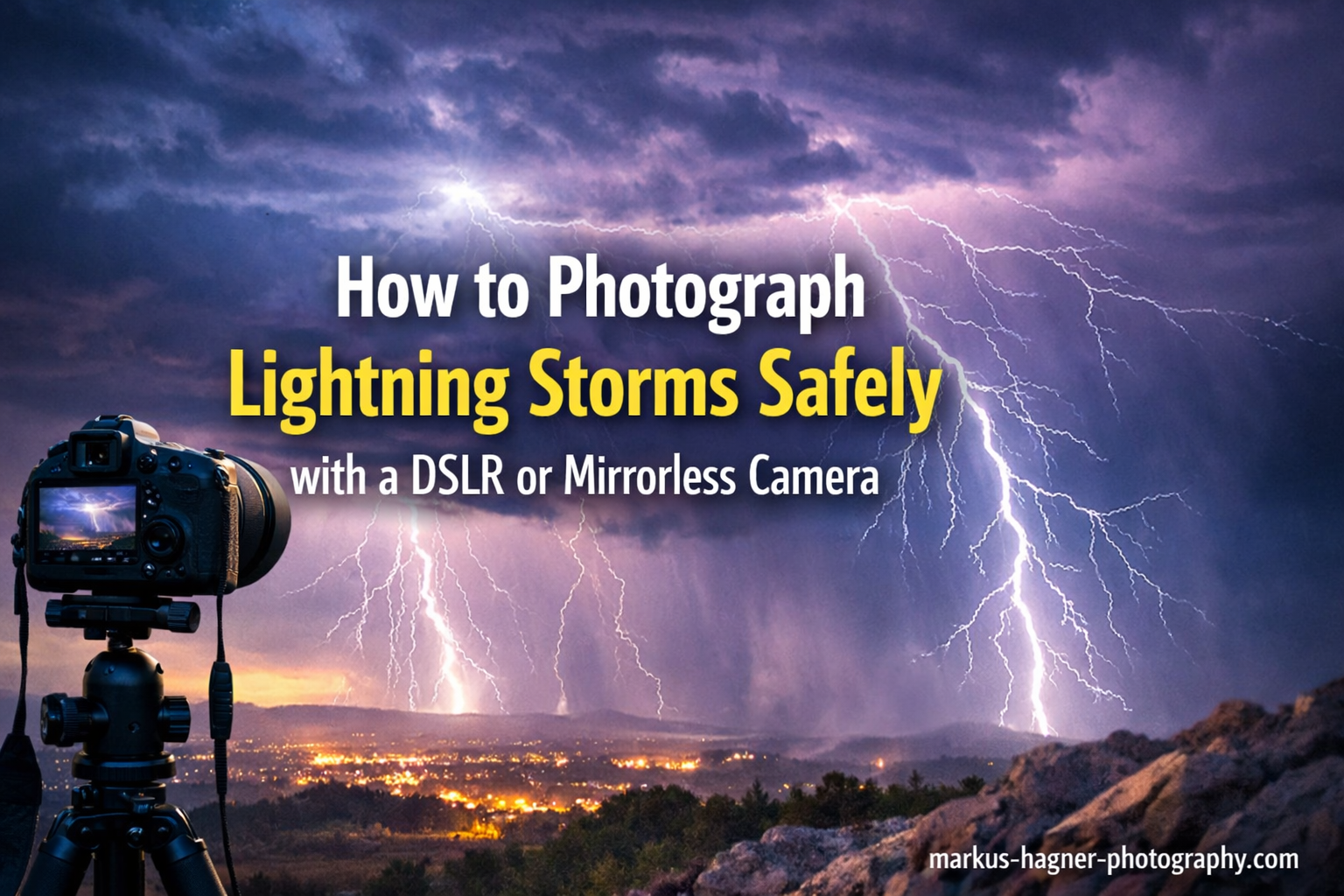
There is nothing quite like the raw power of a lightning storm. Capturing that split-second when a bolt illuminates the sky creates images that stop viewers in their tracks. But before we dive into camera settings and composition techniques, I need to be crystal clear: safety comes first. Lightning kills, and no photograph is worth your life.
In this guide, I will show you exactly how to photograph lightning storms safely using your DSLR or mirrorless camera. You will learn the essential safety precautions that keep you alive, the gear that makes lightning photography possible, and the specific camera settings that consistently produce stunning results. I have spent years photographing storms, and I will share what actually works in the field.
Safety First: The 30-30 Rule and Essential Precautions
Before setting up your tripod, you need to understand lightning safety. This section is not optional reading. Every year, photographers are injured or killed because they stayed out too long or positioned themselves in dangerous locations.
The 30-30 Rule Explained
The 30-30 rule is your primary safety guideline. When you see a lightning flash, start counting seconds until you hear thunder. If you reach 30 seconds or less (meaning the storm is within 6 miles), seek shelter immediately. Wait 30 minutes after the last thunder clap before resuming photography.
Many experienced storm photographers use an even more conservative approach. If you can hear thunder at all, you are already within striking distance. Lightning can travel horizontally for 10-15 miles from a storm cell before striking the ground.
The Flash-to-Bang Method
Sound travels at roughly 1 mile every 5 seconds. Count the seconds between the lightning flash and thunder clap, then divide by 5. This gives you the distance in miles. A 10-second gap means the lightning is about 2 miles away, which is still dangerously close.
Safe Shooting Positions
Never position yourself in open fields, on hilltops, near tall trees, or on elevated surfaces. These are prime targets for lightning strikes. Instead, seek lower ground with some overhead cover. Shooting from inside your vehicle is one of the safest options. The metal frame acts as a Faraday cage, directing any strike around you and to the ground.
If you must shoot outside, maintain at least 6 miles of distance from active storm cells. Use a remote shutter release or intervalometer so you can take cover while your camera continues shooting. Many photographers I know set up their gear, then retreat to their car and monitor remotely.
Emergency Exit Strategy
Always have an escape route planned. Storms can change direction quickly, and what was a safe position can become dangerous in minutes. Identify nearby buildings, vehicles, or other substantial shelter before you start shooting. If conditions deteriorate, pack up immediately. No shot is worth risking your safety.
Essential Gear for Lightning Photography
Lightning photography requires specific equipment. The good news is that most of what you need might already be in your camera bag.
DSLR vs Mirrorless: Which is Better for Lightning?
Both camera types work exceptionally well for lightning photography, but each has distinct advantages.
DSLR Advantages: Optical viewfinders let you compose in real-time without battery drain. Battery life is typically superior, lasting through long shooting sessions. The larger body size balances better with heavy lenses in windy conditions.
Mirrorless Advantages: Electronic viewfinders show exactly what your exposure will look like before you shoot. Focus peaking makes manual focusing significantly easier in dark conditions. Silent shooting modes eliminate any shutter vibration. Many modern mirrorless cameras have better weather sealing right out of the box.
For lightning photography specifically, I slightly prefer mirrorless cameras for their live exposure preview and focus peaking features. Both will capture excellent images if you use them correctly.
The Non-Negotiable: A Sturdy Tripod
You absolutely need a solid tripod. Lightning photography uses long exposures ranging from 5 to 30 seconds. Any camera movement during this time will blur your image. Cheap, lightweight tripods will shake in the wind that often accompanies storms.
Look for a tripod that weighs at least 3-4 pounds and has thick leg sections. Carbon fiber tripods dampen vibrations better than aluminum. Extend the center column only as a last resort, as this reduces stability significantly.
Remote Shutter Release or Intervalometer
A remote shutter release eliminates camera shake from pressing the shutter button. Basic wired releases cost under $20 and work perfectly. Wireless options give you more freedom to take cover.
An intervalometer takes this a step further by automatically capturing image after image at set intervals. You program it to take a 20-second exposure every 2 seconds, then let it run while you watch from safety. This dramatically increases your chances of capturing lightning.
Wide-Angle Lens Recommendations
Lightning bolts can span enormous portions of the sky. A wide-angle lens (14mm to 35mm on full-frame) captures more of the scene and increases your odds of getting the bolt in frame. My go-to is a 16-35mm f/4 for most lightning work.
Avoid using telephoto lenses for lightning photography. Besides narrowing your field of view significantly, longer focal lengths require more stability and are more susceptible to wind shake.
Lightning Triggers: Worth the Investment?
Dedicated lightning triggers like the MIOPS Smart+ or similar devices use light sensors to detect lightning and trigger your shutter automatically. They can capture strikes that happen faster than human reaction time allows.
For nighttime photography, I find triggers unnecessary. Long exposures catch lightning easily since the bolt itself illuminates the scene. For daytime lightning photography, however, a trigger becomes almost essential because you need much shorter exposures.
Triggers cost between $100 and $300. If you primarily shoot at night, save your money. If daytime lightning is your goal, invest in one.
Weather Protection for Your Gear
Storms mean rain, and rain kills cameras. Even weather-sealed bodies can fail under sustained downpour. Pack a rain cover for your camera or use a simple plastic bag with a hole cut for the lens. A microfiber cloth for wiping down your gear is essential.
Consider bringing a large umbrella or pop-up canopy if you plan extended shooting sessions. Keep spare batteries in a dry pocket, as cold and wet conditions drain them faster.
Camera Settings for Lightning Photography
Getting your camera settings right is what separates mediocre lightning shots from stunning ones. The settings differ significantly between daytime and nighttime conditions.
The Foundation: Manual Mode
Put your camera in full Manual mode. Auto or semi-auto modes will fail you in lightning photography because the camera cannot anticipate a lightning flash. You need complete control over aperture, shutter speed, and ISO.
Shoot in RAW format rather than JPEG. RAW files capture significantly more dynamic range, giving you flexibility to recover details in overly bright lightning channels or dark foregrounds during post-processing.
Nighttime Lightning Photography Settings
Night is the easiest time to photograph lightning because the dark sky acts as a natural backdrop. Here are my recommended starting settings:
Aperture: f/5.6 to f/8 for the sharpest results. Wider apertures like f/2.8 can work, but the lightning may bloom and lose definition.
ISO: 100 to 200. Keep ISO as low as possible to minimize noise in your long exposures.
Shutter Speed: 10 to 30 seconds. Longer exposures increase your chances of catching a strike during the exposure. Use Bulb mode for exposures longer than 30 seconds.
White Balance: 4000K to 5000K creates a natural blue-purple sky tone that complements lightning well. Daylight white balance (5500K) works too but produces warmer tones.
Daytime Lightning Photography Settings
Daytime lightning is significantly more challenging. You cannot leave the shutter open for long periods without overexposing the image. This is where lightning triggers become essential.
Aperture: f/16 to f/22. You need to limit light entering the lens as much as possible.
ISO: 100 or your camera’s lowest native ISO.
Shutter Speed: 1 to 5 seconds maximum. Even this requires a neutral density filter in bright conditions.
ND Filters: A 6-stop or 10-stop ND filter lets you achieve longer exposures during daylight. Without one, daytime lightning photography is nearly impossible.
Bulb Mode Technique
Bulb mode keeps your shutter open as long as you hold down the shutter button. This technique works beautifully for nighttime lightning:
Open the shutter using your remote release. Wait for lightning to flash. Close the shutter. This way, you control exactly how long each exposure lasts based on when lightning occurs.
The challenge is judging exposure. If you hold the shutter too long without any lightning, ambient light accumulates and overexposes the image. Practice helps you develop a feel for timing.
Quick Reference Settings Table
Here is a quick reference guide for different conditions:
Night (Dark Sky): f/8, ISO 100, 15-30 seconds, No ND filter
Dusk/Dawn: f/11, ISO 100, 5-15 seconds, No ND filter
Daylight (Cloudy): f/16, ISO 100, 1-3 seconds, 6-stop ND filter
Daylight (Bright): f/22, ISO 100, 0.5-1 second, 10-stop ND filter
City Scenes: f/11-f/16, ISO 100, 10-20 seconds, Creates starburst on city lights
How to Focus for Lightning Photography
Focusing is one of the biggest challenges in lightning photography. Autofocus will fail in dark conditions, and even manual focus is tricky when you cannot see your subject clearly.
Manual Focus to Infinity
Switch your lens to manual focus mode. Turn the focus ring to the infinity mark. However, do not just crank it all the way to the end. Most lenses actually focus past infinity, which produces soft images.
Instead, find the true infinity focus point during daylight. Focus on a distant object (at least 100 feet away), then note where the focus ring sits. Some photographers put a small piece of tape on the lens barrel to mark this position.
Live View Focusing Technique
If there are distant lights in your scene, use Live View to magnify them and focus manually. This is more precise than using the optical viewfinder. Many mirrorless cameras offer focus peaking, which highlights in-focus edges in bright colors.
Zoom in to 10x magnification in Live View. Adjust focus until distant lights appear as sharp points rather than blobs. This technique works even when the scene is quite dark.
Focusing Before the Storm Arrives
The best approach is setting focus while you still have some ambient light. Once focused, switch to manual focus mode and do not touch the focus ring again. If you bump it accidentally, you will need to refocus.
Some photographers use gaffer tape to lock the focus ring in place during shooting sessions. This prevents accidental focus shifts when handling the camera.
Back-Button Focus Alternative
If your camera supports back-button focus, you can pre-focus on a distant object, then release the back button so the camera will not attempt to refocus when you press the shutter. This gives you autofocus capability when setting up, then locks focus for your lightning sequence.
Finding Storms and Choosing Your Location
You cannot photograph lightning if you cannot find it. Knowing where and when storms will develop separates successful lightning photographers from frustrated ones.
Weather Apps for Storm Tracking
RadarScope is the gold standard among storm photographers. It shows detailed radar data including storm tracks, hail indicators, and lightning density. The app costs about $10 but provides professional-grade information.
Free alternatives include MyRadar and the Weather Underground app. These work well for casual use but lack the detailed lightning tracking that dedicated storm chasers prefer.
LightningMaps.org shows real-time lightning strikes worldwide. Watching this during a storm helps you identify which cells are producing the most electrical activity.
Reading Radar for Lightning Potential
Look for storm cells with strong reflectivity (red and purple on radar). These typically produce more lightning than weaker cells. Watch for storm movement direction and speed to position yourself appropriately.
The leading edge of a squall line often produces dramatic lightning. These linear storm systems can stretch for miles and provide excellent photographic opportunities over extended periods.
Urban vs Rural Locations
Urban locations offer city lights as foreground elements, creating compelling compositions. Buildings provide shelter options if conditions deteriorate. However, light pollution can affect your exposure settings, and finding an unobstructed view can be challenging.
Rural locations provide dark skies and unobstructed views. You can often position yourself with interesting foreground elements like barns, silos, or rolling hills. The downside is fewer shelter options and longer response times if you need to retreat quickly.
Legal and Access Considerations
Public lands like state parks and roadside pullouts are generally safe bets for storm photography. Always check if areas are open after dark, as some parks close at sunset.
Private property requires permission. Farmers and landowners are often accommodating if you ask politely and explain your purpose. Offer to share your photos with them as a gesture of goodwill.
Avoid stopping on highway shoulders or freeways. This is illegal in most jurisdictions and extremely dangerous. Find a proper parking area even if it means walking a short distance to your shooting location.
Composition Tips for Dramatic Lightning Photos
Capturing lightning is only half the battle. Creating a compelling image requires thoughtful composition that draws the viewer’s eye.
Rule of Thirds Application
Position the horizon in the upper or lower third of your frame rather than dead center. This creates a more dynamic image. If lightning is occurring primarily in one area of the sky, compose so that area falls on a rule-of-thirds intersection point.
Leave space in your composition for the lightning to appear. Do not frame too tightly, or you risk cutting off the top of bolts.
Foreground Interest Elements
Lightning alone can look like a science experiment. Adding foreground elements like trees, buildings, mountains, or water transforms the image into a complete scene.
Silhouettes work particularly well. A tree line or city skyline against a lit-up stormy sky creates dramatic contrast. Position these elements in the bottom third of your frame.
City Light Integration
Urban lightning photography offers unique opportunities. City lights create starburst patterns at small apertures (f/11-f/16). Wet streets reflect both the lightning and city lights, doubling the visual impact.
Look for elevated positions like parking garages or hills overlooking the city. These vantage points let you capture both the urban landscape and approaching storms.
Multiple Strike Composition
One powerful technique involves capturing multiple strikes in a single long exposure. Each lightning bolt that flashes during your exposure adds to the image. A 30-second exposure might capture 3-5 separate strikes, creating an dramatic composite effect in-camera.
Post-Processing Your Lightning Photos
Most lightning photos benefit from some post-processing. The goal is enhancing what you captured without making the image look artificial.
Basic Adjustments
Start with exposure adjustments. Lightning channels are often overexposed. Use your RAW editor’s highlight recovery tool to bring back detail in the brightest parts of the bolt.
Increase contrast to make the lightning stand out against the sky. A slight clarity boost adds definition to the bolt structure. Avoid overdoing clarity, which can create unnatural halos around the lightning.
Color Enhancement
Lightning takes on different colors depending on atmospheric conditions. Purple and blue tones are common at night. Slightly boosting these hues can enhance the natural colors without looking fake.
White balance adjustments dramatically affect mood. Cooler temperatures emphasize the electric blue tones. Warmer settings create a more golden, dramatic feel.
Stacking Multiple Strikes
For images where you captured multiple strikes across several frames, you can combine them in post-processing. Load all images as layers in Photoshop. Set the blending mode of upper layers to “Lighten” – this lets only the brightest parts (the lightning) show through.
This technique creates images with more lightning than any single exposure could capture. Use it tastefully, as over-stacked images can look obviously manipulated.
Noise Reduction
Long exposures at higher ISOs produce noise. Apply luminance noise reduction carefully. Too much noise reduction smears detail in the lightning channels. Apply it selectively to the sky while preserving the sharp edges of the bolts.
Common Beginner Mistakes to Avoid In 2026
After years of teaching lightning photography workshops, I see the same mistakes repeatedly. Learn from these errors so you can avoid them.
Blown Out Highlights
Lightning is incredibly bright. If your aperture is too wide or ISO too high, the lightning channel becomes a white blob with no detail. Stop down to at least f/8 and keep ISO at 100-200 for nighttime work.
Camera Shake from Wind
Storms bring wind, and wind shakes tripods. Weight your tripod by hanging your camera bag from the center hook. Position yourself as a windbreak. Use shorter focal lengths that are less susceptible to shake.
Wrong Focus Settings
Leaving autofocus enabled guarantees failure. The camera will hunt continuously in dark conditions and never achieve focus. Always switch to manual focus before starting your lightning sequence.
Not Having Backup Batteries
Long exposures drain batteries quickly. Cold, wet storm conditions accelerate this drain. Bring at least 3 fully charged batteries and keep spares in a warm, dry pocket.
Getting Too Close
The desire for dramatic photos pushes photographers toward dangerous positions. Remember that no image is worth your life. Maintain safe distances and have an exit strategy.
Frequently Asked Questions
How do you photograph lightning with a DSLR?
Set your DSLR to Manual mode with aperture f/8, ISO 100-200, and shutter speed 10-30 seconds for nighttime. Use a tripod and remote shutter release. Focus manually to infinity before it gets dark. Open the shutter and wait for lightning to flash during your exposure.
What is the 5 second rule for lightning?
Count seconds between the lightning flash and thunder. Divide by 5 to get the distance in miles. If thunder arrives within 5 seconds, lightning is within 1 mile and you should seek shelter immediately.
What camera settings are best for photographing lightning?
For nighttime: Manual mode, f/8 aperture, ISO 100, 10-30 second shutter, manual focus at infinity, white balance 4000-5000K. For daytime: f/16-f/22, ISO 100, 1-5 second shutter with ND filter, and a lightning trigger for best results.
Can you photograph lightning from inside a car?
Yes, and it is one of the safest ways to photograph lightning. Set up your camera on a tripod outside the vehicle, then use a wireless remote or intervalometer to trigger it from inside your car. The metal frame protects you if lightning strikes nearby.
Conclusion
Learning how to photograph lightning storms safely takes patience and practice, but the results are worth it. Remember the fundamentals: safety first using the 30-30 rule, a sturdy tripod and remote release, Manual mode with appropriate settings for day or night, and manual focus to infinity. Start with nighttime lightning as it is easier to capture, then progress to daytime challenges as your skills improve.
Every storm is different, and no two lightning bolts are alike. That is what makes this type of photography so rewarding. Get out there, stay safe, and capture nature’s most dramatic light show with your DSLR or mirrorless camera.