
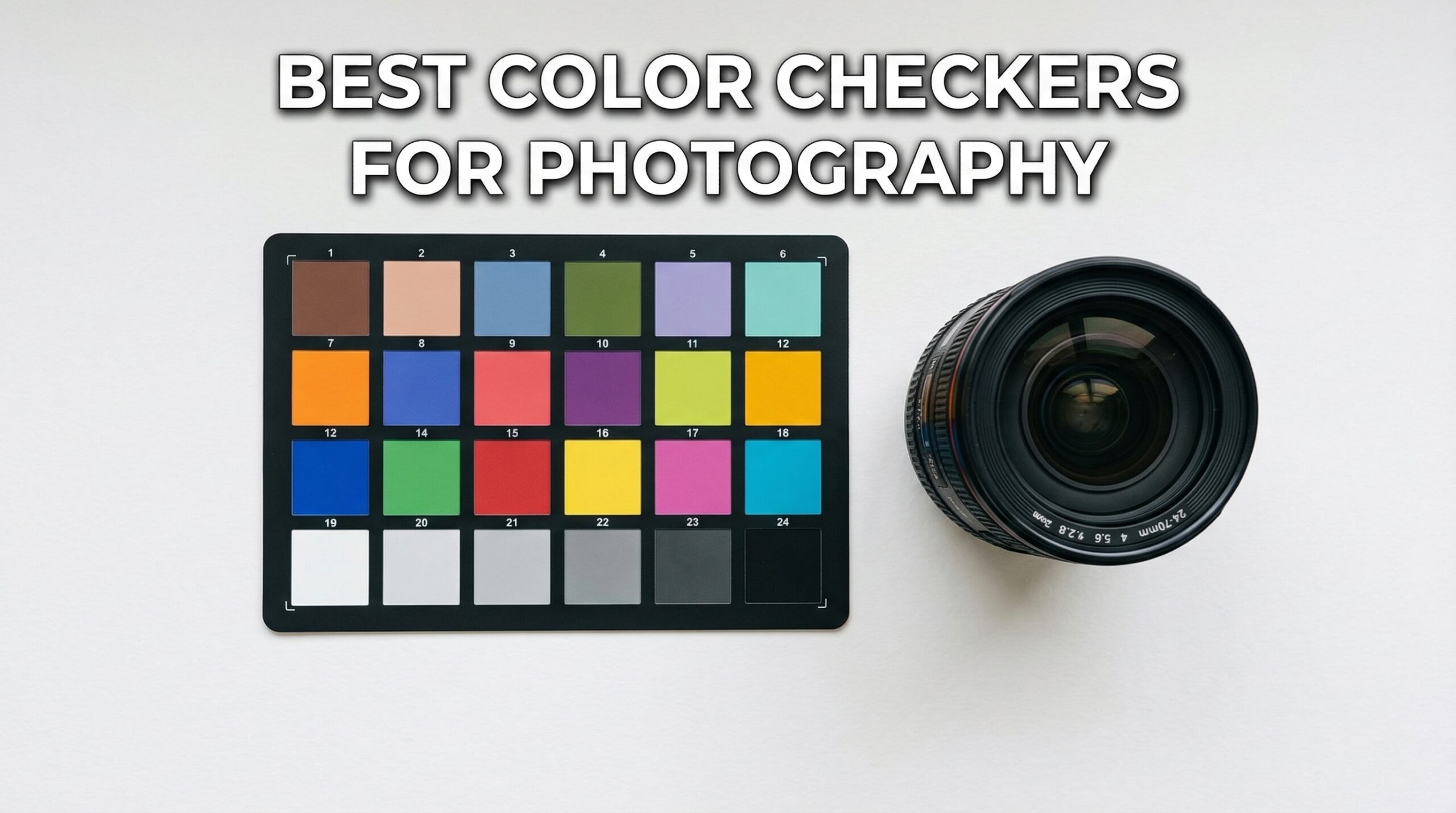
Getting accurate colors in your photos used to feel like guesswork. You’d shoot a product catalog, edit everything in post, and still end up with skin tones that looked off or colors that didn’t match what you saw in person. That frustration is exactly why color checkers have become essential tools for professional photographers.
A color checker gives you a reference point that your camera and editing software can use to create accurate color profiles. Instead of spending hours tweaking white balance and color grading, you shoot the card once, create a profile, and apply it to your entire session. The time savings add up fast, especially if you’re shooting with multiple cameras or working on color-critical projects like product photography or art reproduction.
In this guide, I’ll walk you through the best color checkers for photography in 2026. I’ve tested these tools extensively, and I’ll share real-world insights on which ones work best for different situations, from budget-friendly options to professional-grade calibration kits.
Top 3 Picks for Best Color Checkers for Photography

Pixel Perfect Camera Colour Correction Card
- Set of 2 Cards
- Adobe Software Included
- Ultra Affordable
Best Color Checkers for Photography in 2026
| Product | Specifications | Action |
|---|---|---|
|
Calibrite ColorChecker Passport Photo 2
|
|
Check Latest Price |
|
Pixel Perfect Camera Colour Correction Card
|
|
Check Latest Price |
 Calibrite ColorChecker Classic
|
|
Check Latest Price |
|
Datacolor SpyderCHECKR 24
|
|
Check Latest Price |
 Calibrite ColorChecker Classic Mini
|
|
Check Latest Price |
 DGK Color Tools Digital Kolor Pro 16:9
|
|
Check Latest Price |
 Calibrite ColorChecker Passport Video 2
|
|
Check Latest Price |
 DGK Color Tools DKK 5x7 Set
|
|
Check Latest Price |
 DGK Color Tools DKC-Pro 5x7 Set
|
|
Check Latest Price |
 Datacolor Spyder Checkr Photo
|
|
Check Latest Price |
1. Calibrite ColorChecker Passport Photo 2 – Complete Portable Calibration Kit
Pros
- Compact travel-friendly design
- 4 targets for complete calibration
- Calibrite PROFILER software included
- Excellent color consistency
- Works with all camera brands
Cons
- Stiff hinges when new
- Higher price point
- Some users report fragile feeling
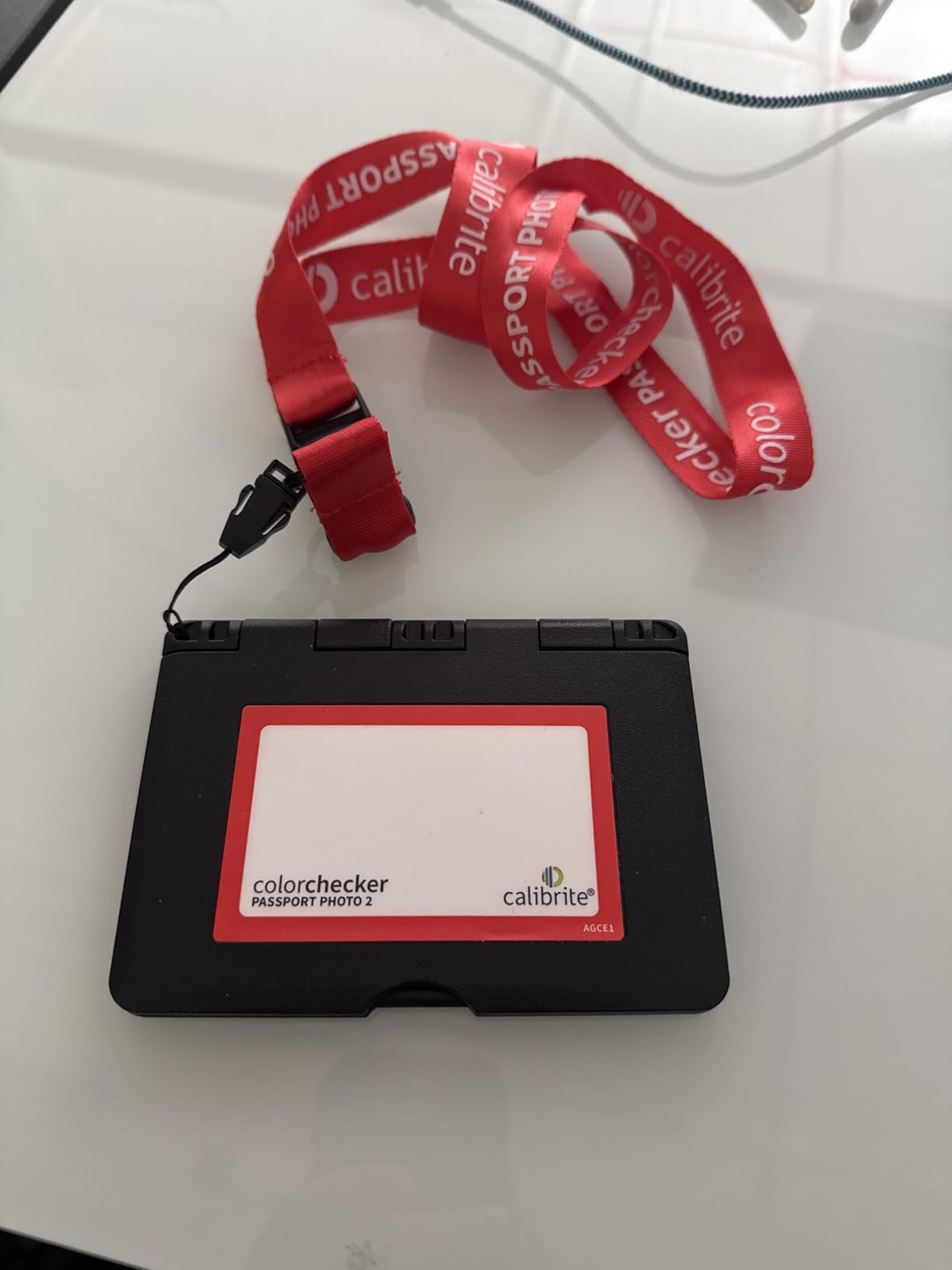
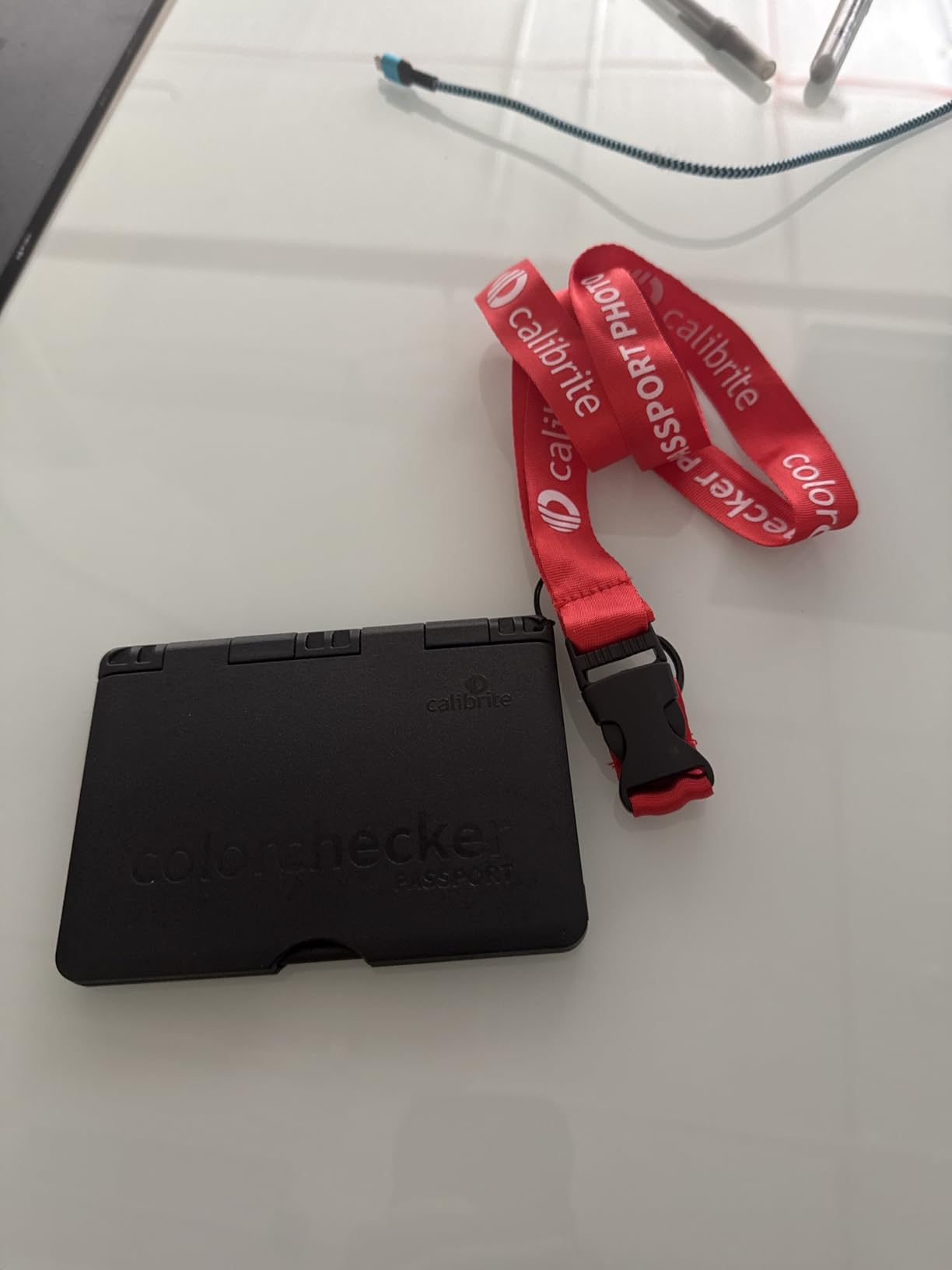
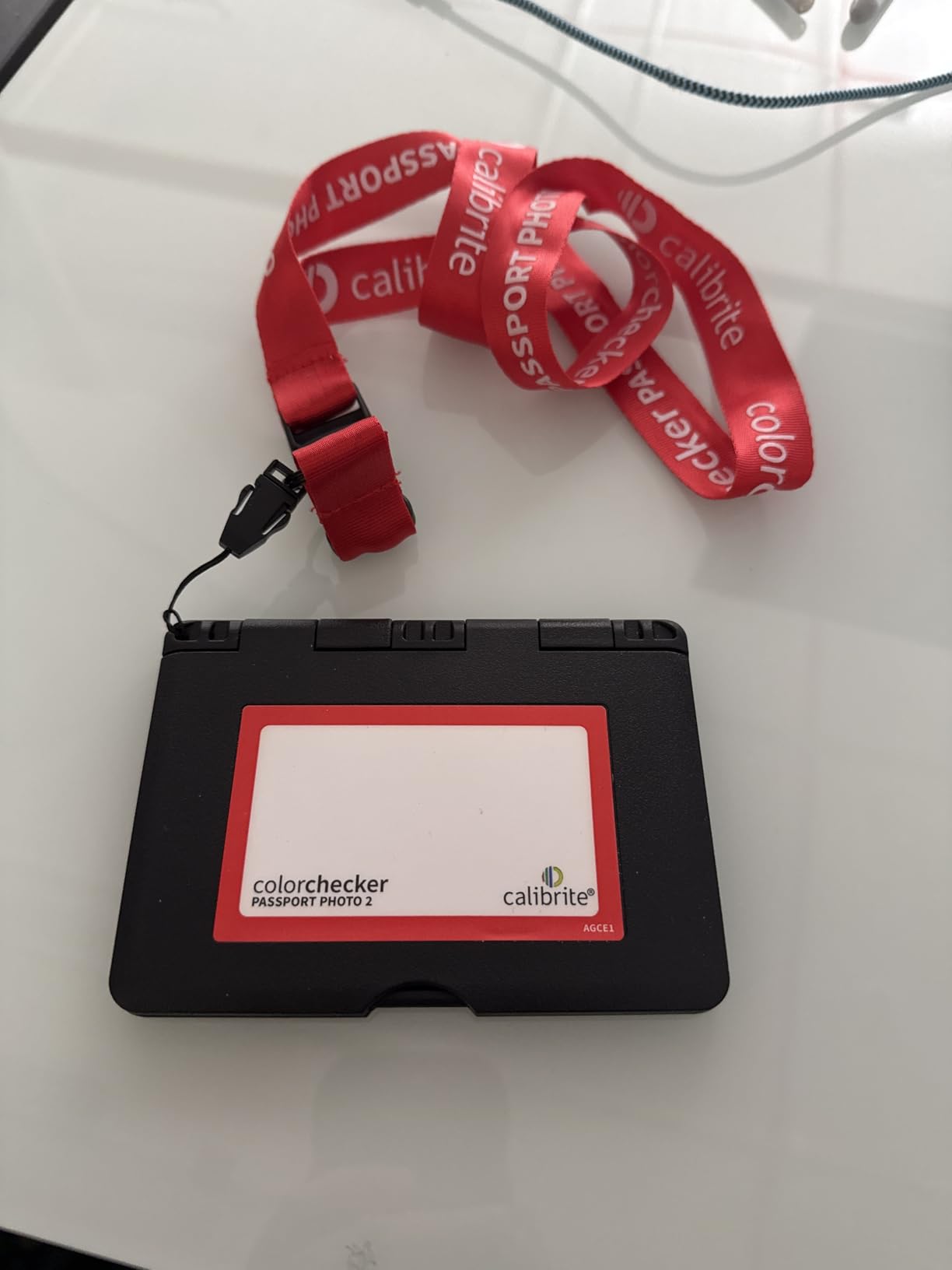
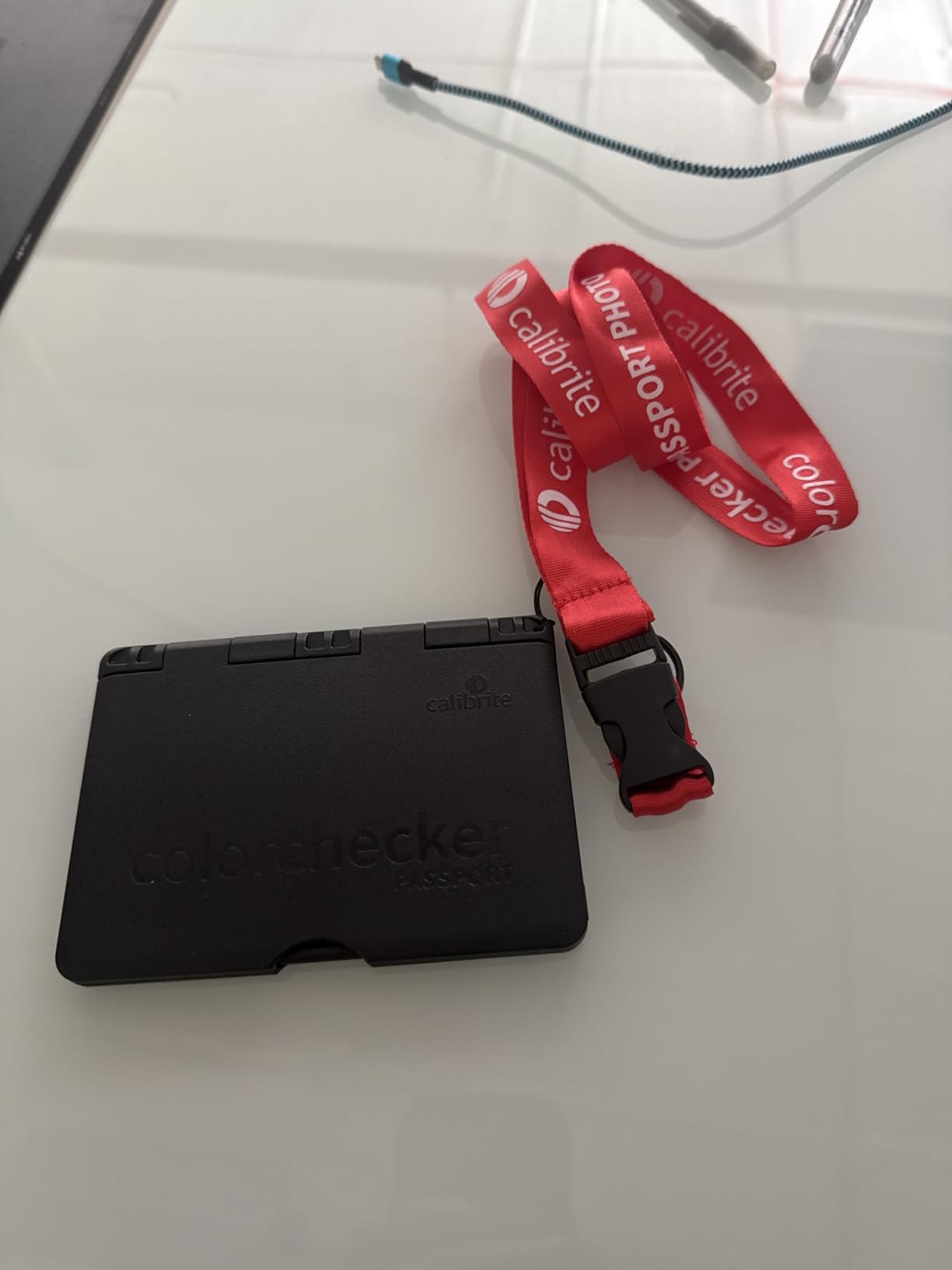
I’ve been using the Calibrite ColorChecker Passport Photo 2 for over two years now, and it’s become the one tool I never leave home without. The folding case design is brilliant. It fits in my pocket, opens to reveal four different targets, and the lanyard keeps it accessible during shoots.
The four-target system covers everything I need: a classic 24-patch color reference for profiling, a gray balance target for neutral whites, a white balance target, and creative enhancement patches. Having all these in one compact unit means I can handle any lighting situation without carrying multiple cards.
What really sets this apart is the Calibrite PROFILER software. After shooting the target, the software walks you through creating custom DNG or ICC profiles for your specific camera. I’ve tested this across three different camera bodies, and the color consistency between them is remarkable. Wedding photographers shooting with multiple bodies will appreciate how this tool eliminates the guesswork of matching colors in post.
The build quality is solid, though the hinges felt stiff during the first few weeks. They’ve loosened up with use, but I still handle them carefully. The protective case does its job well. Mine has survived countless location shoots, a few drops, and still looks almost new.
Who Should Buy This
This is ideal for professional photographers who need a complete calibration solution in a portable package. If you shoot weddings, events, or travel frequently, the Passport Photo 2 offers the best balance of features and portability. The multi-target system means you’re covered for any situation.
Who Should Look Elsewhere
If you only need basic white balance correction and don’t care about custom camera profiling, the price might be hard to justify. Studio photographers who never leave their workspace might prefer the larger Classic version for easier visibility during shoots.
2. Pixel Perfect Camera Colour Correction Card – Budget-Friendly Starter Option
Pros
- Very affordable entry point
- Works with X-Rite software
- Portable size
- Decent matte finish
- Good for learning color calibration
Cons
- Thin material allows light through
- Gray card has blue tint
- Not professional-grade accuracy
- Colors less saturated than premium cards
When I first started exploring color calibration, I wasn’t ready to drop over a hundred dollars on a professional card. The Pixel Perfect set gave me a way to learn the basics without breaking the bank. You get two cards, which is handy for backup or different shooting scenarios.
The SmartFlex synthetic paper feels similar to a heavy-duty business card. It’s lightweight and flexible, which is great for portability, but you need to be careful about light passing through from behind. I learned to hold it against something solid or use it in controlled lighting conditions.
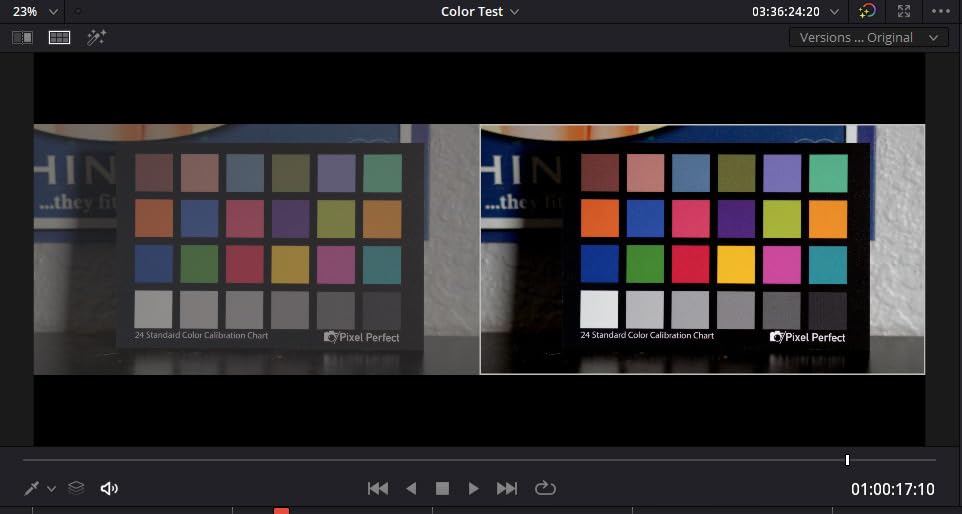
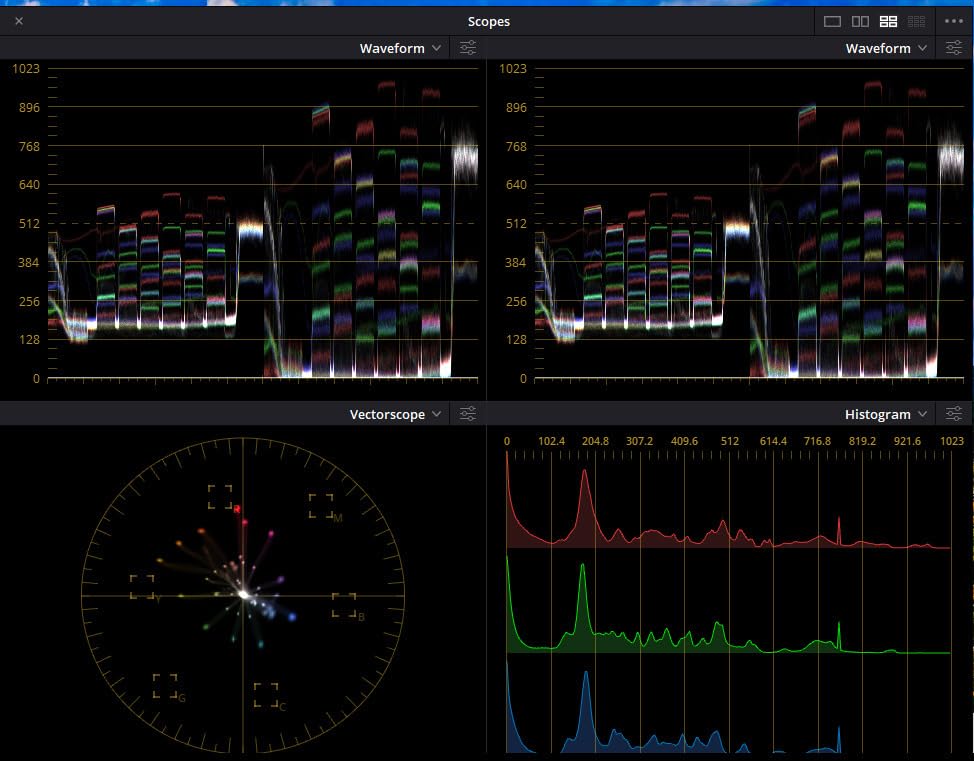
For basic color matching between cameras, this does a decent job. I used it successfully to match colors between my main camera and a backup body. The included Adobe DNG profile editor software download is a nice bonus that helps you get started with custom profiles.
However, the accuracy isn’t in the same league as Calibrite or Datacolor products. The gray card has a noticeable blue tint, and the color patches lack the saturation of professional cards. If you’re doing color-critical commercial work, this won’t cut it. But for hobbyists and those learning the ropes, it’s a reasonable starting point.
Who Should Buy This
Beginners who want to experiment with color calibration without a big investment will find this useful. It’s also good for photographers who only need occasional white balance reference and don’t require precise color profiling.
Who Should Look Elsewhere
Professional photographers and anyone doing commercial or product photography should invest in a more accurate option. The color inconsistencies and material limitations make this unsuitable for color-critical work.
3. Calibrite ColorChecker Classic – Studio Standard for Professional Work
Pros
- Industry-standard 24 patches
- Large size ideal for studio
- Excellent color accuracy
- Works with Calibrite PROFILER
- Essential for multi-camera shoots
Cons
- Less portable than compact versions
- Paper-based construction
- Higher price
- Requires careful handling
The Calibrite ColorChecker Classic is the gold standard that other color checkers are measured against. When I’m working in the studio, this is my go-to reference. The 8 x 11.5 inch size makes it easy to see in frame and ensures each color patch is large enough for accurate profiling.
The 24 scientifically formulated color patches have been refined over decades. These aren’t just random colors. Each patch is designed to challenge specific aspects of color reproduction, from skin tones to saturated colors to neutral grays. When you create a profile using this reference, you’re calibrating against the same standard used by labs and print houses worldwide.
For product photography, this card has saved me countless hours. I shoot a lot of consumer goods, and clients expect accurate color representation. The Classic gives me confidence that the reds, blues, and every other color will reproduce faithfully. The white balance reference patch is also useful for quick neutral balance adjustments.
The main drawback is portability. This card lives in my studio. It’s too large for my location kit, and the paper-based construction requires careful handling. I store mine flat in a protective sleeve to prevent warping and fading.
Who Should Buy This
Studio photographers, product photographers, and anyone doing color-critical commercial work will benefit from the Classic’s accuracy and size. If you’re printing your work or sending files to clients who demand accurate colors, this is the professional choice.
Who Should Look Elsewhere
Location photographers and those who need to travel light should consider the Passport or Mini versions. The Classic’s size makes it impractical for field work, and you’re paying for accuracy that might be overkill for casual shooting.
4. Datacolor SpyderCHECKR 24 – Best Value for Software Integration
Pros
- Budget-friendly professional option
- DaVinci Resolve compatible
- Excellent for camera matching
- Compact with protective sleeve
- Generates HSL presets
Cons
- Not as durable as premium options
- Software learning curve
- Spyder Gizmo component unreliable
- Quality not as high as Calibrite
The Datacolor SpyderCHECKR 24 hits a sweet spot between price and performance that makes it my top recommendation for photographers who want professional results without the premium price tag. At around seventy dollars, it delivers accuracy that rivals more expensive options.
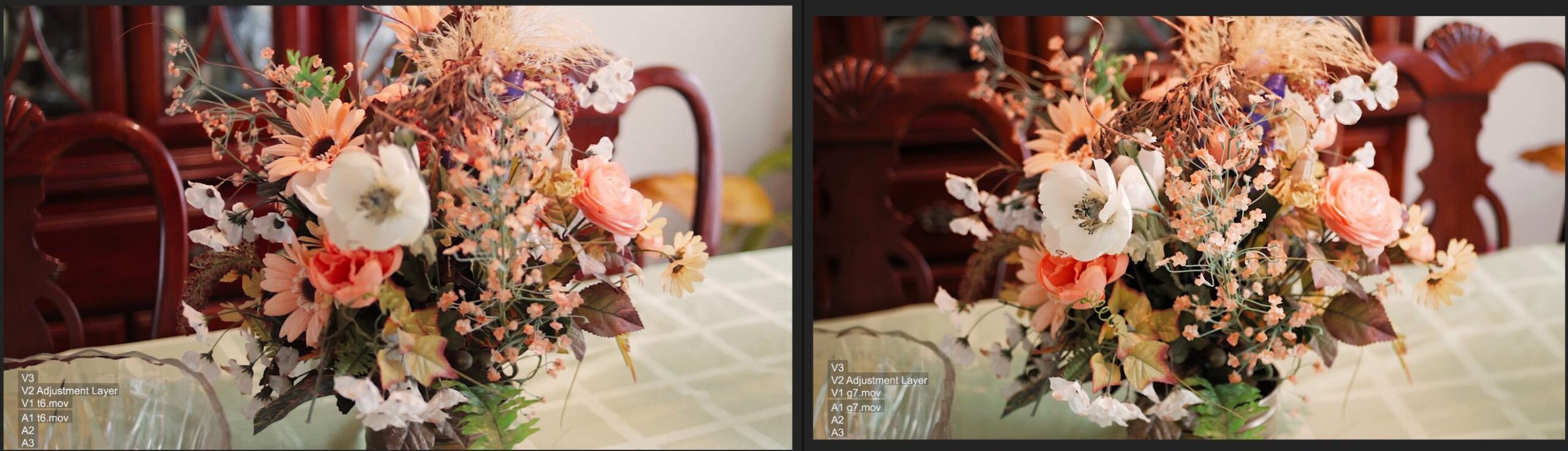
What really sold me on this card is its DaVinci Resolve compatibility. I do a fair amount of video work alongside stills, and having a color checker that’s recognized by professional video software is invaluable. The automatic color matching features in Resolve work seamlessly with the SpyderCHECKR.
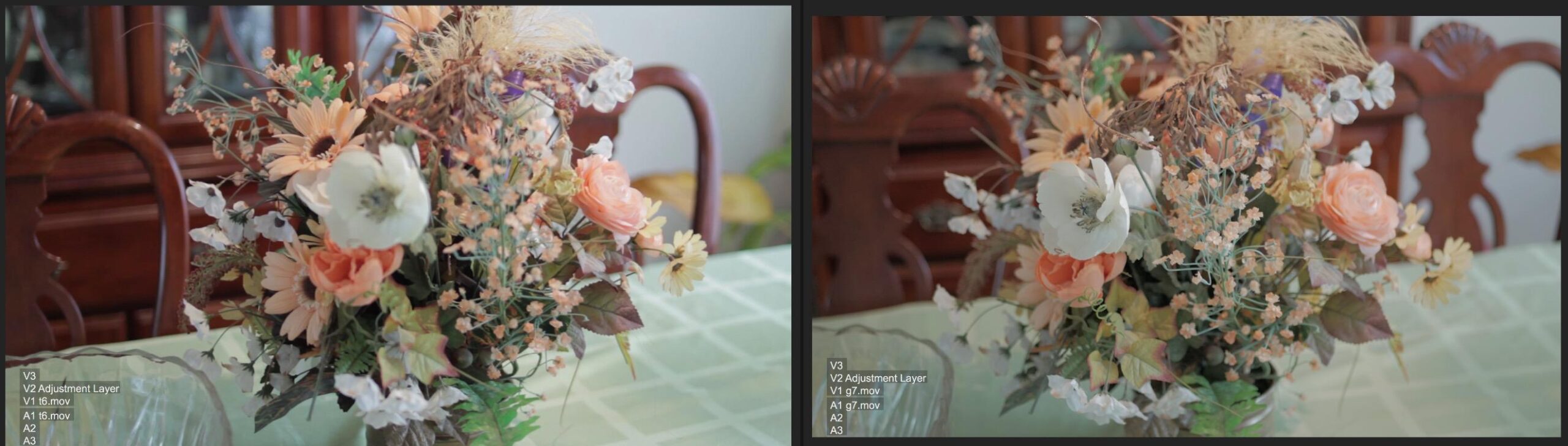
The 24 spectrally engineered color targets cover the sRGB gamut, which is sufficient for most web and print applications. I’ve used this to match colors between cameras from different manufacturers, and the results have been consistently good. The Spyder Checkr software generates HSL presets that you can apply directly in Lightroom or Camera Raw.
The protective sleeve is a nice touch. It keeps the card clean during transport and doubles as a handling surface to avoid touching the color patches directly. The construction isn’t quite as robust as Calibrite products, but with reasonable care, it should last for years.
Who Should Buy This
Photographers who want professional-grade color accuracy without the premium price will find excellent value here. It’s particularly good for those who work with video or need DaVinci Resolve integration. The camera matching capabilities make it ideal for wedding and event photographers using multiple bodies.
Who Should Look Elsewhere
If you need the absolute highest accuracy for art reproduction or critical commercial work, the Calibrite options offer slightly better consistency. The software can also be confusing for beginners, so those new to color calibration might prefer a more straightforward option.
5. Calibrite ColorChecker Classic Mini – Pocket-Sized Professional Accuracy
Pros
- Ultra-compact pocket design
- Same 24 patches as Classic
- Professional-grade accuracy
- Perfect for travel
- Works with Calibrite PROFILER
Cons
- Paper-based feels flimsy
- Small size challenging for some setups
- Higher price for the size
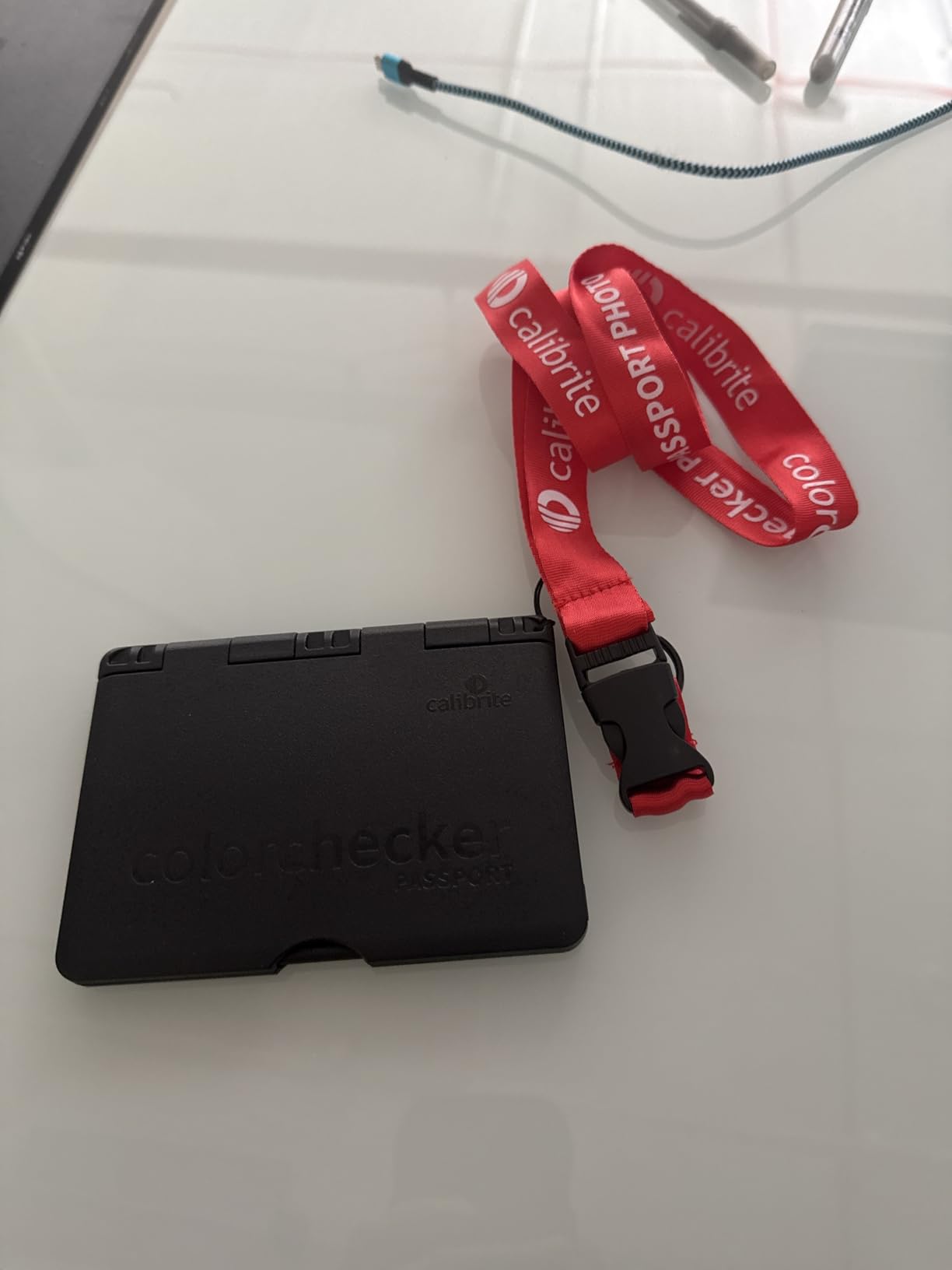
The Classic Mini is essentially the full-sized ColorChecker Classic shrunk down to pocket dimensions. At just 2.5 x 4.25 inches, it fits in my shirt pocket, yet it contains the same 24 scientifically formulated color patches as its larger sibling.
I keep one of these in every camera bag I own. When I’m traveling light or shooting on location, the Mini gives me professional calibration capability without the bulk. The color accuracy is identical to the Classic, just in a smaller package.
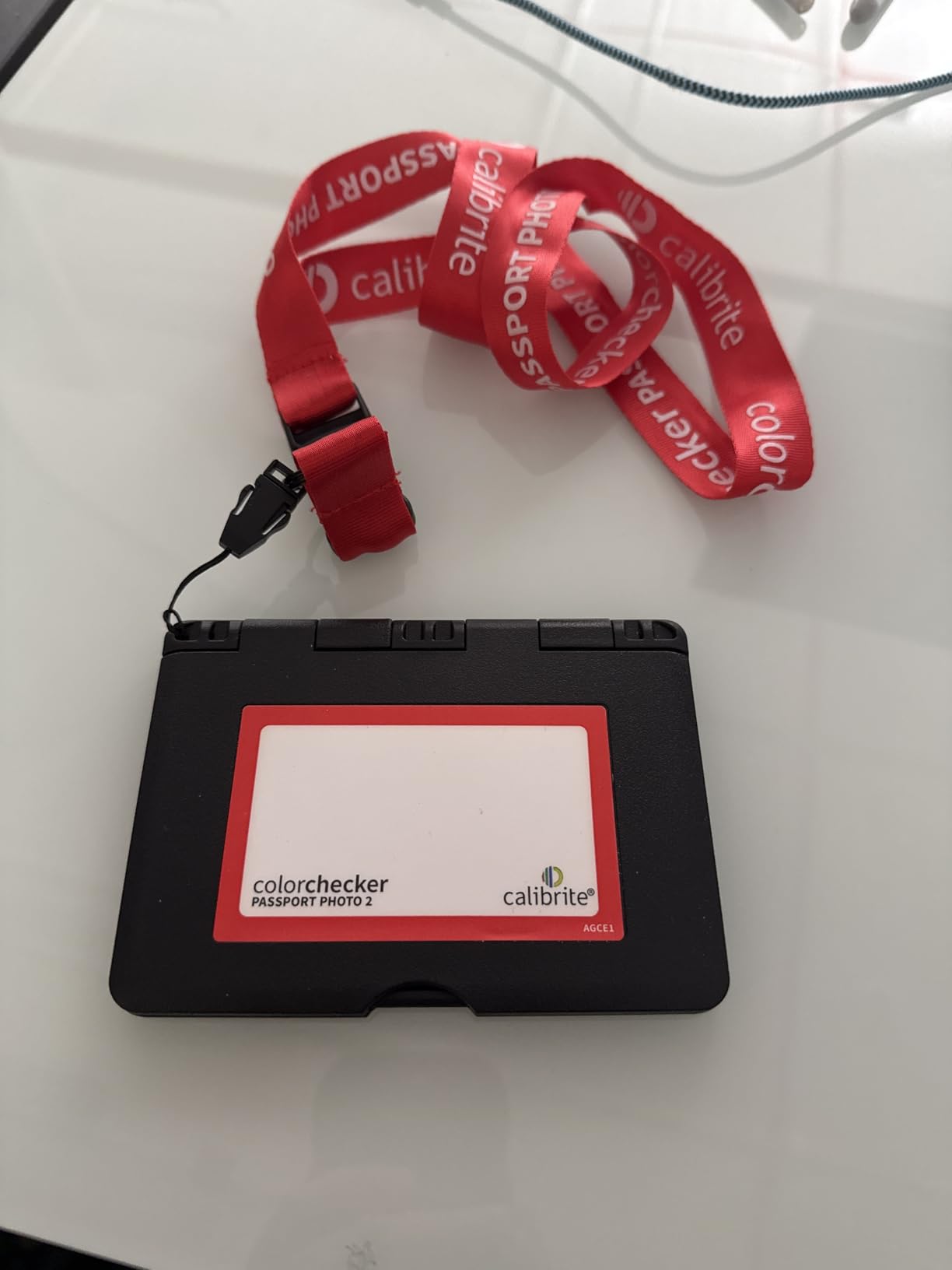
For documentary and travel photography, this card has become essential. I can quickly shoot it at the beginning of a session, create a profile, and know that my colors will be consistent throughout the shoot. The small size does mean you need to frame carefully to ensure the camera can read each patch accurately.
The paper-based construction is my main concern. It feels thin and I worry about long-term durability. I store mine in a rigid card holder to prevent bending and keep it away from moisture. Despite these concerns, the convenience factor keeps me reaching for the Mini on location shoots.
Who Should Buy This
Location photographers, travel photographers, and anyone who needs professional color accuracy in a portable package will love the Classic Mini. It’s perfect for fast-paced production workflows where space is at a premium.
Who Should Look Elsewhere
Studio photographers who don’t need portability should get the full-sized Classic for easier visibility. The price per square inch is higher on the Mini, so if you don’t need the compact size, you’re paying extra for convenience you won’t use.
6. DGK Color Tools Digital Kolor Pro 16:9 – Video-Optimized Budget Option
DGK Color Tools Digital Kolor Pro 16:9 Large Color Calibration and Video Chip Chart, 2-Pack
Pros
- Great budget value
- 16:9 ratio perfect for video
- Wide compatibility
- Simple to use
- Lightweight and portable
Cons
- Paper/cardboard construction
- Can arrive creased
- Glossy finish causes reflections
- Larger than expected
The DGK Digital Kolor Pro stands out for its 16:9 aspect ratio, which matches the video frame format most of us shoot. If you’re primarily a video shooter, this format makes framing the chart in your shots much more natural than traditional 4:3 or 3:2 cards.
I picked up a set for video projects where I needed basic color reference without investing in premium tools. The two-pack is handy because you can keep one as a backup or use them in different locations. The professional-grade color chips provide decent accuracy for the price.
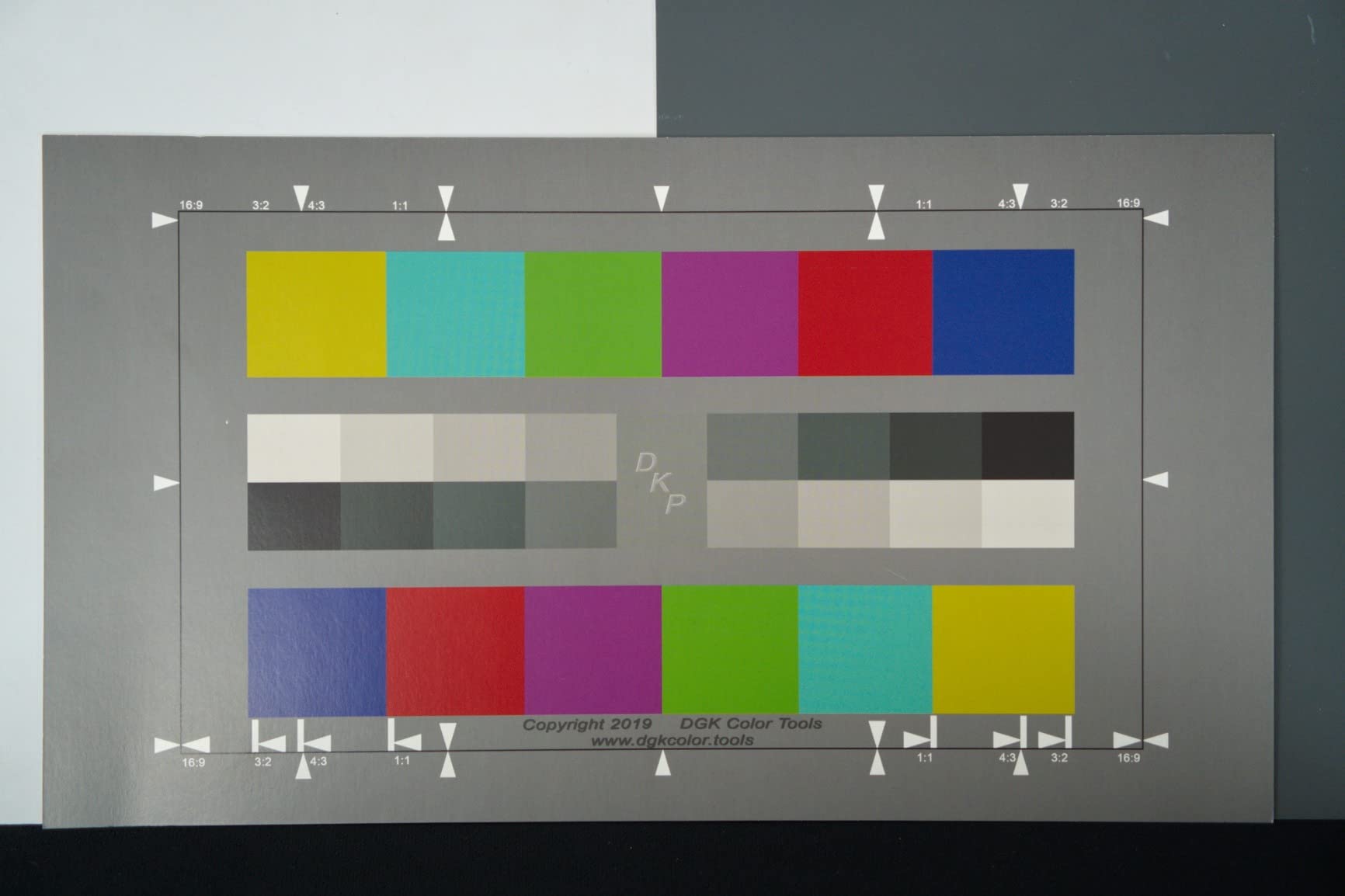
The 14 x 7.88 inch size is larger than I expected. It’s great for wider shots but can be awkward to fit in smaller camera bags. The lightweight construction is convenient for transport, but the paper-based material requires careful handling to prevent damage.
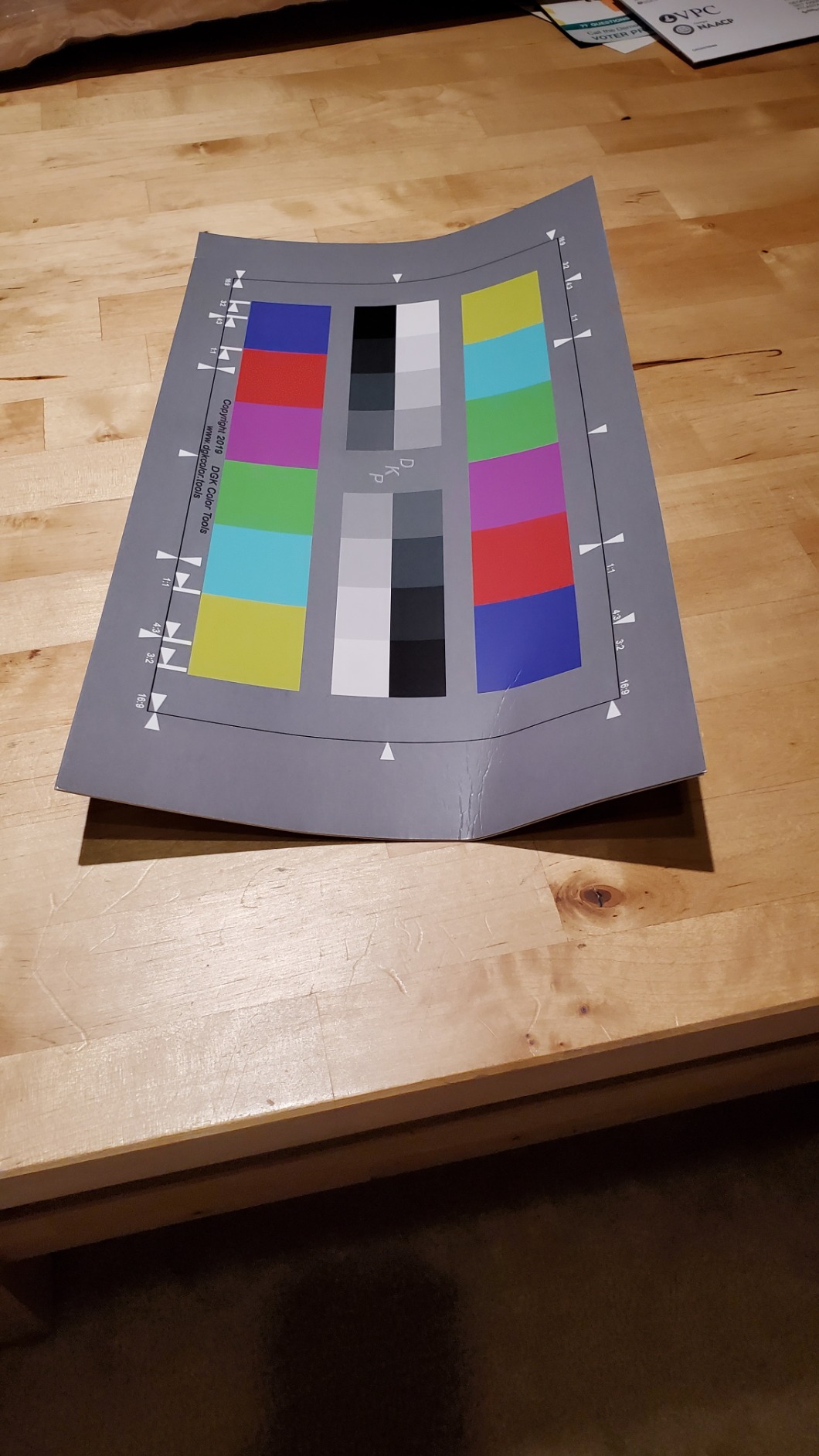
My biggest issue has been with shipping. The first set arrived with a crease down the middle, which affected accuracy. I recommend ordering from a source with good return policies. The glossy finish can also cause reflections under direct lighting, so positioning matters.
Who Should Buy This
Video shooters on a budget who want a 16:9 format color reference will find this useful. It’s good for basic color matching and white balance in video productions where absolute precision isn’t critical.
Who Should Look Elsewhere
Professional video colorists and those doing commercial video work should invest in the Calibrite Passport Video 2 for better accuracy and software integration. The construction quality and potential for shipping damage make this less reliable for professional use.
7. Calibrite ColorChecker Passport Video 2 – Professional Video Calibration
Pros
- Excellent skin tone accuracy
- Comprehensive video targets
- DaVinci Resolve compatible
- Compact and portable
- Multi-camera matching
Cons
- Expensive price point
- Stiff hinges
- Software learning curve
- Login issues reported on Mac
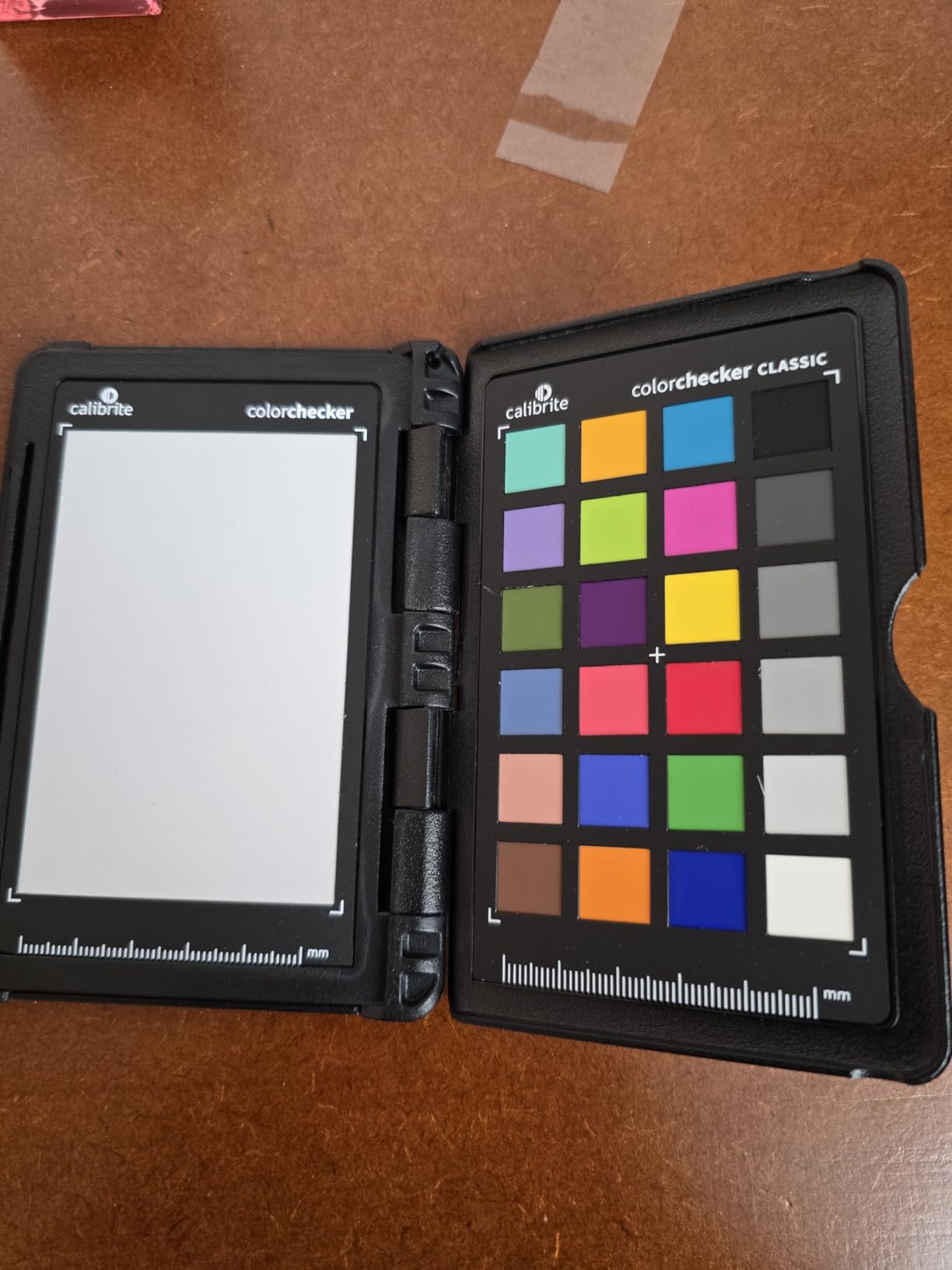
The Calibrite ColorChecker Passport Video 2 is what happens when Calibrite takes their photo expertise and applies it specifically to video workflows. The additional video targets make this much more than just a repurposed photo card.
I’ve been using this for hybrid shoots where I capture both stills and video. The classic 24-patch target handles my photo needs, while the video-specific targets give me skin tone references and vectorscope-friendly patterns. The skin tone examples are particularly useful for HSL adjustments and ensuring natural-looking faces.
Multi-camera matching is where this tool really shines. When shooting events with multiple cameras, the Passport Video 2 helps create profiles that make footage from different bodies look consistent. This saves enormous time in post-production when you’re trying to cut between cameras without jarring color shifts.
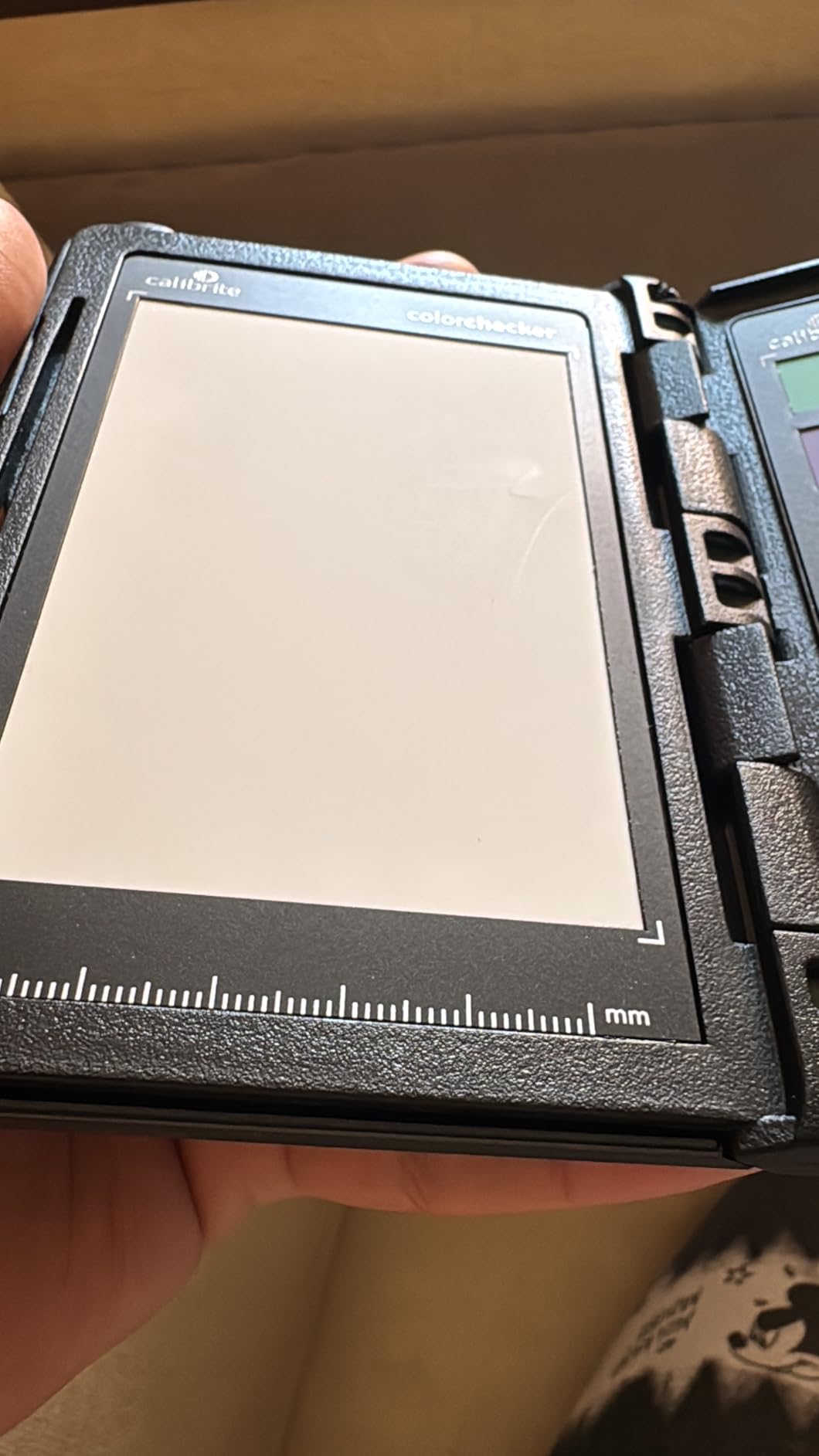
The protective case is well-designed with adjustable positions for different shooting scenarios. The lanyard attachment is useful for run-and-gun situations. Like other Calibrite products, the hinges feel stiff initially but loosen with use. I’ve also heard reports of software login issues on Mac platforms, though I haven’t experienced this personally on my Windows system.
Who Should Buy This
Video professionals, hybrid shooters, and anyone doing multi-camera video work will benefit from the video-specific features. The skin tone targets and DaVinci Resolve integration make it ideal for commercial video and filmmaking.
Who Should Look Elsewhere
Photographers who only shoot stills can save money with the Passport Photo 2, which offers similar functionality without the video-specific targets. The price premium for video features won’t be worth it if you never shoot motion.
8. DGK Color Tools DKK 5×7 Set – Entry-Level White Balance Solution
Pros
- Very affordable
- Compact 5x7 size
- Quick white balance in field
- Two cards included
- Frame stand for positioning
Cons
- Thin cardstock material
- Glossy finish causes glare
- No auto-detect software support
- Limited durability
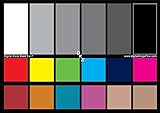
The DGK DKK 5×7 set is about as basic as color calibration gets, and for many photographers, that’s exactly what they need. You get two cards with color bars, grayscale references, and both 12% and 18% gray patches for white balance.
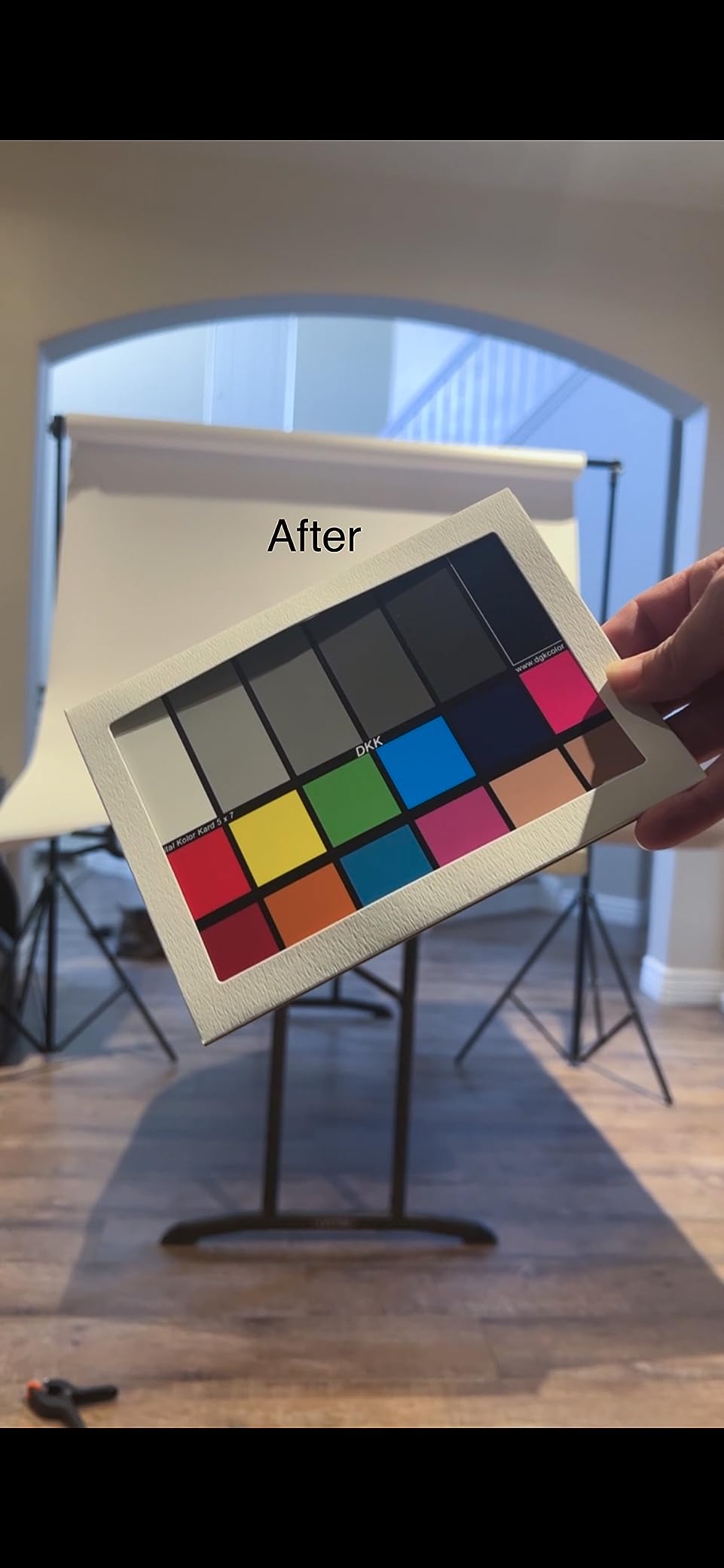
I keep a set in my backup kit for quick white balance adjustments when I don’t need full profiling. The 5×7 size is perfect for throwing in a camera bag, and having two cards means I always have a spare. The included frame stand is a thoughtful addition that makes positioning easier during shoots.
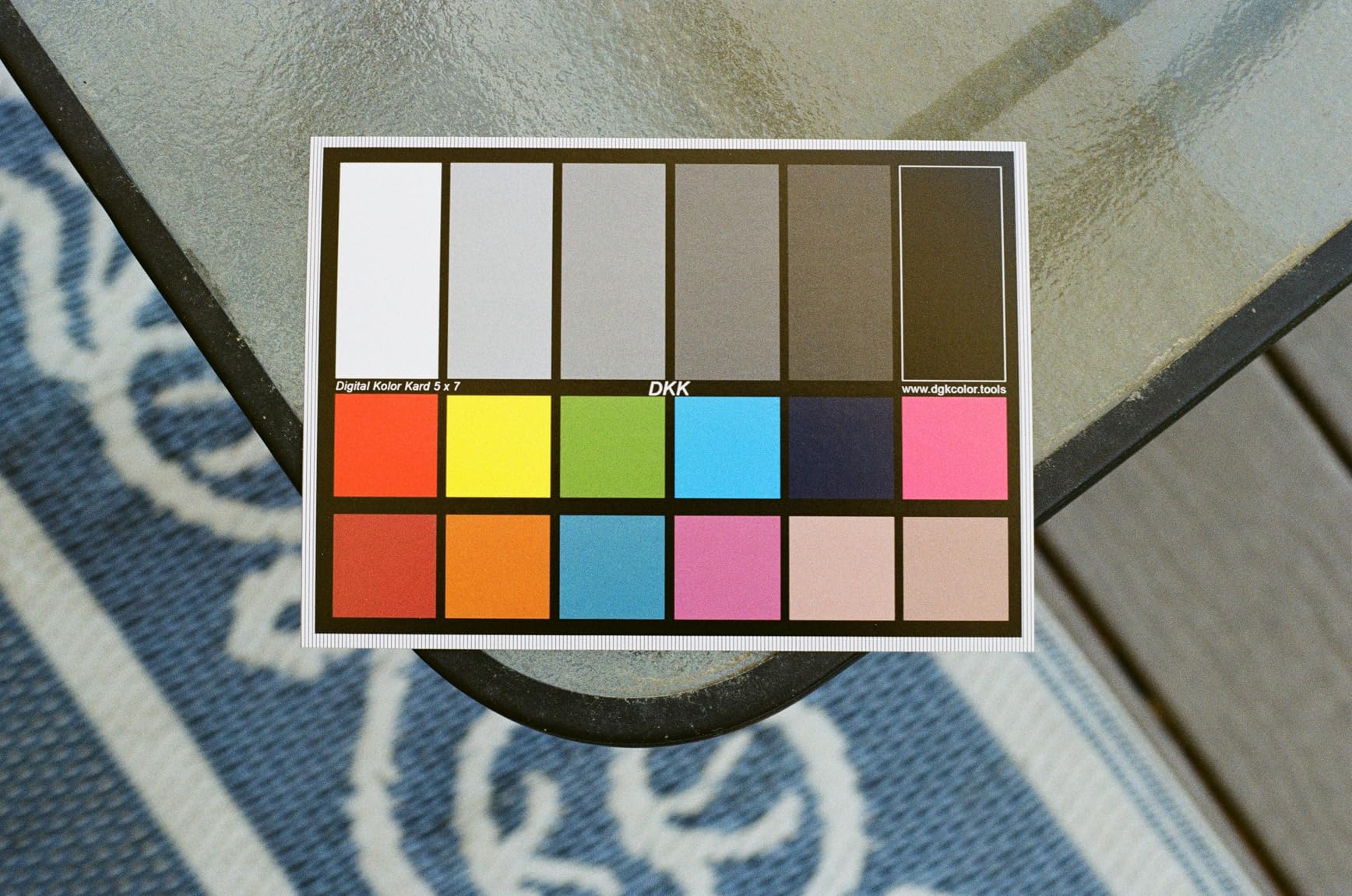
For speeding up workflow, these cards do the job. A quick shot of the gray card lets me set white balance in post without guessing. The color bars provide a basic reference for checking color reproduction, though they’re not precise enough for profiling.
The limitations become apparent quickly. The cardstock is thin, similar to a postcard, and doesn’t feel like it will last long-term. The glossy finish reflects light, making it tricky to use under direct illumination. And because the color patches aren’t standardized, automatic detection features in major software won’t recognize them.
Who Should Buy This
Beginners who want to start with white balance correction without a big investment will find this useful. It’s also good as a backup card or for photographers who only need occasional color reference.
Who Should Look Elsewhere
Anyone doing color-critical work or wanting to create custom camera profiles should invest in a recognized standard like Calibrite or Datacolor. The lack of software support and inconsistent accuracy make this unsuitable for professional applications.
9. DGK Color Tools DKC-Pro 5×7 Set – Upgraded Budget Option
Pros
- n-Chrome coating for accuracy
- Non-reflecting color side
- Affordable professional features
- Good for artwork photography
- Compact size
Cons
- Gray card side has reflections
- No auto-detect compatibility
- Color arrangement differs from standards
- Frame stand blocks top patch
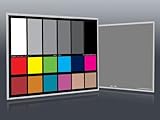
The DKC-Pro represents DGK’s upgraded version with n-Chrome coating technology. This coating provides higher saturation and better color accuracy than the standard DKK cards, making it a step up for photographers who want better quality without paying premium prices.
I tested this for artwork photography projects where color accuracy matters but budget is limited. The 18 color patches are 100% coated, which eliminates metamerism and provides more consistent results across different lighting conditions. The non-reflecting surface on the color card side is a significant improvement over the basic version.
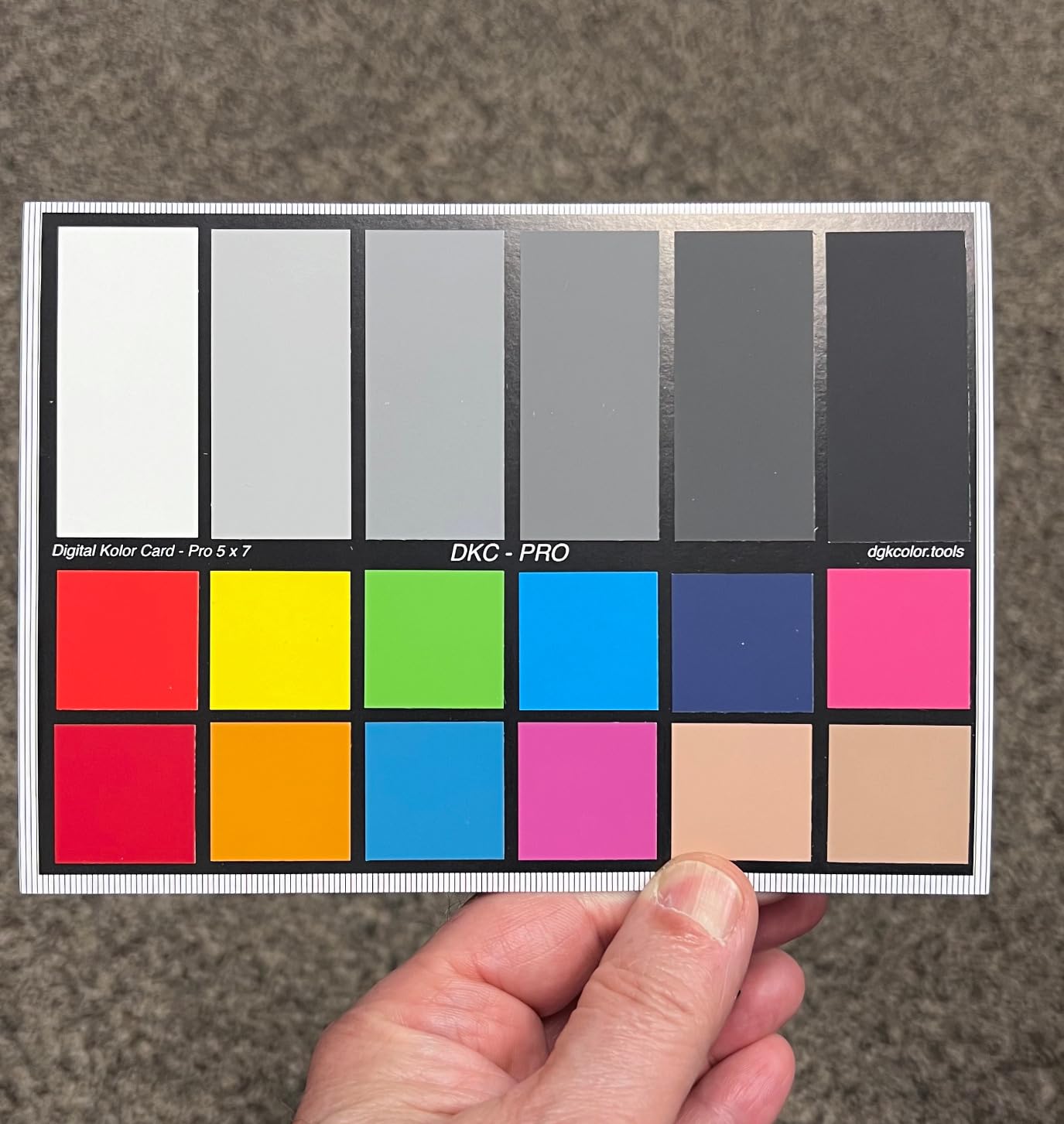
For photographing paintings and prints, this card performs admirably. The color accuracy is good enough for documentation purposes, and the compact size makes it easy to position alongside artwork. Having two identical cards in the set seems redundant, but I’ve found uses for both in different setups.
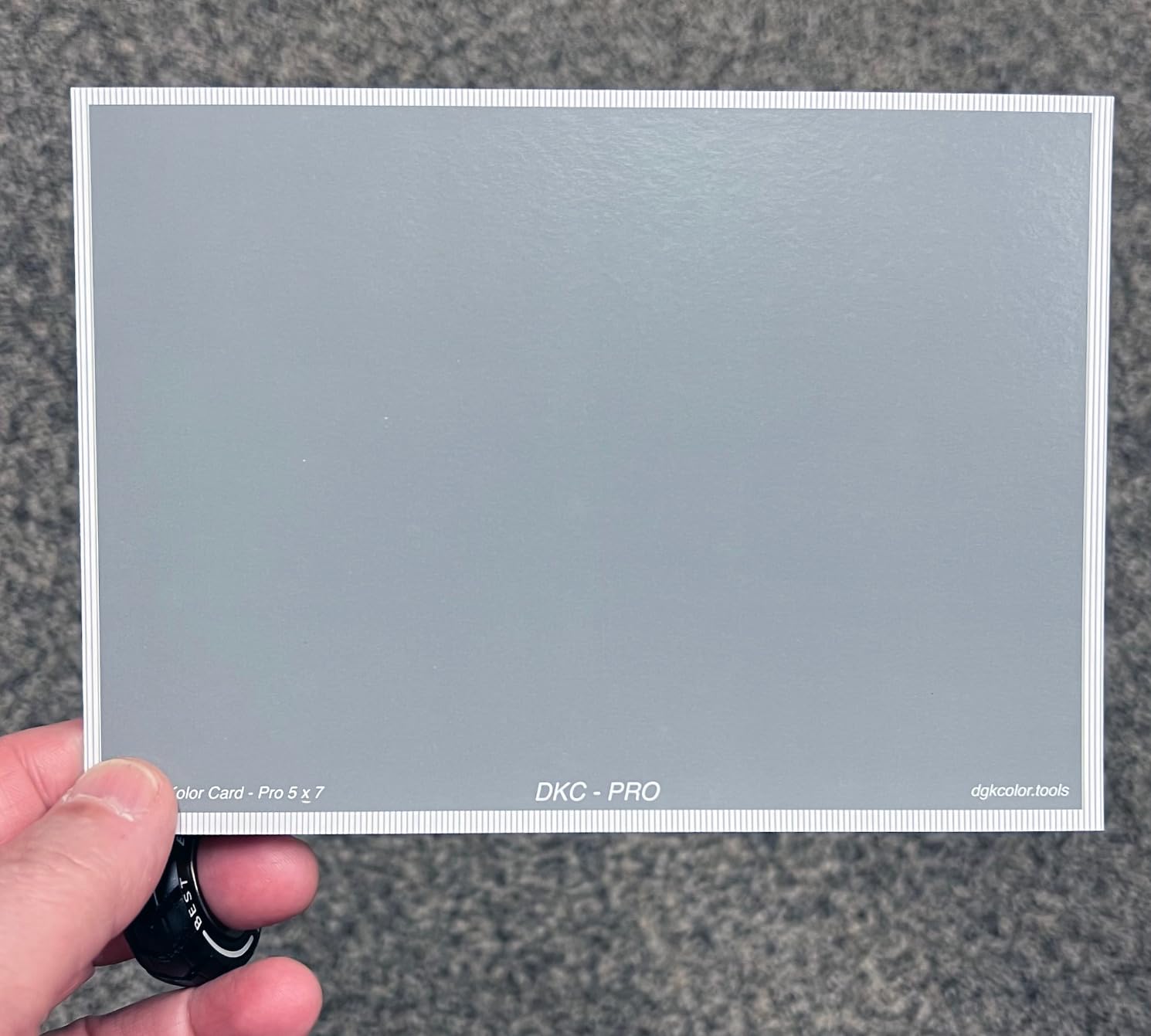
The main drawbacks are software compatibility and construction quirks. The gray card side still has reflective paint issues, and the color patch arrangement doesn’t match X-Rite or Datacolor standards. This means automatic detection in software like Lightroom won’t work. The frame stand also has an annoying habit of blocking the top color patch.
Who Should Buy This
Art photographers, printmakers, and anyone documenting artwork on a budget will find the n-Chrome coating worthwhile. The improved color accuracy over basic cards makes it suitable for semi-professional applications.
Who Should Look Elsewhere
Photographers who rely on automatic software detection should choose a recognized standard brand. The non-standard color arrangement and lack of auto-detect support make manual color correction necessary, which adds time to the workflow.
10. Datacolor Spyder Checkr Photo – Maximum Color Targets for Portraits
Pros
- Comprehensive 62 color targets
- Expanded skin tone patches
- Ultra-matte finish no reflections
- Automatic HSL preset creation
- Interchangeable cards
Cons
- Finger oils affect swatches
- Setup learning curve
- Stiff hinges
- Some software requires extra purchase
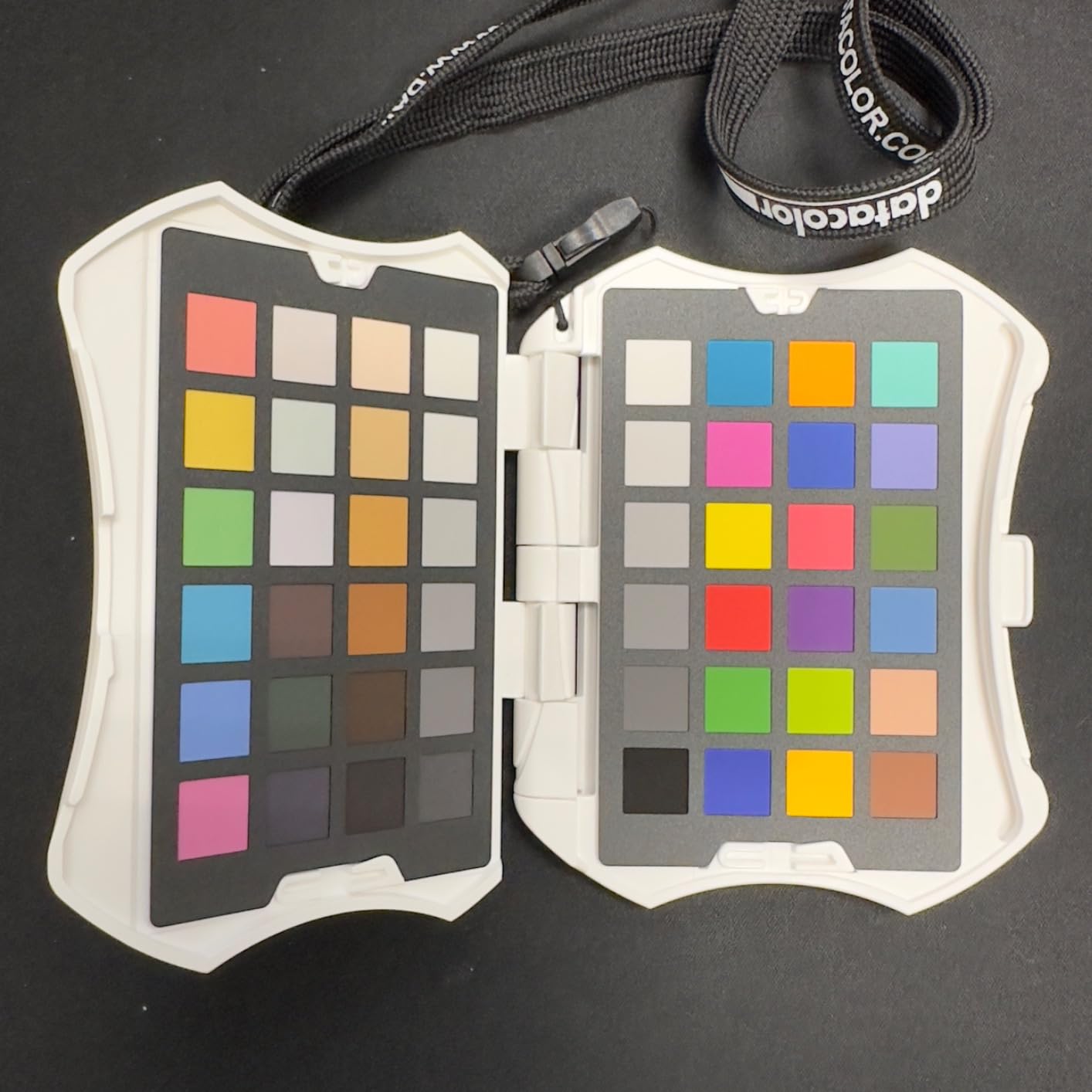
The Datacolor Spyder Checkr Photo takes a different approach than most color checkers. With 62 color targets including 6 dedicated skin tone patches, it’s designed specifically for photographers who care deeply about accurate skin reproduction. For portrait photographers, this targeted approach makes a lot of sense.
I’ve been impressed by the skin tone patches. They cover a range of skin tones, which is incredibly useful for portrait and fashion work. The 24 grey scales help nail exposure, and the large grey scales make white balancing straightforward. The ultra-matte finish eliminates reflections that can plague glossier cards.
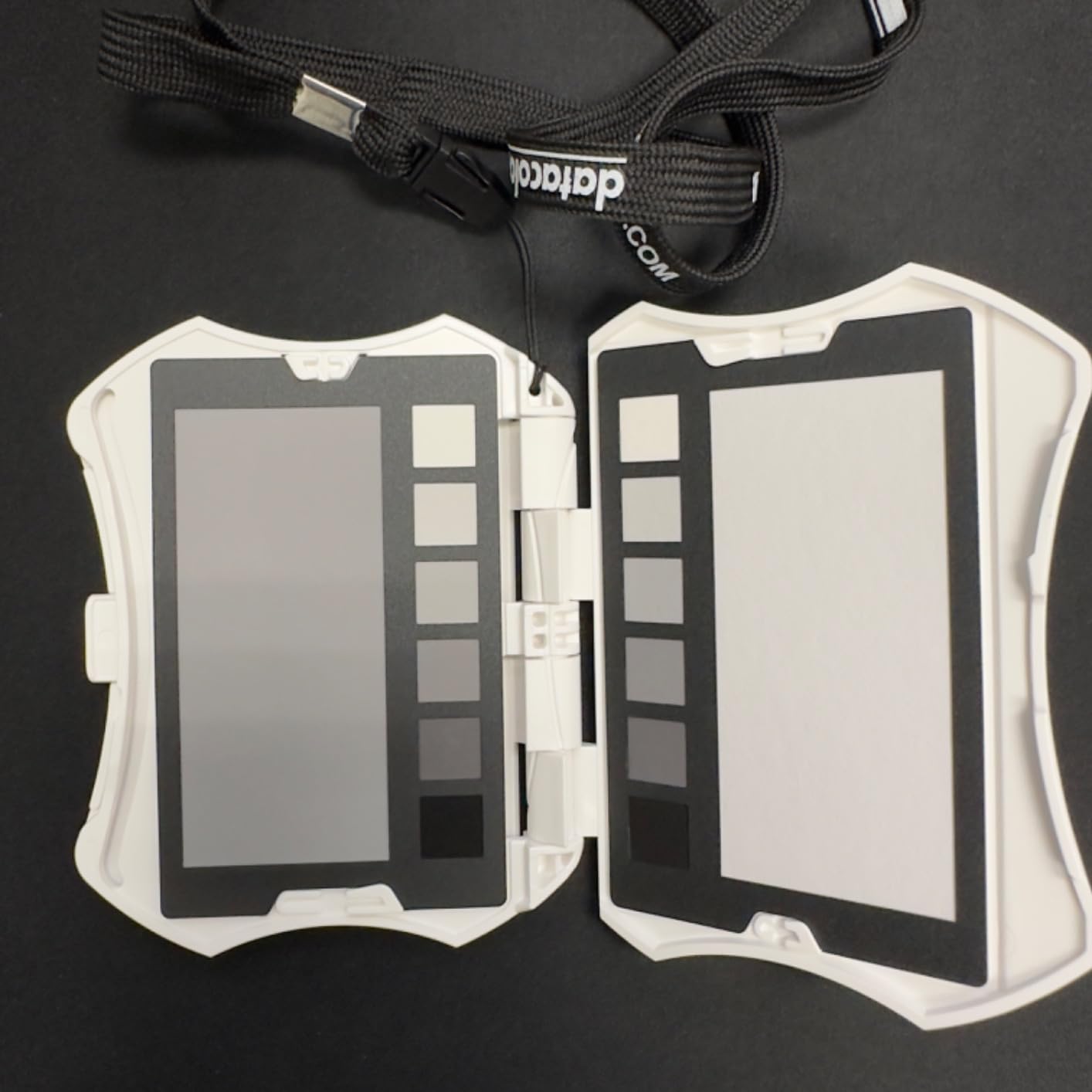
The ergonomic case design is well-thought-out. It props up for hands-free positioning and includes a lanyard for easy access. The four interchangeable cards let you customize for different photography types, which adds versatility to the system.
The Spyder Checkr software automatically creates HSL presets for Lightroom Classic, Camera RAW, and Hasselblad Phocus. This automation saves significant time compared to manual color correction. However, there’s a learning curve to the setup process, and some users report that additional software purchases are needed for full functionality.
Who Should Buy This
Portrait photographers, fashion photographers, and anyone who prioritizes accurate skin tones will benefit from the expanded skin tone patches. The comprehensive color target set and automatic HSL preset creation make it ideal for high-volume portrait work.
Who Should Look Elsewhere
Product photographers and those who don’t shoot people might find the skin tone emphasis unnecessary. The 62 targets are overkill if you only need basic color profiling, and the setup complexity might frustrate beginners.
Buying Guide: How to Choose the Best Color Checker for Photography In 2026?
Choosing the right color checker depends on your specific needs, budget, and workflow. Here are the key factors I consider when recommending color calibration tools to photographers.
Number of Color Patches
More patches generally mean better accuracy because the software has more reference points to work with. The industry-standard 24-patch configuration works well for most applications. However, if you need precise skin tones or work with highly saturated colors, cards with 48 or more patches like the Spyder Checkr Photo (62 patches) provide better results. Budget cards with fewer patches or non-standard arrangements may suffice for basic white balance but won’t support accurate profiling.
Size and Portability
Consider where you’ll use the card most. Studio photographers benefit from larger cards like the Calibrite Classic (8×11.5 inches) because they’re easier to see in frame. Location and travel photographers should prioritize compact options like the Passport or Classic Mini. The ideal size also depends on your typical shooting distance. If you shoot mostly close-ups, a smaller card works fine. For wider shots, you need something larger to be visible.
Software Compatibility
Not all color checkers work with all software. Calibrite products work with their PROFILER software and integrate well with Lightroom and Camera Raw. Datacolor cards work with Spyder Checkr software and have excellent DaVinci Resolve integration for video. Budget cards often don’t support automatic detection in major software, requiring manual color correction. Check that your preferred editing software recognizes the card you’re considering before buying.
Durability and Construction
Professional cards from Calibrite and Datacolor use more durable materials and typically last years with proper care. Budget cards often use cardstock or thin plastic that can warp, fade, or damage easily. Consider how often you’ll use the card and in what conditions. If you shoot in challenging environments or travel frequently, investing in better construction pays off. Store any color checker away from direct sunlight and moisture to maximize lifespan.
Video vs Photo Features
If you shoot both stills and video, look for cards with video-specific features. The Calibrite Passport Video 2 includes skin tone targets and vectorscope-friendly patterns designed for video colorists. The 16:9 aspect ratio cards from DGK are formatted for video frames. Pure photographers can save money by choosing photo-only options without these extra features.
Frequently Asked Questions
Is a color checker worth the cost?
Yes, for most professional photographers. If you shoot product photography, commercial work, or anything where color accuracy matters to clients, a color checker pays for itself quickly in saved editing time. Even hobbyists who print their work or share images online will see improved consistency. The main exception is photographers who prefer creative color interpretation over accuracy.
How do you use a color checker in photography?
Position the color checker in your scene under the same lighting as your subject. Fill about 20-30% of the frame with the card, ensuring even illumination across all patches. Shoot in RAW format. In post-processing, use the card image to set white balance and create a custom camera profile using the manufacturer’s software. Apply this profile to all images from the same lighting setup.
Why are color checkers so expensive?
Professional color checkers use precisely formulated pigments that maintain consistent color values across different lighting conditions. The manufacturing process requires strict quality control and spectrophotometer verification. Each patch must meet tight tolerances for hue, saturation, and luminance. You’re paying for scientific accuracy and consistency that cheaper alternatives can’t match.
What’s the difference between ColorChecker Passport and Classic?
The main difference is size and portability. The Passport folds into a compact case measuring about 5×4 inches and includes multiple targets in one unit. The Classic is a single 8×11.5 inch chart designed for studio use. Both contain the same 24 scientifically formulated color patches and offer identical accuracy. Choose Passport for portability, Classic for studio visibility.
Do I need a color checker for my photography?
You need one if you do product photography, art reproduction, commercial work, or print your images. Wedding and event photographers benefit from the camera-matching capabilities. Portrait photographers get more accurate skin tones. If you primarily shoot for social media or prefer creative color grading over accuracy, you might not need one. Consider starting with a budget option to learn the workflow before investing in professional tools.
Conclusion
Finding the best color checkers for photography workflow from guesswork to precision. The Calibrite ColorChecker Passport Photo 2 remains my top recommendation for most photographers because it combines professional accuracy with excellent portability. For budget-conscious shooters, the Datacolor SpyderCHECKR 24 delivers impressive value with DaVinci Resolve compatibility.
Start by assessing your specific needs. Studio photographers should consider the full-sized Calibrite Classic, while travel photographers will appreciate the Classic Mini. Portrait specialists should look at the Datacolor Spyder Checkr Photo for its expanded skin tone targets. Whatever you choose, investing in a quality color checker will improve your color consistency and save hours in post-production.