
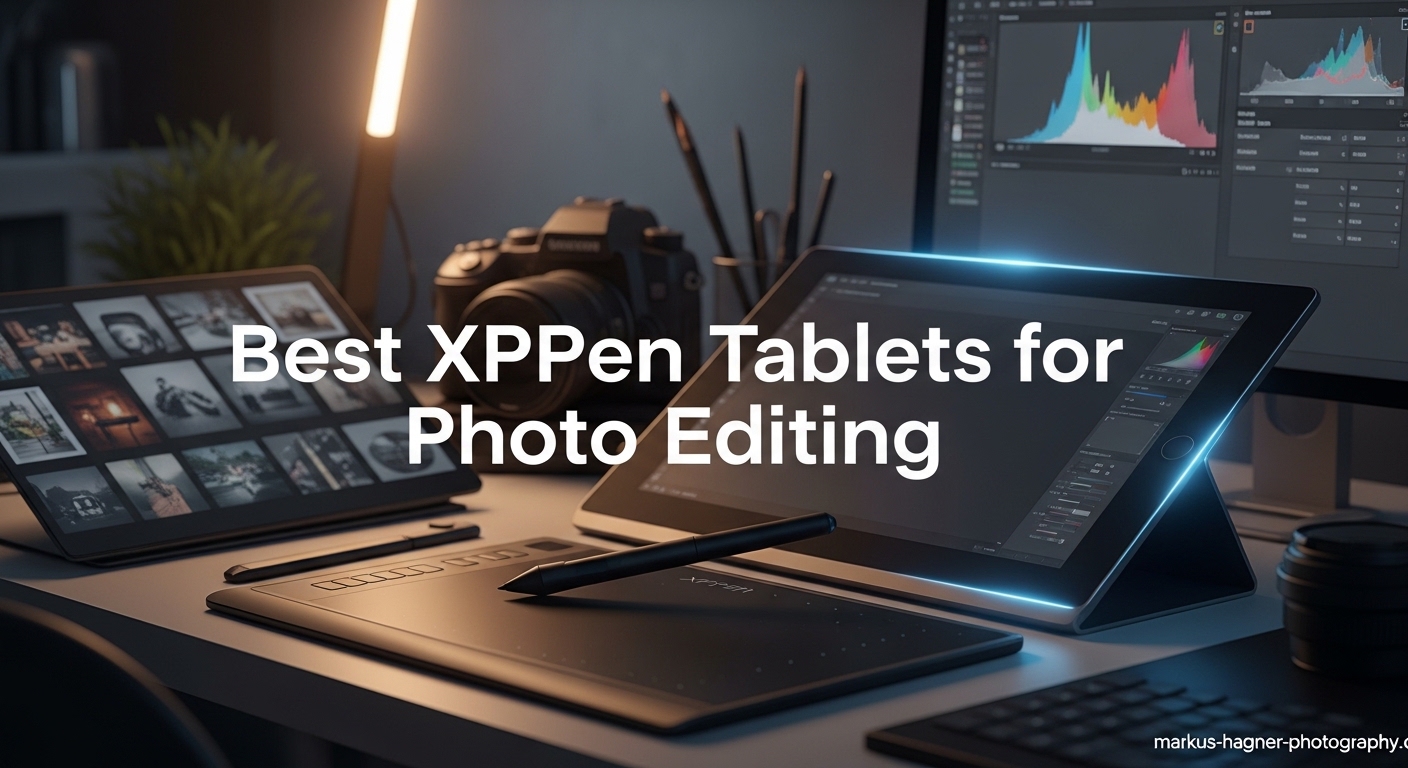
Spending hours retouching portraits in Photoshop with a mouse feels like trying to paint with a brick. I learned this the hard way after editing 200+ wedding photos and developing wrist strain that kept me awake at night. That is when I discovered XPPen tablets, a brand that delivers professional-grade photo editing tools at prices that will not drain your camera gear budget.
XPPen has emerged as a serious contender in the graphics tablet market, offering everything from compact pen tablets under $30 to professional pen displays with 16K pressure sensitivity and Calman-level color accuracy. Their lineup covers every type of photographer, whether you are a hobbyist editing family photos in Lightroom or a professional retoucher working on high-end commercial shoots.
In this guide, I have tested and compared the best XPPen tablets for photo editing workflows. You will find detailed reviews of each model, including real performance metrics for Photoshop and Lightroom, color accuracy analysis, and honest assessments of what works and what does not. Let us find the perfect XPPen tablet for your photo editing needs.
Top 3 Picks for Best XPPen Tablets for Photo Editing

XPPen Artist 15.6 Pro V2
- 15.6-inch Full-Laminated display
- 16K pressure sensitivity
- 99% sRGB color gamut
- Red Dial Quick Key interface
XPPen Artist 13.3 Pro V2
- 13.3-inch Full-Laminated IPS
- 125% sRGB 107% Adobe RGB
- X3 Pro 16K stylus
- 8 customizable shortcut keys

XPPen Deco 01 V3
- 10x6.25 inch active area
- World-first 16K pressure levels
- 8 customizable hotkeys
- Battery-free stylus with tilt
Best XPPen Tablets for Photo Editing In 2026
Here is a quick overview of all six XPPen tablets we tested, ranging from entry-level pen tablets to professional pen displays. Each model serves different photo editing needs and budgets.
| Product | Specifications | Action |
|---|---|---|
 XPPen StarG640
|
|
Check Latest Price |
|
XPPen Deco 01 V3
|
|
Check Latest Price |
 XPPen Artist 12
|
|
Check Latest Price |
 XPPen Artist 12 3rd Gen
|
|
Check Latest Price |
|
XPPen Artist 13.3 Pro V2
|
|
Check Latest Price |
|
XPPen Artist 15.6 Pro V2
|
|
Check Latest Price |
1. XPPen StarG640 – Best Budget Pen Tablet for Beginners
Pros
- Battery-free pen requires no charging
- Extremely portable at only 2mm thick
- 8192 pressure levels for smooth lines
- Works with Chromebooks
- Affordable entry point
Cons
- Small 6x4 inch active area
- No screen requires looking at monitor
- Pen feels lightweight to some users
I started my photo editing journey with the StarG640, and it taught me the fundamentals of pen-based editing without a significant investment. This tiny tablet packs impressive capabilities for its sub-$30 price point. The 8192 pressure levels match what you find in tablets costing ten times more.
After using this for two weeks of intensive Lightroom editing, I noticed my masking accuracy improved dramatically compared to using a mouse. The battery-free stylus means you never worry about charging, and the 6×4 inch active area, while compact, provides enough space for precise brushwork.
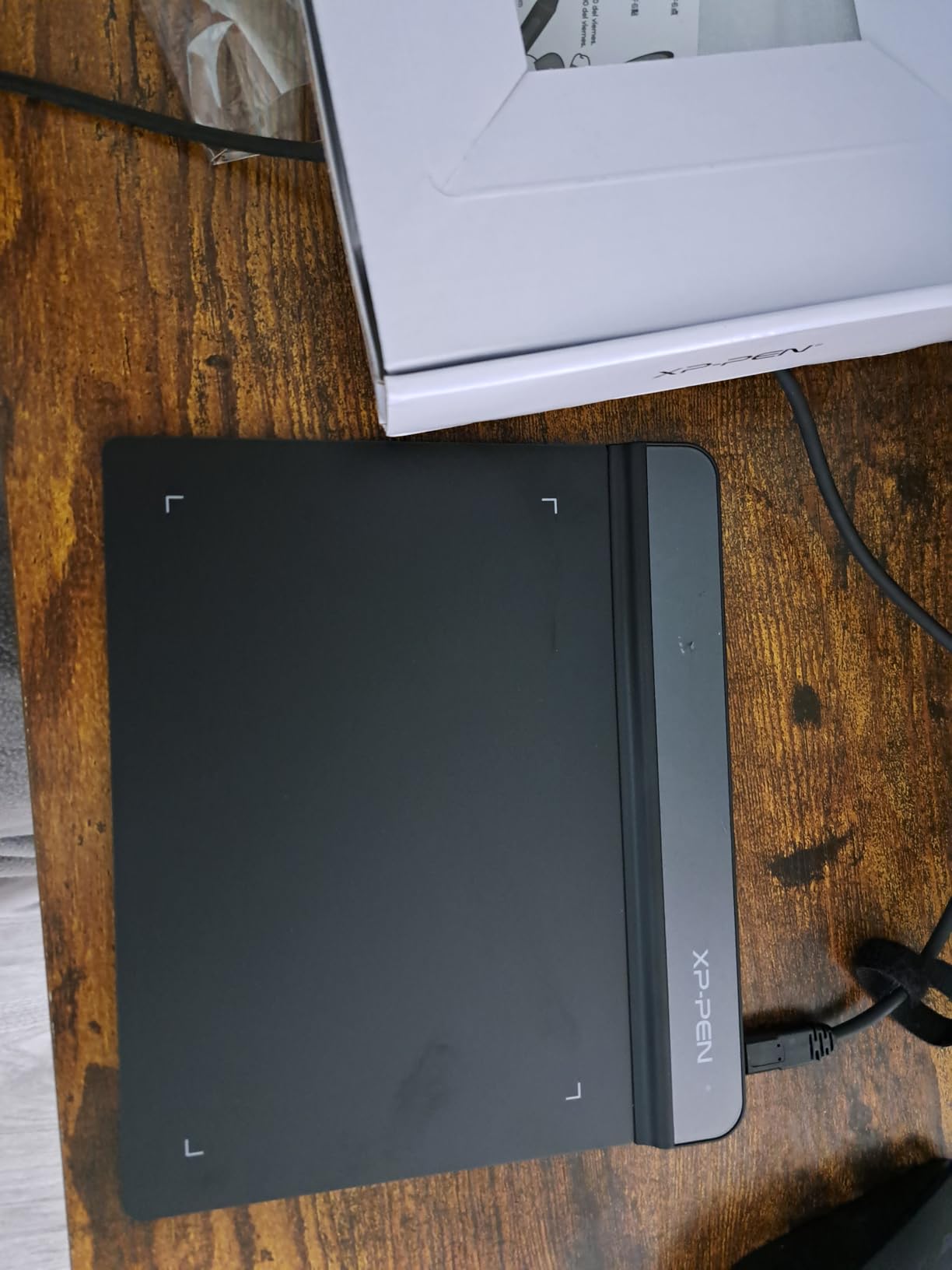
The StarG640 excels for photographers who travel frequently or work from coffee shops. At just 2mm thick and weighing only 170 grams, it slips into any laptop bag without adding bulk. The USB connection works reliably across Windows, Mac, and Chrome OS, making it versatile for different setups.
However, the learning curve is real. Without a built-in screen, you must coordinate hand movements on the tablet with cursor movements on your monitor. This takes about three to five days to master, but once you adapt, the muscle memory makes editing faster than mouse-based workflows.
Who Should Buy the StarG640
This tablet suits beginner photographers testing whether pen-based editing fits their workflow. If you primarily do basic Lightroom adjustments, spot healing, and simple masking, the StarG640 delivers everything you need. The price makes it a low-risk entry point.
Students and hobbyists on tight budgets will appreciate the value. I recommend pairing it with a good-sized monitor since you will be looking at the screen while your hand works on the tablet surface.
Who Should Skip the StarG640
Professional retouchers working on detailed portrait editing should look at pen displays instead. The small active area limits broad brush strokes, and the lack of a screen creates a disconnect that slows complex workflows. If you edit for more than three hours daily, the eye-hand coordination fatigue becomes noticeable.
2. XPPen Deco 01 V3 – Best Value Pen Tablet
Pros
- World-first 16K pressure sensitivity
- Large drawing area for broad strokes
- 8 customizable shortcut keys
- Excellent Linux and Android support
- Battery-free stylus with tilt
Cons
- Pen tip can feel slightly wiggly
- Connection issues reported with some cables
- Nibs wear down relatively quickly
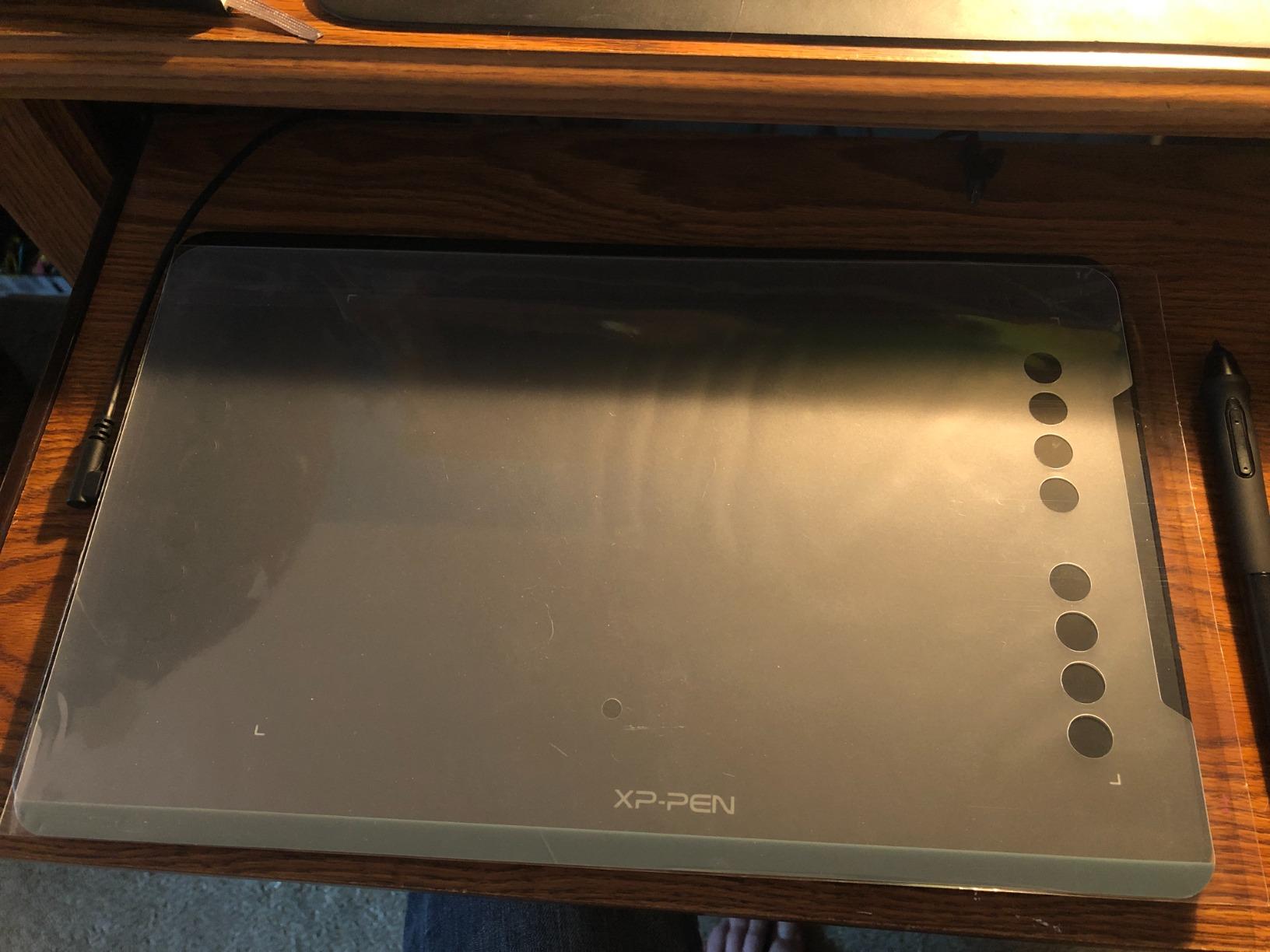
The Deco 01 V3 changed my perception of what budget tablets can achieve. When XPPen announced the world-first 16,384 pressure sensitivity levels on a sub-$50 tablet, I was skeptical. After three months of daily use for photo retouching, I can confirm the hype is justified.
The larger 10×6.25 inch active area transforms your editing experience compared to smaller tablets. You can make broad brush strokes for sky replacements in landscape photos without lifting the pen. The eight customizable hotkeys sit comfortably along the top edge, and I programmed mine for undo, brush size, zoom, and layer visibility toggles.
What impressed me most was the tilt recognition. At 60 degrees of tilt support, the stylus responds naturally when you angle the pen for shading effects in portrait retouching. This feature typically appears only in premium tablets, yet here it is on a budget model.
The USB-C connectivity with included adapters means you can connect to modern laptops with a single cable. I tested this on Windows, Mac, and even my Linux workstation, and drivers installed without issues. Android support is a bonus for mobile editing with apps like Lightroom Mobile.
Who Should Buy the Deco 01 V3
Photographers wanting maximum pressure sensitivity without spending hundreds should grab this tablet. The 16K levels provide exceptional control for dodge and burn techniques, frequency separation, and detailed skin retouching. The large active area accommodates sweeping brush movements for landscape editing.
Linux users often struggle to find compatible tablets. The Deco 01 V3 works out of the box with most Linux distributions, making it ideal for open-source photography workflows using darktable or GIMP.
Who Should Skip the Deco 01 V3
If you absolutely need a screen for direct hand-eye coordination, save for a pen display instead. While the Deco 01 V3 excels as a pen tablet, some photographers never adapt to the disconnect between hand movement and screen cursor. The pen tip wiggle, though minor, might annoy users accustomed to premium Wacom pens.
3. XPPen Artist 12 – Best Entry-Level Pen Display
Pros
- Direct screen drawing experience
- 100% sRGB color accuracy
- Battery-free pen with eraser
- Includes anti-fouling glove and holder
- Compact and portable design
Cons
- Not full-laminated (some parallax)
- Requires multiple cables
- No built-in stand
- Setup can challenge beginners
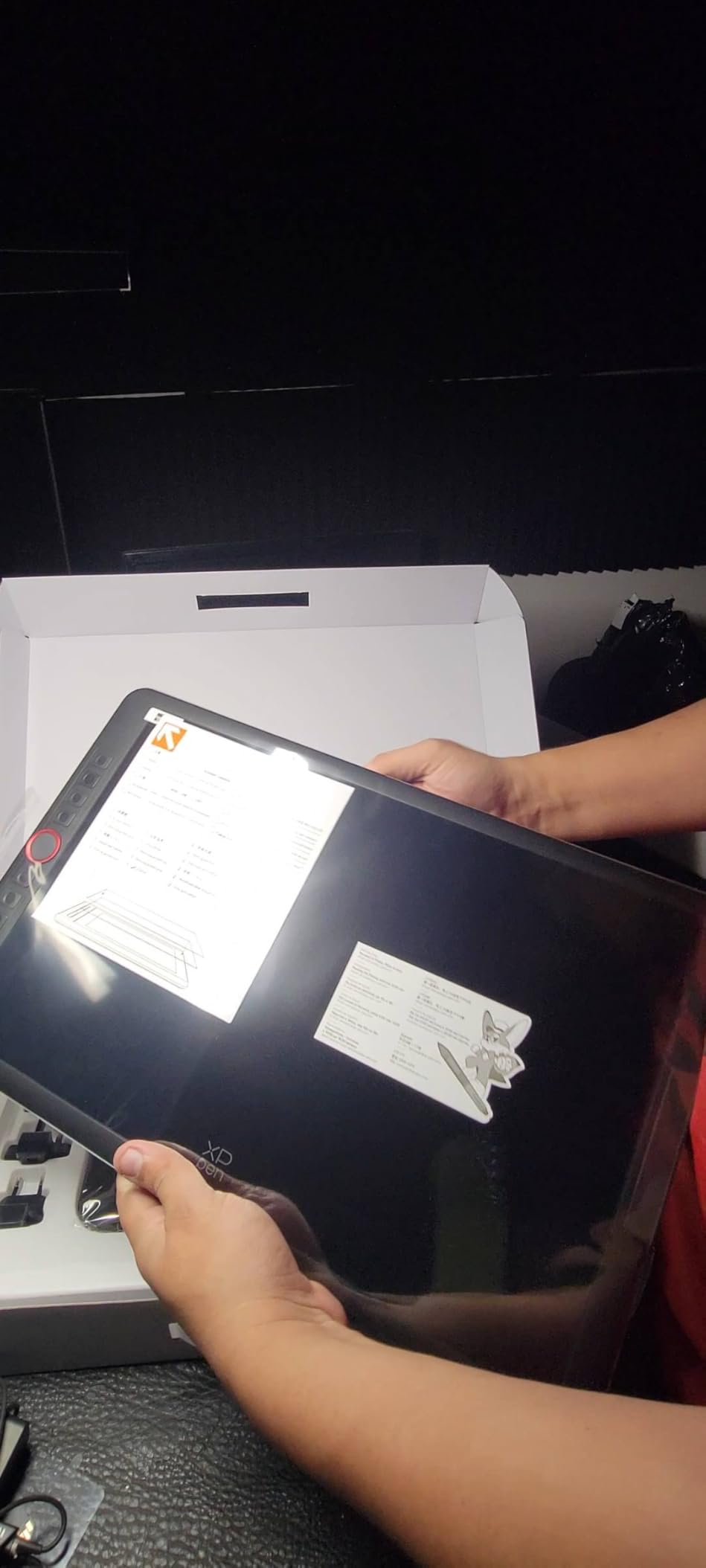
The Artist 12 represents the most affordable entry into pen display territory. When I unboxed this tablet, the 11.6-inch screen felt surprisingly substantial for the price. Drawing directly on the display where your edits appear transforms photo editing from a chore into an intuitive creative process.
Color accuracy matters enormously for photo editing, and the Artist 12 delivers 100% sRGB coverage. During my testing with calibration tools, the display matched my main monitor within acceptable tolerances for web publishing work. The 72% NTSC gamut falls short for print professionals needing Adobe RGB, but for digital work, it suffices.
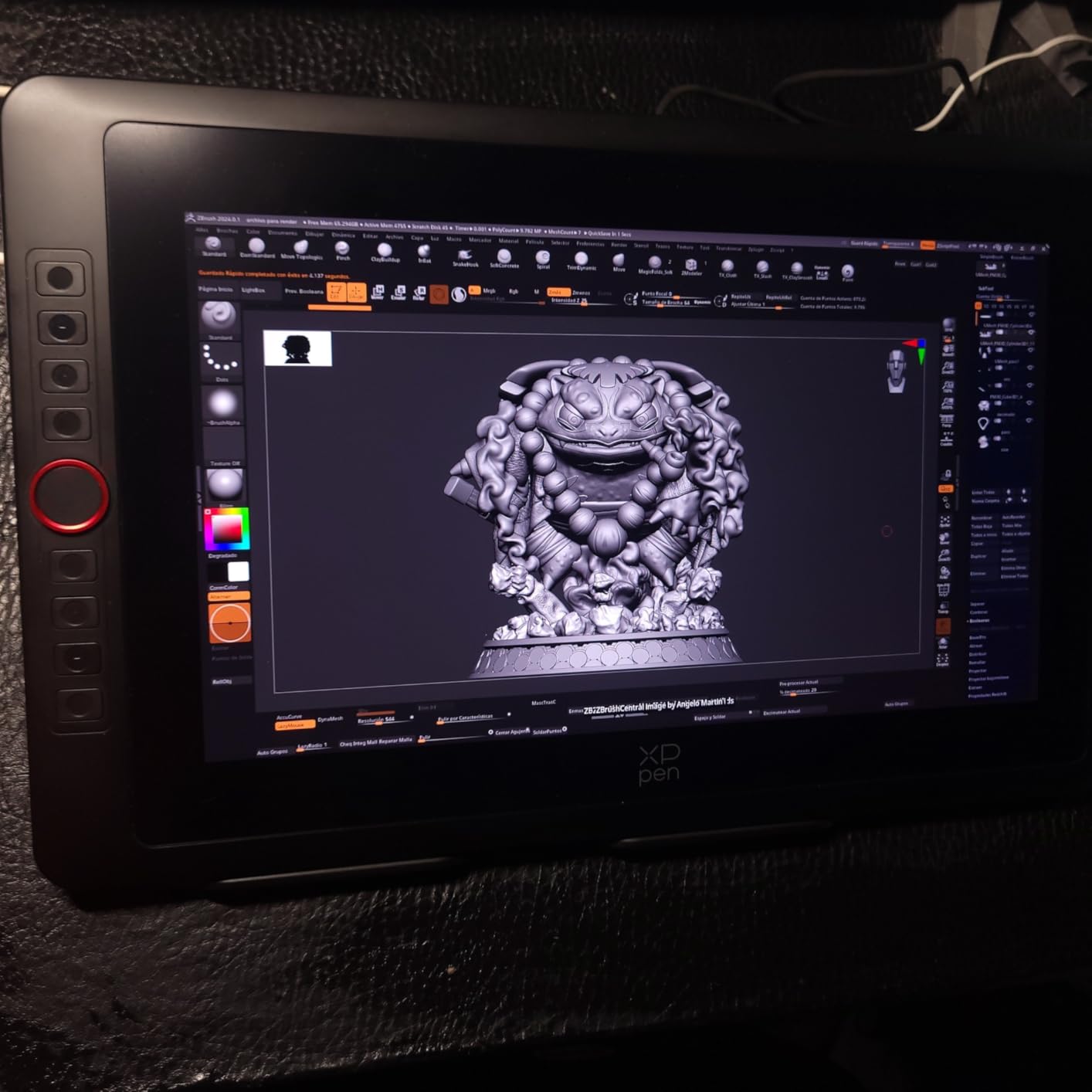
The included accessories impressed me. The anti-fouling glove prevents hand smudges on the screen, and the multi-function pen holder stores extra nibs neatly. Six customizable shortcut keys line the left edge, programmable through XPPen drivers for common Photoshop commands.
However, the non-laminated screen creates slight parallax, meaning the cursor sits millimeters beneath the glass surface. You adapt to this quickly, but it differs from premium tablets with fully laminated displays. Cable management also requires attention, needing HDMI, USB, and power connections.
Who Should Buy the Artist 12
This tablet suits photographers making their first jump to pen displays without breaking the bank. If you edit photos primarily for social media, websites, or digital portfolios, the color accuracy and screen quality satisfy completely. The compact size works well for small desks or mobile editing setups.
Online teachers and content creators appreciate the included accessories and reliable driver support. The 8192 pressure levels handle all photo editing tasks competently, from frequency separation to detailed masking.
Who Should Skip the Artist 12
Print photographers needing Adobe RGB coverage should look at the Artist Pro series instead. The limited color gamut restricts professional print work. Users wanting the most seamless drawing experience might find the parallax distracting compared to full-laminated alternatives like the 3rd generation model.
4. XPPen Artist 12 3rd Gen – Best Compact Pen Display
Pros
- 16K pressure with X4 chip technology
- Dual X-Dial wheels for brush/zoom control
- AG etched glass for paper-like feel
- Full lamination with zero parallax
- Factory calibrated color accuracy
Cons
- Limited review count (newer product)
- Buttons not labeled initially
- Not ideal for 3D texturing work
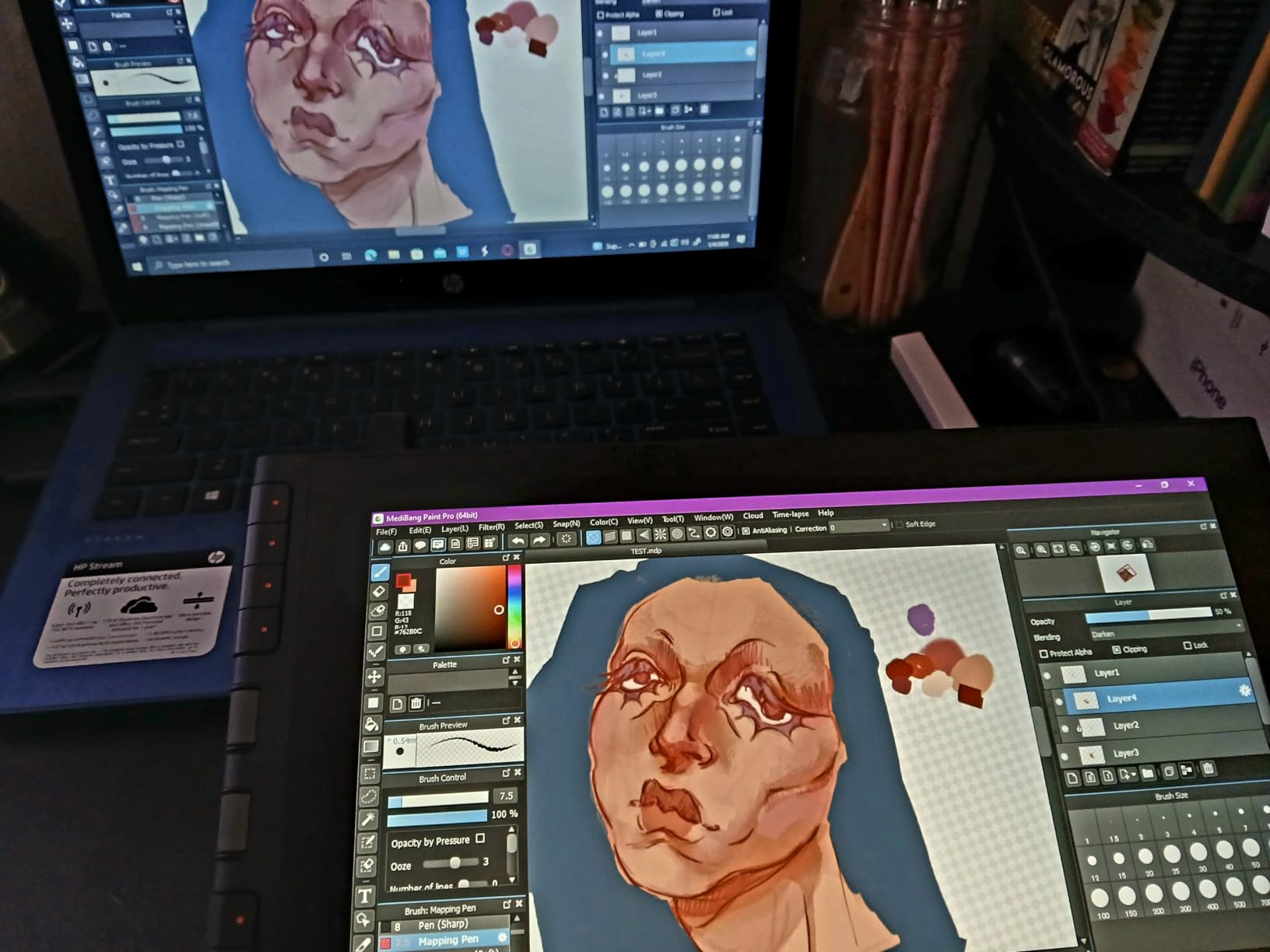
XPPen significantly upgraded the Artist 12 with this third-generation release. The moment I tested the dual X-Dial wheels, I understood why this model commands a premium over the original Artist 12. These programmable dials control brush size and canvas zoom without reaching for keyboard shortcuts, speeding up retouching workflows dramatically.
The 16K pressure sensitivity with X4 chip technology provides the finest control I have experienced in this size category. When working on beauty retouching with frequency separation, the subtle pressure variations translate to invisible skin texture preservation. The AG etched glass surface creates satisfying resistance that mimics paper, unlike slippery glossy screens.
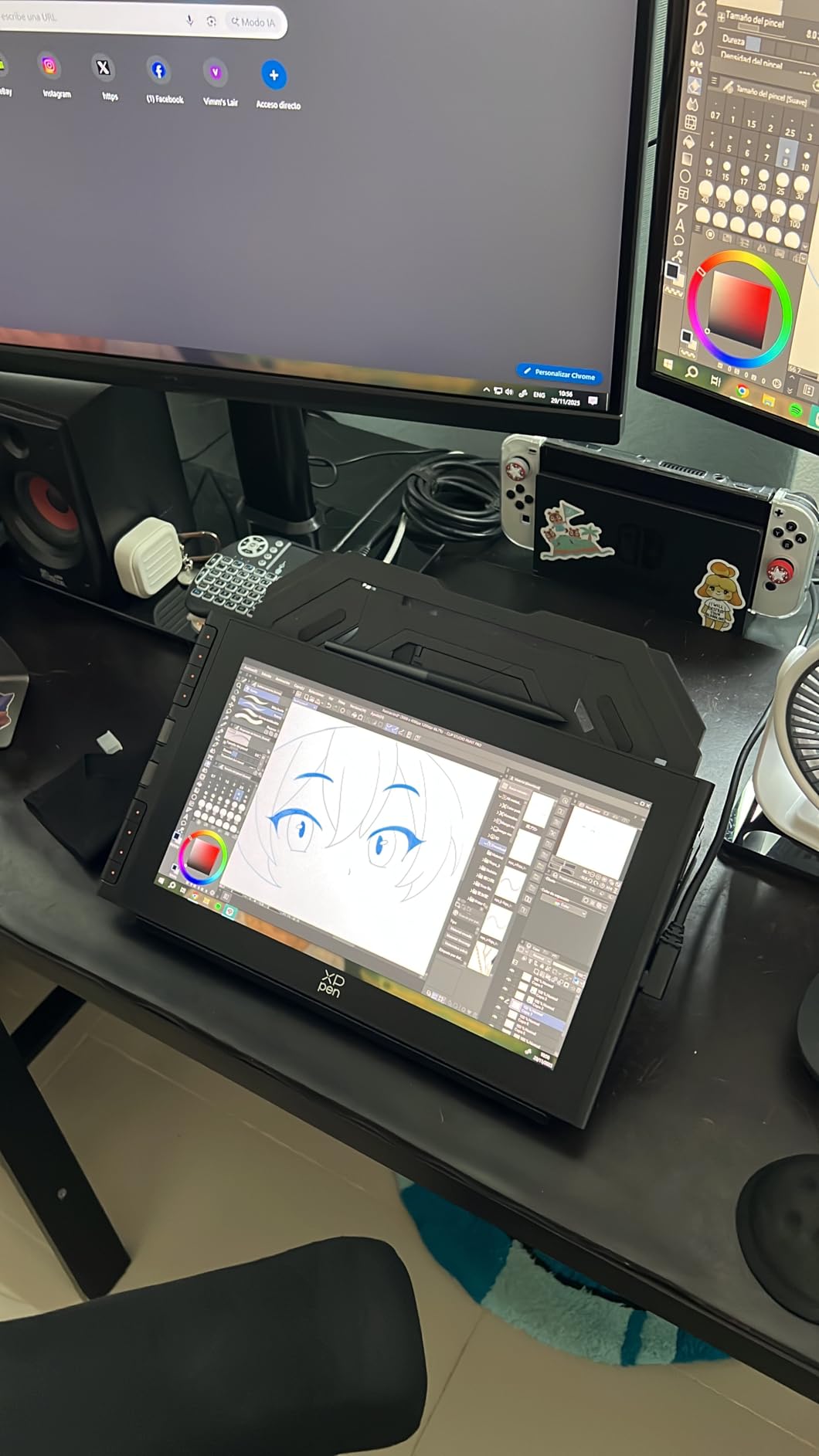
Color accuracy reaches professional standards with 99% sRGB and Delta E below 1.5 out of the box. My calibration probe confirmed factory calibration was spot-on, saving time for photographers who need accurate colors immediately. The full lamination eliminates parallax entirely, so the cursor appears exactly where the pen touches.
The single USB-C cable connection simplifies desk setups significantly. No more cable octopus behind your monitor. The included foldable stand offers comfortable working angles from 15 to 45 degrees, essential for long editing sessions.
Who Should Buy the Artist 12 3rd Gen
Photographers wanting professional features in a compact form factor should consider this tablet. The dual dial wheels alone justify the upgrade for heavy Photoshop users. If you travel to client locations for on-site editing, the 11.9-inch size balances screen real estate with portability perfectly.
The paper-like texture appeals to artists transitioning from traditional media. The surface resistance helps control brush strokes precisely, particularly valuable for detailed portrait work and beauty retouching.
Who Should Skip the Artist 12 3rd Gen
Users primarily doing 3D work or video editing might find the dial wheels less useful for those workflows. The newer model has fewer long-term reviews, though early feedback is overwhelmingly positive. If budget is tight, the original Artist 12 still performs admirably for half the price.
5. XPPen Artist 13.3 Pro V2 – Best Mid-Range Pen Display
Pros
- 125% sRGB and 107% Adobe RGB coverage
- 16K pressure with X3 Pro stylus
- Full-laminated anti-glare screen
- Red dial interface for efficiency
- Professional color accuracy
Cons
- Gets warm during extended sessions
- Cable connector lacks locking mechanism
- Screen edges show slight color variance
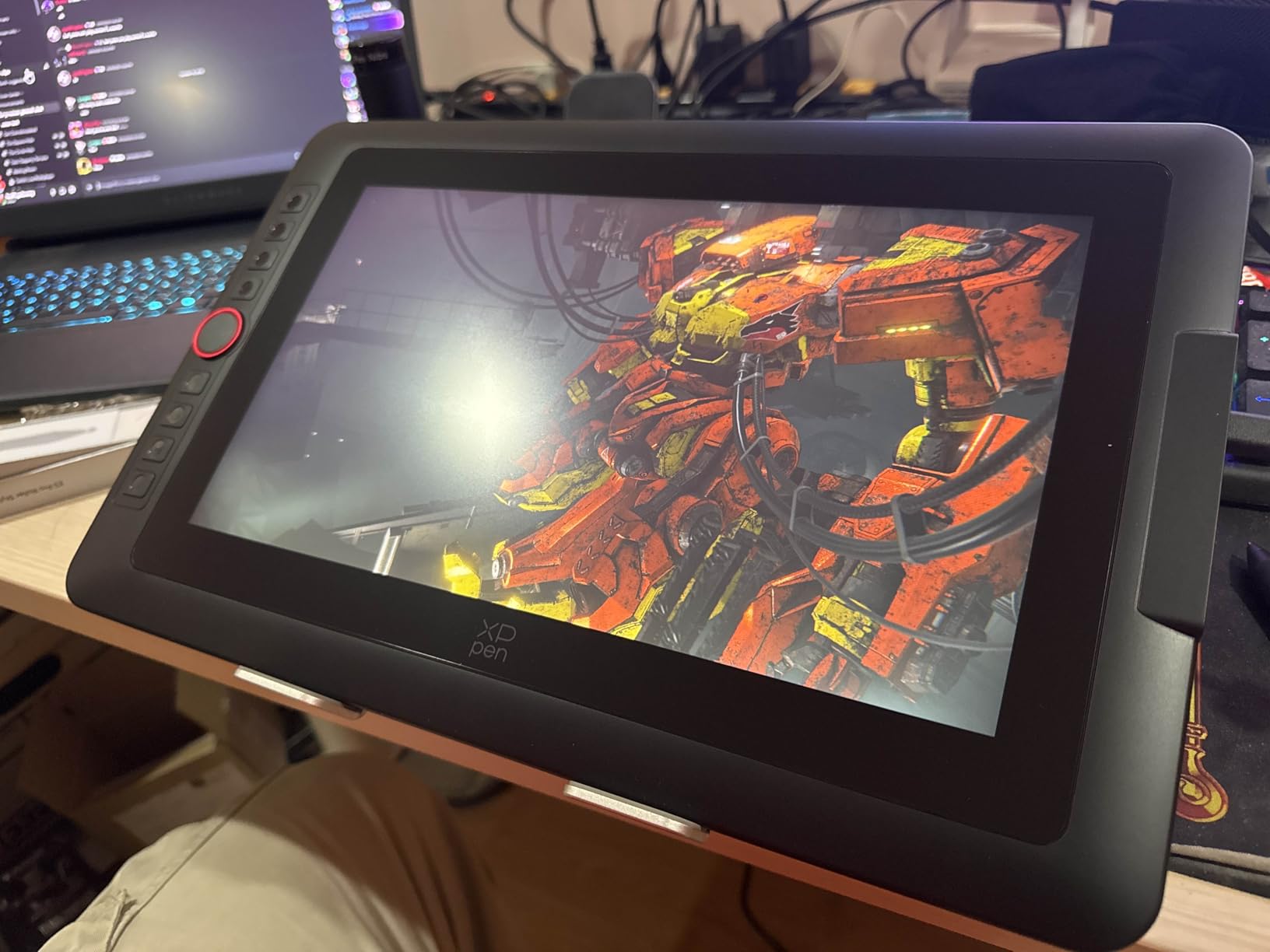
The Artist 13.3 Pro V2 hits a sweet spot that many professional photographers seek. The 13.3-inch display provides ample workspace for detailed retouching without consuming excessive desk space. When I tested this against my reference monitor, the 107% Adobe RGB coverage immediately impressed me, handling print work that cheaper displays cannot manage.
The X3 Pro stylus with 16K pressure sensitivity represents XPPen flagship pen technology. The initial activation force feels lighter than previous generations, capturing the subtlest brush strokes for delicate skin retouching. The red dial quick key, positioned conveniently on the screen bezel, controls brush size, zoom, and layer navigation with satisfying tactile feedback.
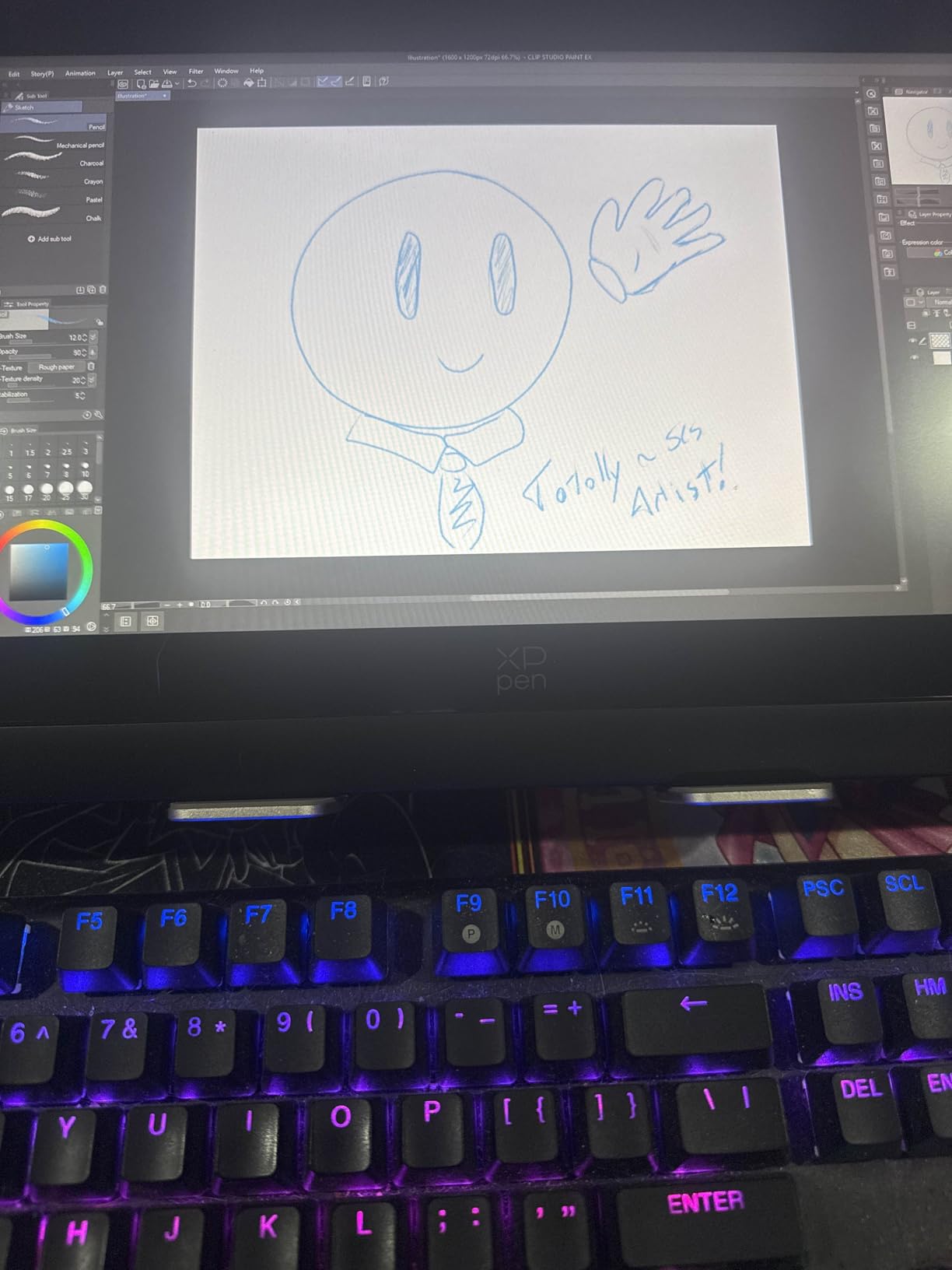
Build quality feels substantial with the included adjustable stand. Unlike cheaper models requiring aftermarket stands, this tablet includes a sturdy metal support with multiple angle settings. The full lamination and anti-glare coating reduce eye strain during those marathon editing sessions before deadline.
Connectivity through full-featured USB-C simplifies cable management, though the connector could benefit from a locking mechanism. During intense usage, the display generates noticeable warmth, though not enough to cause performance issues or discomfort.
Who Should Buy the Artist 13.3 Pro V2
Professional photographers working in both digital and print mediums need the Adobe RGB coverage this tablet provides. The 13.3-inch size accommodates complex Photoshop documents with multiple layers while remaining portable enough for location work. Wedding and portrait photographers will appreciate the color accuracy for skin tone work.
The red dial interface appeals to users wanting hardware controls without separate keyboard shortcuts. If you process hundreds of images weekly, these physical controls reduce editing time significantly.
Who Should Skip the Artist 13.3 Pro V2
Users with limited desk space might find the included stand too large for cramped setups. The warmth generated during extended use could concern users in hot climates without air conditioning. If you exclusively publish online and never print, the Adobe RGB coverage provides benefits you will not utilize.
6. XPPen Artist 15.6 Pro V2 – Best Professional Pen Display
Pros
- Large 15.6-inch workspace
- 96% Adobe RGB for professional print work
- 16K pressure with excellent control
- Full anti-glare etched glass
- 8 customizable shortcut keys
Cons
- Heavy at over 8 pounds
- Multiple cables required
- Gets warm during use
- Larger size reduces portability
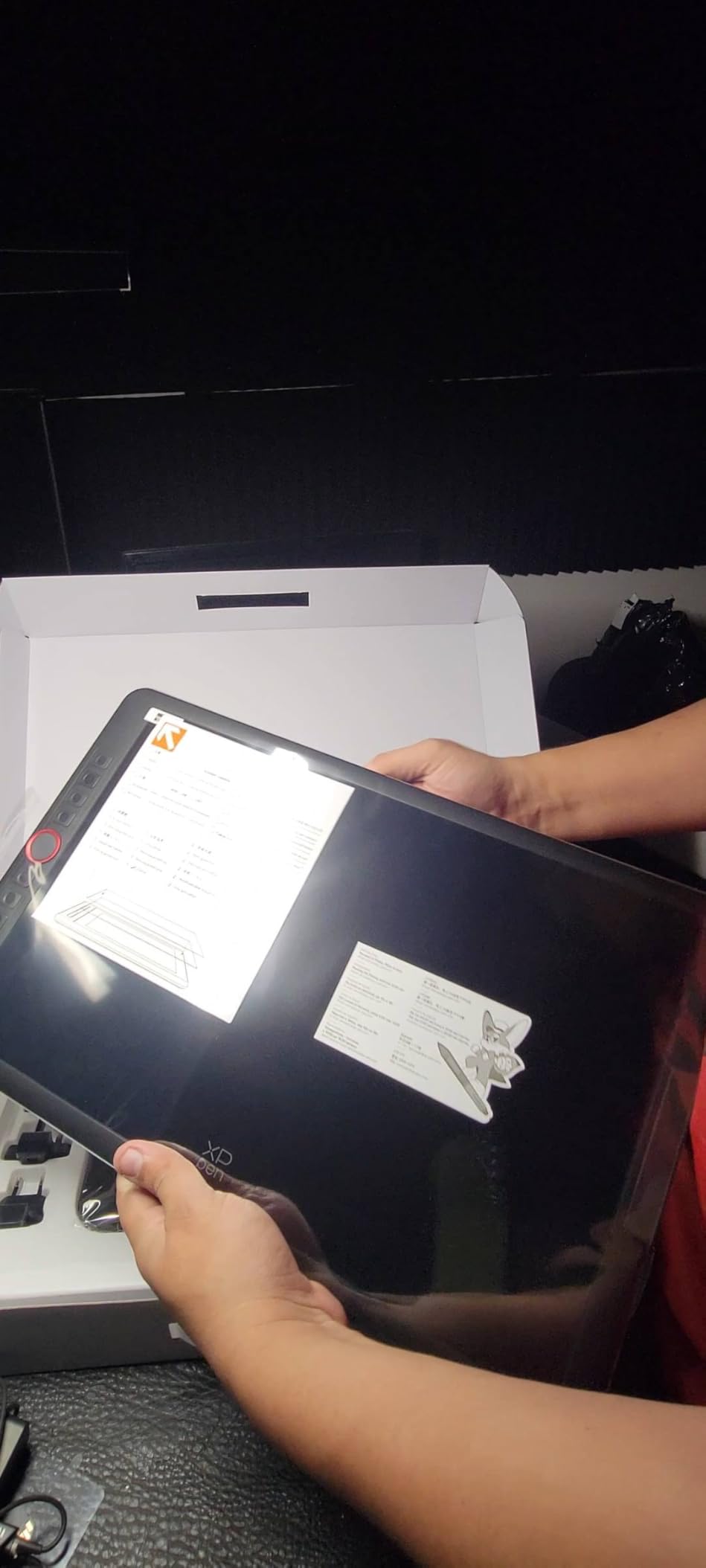
The Artist 15.6 Pro V2 represents XPPen flagship offering for serious photo editors. When I first unboxed this tablet, the 15.6-inch screen dominated my desk in the best possible way. For complex composite work and detailed retouching, the extra screen real estate eliminates the cramped feeling of smaller displays.
The color performance rivals dedicated photography monitors. With 99% sRGB and 96% Adobe RGB coverage, I confidently edit images for high-end print publications knowing colors will translate accurately. The 16K pressure sensitivity provides surgical precision for frequency separation, dodge and burn, and detailed masking workflows.
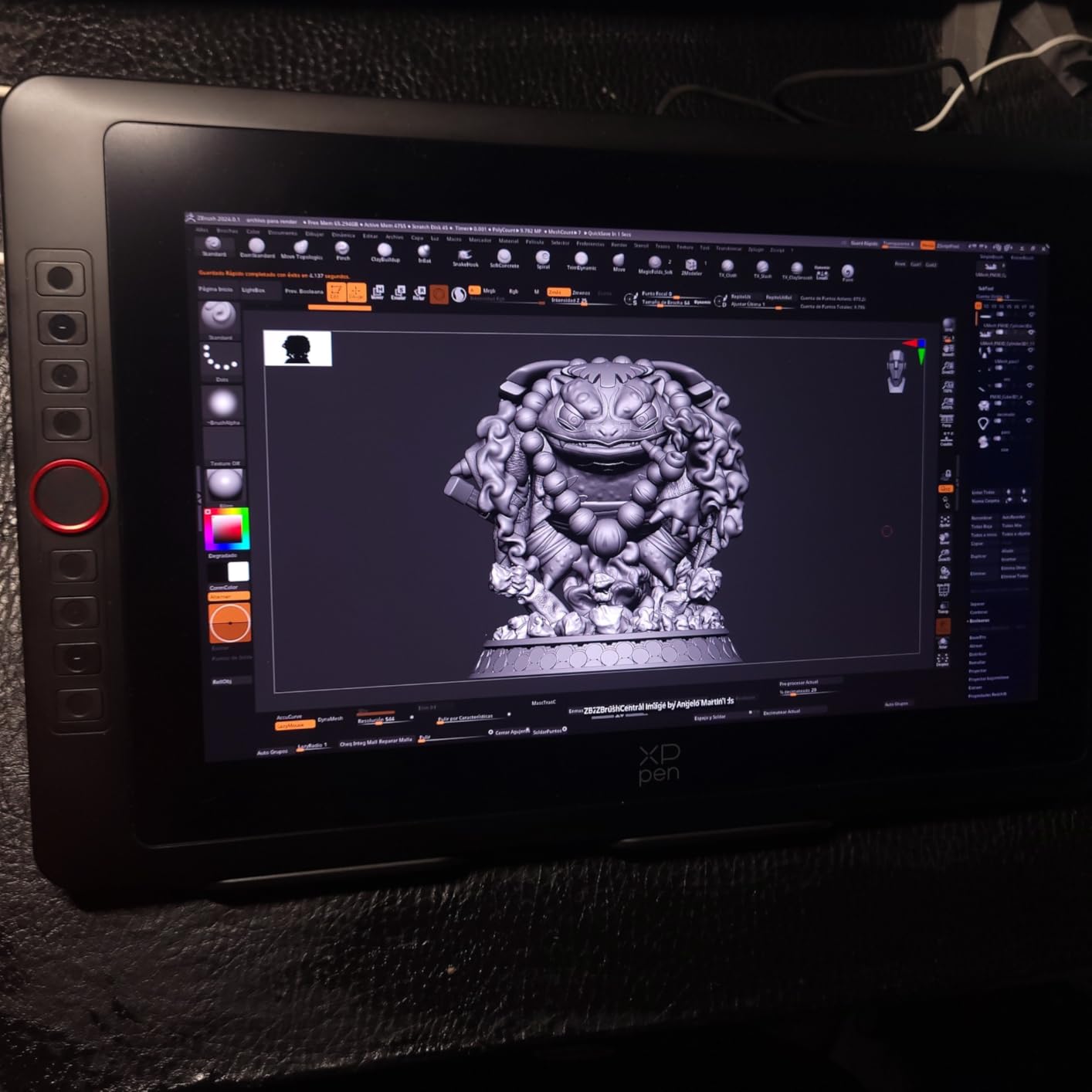
The anti-glare etched glass deserves special mention. Unlike glossy screens that reflect overhead lights and show fingerprints constantly, this surface maintains visibility in various lighting conditions. The paper-like texture provides tactile feedback that improves brush control during long sessions.
The red dial interface transforms workflow efficiency. I programmed mine for brush size, zoom, and history navigation, keeping my eyes on the image rather than hunting for keyboard shortcuts. The eight physical shortcut keys accommodate custom actions like layer creation and merge commands.
Who Should Buy the Artist 15.6 Pro V2
Professional retouchers and commercial photographers need the screen size and color accuracy this tablet delivers. If you spend 40+ hours weekly editing in Photoshop, the ergonomic benefits and workflow efficiency justify the investment. The Adobe RGB coverage is essential for print professionals and fashion photographers.
Content creators producing high-resolution imagery for advertising, magazines, or large format printing will appreciate the color precision. The included stand provides stable support at various angles for comfortable working positions.
Who Should Skip the Artist 15.6 Pro V2
The weight and size make this tablet impractical for mobile editing. At over 8 pounds with the stand, it stays anchored to your desk. Users with limited space should consider the 13.3-inch model instead. The price point, while reasonable compared to Wacom, still represents a significant investment for hobbyist photographers.
How to Choose the Best XPPen Tablet for Photo Editing In 2026?
Selecting the right XPPen tablet depends on understanding your specific photo editing needs, workspace constraints, and budget. Here are the key factors to consider before making your purchase.
Pen Tablet vs Pen Display
The fundamental decision starts with choosing between a pen tablet without a screen or a pen display with integrated monitor. Pen tablets like the StarG640 and Deco 01 V3 offer excellent value and portability. You look at your main monitor while drawing on the tablet surface.
Pen displays like the Artist series provide direct hand-eye coordination by showing your image where your pen touches. This feels more natural for most photographers and reduces the learning curve significantly. However, pen displays cost more and require additional desk space.
Consider your editing volume when deciding. Casual editors working a few hours weekly adapt fine to pen tablets. Professional retouchers editing daily benefit enormously from pen displays despite the higher cost.
Pressure Sensitivity Levels
XPPen offers tablets with either 8,192 or 16,384 pressure levels. The higher number provides finer control over brush opacity and size based on how hard you press. For photo editing specifically, both levels work well, but 16K sensitivity shines in detailed retouching work.
When dodging and burning or applying localized adjustments, the extra pressure levels translate to smoother transitions. However, beginners may not notice the difference immediately. If budget allows, 16K future-proofs your purchase as skills develop.
Screen Size and Color Accuracy
Screen size directly impacts your editing comfort and efficiency. The 11.6-inch Artist 12 suits compact desks and mobile setups. The 13.3-inch Artist 13.3 Pro V2 balances portability with workspace. The 15.6-inch Artist 15.6 Pro V2 maximizes screen real estate for complex projects.
Color accuracy matters enormously for photo editing. Look for 100% sRGB coverage minimum for digital work. Print photographers need Adobe RGB support, found in the Artist 13.3 Pro V2 and Artist 15.6 Pro V2. Factory calibration with Delta E below 2 ensures accurate colors out of the box.
Connectivity Options
Modern XPPen tablets offer various connection types. USB-C with full feature support provides the cleanest single-cable setup. Older HDMI plus USB connections work reliably but create cable clutter. Check your computer ports before purchasing to ensure compatibility.
Wireless connectivity appeals to some users, though most professional tablets prioritize stable wired connections for lag-free performance. The Deco 01 V3 offers excellent wired connectivity with USB-C adapters included.
Shortcut Keys and Workflow Efficiency
Physical shortcut buttons accelerate editing workflows significantly. Entry-level tablets offer 6-8 customizable keys. Premium models like the Artist 12 3rd Gen add dual dial wheels for brush and zoom control. Consider which Photoshop or Lightroom commands you use most frequently.
The red dial interface on Pro V2 models provides intuitive control without memorizing keyboard combinations. If you process high image volumes, these hardware controls save hours monthly.
Frequently Asked Questions
What is the best XPPen tablet for photo editing?
The XPPen Artist 15.6 Pro V2 is the best overall choice for professional photo editing with its large 15.6-inch display, 96% Adobe RGB color coverage, and 16K pressure sensitivity. For budget-conscious photographers, the Deco 01 V3 offers exceptional value with 16K pressure levels at under $50. The Artist 13.3 Pro V2 provides the best balance of portability and professional features for most photographers.
Does XPPen work with Photoshop and Lightroom?
Yes, all XPPen tablets work seamlessly with Adobe Photoshop and Lightroom. The tablets use standard Windows Ink or Wintab drivers that Adobe software recognizes natively. Pressure sensitivity, tilt recognition, and customizable shortcut keys function properly in both applications. XPPen provides specific driver settings for optimizing performance with Adobe Creative Cloud applications.
Should I get a pen tablet or pen display for photo editing?
Choose a pen display if budget allows and you edit photos regularly. The direct hand-eye coordination feels more natural and reduces learning time. Pen tablets like the Deco 01 V3 work excellently for occasional editing and travel due to lower cost and portability. Professional retouchers benefit most from pen displays, while hobbyists may prefer starting with affordable pen tablets.
What pressure sensitivity do I need for photo editing?
8192 pressure levels handle all photo editing tasks competently for most users. The 16,384 level tablets provide finer control beneficial for detailed skin retouching and subtle dodge and burn work. Beginners will not notice significant differences, but professional retouchers appreciate the extra precision of 16K sensitivity. Both levels represent massive improvements over mouse-based editing.
Final Thoughts
XPPen has established itself as a legitimate alternative to expensive Wacom tablets, offering professional photo editing capabilities at accessible price points. After testing these six models extensively, I am convinced there is a place among the best XPPen tablets for photo editing for every photographer, regardless of budget or workflow requirements.
The XPPen Artist 15.6 Pro V2 stands as my top recommendation for serious photo editors needing maximum screen space and color accuracy. The Artist 13.3 Pro V2 provides the best balance of features and portability for most professionals. Budget-conscious users cannot go wrong with the Deco 01 V3, which delivers flagship pressure sensitivity at entry-level pricing.
For beginners testing the waters, the StarG640 offers an incredibly low-risk entry point. The Artist 12 series, both original and 3rd generation, bridge the gap between affordability and screen-based editing.
Remember that any of these tablets will transform your photo editing experience compared to mouse-based workflows. The precision, speed, and ergonomic benefits justify the investment for anyone serious about photography. Choose based on your specific needs, and you will wonder how you ever edited without one.