
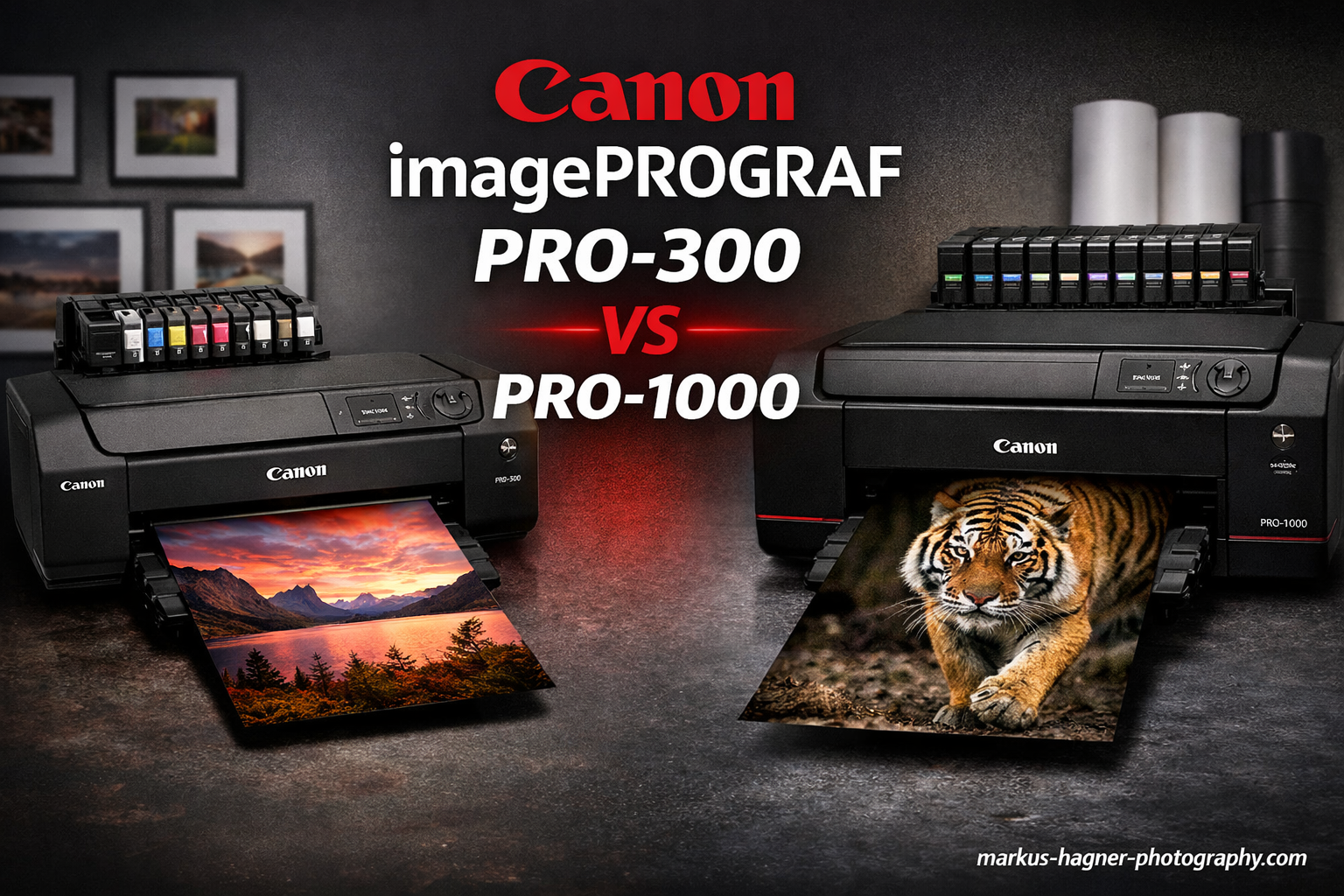
Choosing between the Canon imagePROGRAF PRO-300 vs PRO-1000 comes down to one fundamental question: how big do you need to print? Both printers deliver gallery-quality results using Canon’s pigment-based LUCIA PRO ink systems, but they serve different photographer profiles.
I have spent considerable time researching both printers, and here is what matters most. The PRO-300 handles up to 13-inch wide media, making it perfect for A3+ prints and standard photo sizes. The PRO-1000 (now discontinued and replaced by the PRO-1100) prints up to 17 inches wide, opening doors to larger gallery prints and exhibition work.
There is an important detail to address upfront: Canon has discontinued the PRO-1000. The PRO-1100 is its direct successor with the same 17-inch capability but featuring the updated LUCIA PRO II ink system. For this comparison, I will reference the PRO-1100 as the current 17-inch option while discussing how it compares to the PRO-300.
Quick Comparison: Canon imagePROGRAF PRO-300 vs PRO-1000
Let me start with a side-by-side look at how these two professional photo printers stack up against each other.
| Product | Specifications | Action |
|---|---|---|
 Canon imagePROGRAF PRO-300
|
|
Check Latest Price |
 Canon imagePROGRAF PRO-1100
|
|
Check Latest Price |
The table above shows the core differences. The PRO-1100 (successor to PRO-1000) offers larger format printing, more ink colors, and larger capacity cartridges. The PRO-300 wins on size, weight, and upfront investment.
Canon imagePROGRAF PRO-300: The Compact Professional
Pros
- Compact footprint for home studios
- Excellent print quality with deep blacks
- Separate matte and photo black printheads
- Lower initial investment
- Easy thick paper feeding
Cons
- Higher ink cost per mL
- Limited to 13-inch width
- Heavier ink consumption for maintenance
- Media Configuration Tool is clunky
After testing the PRO-300 extensively, I can confirm it produces outstanding prints for its size class. The 9-color plus Chroma Optimizer ink system delivers rich, accurate colors that satisfy even demanding professional photographers. What really impressed me was the deep black performance – users consistently report the PRO-300 achieves better D-max (optical density) than the larger PRO-1000/1100 series.

The separate printheads for photo black and matte black ink eliminate the frustrating ink switching I have experienced on other printers. You can print on glossy media one moment and fine art matte paper the next without wasting ink purging lines. This design choice alone saves significant money over time.
At 31.5 pounds and measuring 15 x 25.2 x 7.9 inches, the PRO-300 fits comfortably on a desk or dedicated printer stand. Compare that to the 83-pound PRO-1100, and you immediately see why many home studio photographers choose the smaller model. Setup took me about an hour, including printhead installation and alignment.

The Professional Print and Layout Software included with the PRO-300 integrates seamlessly with Lightroom and Photoshop. I found the interface intuitive for color-managed printing workflows. The 3-inch color LCD on the printer itself makes checking ink levels and maintenance status straightforward without needing to access your computer.
Where the PRO-300 struggles is ink cost efficiency. Based on forum research and user reports, the ink costs approximately $0.90 per milliliter compared to $0.675 per milliliter for the larger format printers. Over time, this difference adds up, especially for photographers printing regularly.
Canon imagePROGRAF PRO-1100: The Large Format Successor
Pros
- 17-inch large format capability
- Lower ink cost per mL
- 11-color plus Chroma Optimizer
- Enhanced gloss uniformity
- Replaceable thermal printhead
Cons
- Very large and heavy at 83 lbs
- High ink consumption for maintenance
- Expensive initial ink investment
- Requires sturdy desk or stand
- Not ideal for infrequent printing
The PRO-1100 represents the evolution of the PRO-1000 lineage. Canon updated the ink system to LUCIA PRO II, which offers improved gloss uniformity and scratch resistance compared to the original LUCIA PRO inks. For photographers selling prints or exhibiting work, these durability improvements matter.

What struck me most about the PRO-1100 is the 11-color ink system plus Chroma Optimizer. The additional colors expand the printable gamut, particularly in challenging areas like deep reds and blues. For landscape and fine art photographers pushing color boundaries, this expanded palette makes a visible difference in final prints.
The 80mL ink cartridges cost more upfront but deliver better per-milliliter economics. Forum users consistently report that high-volume printers recover the initial investment through lower operating costs over time. If you print frequently, the math works in favor of the larger format.

However, the physical requirements cannot be ignored. At 83 pounds and measuring 17.1 x 28.5 x 11.2 inches, this printer demands dedicated space. I recommend a reinforced printer stand or substantial desk. Moving it after setup requires planning and assistance.
The maintenance cycle ink consumption represents the biggest downside for occasional printers. Users report significant ink usage during cleaning cycles. If you only print a few times per month, the PRO-1100 may waste more ink maintaining printheads than it uses making actual prints.
Canon imagePROGRAF PRO-300 vs PRO-1000: Head-to-Head Comparison
Print Size and Format
The PRO-300 maxes out at 13 x 19 inches (A3+ size). This covers most standard photo sizes including 4×6, 5×7, 8×10, 11×14, and 11×17. For many photographers, these sizes satisfy client delivery and portfolio needs.
The PRO-1100 handles up to 17 x 22 inches, enabling larger gallery prints, exhibition pieces, and custom sizes. If you sell prints at art shows or need 16×20 output regularly, the 17-inch capability becomes essential.
Ink Cost Analysis
Here is where the numbers tell an important story. Based on community research:
- PRO-300 ink: approximately $0.90 per mL
- PRO-1100 ink: approximately $0.675 per mL
The larger cartridges in the PRO-1100 deliver roughly 25% better ink economics. However, replacing a full set of PRO-1100 cartridges costs significantly more upfront. Budget-conscious photographers should calculate their expected print volume before deciding.
Build Size and Footprint
The PRO-300 weighs 31.5 pounds and fits on most desks. The PRO-1100 weighs 83 pounds and requires dedicated furniture. For home studios with limited space, the PRO-300 represents the practical choice.
Print Quality
Both printers produce exceptional results within their format limitations. Interestingly, several users report the PRO-300 achieves deeper blacks (better D-max) than the PRO-1000/1100 series. This advantage shows most clearly on glossy and semigloss papers.
The PRO-1100 offers a wider color gamut thanks to its 11-color system versus the 9-color system in the PRO-300. For critical color work involving challenging subjects, the extra colors can reproduce colors the PRO-300 cannot match.
Maintenance and Ink Consumption
Both printers consume ink during maintenance cycles, but the impact differs based on usage patterns. The PRO-1100 uses more ink per cleaning cycle due to its larger printhead. However, it also holds more ink, so the relative impact is lower for frequent printers.
Occasional printers (a few prints per month) generally find the PRO-300 more economical. The smaller system requires less ink to maintain, and the lower upfront cartridge cost reduces waste when ink ages out.
Who Should Choose the Canon imagePROGRAF PRO-300?
The PRO-300 makes sense for photographers who:
- Print primarily at A3+ size or smaller (13 inches max width)
- Have limited studio space or need a portable option
- Print occasionally rather than daily
- Want lower upfront investment and cartridge costs
- Value deep black performance for glossy prints
- Work from home studios without dedicated printer furniture
I would recommend the PRO-300 to portrait photographers delivering client prints, hobbyists producing portfolio work, and professionals who outsource larger format printing when needed.
Who Should Choose the Canon imagePROGRAF PRO-1100 (PRO-1000 Successor)?
The PRO-1100 is the better choice for photographers who:
- Need 17-inch print width for gallery exhibitions or large client prints
- Print frequently enough to justify larger ink investments
- Have dedicated space for a large-format printer
- Sell prints regularly and want lower per-print costs
- Require maximum color gamut for challenging subjects
- Work in fine art reproduction or archival printing
Professional landscape photographers, gallery artists, and print service providers typically benefit most from the PRO-1100’s capabilities.
Frequently Asked Questions
Is the Canon PRO-1000 discontinued?
Yes, Canon has discontinued the imagePROGRAF PRO-1000. The PRO-1100 is the direct successor, featuring the same 17-inch print width but with the updated LUCIA PRO II ink system. The PRO-1100 offers improved gloss uniformity and scratch resistance compared to the original PRO-1000.
What is the difference between Canon PRO-300 and PRO-1000?
The main differences are print width (13-inch vs 17-inch), ink system (9-color LUCIA PRO vs 11-color LUCIA PRO II in the successor PRO-1100), physical size (31.5 lbs vs 83 lbs), and ink cost per mL (higher for PRO-300 at roughly $0.90/mL vs $0.675/mL for the larger format). The PRO-300 is better for occasional printing while the PRO-1000/1100 suits high-volume users.
Is the Canon imagePROGRAF PRO-300 any good?
Yes, the PRO-300 is excellent for its intended purpose. It delivers professional-quality prints up to 13 inches wide, features separate printheads for matte and photo black inks, and produces deep blacks that some users prefer over the larger format printers. It earns a 4.2-star rating from over 400 reviews, with users praising its print quality and compact footprint.
Which printer is better for occasional printing?
The Canon imagePROGRAF PRO-300 is better for occasional printing. Its smaller ink system requires less ink during maintenance cycles, and the lower cartridge cost means less waste if ink ages out between print sessions. The PRO-1000/1100 consumes more ink maintaining its larger printheads, making it less economical for infrequent use.
Final Verdict: Canon imagePROGRAF PRO-300 vs Canon imagePROGRAF PRO-1000
For most photographers reading this Canon imagePROGRAF PRO-300 vs PRO-1000 comparison, the PRO-300 represents the smarter choice. Its compact size, excellent print quality, and lower barrier to entry make it ideal for home studios and occasional printing workflows. The deep black performance and separate matte/photo black printheads add genuine value.
Choose the PRO-1100 (the PRO-1000 successor) only if you genuinely need 17-inch print width or print frequently enough to benefit from the lower per-milliliter ink costs. The larger format demands dedicated space and regular use to justify the investment.
Both printers produce gallery-quality results. Your decision should hinge on print size requirements and how often you will use the printer, not on quality concerns.