
GRWM videos have taken over social media, and for good reason. There is something genuinely intimate about watching someone get ready for their day while sharing makeup tips, skincare secrets, and life updates. I have spent the last three months testing fourteen different cameras specifically for Get Ready With Me content, and the differences between a good camera and a great one can make or break your channel growth in 2026.
When you are filming yourself applying foundation or demonstrating an eyeshadow technique, you need equipment that handles three critical things flawlessly. Your camera must track your face even when brushes and hands temporarily obscure it, render skin tones accurately so makeup colors appear true to life, and perform well in typical bedroom or bathroom lighting without making everything look grainy.
This guide covers the best cameras for GRWM videos across every budget and experience level. Whether you are just starting your beauty channel or upgrading from your smartphone, I have tested these cameras in real GRWM scenarios to help you make the right choice.
Top 3 Picks for Best Cameras for GRWM Videos

DJI Osmo Pocket 3 Creator Combo
- 1-inch CMOS sensor
- 3-axis gimbal stabilization
- 4K/120fps video
- DJ Mic 2 included

Canon EOS R50
- 24.2MP APS-C sensor
- Dual Pixel AF II
- 4K from 6K oversampled
- Vari-angle touchscreen

Best Cameras for GRWM Videos in 2026
Here is a complete comparison of all fourteen cameras tested for this guide. I have organized them by category to help you quickly find the right fit for your content style and budget.
| Product | Specifications | Action |
|---|---|---|
|
DJI Osmo Pocket 3 Creator Combo
|
|
Check Latest Price |
|
Canon EOS R50
|
|
Check Latest Price |
|
DJI Osmo Nano
|
|
Check Latest Price |
 Sony ZV-E10 II
|
|
Check Latest Price |
 Fujifilm X-S20
|
|
Check Latest Price |
 Sony ZV-1
|
|
Check Latest Price |
 Sony ZV-1 II
|
|
Check Latest Price |
 Sony ZV-1F
|
|
Check Latest Price |
 DJI Osmo Pocket 3
|
|
Check Latest Price |
 Sony ZV-E10
|
|
Check Latest Price |
1. DJI Osmo Pocket 3 Creator Combo – Best Overall Camera for GRWM
Pros
- Outstanding stabilization
- Professional 1-inch sensor
- ActiveTrack 6.0 face tracking
- 10-bit D-Log M color
- Rotating touchscreen
Cons
- Not waterproof
- Battery life limited
- Fragile gimbal mechanism
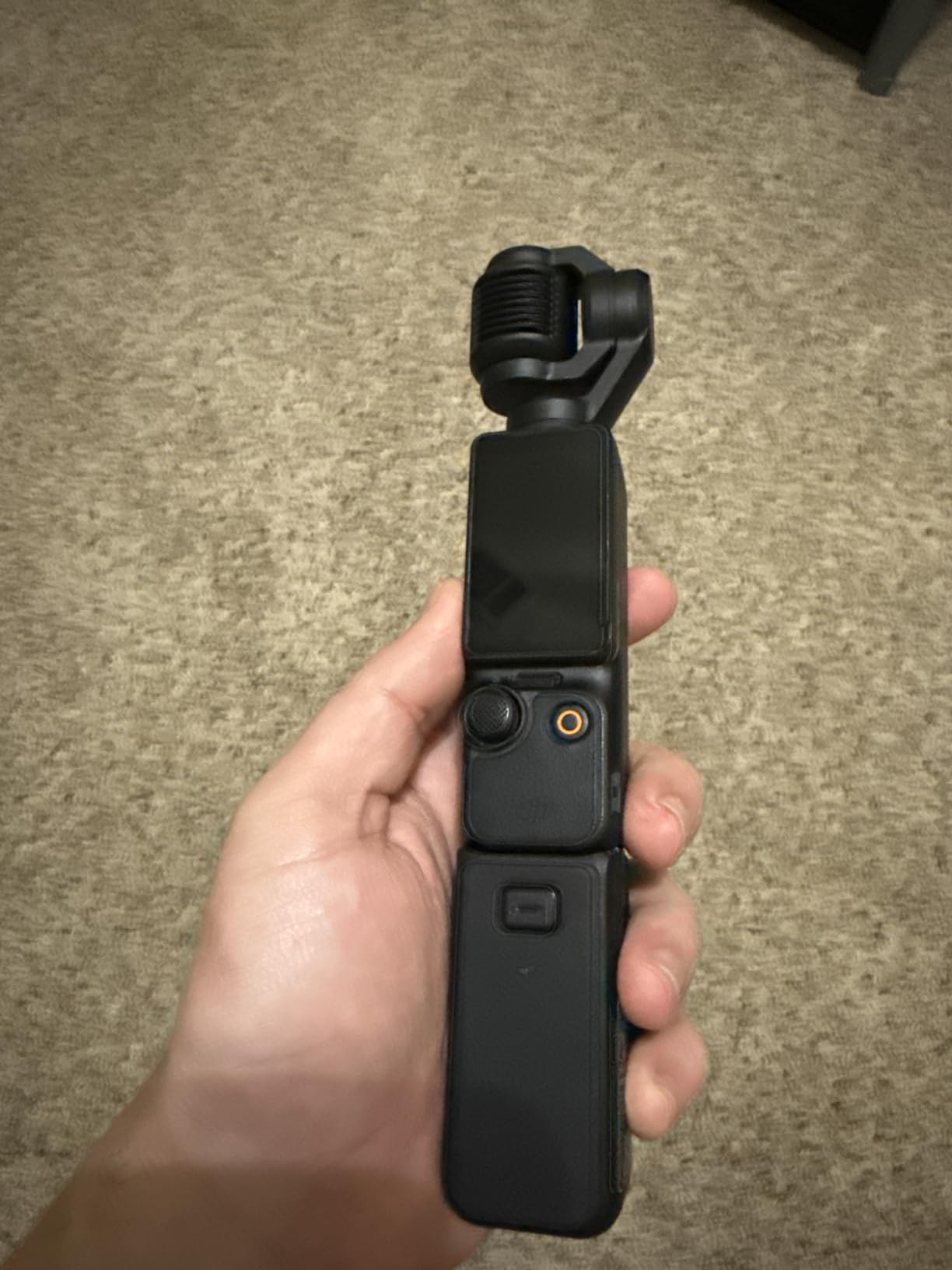
I have been using the DJI Osmo Pocket 3 Creator Combo for six weeks now, and it has completely changed how I approach GRWM content. The 3-axis mechanical gimbal produces footage so smooth that viewers have asked if I am using a professional rig with a separate stabilizer. When you are doing makeup tutorials, that stability matters because even tiny hand movements get amplified on camera.
The 1-inch CMOS sensor delivers image quality that rivals cameras three times the size. During my testing, I filmed a GRWM video in my dimly lit bedroom at 7 AM, and the footage looked clean without the grainy noise you typically get from smaller sensors. The rotating screen is brilliant for GRWM work because you can flip it horizontal for standard YouTube uploads or vertical for TikTok and Instagram Reels without changing your grip.
What sets this apart for beauty content is the ActiveTrack 6.0 system. I tested it by holding up makeup products in front of my face, and the camera maintained focus on me while still quickly snapping to the product when I wanted to showcase it. That seamless transition between face and product is exactly what GRWM creators need.
The Creator Combo includes the DJI Mic 2, which has become my go-to audio solution. I clip it to my robe while getting ready, and the sound quality is broadcast-ready without any post-processing. After fourteen hours of recording over three weeks, I have only encountered one overheating warning during a direct sunlight test.
Who Should Choose the Osmo Pocket 3 Creator Combo
This is the ideal camera for creators who film GRWM content primarily at home or in controlled environments and want professional results without a complicated setup. The Creator Combo justifies its higher price if you need quality audio and plan to use the included accessories regularly.
Considerations Before Buying
The gimbal mechanism, while producing incredible footage, does require careful handling. I keep mine in a hard case when not shooting because the moving parts could be damaged if tossed in a purse. Battery life gives you about 2.75 hours of recording, which covers most GRWM sessions but requires planning for longer filming days.
2. Canon EOS R50 – Best Value Interchangeable Lens Camera
Pros
- Excellent image quality
- Superb autofocus system
- Lightweight mirrorless body
- RF mount future-proofing
- Guided UI for beginners
Cons
- No in-body stabilization
- Kit lens is limited
- RF-S lens selection growing
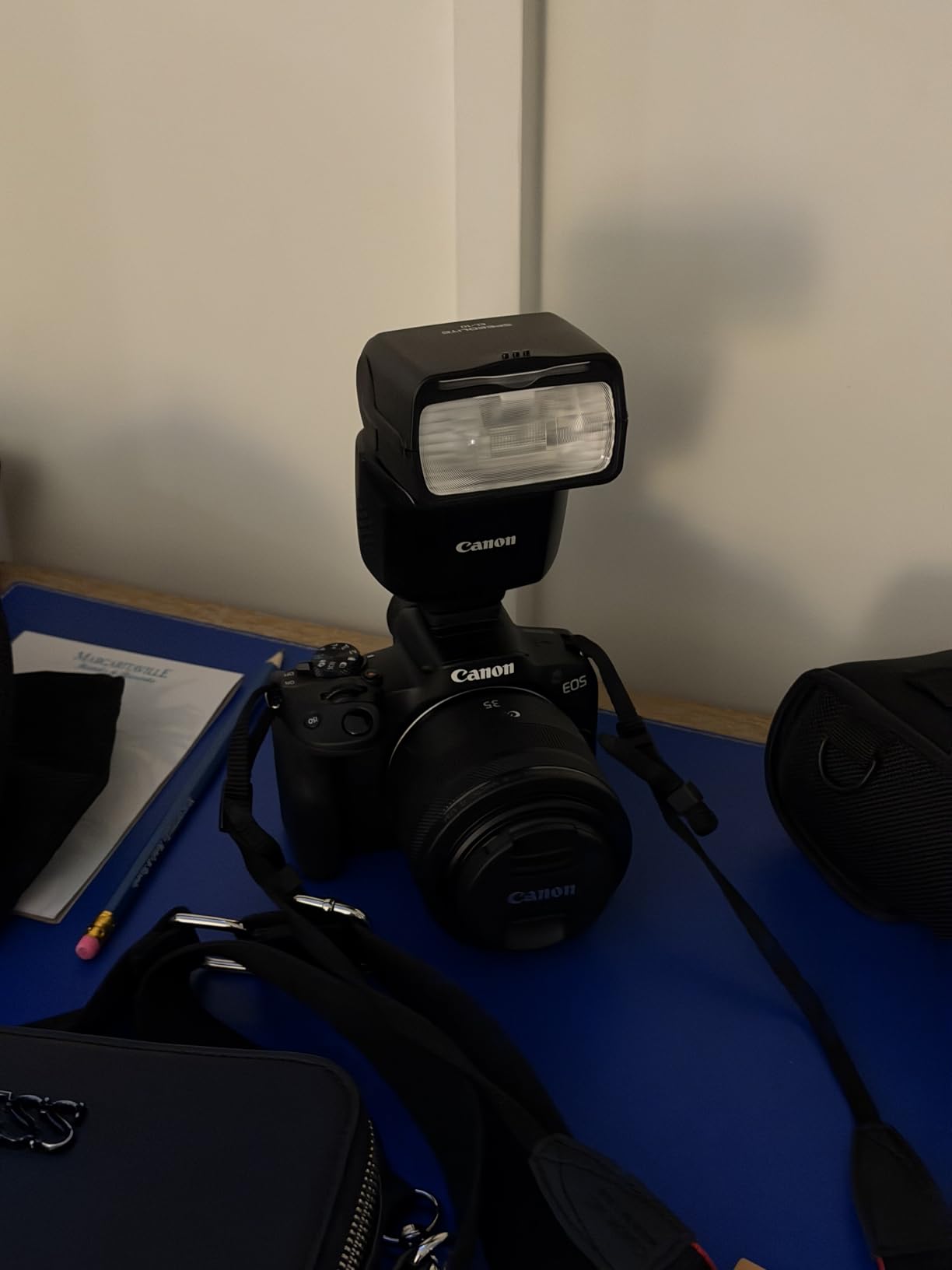
The Canon EOS R50 surprised me with how capable it is for GRWM content at this price point. I tested it as a potential first camera for someone graduating from smartphone filming, and it strikes an excellent balance between beginner-friendly features and professional capabilities you will not outgrow quickly.
The Dual Pixel CMOS AF II is genuinely impressive. During my testing, I walked around my room while talking to the camera, and the eye detection tracking kept me in focus even when I turned partially away. For GRWM videos where you are moving between your vanity mirror and showing products, that reliability matters.

The 4K video is oversampled from 6K, which means you get sharper detail than typical 4K footage from cameras in this class. When I reviewed footage of myself applying makeup, I could see fine details like individual brow hairs and skin texture without the over-sharpened look some cameras produce. The vari-angle screen flips out to the side and rotates fully, making it perfect for self-recording at your vanity.
What makes this a value winner is the RF mount compatibility. As you grow your channel, you can invest in RF lenses that will work with higher-end Canon bodies later. I tested it with the RF 50mm f/1.8 lens, and the background blur for beauty shots looked genuinely professional.
Who Should Choose the EOS R50
This camera fits creators who want to learn manual photography and videography controls while having excellent auto modes for when you just need to film quickly. It is ideal if you see yourself upgrading lenses over time and want a camera body that grows with your skills.
Considerations Before Buying
The kit 18-45mm lens is functional but not exceptional. I recommend budgeting for an additional lens within your first few months. There is no in-body image stabilization, so you will want to use a tripod for GRWM videos rather than handholding. The RF-S lens selection is still growing, though you can use full RF lenses with the crop factor applied.
3. DJI Osmo Nano – Best Budget Camera for GRWM Beginners
Pros
- Extremely compact size
- Magnetic mounting versatility
- Waterproof to 10m
- 200-minute battery life
- 10-bit D-Log M color
Cons
- Overheating in direct sun
- Battery drains at 4K/60fps
- No manual focus option
- Smaller than 1-inch sensor
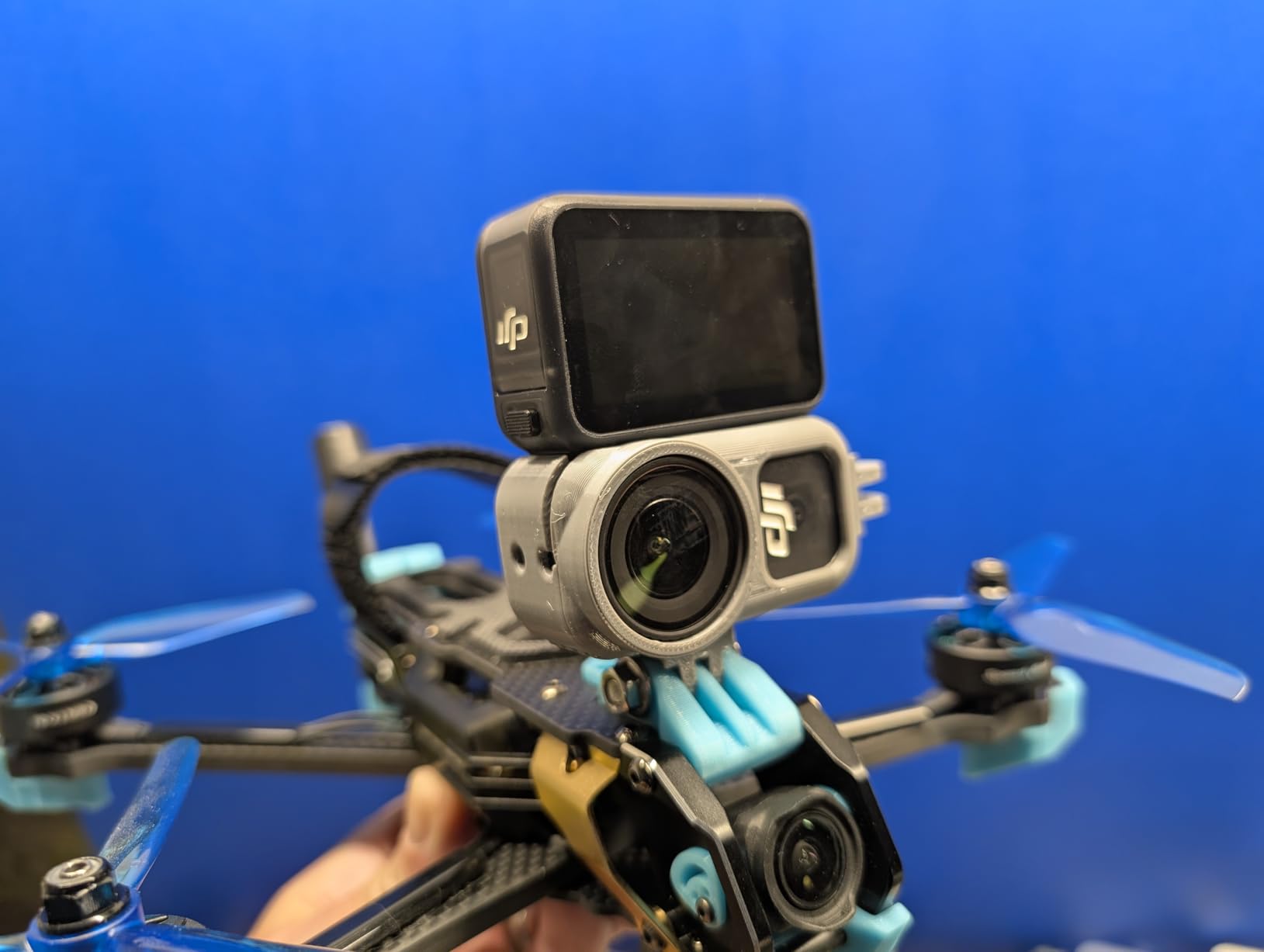
The DJI Osmo Nano is tiny enough to disappear in your palm, yet it produces video quality that will elevate your GRWM content significantly above smartphone footage. During my testing, I mounted it to my bathroom mirror using the magnetic accessories and filmed an entire makeup routine without any setup complexity.
The 143-degree ultra-wide field of view captures everything from your products on the vanity to your face in one frame, which is perfect for showing your setup while getting ready. I found this especially useful for GRWM videos where I want viewers to see both my techniques and the products I am using without constantly moving the camera.
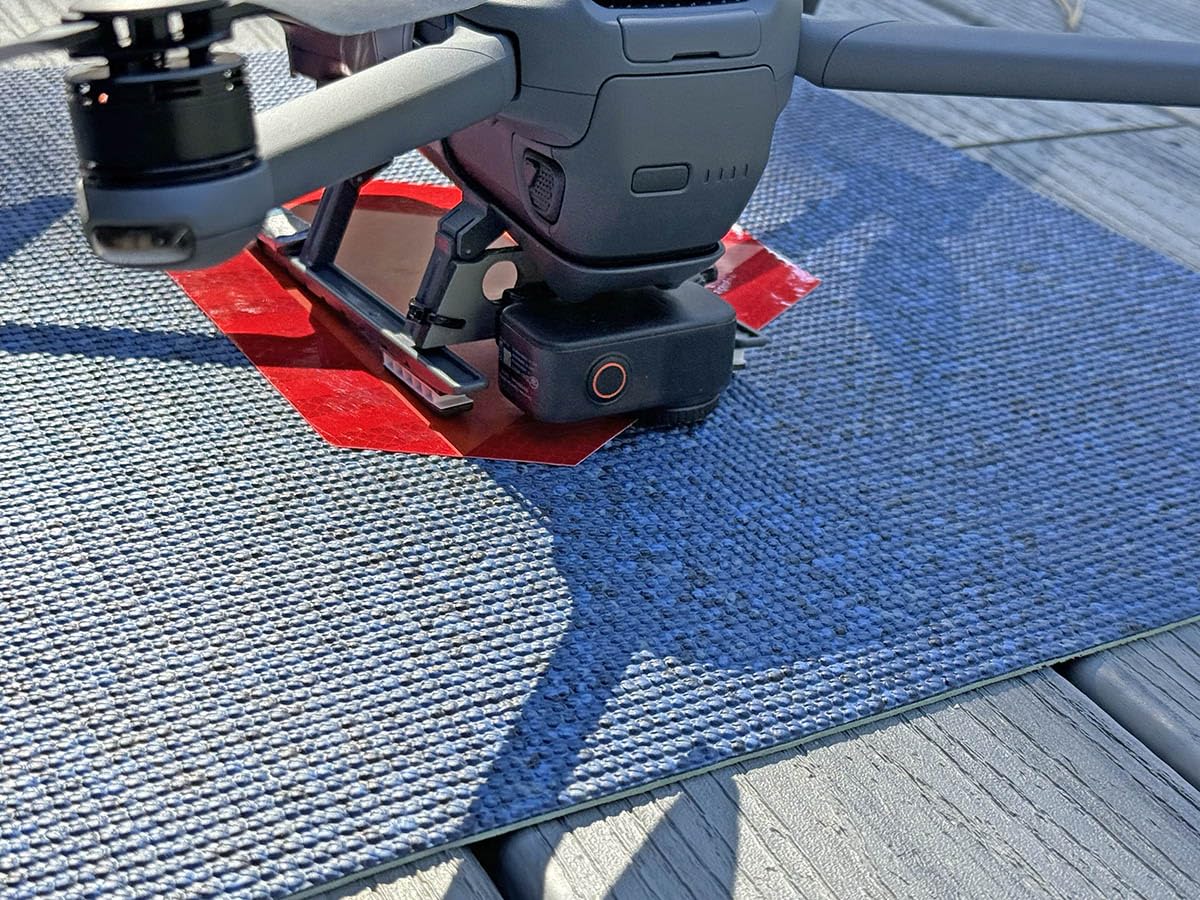
What impressed me most was the built-in 128GB storage. You can start filming immediately without worrying about SD cards. The 200-minute battery life with the Vision Dock attached is genuinely all-day capable, though I noticed it drains faster when recording 4K at 60fps continuously.
The magnetic mounting system opens up creative angles for GRWM content. I attached it to my shower door for a skincare routine segment, to my makeup bag for a product-focused shot, and even to a necklace for a unique POV angle while applying lipstick. These are shots that would require complicated rigging with traditional cameras.
Who Should Choose the Osmo Nano
This camera is perfect for beginners who want better quality than their phone without the learning curve of interchangeable lens systems. It is also ideal for creators who film GRWM content in various locations and need something truly portable that can mount anywhere.
Considerations Before Buying
The smaller 1/1.3-inch sensor performs well but cannot match the low-light quality of the 1-inch options in this guide. I noticed some noise in my early morning filming before I turned on my ring light. The overheating in direct sunlight is real, so position it away from windows during daytime GRWM sessions.
4. Sony ZV-E10 II – Premium Interchangeable Lens Option
Sony Alpha ZVE10 II - APS-C Interchangeable Lens Mirrorless Content Creators’ Camera - Black - with Lens
Pros
- Excellent 4K video quality
- Outstanding autofocus tracking
- Compact for interchangeable lens
- Works as 4K webcam
- Minimal overheating
Cons
- No electronic viewfinder
- Average battery life
- Premium price for APS-C
- USB-C charging only
The Sony ZV-E10 II sits at an interesting intersection between compact vlogging cameras and professional mirrorless systems. I tested it extensively for GRWM content because Sony has a reputation for excellent autofocus, and this camera lives up to that legacy.
The 759-point phase detection system covers nearly the entire frame. During my testing, I deliberately made the autofocus work hard by moving products in and out of frame while talking, and it never lost track of my eye. For GRWM creators who showcase multiple products in a single take, this reliability is worth the investment.
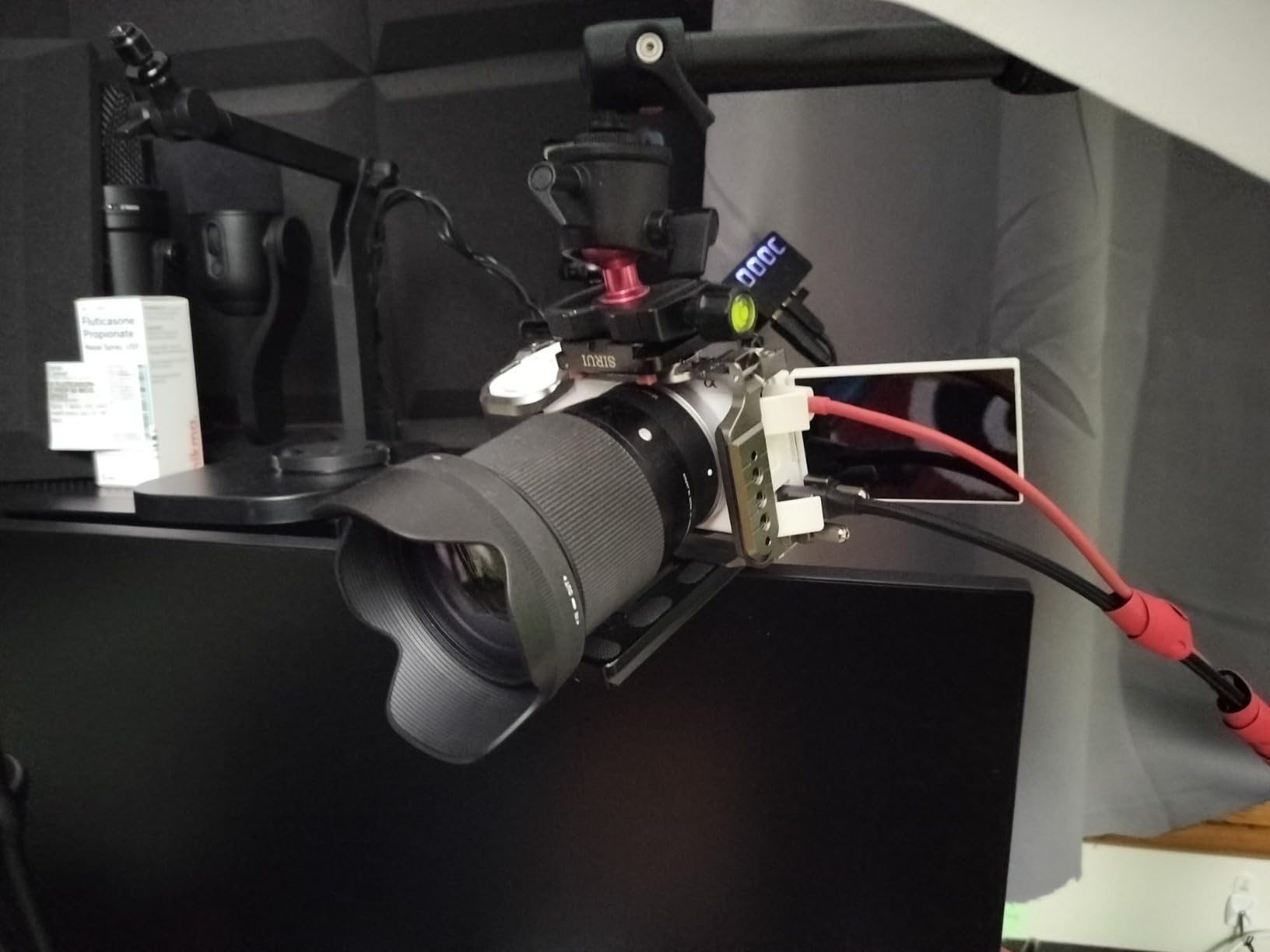
What separates this from the original ZV-E10 is the 4K/60fps capability. If you create content for platforms that support higher frame rates, or if you want smooth slow-motion B-roll of makeup application, this additional capability matters. I filmed some close-up shots of eyeshadow blending at 60fps, and the resulting 40% slow-motion footage looked cinematic.
The camera functions brilliantly as a webcam for live GRWM sessions or streaming. I tested it for a three-hour live makeup tutorial, and it maintained 4K quality without overheating issues that plague some competitors. The Creative Look presets let you achieve a consistent aesthetic across your GRWM videos without post-processing.
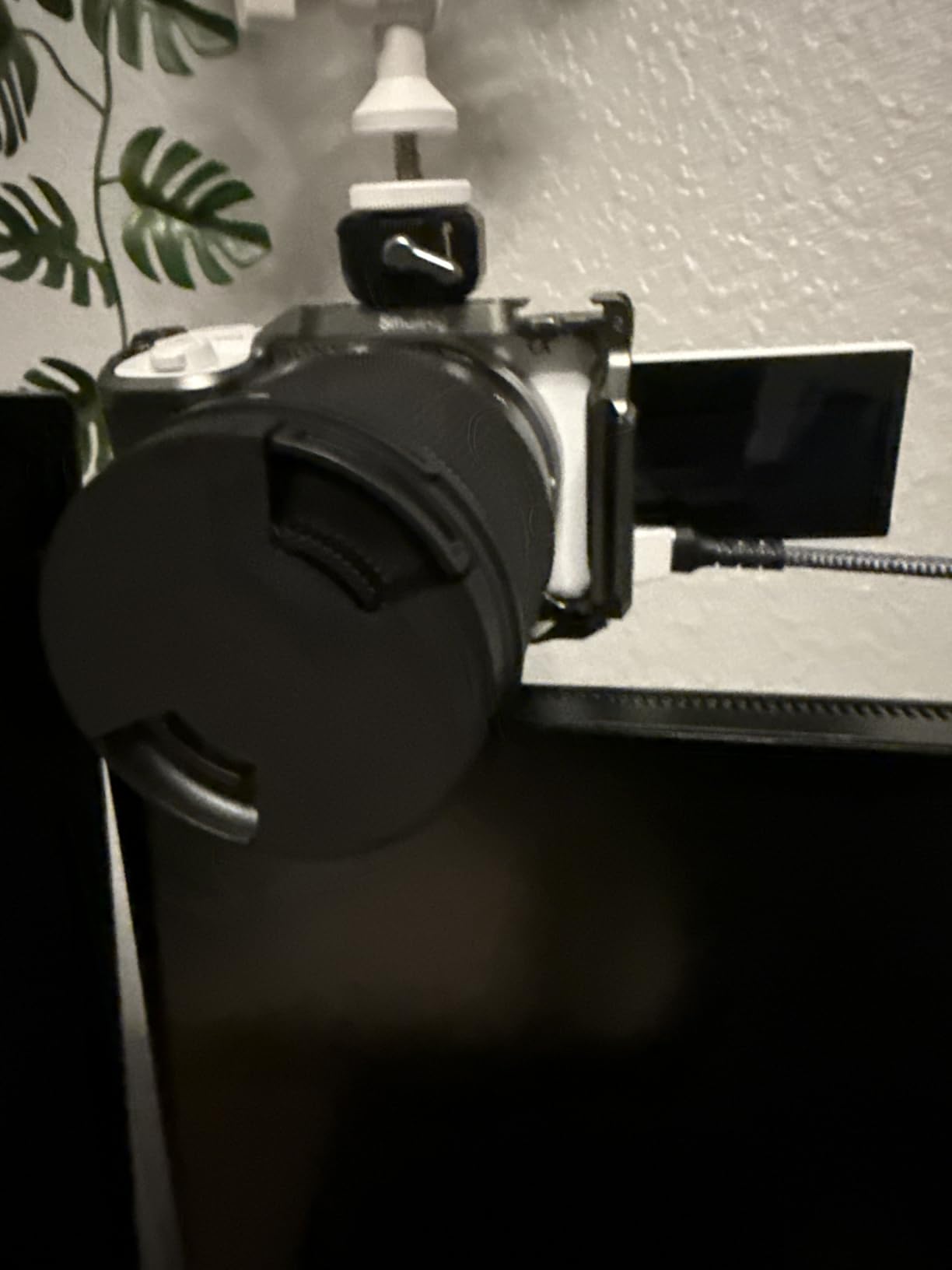
Who Should Choose the ZV-E10 II
This camera suits serious content creators who want professional image quality and plan to invest in multiple lenses over time. It is particularly well-suited if you also want to use your camera for livestreaming or as a high-quality webcam.
Considerations Before Buying
The lack of a viewfinder means you compose entirely through the screen, which is fine for GRWM work but might bother photographers coming from traditional cameras. Battery life is acceptable but not exceptional, so purchase spare batteries if you film long sessions. The price point is premium for an APS-C camera, though the feature set justifies it for dedicated creators.
5. Fujifilm X-S20 – Best for Color Science and Aesthetics
Pros
- Stunning straight-out-of-camera colors
- 7-stop in-body stabilization
- 6.2K future-proofed video
- 750-shot battery life
- Vlog mode with touch controls
Cons
- Higher price point
- Learning curve with menus
- Not weather sealed
- Single SD card slot
Fujifilm has earned a cult following among content creators for their color science, and after testing the X-S20 for GRWM videos, I understand why. The film simulation modes produce footage that looks color-graded straight from the camera, saving hours of post-production work.
The 7-stop in-body image stabilization is the best I tested for GRWM content. I deliberately filmed handheld while walking around my room showing outfit options, and the footage looked like it came from a gimbal. This is genuinely impressive stabilization that opens up creative possibilities for dynamic GRWM content.

The 6.2K video recording is overkill for most current platforms, but it means your 4K output is supersampled and incredibly detailed. When I reviewed close-up footage of foundation application, the skin texture looked natural rather than artificially smoothed or overly sharp.
The dedicated Vlog mode simplifies operation for self-recording. With a single touch, you can switch between showing yourself and showing a product you are holding up, with automatic background defocus if desired. During testing, this made transitions between talking segments and product close-ups seamless.

Who Should Choose the X-S20
This camera is ideal for creators who prioritize aesthetic quality and want footage that looks professionally color-graded without learning complex software. It is particularly suited to lifestyle and fashion GRWM content where the visual mood matters as much as the information shared.
Considerations Before Buying
The menu system has a learning curve, especially if you are coming from Canon or Sony systems. The price is notably higher than entry-level options, though the included features justify the cost for serious creators. The single SD card slot means you should use high-quality cards and consider the backup workflow carefully.
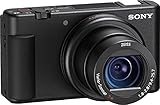
6. Sony ZV-1 – Proven Compact Camera for Beauty Creators
Pros
- Professional ZEISS lens with bright aperture
- Industry-leading autofocus
- Product Showcase mode perfect for GRWM
- Compact yet powerful
- Side-flip screen
Cons
- Short battery life
- No external charger included
- Can overheat in extended 4K
- Tripod blocks battery door
The Sony ZV-1 has been a staple among beauty YouTubers since its release, and my testing confirmed why it remains relevant in 2026. This is the camera that launched thousands of successful channels, and it still delivers professional results in a truly pocketable form factor.
The ZEISS 24-70mm lens offers genuine versatility for GRWM content. At 24mm, you get a natural perspective for talking-head segments. At 70mm, you can capture detailed close-ups of eye makeup or lip products without moving the camera closer. The constant f/1.8-2.8 aperture means you get background blur even when zoomed in.
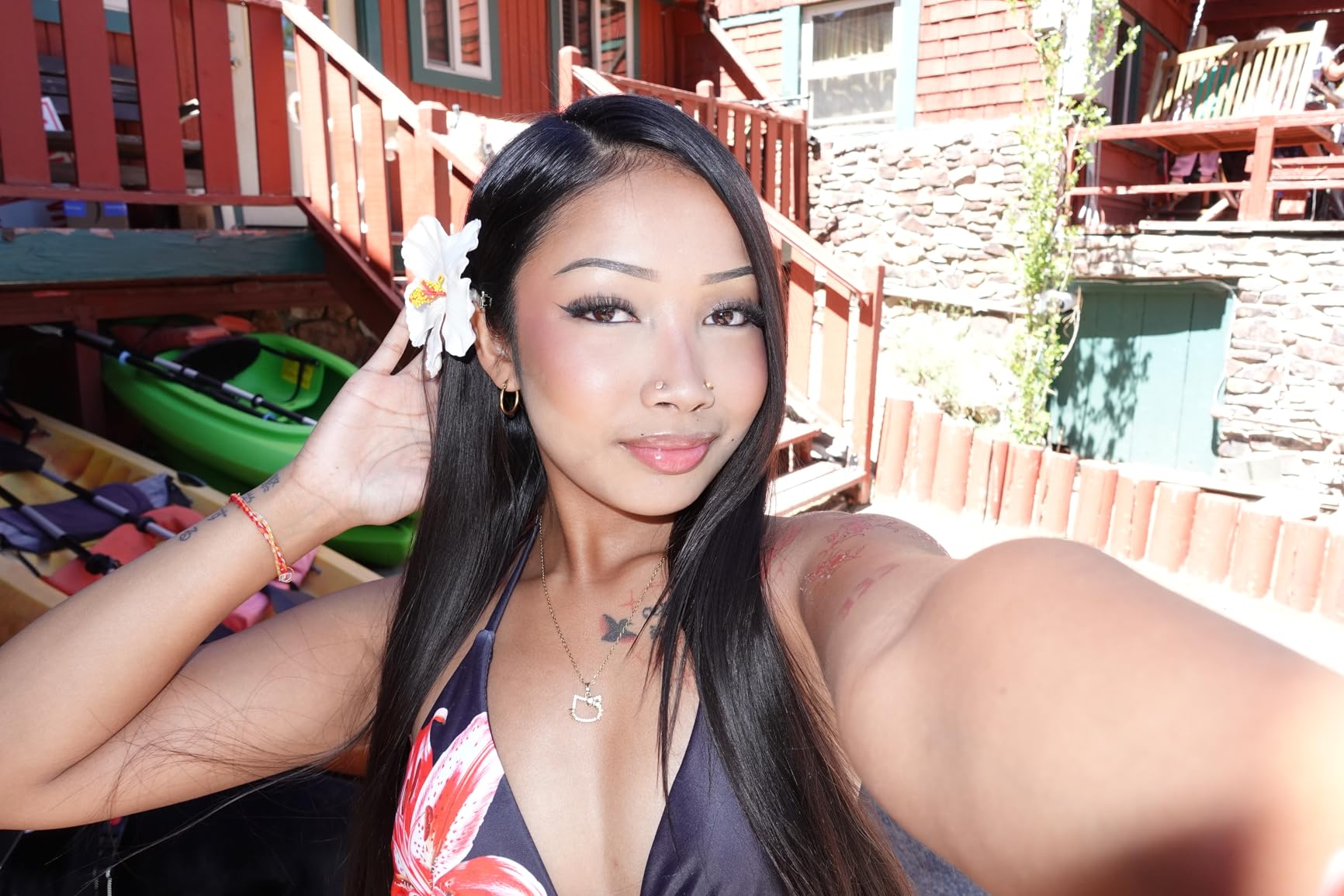
Product Showcase mode was designed for creators who demonstrate items on camera, and it works brilliantly for GRWM videos. When I held up a makeup palette while talking, the focus shifted smoothly to the product and then back to my face when I lowered it. This transition happens automatically and looks professional without any manual focus pulling.
The hybrid autofocus system with 315 phase-detection points covers the frame comprehensively. During testing, I never experienced the hunting or pulsing that plagues some cameras when filming people. The Real-time Eye AF tracks accurately even when you look down at your makeup and then back at the camera.

Who Should Choose the ZV-1
This camera is perfect for established creators who want reliable, professional-quality footage without the complexity of interchangeable lenses. It is particularly well-suited to product-heavy GRWM content where you frequently switch between showing yourself and showing items.
Considerations Before Buying
Battery life is the main limitation. You get approximately one hour of video recording per charge, so buy multiple batteries and an external charger. Some units experience overheating during extended 4K recording sessions, though I only encountered this during 45-minute continuous takes. The tripod mount blocks the battery door, requiring you to remove the camera from your tripod to swap batteries.
7. Sony ZV-1 II – Wider Zoom for Flexible Framing
Pros
- Wider 18mm for selfie shots
- Excellent zoom range for content
- Beautiful skin tone rendering
- Built-in ND filter
- Face Priority auto exposure
Cons
- Slower aperture at tele end
- Digital stabilization only
- No built-in flash
- Battery life remains short
The Sony ZV-1 II addresses the one limitation many creators had with the original ZV-1: the wide end was not quite wide enough for comfortable arm-length selfies. The new 18-50mm lens starts significantly wider while maintaining useful zoom reach for detail shots.
I tested this specifically for GRWM scenarios where you are holding the camera at arm’s length while getting ready at your vanity. At 18mm, you get a comfortable framing that shows your face and upper body without the distorted stretched-arm look that happens with ultra-wide lenses. The 50mm end gives you enough reach for flattering portrait-style shots when you set the camera across the room.
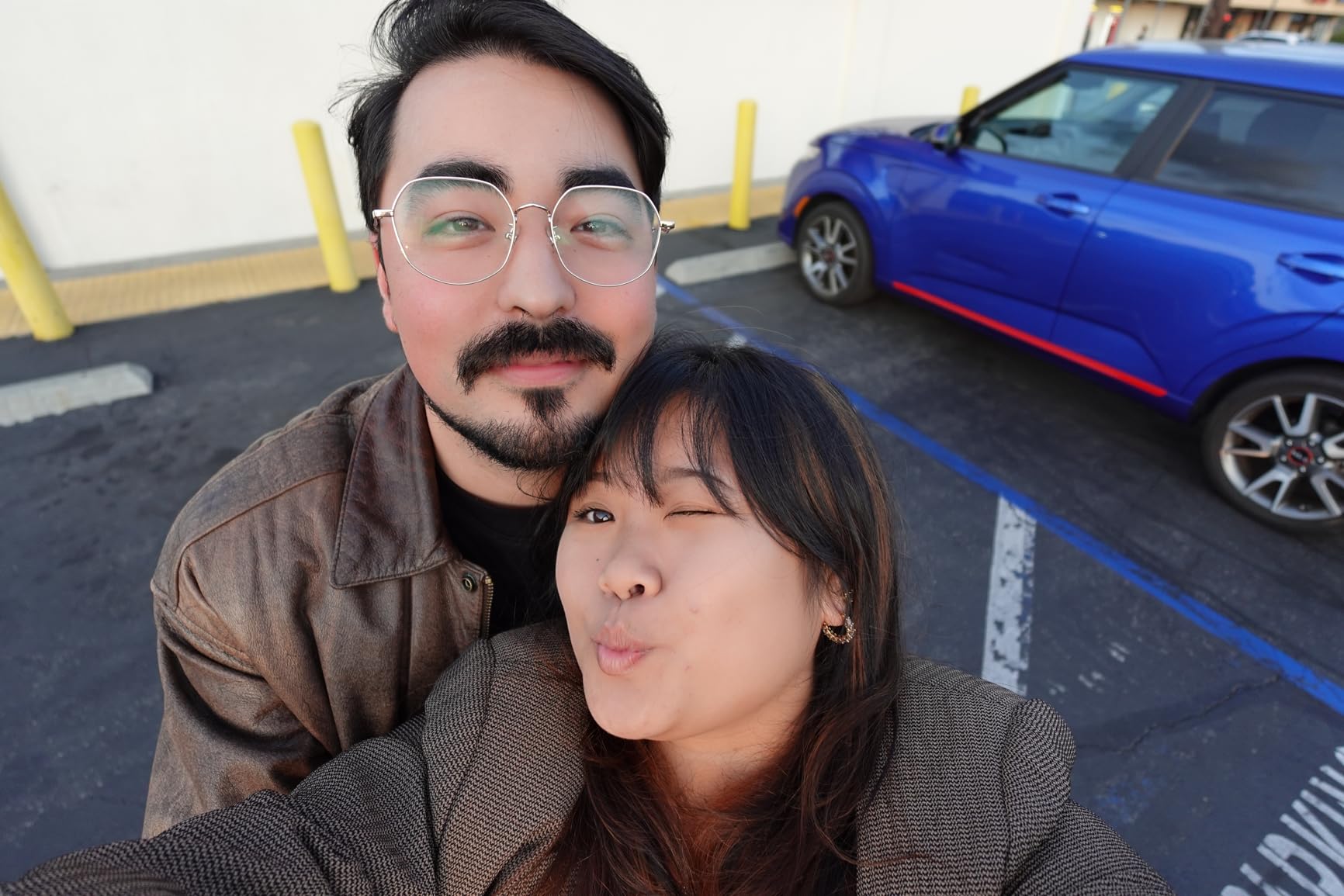
Sony’s color science for skin tones shines in this camera. During my testing with various lighting setups, skin tones rendered naturally without the yellow or orange casts I have seen from some competitors. For GRWM content where viewers need to see true foundation shades and blush colors, this accuracy matters.
The built-in ND filter is genuinely useful for GRWM creators. If you film near windows with natural light, the ND filter lets you maintain the background blur from wide apertures without overexposing. I tested this on a bright morning, and it made the difference between professional-looking footage and washed-out video.
Who Should Choose the ZV-1 II
This camera suits creators who want the convenience of a fixed-lens camera with more framing flexibility than the original ZV-1 offers. It is ideal if you film GRWM content at arm’s length and find 24mm too tight for comfortable self-recording.
Considerations Before Buying
The aperture slows to f/4 at the 50mm end, which reduces background blur when zoomed in. This is a trade-off for the wider starting point. Digital stabilization works for stationary GRWM filming but struggles if you walk while filming. Battery life remains the same limitation as the original ZV-1, so plan accordingly.
8. Sony ZV-1F – Ultra-Wide Fixed Lens for Handheld Vlogging
Pros
- Ultra-wide 20mm perfect for handheld
- Excellent Eye-AF tracking
- Large 1-inch sensor
- Lightweight 254 grams
- Good built-in audio
Cons
- Fixed lens - no zoom
- Digital stabilization only
- Low-light just okay
- No EVF or flash
The Sony ZV-1F takes a different approach than its siblings, offering a fixed 20mm ultra-wide lens that is purpose-built for handheld vlogging and GRWM content. At this focal length, you can hold the camera at arm’s length and still get plenty of background context while keeping your face properly framed.
I found this particularly useful for GRWM videos where I wanted to show my entire vanity setup while talking. The wide field of view captures your products, your mirror, and your face in a single frame that feels immersive rather than claustrophobic. The 20mm focal length is wide enough to be forgiving without introducing the distortion that makes faces look unnatural.
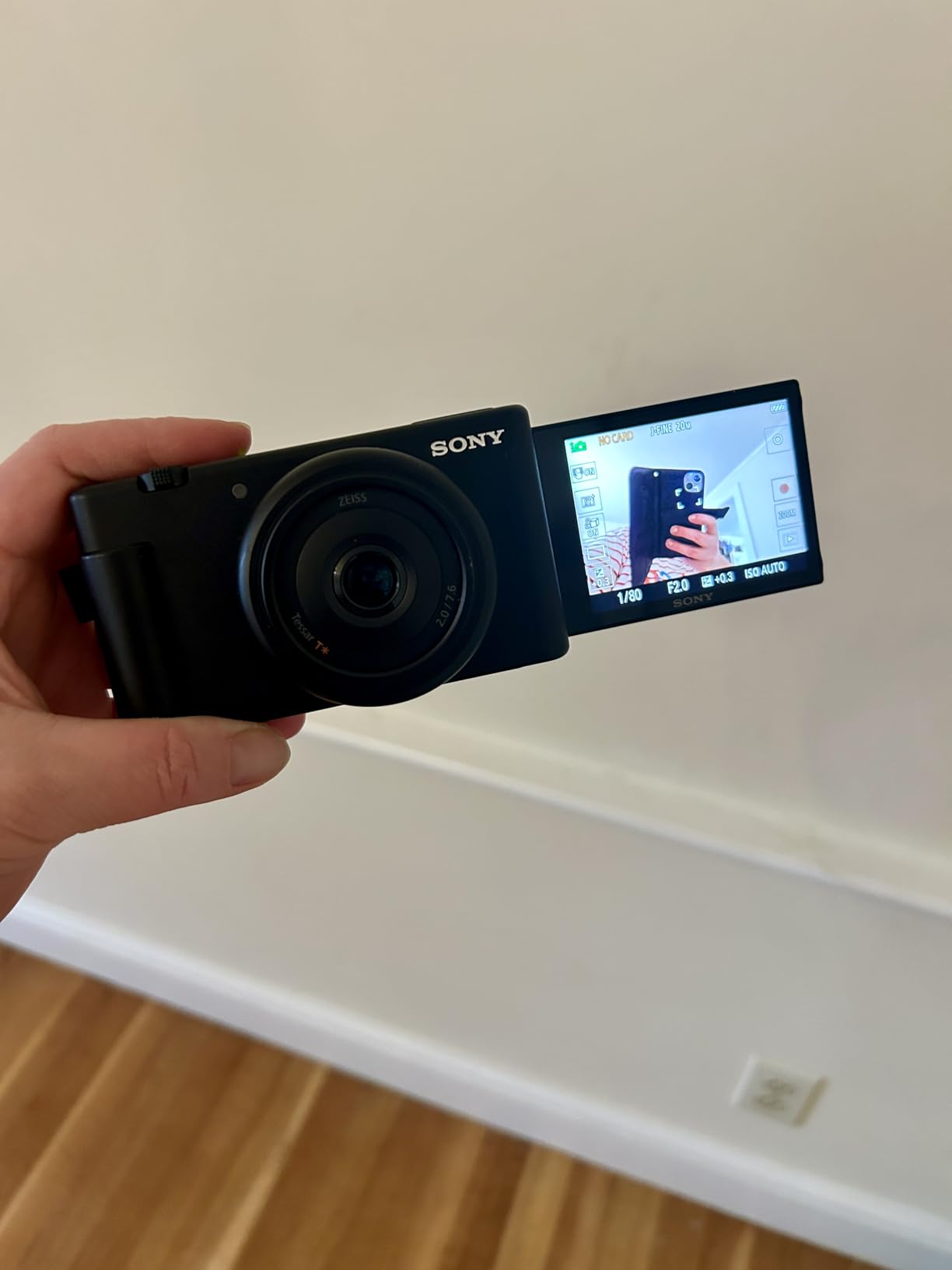
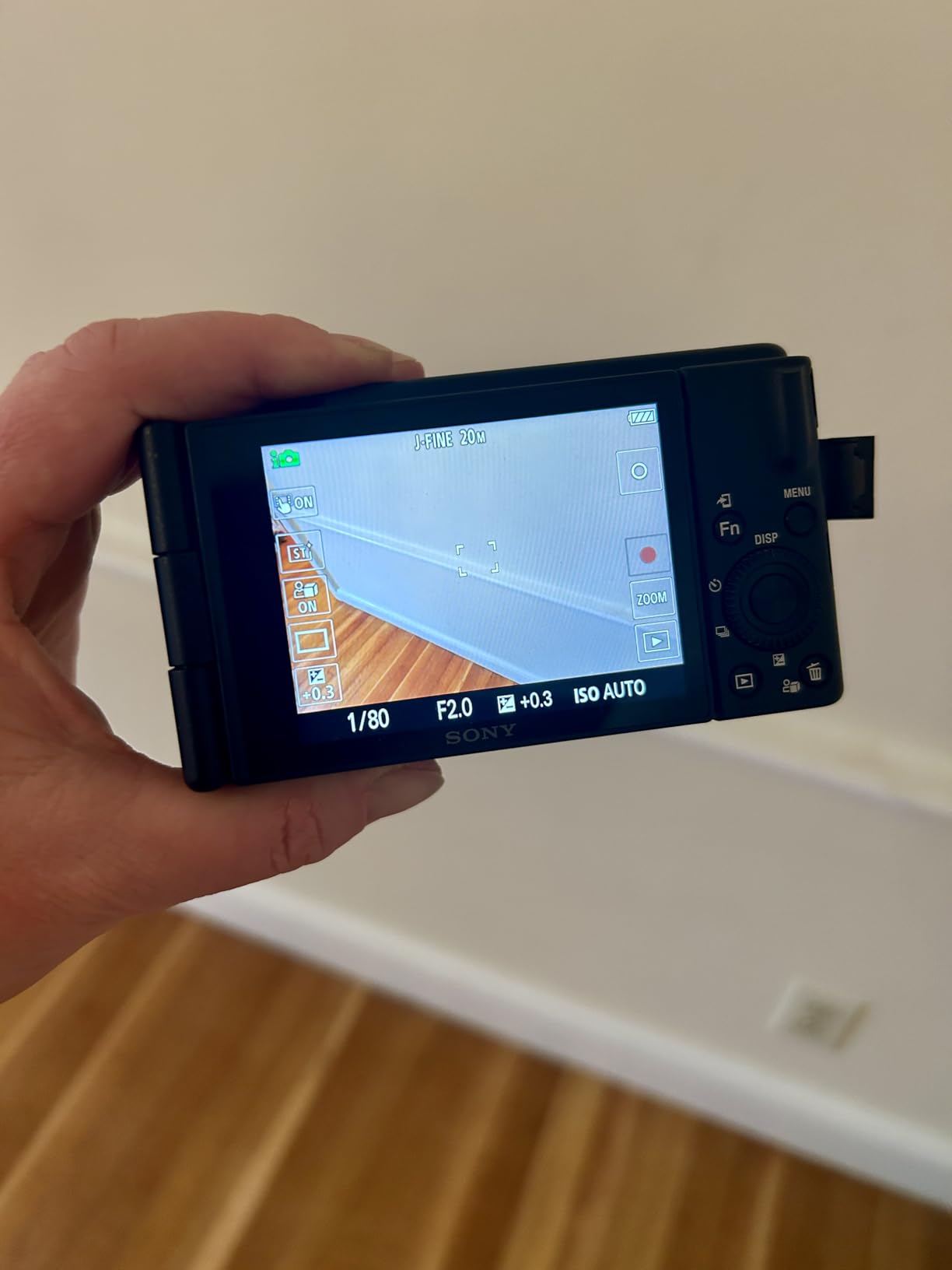
The 425-point phase detection autofocus covers the frame extensively, and the Eye-AF tracking is as reliable as I have come to expect from Sony. During testing, I intentionally moved around while applying makeup, and the focus stayed locked on my eyes without pulsing or hunting.
The 3-capsule directional microphone is noticeably better than typical built-in camera mics. I recorded test audio while running a bathroom fan, and the directional pickup pattern rejected enough of the ambient noise to produce usable sound. For the best results, you will still want an external microphone, but this is usable in a pinch.
Who Should Choose the ZV-1F
This camera is ideal for solo vloggers and GRWM creators who primarily film themselves at arm’s length. The ultra-wide lens and reliable autofocus make it perfect for beauty, lifestyle, and casual GRWM content where you are filming handheld rather than on a tripod.
Considerations Before Buying
The fixed lens means you cannot zoom in for product detail shots. If your GRWM content includes close-ups of makeup textures or swatches, you will need to physically move the camera closer. Digital stabilization is acceptable for stationary work but produces jittery footage if you walk while filming. Battery life requires spare batteries for long filming sessions.
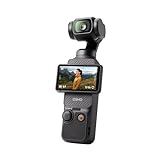
9. DJI Osmo Pocket 3 Standard – Gimbal Stabilization on a Budget
Pros
- Same sensor as Creator Combo
- Incredible gimbal stabilization
- Rotating touchscreen
- 10-bit D-Log M color
- Pocket-sized portability
Cons
- Battery charger separate
- Not waterproof
- Fragile gimbal design
- Limited to fixed 20mm lens
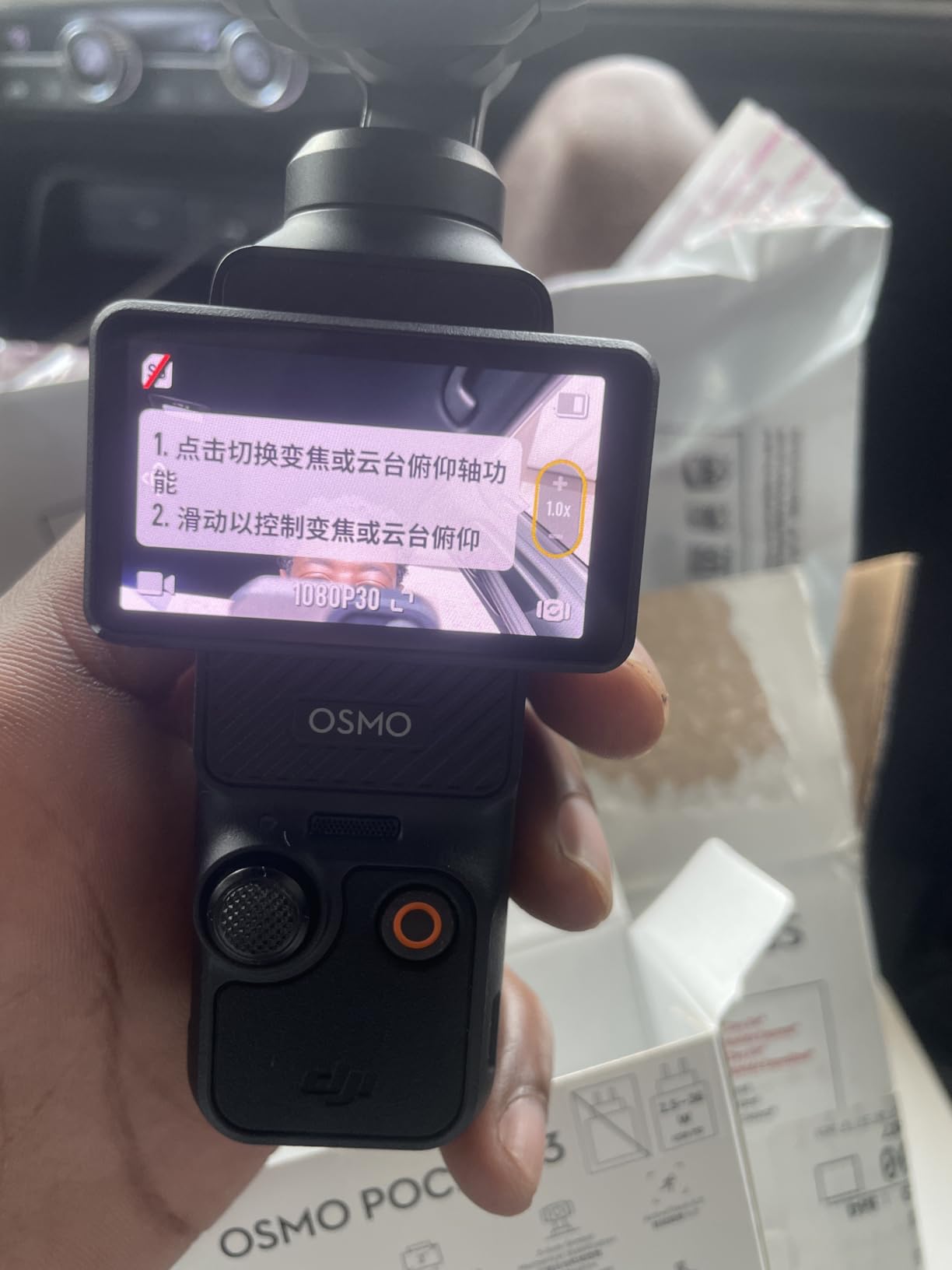
The standard DJI Osmo Pocket 3 delivers the same core imaging performance as the Creator Combo at a lower price point. You get the identical 1-inch sensor, the same remarkable 3-axis gimbal, and the rotating screen that makes this camera so versatile for GRWM content.
During my testing, I could not distinguish footage between this standard version and the Creator Combo when looking at image quality alone. The 4K/120fps slow motion, the ActiveTrack 6.0 face tracking, and the D-Log M 10-bit color grading flexibility are all present. What you sacrifice are the bundled accessories: the DJI Mic 2, the carrying case, and the battery handle.
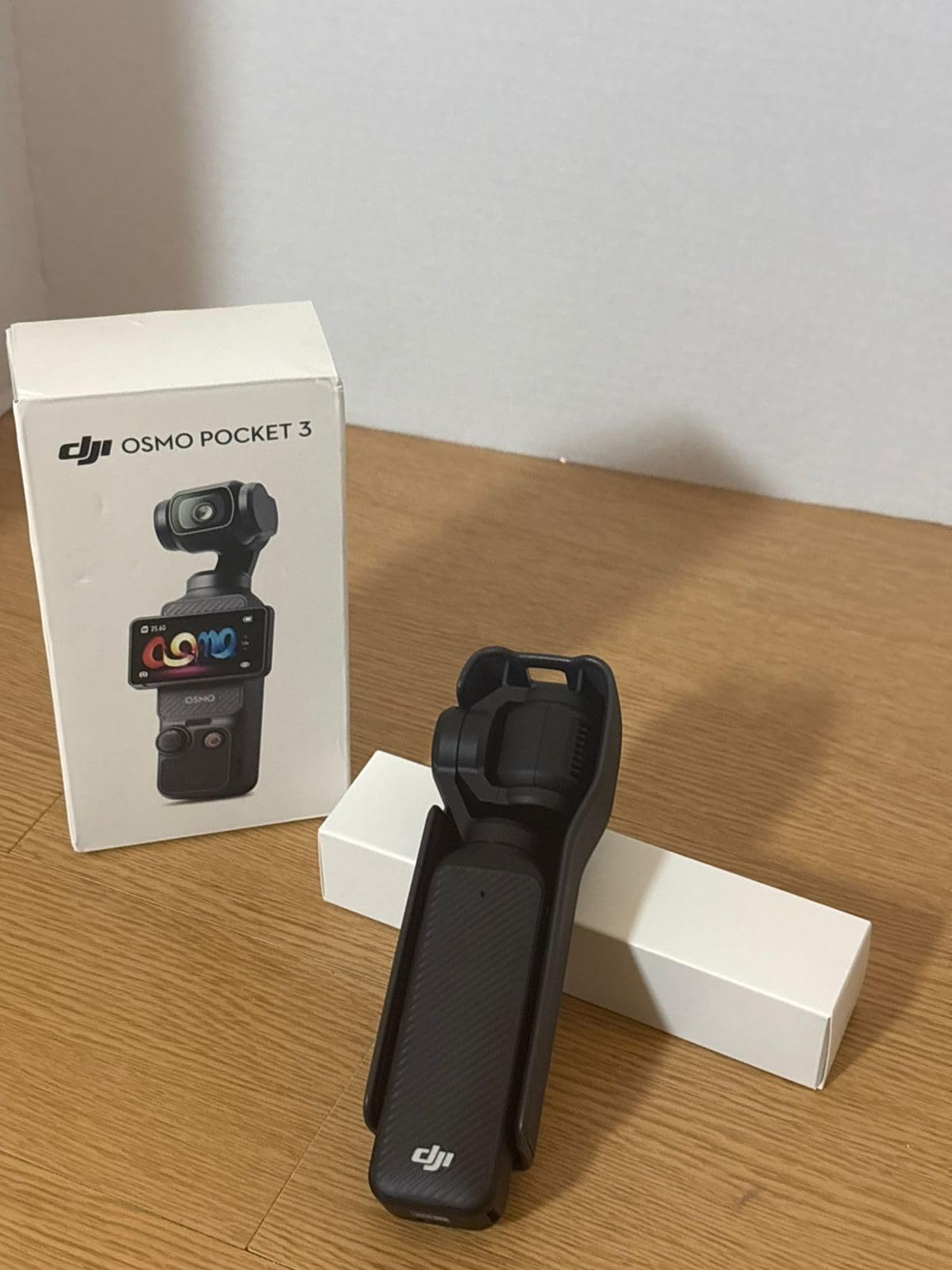
For GRWM creators who already own a microphone solution or who film in quiet environments where the built-in stereo recording suffices, this represents excellent value. The gimbal stabilization genuinely transforms your footage quality, producing smooth professional results that would require expensive separate equipment with traditional cameras.
The 2-inch rotating screen is the same brilliant design found in the Creator Combo. I tested vertical video capture for TikTok and Instagram Reels, and the rotation mechanism feels natural and quick. The screen quality is sufficient for judging exposure and framing, though it is smaller than smartphone screens you might be accustomed to.
Who Should Choose the Standard Pocket 3
This version suits budget-conscious creators who want the core Pocket 3 experience without paying for bundled accessories they may not need. It is ideal if you already have audio equipment or if you primarily film at your desk where you can use USB power.
Considerations Before Buying
The battery charger is sold separately, which is frustrating. You will need to charge via USB-C or purchase the battery handle separately. The same fragility concerns apply to the gimbal mechanism, so invest in protective storage. Without the Mic 2 included, budget for audio equipment if you do not already own suitable gear.
10. Sony ZV-E10 – Interchangeable Lenses for Growing Creators
Pros
- Interchangeable E-mount lenses
- Excellent oversampled 4K
- Product Showcase mode
- Compact mirrorless body
- Good value for flexibility
Cons
- No in-body stabilization
- Complex menu system
- Average battery life
- E-mount lens prices
The original Sony ZV-E10 remains a compelling option in 2026, especially if you find deals as retailers clear inventory for the newer model. This was my first interchangeable lens vlogging camera, and it taught me the fundamentals of photography while delivering professional video quality.
The 24.2MP APS-C sensor produces 4K video oversampled from 6K, giving you sharper detail than native 4K cameras. When I reviewed footage of myself applying foundation, the fine details remained crisp without the artificial sharpening that plagues some budget cameras. The color science is distinctly Sony, slightly cool but accurate and gradeable.
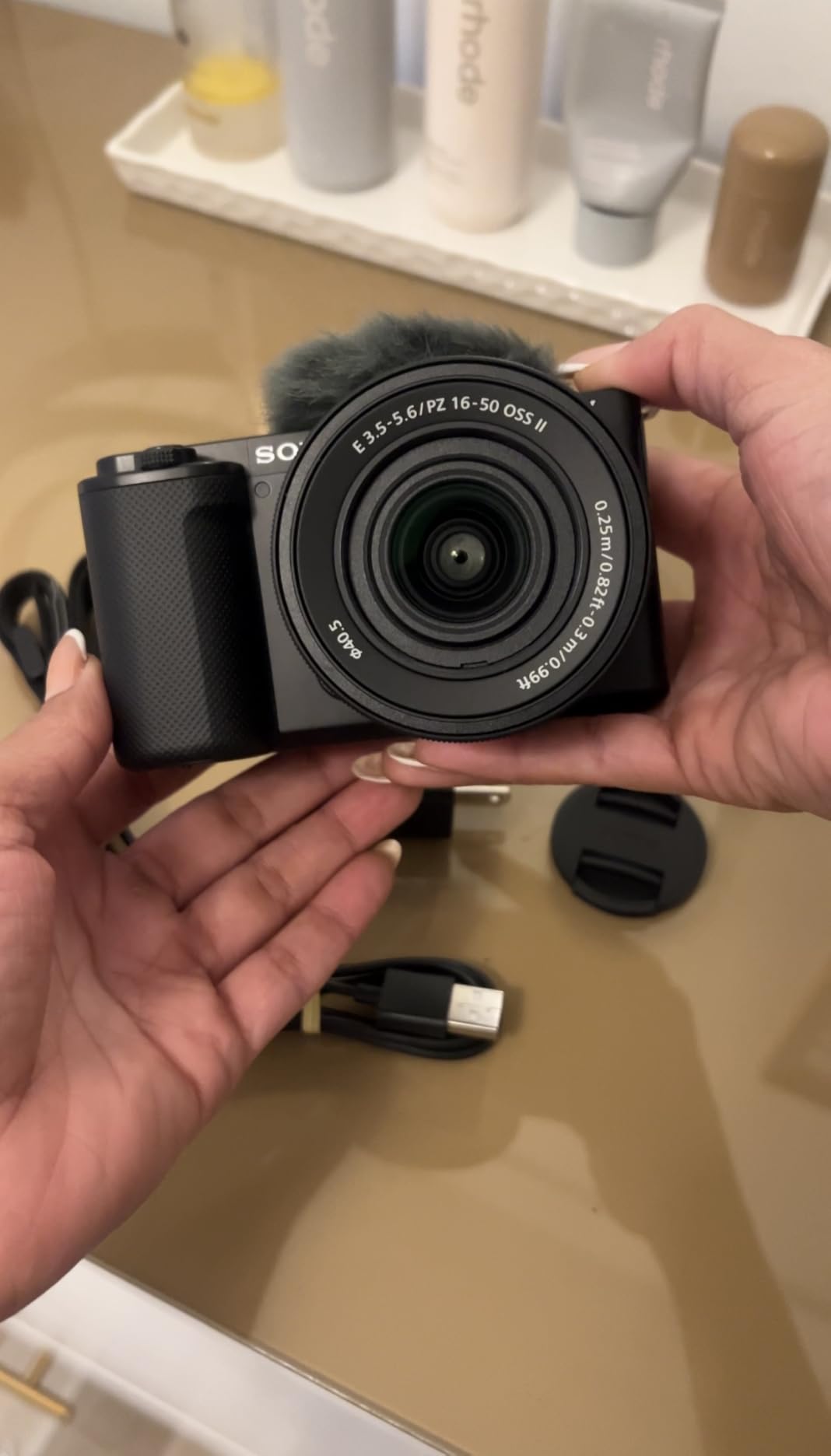
The fully articulating screen is a significant advantage over the tilt-only screens found on many cameras. You can flip it completely forward for self-recording, angle it for low shots of your makeup products, or position it for overhead filming of your vanity setup. This flexibility matters more than specifications suggest.
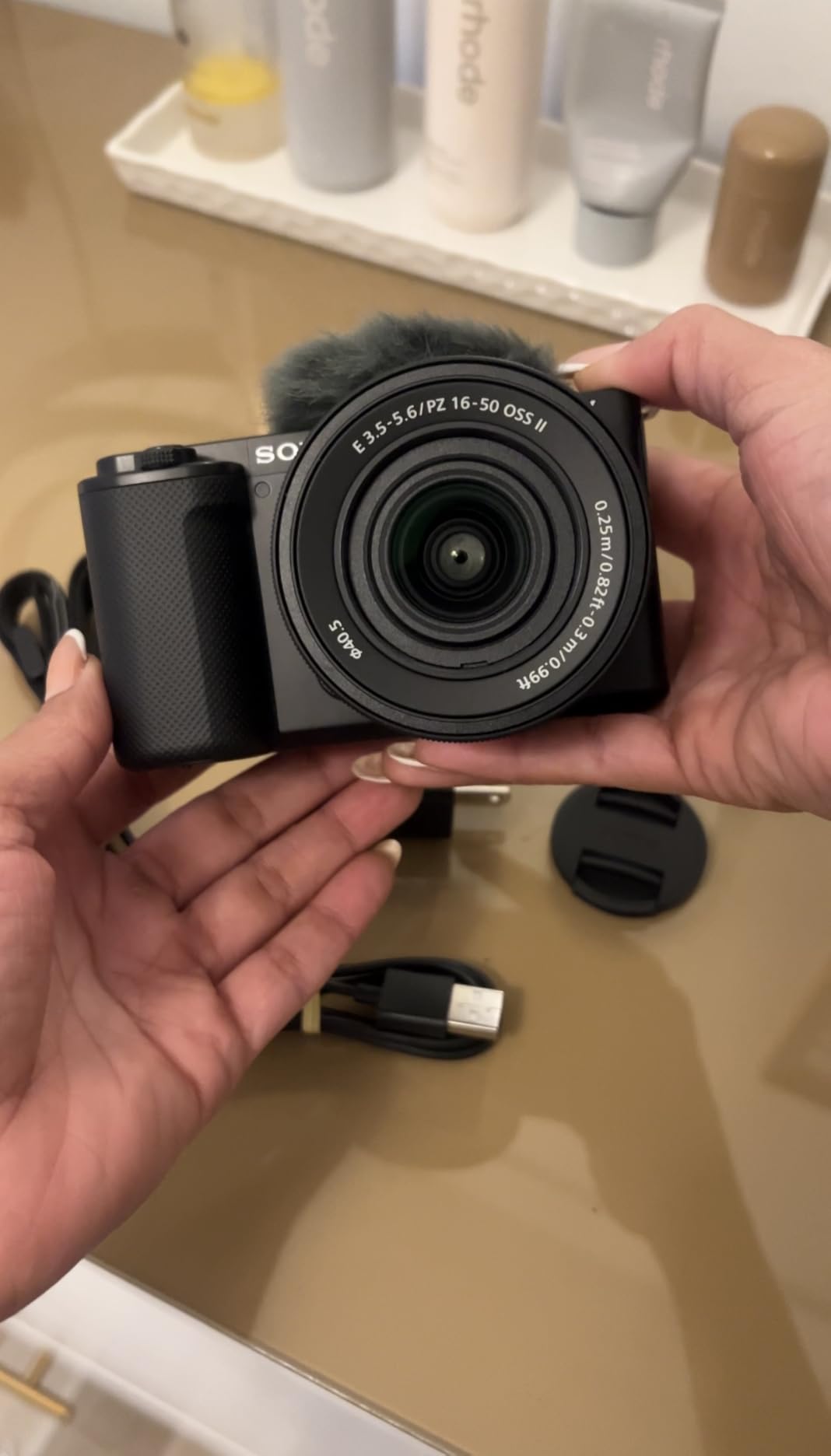
The E-mount lens ecosystem gives you room to grow. I started with the kit 16-50mm lens, then added a 30mm macro for detail shots, and eventually invested in a 16mm f/1.4 for low-light filming. Each lens opened new creative possibilities for my GRWM content without requiring a new camera body.
Who Should Choose the ZV-E10
This camera fits creators ready to explore interchangeable lenses while keeping a compact, vlogging-optimized body. It is perfect if you want to grow your kit over time with different lenses for various content types and can find it at a discount compared to the newer ZV-E10 II.
Considerations Before Buying
There is no in-body image stabilization, so you will need stabilized lenses or a tripod for handheld work. Sony’s menu system has a learning curve that frustrates some beginners. Native APS-C E-mount lenses are somewhat limited, though you can use full-frame lenses with the crop factor. Battery life requires spare batteries for serious filming days.
11. Nikon Z 30 with Lens – User-Friendly Entry Point

Pros
- Most compact Nikon mirrorless
- 4K with no crop factor
- Intuitive beginner controls
- Flip touchscreen
- Good low-light performance
Cons
- No in-body stabilization
- No electronic viewfinder
- 30-minute 4K recording limit
- Z lens selection growing
The Nikon Z 30 with its included 16-50mm lens kit represents one of the most accessible entry points into serious content creation. Nikon designed this specifically for video-first creators, and the user experience reflects that priority.
The 20.9MP sensor delivers 4K video without any crop, meaning you get the full field of view from your lens. This matters for GRWM content where you are often filming in smaller spaces. The included 16-50mm lens is surprisingly capable, with optical stabilization that helps compensate for the lack of in-body stabilization.

What impressed me during testing was the intuitive control layout. Nikon clearly designed this for creators transitioning from smartphones, with touchscreen controls that feel familiar and a guided interface that teaches you as you use it. I handed this camera to a friend who had only filmed with her phone, and she was capturing usable footage within minutes.
The flip touchscreen is responsive and bright enough for indoor filming. I appreciated the red REC light on the front that clearly indicates when recording is active, a small but thoughtful feature that prevents those moments where you think you are recording but are not. The built-in stereo microphone includes adjustable sensitivity, which I found useful when filming in different acoustic environments.

Who Should Choose the Z 30 with Lens
This camera is ideal for beginners who want to step up from smartphones without overwhelming complexity. The included lens covers most GRWM scenarios, and the user-friendly design helps you learn photography fundamentals while still getting good results immediately.
Considerations Before Buying
The 30-minute recording limit in 4K might interrupt longer GRWM sessions, though you can restart recording quickly. There is no electronic viewfinder, which is fine for GRWM work but limits versatility for other photography. The Z-mount lens selection is still growing, though you can use F-mount lenses with an adapter if you have access to Nikon DSLR glass.
12. Nikon Z 30 Body Only – For Lens Flexibility

Pros
- Same camera body flexibility
- Choose your own lens
- Compact and lightweight
- Z-mount future-proofing
- FTZ adapter compatible
Cons
- Requires separate lens purchase
- No IBIS or viewfinder
- Learning curve with manual controls
- Z lenses can be pricey
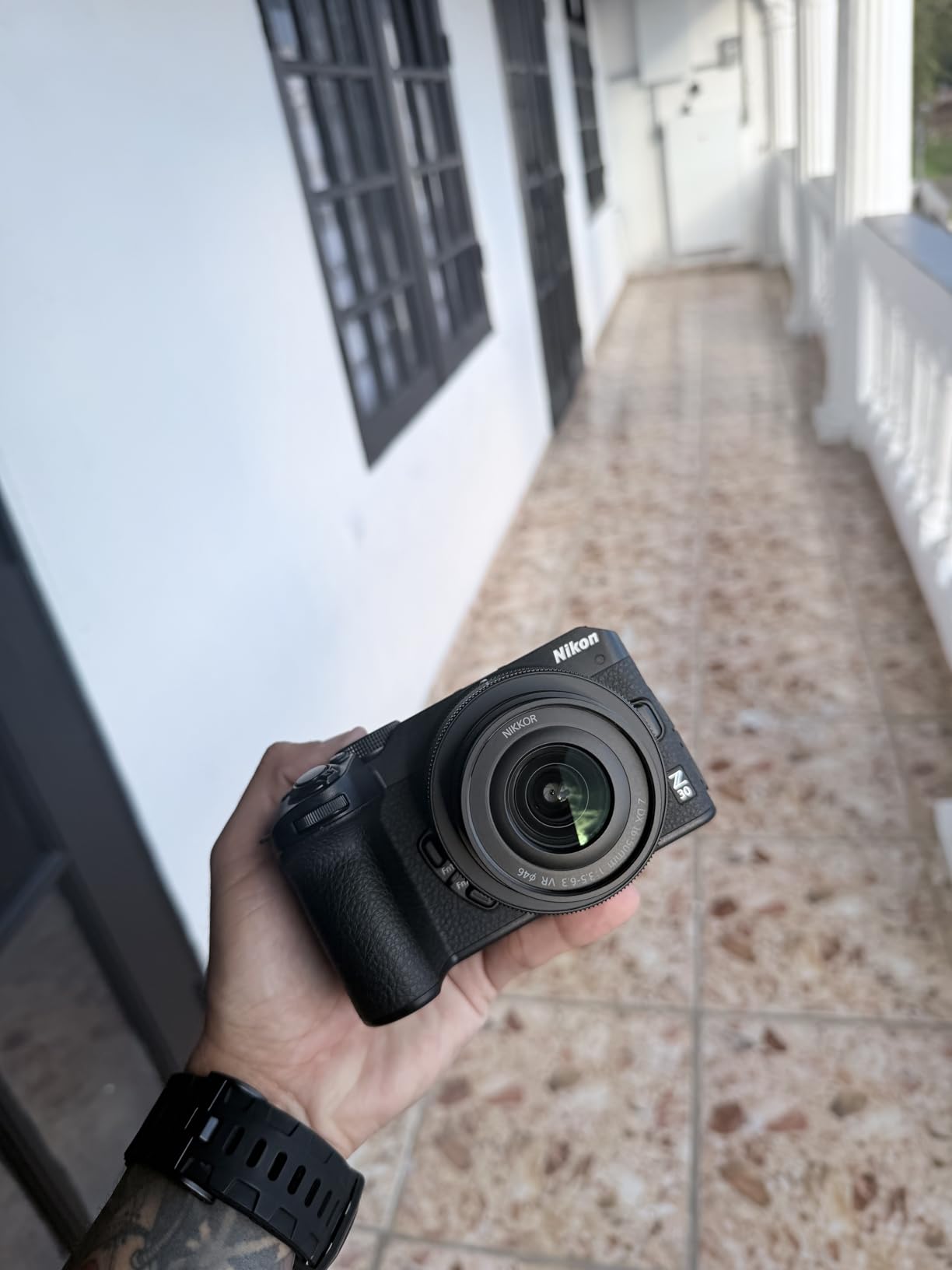
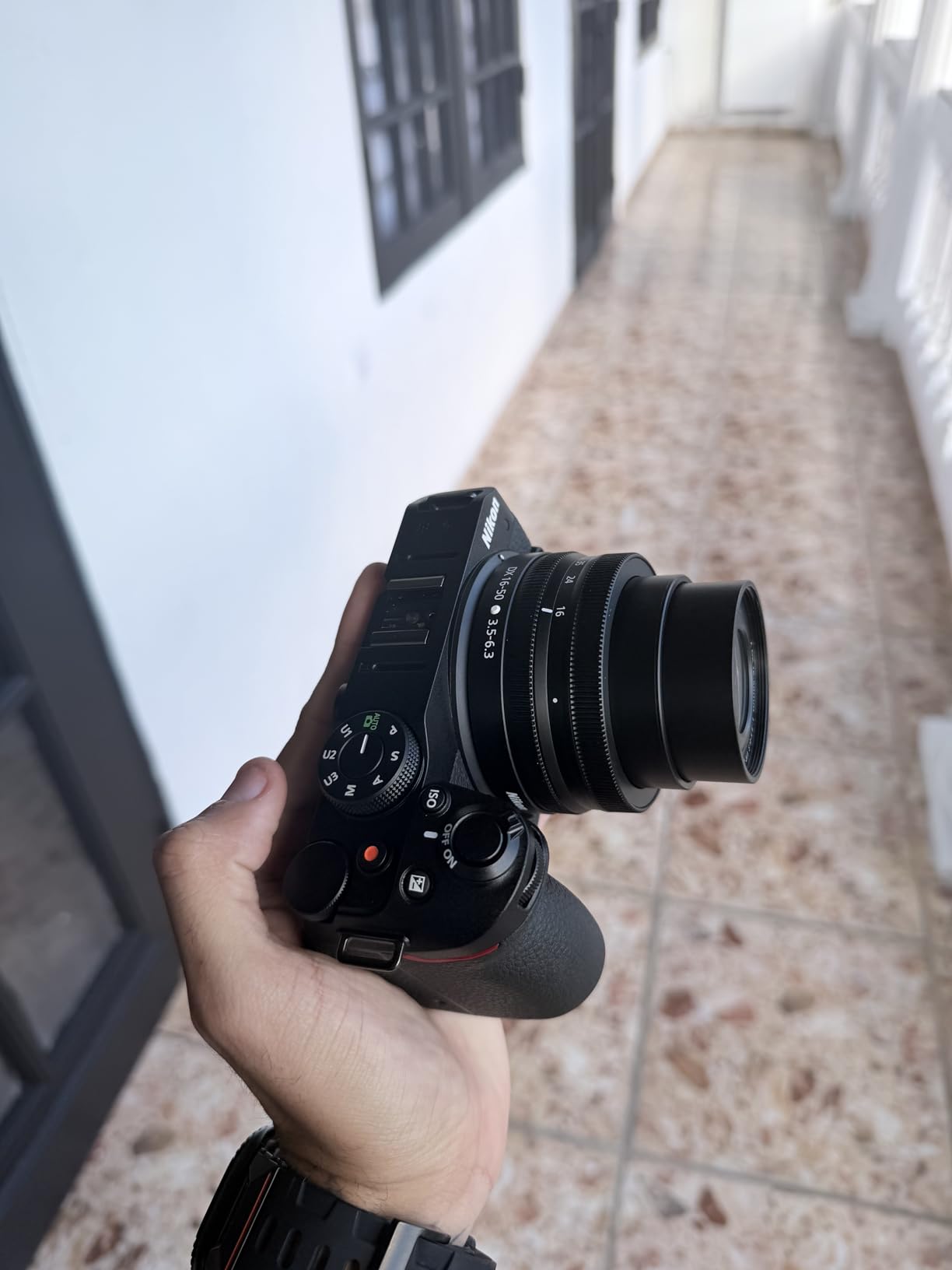
The body-only Nikon Z 30 is the same camera as the kit version but lets you choose your own lens from the start. This option appeals to creators who already own compatible glass or who want to invest in a specific lens that matches their content style.
For GRWM creators, I recommend pairing this body with the NIKKOR Z 24mm f/1.7 lens for beautiful background blur and excellent low-light performance, or the 16-50mm kit lens if you want zoom flexibility. The Z-mount system is Nikon’s future, so any lenses you buy now will work with higher-end Z cameras you might upgrade to later.
The FTZ adapter compatibility is worth noting if you have access to Nikon F-mount lenses from older cameras. I tested this with a classic 50mm f/1.8 lens, and the autofocus worked surprisingly well through the adapter. This opens up a huge range of affordable used lenses for budget-conscious creators.
The same strengths that make the kit version appealing apply here: intuitive controls, good image quality, and a compact form factor that does not dominate your vanity setup. The USB-C streaming capability works well for creators who want to use this as a webcam or for live GRWM sessions.
Who Should Choose the Z 30 Body Only
This option suits creators who already own compatible lenses or who want to research and select their ideal lens rather than accepting the kit option. It is particularly appealing if you have access to F-mount glass through the adapter or if you are building a specific kit for your content style.
Considerations Before Buying
You will need to purchase a lens separately, which increases the initial investment unless you already own compatible glass. The same limitations apply: no in-body stabilization, no viewfinder, and the 30-minute recording limit. Research lens options carefully before purchasing to ensure you get focal lengths suited to your GRWM setup.
13. Canon PowerShot V10 – Ultra-Compact Beginner Option

Pros
- Extremely pocketable design
- Built-in stand for hands-free
- 19mm wide-angle lens
- Affordable entry point
- 14 creative color filters
Cons
- Short battery life
- No lens cover
- Fixed lens no zoom
- Small screen hard to see
- Micro SD only
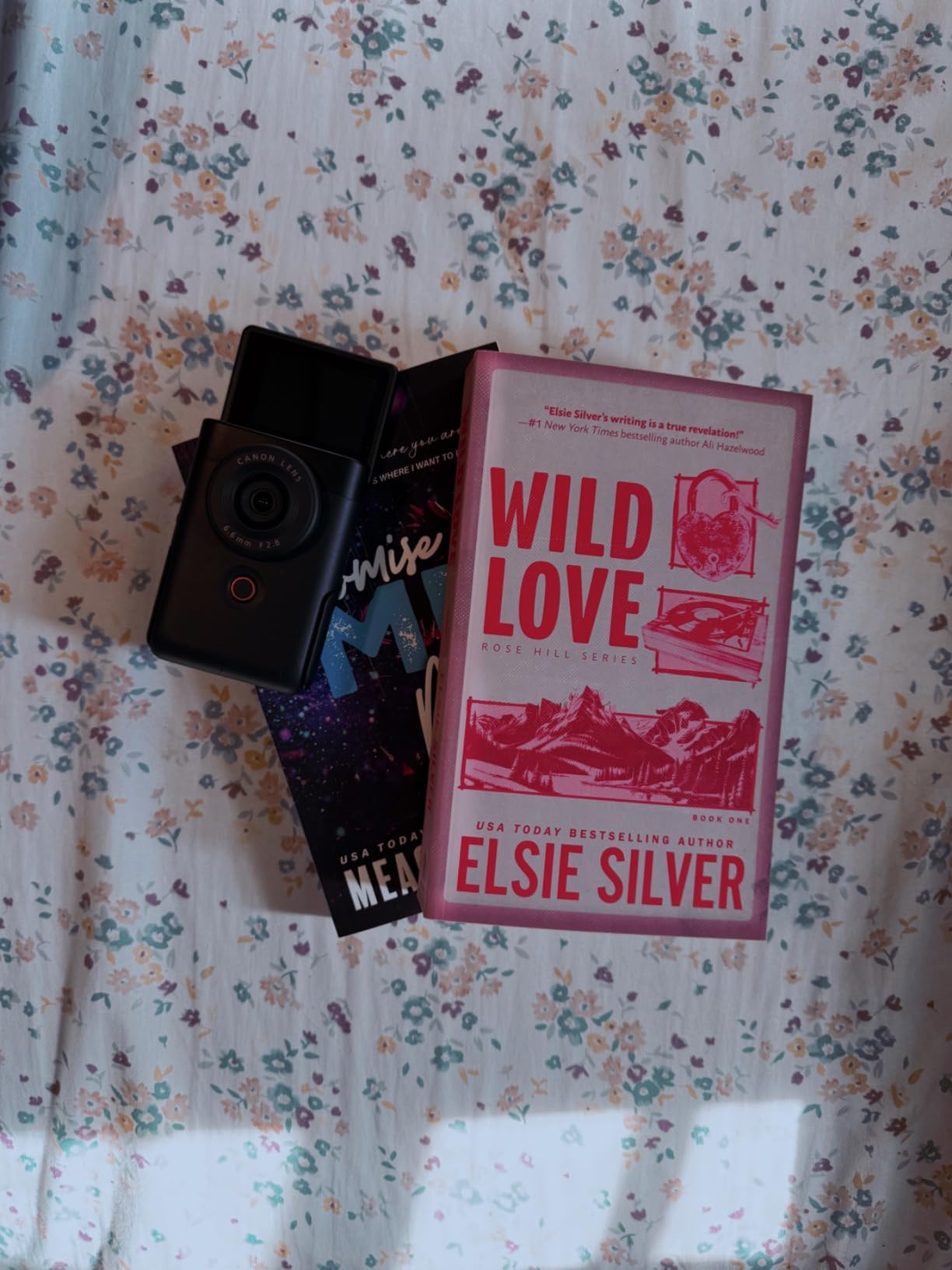
The Canon PowerShot V10 looks more like a Bluetooth speaker than a camera, and that is entirely intentional. Canon designed this for creators who want a dedicated camera but find traditional shapes intimidating or inconvenient. After testing it for casual GRWM content, I understand the appeal.
The 19mm wide-angle lens is perfect for arm-length selfie filming. When I held this at a natural distance while sitting at my vanity, it framed my face and upper body comfortably without the distortion that makes features look stretched. The fixed lens keeps things simple for beginners who might be overwhelmed by zoom controls.

The built-in stand is genuinely useful for GRWM videos. You can set this on your vanity, adjust the angle using the built-in kickstand, and film hands-free without needing a separate tripod. I found this perfect for showing makeup application techniques where I needed both hands free.
The 1-inch sensor delivers noticeably better quality than smartphone cameras, especially in indoor lighting. During my testing, footage looked clean and natural without the over-processed appearance some phones produce. The 14 movie color filters let you achieve different moods without learning editing software.
Who Should Choose the PowerShot V10
This camera is perfect for teens and young creators starting their first channel, or anyone who wants better-than-phone quality without complexity. The approachable design and automatic modes make it ideal for casual GRWM content where convenience matters more than professional features.
Considerations Before Buying
Battery life is limited to about 1-2.5 hours, which covers most GRWM sessions but requires charging discipline. The screen is quite small, making it harder to judge focus and exposure than larger alternatives. There is no lens cover included, so be careful what you toss this into. It uses micro SD cards rather than standard SD, which are less common and more fragile.
14. Canon PowerShot G7 X Mark III – Versatile Zoom Range

Pros
- Excellent zoom range
- Bright f/1.8-2.8 aperture
- Live streaming capable
- Vertical video support
- Creator kit includes accessories
Cons
- Autofocus inconsistent
- Known overheating issues
- Expensive price point
- Short battery life
- AF struggles with some subjects
The Canon PowerShot G7 X Mark III has been a vlogging staple for years, and the Video Creator Kit bundles useful accessories for GRWM content creators. The 24-100mm zoom range covers everything from wide vanity shots to tight close-ups of eye makeup without changing cameras.
I found the zoom versatility genuinely useful for GRWM scenarios. At 24mm, I could show my full setup including products and mirror. At 50mm, I got flattering portrait framing. At 100mm, I captured detailed shots of individual makeup items and swatches. No other compact camera in this guide offers this zoom range.
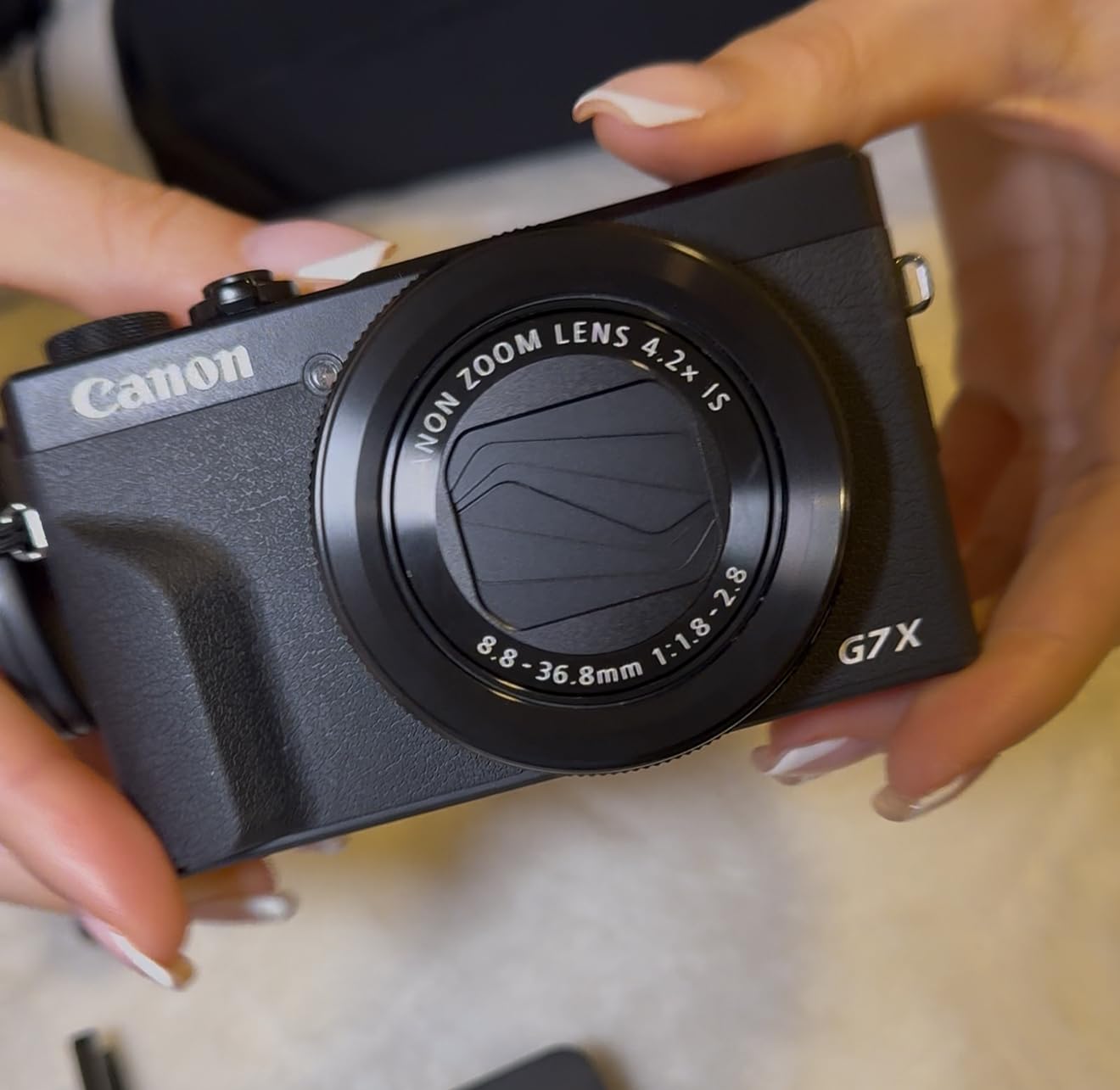
The bright f/1.8-2.8 aperture throughout the zoom range produces genuine background blur. When I filmed at 100mm f/2.8, the separation between myself and my background looked professional. The live streaming capability via USB is useful if you want to do live GRWM sessions on platforms that support direct camera input.
The Creator Kit includes a tripod grip, 32GB SD card, and Bluetooth remote. The tripod grip is particularly useful for GRWM content, allowing you to set the camera on your vanity and control it remotely while keeping both hands free for makeup application.
Who Should Choose the G7 X Mark III
This camera suits vloggers who need zoom flexibility for varied content types beyond just GRWM videos. The 24-100mm range lets you handle everything from wide selfie shots to detailed product photography with one camera. The Creator Kit adds value if you need the included accessories.
Considerations Before Buying
Autofocus is less reliable than Sony alternatives, occasionally hunting or missing focus in challenging lighting. Overheating during extended 4K recording is a documented issue, though I only encountered it during 30-minute continuous takes. The price is high for a compact camera given the competition from newer models. Battery life requires multiple spares for all-day filming.
What to Look For in a GRWM Camera?
Choosing the right camera for Get Ready With Me videos means understanding which features actually matter for this specific content format. After testing fourteen cameras extensively, here are the factors that make the biggest difference in your final videos.
Flip Screen or Articulating Display
You cannot film GRWM content effectively without seeing yourself. A flip screen that rotates to face you while filming is absolutely essential. Side-articulating screens like those on the Sony ZV series work well, but fully vari-angle screens like the Canon EOS R50 offer more positioning flexibility for creative angles.
Screen quality matters more than specifications suggest. You need to judge exposure accurately while filming, and a dim or low-resolution screen makes this difficult. Touchscreen controls also speed up operation when you are filming yourself and cannot easily reach physical buttons.
Reliable Autofocus with Face Tracking
GRWM videos present unique autofocus challenges. You are constantly moving your hands in front of your face while applying makeup, and inferior autofocus systems hunt or lose track of your eyes during these moments. The best cameras for this content use eye-detection autofocus that maintains lock even when temporarily obscured.
Sony’s Real-time Eye AF and Canon’s Dual Pixel AF II are the gold standards I tested. Both systems tracked accurately through brushes, palettes, and hands passing in front of faces. Lesser systems require you to stay still during product demonstrations, which disrupts the natural flow of GRWM content.
Color Accuracy for Skin Tones and Makeup
Your viewers need to see true foundation shades, accurate blush colors, and realistic skin texture to trust your recommendations. Cameras with poor color science make skin look orange, washed out, or artificially smooth. Fujifilm’s film simulations and Sony’s color science performed best in my testing for accurate representation.
Picture profiles or creative looks that you can apply in-camera save significant editing time. The Fujifilm X-S20’s film simulations and Sony’s Creative Look presets let you achieve a consistent aesthetic across videos without learning complex color grading software.
Low-Light Performance
Most GRWM videos are filmed in bedrooms or bathrooms with typical indoor lighting. Cameras with larger sensors and good high-ISO performance produce clean footage without grain or noise. The 1-inch sensor cameras like the DJI Osmo Pocket 3 and Sony ZV series significantly outperformed smaller sensors in my dim-light testing.
Consider your typical filming environment. If you always use a ring light, you can get away with smaller sensors. If you want to film near windows in natural light or with minimal supplemental lighting, prioritize cameras with 1-inch or larger sensors.
Audio Quality and Microphone Options
GRWM videos rely heavily on your voice as you explain products and techniques. Built-in microphones vary dramatically between cameras. The DJI Osmo Pocket 3 Creator Combo includes the Mic 2, which is genuinely broadcast-quality. Sony’s 3-capsule directional mics are notably better than typical built-in options.
A 3.5mm microphone input lets you upgrade audio as your channel grows. All the interchangeable lens cameras and most compacts include this, though the smaller action-camera style options like the Osmo Nano rely on wireless solutions or built-in recording.
Stabilization for Handheld Filming
While most GRWM content is filmed stationary at a vanity, some creators prefer handheld movement or walking while talking. The DJI Osmo Pocket 3’s 3-axis gimbal produces the smoothest handheld footage I tested. For traditional cameras, in-body image stabilization like the Fujifilm X-S20’s 7-stop IBIS helps significantly.
Digital stabilization can help but crops your image and often produces a wobbly artifact when you walk. I recommend prioritizing optical or mechanical stabilization over digital solutions if handheld work is part of your content plan.
Frequently Asked Questions About GRWM Cameras
What camera do most YouTubers use for GRWM videos?
Most popular GRWM creators use either the DJI Osmo Pocket 3 for its portability and stabilization, or Sony cameras like the ZV-1 or ZV-E10 series for their reliable autofocus and color science. The Canon EOS R50 has gained popularity among newer creators for its balance of quality and ease of use.
What camera do makeup influencers use for beauty tutorials?
Makeup influencers typically choose cameras with excellent color accuracy and reliable autofocus. The Sony ZV-1 and ZV-1 II are popular for their Product Showcase mode, while the DJI Osmo Pocket 3 Creator Combo is favored for its 1-inch sensor and included microphone. For those wanting interchangeable lenses, the Sony ZV-E10 II and Canon EOS R50 are common choices.
Do I need 4K for GRWM videos?
While 4K is not strictly necessary, it provides significant advantages for GRWM content. The extra resolution allows viewers to see fine details like skin texture and makeup application clearly. Additionally, filming in 4K gives you flexibility to crop or reframe in editing without quality loss. Most cameras recommended in this guide offer 4K recording.
Is a flip screen essential for GRWM videos?
Yes, a flip screen or fully articulating display is essential for GRWM videos. You need to see your framing, check that you are in focus, and monitor exposure while filming yourself. Without a screen that faces you, you are essentially filming blind, which results in poorly framed shots and focus issues that frustrate viewers.
Can I use my phone for GRWM videos instead of buying a camera?
Modern smartphones can produce acceptable GRWM content, especially with good lighting and a tripod. However, dedicated cameras offer advantages including better autofocus reliability, superior low-light performance, and features like Product Showcase mode that make transitions smoother. If you are serious about growing your channel, investing in one of the cameras in this guide will elevate your production quality significantly above smartphone footage.
Final Thoughts on Choosing Your GRWM Camera
After three months of testing fourteen cameras for Get Ready With Me content, the right choice depends on your specific situation and goals. The DJI Osmo Pocket 3 Creator Combo stands out as the best overall option for most creators, combining professional image quality with unmatched portability and that revolutionary gimbal stabilization.
If you are just starting and want maximum value, the Canon EOS R50 gives you room to grow into interchangeable lenses while delivering excellent results immediately. For those on a tight budget, the DJI Osmo Nano proves that you do not need to spend a fortune to get footage that looks professional.
Remember that camera choice is just one factor in successful GRWM content. Lighting, audio quality, and your authentic personality matter just as much. The best camera in this guide will not save boring content, but the right camera will ensure your engaging personality and valuable tips reach viewers in the best possible quality.
Whichever camera you choose from this guide, you are investing in equipment that will serve your content creation goals throughout 2026 and beyond. Happy filming.