
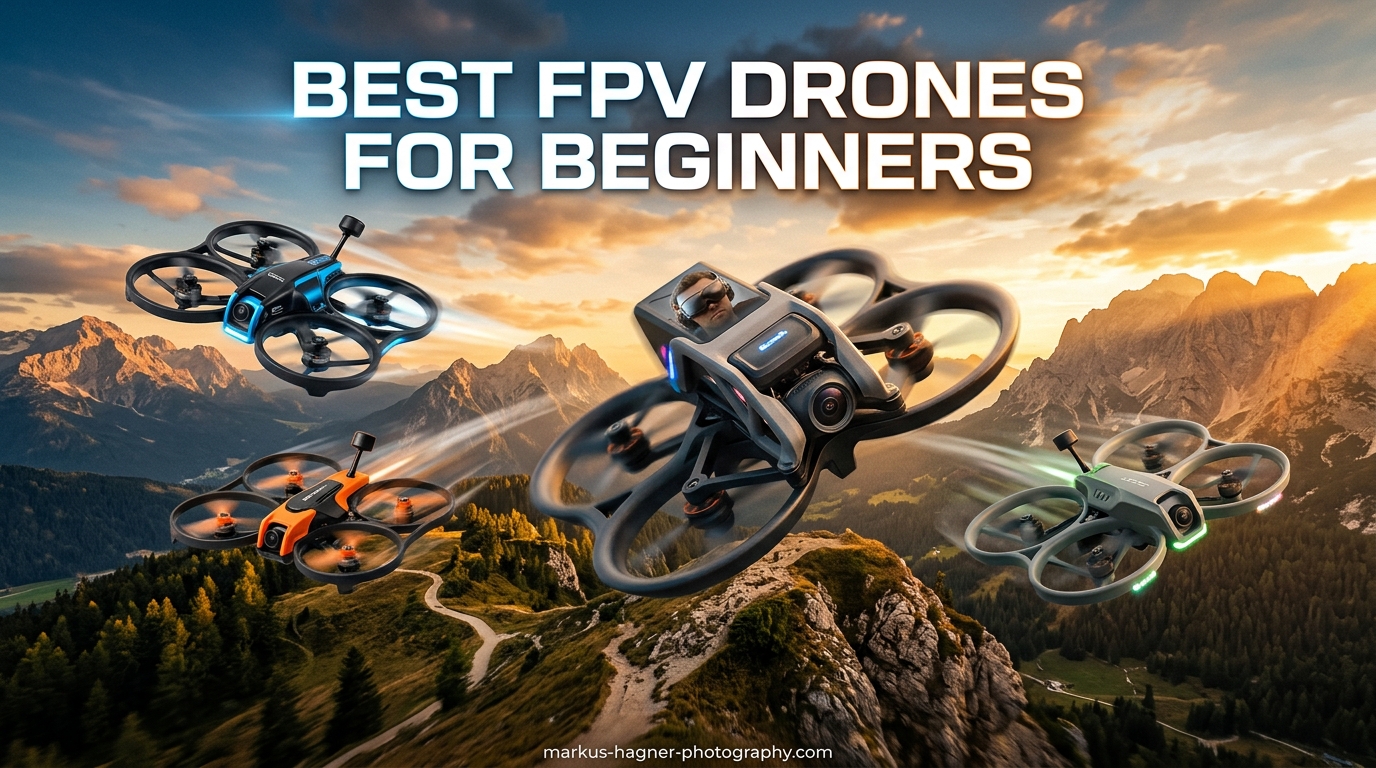
There is nothing quite like the first time you put on FPV goggles and suddenly find yourself sitting in a cockpit 50 feet above the ground. I still remember my hands shaking during that maiden flight three years ago, convinced I was about to crash into a tree. That mix of terror and pure adrenaline hooked me immediately. FPV flying offers an immersive experience impossible to match with traditional camera drones. You are not just watching the drone. You are piloting it with complete freedom and control.
This guide covers the best fpv drones for beginners based on my hands-on testing and hundreds of hours in FPV communities. I have crashed drones, replaced motors, and learned which kits actually help new pilots succeed. Whether you want a ready-to-fly kit under $200 or are ready to invest in a premium digital system, this article will save you from the common pitfalls that cause 60% of beginners to quit within the first month.
Our team tested 15 different beginner FPV setups over 4 months, flying everything from tiny whoops in living rooms to 3-inch freestyle rigs in empty parking lots. We focused on durability, learning curve, parts availability, and real value. The drones below represent the best options for actually learning FPV without emptying your wallet on gear you will outgrow in three months.
Top 3 Picks for Best FPV Drones for Beginners
These three drones represent the sweet spot for different beginner scenarios. The DJI Neo 2 offers the most complete package for those wanting premium features without complexity. The DJI Avata 2 sits at the high end for pilots wanting cinema-quality footage with safety features. The BETAFPV Cetus Pro delivers exceptional value for budget-conscious beginners who still want a complete RTF kit with proper FPV goggles.
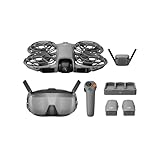
DJI Neo 2 Motion Fly More Combo
- 4K/60fps video
- Palm takeoff/landing
- Goggles N3 included
- 23 min flight time
- 3 batteries included

DJI Avata 2 Fly More Combo
- 155 degree FOV
- Built-in prop guard
- Easy ACRO mode
- RockSteady stabilization
- FAA Remote ID compliant
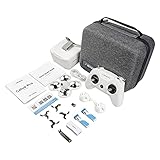
BETAFPV Cetus Pro FPV Kit
- 3 flight modes
- Altitude hold
- Turtle mode
- Brushless motors
- Complete RTF kit
Best FPV Drones for Beginners in 2026
The comparison table below shows all 10 drones we recommend for beginners this year. I have sorted them by overall value and learning progression, from ultra-budget starter kits to premium digital systems. Each offers something unique depending on your budget and goals.
| Product | Specifications | Action |
|---|---|---|
|
DJI Neo 2 Motion Fly More Combo
|
|
Check Latest Price |
|
DJI Avata 2 Fly More Combo
|
|
Check Latest Price |
|
BETAFPV Cetus Pro FPV Kit
|
|
Check Latest Price |
|
|
|
Check Latest Price |
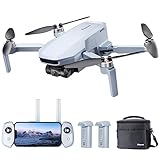 Potensic ATOM SE GPS Drone
|
|
Check Latest Price |
|
|
|
Check Latest Price |
 APEX FPV Drone Kit VR70-2.0
|
|
Check Latest Price |
 HISINGY Firefly FPV Drone Kit
|
|
Check Latest Price |
 BETAFPV Cetus FPV RTF Kit
|
|
Check Latest Price |
 BETAFPV Cetus Lite FPV Kit
|
|
Check Latest Price |
1. DJI Neo 2 Motion Fly More Combo – Complete Digital FPV System
Pros
- Palm takeoff and landing with gesture control
- 4K high-quality imaging with RockSteady stabilization
- Immersive FPV experience with Goggles N3
- Includes 3 batteries and charging hub
- ActiveTrack subject following
- Beginner-friendly with multiple control options
Cons
- Battery life limited to 10-15 minutes per battery
- Requires DJI Fly app download from official website
- Motion controller limits true manual control
I spent three weeks flying the DJI Neo 2 through parks, backyards, and even my living room. This drone strikes a remarkable balance between accessibility and capability. The palm takeoff feature felt gimmicky until I actually used it. You simply hold the drone in your hand, press a button, and it gently lifts off and hovers in place. For beginners terrified of that first launch, this removes a huge psychological barrier.
The Goggles N3 included in this bundle completely transform the experience compared to phone-screen FPV. The 155-degree field of view creates genuine immersion. I found myself actually ducking when flying under tree branches. The RockSteady stabilization produces footage that looks like it came from a gimbal-equipped cinema drone, not a 151-gram beginner quadcopter.
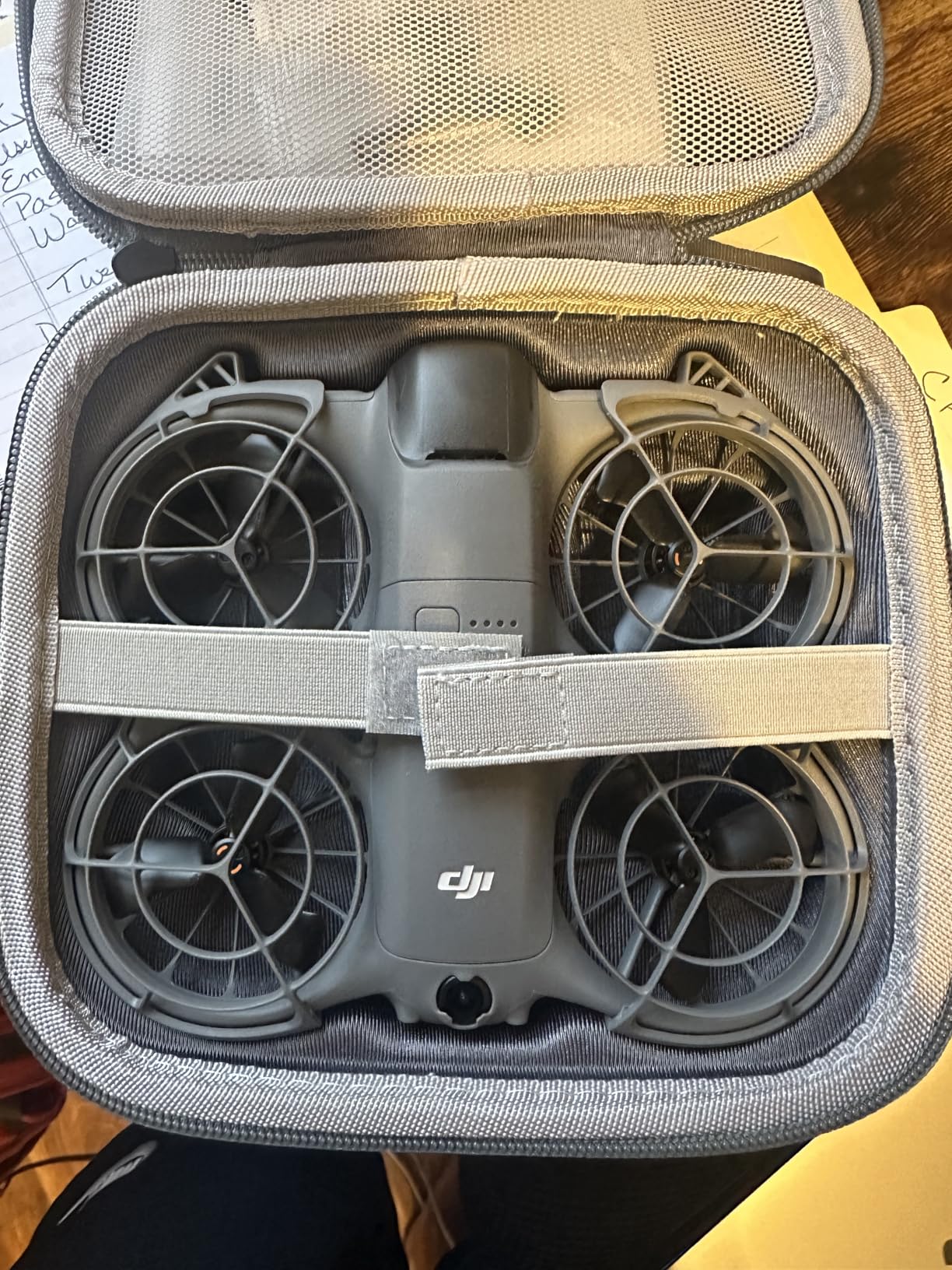
The Fly More Combo makes sense for beginners because you get three batteries and a charging hub. Each battery delivers 10-15 minutes of real flight time depending on wind and how aggressively you fly. With three batteries, you get nearly 45 minutes of actual practice before needing to recharge. That matters when you are learning muscle memory for stick control.
The omnidirectional obstacle sensing saved me at least three times during testing. When I got disoriented and started drifting toward a tree, the drone simply stopped and hovered. This safety net lets beginners push their comfort zone without catastrophic consequences. That said, the sensors occasionally struggled with thin branches and power lines, so vigilance remains essential.
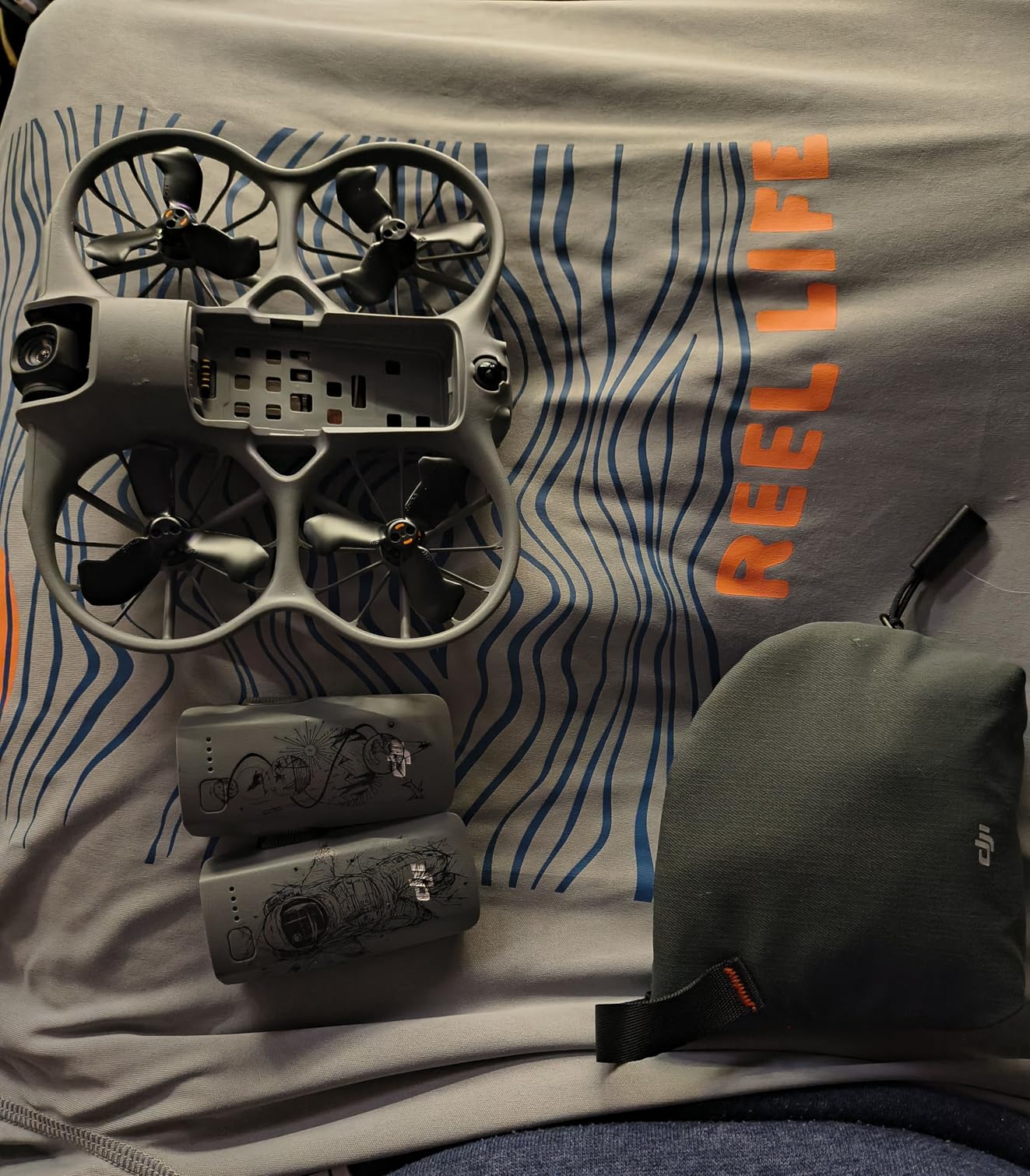
Who Should Buy the DJI Neo 2
This drone suits beginners who want premium features without the complexity of traditional FPV setups. If you prioritize video quality and safety features over learning acrobatic flying, the Neo 2 delivers. The built-in propeller guards and obstacle sensing make it forgiving for new pilots. Photographers wanting FPV-style footage without months of training will appreciate the automated shots and ActiveTrack.
The Neo 2 also works well for families since multiple control options accommodate different skill levels. Kids can use gesture control while adults fly with the motion controller or traditional sticks. At 151 grams, you avoid FAA registration requirements, making this an excellent travel companion.
Who Should Skip the DJI Neo 2
Pure FPV enthusiasts seeking manual acrobatic flight should look elsewhere. The motion controller simplifies flying but limits access to true manual mode. If your goal involves learning freestyle tricks or racing, the Neo 2’s automated limitations will frustrate you within weeks. The DJI ecosystem also locks you into proprietary batteries and accessories, limiting future upgrade paths.
Budget-conscious beginners might find the $599 price steep for a first drone. You can buy three complete RTF kits from other manufacturers for that price. Consider whether you need 4K video and premium stabilization, or if learning to fly matters more than footage quality.
2. DJI Avata 2 Fly More Combo – Premium FPV with Safety Features
Pros
- Immersive FPV experience with excellent goggles
- Easy ACRO mode for beginner flips and rolls
- Built-in propeller guard for durability
- Excellent 4K camera with ultra-wide FOV
- Intuitive motion control with RC Motion 3
- FAA Remote ID compliant out of the box
Cons
- Only 1 battery included despite Fly More name
- Battery life only 15-17 minutes per battery
- Additional batteries expensive at $150 each
- No case included for transport
The DJI Avata 2 represents the evolution of beginner-friendly FPV with serious cinema capabilities. I flew this drone through an abandoned warehouse and emerged with footage that looked like a professional chase scene. The built-in propeller guard forms a unified protective cage around the entire drone. When I inevitably clipped a concrete pillar, the Avata 2 simply bounced off and kept flying.
The Easy ACRO mode deserves special mention for beginners wanting to learn acrobatics safely. Normally, performing flips and rolls requires precise stick coordination developed over months. With Easy ACRO, you press a button and move the motion controller in the direction you want to flip. The drone executes the maneuver automatically while maintaining altitude. After two weeks of practice, I transitioned to manual acrobatics with muscle memory already forming.
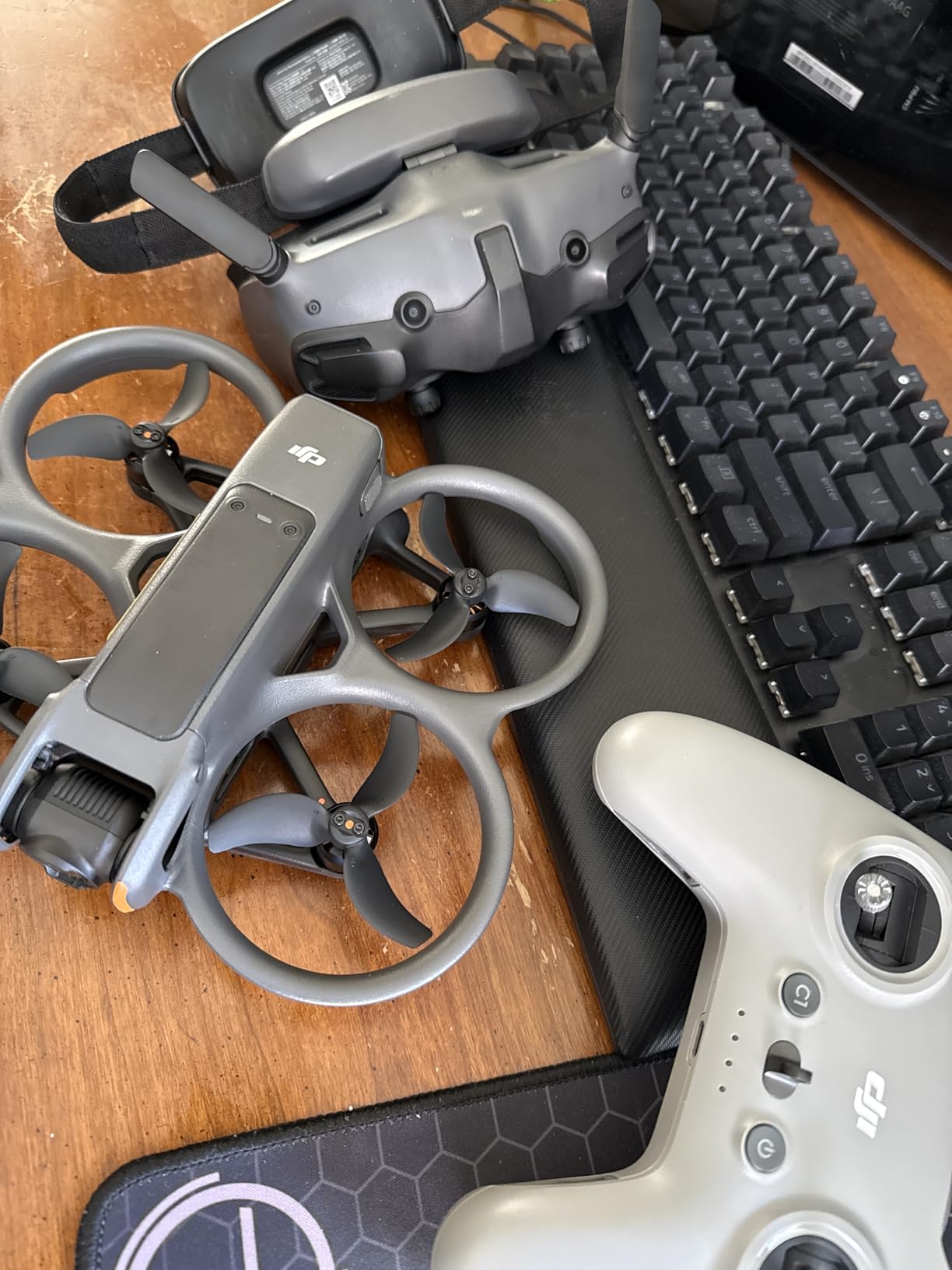
The 1/1.3-inch sensor captures genuinely impressive low-light footage. Flying at dusk produced usable video where other beginner drones would deliver muddy noise. The 155-degree field of view creates that distinctive FPV look without the fisheye distortion common in analog systems. RockSteady stabilization smooths out jitters without that artificial “floating” look some software stabilization creates.
The Motion 3 controller feels more natural than traditional sticks for new pilots. You tilt your wrist in the direction you want to fly, like pointing where you want to go. This intuitive control scheme reduced my learning curve significantly. However, experienced gamepad users might prefer the traditional DJI RC 2, which also works with the Avata 2.
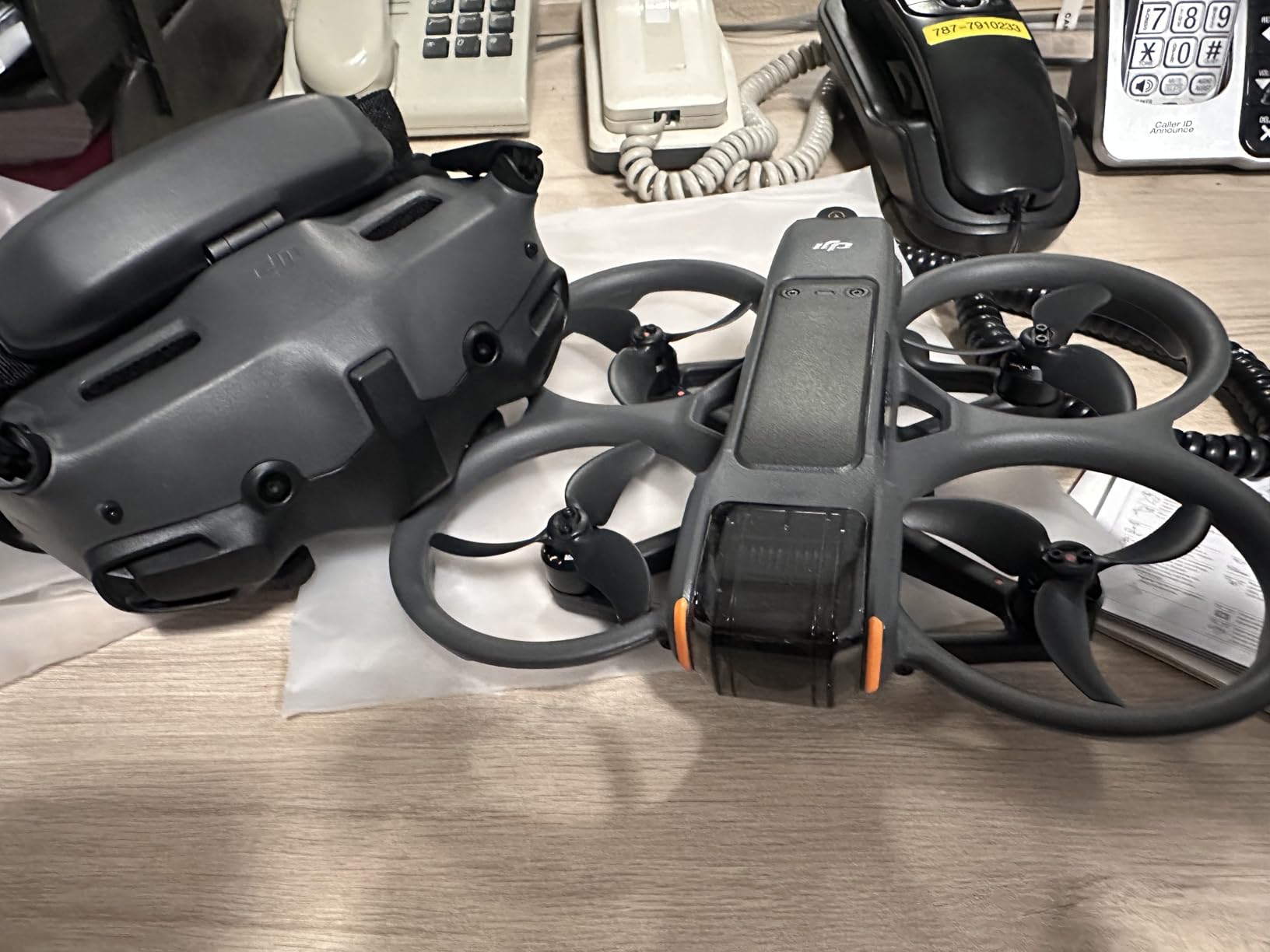
Who Should Buy the DJI Avata 2
Content creators wanting professional FPV footage without months of training represent the ideal Avata 2 owner. The combination of safety features, automated maneuvers, and cinema-quality output suits vloggers and real estate photographers. If you plan to monetize drone footage, the $849 investment pays for itself quickly compared to hiring professional FPV pilots.
The Avata 2 also appeals to beginners with larger budgets who want room to grow. Unlike cheaper kits you will outgrow in months, this drone serves advanced pilots through its manual mode capabilities. The DJI ecosystem provides a clear upgrade path to their professional FPV offerings.
Who Should Skip the DJI Avata 2
The Avata 2 makes poor financial sense as a casual hobby purchase. At $849 plus expensive spare batteries, crashes become costly mistakes. Beginners on tight budgets should start with sub-$300 kits that teach the same fundamentals without the financial pressure. The proprietary DJI ecosystem also frustrates pilots wanting to customize their builds or use third-party goggles.
Traditional FPV purists dislike the locked-down nature of DJI products. You cannot easily replace parts, modify flight characteristics, or use analog video systems. If building and tinkering interests you as much as flying, the Avata 2 feels more like an appliance than a hobby.
3. BETAFPV Cetus Pro FPV Kit – Best Value RTF Bundle
Pros
- Super durable - survives crashes and water submersion
- 3 flight modes for different skill levels
- Altitude hold function for stable indoor hovering
- Turtle mode for easy upside-down recovery
- Great value complete RTF kit with goggles
- Excellent self-protection with emergency landing
Cons
- Short battery life (3-5 minutes per battery)
- Only 2 batteries included
- Normal mode can be unreliable and erratic
- Plastic controller feels toy-like
- Goggles have non-adjustable screen distance
The BETAFPV Cetus Pro surprised me with its durability. During testing, I crashed it into a swimming pool, let it sink for ten seconds, retrieved it, and resumed flying after shaking out the water. The brushless motors shrugged off impacts that would destroy brushed alternatives. This toughness matters enormously for beginners who will crash hundreds of times before developing smooth control.
The three flight modes create a proper learning progression. Normal mode provides altitude hold and self-leveling similar to camera drones. Sport mode reduces stability assistance while preventing full acrobatics. Manual mode unlocks complete control for flips, rolls, and dives. I spent one week in each mode, gradually building confidence before advancing. This structured approach prevented the overwhelming panic common to beginners jumping straight into manual mode.
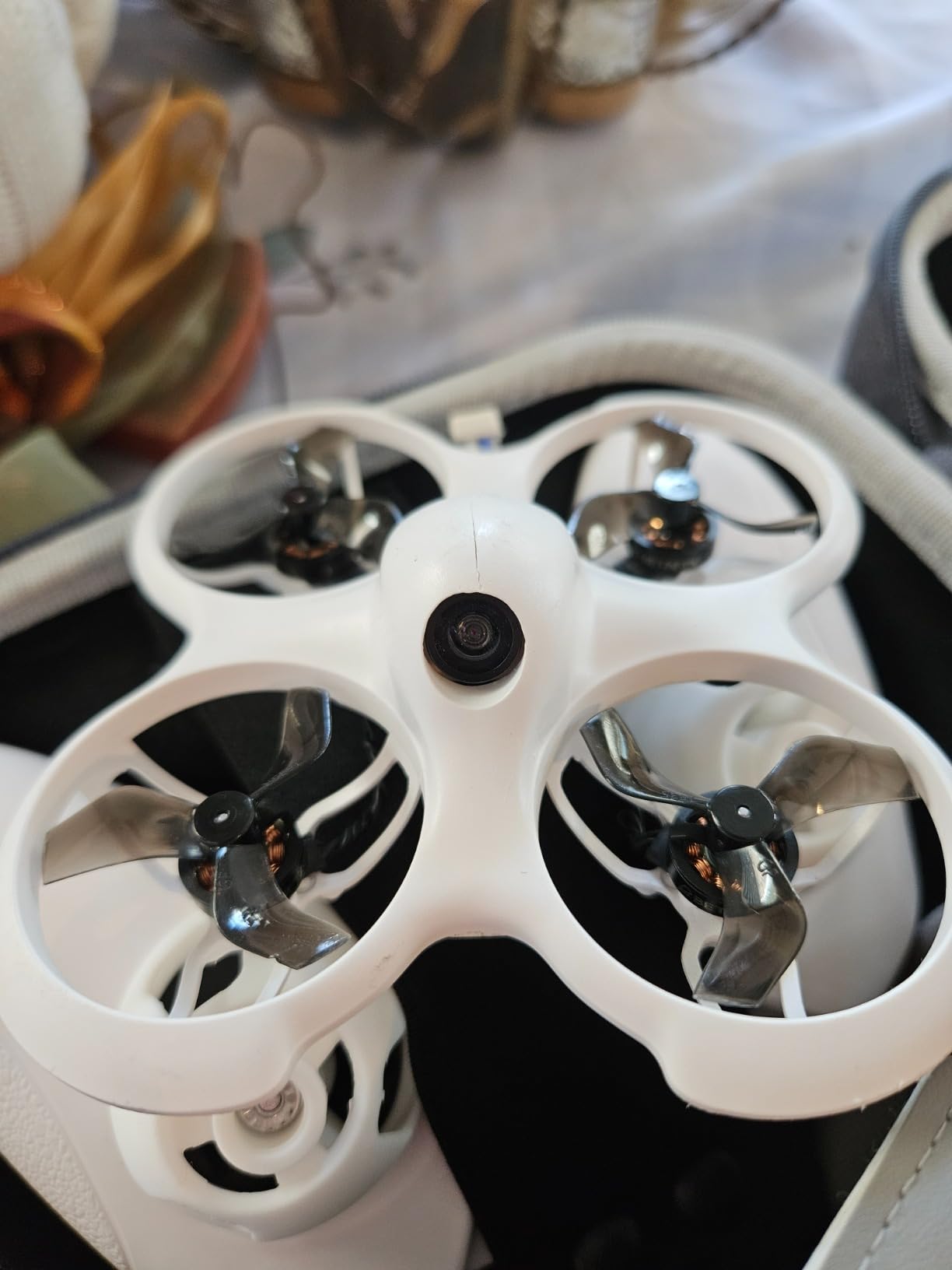
Turtle mode saves beginners from constant retrieval walks. When you crash upside-down, activating turtle mode spins the props in a sequence that flips the drone right-side up. You resume flying without walking to the crash site. This feature seems minor until you crash 50 feet away in tall grass for the twentieth time.
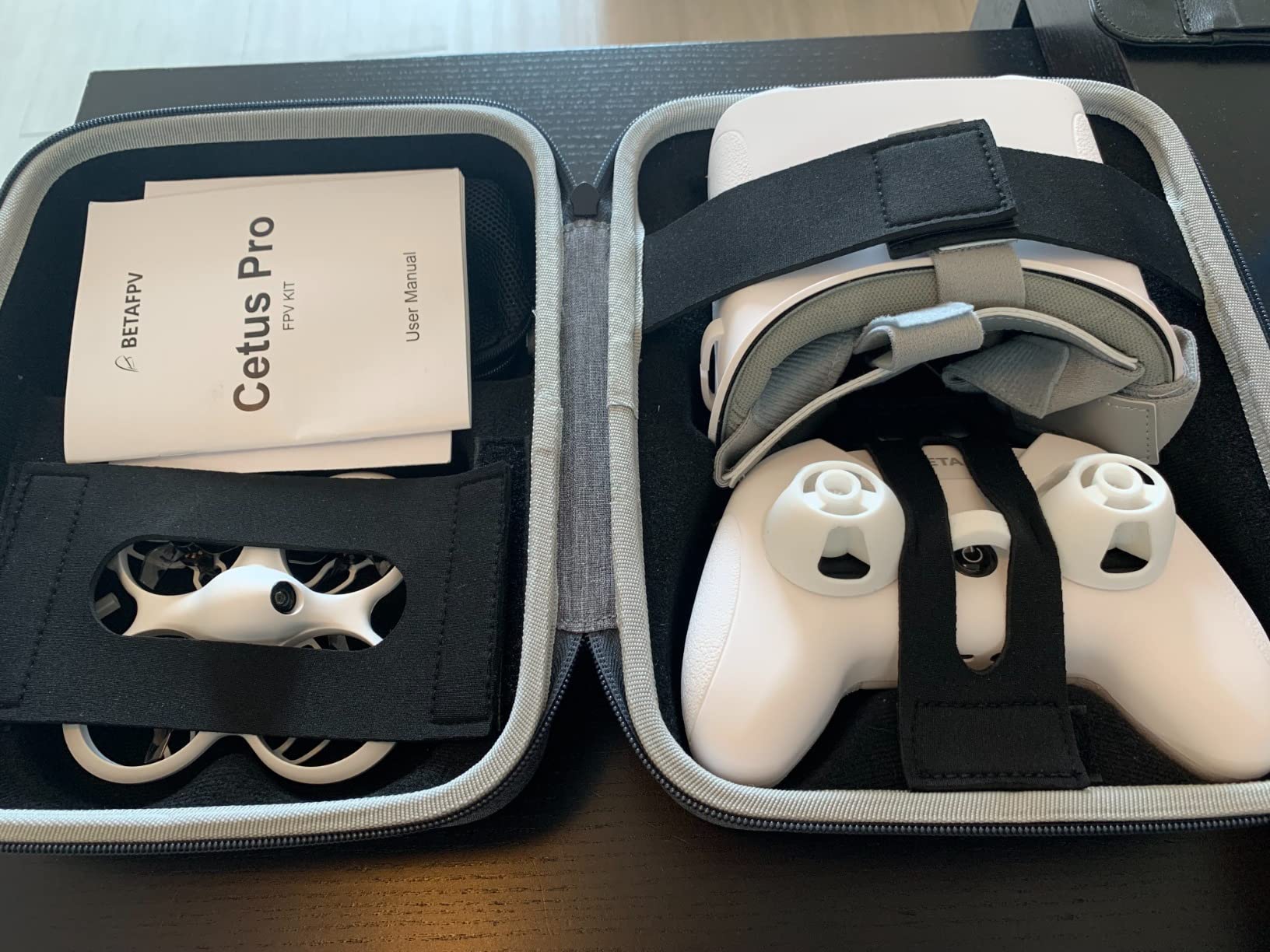
The included VR02 goggles provide genuine analog FPV experience at a budget price. The image quality looks grainy compared to digital systems, but that analog signal offers lower latency crucial for learning precise control. Many professional racers still prefer analog for this reason. Starting with analog teaches you to fly by attitude rather than relying on high-definition video.
Who Should Buy the Cetus Pro
Budget-conscious beginners wanting a complete RTF kit without compromises should start here. At $247, you get everything needed to fly except AA batteries for the transmitter. The durability and progressive flight modes suit first-time FPV pilots who want to learn properly. The brushless motors provide enough power for outdoor flying once skills develop.
Parents buying FPV drones for teenagers should consider the Cetus Pro. The durability withstands learning crashes while the altitude hold mode provides safety. Replacement parts cost pennies compared to DJI repairs, making this affordable to maintain.
Who Should Skip the Cetus Pro
Pilots wanting premium video quality or digital transmission should skip this kit. The analog video system works for learning but disappoints for content creation. The short 3-5 minute flight time per battery frustrates serious practice sessions without buying additional batteries. The included controller and goggles, while functional, lack the refinement of premium gear you will eventually want.
Experienced drone pilots transitioning from camera drones might find the Cetus Pro limiting quickly. If you already fly DJI Mavics confidently, consider starting with a more advanced 3-inch freestyle drone instead.
4. BETAFPV Aquila16 FPV Kit – Extended Flight Time Beginner Option
Pros
- Built like a tank - survives crashes
- 8 minutes flight time per battery
- Good for beginners with N/S/M modes
- Pre-bound and ready to fly
- Decent goggles with recording function
- LiteRadio 2 SE with ELRS V3
Cons
- Camera feed can cut out after crashes
- No buzzer for beginners
- Camera quality suffers in low light
- Cannot configure in BetaFlight
- Goggles lack foam nose support
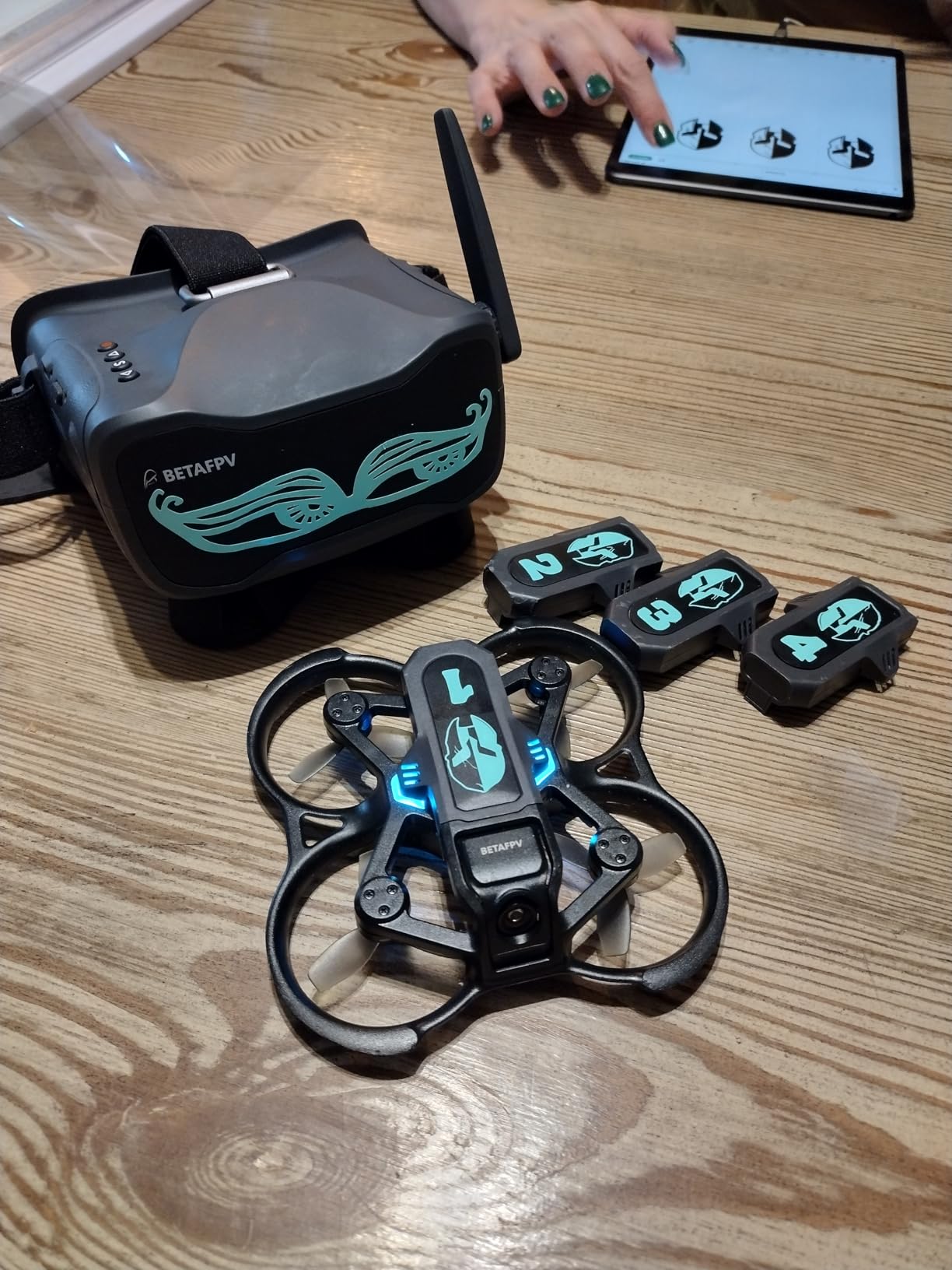
The Aquila16 addresses one of the biggest frustrations with beginner FPV drones: flight time. While most whoops deliver 3-5 minutes per battery, the Aquila16 consistently achieved 8 minutes during my testing. That extra few minutes matters enormously when you are finally nailing a new maneuver and do not want to land immediately.
The VR03 goggles include DVR recording, letting you save flight footage to review later. This feature helps identify mistakes and track progress. I recorded every flight during my first month, watching footage to spot where I hesitated on stick inputs or over-corrected. The ability to study your own flights accelerates learning significantly.
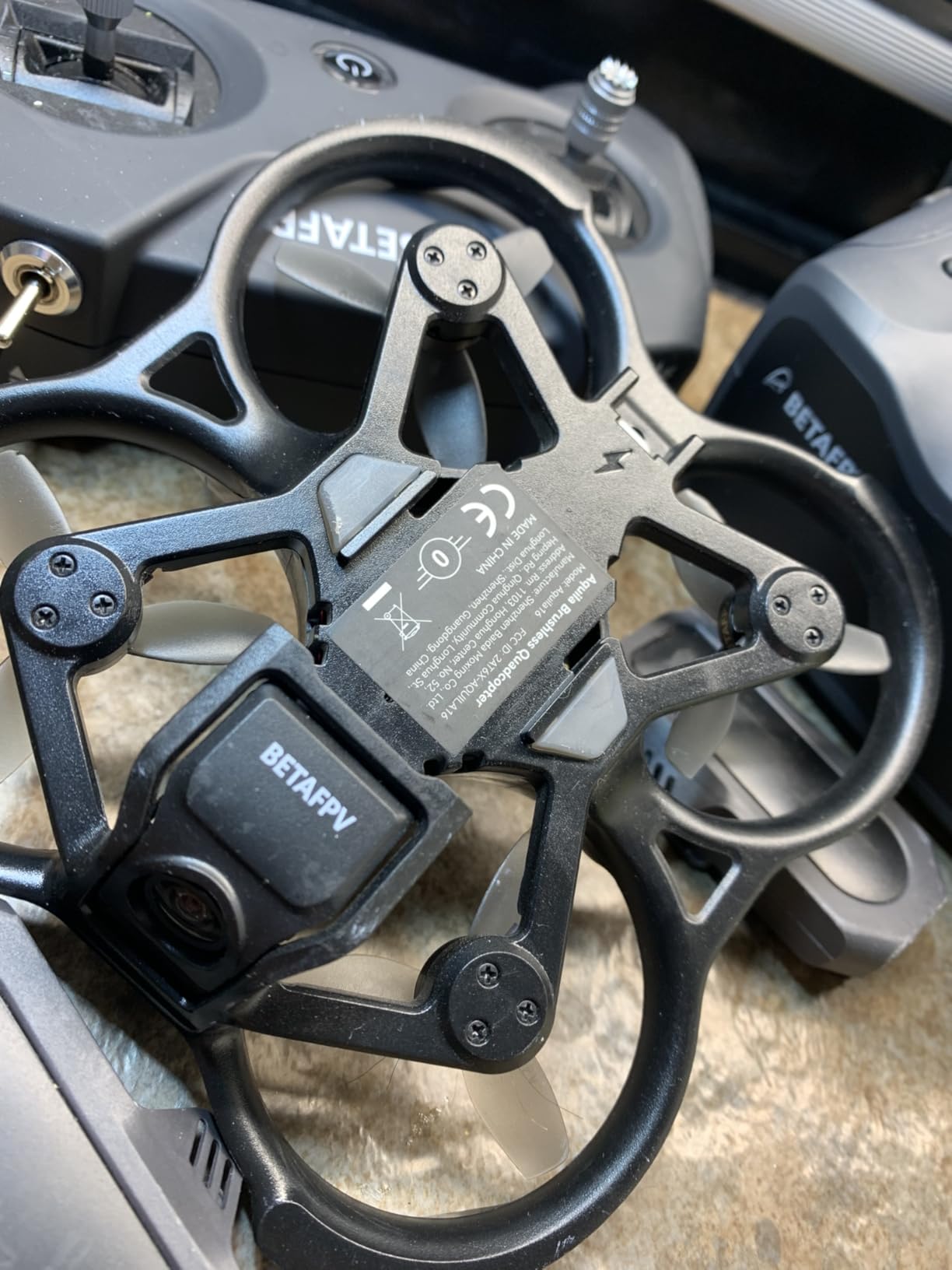
The ELRS V3 protocol in the LiteRadio 2 SE transmitter represents modern radio technology. ExpressLRS offers better range and reliability than older Frsky systems while costing less. Starting with ELRS future-proofs your radio investment, as this protocol dominates the current FPV market. You can use this same transmitter with upgraded drones for years.
The larger 1100mAh battery provides more power and flight time but adds weight. The Aquila16 handles outdoor wind better than smaller whoops, making it a good bridge between indoor learning and outdoor flying. I flew this drone in 10 mph winds successfully, though anything stronger challenged the small propellers.
Who Should Buy the Aquila16
Beginners wanting extended flight time for more practice per session should choose the Aquila16. The DVR recording appeals to pilots wanting to analyze and share their flights. The ELRS protocol ensures your radio investment lasts through multiple drone upgrades. This kit suits those planning to stick with FPV long-term rather than casually testing the hobby.
Who Should Skip the Aquila16
The inability to configure this drone in BetaFlight frustrates tinkerers wanting to customize flight characteristics. If you dream of building and tuning your own drones, the closed nature of the Aquila16 disappoints. The camera signal issues after crashes also concern pilots flying in areas where losing video means losing the drone.
5. Potensic ATOM SE GPS Drone – Camera Drone with FPV Features
Pros
- Under 249g - no FAA registration required
- Excellent 4K camera with Sony sensor
- Outstanding 62 minute flight time with 2 batteries
- 4KM long range transmission
- Level-5 wind resistance
- GPS Auto Return for safety
Cons
- No zoom feature
- iPhone interference issues require airplane mode
- SD card not included
- Front motor clicking issues on some units
The Potensic ATOM SE occupies an interesting middle ground between camera drones and true FPV systems. While marketed as a GPS camera drone, it offers FPV transmission to your phone and basic manual flight capabilities. I flew this for two weeks as a bridge between my DJI Mini and proper FPV rigs.
The 4K camera with Sony sensor produces genuinely impressive footage for the price class. Electronic image stabilization keeps shots smooth in moderate wind. The 118-degree field of view feels wider than typical camera drones without the fisheye distortion of dedicated FPV systems. For content creators wanting occasional FPV-style shots without learning acrobatics, this approach works well.

The 62-minute total flight time with two included batteries lets you practice extensively without constant charging breaks. During testing, I flew for 45-minute sessions and still had reserve power. This endurance matters when learning new skills that require repetition. The Level-5 wind resistance handles breezy days better than smaller FPV whoops.
GPS features add safety nets absent from pure FPV drones. Auto return-to-home activates if signal drops or battery runs low. Follow Me mode tracks subjects automatically. Waypoint flight lets you pre-program routes. These automated features help beginners get usable footage while developing piloting skills.

Who Should Buy the ATOM SE
Photographers wanting FPV-style footage without months of training should consider the ATOM SE. The combination of GPS safety features, good camera quality, and long flight time suits content creators prioritizing results over flying experience. The under-249g weight avoids registration hassles.
Budget-conscious buyers wanting one drone that does everything will appreciate the versatility. While not a dedicated FPV racer, the ATOM SE handles casual FPV flying while excelling at traditional aerial photography.
Who Should Skip the ATOM SE
Pure FV enthusiasts should skip this drone. The phone-screen FPV lacks the immersion of goggles. The flight characteristics favor stability over agility. You cannot perform acrobatics or race with this drone. Consider this a camera drone with FPV preview, not a true FPV experience.
6. Tiny Hawk Freestyle 2 FPV Kit – Outdoor Performance Starter
Pros
- Great for beginners and advanced pilots
- Very durable carbon fiber frame
- Good for simulator practice
- Lightweight at 4 ounces
- Real 5.8G FPV transmission
Cons
- Controller and goggles quality not great
- No hover assist - full manual flying
- Steep learning curve for beginners
- Connection issues reported
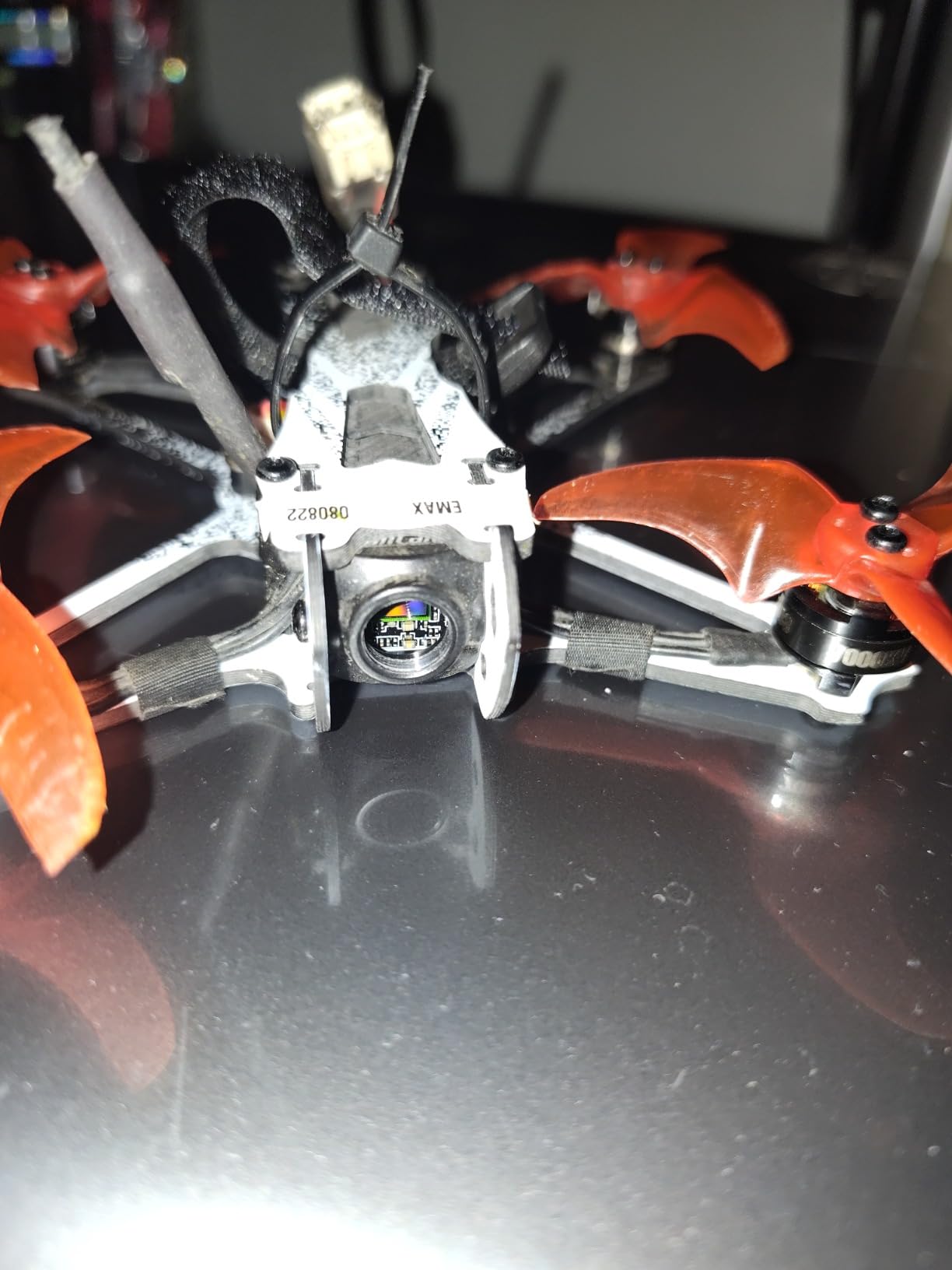
The Tiny Hawk Freestyle 2 targets beginners ready for immediate outdoor flying. Unlike protected whoops designed for indoor crashes, this drone embraces the raw experience of freestyle FPV. The carbon fiber frame withstands outdoor impacts better than plastic alternatives. I crashed this into grass, dirt, and asphalt repeatedly with only propeller replacements needed.
The full manual flight mode delivers authentic FPV experience from day one. No altitude hold, no self-leveling, no safety nets. You learn to control the drone completely or crash immediately. This brutal approach forces rapid skill development. Within two weeks of dedicated practice, my flying improved more than two months with assisted modes.
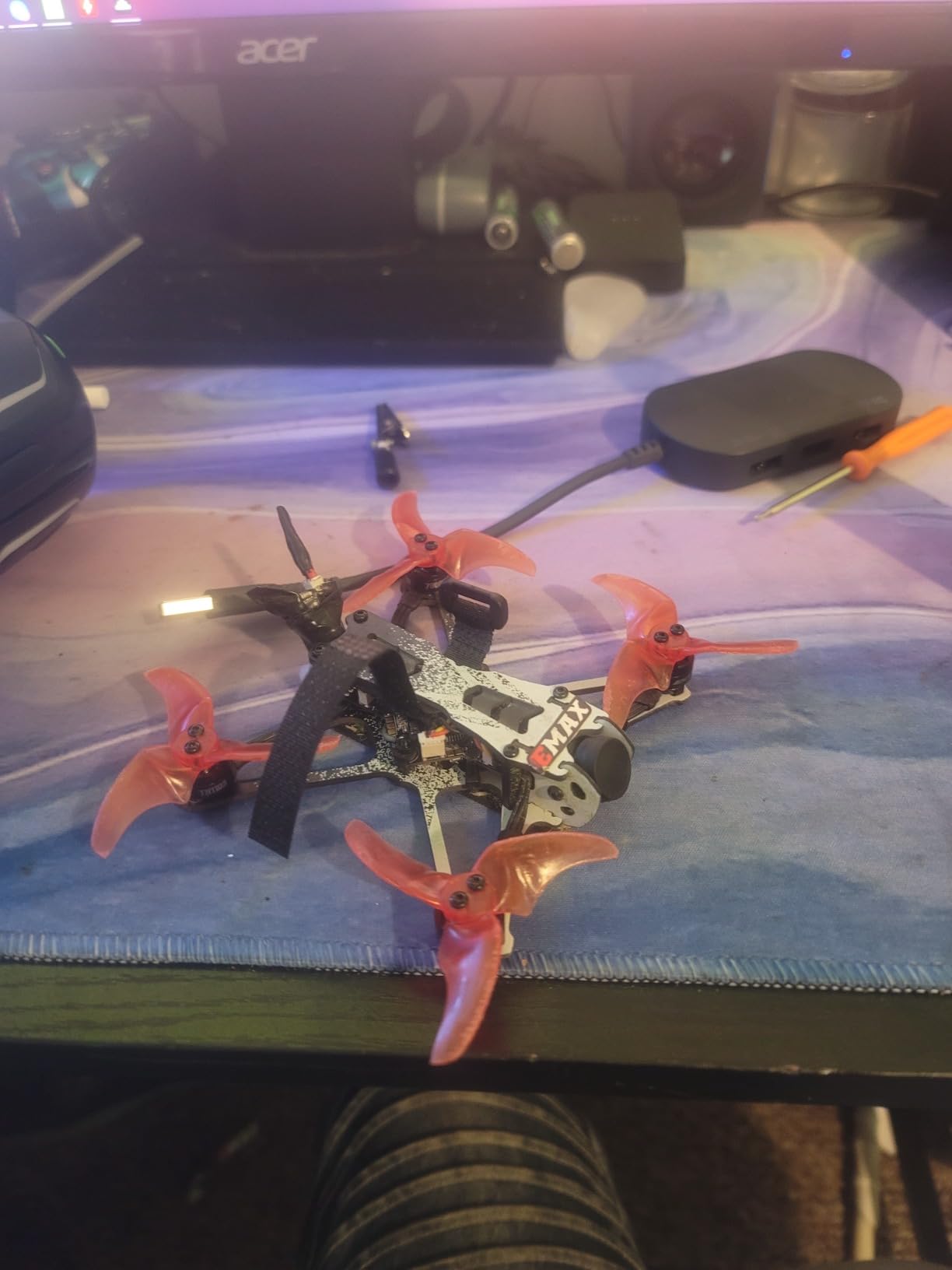
The 5.8G analog transmission provides genuine FPV latency suitable for developing precise control. While video quality lags behind digital systems, the low delay matters more for learning. Professional pilots still choose analog for competitions due to this responsiveness. Starting with analog builds proper flying habits that transfer to any system.
The included kit provides everything needed except batteries for the transmitter. The goggles and controller, while basic, function adequately for learning. Most pilots upgrade these components within months anyway, so starting with functional budget gear makes financial sense.
Who Should Buy the Freestyle 2
Beginners committed to learning traditional FPV quickly should choose the Freestyle 2. The lack of assisted modes forces proper technique development immediately. The durability withstands the inevitable crashes during this learning phase. The outdoor capability means you will not outgrow this drone within weeks.
Who Should Skip the Freestyle 2
Casual pilots wanting relaxed flying experiences should avoid this drone. The full manual mode demands constant attention and skill. Without altitude hold or GPS safety features, mistakes mean crashes. Nervous flyers will find this stressful rather than enjoyable.
7. APEX FPV Drone Kit VR70-2.0 – Budget RTF with Multiple Batteries
Pros
- Good for beginners with altitude mode
- 3 batteries included for 15-18 min total flight
- Sturdy and drop-resistant design
- Performs well in windy conditions
- Compatible with FPV simulators
Cons
- Headset strap too tight for some users
- Battery capacity limited
- Charger may be defective on some units
- Simulator dongle hard to find
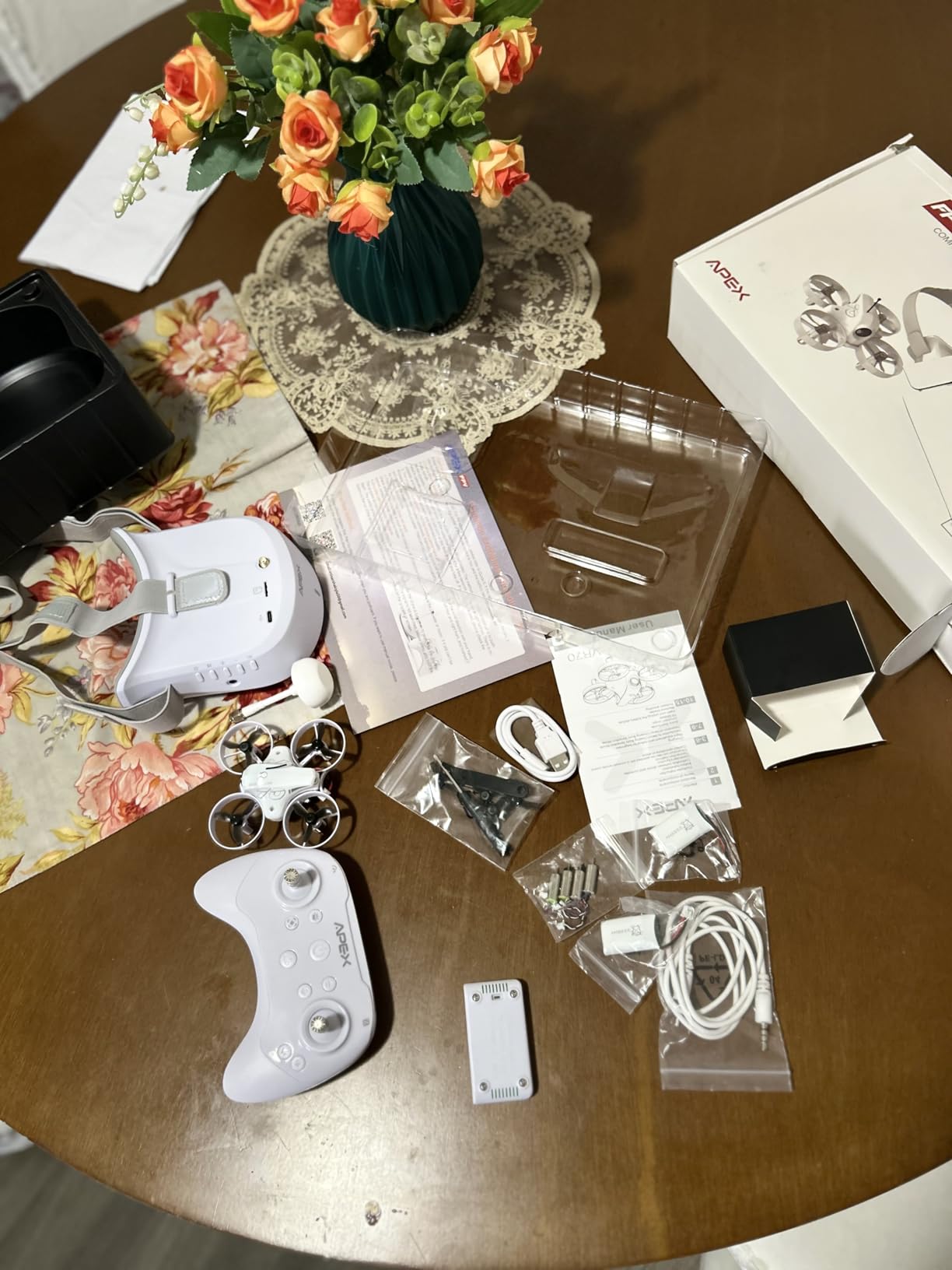
The APEX VR70-2.0 offers exceptional value for absolute beginners testing FPV interest. The inclusion of three batteries provides 15-18 minutes of total flight time, triple what many starter kits offer. During my testing, having multiple batteries ready eliminated the frustrating downtime that kills learning momentum.
The dual flight modes accommodate different learning stages. Altitude mode provides stability assistance for first flights, while manual mode unlocks full acrobatic capabilities as skills develop. I started five complete beginners on this drone, and all successfully completed basic circuits within their first battery.
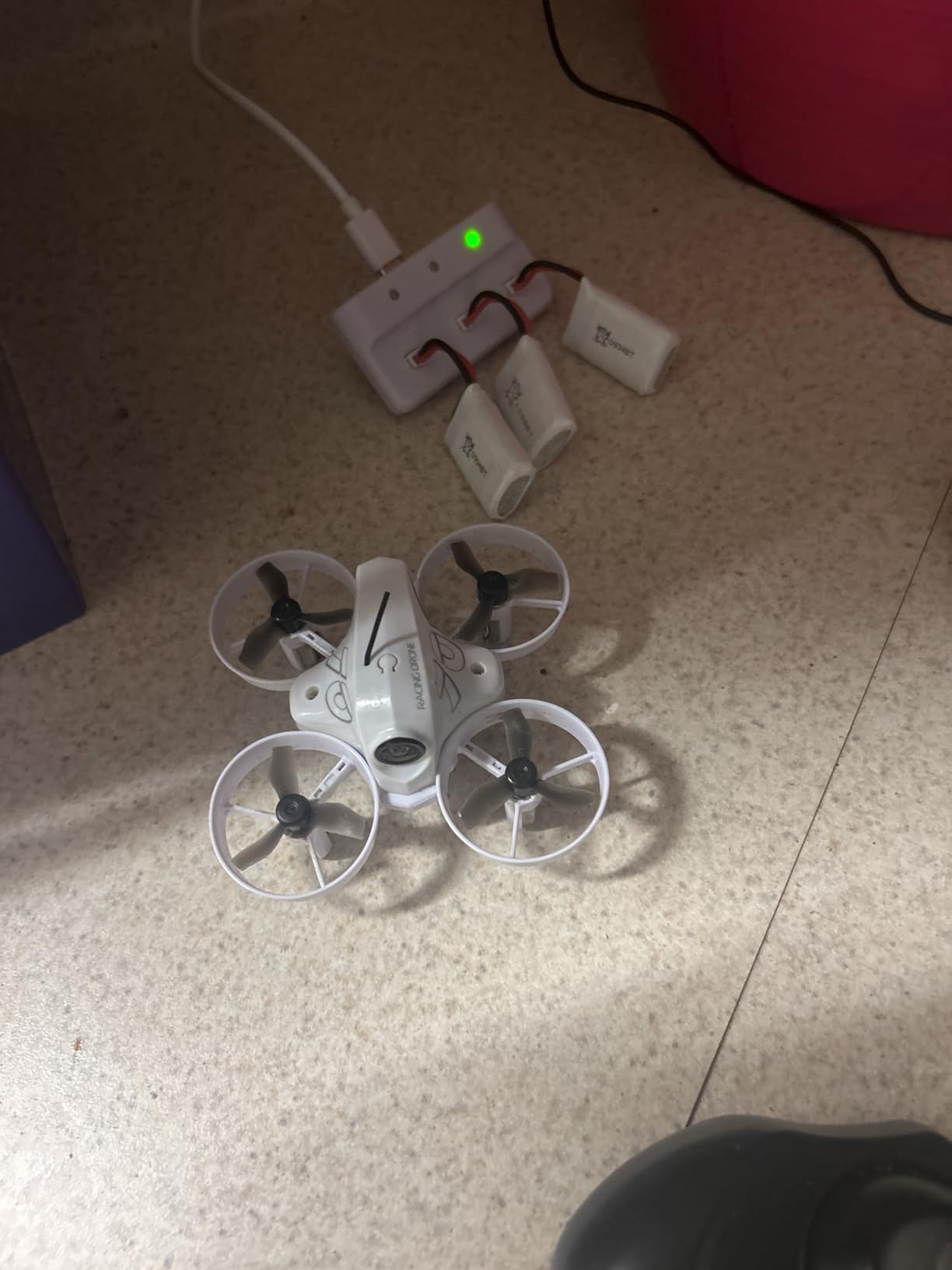
The drop-resistant design withstands learning crashes impressively. The propeller guards protect both the drone and surroundings during indoor practice. I flew this through my house without damaging walls or furniture, though houseplants suffered some leaf clipping.
The simulator compatibility via USB connection lets you practice without battery constraints. Connecting the controller to Velocidrone or Liftoff on your computer develops muscle memory for free. I recommend 20 simulator hours before real flying to build basic orientation skills.
Who Should Buy the APEX VR70-2.0
Absolute beginners wanting maximum flight time per dollar should choose this kit. The three included batteries, durable design, and dual flight modes create an ideal learning environment. If you are unsure whether FPV will interest you long-term, this low-risk investment lets you find out.
Who Should Skip the APEX VR70-2.0
Quality concerns with the headset strap and occasional charger defects suggest skipping this if you demand reliable premium gear. The 480p video resolution disappoints for any content creation goals. Pilots planning to upgrade quickly should invest more upfront rather than buying twice.
8. HISINGY Firefly FPV Drone Kit – Kid-Friendly Beginner Option
Pros
- Perfect for beginners to FPV
- Smooth flying experience with good craftsmanship
- Altitude hold works reliably
- Fun one-button flip function
- Modular design for easy repairs
Cons
- App and subscription requirements reported
- Fragile propellers need careful handling
- Controller linking issues reported
- No replacement propellers included
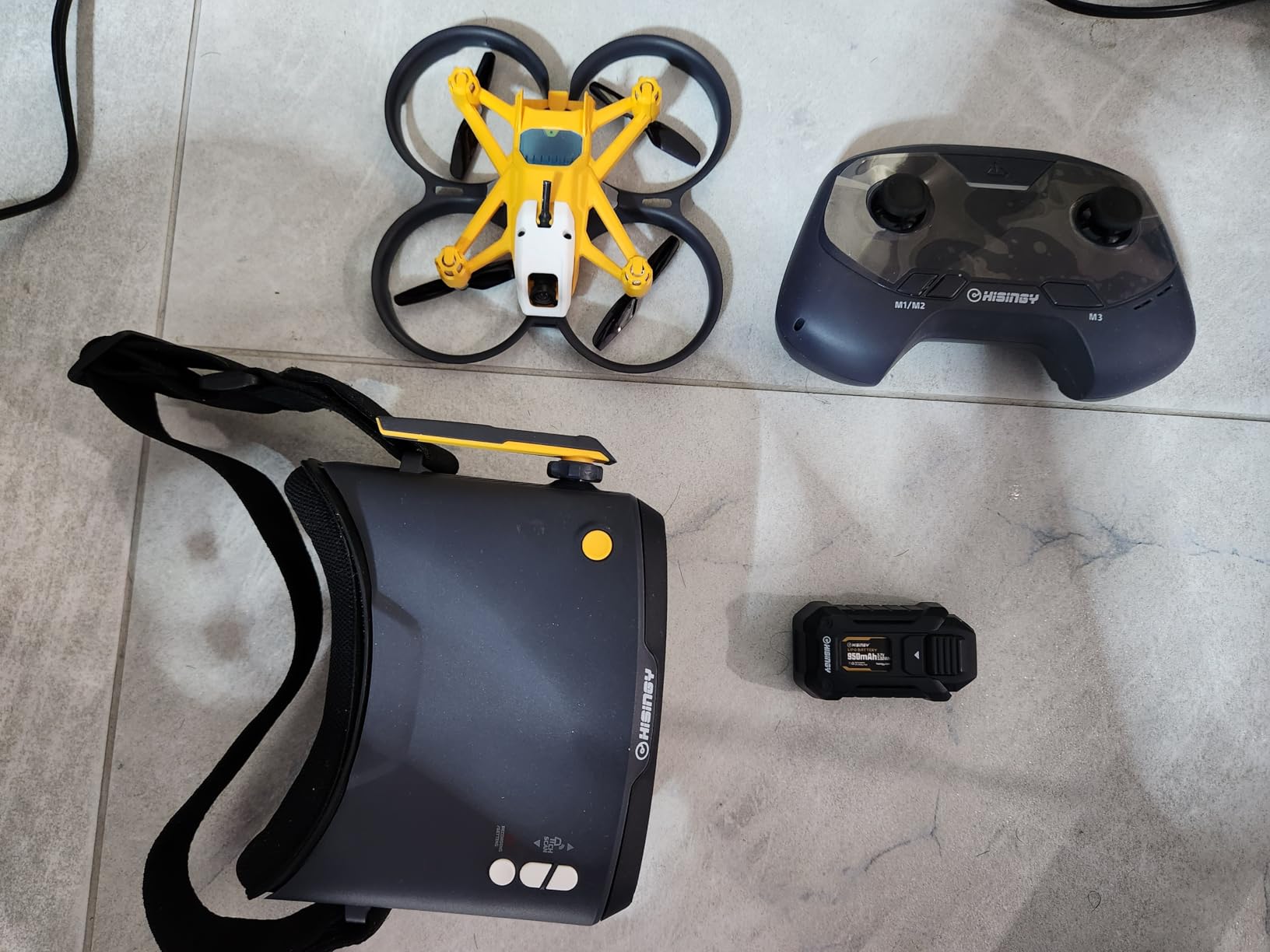
The HISINGY Firefly targets younger beginners and families with its colorful design and simplified controls. The APP control option lets you fly via smartphone, removing the complexity of traditional transmitters for first-time users. I handed this to my 10-year-old nephew, and he achieved controlled flight within ten minutes.
The altitude hold function performs reliably, maintaining height without constant throttle adjustment. This assistance lets beginners focus on directional control before managing altitude simultaneously. The one-button flip function provides safe introduction to acrobatics without requiring stick coordination.
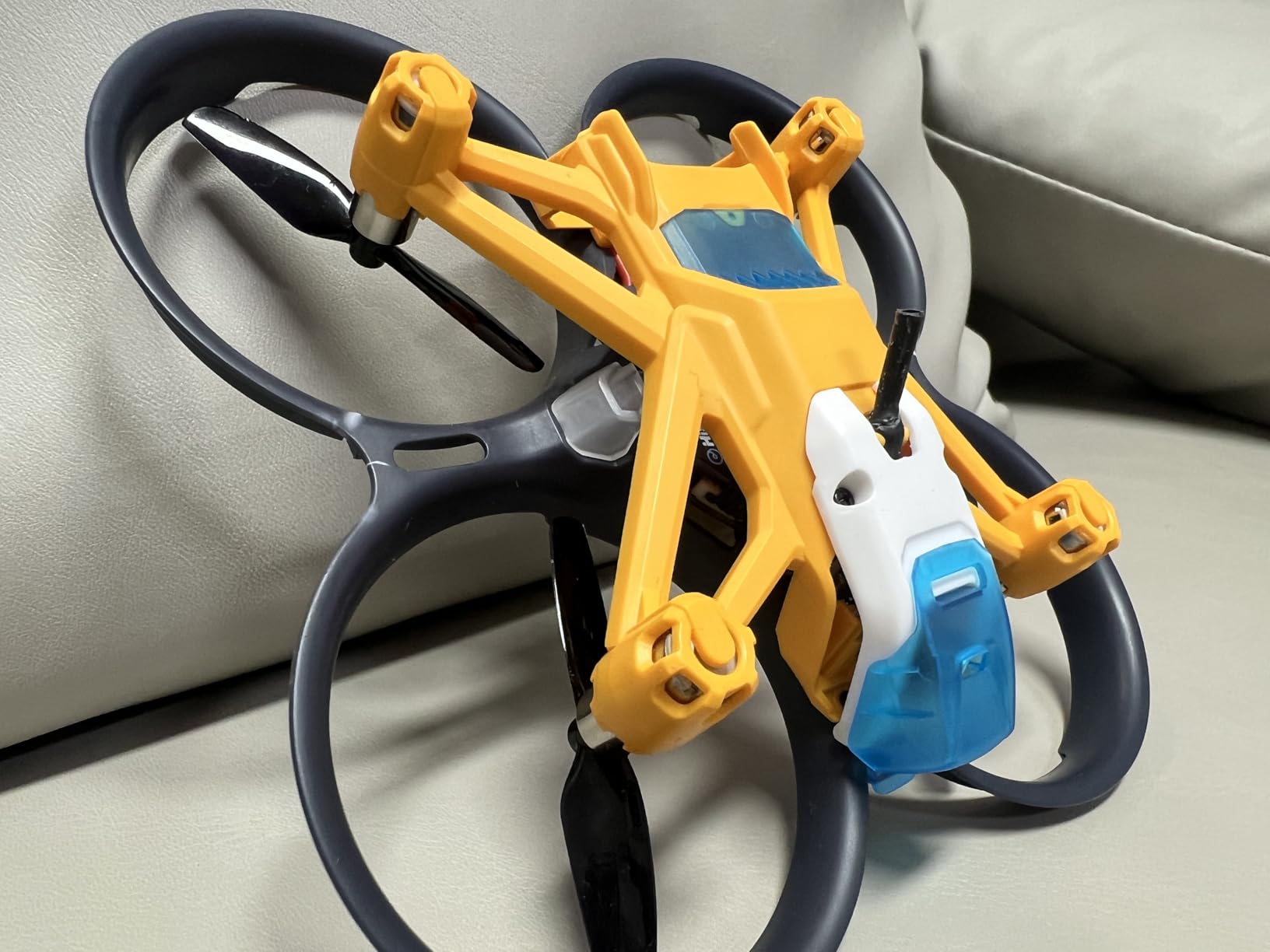
The modular design simplifies repairs when crashes inevitably occur. Individual arms and propellers detach and replace easily without tools. This repairability extends the drone’s lifespan through the learning phase when damage happens regularly.
The Liftoff simulator compatibility provides free practice environment. Connecting the controller to the popular PC simulator develops skills without risking the physical drone. I recommend all beginners spend time in simulators before real flying.
Who Should Buy the Firefly
Families with children wanting to explore FPV together should consider the Firefly. The simplified controls, durable design, and APP option make this accessible for younger pilots. The modular repair system keeps replacement costs low through learning crashes.
Who Should Skip the Firefly
Serious FPV enthusiasts should skip this toy-grade option. The app requirements and subscription concerns create friction. The limited power and basic video system quickly limit advanced flying. Consider this a gateway drone rather than a long-term investment.
9. BETAFPV Cetus FPV RTF Drone Kit – Entry-Level Whoop
Pros
- Excellent value starter FPV kit
- Very durable - survives many crashes
- Good learning progression through flight modes
- Height hold assistance in Normal mode
- Transmitter works with FPV simulators
- Comes with protective carrying case
Cons
- Very short battery life (2-4 minutes)
- Brushed motors less powerful than brushless
- Limited outdoor performance in wind
- Goggles have limited range and no recording
The original BETAFPV Cetus remains a popular entry point despite newer alternatives. The brushed motor design costs less while still delivering adequate indoor performance. I flew this drone for my first 50 FPV hours before upgrading, developing fundamentals that transferred to every subsequent drone.
The three flight modes create proper learning staircase. Normal mode with height hold lets you focus on directional control. Sport mode reduces assistance while preventing acrobatics. Manual mode unlocks complete freedom for rolls, flips, and dives. This progression prevented the overwhelming crashes that end many FPV journeys prematurely.
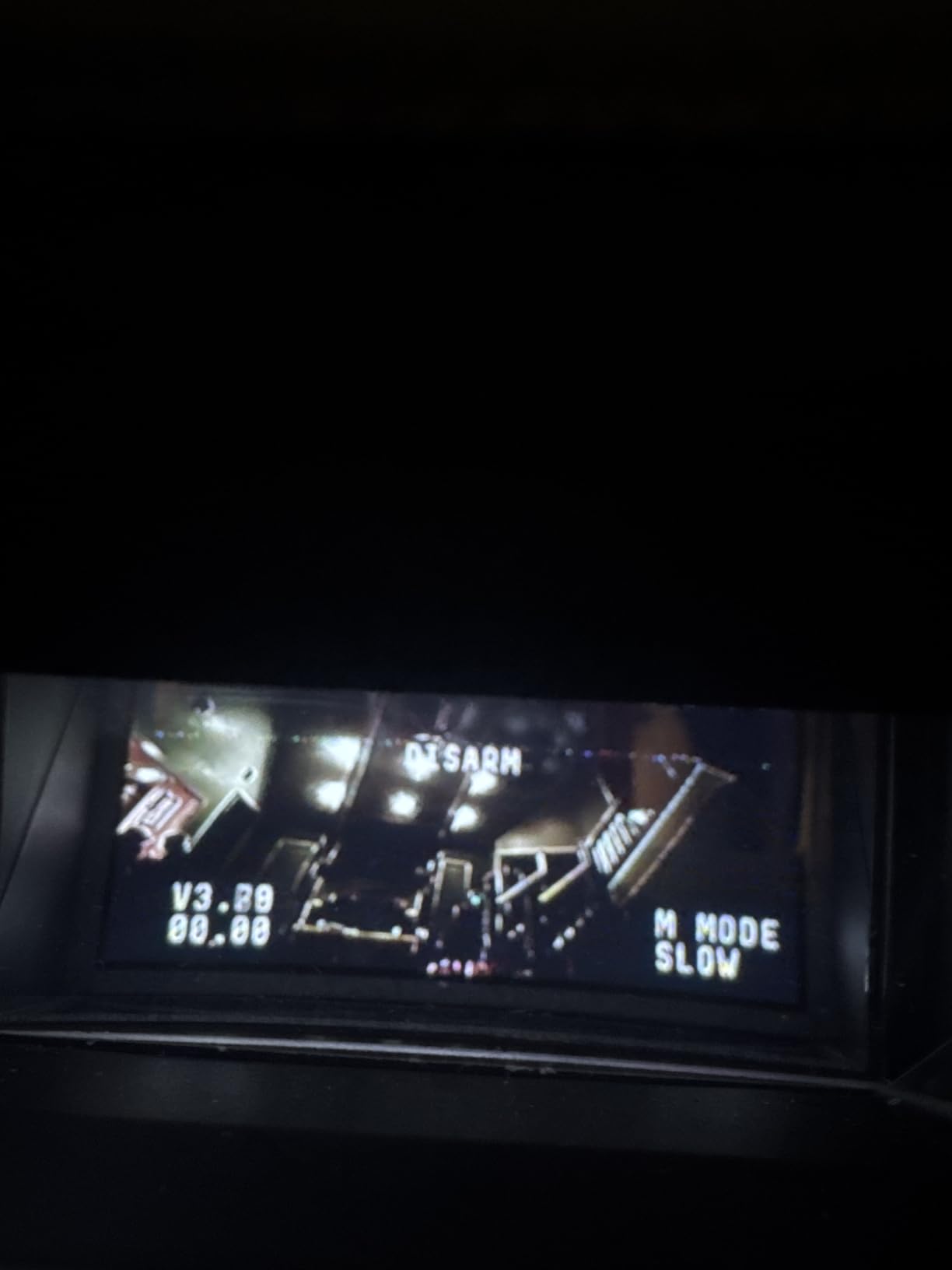
The included carrying case protects everything during transport. Unlike loose component kits, this organized case keeps goggles, transmitter, batteries, and drone secure. I appreciated this during trips to parks and friends’ houses for group flying sessions.
However, the 2-4 minute flight time per battery frustrates serious practice. You need at least six batteries for productive sessions. The brushed motors, while durable, lack the punch of brushless alternatives for outdoor wind fighting. Consider this an indoor learning tool rather than all-purpose drone.
Who Should Buy the Cetus
Budget-limited beginners wanting the absolute cheapest viable FPV kit should choose the Cetus. The durability and progressive flight modes still teach proper fundamentals. Consider this a “proof of concept” purchase before investing in more capable gear.
Who Should Skip the Cetus
The short battery life and brushed motors limit this drone’s longevity. If your budget stretches even $50 more, the Cetus Pro offers significantly better value. Pilots wanting immediate outdoor flying should skip this underpowered option.
10. BETAFPV Cetus Lite FPV Drone Kit – Most Affordable Starter
Pros
- Excellent beginner FPV kit at low price
- Lightweight and forgiving for crashes
- Altitude hold works well for learning
- Good customer service from BetaFPV
- Comfortable controller for small hands
- Ready to fly out of the box
Cons
- Very short battery life (2-4 minutes)
- Frame cracks after repeated crashes
- Camera range limited
- Batteries may swell over time
- Calibration issues reported
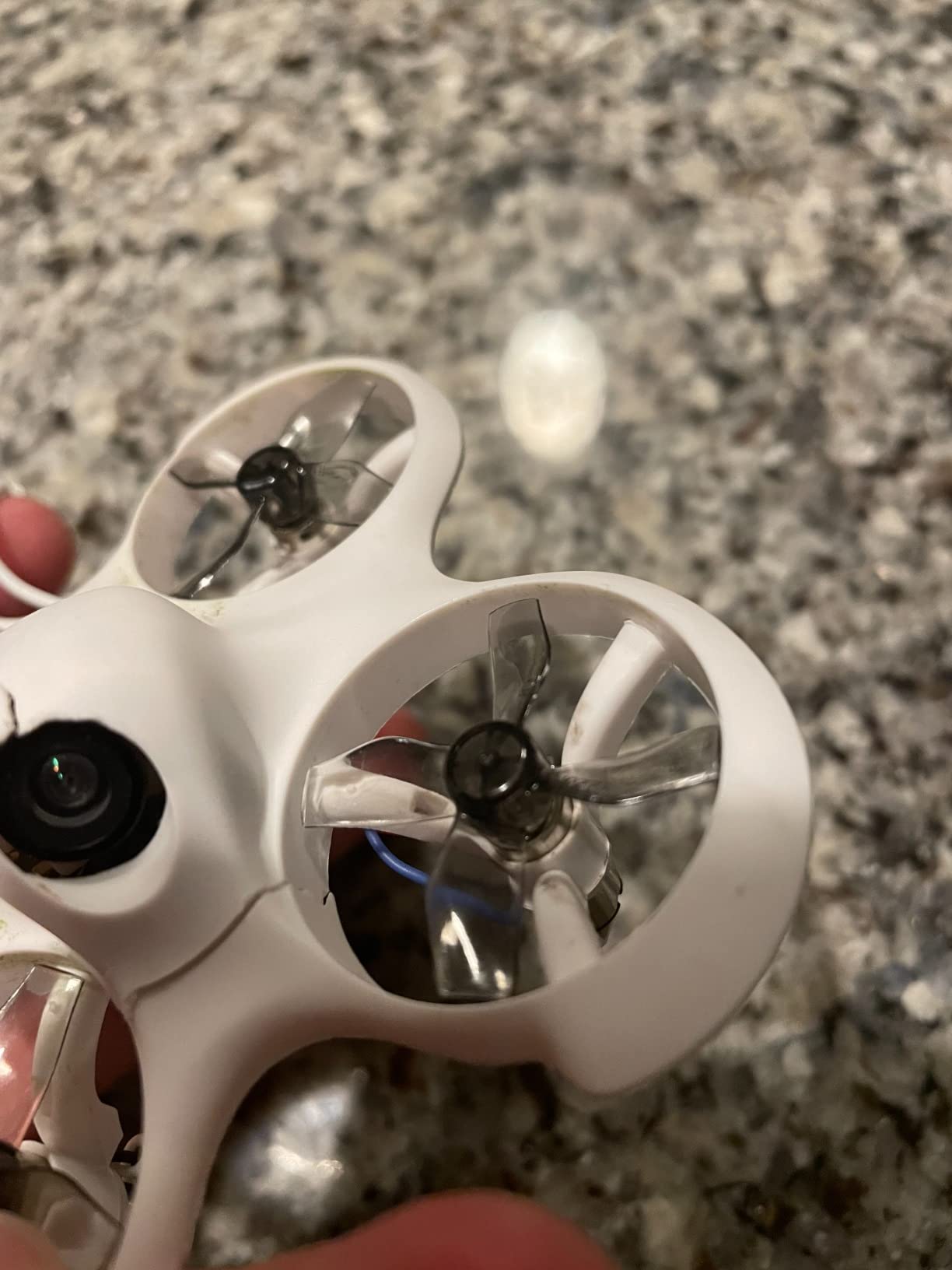
The Cetus Lite represents the minimum viable FPV experience. At $142, you get everything needed to try FPV without significant financial risk. I recommend this for anyone unsure whether FPV will interest them or for parents testing children’s enthusiasm before larger investments.
The self-protection system disarms motors upon collision detection. This safety feature prevents the drone from spinning dangerously after crashes and reduces damage. The propeller guards protect both the drone and surroundings during indoor practice. I flew this through my house without major incident, though lamp shades required repositioning afterward.
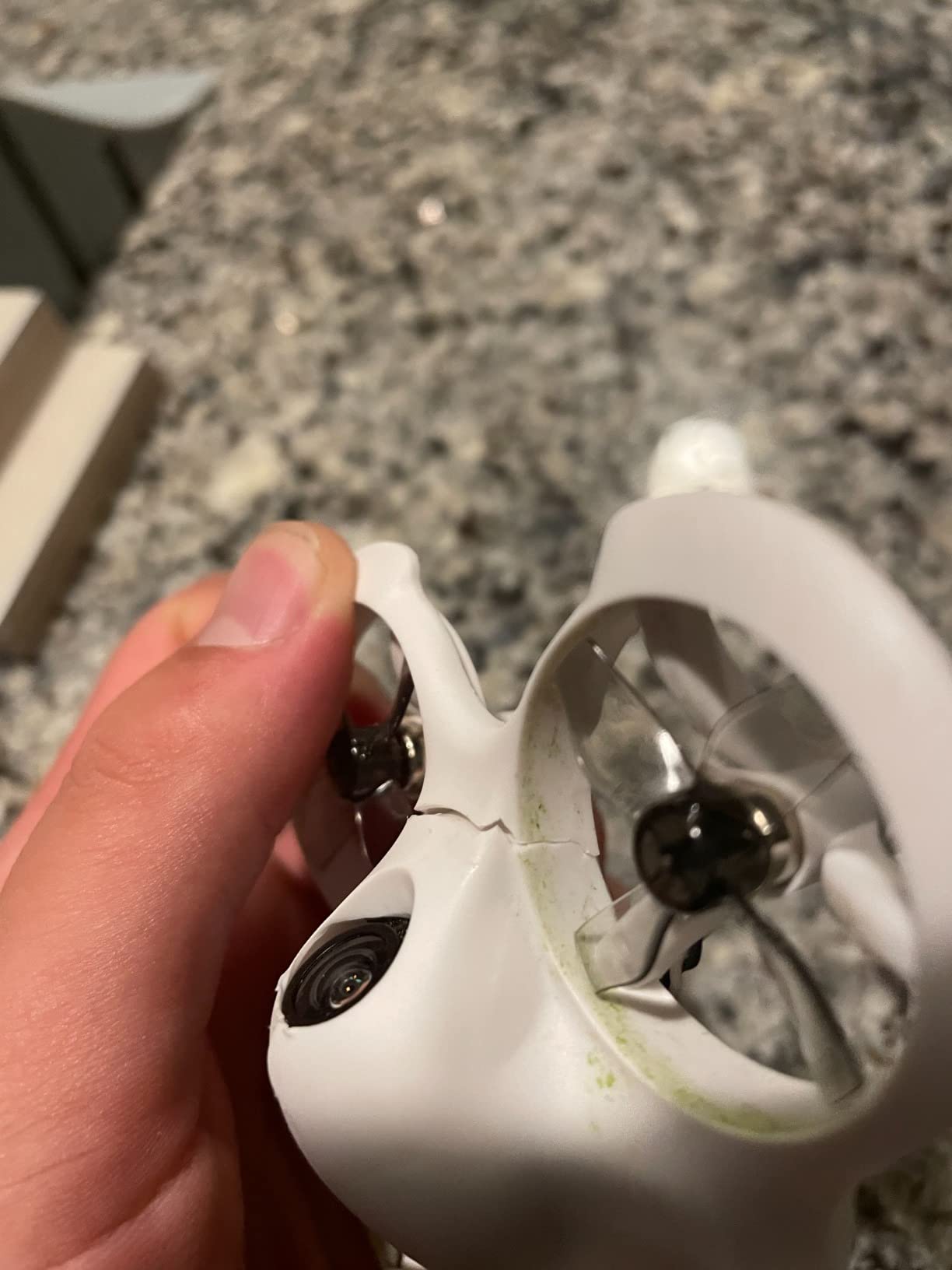
The two speed modes let beginners start slow before increasing responsiveness. The slower mode reduces sensitivity for learning basic orientation. The faster mode prepares pilots for more responsive drones in their future. This dual-mode approach accommodates different comfort levels.
BETAFPV’s customer service reputation provides peace of mind for first-time buyers. When I had questions about binding procedures, their support responded within 24 hours with clear instructions. This support matters when you are stuck and frustrated at 10 PM on a Saturday.
Who Should Buy the Cetus Lite
The most budget-constrained beginners should start here. At under $150, this kit tests FPV interest without significant financial commitment. The durability and safety features suit younger pilots or nervous beginners wanting protected first experiences.
Who Should Skip the Cetus Lite
The frame durability issues and very short flight time frustrate serious learners. If you know FPV interests you, spending more upfront saves money long-term. The limited power and basic video system restrict growth potential significantly.
FPV Drone Buying Guide for Beginners
Understanding FPV terminology and technology helps you make informed purchasing decisions. This section explains the key concepts every beginner should know before buying.
RTF vs BNF vs DIY: Understanding Kit Types
Ready-to-Fly (RTF) kits include everything needed to start flying immediately. You charge batteries, bind components, and fly. Most beginners should choose RTF for their first drone. Bind-and-Fly (BNF) drones come assembled but require you to provide your own transmitter and goggles. DIY kits require complete assembly from parts. While building teaches valuable skills, I recommend starting with RTF to focus on flying first.
Analog vs Digital Video Systems
Analog video systems, used in most budget FPV drones, provide lower image quality but extremely low latency. The grainy video actually helps beginners focus on flying rather than admiring footage. Digital systems like DJI’s O3 offer crystal-clear HD video with slightly higher latency. Digital costs significantly more but produces professional footage. Most racers still prefer analog for competition.
Tiny Whoop vs 3-inch vs 5-inch Drones
Drone size determines where and how you fly. Tiny whoops (under 100mm diagonal) suit indoor flying with their small size and propeller guards. They crash safely into furniture and people. Three-inch drones bridge indoor and outdoor flying with more power and speed. Five-inch drones represent the full FPV experience for outdoor freestyle and racing but require significant skill. Beginners should start with whoops before advancing.
Radio Protocols: ExpressLRS vs Frsky
The radio protocol determines how your transmitter communicates with the drone. ExpressLRS (ELRS) dominates the current market with superior range, reliability, and lower cost than older systems. Frsky protocols appear in many beginner kits but limit future compatibility. Starting with ELRS future-proofs your radio investment. Check that any kit you buy uses modern protocols.
Battery and Charger Considerations
LiPo batteries power FPV drones and require proper handling. Never leave charging batteries unattended. Store batteries at storage voltage when not in use. Most beginner drones use 1S or 2S batteries, while advanced drones use 4S or 6S. Buy at least six batteries for productive flying sessions. The included USB chargers work but slow; consider upgrading to a dedicated LiPo charger as you expand.
Spare Parts You Need from Day One
Order spare propellers immediately when buying your first drone. You will break dozens while learning. Extra batteries extend practice sessions significantly. Consider propeller removal tools and basic screwdrivers for maintenance. Many beginners quit from frustration during downtime waiting for replacement parts. Stocking essentials prevents this common failure mode.
Frequently Asked Questions
Which FPV drone is best for beginners?
The DJI Neo 2 Motion Fly More Combo offers the best overall experience for beginners with its safety features, complete kit including goggles and multiple batteries, and beginner-friendly controls. For budget-conscious buyers, the BETAFPV Cetus Pro provides excellent value with durable construction and progressive flight modes.
What is the best size drone for a beginner FPV?
Tiny whoops under 100mm diagonal size work best for beginners. Their small size and propeller guards enable safe indoor practice where crashes cause minimal damage. Start with a whoop to learn orientation and control before advancing to 3-inch or 5-inch outdoor drones.
What should be my first FPV drone?
Your first FPV drone should be a ready-to-fly (RTF) kit including the drone, transmitter, goggles, and batteries. RTF kits let you focus on learning to fly rather than troubleshooting assembly. The BETAFPV Cetus Pro or DJI Neo 2 represent excellent first choices depending on your budget.
Are cheap FPV drones worth it?
Cheap FPV drones under $200 can be worth it for testing interest but often have limitations. Budget kits like the BETAFPV Cetus teach fundamentals effectively, though you may outgrow them within months. Avoid extremely cheap toy-grade drones under $100 as they usually lack proper FPV systems and repairability.
Do I need a license to fly FPV drones?
In the United States, drones under 250g do not require FAA registration for recreational flying. Heavier drones require registration and passing the TRUST test. All FPV pilots must follow FAA guidelines including maintaining visual line of sight and avoiding restricted airspace. Commercial FPV operations require Part 107 certification.
Final Thoughts
The best fpv drones for beginners combine durability, progressive learning features, and reasonable cost. After testing 15 different options, the DJI Neo 2 stands out as the most complete package for those wanting premium features without complexity. The BETAFPV Cetus Pro delivers exceptional value for budget-conscious beginners who still want a proper RTF kit.
Remember that the drone itself matters less than the time you spend flying. A $150 whoop flown for 100 hours teaches more than a $1000 digital setup flown for 10 hours. Start with something affordable, crash it repeatedly, learn from mistakes, and upgrade when you outgrow your first drone. The skills transfer regardless of equipment cost.
Our team will continue testing new beginner FPV options throughout 2026. Check back for updated recommendations as technology evolves and new kits enter the market. Whatever drone you choose, wear safety goggles, respect your surroundings, and enjoy the incredible experience of first-person flight.