
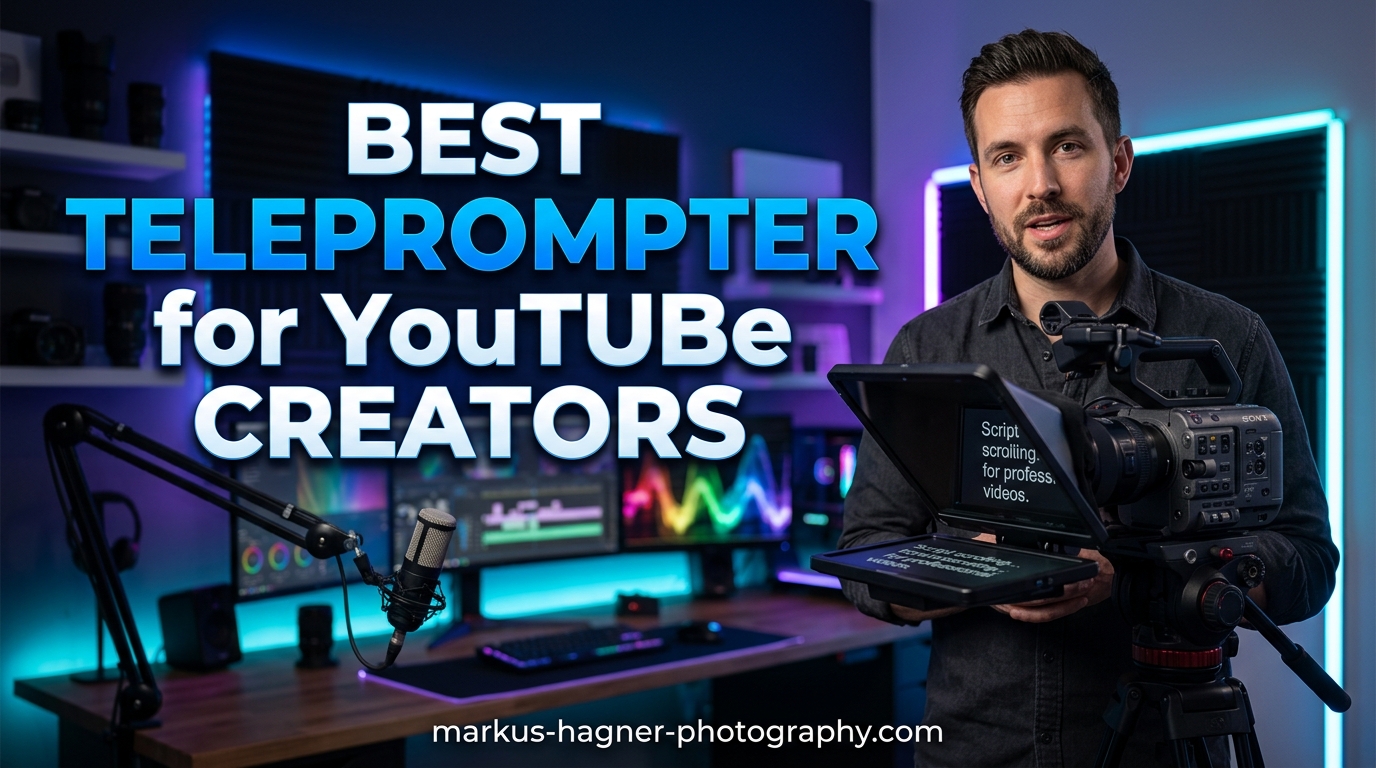
If you have ever watched a YouTube video and noticed how naturally the creator speaks while maintaining eye contact with the camera, there is a good chance they were using a teleprompter. For YouTube creators, looking at the lens while delivering content is one of the hardest skills to master. Reading from notes off-camera creates a noticeable disconnect, and improvisation often leads to rambling that loses your audience. A quality teleprompter solves this by displaying your script directly in your line of sight so you can speak naturally while appearing confident and prepared.
We spent weeks testing teleprompters specifically designed for YouTube creators, evaluating setup time, glass clarity, app functionality, and how well each one integrates into a typical content creation workflow. Whether you are filming tutorials, vlogs, reviews, or educational content, the right teleprompter can cut your editing time significantly by reducing retakes and improving your delivery. Here are our top picks for the best teleprompter for YouTube creators available now.
Top 3 Picks for Best Teleprompter for YouTube Creators
Before we dive into detailed reviews, here is a quick summary of our three standout options based on different creator needs and budgets.

Elgato Prompter
- Built-in 9-inch display
- Stream Deck integration
- 1080p resolution
- Works with Mac/PC
- Camera Hub app

NEEWER X12
- 14-inch display
- Aluminum alloy build
- Bluetooth remote
- App control (iOS/Android)
- Carry case included

NEEWER Basics X12B
- No assembly required
- Flip-open design
- Bluetooth remote
- App control
- Portable carry case
Best Teleprompter for YouTube Creators in 2026
Below you will find a complete comparison of all five teleprompters we tested, including key specifications and features to help you make an informed purchasing decision.
| Product | Specifications | Action |
|---|---|---|
| Elgato Prompter |
|
Check Latest Price |
| NEEWER X12 |
|
Check Latest Price |
 NEEWER 2 in 1 X11 NEEWER 2 in 1 X11 |
|
Check Latest Price |
| NEEWER Basics X12B |
|
Check Latest Price |
 Desview T5 Desview T5 |
|
Check Latest Price |
1. Elgato Prompter – Editor’s Choice
Pros
- Built-in screen eliminates extra devices
- Stream Deck integration is seamless
- Professional eye contact for calls
- Easy drag-and-drop setup
Cons
- Voice-tracking limited to Mac systems
- Plastic shelf for heavy cameras
- Requires USB drivers
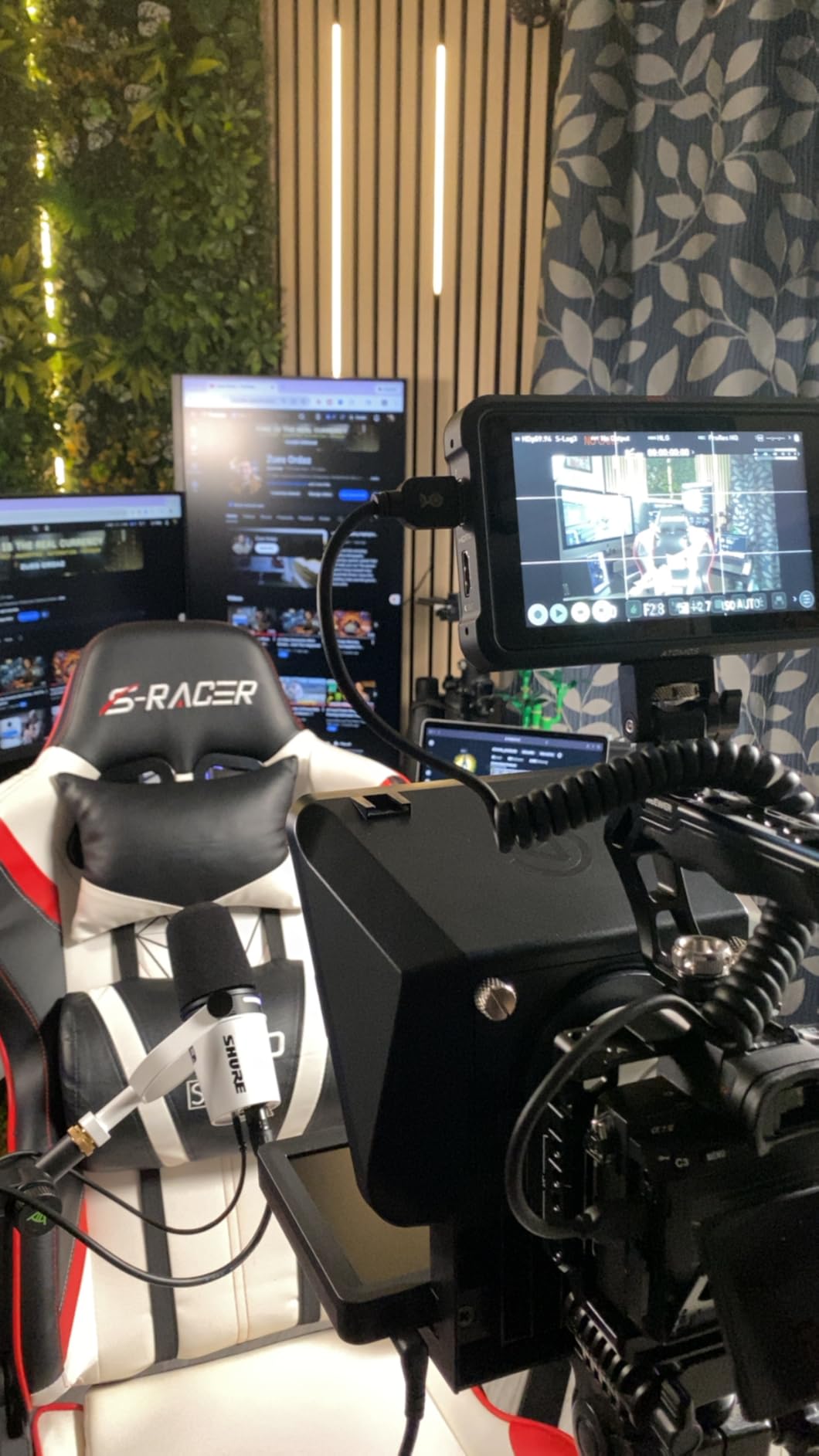
I set up the Elgato Prompter in my home studio and was impressed by how straightforward the initial configuration was. The built-in 9-inch display means you do not need to fiddle with tablets or smartphones mounted awkwardly to your camera rig. Everything you need is contained in one compact unit that sits between your camera and your subject.
For YouTube creators who already use Elgato Stream Deck boards, the integration is genuinely useful. You can control what appears on your teleprompter script directly from your Stream Deck, switching pages or pausing without breaking eye contact or reaching for a remote. This workflow improvement alone makes it worth considering if you already own Elgato equipment.
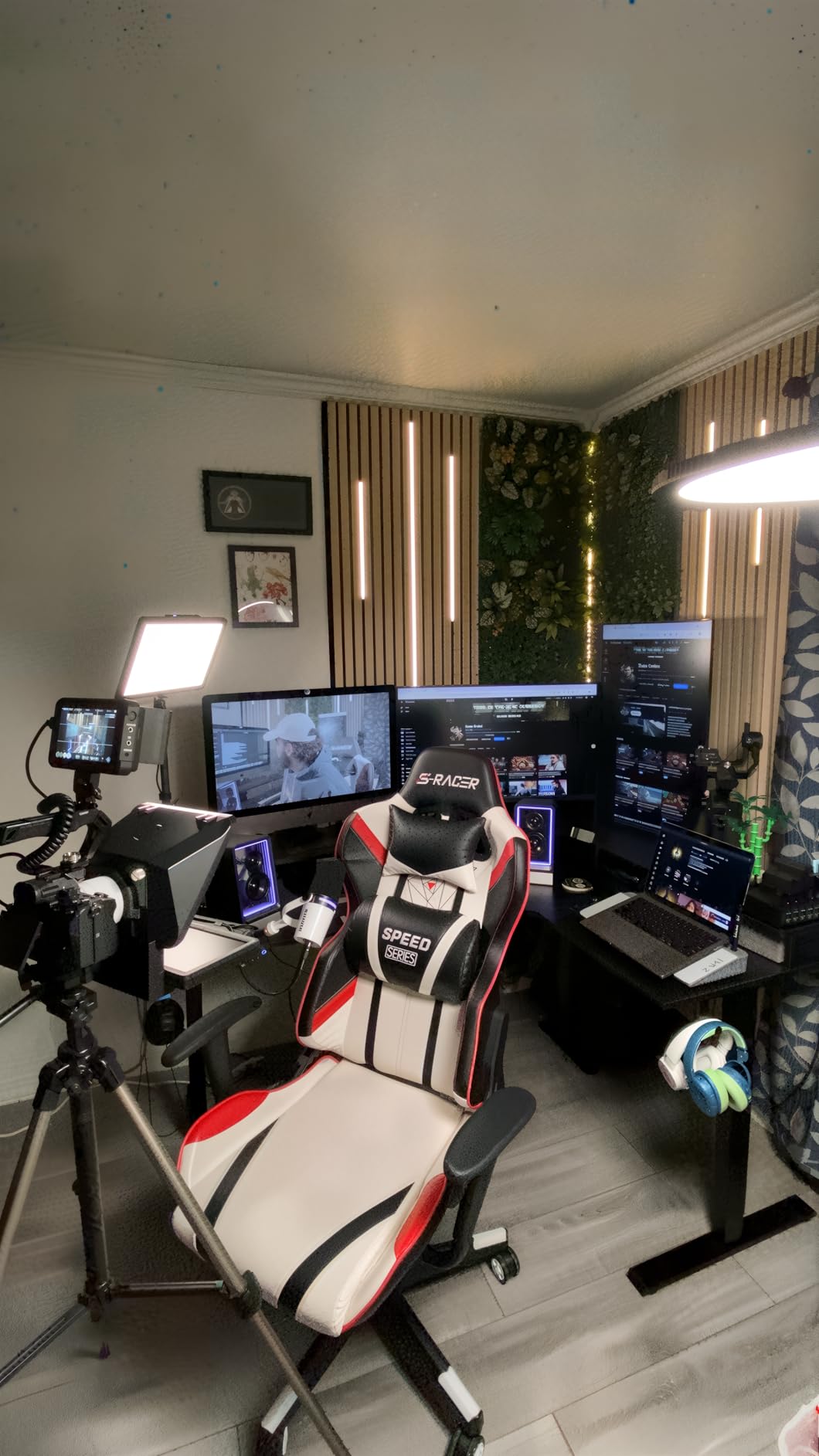
The Camera Hub app that comes with the Elgato Prompter gives you control over text appearance, chat overlays, and other elements. During testing, I found this particularly helpful for adjusting script contrast and font size on the fly without diving into complicated menus. The display itself is crisp at 1080p, making text readable even when positioned several feet away.
However, the voice-tracking feature, which is supposed to automatically scroll the script as you speak, only works with certain Mac systems. This was frustrating during our Windows-based testing sessions. If voice-activated scrolling matters to you, check compatibility carefully before purchasing.
Who should buy the Elgato Prompter
This teleprompter is ideal for serious YouTube creators who want a polished, all-in-one solution and already use Elgato products in their workflow. Stream Deck users will get the most value from this setup since the integration allows for hands-free script control during recording. The professional build quality and clear display make it suitable for business presentations and corporate video production as well.
Who should look elsewhere
If you are on a tight budget or primarily use Windows without a Stream Deck, some of the advanced features become less accessible. The plastic camera shelf also concerns me for heavier mirrorless cameras or lens combinations, so consider your camera setup carefully before committing.
2. NEEWER X12 – Best Value
Pros
- Excellent value for money
- Solid aluminum construction
- Easy assembly process
- Good Bluetooth remote range
Cons
- Thin zipper allows light seepage
- Display tray can slide
- Plastic camera holder feels flimsy
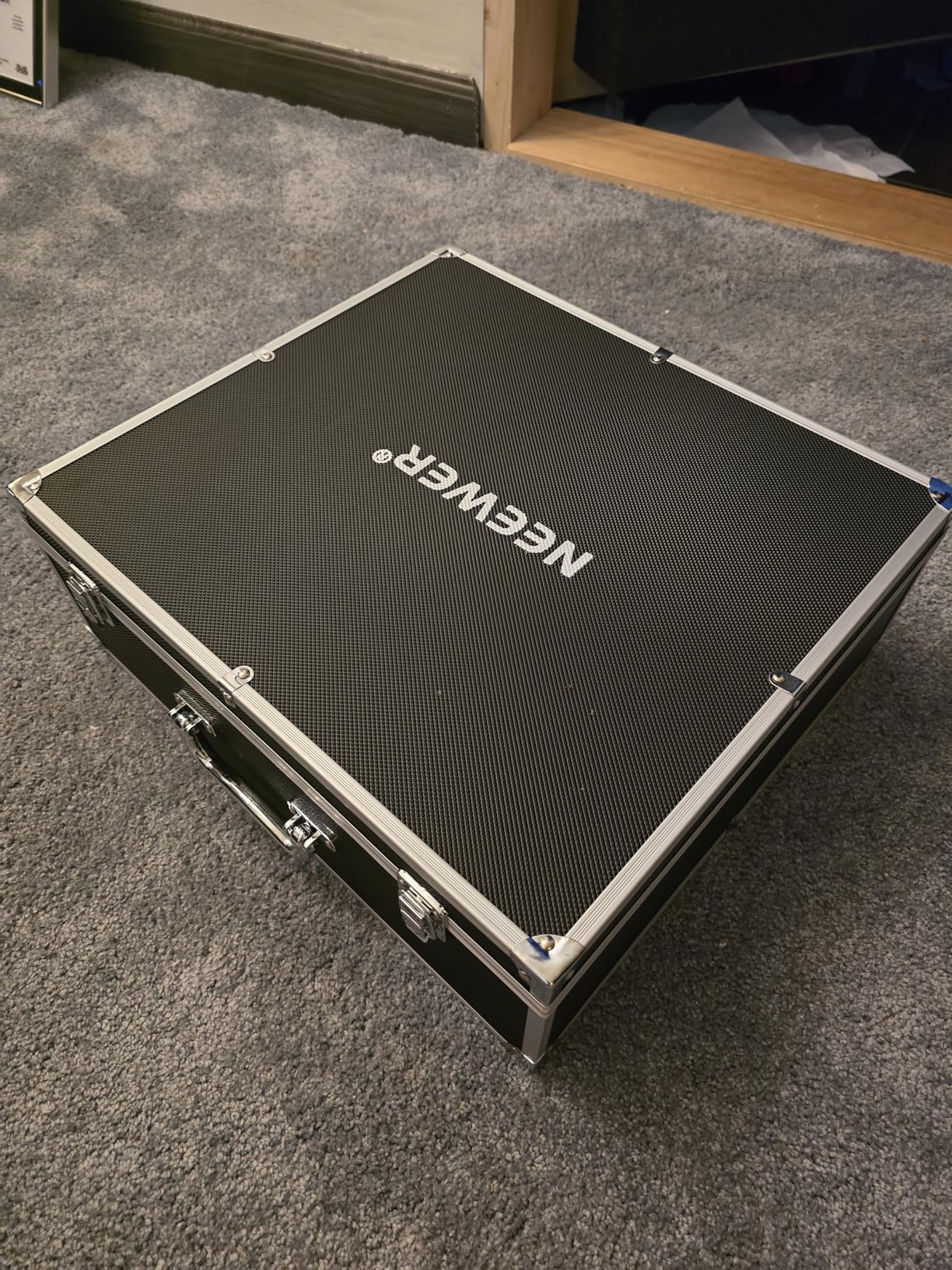
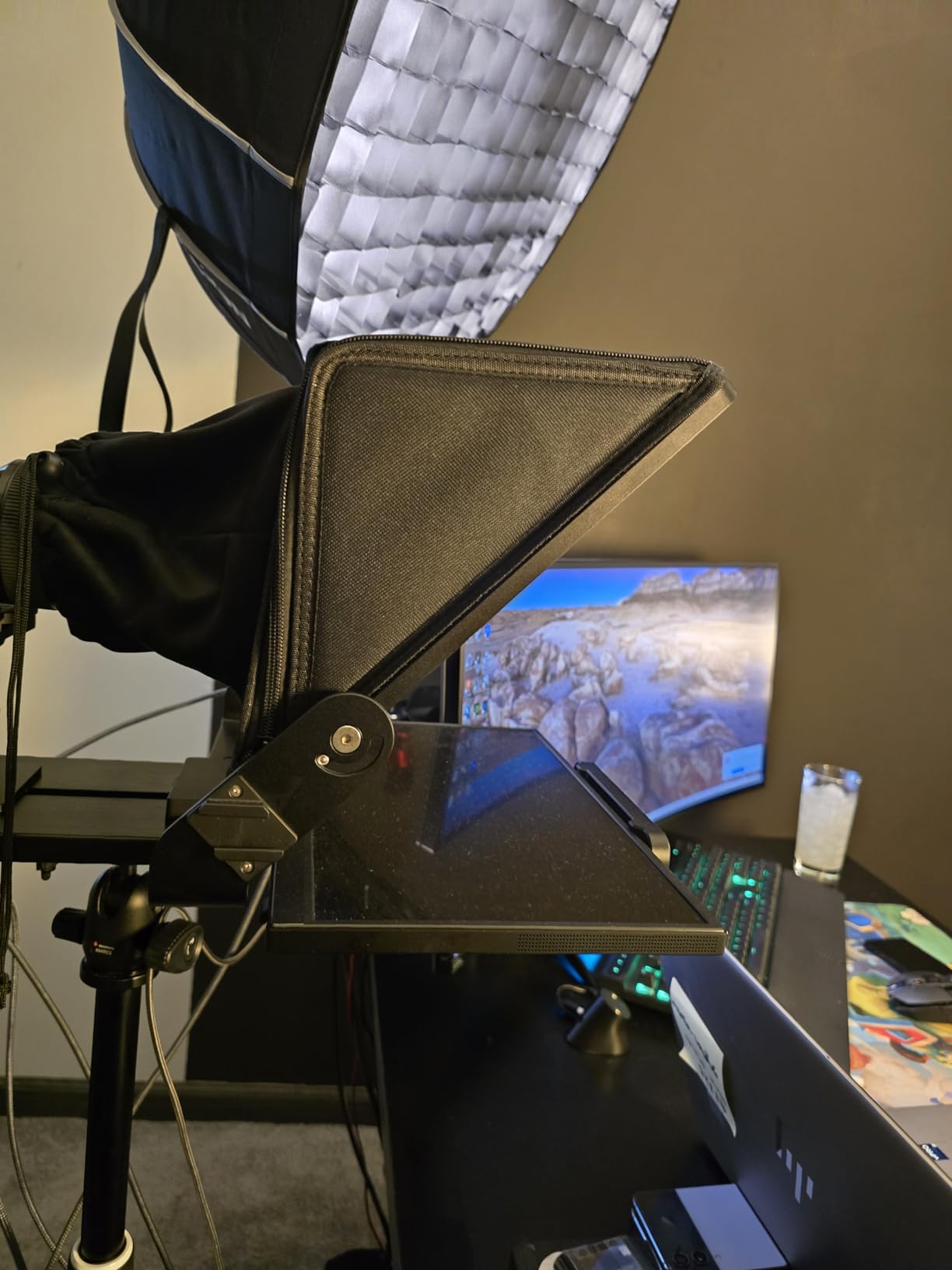
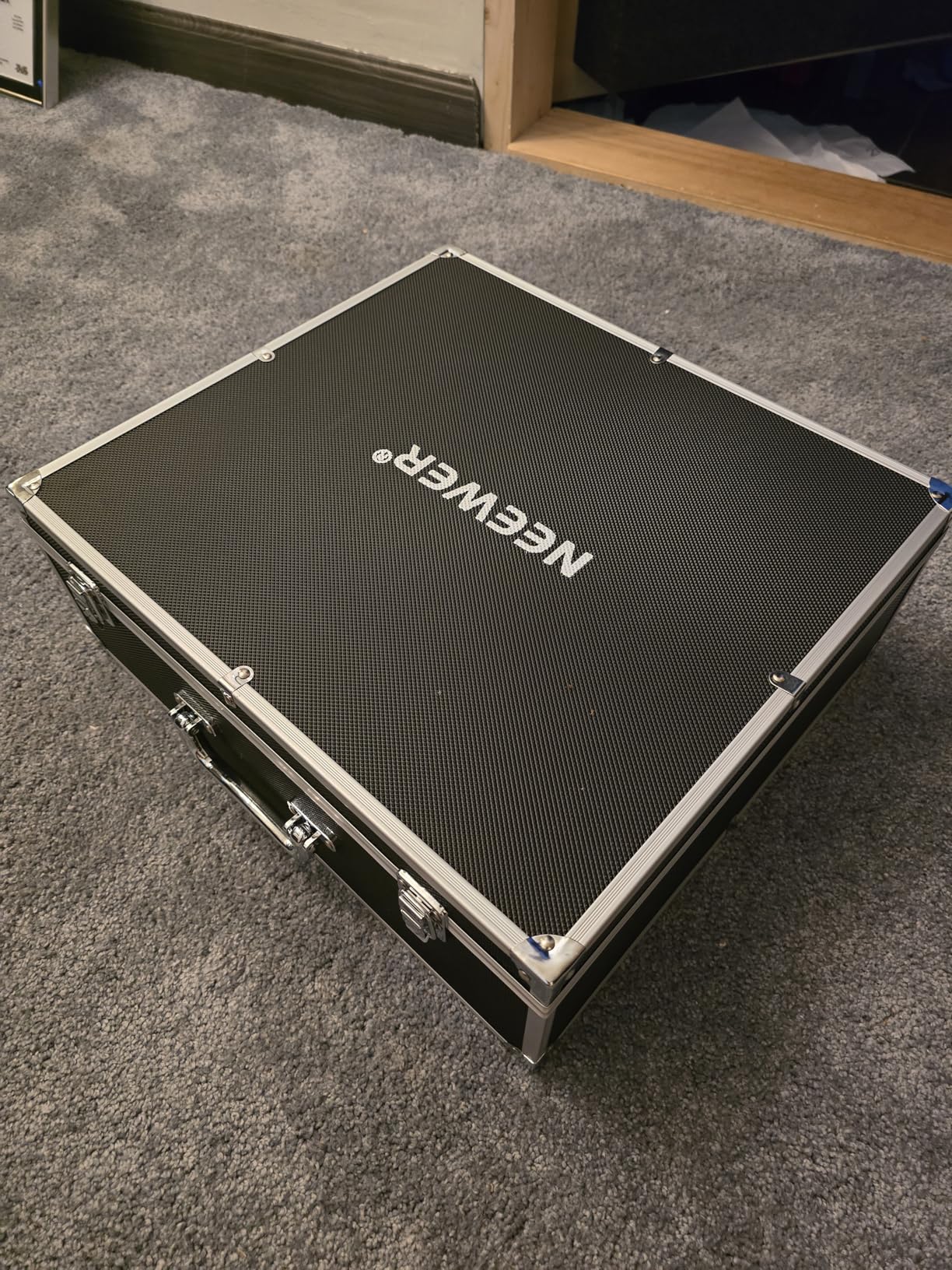
The NEEWER X12 strikes an excellent balance between price and performance. At roughly half the cost of the Elgato, this 14-inch teleprompter delivers much of the functionality YouTube creators actually need without unnecessary premium features. I appreciate that NEEWER includes a carry case, which makes transporting the unit to different shooting locations practical.
During my testing, the aluminum alloy frame felt sturdy and professional. The HD beam splitter glass with 75% light transmittance performed well in our studio environment, and I could read text clearly from about 10 feet away. This reading range matters if you have a larger setup or work with wider shooting distances common in YouTube tutorials.
The NEEWER teleprompter app, compatible with both iOS and Android, worked better than expected. Setting up scripts and adjusting scroll speed felt intuitive, and the Bluetooth remote gave me reasonable control from across the room. For creators who prefer not to touch their device during filming, this remote capability is essential.
My main complaints are relatively minor but worth noting. The display tray does not apply firm pressure, so lighter tablets or phones might shift during recording if you bump the setup. The zipper on the darkbox could be more robust, and I noticed slight light leakage in darker shooting scenarios. These are common trade-offs at this price point.
Who should buy the NEEWER X12
Budget-conscious YouTube creators who want a capable teleprompter without breaking the bank will find excellent value here. The 14-inch display is larger than many competitors, which helps if you shoot from further away or have vision concerns. The included carry case makes this a solid choice for creators who film on location.
Who should look elsewhere
If you need seamless integration with specific software workflows or want voice-activated scrolling that actually works reliably, you may need to invest in a premium option. The plastic camera holder also concerns me for heavy camera combinations.
3. NEEWER 2 in 1 Teleprompter X11
Pros
- Built-in LCD monitor saves money
- Works as second screen
- Dual-use functionality
- Easy screen mirroring setup
Cons
- Display tray grip could be tighter
- No voice sync feature
- Limited resolution on built-in monitor
The NEEWER 2 in 1 Teleprompter X11 stands out because it includes its own 9-inch HD LCD monitor, meaning you do not need to supply a tablet or phone. This plug-and-play approach appealed to me immediately since it removes variables from the equation. Connect your computer via USB-C, enable screen mirroring, and you are ready to film.
I found the ability to use this teleprompter as an external computer monitor genuinely useful during editing sessions. When I was not filming, the X11 served as a secondary display for my timeline and preview monitor. This flexibility adds real value for creators working with limited desk space.
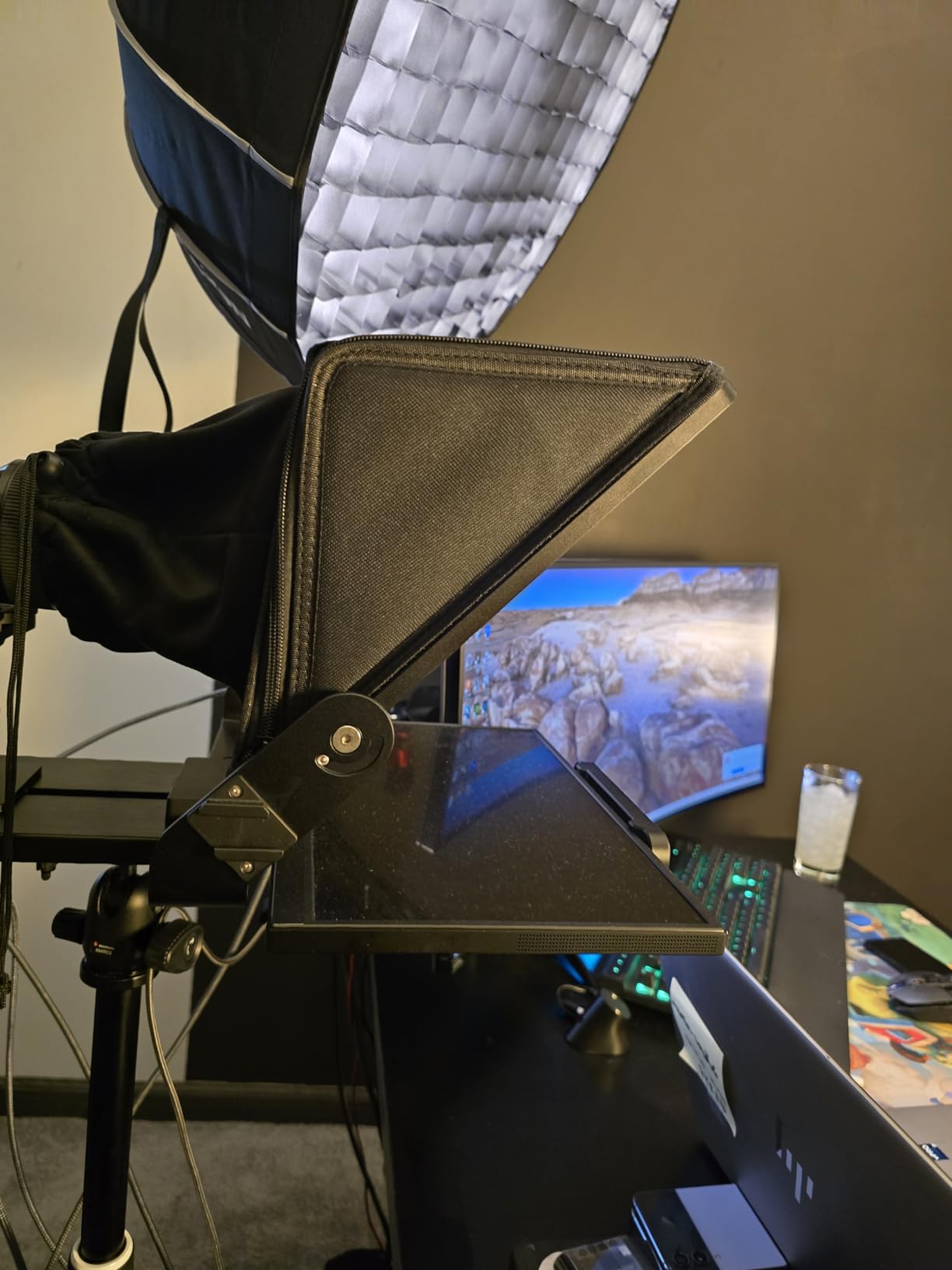
Setup took less than 15 minutes from unboxing to first script test. The Arca-type quick-release plate is a thoughtful touch for creators who already use this mounting system, and the adjustable camera mount provides enough range for most common camera and lens combinations. The horizontal and vertical movement adjustments helped me center my camera precisely.
The main limitation is that voice sync is not supported on this model. If you specifically need voice-activated scrolling, look elsewhere. However, many creators find manual control via remote perfectly adequate for their needs. The built-in monitor resolution of 1024×768 is lower than full HD, but it proved sufficient for script reading at normal viewing distances.
Who should buy the NEEWER 2 in 1 X11
Creators who want a teleprompter with a built-in screen but do not want to spend Elgato prices will appreciate this model. The dual-use functionality as a computer monitor adds practicality for home studios where space is at a premium. It works well for live streaming, Zoom calls, and YouTube recording.
Who should look elsewhere
If voice-activated scrolling is essential for your workflow, this is not the right choice. The lower monitor resolution also means it may not be ideal if you need very sharp text for detailed scripts or have vision difficulties.
4. NEEWER Basics X12B
Pros
- No assembly required ever
- Flip-open design is clever
- Lightweight and portable
- Excellent customer ratings
Cons
- Remote can fail over time
- Front-heavy with tablets
- Tripod must support 15-17 lbs
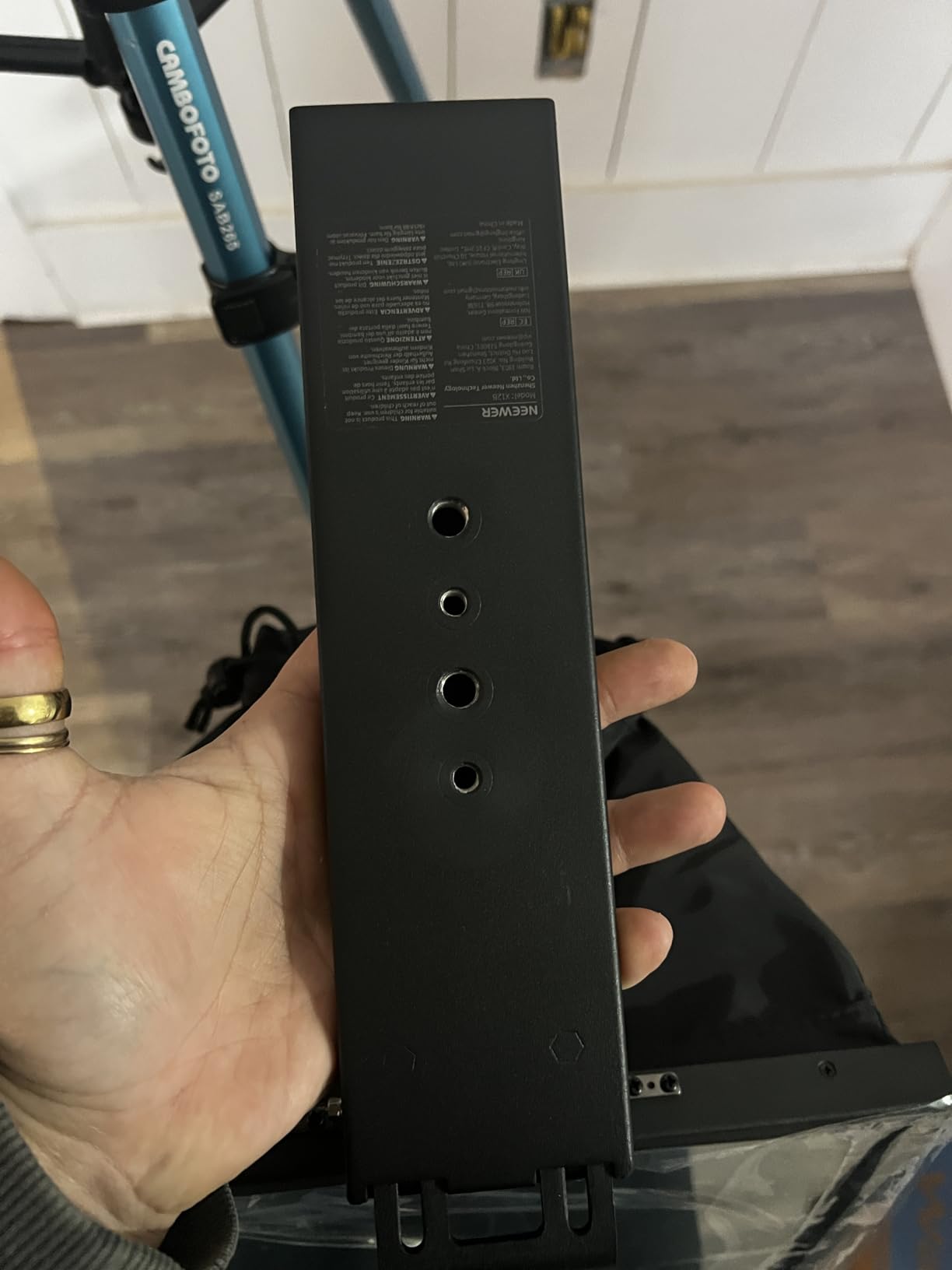
The NEEWER Basics X12B earns its name by genuinely requiring zero assembly. The flip-open design means you unfold it, place your device in the holder, and start filming. For creators who move between locations frequently or simply want to minimize setup time, this approach is refreshingly simple.
Despite the lightweight aluminum frame, the build quality feels professional. During testing, the 12-inch HD beam splitter glass provided clear text reproduction with 75% light transmittance, comparable to more expensive options. The liftable platform is a thoughtful feature that helps keep various camera and lens combinations centered in the frame.
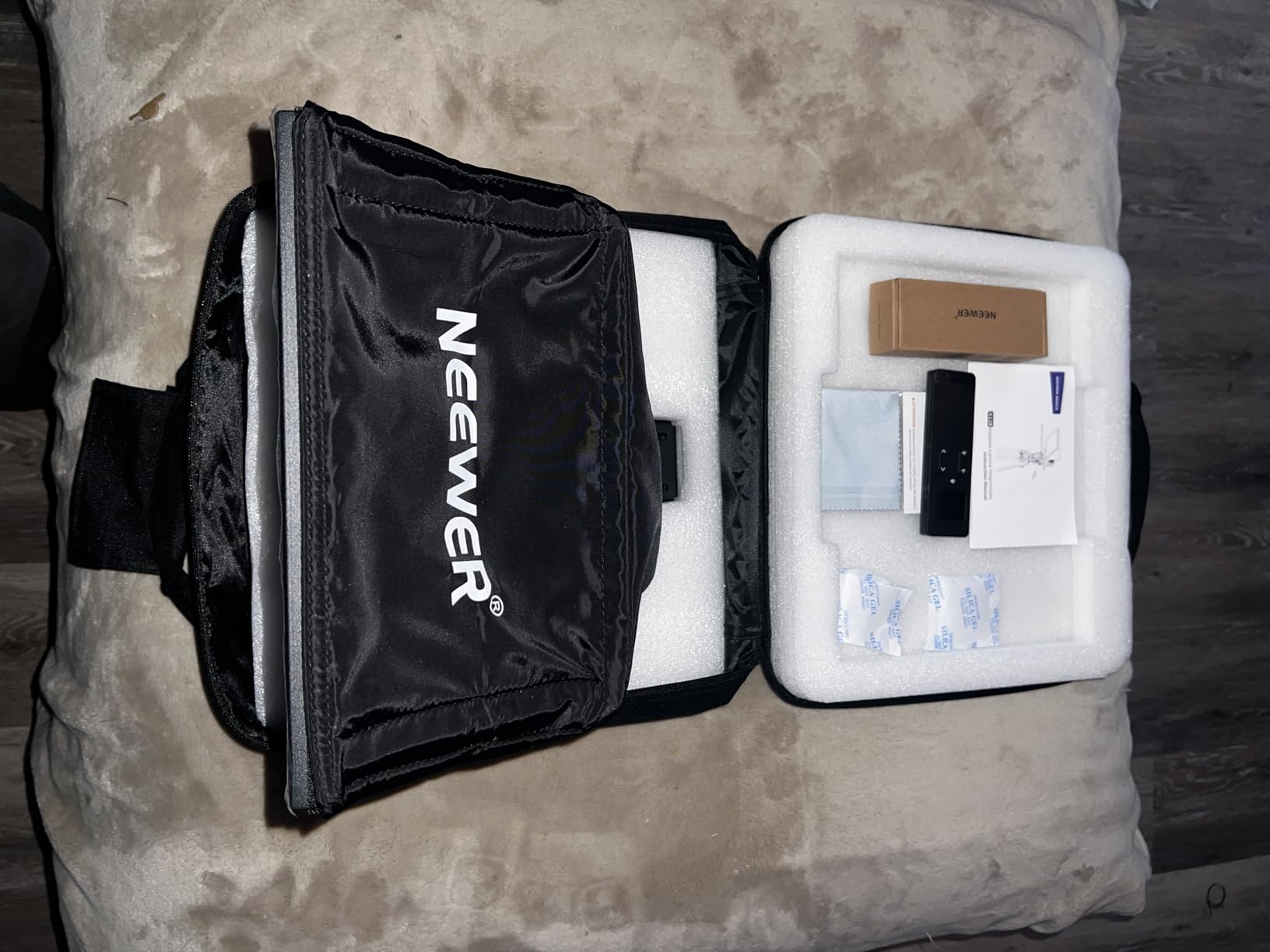
Customer reviews consistently praise the X12B for its value proposition, and I understand why. You get reliable teleprompter functionality at a budget-friendly price without sacrificing the core features that matter most. The included carry case makes transportation straightforward, and the Bluetooth remote worked reliably within reasonable ranges.
The main caution involves stability. The front weight distribution can make the unit feel tippy when using heavier tablets, so ensure your tripod can support 15-17 pounds and is set up on a stable surface. A few reviewers mentioned the remote control failing after extended use, so having the NEEWER app as a backup is wise.
Who should buy the NEEWER Basics X12B
Beginner YouTube creators looking for an affordable entry point into teleprompter use will find this model approachable and capable. The no-assembly design reduces friction for new users, and the solid aluminum construction means it will last through regular use. Teachers and online course creators on a budget should consider this option seriously.
Who should look elsewhere
If you use particularly heavy camera setups or need the most stable platform possible, a larger model with more substantial mounting options would serve you better. Professional studios filming all day may also prefer something with more robust construction.
5. Desview T5
Pros
- Universal adapter rings included
- Coated glass preserves video quality
- Real-time self-check feature
- Versatile device compatibility
Cons
- Can be wobbly with certain setups
- Limited reviews as newer product
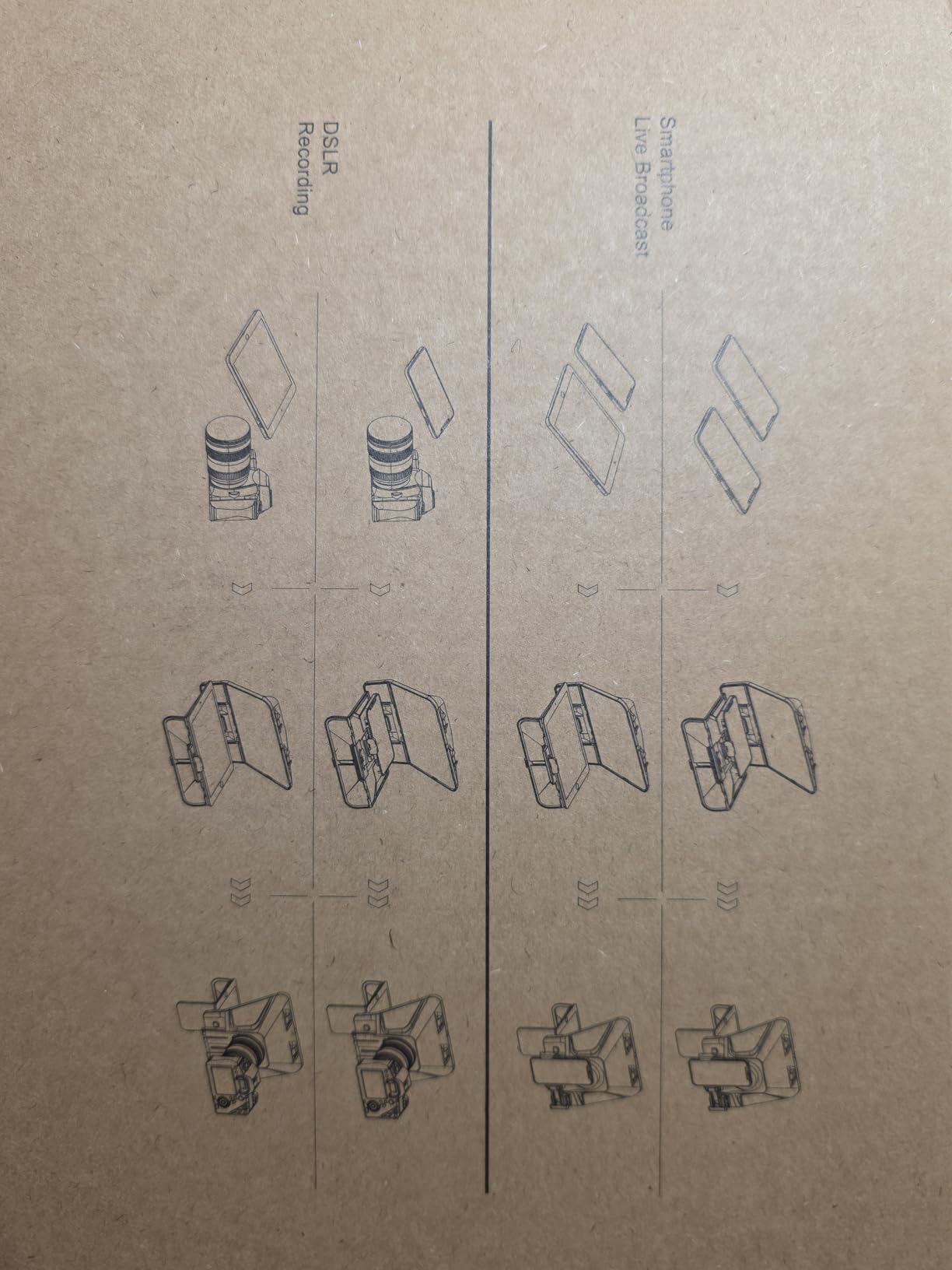
The Desview T5 takes a different approach by focusing on maximum compatibility rather than including its own display. This teleprompter works with smartphones, tablets up to 11 inches, and DSLR cameras, making it the most versatile option in our roundup. If you already have a preferred device for filming, this teleprompter adapts to your existing setup.
What impressed me most was the inclusion of universal adapter rings covering 49mm through 82mm filter thread sizes. This comprehensive range means almost any lens can be accommodated without hunting for third-party adapters. The one-click panel opening also speeds up device installation between shots.
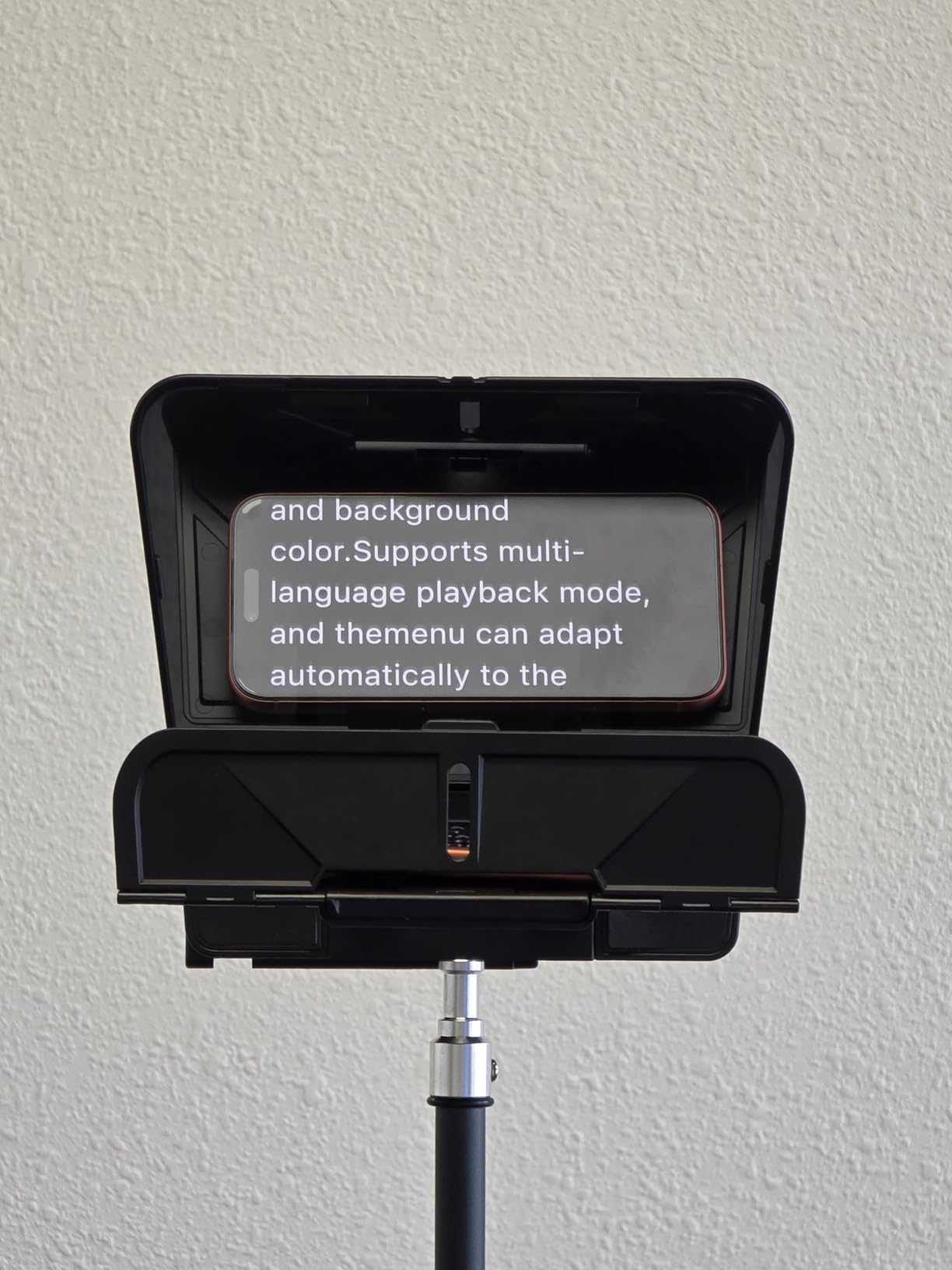
The Desview app is free and includes manuscript editing, txt and docx file import, and adjustable font settings. During testing, I found the Bluetooth remote responsive and the mirror and rotate functions worked as expected. The countdown timer proved useful for solo filming when you need a few seconds to get into position.
The coated glass deserves special mention because it does not introduce color tinting to your footage. Some teleprompters can create unwanted color shifts, but the Desview T5 maintains image quality while displaying your script clearly. The foam cushion and light seal foam reduce glare effectively in typical indoor lighting.
Who should buy the Desview T5
Creators who already have a smartphone or tablet they prefer using for filming will appreciate not needing to purchase an additional display. The universal adapter rings make this ideal for creators with multiple cameras and lenses who want one teleprompter that works across different setups. The free app with no subscription requirements appeals to creators wary of ongoing costs.
Who should look elsewhere
Stability concerns exist for some users, particularly with heavier camera combinations. The newer product means limited long-term durability data, though early reviews are promising. Creators who want a turnkey solution without supplying their own device may prefer models with built-in screens.
How to Choose the Best Teleprompter for YouTube Creators In 2026?
Selecting the right teleprompter involves understanding your specific filming setup and workflow requirements. Here are the key factors that matter most when making your decision.
Beam-Splitter Glass Quality
The glass in a teleprompter is literally between you and your audience, so its quality directly impacts both your reading experience and your video output. Look for coated glass that does not introduce color tints or reflections into your footage. Light transmittance rates between 70-80% are standard, with higher percentages providing brighter text at the cost of some light loss.
Reading distance matters more than you might think. If you film with your camera positioned 6-10 feet from your position, you need a larger display or higher resolution text. Some teleprompters claim readability from 10 feet or more, which can be crucial for studio-style setups with longer shooting distances.
Display Size and Device Compatibility
Teleprompters either have built-in displays or require you to supply a tablet, smartphone, or monitor. Built-in options like the Elgato Prompter and NEEWER 2 in 1 X11 reduce complexity but limit your flexibility. Models that accept external devices let you choose your display size and resolution but add another variable to your setup.
Consider what device you already own. If you have an iPad Pro you use for note-taking, a teleprompter designed around that form factor makes sense. If you prefer working without additional devices, an all-in-one solution eliminates potential compatibility issues.
Camera Compatibility and Mounting
Not all teleprompters work with all cameras. Wide-angle lenses below 28mm focal length often cause problems because the teleprompter housing appears in frame. Check the minimum focal length requirements before purchasing, especially if you shoot vlog-style content with selfie cameras.
Mounting options vary significantly. Some teleprompters use simple tripod threads, while others include dedicated camera plates or arca-type quick-release systems. Ensure your tripod or mounting rig is compatible with the teleprompter you choose. Weight limits also matter if you use heavier cinema camera combinations.
Software and App Functionality
The hardware is only half the equation. Your teleprompter software determines how easily you can import scripts, adjust text appearance, and control scrolling during filming. Some apps offer voice-activated scrolling that automatically advances text as you speak, while others rely entirely on manual control.
Consider whether you need mirror mode, which flips text so it reads correctly through the beam-splitter glass. Most teleprompters include this, but verify it before purchasing. Font size, color, and background adjustments help you optimize readability for your specific filming conditions and vision needs.
Remote Control Options
Filming solo means you cannot easily reach a tablet or touch screen without breaking frame. Bluetooth remotes provide essential hands-free control, allowing you to start, stop, and adjust scroll speed without touching your device. Some remotes include pedals for hands-free operation during recording.
Check remote range carefully if you film from longer distances. Basic remotes may only work reliably within 10-15 feet, while quality Bluetooth connections maintain responsiveness across typical studio distances. App-based control via smartphone can serve as a backup if your physical remote fails.
Frequently Asked Questions
What is the best teleprompter for YouTube videos?
The best teleprompter for YouTube videos depends on your specific needs. For a premium all-in-one solution, the Elgato Prompter offers excellent build quality and Stream Deck integration. For best value, the NEEWER X12 provides a 14-inch display with solid construction at a reasonable price. Budget-conscious creators should consider the NEEWER Basics X12B, which requires zero assembly and delivers reliable performance.
Do YouTubers use teleprompters?
Yes, many professional YouTubers use teleprompters to maintain natural eye contact while delivering scripted content. Top creators across all genres, from educational channels to product reviewers, use teleprompters to appear confident and organized without memorizing lengthy scripts. The technology has become more accessible and affordable for creators at all levels.
How do YouTubers read a script while looking at the camera?
YouTubers use teleprompters with beam-splitter glass positioned at 45 degrees in front of their camera lens. The script displays on a screen or device, and the beam-splitter reflects it toward the creator’s eyes while allowing the camera to see through the glass. This creates the illusion of direct eye contact because the creator looks toward the lens but sees the reflected text instead.
Do podcasters use teleprompters?
Many podcasters who record video versions of their episodes use teleprompters to stay on topic and deliver value consistently. While audio-only podcasters rarely need them, video podcasters and those who film tutorial or educational content benefit significantly from teleprompter use. The technology helps maintain production quality without requiring full script memorization.
Final Verdict
After testing all five best teleprompters for YouTube creators filming scenarios, our recommendation for most creators is the NEEWER X12. It delivers the best balance of price, performance, and features for the typical YouTube creator working from a home studio or small production space. The 14-inch display provides comfortable reading distance, the aluminum construction feels professional, and the app plus Bluetooth remote gives you flexibility in how you control your scripts.
However, if budget is not a concern and you want the most polished experience possible, the Elgato Prompter remains our top pick for professional setups. The built-in screen eliminates variables, Stream Deck integration is genuinely useful for complex productions, and the build quality justifies the premium pricing for serious content creators.
No matter which teleprompter you choose, the investment typically pays for itself quickly through reduced editing time and fewer retakes. Reading naturally from a script while maintaining eye contact with your audience transforms the quality of your YouTube content in ways that become obvious to viewers within the first few seconds of watching.