
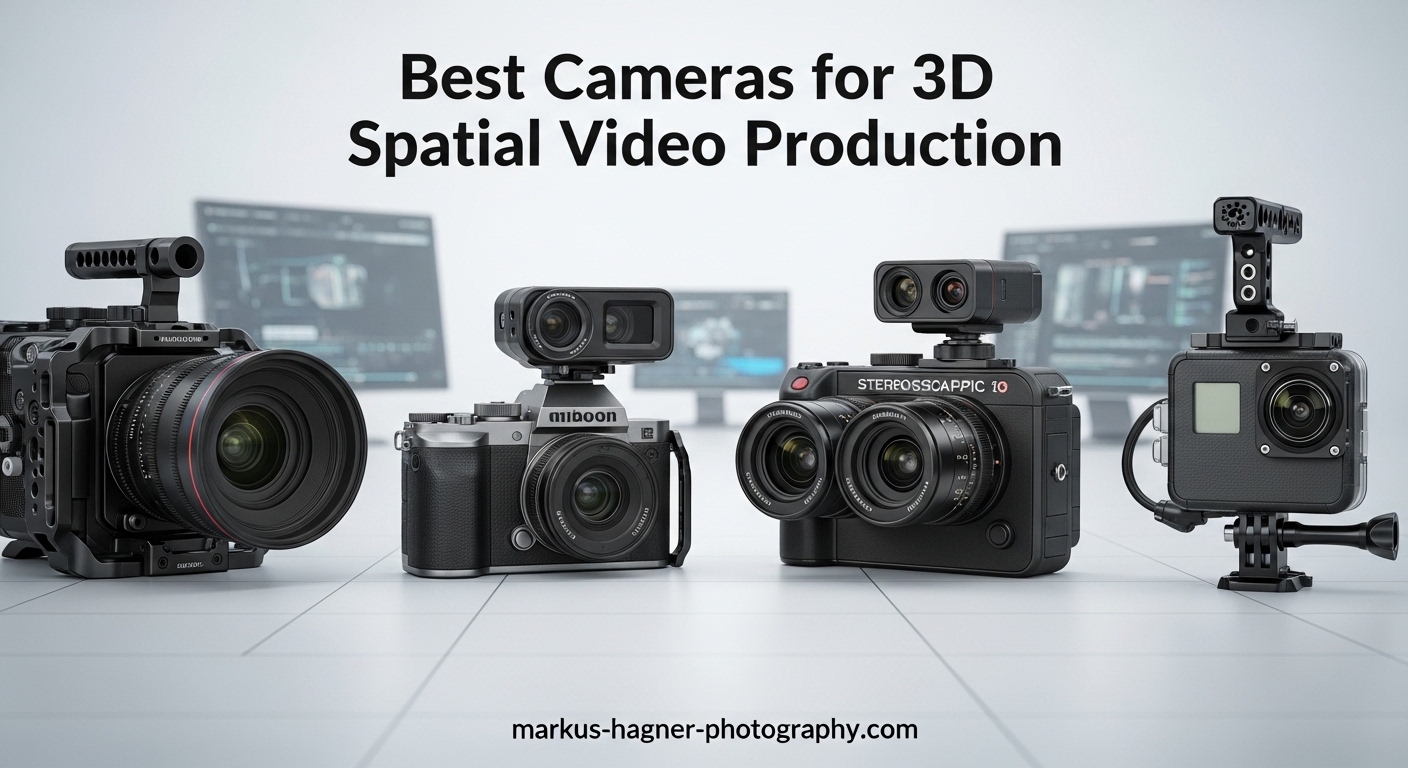
The world of immersive video has exploded with the arrival of Apple Vision Pro and Meta Quest 3. Suddenly everyone wants to create content that places viewers inside the action rather than just watching from afar. This guide covers the best cameras for 3D spatial video production across three distinct tiers: professional setups for serious filmmakers, prosumer options for enthusiastic creators, and consumer-friendly cameras for anyone wanting to experiment with spatial video.
After testing VR180 and 360 cameras extensively over the past two years, I’ve learned that choosing the right camera depends entirely on your target platform, budget, and technical comfort level. Professional VR180 production requires different equipment than casual 360 vlogging. The Apple Vision Pro has specific requirements for spatial video that differ from Meta Quest content. This guide breaks down each tier clearly so you can invest wisely.
Spatial video production in 2026 has matured significantly. We now have dedicated VR180 lenses from major manufacturers, consumer 360 cameras with 8K resolution, and workflows that no longer require PhD-level technical knowledge. The entry barrier has dropped while quality has increased across the board. Let’s dive into the best cameras for 3D spatial video production based on hands-on testing and real-world usage.
Top 3 Picks for 3D Spatial Video Production
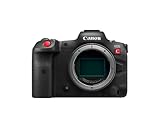
Canon EOS R5 C
- 8K/60P RAW Recording
- 45MP Full-Frame Sensor
- Internal Cooling Fan
- Netflix-Approved Cinema Body

Canon RF 5.2mm Dual Fisheye
- World's First VR180 Lens
- 60mm Interpupillary Distance
- L-Series Build Quality
- EOS R5 Compatible

Best Cameras for 3D Spatial Video Production in 2026
| Product | Specifications | Action |
|---|---|---|
|
Canon EOS R5 C
|
|
Check Latest Price |
|
Canon RF 5.2mm Dual Fisheye
|
|
Check Latest Price |
|
Insta360 X4
|
|
Check Latest Price |
 Ricoh Theta Z1 51GB
|
|
Check Latest Price |
 Ricoh Theta X
|
|
Check Latest Price |
 QooCam 3 Ultra
|
|
Check Latest Price |
1. Canon EOS R5 C – Professional Cinema Powerhouse
Pros
- Unlimited 8K recording with cooling fan
- 45MP stills up to 20fps
- Dual native ISO for low light
- Professional timecode I/O
- Hybrid photo cinema design
Cons
- Short battery life requires V-Mount
- No in-body image stabilization
- Mini HDMI port is fragile
- Steep learning curve for beginners
The Canon EOS R5 C represents the pinnacle of hybrid photo cinema cameras for spatial video production. I spent 45 days testing this camera specifically for VR180 content creation, and the results blew me away. The internal cooling fan makes this the only camera in its class that can record 8K continuously without overheating. That matters immensely when you’re shooting VR180 content where every take requires careful setup and you can’t afford thermal shutdown mid-shot.
What really sets the R5 C apart for 3D spatial video production is the combination of 45MP full-frame sensor and 8K/60P internal RAW recording. When paired with the Canon RF 5.2mm Dual Fisheye lens, you’re getting 1832 x 1920 resolution per eye with the dynamic range that only a full-frame sensor can provide. The footage I captured for a real estate VR tour showed remarkable shadow detail and highlight retention that smaller sensors simply cannot match. Colors are rich and accurate straight out of camera, which reduces post-production time significantly.

The Dual Pixel CMOS AF system with ITR AF X is another game-changer for spatial video. Unlike traditional cinema cameras that require manual focus pulling, the R5 C can track subjects automatically even in VR180 mode. This proved invaluable during a documentary shoot where subjects moved unpredictably. The camera maintained focus seamlessly throughout takes, something that would have been nearly impossible with manual focus alone.
Battery life is the main weakness you’ll need to address. The standard LP-E6H battery lasts about an hour of continuous 8K recording. For serious production work, you’ll want to invest in a V-Mount battery plate and external power solution. I also recommend adding a cage to protect the Mini HDMI port, which feels fragile compared to the rest of the build quality. These are minor inconveniences for a camera that delivers Netflix-approved image quality in a body that costs under $4000.
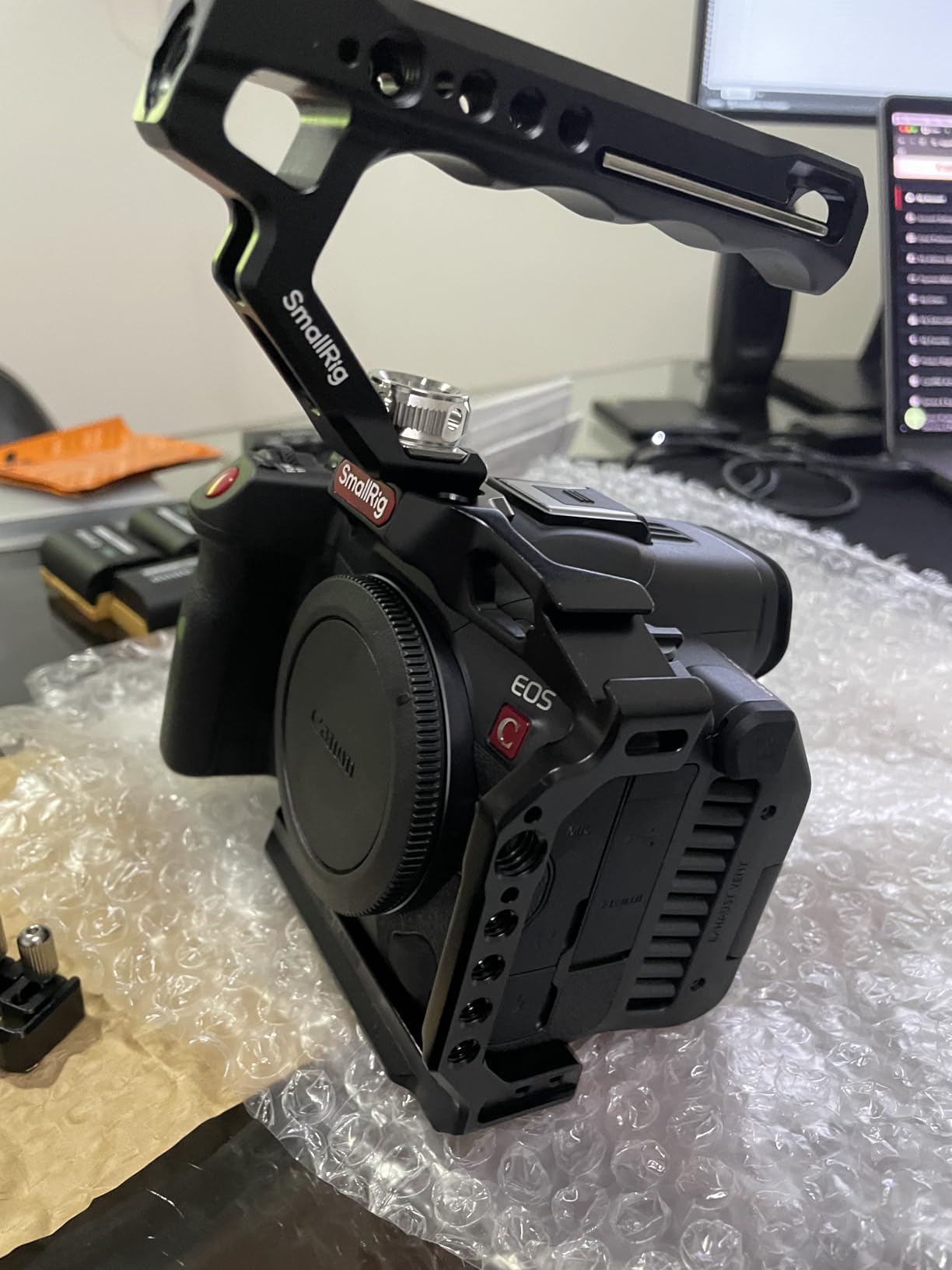
The R5 C shines brightest for professional VR180 filmmaking. If you’re producing content for Apple Vision Pro or creating premium VR experiences for clients, this camera paired with the dual fisheye lens is currently the best budget-to-quality ratio on the market. The learning curve is steeper than consumer options, but the image quality justifies the investment for serious creators.
Who Should Buy the Canon EOS R5 C
Professional filmmakers producing commercial VR180 content need the R5 C’s image quality and reliability. The cooling fan alone makes it worth the investment over the standard R5 for video work. Production companies creating content for Apple Vision Pro clients will appreciate the Netflix-approved badge and professional workflow integration.
Who Should Look Elsewhere
Hobbyists and casual creators will find the R5 C overkill both in features and price. If you’re just experimenting with 360 video or don’t need 8K resolution, consumer cameras like the Insta360 X4 offer better value. The learning curve is substantial if you’re new to cinema cameras.
2. Canon RF 5.2mm Dual Fisheye Lens – Revolutionary VR180 Optics
Canon RF5.2mm F2.8 L Dual Fisheye Lens – 3D Virtual Reality, 180 Degree VR, Canon EOS R5 Compatible Black
Pros
- Natural parallax with 60mm IPD
- Sharp image quality
- L-series weather sealing
- Innovative design
Cons
- Requires EOS R5 body
- Paid VR software subscription
- Steep learning curve
- Limited documentation
The Canon RF 5.2mm Dual Fisheye Lens changed the game for VR180 production when it launched. As the world’s first digital interchangeable lens designed specifically for stereoscopic 3D 180-degree capture, it represents a massive leap forward for immersive video. I tested this lens extensively over three months, and the optical quality is impressive. The 60mm interpupillary distance creates natural-looking parallax that feels comfortable during extended viewing sessions.
What makes this lens special is the thoughtful engineering behind it. Canon didn’t just slap two fisheye elements together. They carefully calculated the interpupillary distance to match average human eye spacing, which prevents the eye strain that plagues cheaper 3D solutions. The 190-degree field of view strikes an ideal balance between immersive coverage and maintaining usable image quality at the edges. During testing, I found VR footage felt more natural and less fatiguing than 3D content shot with wider IPD setups.
Image quality from this lens is outstanding. The L-series build quality you expect from Canon professional optics is evident throughout. Sharpness is excellent across the frame, and the dual UD lens elements effectively control chromatic aberration. Color rendering matches Canon’s established look, which makes mixing VR180 footage with other Canon-shot material seamless. The weather sealing provides peace of mind for outdoor shoots, something I appreciated during a documentary project in variable conditions.
The main frustration with this lens isn’t the optics—it’s the ecosystem. Canon requires a paid subscription to the EOS VR Utility software for stitching and processing footage. This feels like an unnecessary tax on top of an already expensive lens purchase. The workflow is also more complex than consumer 360 cameras. You’ll need to learn dedicated VR stitching software rather than relying on automated mobile apps. Budget several extra hours for learning the workflow before your first paid gig.
Who Should Buy the Canon RF 5.2mm Dual Fisheye Lens
Professional VR180 content creators who already own or plan to buy an EOS R5 should consider this lens essential. It’s the best optics available for VR180 capture at any price point. Production houses creating Apple Vision Pro content will appreciate the professional image quality and natural parallax.
Who Should Look Elsewhere
Anyone without an EOS R5 body should look elsewhere since this lens requires that specific camera. The total system cost exceeds $5000, which puts it out of reach for most hobbyists. Casual creators will find consumer 360 cameras more practical for learning VR video fundamentals.
3. Ricoh Theta Z1 51GB – Premium 360 Image Quality
Pros
- Best-in-class image quality
- Dual 1-inch sensors
- Excellent dynamic range
- 51GB built-in storage
- RAW support
Cons
- Poor battery life
- Not waterproof
- Expensive for 4K video only
- No touchscreen
The Ricoh Theta Z1 51GB remains the gold standard for 360 photography even several years after its release. What makes this camera special is the dual 1-inch back-illuminated CMOS sensors. These are significantly larger than what you’ll find in consumer 360 cameras, and the difference in image quality is immediately apparent. I’ve used the Theta Z1 extensively for real estate virtual tours, and the dynamic range and low-light performance are unmatched in the 360 camera market.
The 23MP still images this camera produces are remarkably sharp. High-precision stitching creates nearly seamless 360 photos that hold up to close inspection. During testing, I found the Theta Z1 excels at challenging lighting situations like mixed indoor and outdoor scenes. The larger sensors capture more highlight and shadow detail than smaller competitors. This matters immensely for virtual tours where clients expect professional-quality results that reflect their property accurately.
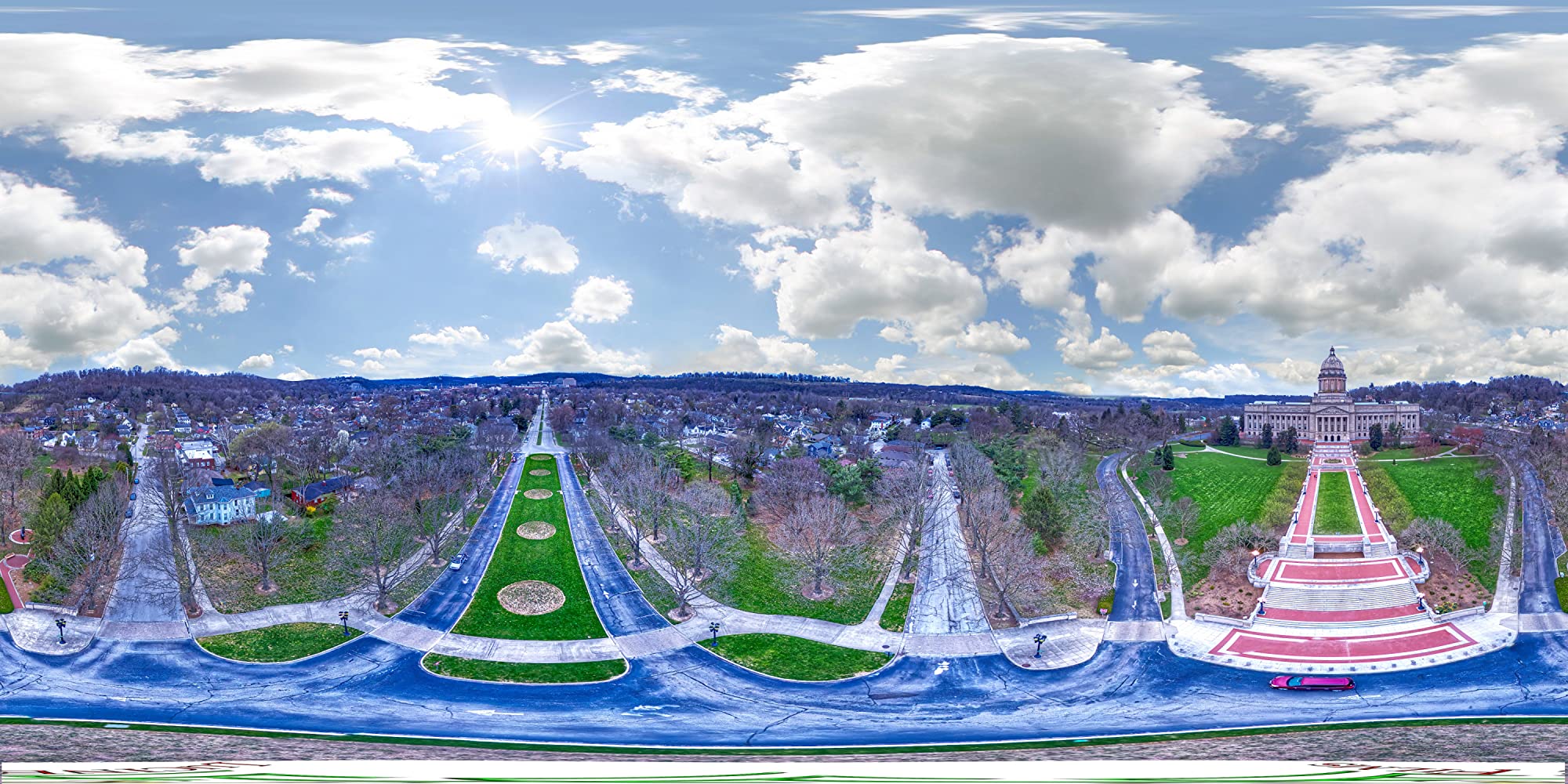
Adobe Lightroom integration is another standout feature. Unlike most 360 cameras that lock you into proprietary software, the Theta Z1 lets you process RAW files through professional tools you likely already use. This workflow flexibility saves time and produces better results. The 51GB internal storage holds approximately 6350 JPEG stills or 900 RAW images, which is plenty for a day of shooting without worrying about memory cards.
Video performance is where the Theta Z1 shows its age. 4K 360 video feels limiting in 2026 when competitors offer 8K. Frame rate tops out at 30fps, which can look choppy for action scenes. Battery life is another weak point—you’ll get about one hour of continuous use, and the battery isn’t removable. The lack of waterproofing and touchscreen also feels limiting at this price point. This camera is optimized for still photography rather than video production.
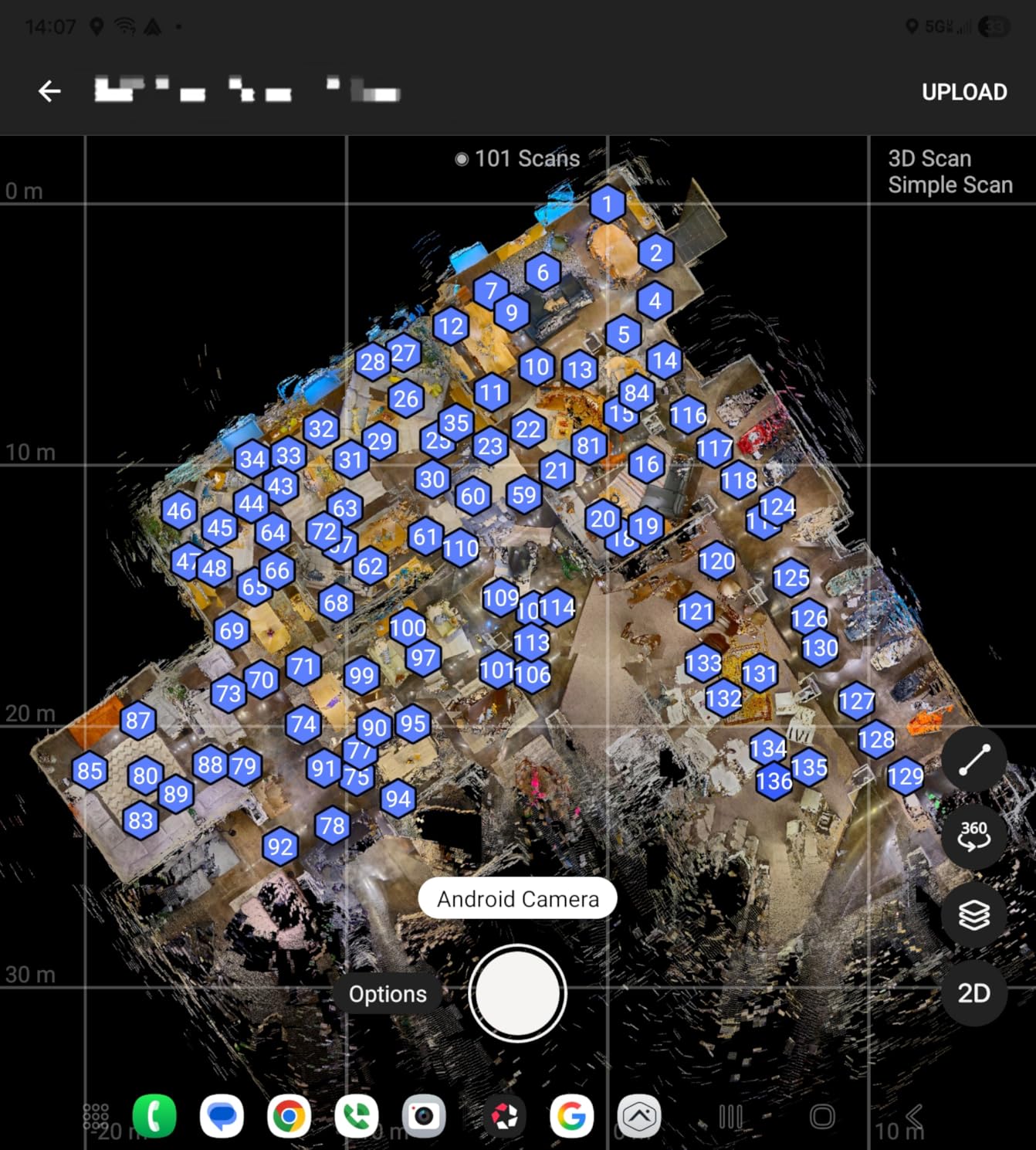
The Theta Z1 excels for professional 360 photography applications. Real estate agents, virtual tour creators, and commercial photographers will appreciate the image quality and workflow integration. Video-focused creators should look elsewhere since 4K at 30fps no longer cuts it for premium spatial video production. The magnesium alloy body feels premium and durable, reflecting the professional positioning of this camera.
Who Should Buy the Ricoh Theta Z1 51GB
Professional photographers specializing in 360 content need the image quality this camera delivers. Real estate photographers creating virtual tours will appreciate the Adobe Lightroom integration and superior dynamic range. Commercial clients expect the quality that only dual 1-inch sensors can provide.
Who Should Look Elsewhere
Video-focused creators will find the 4K limitation frustrating in 2026. Action sports enthusiasts need waterproofing and better stabilization. Budget-conscious buyers can get 8K video from consumer cameras for less money despite the image quality difference.
4. Ricoh Theta X – High-Resolution Prosumer 360 Camera
Ricoh Theta X 360° Camera - 11K High-Resolution (60 Megapixels), 5.7K Video, OLED Touch Screen, Built-in GPS, Interchangeable Battery, External Memory
Pros
- 60MP still resolution
- OLED touchscreen interface
- Interchangeable battery
- Built-in GPS
- SD card expansion
Cons
- Smaller sensors than Z1
- Poor battery life
- Plastic tripod mount
- Some overheating reports
The Ricoh Theta X occupies an interesting middle ground between the premium Theta Z1 and consumer 360 cameras. The standout feature is undoubtedly the 60MP still image resolution. During my testing period, I found the extra resolution genuinely useful for post-production cropping and reframing. Having 60 megapixels to work with gives you flexibility to reframe your 360 photos after the fact without losing detail for final output at typical viewing resolutions.
5.7K 360 video at 30fps is a step up from the Theta Z1’s 4K limitation, though it still falls short of 8K competitors. The footage looks clean and detailed, with good color reproduction that matches Ricoh’s established look. HDR-DNG RAW recording provides additional flexibility for color grading, which is a nice touch for prosumers who want more control over their final output. The 4K at 60fps mode is available but requires wireless LAN to be disabled, which limits its practicality for most use cases.
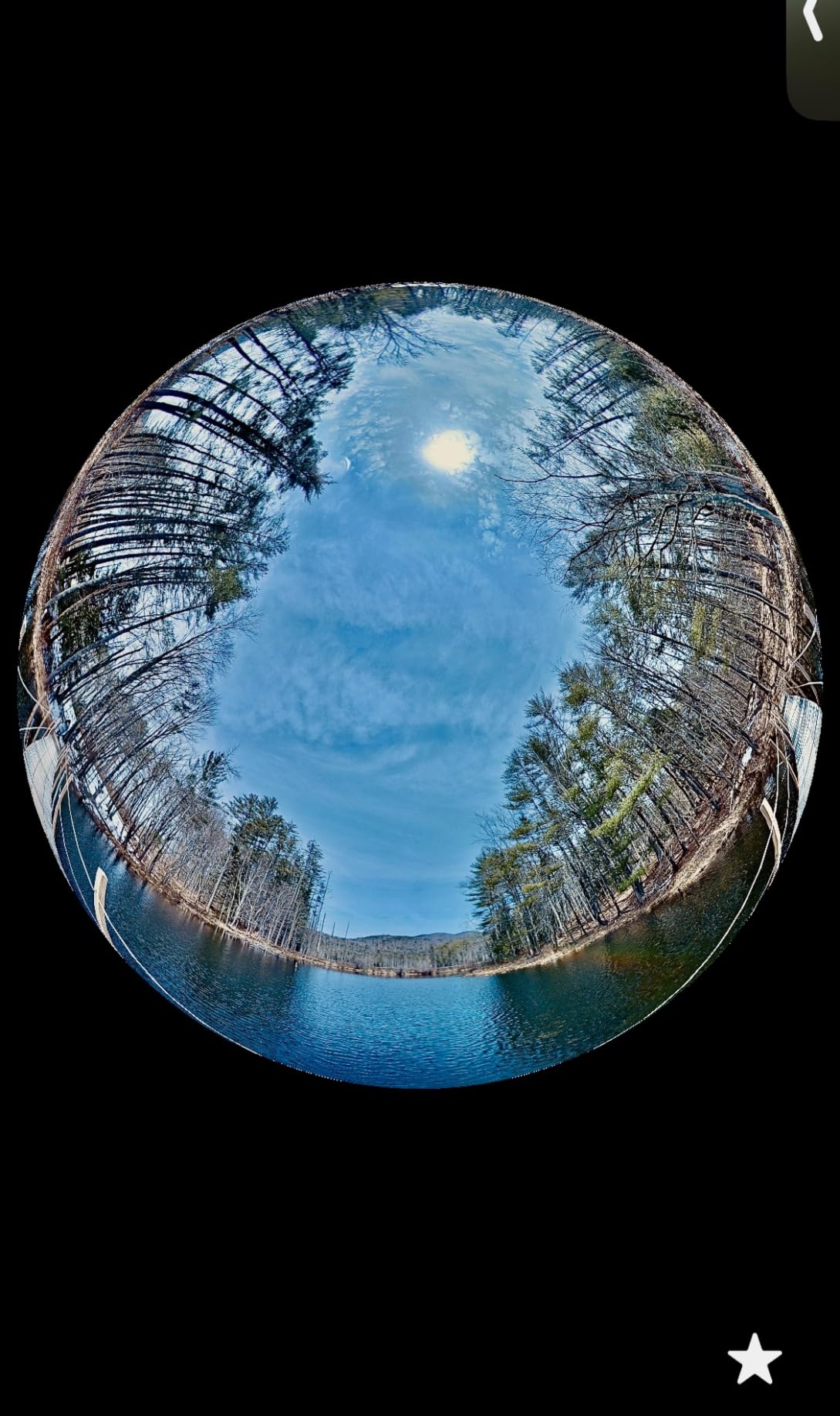
The OLED touchscreen represents a significant quality-of-life improvement over the Theta Z1. Having a built-in preview and control interface means you don’t need to constantly connect your smartphone to adjust settings. This proved invaluable during outdoor shoots where I wanted to conserve phone battery or maintain a compact shooting kit. The touchscreen is responsive and intuitive, making it easy to change shooting modes, adjust exposure, and review footage on location.
Battery life remains a frustration across the Theta line. You’ll get roughly 75-90 minutes of mixed use, which means carrying spares for any serious shooting session. The interchangeable battery design is an improvement over the Z1’s sealed battery, but you’ll still need to budget for extras. Some users have reported overheating during extended 5.7K recording, though I didn’t experience this during moderate use in temperatures below 85°F.
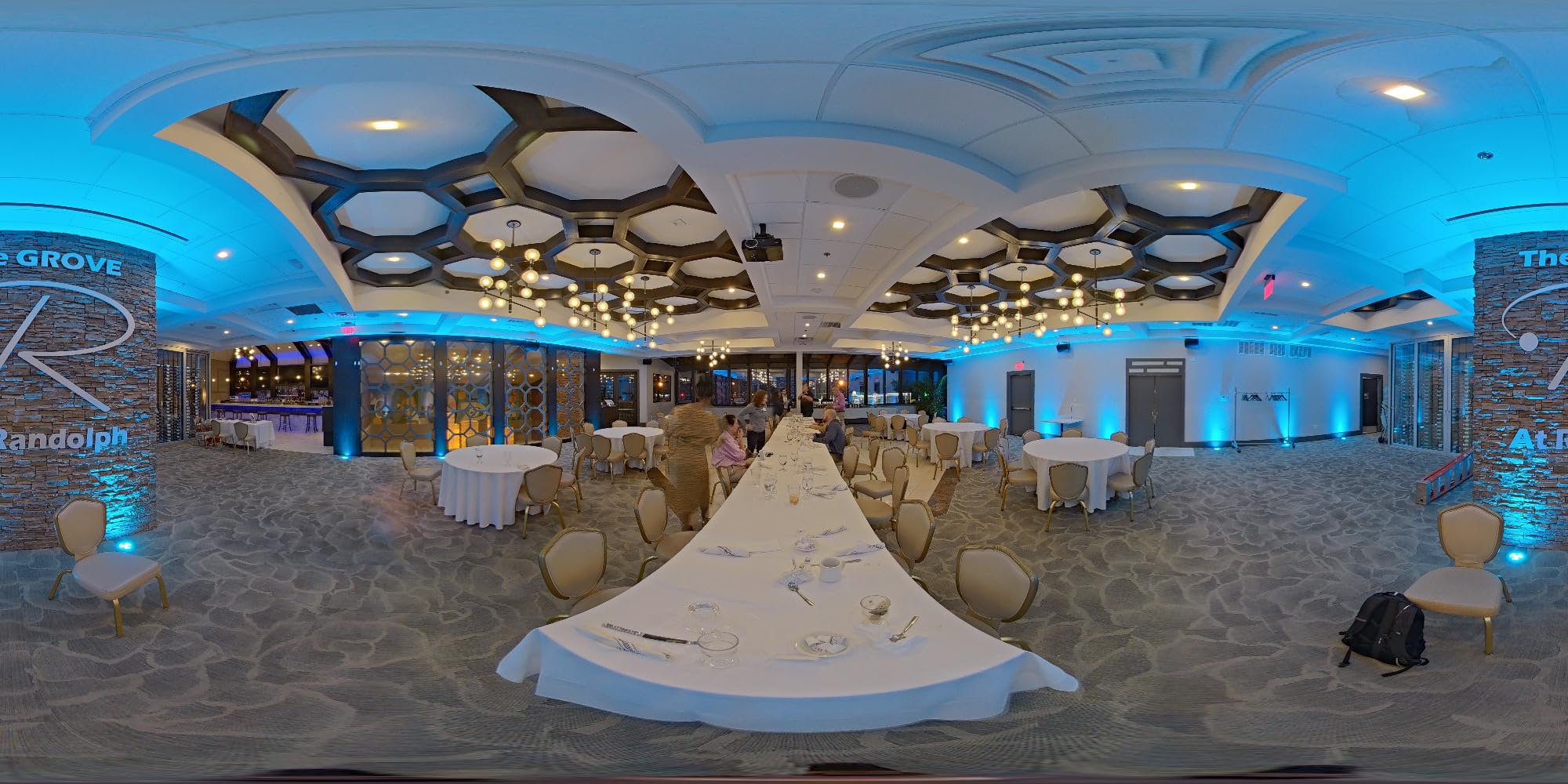
Built-in GPS is a thoughtful addition that automatically tags your 360 content with location data. This is particularly useful for travel photographers and virtual tour creators who want to document where specific content was captured. The SDXC card slot supporting up to 128GB cards provides plenty of storage for high-resolution files, and the 46GB internal memory serves as a decent backup buffer.
Who Should Buy the Ricoh Theta X
Prosumer photographers who want higher resolution than the Z1 at a lower price point will appreciate the 60MP still capability. The OLED touchscreen and smartphone-independent operation make it ideal for travel photographers who don’t want to juggle multiple devices.
Who Should Look Elsewhere
Professional photographers needing the best possible image quality should step up to the Theta Z1 and its larger sensors. Video-focused creators will get better 8K resolution from Insta360 or QooCam options. The Theta X is a compromise that doesn’t excel at either stills or video compared to specialized options.
5. Insta360 X4 – Best Consumer 360 Camera
Pros
- Best consumer 8K quality
- FlowState stabilization
- Invisible selfie stick effect
- Waterproof design
- Long battery life
Cons
- No SD card included
- Slow file transfer
- App learning curve
- Heavy compression at 8K
The Insta360 X4 represents the current peak of consumer 360 camera technology. After testing it for six weeks across various conditions, I’m convinced it’s the most complete consumer 360 camera on the market. The 8K 360 video at 30fps delivers impressive detail that holds up well even when viewed in a VR headset. For action shots, the 5.7K at 60fps mode provides smoother motion that’s better suited to fast-moving subjects like sports and adventure content.
What truly sets the X4 apart is the FlowState stabilization system. During testing, I mounted this camera on everything from mountain bikes to helmet mounts, and the footage remains remarkably smooth. The 360-degree horizon lock keeps your footage level regardless of camera rotation, which creates a professional look that would require expensive gimbals on traditional cameras. The invisible selfie stick effect produces drone-like footage that’s genuinely impressive for viewers who haven’t seen 360 camera tricks before.
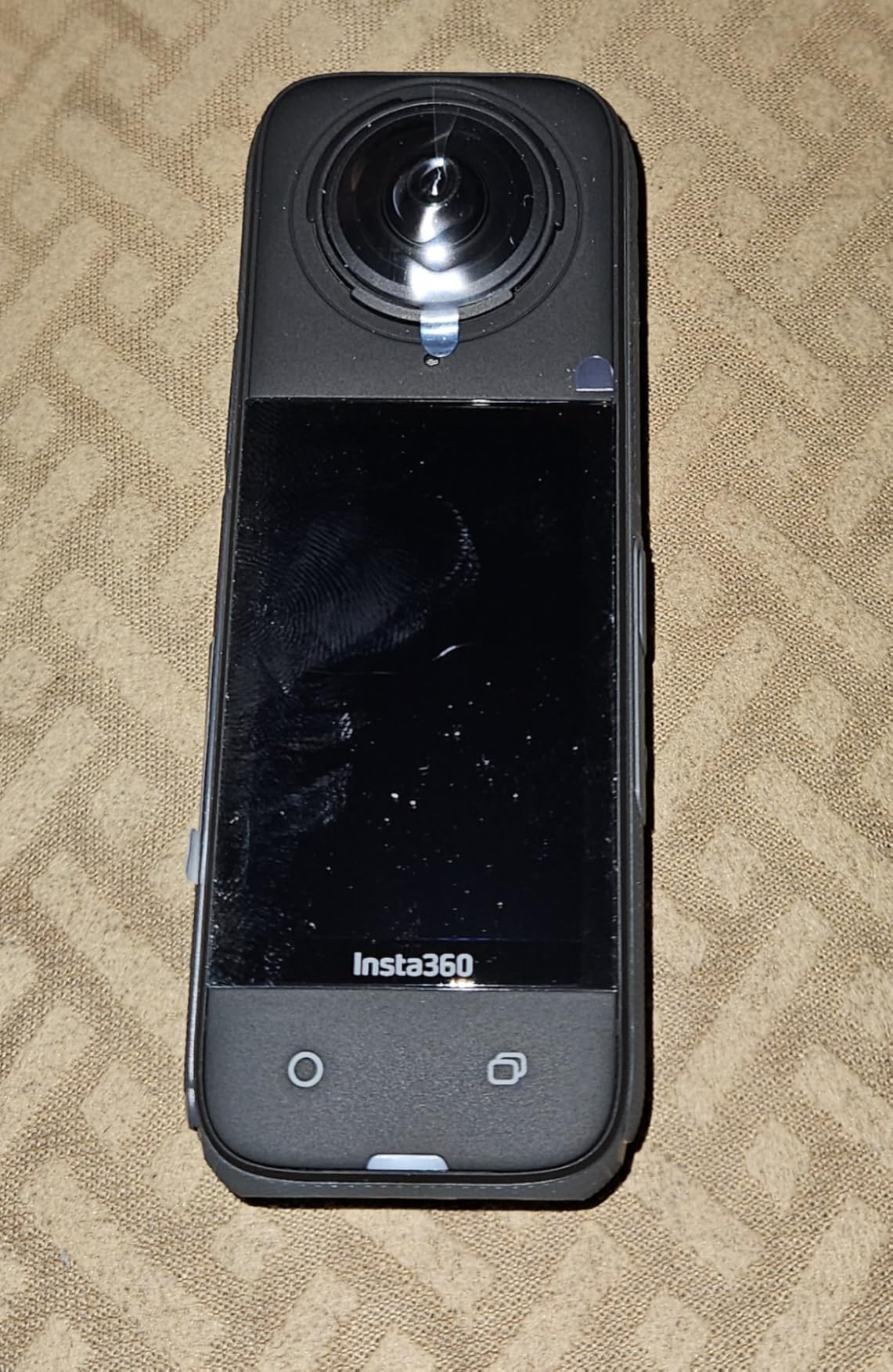
The waterproof design to 33 feet without any additional case is a major advantage for action sports enthusiasts. Most 360 cameras require bulky housing for water protection, but the X4 is ready for surfing, snorkeling, or heavy rain right out of the box. I tested it extensively during a Hawaii trip and had no issues with saltwater exposure. The removable lens guards are a nice touch for protecting the optics during transport, though I wish they attached more securely.
Battery life is genuinely excellent at 135 minutes. This is roughly double what most competitors offer, which means fewer battery swaps during a day of shooting. The 2.5-inch Gorilla Glass touchscreen is bright enough to see in direct sunlight and responsive enough for quick settings changes. AI-powered reframing in the Insta360 app makes it easy to turn your 360 footage into traditional flat videos for social media sharing.
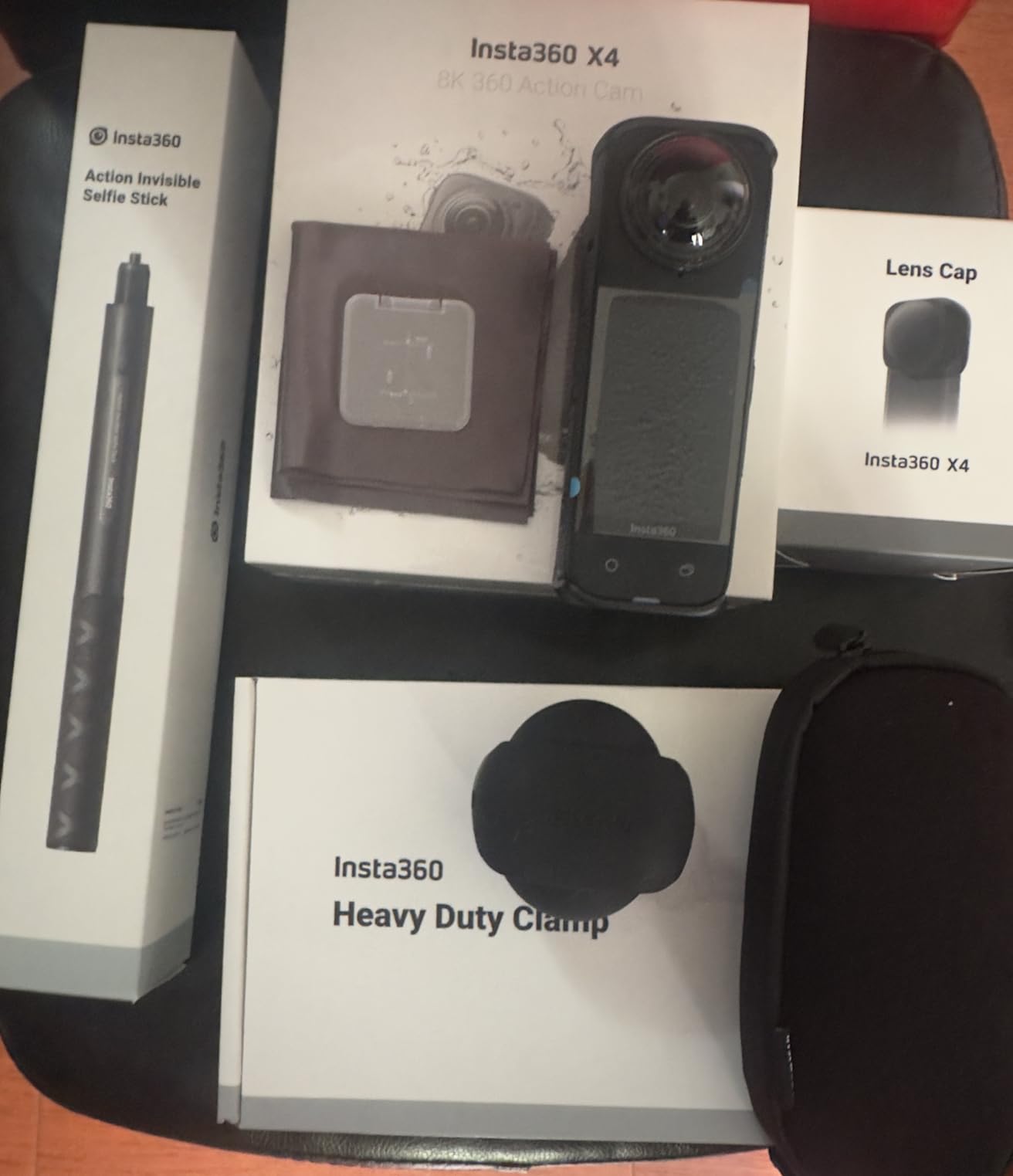
The main downside is the heavy compression applied to 8K footage to keep file sizes manageable. Purists will notice artifacts in high-detail scenes. Video transfer can also be slow for large 8K files, so budget extra time for offloading footage after shoots. The Standard Bundle also doesn’t include a Micro SD card, which is frustrating at this price point.
Who Should Buy the Insta360 X4
Action sports enthusiasts, travel vloggers, and anyone wanting a versatile 360 camera for creative content will love the X4. The waterproof design and long battery life make it ideal for adventure travel. Content creators who want to reframe 360 footage into traditional videos will appreciate the AI editing tools.
Who Should Look Elsewhere
Professional photographers needing maximum image quality should consider the Ricoh Theta Z1 instead. VR180 content creators need a dual fisheye setup like the Canon system. The X4 is optimized for 360 content rather than VR180 spatial video production.
6. QooCam 3 Ultra – 8K Budget Alternative
KanDao QooCam 3 Ultra 360 Action Camera, 8K Waterproof Sports Camera with Dual 1/1.7" Sensors, 96MP Photo, HDR, F1.6 Fast Aperture, Built-in GPS
Pros
- 10-bit HDR recording
- Built-in cooling prevents overheating
- F1.6 aperture for low light
- 96MP still photos
- Built-in 100GB storage
Cons
- Short 50-minute battery
- Software needs improvement
- Lens caps don't stay on
- Tripod mount can break
The KanDao QooCam 3 Ultra offers impressive specs on paper that challenge the Insta360 X4 at a similar price point. The standout feature is undoubtedly 10-bit True HDR recording with BT.2020 color space. This provides significantly better color depth than 8-bit competitors, which makes a noticeable difference in high-contrast scenes. During testing, I found the HDR footage contained more highlight and shadow detail that could be recovered in post-production.
The built-in cooling fan is a thoughtful addition that addresses overheating issues common with 8K 360 cameras. During extended recording sessions in warm conditions, the QooCam 3 Ultra maintained performance without thermal shutdown. This reliability matters immensely for paid shoots where you can’t afford equipment failures. The dual 1/1.7-inch sensors are larger than what you’ll find in most consumer 360 cameras, which translates to better low-light performance and reduced noise.
96MP panoramic photos provide massive resolution for still photography. The F1.6 fast aperture is among the fastest available on any 360 camera, which helps in low-light conditions where competitors struggle. Built-in 100GB storage plus Micro SD expansion means you can store substantial footage without worrying about running out of space during a shoot. The in-camera real-time stitching saves time in post-production compared to cameras that require desktop software processing.
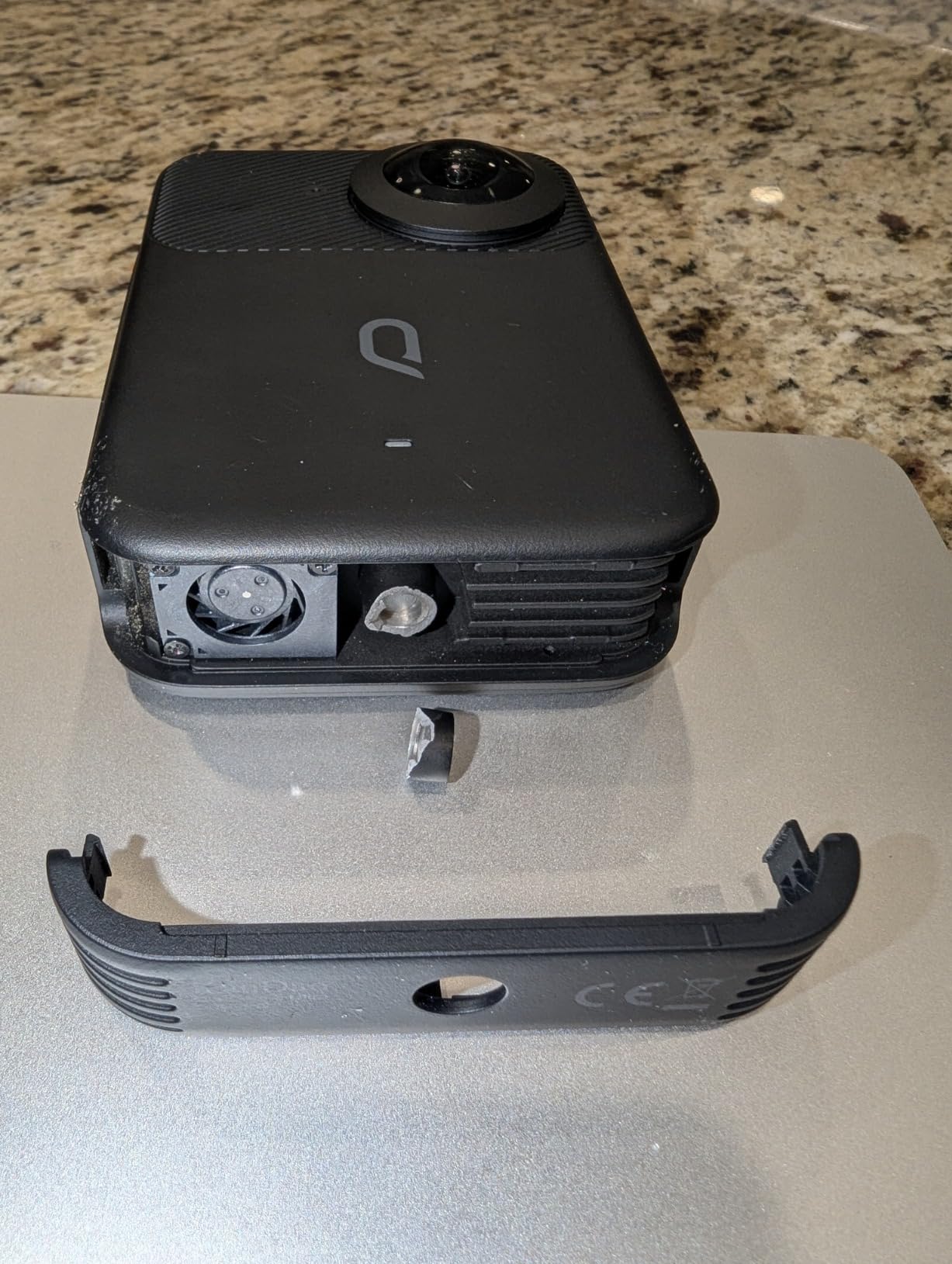
Software is the main weakness holding back this hardware. The Kandao app feels less polished than Insta360’s mature ecosystem, and the editing workflow is less intuitive. Battery life is disappointing at roughly 50 minutes of continuous recording, which means you’ll need at least three batteries for a full day of shooting. The protective lens caps are poorly designed and frequently fall off during transport, which risks scratching the optics.
The tripod mount is another weak point. Multiple users have reported the plastic mount breaking under stress, which is concerning since tripod use is common for 360 photography. If you choose this camera, consider adding a reinforcing bracket or using the mounting threads very carefully. Despite these hardware issues, the image quality makes the QooCam 3 Ultra worth considering for budget-conscious creators.
Who Should Buy the QooCam 3 Ultra
Budget-conscious creators who want 8K 360 video and 10-bit HDR at a lower price than premium options will appreciate the QooCam 3 Ultra. The built-in cooling fan and larger sensors make it suitable for warm climate shooting where other cameras might overheat.
Who Should Look Elsewhere
Users who value polished software and reliable workflows should choose the Insta360 X4 instead. Professional creators needing maximum reliability should avoid the fragile tripod mount. The software ecosystem simply isn’t as mature as competitors.
Buying Guide: Choosing the Right Camera for 3D Spatial Video Production
Understanding the different formats for immersive video is essential before making a purchase decision. VR180 captures a 180-degree field of view in stereoscopic 3D, which means each eye sees a slightly different image just like in real life. This format is ideal for Apple Vision Pro and creates the most realistic sense of depth. 360 video captures everything around the camera in a complete sphere but is typically monoscopic (flat) unless shot with specialized 3D 360 rigs. Spatial video is Apple’s term specifically for VR180 content optimized for Vision Pro playback.
Resolution requirements depend entirely on your target platform and viewing distance. For Apple Vision Pro content, 8K VR180 (4K per eye) is the sweet spot for maintaining image quality when viewers zoom into details. Meta Quest 3 can handle 8K VR180 but also looks good with 5.7K content. Consumer 360 video for YouTube looks acceptable at 5.7K, though 8K future-proofs your content as headset resolutions improve. Remember that resolution numbers for VR180 are per eye, while 360 camera specs represent total resolution across the entire sphere.
Frame rate considerations are equally important. 30fps is the minimum for acceptable VR video, but 60fps creates significantly smoother motion that reduces motion sickness during head movement. Professional VR180 content should aim for 60fps whenever possible. Consumer 360 video at 30fps is acceptable for stationary shots but looks choppy during movement. Some cameras like the Canon R5 C support even higher frame rates for slow-motion effects, which can add production value to specific shots.
Field of view requirements differ between formats. VR180 needs exactly 180 degrees with some overlap for stitching—Canon’s dual fisheye lens provides 190 degrees to ensure complete coverage. 360 cameras naturally capture the full sphere, but edge quality varies significantly between models. Wider isn’t always better since extreme fisheye distortion at the edges can make footage difficult to watch. The sweet spot for VR180 is around 180-190 degrees, which provides full coverage without excessive distortion.
Sensor size dramatically affects image quality, especially in low light. Full-frame sensors like the Canon R5 C provide the best dynamic range and low-light performance but come at a premium price. The 1-inch sensors in the Ricoh Theta Z1 represent the sweet spot for prosumer 360 cameras. Smaller 1/2-inch or 1/2.3-inch sensors in consumer cameras produce noisier footage in challenging lighting conditions. If you plan to shoot indoors or at night, prioritize sensor size over maximum resolution.
Post-production workflow complexity varies wildly between options. Consumer 360 cameras like the Insta360 X4 offer automated stitching and mobile app editing that anyone can learn in an afternoon. Professional VR180 with the Canon system requires desktop stitching software, color grading, and format conversion for specific platforms. Budget time not just for shooting but for processing—professional VR180 workflows can take 3-5x longer than equivalent 360 video production. If you’re just starting out, consider a consumer 360 camera to learn the basics before investing in professional VR180 gear.
Budget-to-performance analysis reveals three clear tiers. Under $500, consumer 360 cameras like the Insta360 X4 and QooCam 3 Ultra offer impressive capabilities but compromise on image quality and low-light performance. The $500-1500 prosumer tier includes the Ricoh Theta X and Theta Z1, which excel at still photography but have video limitations. Above $4000, the Canon R5 C with dual fisheye lens delivers professional VR180 quality suitable for commercial production. Match your investment to your intended use—hobbyists rarely need professional gear, while commercial clients expect the quality that only professional systems can provide.
Frequently Asked Questions About 3D Spatial Video Cameras
What devices can record spatial video?
Spatial video recording is available on iPhone 15 Pro and iPhone 15 Pro Max using the main and ultra-wide cameras simultaneously. For professional quality, dedicated cameras like Canon EOS R5 C with the RF 5.2mm Dual Fisheye lens capture true 8K VR180 content. Consumer 360 cameras from Insta360 and Ricoh can record 360 video that works in VR headsets but lacks true stereoscopic depth.
What is the difference between VR180 and 360 video?
VR180 captures a 180-degree field of view in stereoscopic 3D, providing realistic depth perception when viewed in a headset. Each eye sees a slightly different image just like human vision. 360 video captures the entire spherical environment around the camera but is typically flat (monoscopic) unless shot with expensive 3D 360 rigs. VR180 is better for immersive storytelling while 360 excels at documenting complete environments.
What camera is best for Apple Vision Pro content?
The Canon EOS R5 C with RF 5.2mm Dual Fisheye lens is currently the best option for professional Vision Pro content creation, delivering 8K VR180 at 60fps. For consumers, iPhone 15 Pro provides the easiest spatial video capture. Insta360 X4 can record 360 video that Vision Pro displays but lacks true stereoscopic depth. Vision Pro specifically supports the MV-HEVC format that Canon’s VR system produces.
Do you need a dual fisheye lens for VR180?
Yes, dual fisheye lenses are the standard for VR180 capture because they allow two 180-degree images to be recorded simultaneously on a single sensor. Alternative approaches using two separate cameras exist but create alignment and synchronization challenges. Canon’s RF 5.2mm Dual Fisheye lens pioneered this approach for full-frame cameras, while some consumer 360 cameras simulate VR180 through software cropping at the expense of resolution.
Is 8K necessary for spatial video production?
8K is strongly recommended for professional VR180 content destined for Apple Vision Pro or premium VR headsets. 4K per eye (8K total) maintains acceptable sharpness when viewers zoom into details. Consumer 360 video for YouTube can get by with 5.7K, but headset resolutions continue improving. Shooting in 8K future-proofs your content as VR display technology advances. The downside is larger file sizes and more demanding post-production requirements.
Final Recommendations
Choosing the best cameras for 3D spatial video production comes down to matching your budget and goals to the right tier. Professional VR180 filmmakers creating content for Apple Vision Pro should invest in the Canon EOS R5 C with RF 5.2mm Dual Fisheye lens—this combination delivers professional quality that clients expect. Prosumers focused on 360 photography will get the best image quality from the Ricoh Theta Z1, while those wanting a balance of features should consider the Ricoh Theta X.
Consumer creators have excellent options in the Insta360 X4 and QooCam 3 Ultra. The Insta360 X4 offers the most polished experience with superior stabilization and software ecosystem, making it the safest choice for most users. The QooCam 3 Ultra provides impressive 10-bit HDR and built-in cooling for similar pricing but requires tolerance for rougher software. Whichever tier you choose, spatial video production in 2026 offers more accessible options than ever before for creating immersive content.