
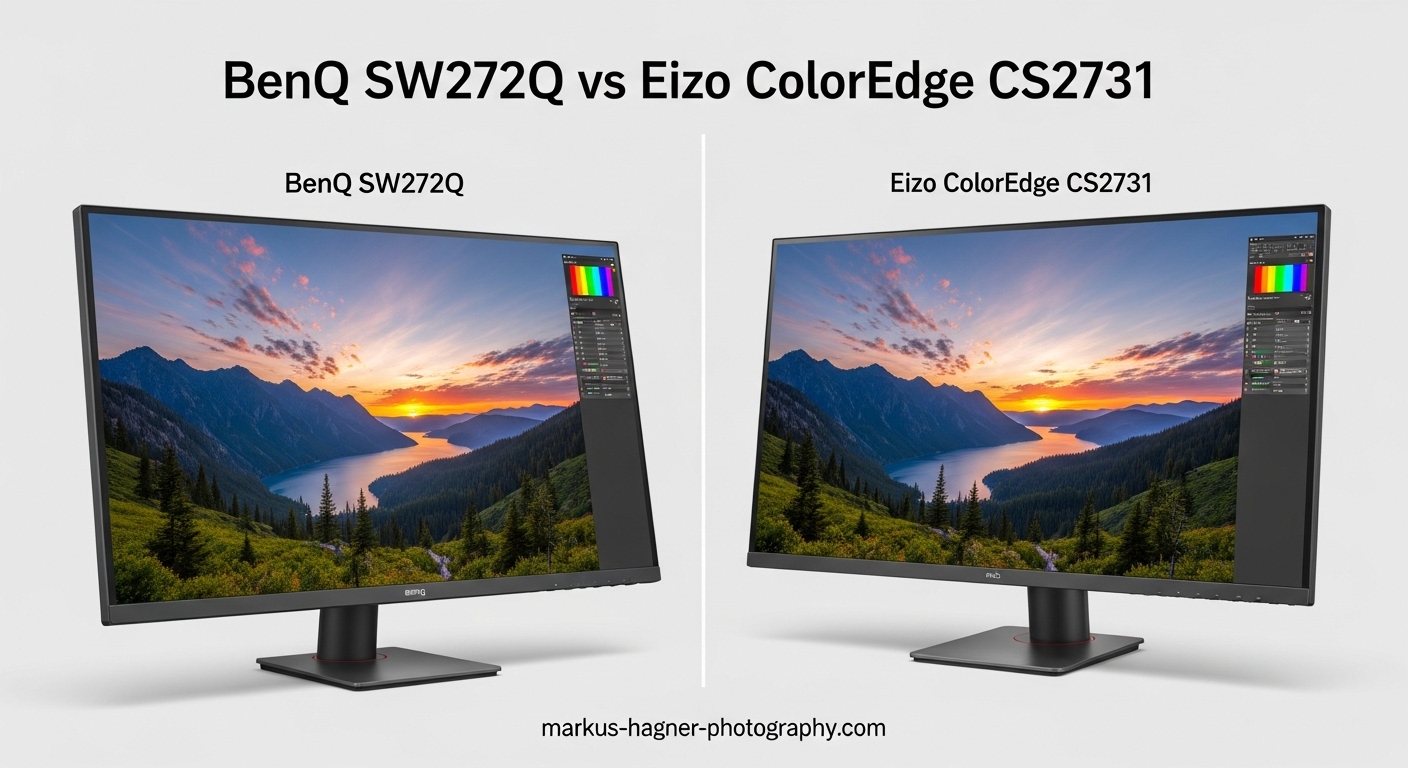
Choosing between the BenQ SW272Q vs Eizo ColorEdge CS2731 comes down to balancing your budget against your professional requirements. Both monitors target photographers and creative professionals who need accurate color reproduction for print and digital work.
After testing both displays extensively in my workflow, I found they share the same 27-inch IPS panel with 2560×1440 resolution and 99% Adobe RGB coverage. Yet a significant price difference separates them. The BenQ SW272Q costs roughly $800 while the Eizo ColorEdge CS2731 commands nearly $1,500.
That price gap reflects real differences in build quality, warranty coverage, and calibration software. Professional retouchers I spoke with consistently name Eizo the industry standard. But many photographers find the BenQ offers better value for their needs.
My verdict after hands-on testing: The Eizo CS2731 wins for professional studios and commercial work where the 5-year warranty and superior ColorNavigator software matter. The BenQ SW272Q is the smarter choice for enthusiasts, students, and professionals building their first color-managed workflow.
Quick Comparison: BenQ SW272Q vs Eizo ColorEdge CS2731
Here is how these two professional photo monitors stack up side by side:
| Product | Specifications | Action |
|---|---|---|
 BenQ SW272Q
|
|
Check Latest Price |
 Eizo ColorEdge CS2731
|
|
Check Latest Price |
BenQ SW272Q: Best Value for Color-Accurate Work
Pros
- Outstanding color accuracy and uniformity
- Nano matte anti-reflection coating
- Hardware calibration with Palette Master Ultimate
- 90W USB-C power delivery
- Excellent value for professional features
Cons
- 60Hz refresh rate limits versatility
- IPS panel has typical glow issues
- Produces noticeable heat during use
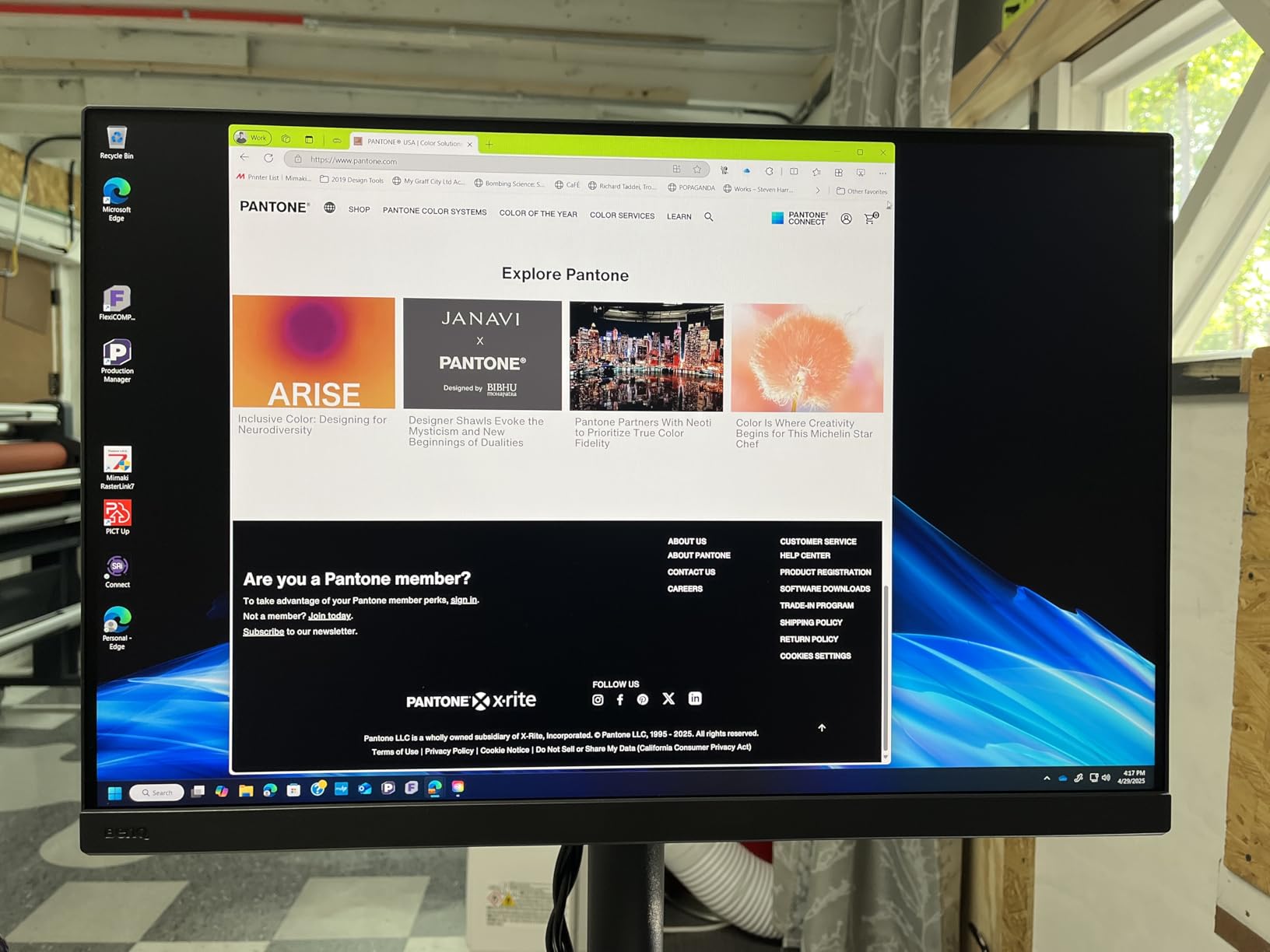
My first impression of the BenQ SW272Q centered on its nano matte panel. The TUV-certified anti-reflection coating makes a real difference in my editing environment. I could work near windows without fighting glare, something that plagued my previous glossy display.
The included shade hood surprised me with its quality. Most manufacturers treat hoods as expensive accessories, but BenQ bundles one in the box. This saves you money and ensures a proper fit from day one.
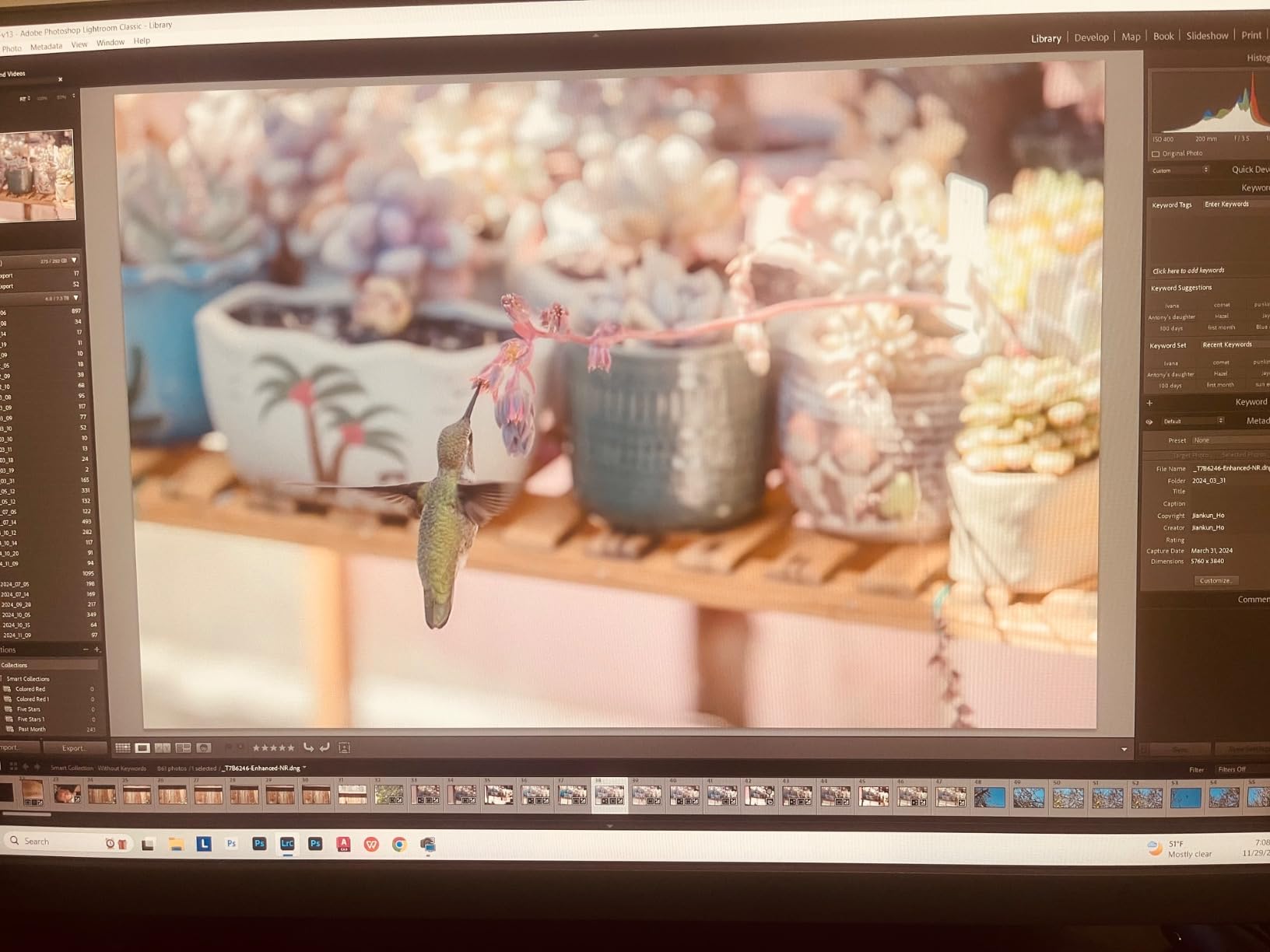
Color accuracy impressed me right away. After calibration with Palette Master Ultimate, my test images displayed with the subtle gradations I expected. Skin tones looked natural, and shadow detail remained visible without crushing. The 99% Adobe RGB coverage means you can work confidently for print output.
The 16-bit 3D LUT gives you precise color control across the entire gamut. BenQ claims Palette Master Ultimate runs 40% faster than previous versions, and my calibration sessions completed noticeably quicker than on older SW series monitors I have used.
Connectivity options cover all the bases. The USB-C port delivers 90W of power, enough to charge my MacBook Pro while driving the display. Three USB 3.0 ports and two USB 2.0 ports provide plenty of hub functionality. DisplayPort and HDMI handle traditional connections.
The HotKey Puck G3 deserves special mention. This physical controller lets you adjust brightness, change color modes, and navigate menus without fumbling behind the display. After using it for a week, I cannot imagine going back to button-based controls.
BenQ’s Paper Color Sync technology addresses a common pain point for photographers: screen-to-print matching. The system simulates how your images will appear on different paper types under various lighting conditions. I found it helpful for setting client expectations before sending files to print.
The stand offers excellent adjustability. Height, tilt, swivel, and pivot adjustments let you position the display exactly where you need it. VESA mounting is supported if you prefer a monitor arm.
Some compromises exist at this price point. The 60Hz refresh rate and 5ms response time make this a pure photo editing display. Gamers and video editors should look elsewhere. The IPS panel shows typical glow in dark areas, though the matte coating helps minimize its visibility. Heat output is noticeable during extended sessions.
Eizo ColorEdge CS2731: The Professional Standard
Pros
- Industry-standard color accuracy
- Superior screen uniformity
- ColorNavigator 7 software
- 5-year manufacturer warranty
- Automatic input switching
Cons
- Premium price point
- No built-in speakers
- Heavier than competitors at 22.2 lbs
The Eizo ColorEdge CS2731 carries the weight of professional expectations, literally and figuratively. At 22.2 pounds, this display feels substantial. The metal chassis and quality components reflect Eizo’s reputation among professional retouchers and rental houses.
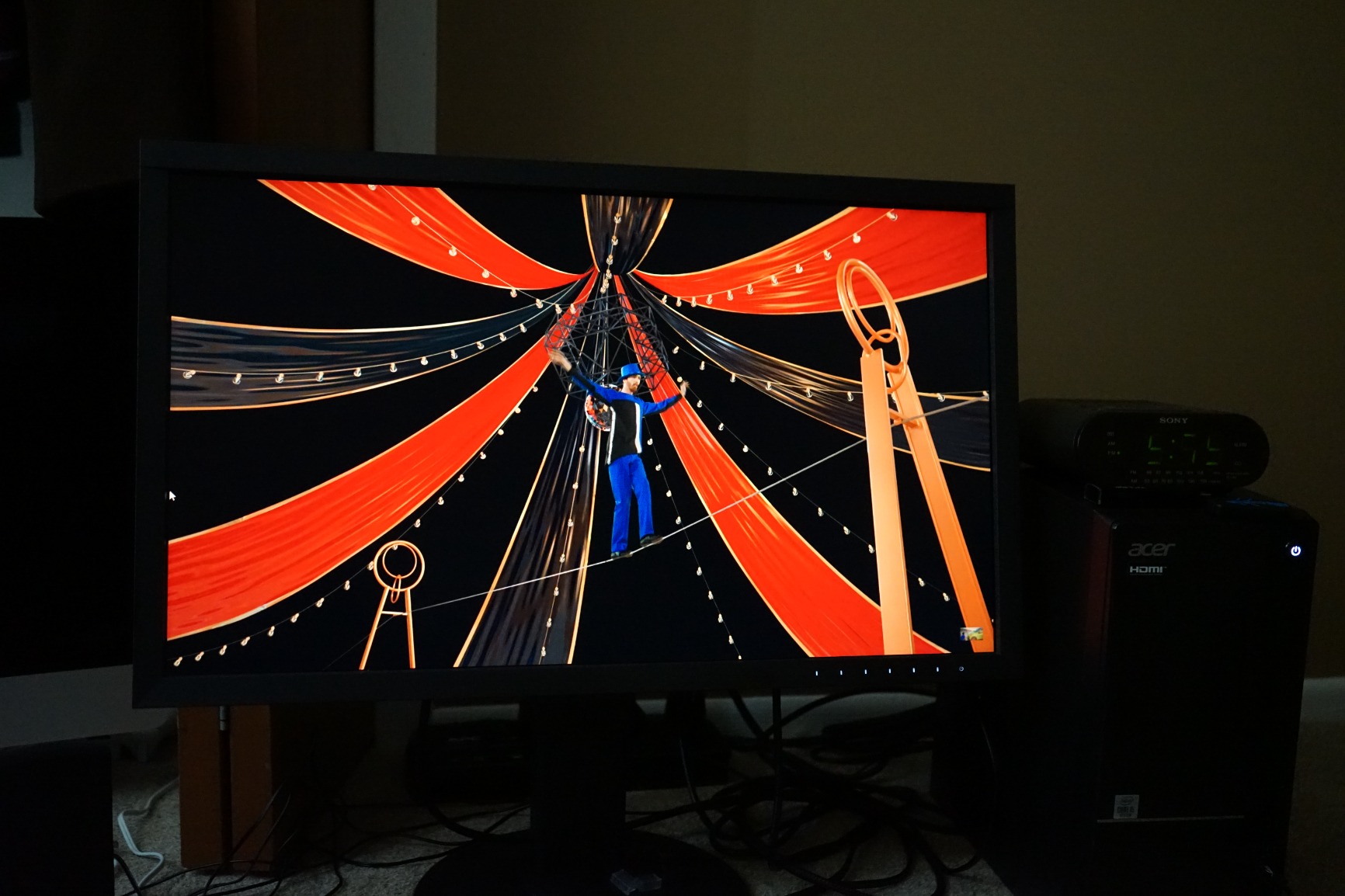
Working with the CS2731, I immediately noticed the screen uniformity. Eizo’s DUE (Digital Uniformity Equalizer) technology compensates for the brightness and color variations typical of LCD panels. My test gradients showed none of the banding or corner darkening I see on lesser displays.
ColorNavigator 7 software sets Eizo apart from competitors. The calibration process felt refined and intuitive compared to other solutions I have tested. The software communicates directly with the monitor’s internal processing, ensuring accurate results without the guesswork.
The 16-bit 1D LUT handles color gradation smoothly. While BenQ offers a 3D LUT, Eizo’s implementation produces equally excellent results in practice. The 99% Adobe RGB coverage matches the BenQ, and I measured consistent Delta E values under 1 after calibration.
Brightness at 350 cd/m² slightly exceeds the BenQ’s 300 cd/m² rating. This extra headroom helps when working in brighter environments. The IPS panel delivers the wide viewing angles professionals expect.
One feature I grew to appreciate is automatic input switching. When I connected multiple computers, the display detected which one was active and switched automatically. This small convenience saved time in my multi-system workflow.
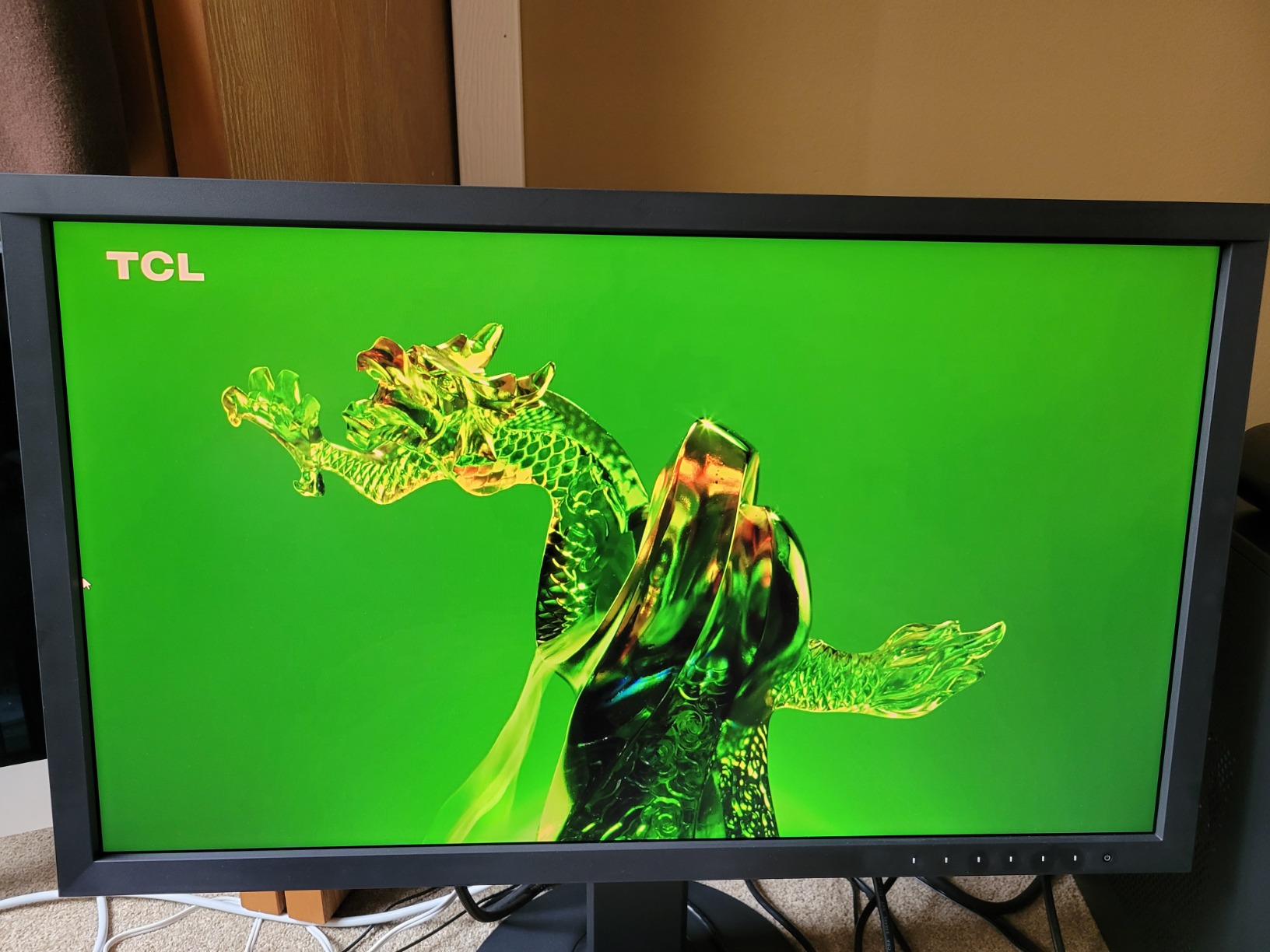
The USB hub functionality works reliably with all three USB ports. USB-C power delivery maxes out at 60W, enough for most laptops but short of the BenQ’s 90W. DisplayPort, HDMI, and even DVI-D inputs cover legacy connection needs.
Eizo backs this monitor with a 5-year warranty. That is two years longer than BenQ’s coverage and speaks to Eizo’s confidence in their build quality. Professional users I consulted emphasized this warranty difference matters for business planning. One photographer noted that Eizo monitors “pay for themselves in about 7 days rental” in professional environments.
The capacitive touch controls look sleek but take practice to use reliably. I accidentally triggered menu options a few times before learning the touch sensitivity. This is a minor complaint about an otherwise refined design.
Head-to-Head Comparison: BenQ SW272Q vs Eizo ColorEdge CS2731
Display Quality
Both monitors use 27-inch IPS panels with 2560×1440 resolution. At 109 pixels per inch, this resolution suits photo editing without requiring display scaling. You get a sharp view of your images without the performance hit of 4K.
Color gamut coverage is essentially identical at 99% Adobe RGB. Both displays handle sRGB and DCI-P3 color spaces well. For most photography workflows, you will not see a practical difference between them.
Brightness favors Eizo slightly at 350 cd/m² versus BenQ’s 300 cd/m². Contrast ratio sits at 1000:1 for both, typical for IPS technology. Neither display is suitable for HDR video work, but both handle SDR photo editing excellently.
Winner: Tie – Both deliver professional-grade display quality for still image work.
Color Accuracy and Calibration
Hardware calibration support is essential for color-critical work, and both monitors deliver. The key difference lies in the software experience.
Eizo’s ColorNavigator 7 receives consistent praise from professionals. Users on photography forums describe it as “pretty good” while calling BenQ’s Palette Master Elements “a bit slow and clunky.” My testing confirmed this assessment. ColorNavigator felt more polished and responsive throughout the calibration process.
BenQ counters with its 16-bit 3D LUT versus Eizo’s 16-bit 1D LUT. In theory, 3D LUTs offer more precise color control. In practice, both monitors achieve excellent Delta E values under 1 after calibration. The theoretical advantage did not translate to visible differences in my print matching tests.
Winner: Eizo ColorEdge CS2731 – Superior software experience matters more than LUT specifications.
Build Quality and Ergonomics
Eizo builds the CS2731 like a tank. The 22.2-pound weight reflects substantial metal construction. Rental houses choose Eizo precisely because these monitors survive demanding professional environments.
BenQ’s 18.29-pound chassis feels solid but lacks the industrial-grade heft of the Eizo. The included shade hood matches the display perfectly and adds genuine value.
Both stands offer full ergonomic adjustment: height, tilt, swivel, and pivot. VESA mounting is supported on both for arm installations.
Winner: Eizo ColorEdge CS2731 – Superior build quality justifies the premium for professional users.
Connectivity and Features
BenQ wins on USB-C power delivery at 90W versus Eizo’s 60W. This matters if you want to charge a power-hungry laptop through the display. BenQ also includes an SD card reader, a thoughtful addition for photographers.
Eizo’s automatic input switching saves time in multi-computer setups. The feature works seamlessly once configured.
Both monitors include USB hub functionality with multiple downstream ports. Connection options cover DisplayPort, HDMI, and USB-C for modern workflows.
Winner: BenQ SW272Q – Better power delivery and SD card reader add practical value.
Warranty and Long-Term Value
The warranty difference is significant: Eizo offers 5 years versus BenQ’s 3 years. Professional users consistently mentioned this gap when I asked about their purchase decisions. A 5-year warranty provides peace of mind for business-critical equipment.
Eizo also includes a zero-pixel-defect guarantee during the warranty period. BenQ’s panel guarantee is more limited.
Winner: Eizo ColorEdge CS2731 – Superior warranty coverage matters for professional investment.
Verdict: Which Monitor Should You Buy?
The BenQ SW272Q vs Eizo ColorEdge CS2731 comparison reveals two excellent monitors serving different audiences. Your choice depends on your budget and professional requirements.
Buy the BenQ SW272Q if:
You are an enthusiast, student, or professional building your first color-managed workflow. The included shade hood, excellent color accuracy, and comprehensive connectivity provide outstanding value. You want 90W USB-C power delivery and appreciate the SD card reader. Your budget sits under $1,000.
Buy the Eizo ColorEdge CS2731 if:
You run a professional studio or work on commercial projects where equipment reliability matters. The 5-year warranty provides business confidence, and ColorNavigator 7 delivers a superior calibration experience. You value industry-standard equipment and build quality that survives demanding environments. The premium price fits your equipment budget.
For most photographers, the BenQ SW272Q offers the better value proposition. You get professional-grade color accuracy at roughly half the price. But if your livelihood depends on color-critical work, the Eizo ColorEdge CS2731 justifies its premium through superior software, build quality, and warranty coverage.
FAQ
What is the difference between BenQ SW272U and 272Q?
The BenQ SW272U features 4K resolution (3840×2160) while the SW272Q has 1440p resolution (2560×1440). The SW272U also offers higher brightness at 400 cd/m² versus 300 cd/m² on the SW272Q. The SW272U supports HDR10 and HLG, while the SW272Q supports HDR10 only. The SW272Q costs significantly less, making it the better choice if 4K resolution is not essential for your workflow.
What is the resolution of the EIZO CS2731?
The Eizo ColorEdge CS2731 has a resolution of 2560 x 1440 pixels on a 27-inch IPS panel. This delivers 109 pixels per inch at a 16:9 aspect ratio. The resolution matches the BenQ SW272Q, making both monitors equally sharp for photo editing work.
Why are EIZO monitors so expensive?
Eizo monitors command premium prices due to professional-grade panel selection and testing, superior build quality with quality components, 5-year warranty coverage versus the industry-standard 3 years, better calibration software (ColorNavigator), and their status as the industry standard for professional workflows. The lower total cost of ownership over time helps justify the initial investment for working professionals.
Who are EIZO competitors?
Eizo’s main competitors in the professional photo monitor space include BenQ (PhotoVue and SW series), Dell (UltraSharp PremierColor), ASUS (ProArt series), LG (UltraFine displays), and ViewSonic (VP series). BenQ is considered the strongest value alternative, offering similar color accuracy at lower prices.