
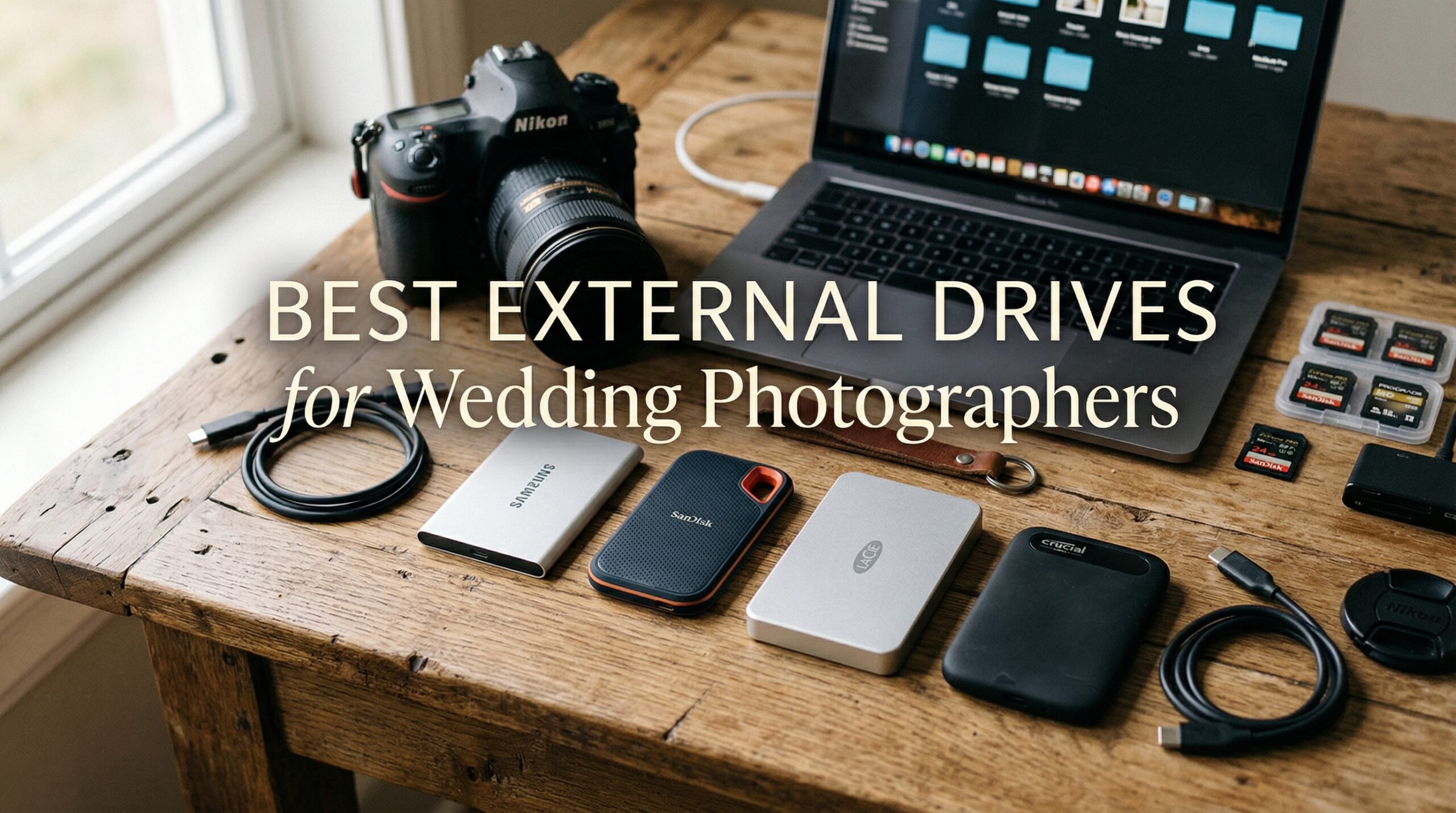
After shooting weddings for over a decade, I have learned one hard truth: your storage strategy can make or break your business. I remember the sickening feeling when a fellow photographer called me in tears after losing three weddings worth of RAW files to a failed hard drive. That moment changed how I approach data backup forever. Finding the best high-capacity external drives for wedding photographers is not just about having enough space. It is about protecting irreplaceable memories and your professional reputation.
Wedding photography generates massive amounts of data. A single wedding can easily produce 100GB to 300GB of RAW files, especially if you shoot with high-resolution cameras or have a second shooter. Multiply that by 20 to 40 weddings per year, and you quickly understand why proper storage is essential. In this guide, I will share the external drives that have earned my trust through years of real-world use, along with the backup strategies that keep my clients’ photos safe.
Whether you need lightning-fast portable SSDs for on-location editing or massive desktop drives for long-term archival, this roundup covers the options that actually work for wedding photographers in 2026. I have tested these drives through countless weddings, editing sessions, and backup rotations to bring you honest recommendations.
Top 3 Picks for Wedding Photographers
Best High-Capacity External Drives for Wedding Photographers in 2026
| Product | Specifications | Action |
|---|---|---|
 SanDisk 4TB Extreme Portable SSD
|
|
Check Latest Price |
 Samsung T7 Portable SSD 2TB
|
|
Check Latest Price |
 SanDisk 1TB Extreme PRO SSD
|
|
Check Latest Price |
 Samsung T7 Shield 2TB
|
|
Check Latest Price |
 LaCie Rugged 5TB Portable HDD
|
|
Check Latest Price |
 SanDisk Pro 5TB G-Drive ArmorATD
|
|
Check Latest Price |
 WD 8TB Elements Desktop
|
|
Check Latest Price |
|
WD 14TB Elements Desktop
|
|
Check Latest Price |
 Seagate Expansion 22TB
|
|
Check Latest Price |
 OWC 2TB Envoy Pro FX
|
|
Check Latest Price |
1. SanDisk 4TB Extreme Portable SSD – Best Overall for Working Drives
Pros
- Blazing fast 1050MB/s transfers
- Compact and ultra-portable
- IP65 water/dust resistance
- 3-meter drop protection
- Hardware encryption included
Cons
- Can get warm during heavy transfers
- Requires USB 3.2 Gen 2 for full speed
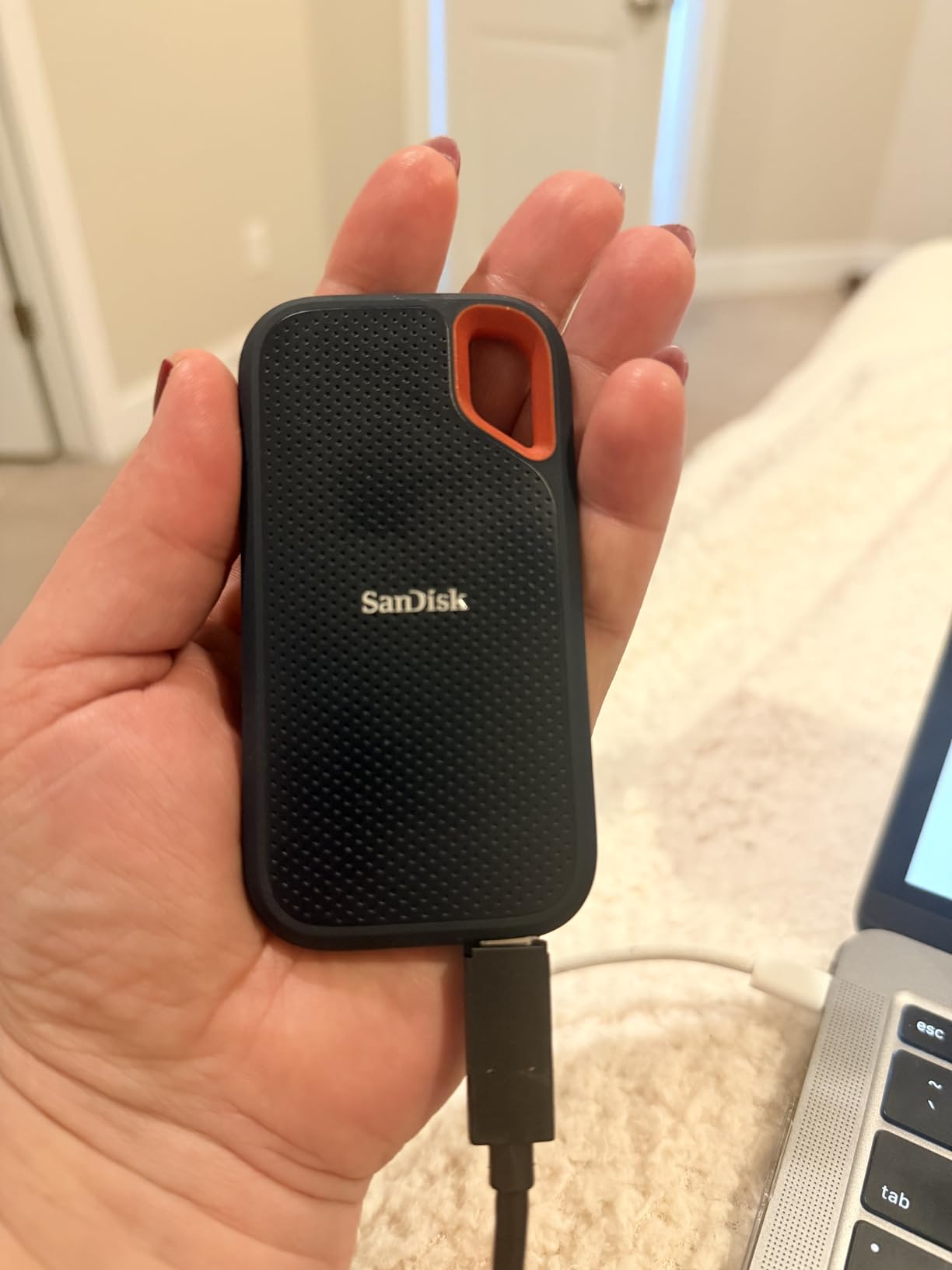
This SanDisk Extreme has been my go-to working drive for the past two years. I keep it clipped to my camera bag with the built-in carabiner loop, and it has survived everything from dusty outdoor ceremonies to humid reception venues without skipping a beat. The 4TB capacity gives me plenty of room to offload cards during multi-day destination weddings.
Transfer speeds are where this drive really shines. When I am backing up 128GB SD cards after a ceremony, the 1050MB/s read speed means I can have files offloaded and verified in under two minutes. That speed matters when you are trying to eat dinner between the ceremony and reception while ensuring every shot is safely backed up.
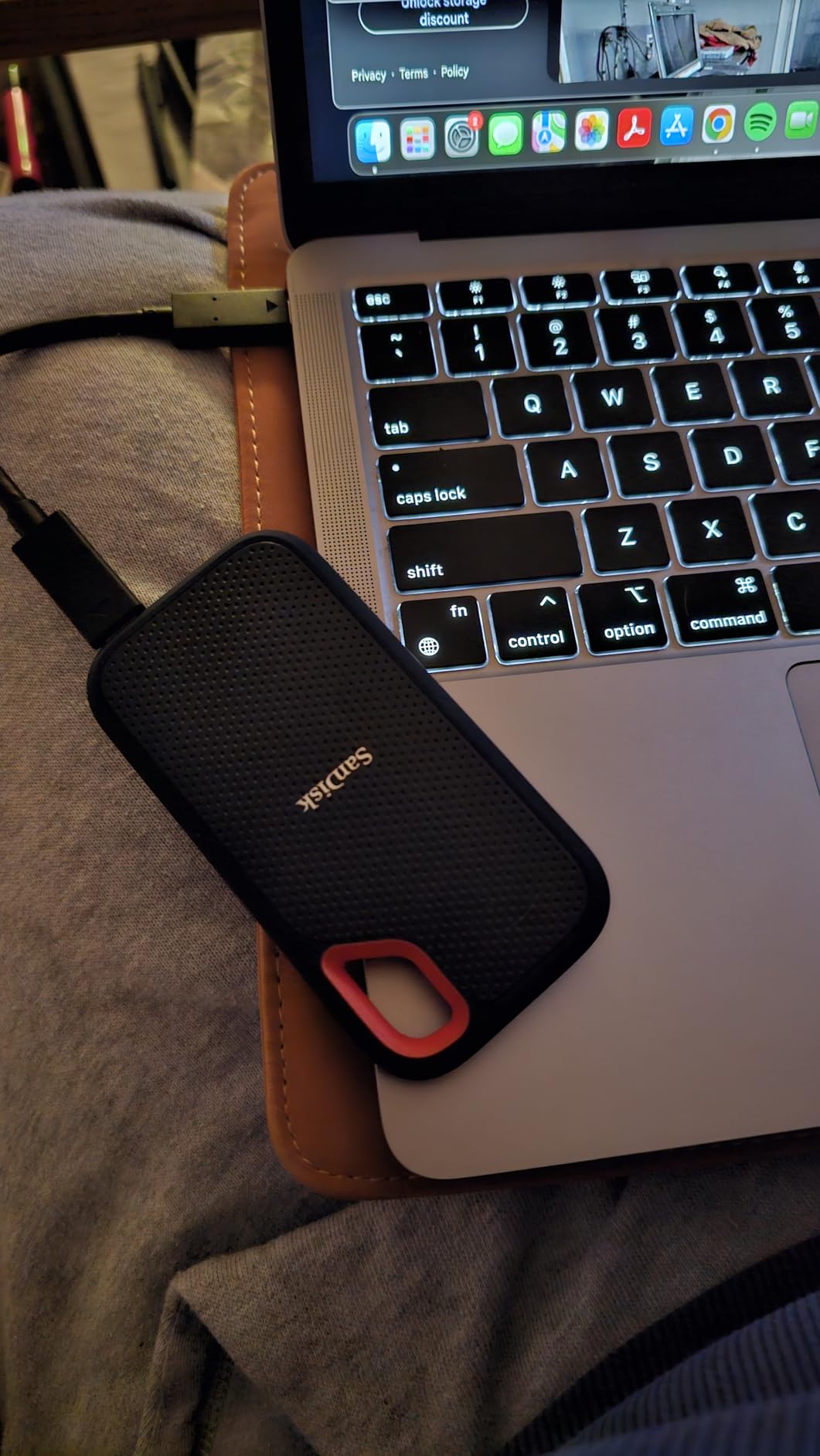
The IP65 rating has saved me more than once. I have had this drive out in light rain during outdoor portrait sessions, and it just keeps working. The rubberized coating provides a sure grip even with sweaty hands during summer weddings. At just 1.76 ounces, I barely notice it in my bag.
One thing I appreciate is the 256-bit AES hardware encryption. Wedding photos contain sensitive client information, and knowing the drive is password-protected if it ever gets lost or stolen gives me peace of mind. I have used this feature to transport drives to labs for printing without worrying about data security.
Ideal For
This drive is perfect for wedding photographers who need a reliable working drive for on-location backups and travel. If you shoot destination weddings or need to transfer files quickly between ceremony and reception, the speed and durability make it worth the investment. Photographers who value ruggedness without sacrificing portability will love this drive.
Consider Alternatives If
If you need maximum capacity for archiving completed weddings, a desktop HDD will give you more terabytes per dollar. Photographers editing 4K video might want the even faster Extreme PRO models. Those on a tight budget may find cheaper options adequate for light use.
2. Samsung T7 Portable SSD 2TB – Reliable Speed at a Great Price
Pros
- Extremely fast 1050MB/s transfers
- Sleek aluminum unibody design
- Shock resistant to 6 feet
- Works with Mac/PC/Android
- Cross-platform compatibility
Cons
- Not water resistant like T7 Shield
- Short USB-C cable included
- Can get warm during heavy transfers
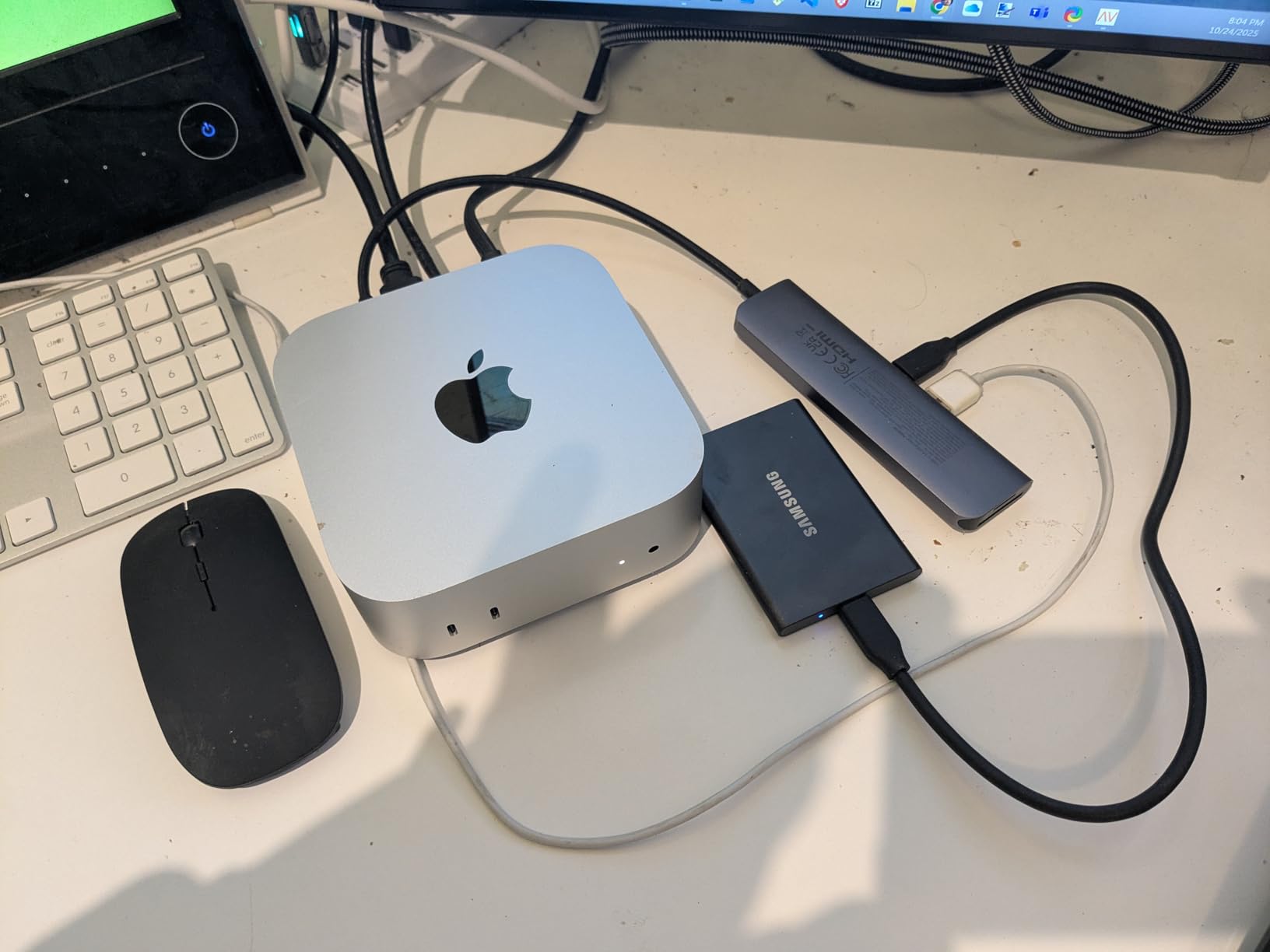
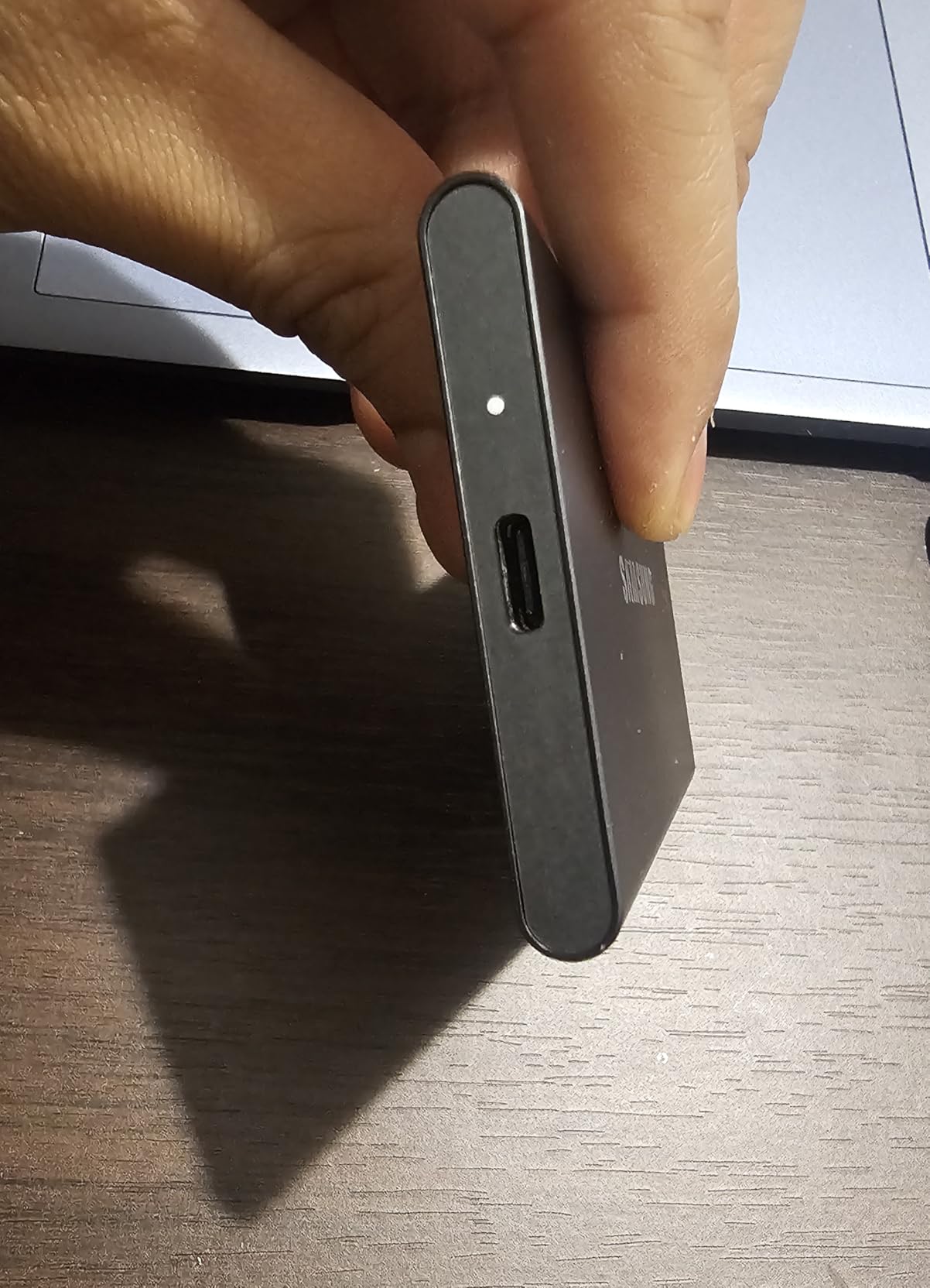
The Samsung T7 has been my secondary backup drive for over a year, and it has never let me down. I originally bought it as a Time Machine backup for my editing laptop, but it has become an essential part of my wedding workflow. The solid aluminum unibody feels premium and dissipates heat well during long editing sessions.
What impressed me most is how seamlessly it works across all my devices. I can plug it into my MacBook for editing, my Windows desktop for backup verification, and even my phone to quickly preview shots on a larger screen. The 1050MB/s speeds match the SanDisk Extreme, making file transfers equally quick.
Reddit wedding photographers consistently recommend Samsung T-series drives, and I understand why. In forum discussions, users report using these drives for years without a single failure. That reliability matters when you are storing client wedding photos. The 3-year warranty provides additional peace of mind.
I do wish the included USB-C cable was longer. When editing on location with my laptop balanced on a hotel desk, the short cable can be awkward. I ended up buying a longer cable, which solved the issue. The drive also runs noticeably warm during 100GB+ transfers, though never hot enough to cause problems.
Ideal For
This drive suits photographers who want reliable performance without paying extra for rugged features. It is perfect for studio-based editing, Time Machine backups, and as a secondary backup drive. Mac users will appreciate the easy APFS formatting for optimal performance.
Consider Alternatives If
If you frequently shoot in wet or dusty conditions, the Samsung T7 Shield offers IP65 protection for similar performance. Photographers needing more than 2TB should look at the 4TB capacity options. Budget-conscious shooters might find adequate performance from cheaper USB 3.0 drives.
3. SanDisk 1TB Extreme PRO Portable SSD – Maximum Speed for Power Users
Pros
- Blazing fast 2000MB/s speeds
- Excellent sustained performance
- Superior heat dissipation
- IP65 water/dust resistance
- Rugged forged aluminum chassis
Cons
- Requires USB 3.2 Gen 2x2 port for max speed
- Higher price than standard Extreme
- Some reliability reports on 4TB model
When I need to transfer 500GB of RAW files from a full day of wedding coverage, the Extreme PRO makes a noticeable difference. The 2000MB/s speeds cut my backup time in half compared to standard SSDs. That extra speed matters when I am trying to start editing late at night after a long wedding day.
The forged aluminum chassis does more than look professional. It acts as a heatsink, keeping the drive cool even during sustained large file transfers. I have transferred entire wedding archives without the performance drop-off that plagues some drives when their cache fills up.

I will be honest about one concern: some users report reliability issues with the 4TB version of this drive. I have used the 1TB model extensively without problems, but I would recommend the standard Extreme for 4TB needs until SanDisk addresses those reports. The 1TB and 2TB models have excellent track records.
For video work, this drive is a game-changer. When shooting wedding films alongside photos, the sustained write speeds handle 4K footage without stuttering. The IP65 rating means I can use it confidently in the field, and the carabiner loop keeps it secure on my bag.

Ideal For
Photographers who edit directly from their external drive will benefit most from the Extreme PRO. It is ideal for hybrid shooters capturing both photos and video, and for anyone with a USB 3.2 Gen 2×2 port who wants maximum transfer speeds. Professionals who move massive files regularly will appreciate the sustained performance.
Consider Alternatives If
If your computer lacks USB 3.2 Gen 2×2 support, you will not see the full speed benefit. Photographers on a budget can save money with the standard SanDisk Extreme at 1050MB/s. Those needing 4TB capacity should consider the regular Extreme or Samsung options until reliability concerns are resolved.
4. Samsung T7 Shield 2TB – Rugged Reliability for Travel Photographers
Pros
- IP65 water and dust resistance
- Excellent 9.8-foot drop protection
- Rubberized exterior for grip
- Works with iPhone Pro Res
- Low failure rate
Cons
- Rubber exterior attracts dust and lint
- Higher price than standard T7
- Requires USB-C for optimal speeds
The T7 Shield has become my travel wedding drive. The rubberized exterior has survived being dropped on concrete at a venue and rained on during an outdoor ceremony. The 9.8-foot drop protection is significantly better than most portable SSDs, which typically offer 6-foot ratings.
What sets this apart from the regular T7 is the IP65 rating. I have used it in humid outdoor venues where condensation was forming on my gear, and it performed flawlessly. The rubberized coating also prevents the drive from sliding around on smooth surfaces during editing sessions.

One unexpected benefit is how well it works with mobile devices. I can connect it directly to my iPhone 15 Pro to offload ProRes video from destination weddings. The Samsung Magician software helps monitor drive health, which I check before every wedding season.
The only real downside is that the rubber exterior collects dust and lint in my camera bag. I keep a microfiber cloth handy to wipe it down. It is a minor inconvenience for the added protection, but worth mentioning if you are particular about keeping gear pristine.

Ideal For
Destination wedding photographers will appreciate the rugged protection for travel. Outdoor and adventure wedding photographers shooting in challenging conditions need this level of durability. Photographers using iPhones for backup or preview will love the direct connectivity.
Consider Alternatives If
Studio-based photographers who do not need rugged features can save money with the standard T7. Those needing more than 4TB should look at desktop HDD options. Photographers editing directly from the drive might prefer the faster Extreme PRO for large file work.
5. LaCie Rugged 5TB Portable HDD – High Capacity on a Budget
LaCie Rugged 5TB Portable External HDD - USB 3.0/2.0 Compatible, Shock/Dust/Rain Resistant for Mac & PC, Orange, Grey
Pros
- Excellent value per TB at 5TB
- Proven rugged durability
- Shock and drop resistant
- Competitive price point
- Trusted professional brand
Cons
- Mechanical drive slower than SSD
- Spinning platter vulnerable when running
- Heavier than SSD alternatives
- Requires reformatting for Mac
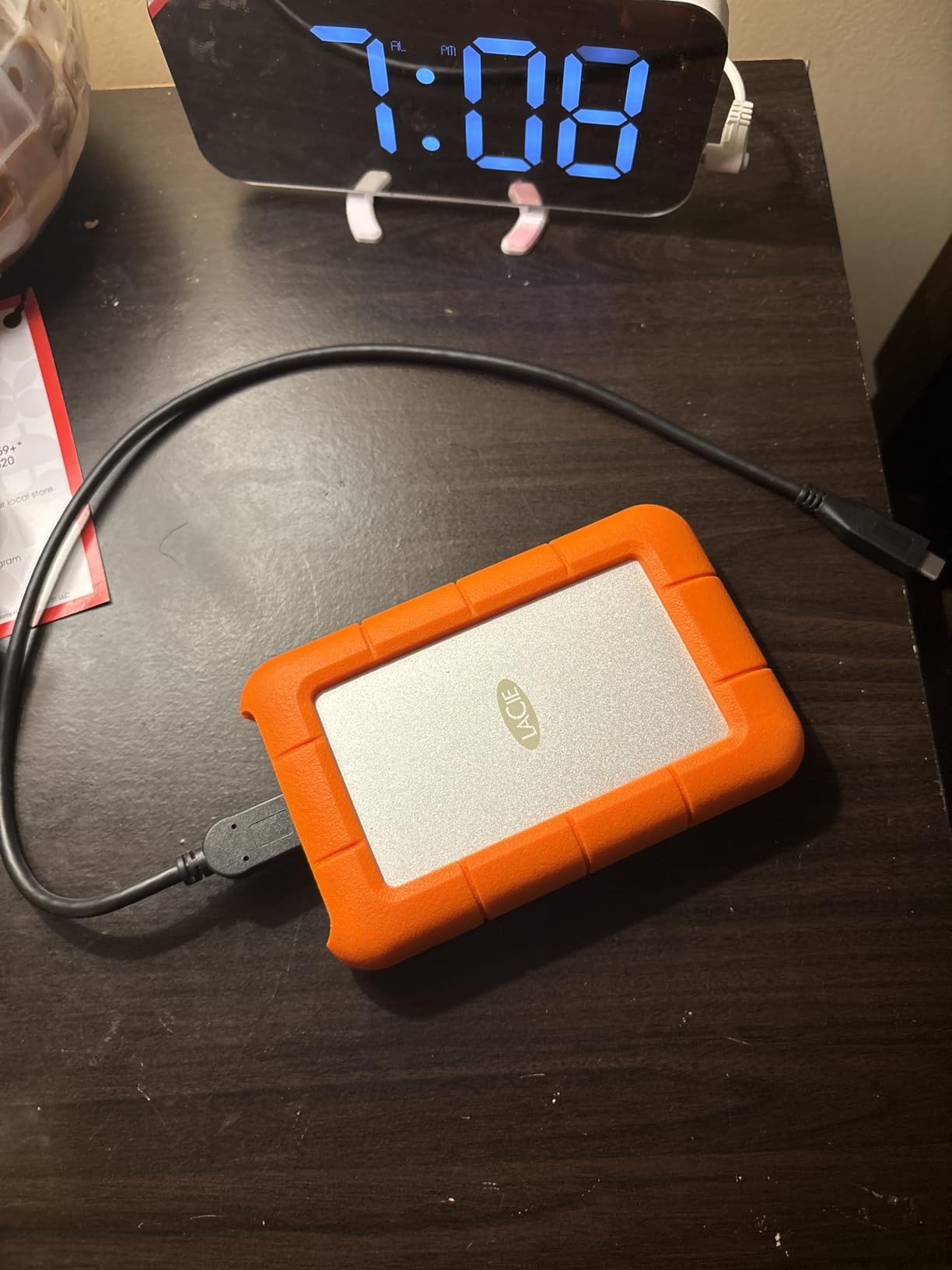
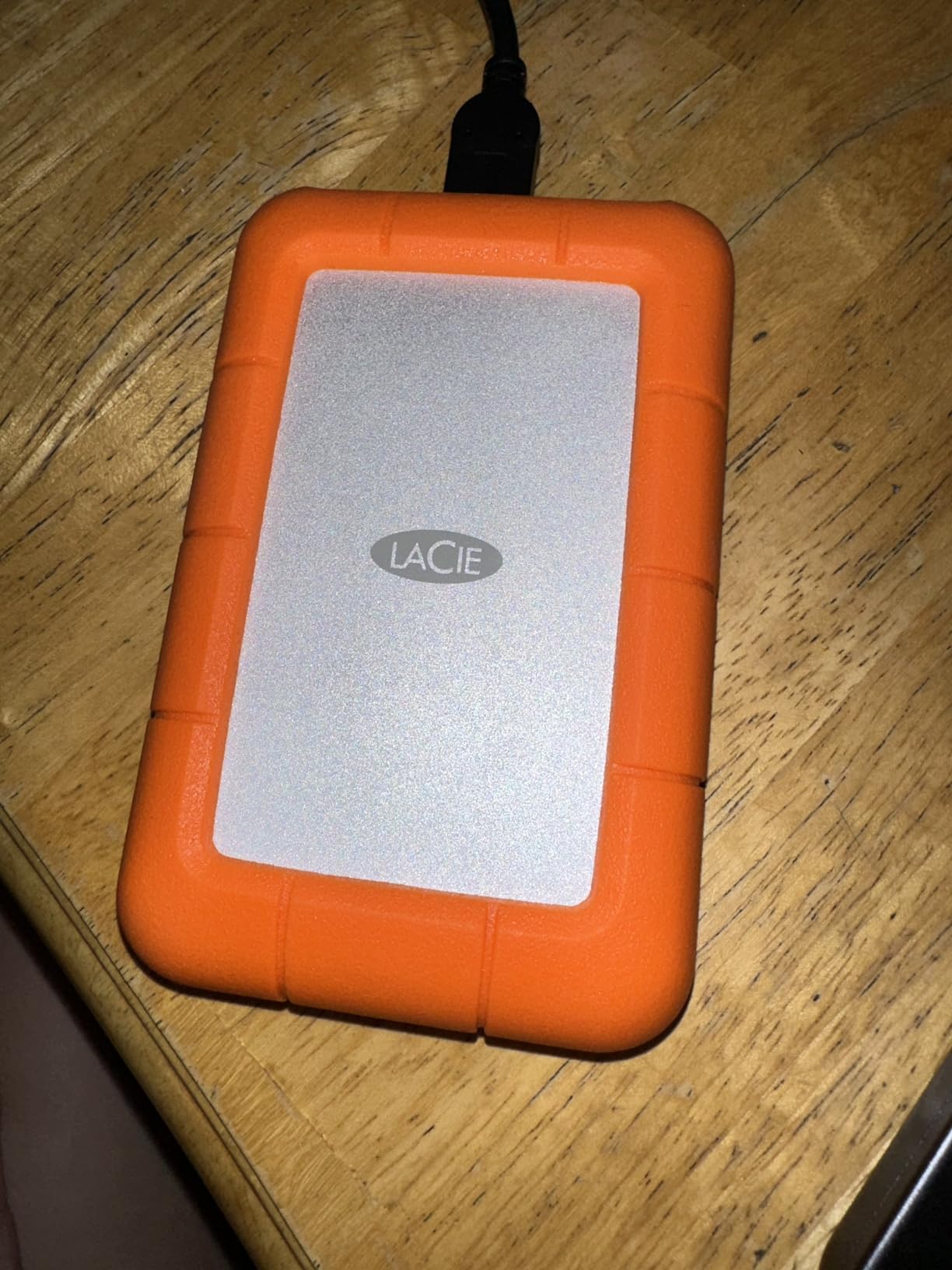
The LaCie Rugged series has been a wedding photography staple for years, and this 5TB model delivers serious capacity at a fraction of SSD costs. I use it as a secondary backup that stays in my hotel room during destination weddings, providing an extra copy of files separate from my primary working drive.
The iconic orange rubber bumper is not just for looks. It has protected my drive through countless trips in checked luggage and gear bags. The shock resistance means I can toss it in my backpack without worrying about damage, something I would never do with a bare mechanical drive.
Speed is the trade-off with any HDD. At around 130MB/s, transferring a full wedding takes considerably longer than with an SSD. I typically start large backups before going to dinner and let them run. The slower speed is acceptable for archive purposes where speed matters less than capacity.
Forum discussions reveal mixed experiences with LaCie reliability. Some photographers report multiple failures, while others swear by them. My experience has been positive, but I would never trust any single mechanical drive as my only backup. Always have redundant copies of wedding photos.
Ideal For
Budget-conscious photographers needing high capacity will find excellent value here. This drive works well as a secondary backup or archive drive where speed is less critical. Photographers who already use the 3-2-1 backup strategy can add affordable redundant storage.
Consider Alternatives If
If you need fast on-location file transfers, an SSD is essential. Photographers concerned about mechanical failure should invest in solid-state storage. Those editing directly from the drive will find the HDD speed frustrating for active work.
6. SanDisk Professional 5TB G-Drive ArmorATD – Mac-Ready Professional Storage
Pros
- Works with macOS right out of the box
- Premium aluminum enclosure
- Good transfer speeds for HDD
- Durable pro-grade construction
- Professional build quality
Cons
- Requires reformatting for Windows
- Slower than SSD alternatives
- Some Windows connectivity issues reported
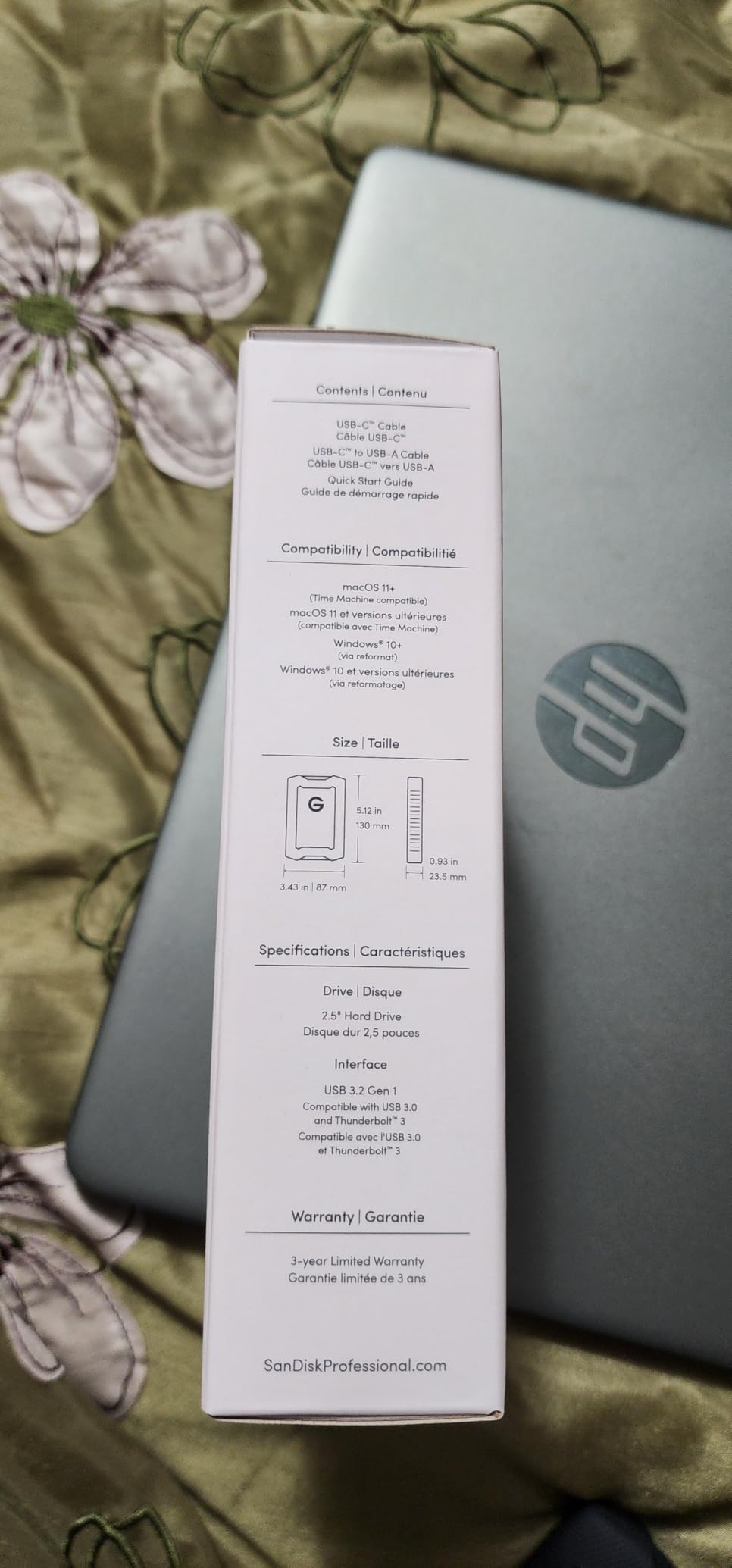
As a Mac-based wedding photographer, I appreciate drives that work seamlessly with my workflow. The G-Drive ArmorATD comes formatted for macOS, saving me the hassle of reformatting before first use. The anodized aluminum enclosure looks professional and feels built to last.
The easy-grip bumper provides genuine protection. I have accidentally knocked this drive off my desk more than once, and it has continued working without issues. The USB-C connection works perfectly with my MacBook Pro, and the 130MB/s speeds are adequate for archive transfers.
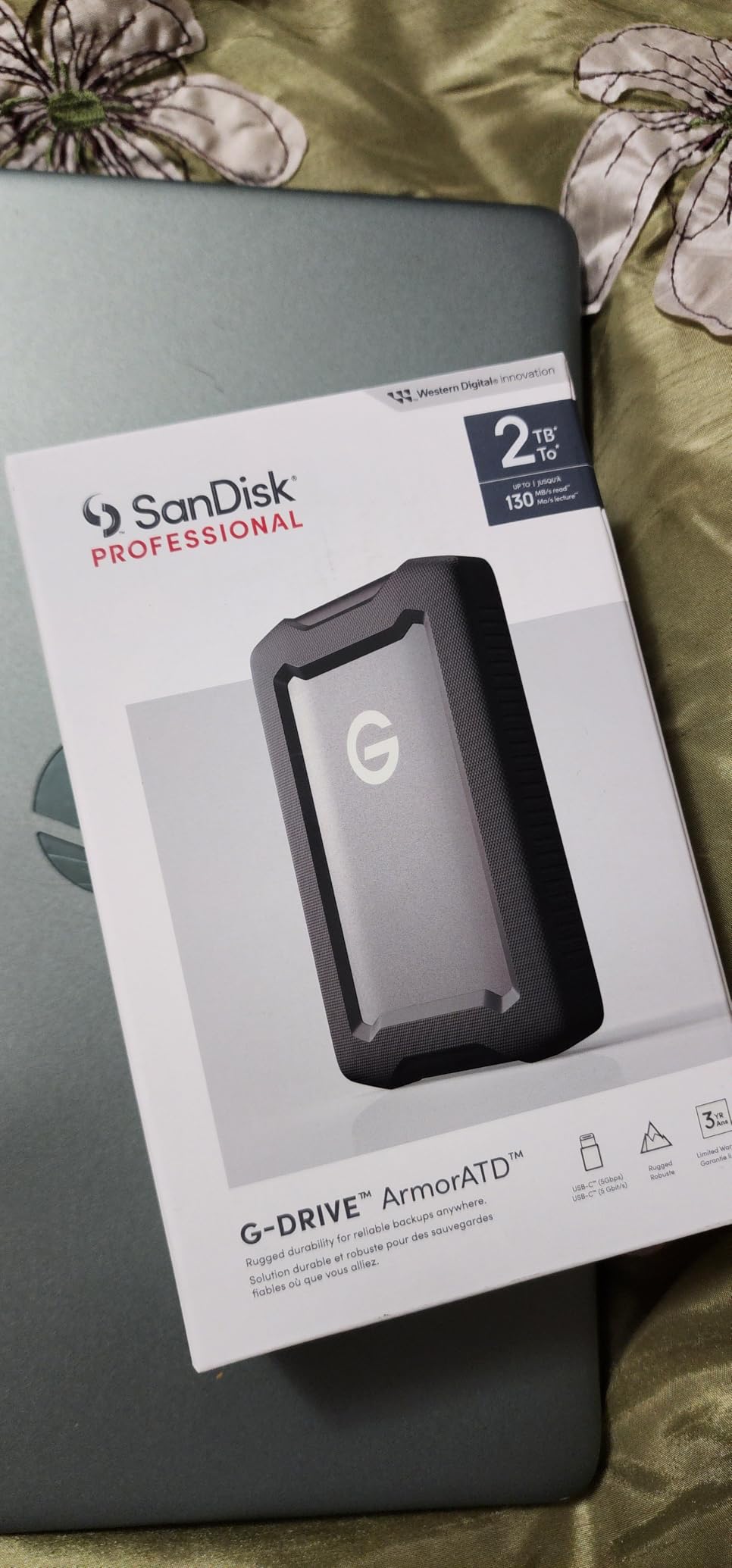
I recommend this primarily for Mac users. Several Windows photographers in online forums report initial recognition issues requiring reformatting. Once set up, it works fine on both platforms, but the out-of-box experience is clearly optimized for Apple users.
The 5TB capacity hits a sweet spot for wedding archives. It holds approximately 15-20 full weddings depending on your shooting style and file sizes. I use it for completed wedding archives, keeping my working drives free for active projects.
Ideal For
Mac-based wedding photographers will appreciate the plug-and-play experience. Video editors using Final Cut Pro will find the drive integrates well with professional workflows. Photographers wanting professional-grade build quality at HDD prices will be satisfied.
Consider Alternatives If
Windows users should be prepared to reformat before first use. Photographers needing fast on-location transfers should choose an SSD. Those wanting maximum capacity for archiving might prefer the larger desktop options.
7. Western Digital 8TB Elements Desktop – Reliable Archive Storage
Western Digital 8TB Elements Desktop External Hard Drive, USB 3.0 external hard drive for plug-and-play storage - Western DigitalBWLG0080HBK-NESN, Black
Pros
- Excellent value per TB
- True CMR technology for reliability
- Quiet operation
- Plug-and-play simplicity
- Good sustained transfer speeds
Cons
- Sleeps after 30 seconds idle
- Not ideal for constant daily use
- Slower than SSD alternatives
- May need reformatting for Mac
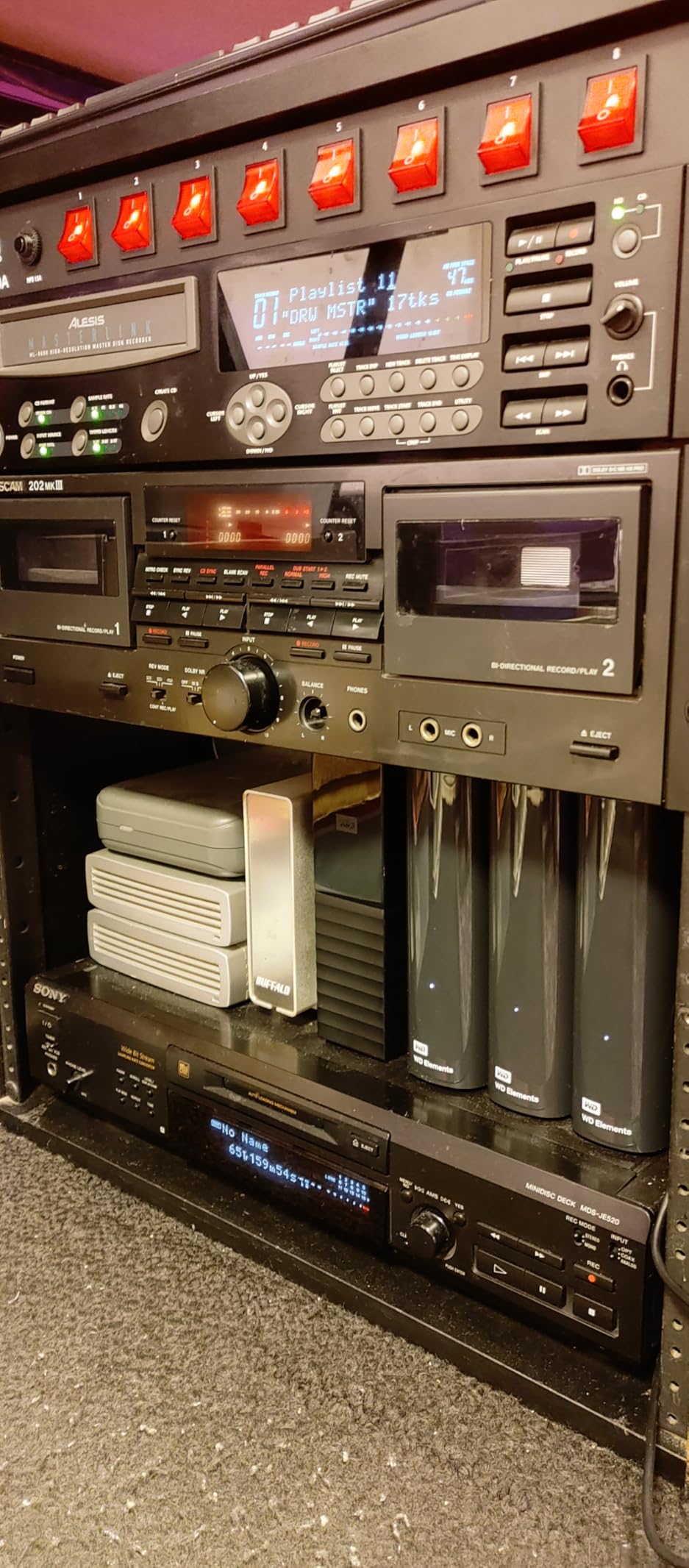
The WD Elements sits on my desk as my primary archive drive for completed weddings. The 8TB capacity holds roughly 25-30 weddings, giving me a full season of work in one location. The CMR recording technology provides consistent write performance, unlike some drives that use SMR and slow down during large transfers.
One thing to know: this drive enters sleep mode after 30 seconds of inactivity. For archive purposes, this is fine. But if you need a drive that stays awake for frequent access, the sleep mode can be annoying. There is no way to adjust this setting, so plan accordingly.

The build quality feels solid despite the plastic enclosure. It runs quietly on my desk, barely audible over my computer fans. After three years of regular use, mine is still going strong with no errors or bad sectors.
I use this drive as one copy in my 3-2-1 backup system. It stays at my studio and receives weekly backups of active projects. For critical wedding files, I always maintain additional copies on separate drives in different locations.
Ideal For
Wedding photographers building an archive library will find excellent value here. Studio-based photographers needing reliable backup storage benefit from the CMR technology. Those following the 3-2-1 backup rule can add affordable high-capacity storage.
Consider Alternatives If
If you need a drive that stays active for frequent access, the sleep mode will frustrate you. Photographers requiring portable storage should choose a portable drive. Those wanting maximum speed should invest in SSD alternatives.
8. Western Digital 14TB Elements Desktop – Maximum Archive Capacity
Pros
- Excellent value per TB
- True CMR technology
- Quiet operation
- Good sustained speeds up to 180MB/s
- Consolidates multiple drives
Cons
- Sleeps after 30 seconds idle
- Not for constant daily access
- Heavier than portable options
- May need reformatting for Mac
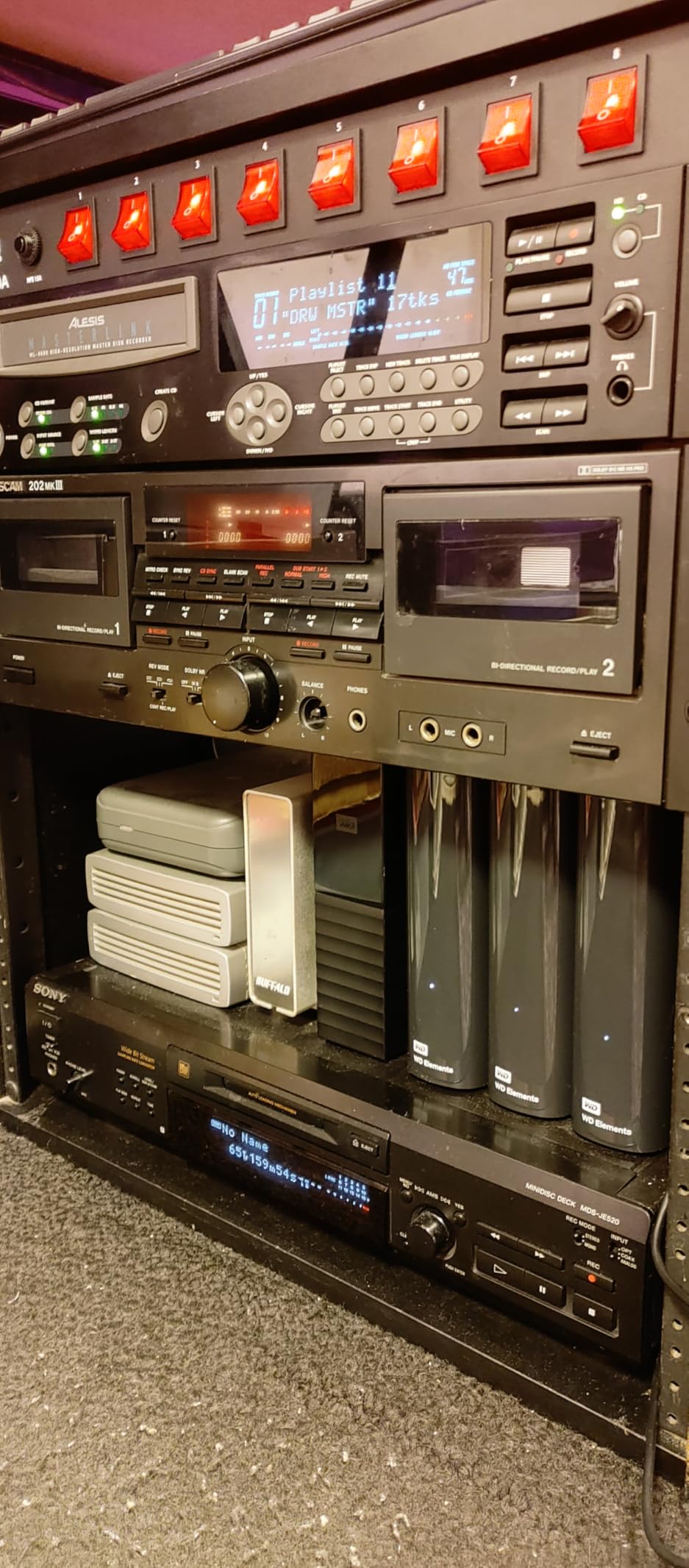
When my 8TB Elements filled up after two wedding seasons, I upgraded to this 14TB model. The additional capacity holds approximately 45-50 weddings, which covers three to four years of work. Having everything in one place simplifies my archive organization significantly.
The larger capacity comes with slightly better performance. I see sustained transfer speeds around 180MB/s, noticeably faster than the 8TB model. The CMR technology ensures consistent write speeds even during large 500GB archive transfers.

Like the 8TB version, this drive sleeps after 30 seconds of inactivity. I have learned to work around this by keeping my backup software running continuously during large transfers. The sleep feature actually helps with energy consumption and heat generation for an always-connected archive drive.
The physical footprint is identical to the 8TB model, just with more platters inside. It sits unobtrusively on my desk, running quietly and reliably. For wedding photographers with growing archives, the 14TB capacity provides room to expand without constantly adding new drives.
Ideal For
High-volume wedding photographers will appreciate the massive capacity. Studios consolidating multiple smaller drives benefit from the single-volume storage. Photographers with multi-year archives find the cost-per-TB excellent for long-term storage.
Consider Alternatives If
Photographers needing portable storage should choose portable drives. Those wanting drives that stay constantly accessible should look elsewhere. If you prefer spreading risk across multiple smaller drives, stick with 8TB options.
9. Seagate Expansion 22TB – Massive Capacity for Large Archives
Seagate Expansion 22TB External Hard Drive HDD - USB 3.0, with Rescue Data Recovery Services (STKP22000400)
Pros
- Massive 22TB capacity
- Excellent price-per-TB
- Includes Rescue Data Recovery Services
- Plug-and-play with Mac and Windows
- 7200 RPM for better performance
Cons
- Can be loud during operation
- Runs warm with extended use
- Mixed reliability reports
- Not for critical single-copy storage
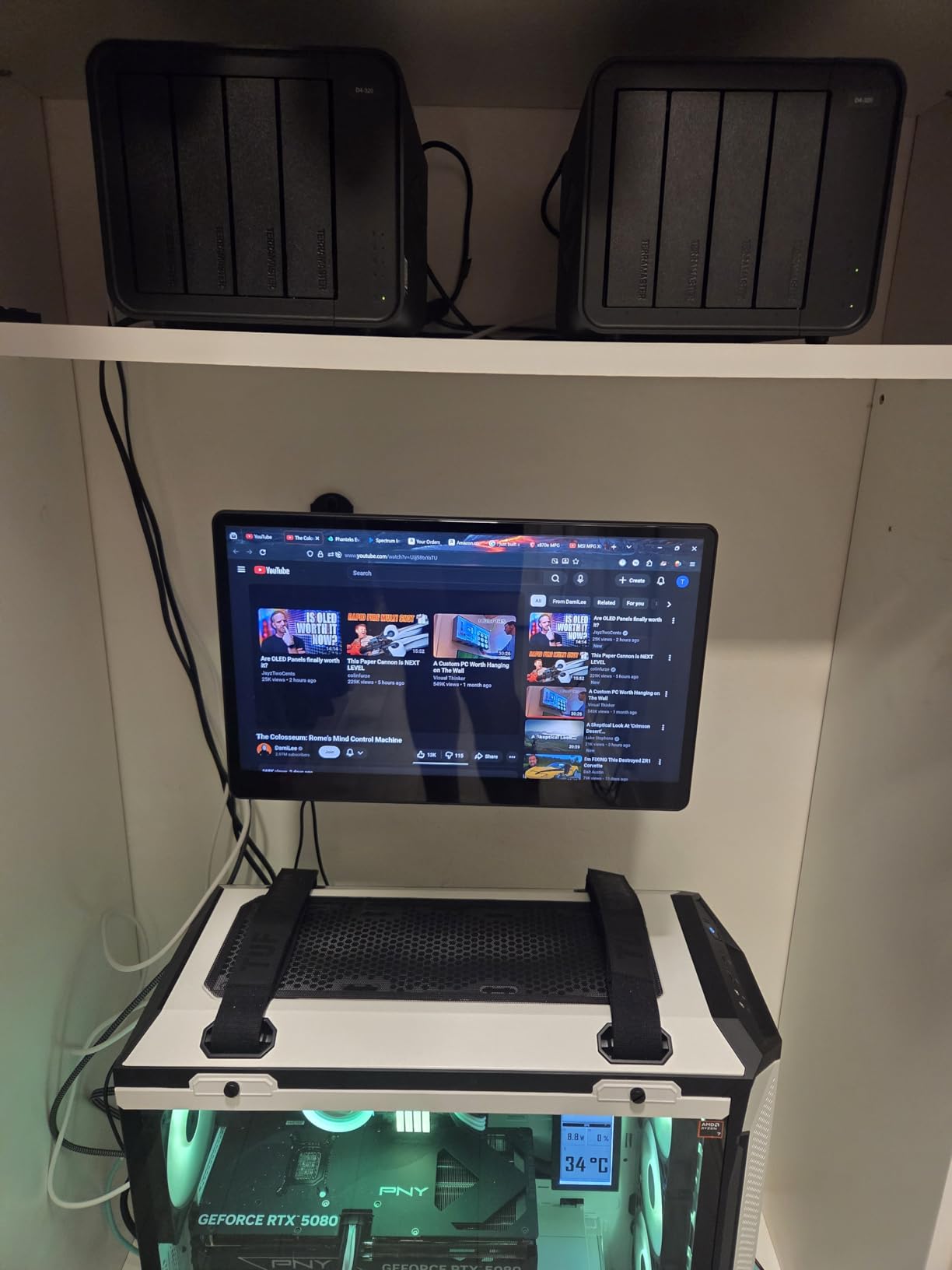
The Seagate Expansion 22TB is my nuclear option for archive storage. This drive holds approximately 70-75 weddings, essentially my entire career to date. Having everything in one location makes finding old client files incredibly easy when they call years later needing additional prints.
The included Rescue Data Recovery Services adds peace of mind. While I never rely on a single drive for critical files, knowing professional recovery is included if the drive fails provides extra protection. This service alone would cost hundreds if purchased separately.
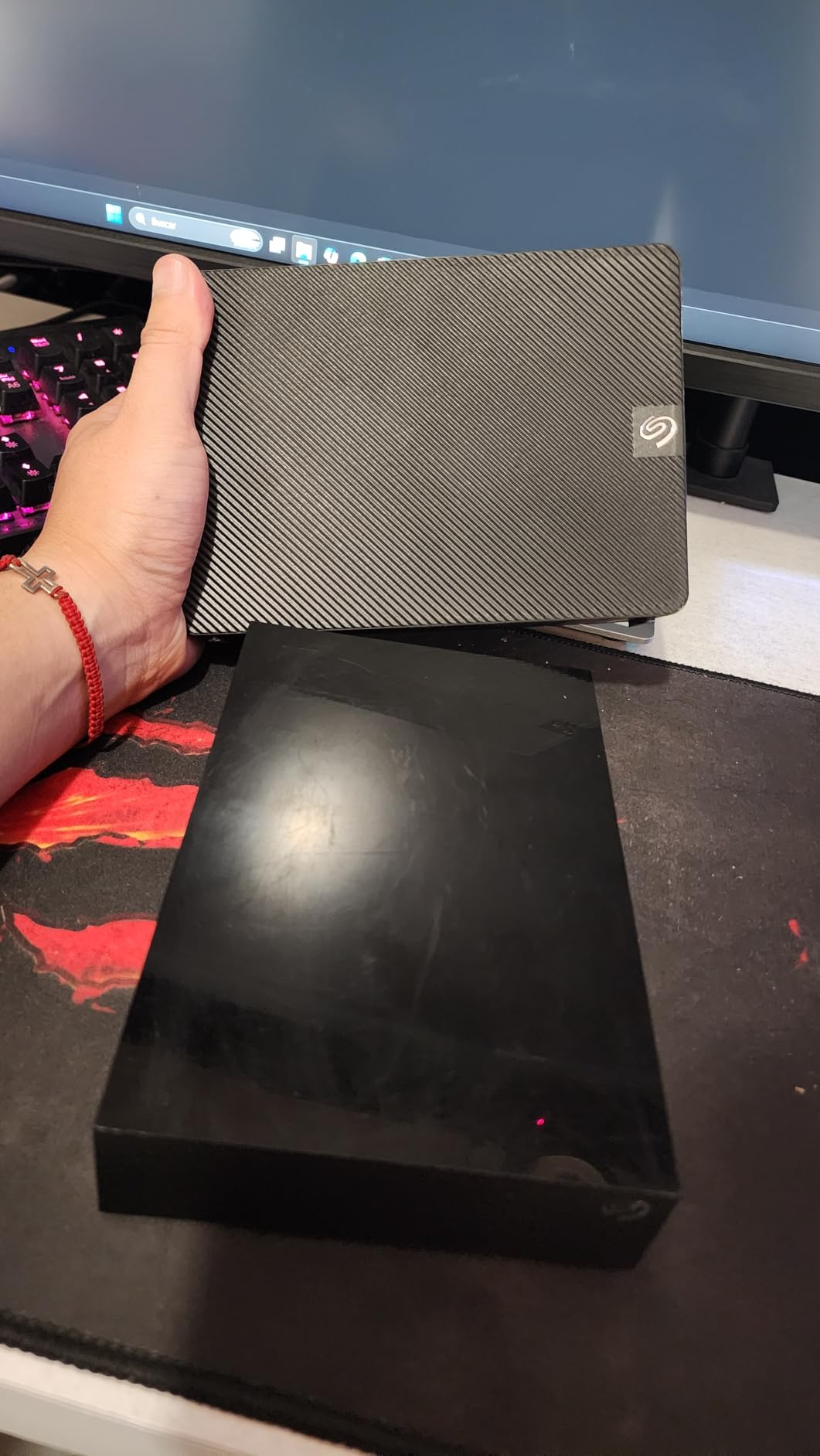
I need to be honest about the downsides. This drive is noticeably louder than the WD Elements, especially during seek operations. It also runs warmer, so I keep it in a well-ventilated area. Some users report early failures, so I treat this as one copy among many, never my only backup.
The 7200 RPM spindle speed provides better performance than 5400 RPM alternatives. I see transfer speeds around 200MB/s for sequential reads, making archive restoration reasonably quick. For the price per terabyte, the performance is more than acceptable.
Ideal For
Established wedding photographers with extensive archives will find the capacity invaluable. Studios consolidating years of work into single volumes benefit from the organization. Budget-conscious photographers needing maximum storage appreciate the excellent value.
Consider Alternatives If
Photographers in quiet editing environments may find the drive noise distracting. Those wanting maximum reliability should consider WD alternatives. If you prefer spreading risk across multiple drives, choose smaller capacity options.
10. OWC 2TB Envoy Pro FX – Thunderbolt Speed for Professionals
OWC 2TB Envoy Pro FX Portable Rugged External NVMe M.2 SSD Drive Thunderbolt 3, USB3.2 USB-C, up to 2800MB/s speeds, Drop/Shock Resistant Compatible with Mac and PC
Pros
- Incredible 2800MB/s Thunderbolt speeds
- Dual Thunderbolt 3 and USB-C support
- Fanless silent operation
- Drop and shock resistant
- Cross-platform compatibility
Cons
- Premium pricing compared to alternatives
- Permanently attached cable
- SoftRAID software costs extra
- Limited stock availability
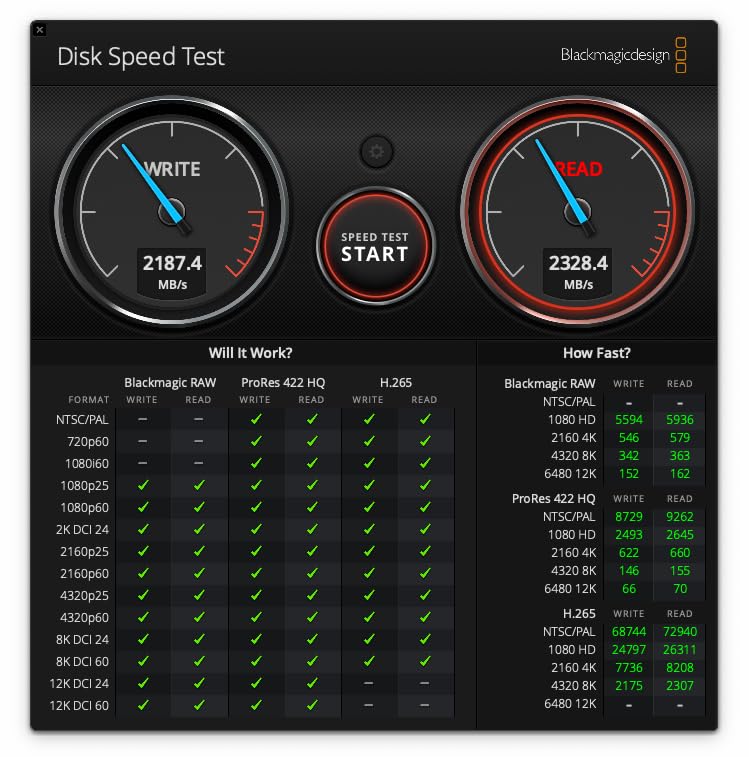
The OWC Envoy Pro FX is the fastest portable drive I have ever used. When connected via Thunderbolt 3, the 2800MB/s speeds make transferring 100GB wedding folders feel instantaneous. For photographers who edit directly from external drives, this speed dramatically improves the editing experience.
The machined aluminum housing feels like a premium product should. It dissipates heat without fans, running completely silent during intensive editing sessions. The tank-like construction has survived multiple drops without any data issues.
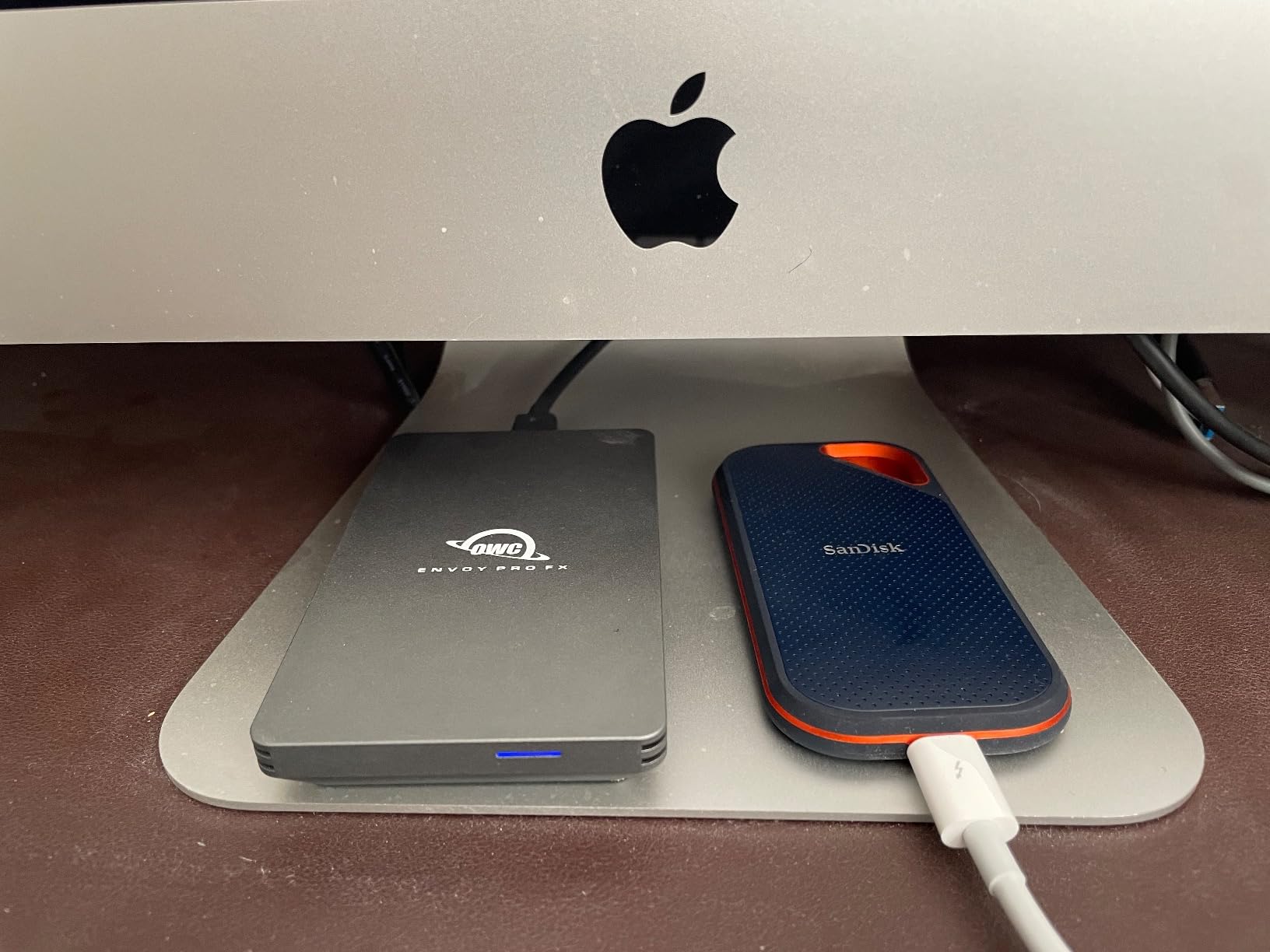
The dual-interface support means this drive works with virtually any modern computer. I use it with my Thunderbolt-equipped MacBook Pro for maximum speed, but it also works at USB speeds on older machines. The versatility makes it perfect for photographers who work across multiple systems.
My main complaint is the permanently attached cable. If the cable gets damaged, the entire drive needs service. I am careful with the cable and use a protective case during travel, but the lack of replaceability is a design choice I question.
Ideal For
Professional wedding photographers editing 4K video need this level of performance. Photographers with Thunderbolt-equipped Macs will see dramatic speed improvements. Those willing to invest in premium gear for professional workflows will appreciate the quality.
Consider Alternatives If
Budget-conscious photographers can achieve adequate performance with cheaper options. Those without Thunderbolt ports will not see the full speed benefit. Photographers preferring removable cables should consider other drives.
11. SanDisk 4TB Extreme PRO USB4 – Cutting-Edge Speed Technology

Pros
- Cutting-edge 3800MB/s USB4 speeds
- Backwards compatible with USB 3.2
- IP65 water and dust resistance
- Rugged silicone shell
- 5-year limited warranty
Cons
- Larger physical size than previous models
- No carrying case included
- Premium pricing
- Some Mac ports limited to 1050MB/s
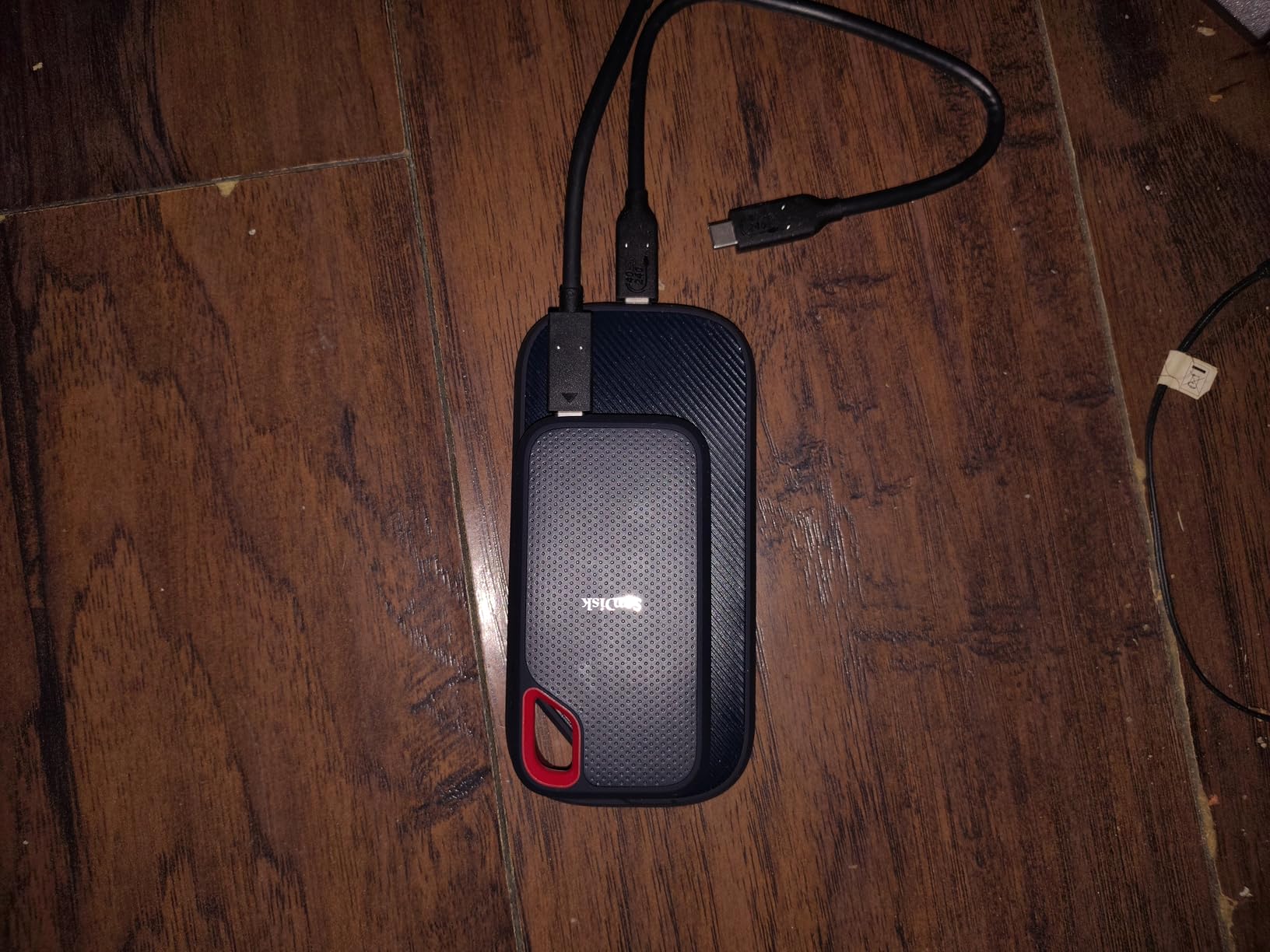
The newest SanDisk Extreme PRO with USB4 represents the cutting edge of portable storage technology. With 3800MB/s read speeds, this drive approaches internal SSD performance. For wedding photographers working with massive RAW files and 4K video, the speed eliminates waiting time during transfers.
USB4 and Thunderbolt 4 compatibility means this drive works with the latest Macs and high-end PCs at maximum speed. The backwards compatibility with USB 3.2 ensures it works with older equipment, though at reduced speeds. The 5-year warranty provides confidence in long-term reliability.

The rugged design maintains the IP65 rating I rely on for outdoor weddings. The silicone shell and forged aluminum chassis protect against drops, dust, and water. I have used it in light rain without concern, though I always try to keep electronics dry when possible.
The larger physical size compared to previous Extreme models is noticeable. It still fits in my camera bag, but it is not quite as pocketable as the standard Extreme. The lack of an included carrying case at this price point is disappointing, though I already have cases for my drives.
Ideal For
Early adopters with USB4 or Thunderbolt 4 equipped computers will see incredible performance. Wedding photographers shooting 4K video benefit from the sustained high speeds. Professionals wanting the fastest available portable storage will appreciate this drive.
Consider Alternatives If
Photographers without USB4 support will not see the speed advantage. Budget-conscious shooters can achieve adequate performance with cheaper drives. Those wanting the most compact option might prefer the standard Extreme.
Buying Guide: Choosing the Right External Drive for Wedding Photography
Selecting external storage for wedding photography involves more than just picking the highest capacity or fastest drive. Understanding your workflow, budget, and risk tolerance helps you choose the right combination of drives for complete data protection.
SSD vs HDD for Wedding Photography
The choice between solid-state drives and hard disk drives fundamentally affects your workflow. SSDs offer dramatically faster transfer speeds, better durability, and silent operation. HDDs provide higher capacities at lower costs but are slower and more vulnerable to physical damage.
For active wedding work, I strongly recommend SSDs. The speed difference becomes obvious when transferring 100GB+ of RAW files after a wedding. What takes 10 minutes on an HDD might take 2 minutes on an SSD. That time adds up across an entire season.
For archive storage where speed matters less than capacity, HDDs make economic sense. You can store significantly more weddings per dollar with mechanical drives. Just remember to maintain multiple copies and handle them carefully.
Capacity Planning for Wedding Shoots
Understanding your storage needs helps you choose appropriate drive sizes. A typical wedding generates 100GB to 300GB of RAW files depending on your shooting style, camera resolution, and whether you have a second shooter. Video adds significantly more data.
For working drives, I recommend at least 2TB. This provides space for 6-10 active weddings plus room for temporary files during editing. For archive drives, calculate based on your annual volume and multiply by your desired retention period. Many photographers keep client files for 5-10 years.
Forum discussions reveal a common preference for multiple smaller drives over one massive drive. Spreading data across several drives reduces the impact of any single drive failure. A 4TB drive failure is far less devastating than losing a 22TB archive.
Connection Types and Speed Impact
The connection interface significantly affects real-world transfer speeds. USB 3.2 Gen 2 (10Gbps) supports speeds up to 1050MB/s, adequate for most wedding photography needs. USB 3.2 Gen 2×2 (20Gbps) and USB4 (40Gbps) enable speeds exceeding 2000MB/s for demanding workflows.
Thunderbolt 3 and 4 offer the highest performance but typically cost more. If you edit 4K video directly from external drives, Thunderbolt speeds justify the premium. For still photography workflows, USB 3.2 Gen 2 provides sufficient performance at lower cost.
Always check your computer’s port capabilities before investing in high-speed drives. A USB4 drive connected to a USB 3.0 port will only achieve USB 3.0 speeds. Matching drive capabilities to your hardware ensures you get the performance you pay for.
The 3-2-1 Backup Rule for Wedding Photographers
The 3-2-1 backup rule is essential for protecting wedding photos. Maintain at least 3 copies of your data, stored on 2 different types of media, with 1 copy stored off-site. This strategy protects against drive failures, theft, fire, and other disasters.
My personal implementation uses a portable SSD as my working drive, a desktop HDD as my primary backup, and a second desktop HDD stored at a family member’s house as my off-site copy. I also retain original SD cards until client galleries are delivered, providing an additional temporary backup.
Cloud storage can serve as your off-site backup, though uploading terabytes of wedding photos requires significant bandwidth. Many photographers use cloud services for completed wedding archives while maintaining local drives for active work.
Working Drive vs Archive Drive Strategy
Understanding the difference between working and archive drives improves your workflow efficiency. Working drives contain active projects you are currently editing. Archive drives store completed weddings you need to retain but are not actively accessing.
Working drives should be fast SSDs that support efficient editing. Speed matters when culling thousands of photos or applying edits in Lightroom. Archive drives prioritize capacity and cost over speed, making HDDs appropriate for this role.
I transition weddings from working to archive drives after client delivery. This keeps my working drives responsive while maintaining long-term access to client files. A clear organization system helps you find files quickly when clients request additional work years later.
Frequently Asked Questions
What external hard drive do wedding photographers use?
Most wedding photographers use a combination of portable SSDs for active work and desktop HDDs for archiving. Popular choices include SanDisk Extreme SSDs for working drives due to their speed and durability, Samsung T7 series for reliable performance, and WD Elements or Seagate Expansion drives for high-capacity archive storage. Many photographers follow the 3-2-1 backup rule with multiple drives from different brands.
How much storage do wedding photographers need?
Wedding photographers typically need 2-4TB for working storage and 8-22TB for archives. A single wedding generates 100-300GB of RAW files depending on shooting style and camera resolution. For 30 weddings per year at 200GB average, you need 6TB annually. Most photographers retain files for 5-10 years, requiring 30-60TB of total archive capacity spread across multiple drives.
Should I use SSD or HDD for wedding photography?
Use SSDs for working drives where speed matters, and HDDs for archive storage where capacity per dollar is important. SSDs transfer files 5-10 times faster than HDDs, making them essential for on-location backups and active editing. HDDs offer 3-4 times more storage per dollar, making them cost-effective for long-term archives. Most wedding photographers use both types in their workflow.
What is the 3-2-1 backup rule for photographers?
The 3-2-1 backup rule means maintaining 3 copies of your data on 2 different storage types with 1 copy stored off-site. For wedding photographers, this typically means a working SSD, a local backup HDD, and an off-site backup drive or cloud storage. This strategy protects against drive failure, theft, fire, and other disasters. Never rely on a single drive for irreplaceable wedding photos.
How many weddings fit on a 4TB hard drive?
A 4TB hard drive holds approximately 13-40 weddings depending on file sizes. At 100GB per wedding (smaller files, JPEG-heavy workflow), you can store about 40 weddings. At 300GB per wedding (large RAW files, dual shooters), capacity drops to around 13 weddings. Most wedding photographers find 4TB adequate for 15-25 weddings, making it a good working drive size for a full season.
Conclusion
Finding the best high-capacity external drives for wedding photographers in 2026 means balancing speed, capacity, reliability, and cost. After years of shooting weddings and testing countless drives, I recommend the SanDisk 4TB Extreme Portable SSD as your primary working drive for its combination of speed, durability, and capacity. The Samsung T7 Shield offers excellent value for photographers needing rugged protection, while the Seagate Expansion 22TB provides massive archive storage at an affordable price per terabyte.
Remember that no single drive should ever hold your only copy of client wedding photos. Implement the 3-2-1 backup rule with multiple drives from different brands, and always retain original SD cards until galleries are delivered. Your clients trust you with irreplaceable memories, and proper storage protects both their photos and your professional reputation.
Invest in quality storage now, and your future self will thank you when you can quickly find and deliver files from weddings shot years ago. The right external drives are not an expense, they are an investment in your business longevity and client satisfaction.