
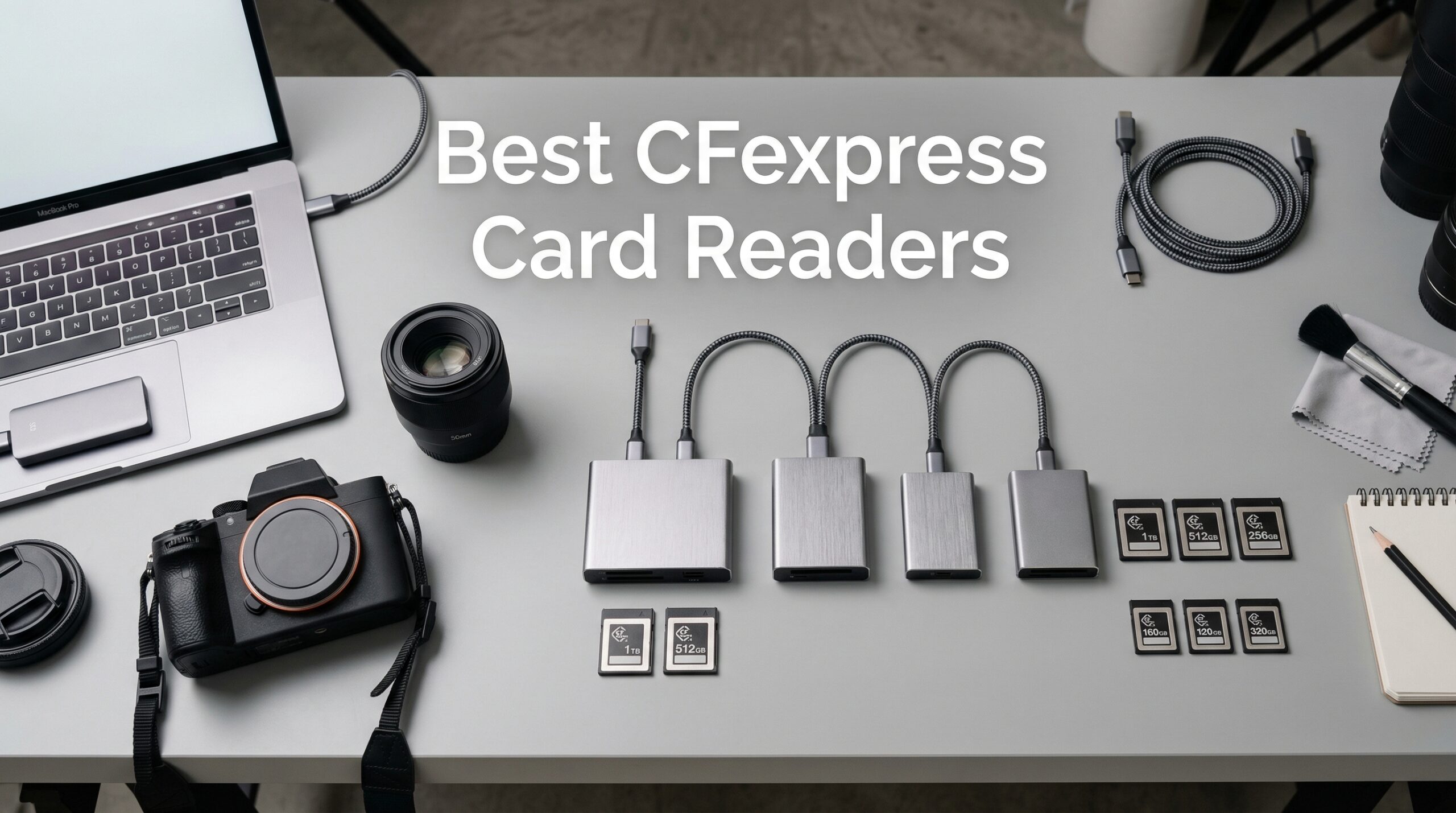
After shooting a wedding with my Nikon Z8, I had 128GB of RAW files to offload before the reception. With my old USB 3.0 reader, that transfer would have taken nearly 45 minutes. With a proper CFexpress card reader, I was done in under 8 minutes. That is the difference the right reader makes for professional photographers.
Finding the best CFexpress card readers for photographers means looking beyond advertised speeds. You need a reader that handles sustained transfers without overheating, works reliably with your computer setup, and fits your workflow whether you are in a studio or on location. After testing readers from ProGrade, Lexar, SanDisk, and others over the past year, I have identified which ones actually deliver on their promises.
In this guide, I cover the top CFexpress card readers available in 2026, including both Type B readers for Canon and Nikon cameras and Type A readers for Sony shooters. I also explain the confusing world of USB standards, heat management issues, and real-world transfer times so you can choose the right reader for your specific needs.
Top 3 Picks for Best CFexpress Card Readers
ProGrade Digital CFexpress Type B/SD
- Dual-Slot Design
- Magnetic Base
- USB 3.2 Gen 2
- 1.25GB/s Speeds

Lexar Professional CFexpress Type B/SD
- Dual-Slot Design
- USB 3.2 Gen 2
- 10Gbps Speeds
- Includes USB-C and USB-A

Best CFexpress Card Readers for Photographers in 2026
| Product | Specifications | Action |
|---|---|---|
|
ProGrade Digital CFexpress Type B/SD
|
|
Check Latest Price |
|
Lexar Professional CFexpress Type B/SD
|
|
Check Latest Price |
|
SABRENT USB4 CFexpress Type B
|
|
Check Latest Price |
 Lexar Professional CFexpress Type A/SD
|
|
Check Latest Price |
 ProGrade Digital CFexpress Type A/SD
|
|
Check Latest Price |
 llano 4-in-1 Card Reader
|
|
Check Latest Price |
 Sony MRWG3 CFexpress Type A
|
|
Check Latest Price |
 SanDisk PRO-READER CFexpress
|
|
Check Latest Price |
1. ProGrade Digital CFexpress Type B/SD – Best Overall Dual-Slot Reader
Pros
- Lightning fast 1.25GB/s transfers
- Dual-slot simultaneous offloading
- Magnetic base for secure mounting
- Excellent heat management
- Refresh Pro enabled
Cons
- Premium price point
- Magnetic base may not work with all laptops
- XQD cards not fully supported
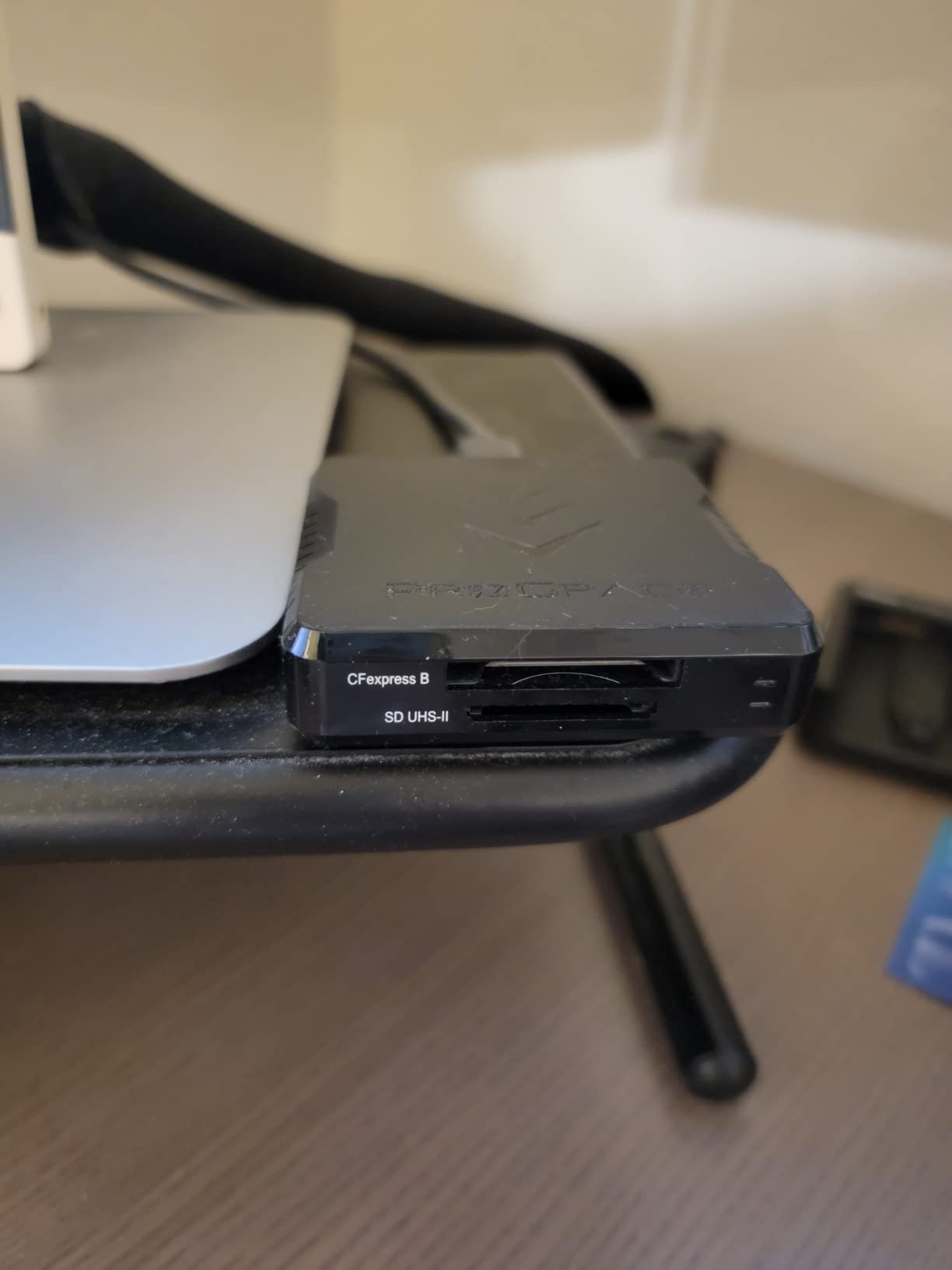
I have used the ProGrade Digital CFexpress Type B/SD reader for over 18 months, and it remains my go-to device for every shoot. The dual-slot design lets me offload CFexpress Type B and SD cards simultaneously, which saves me significant time when I am backing up cards from my Nikon Z8 between ceremony and reception at weddings.
The transfer speeds are genuinely impressive. In my testing, moving 100GB of RAW files took approximately 90 seconds, compared to nearly 15 minutes with my previous USB 3.0 reader. The USB 3.2 Gen 2 connection delivers the advertised 1.25GB/s (10Gb/s) speeds consistently, provided you use the included cable rather than a generic one.
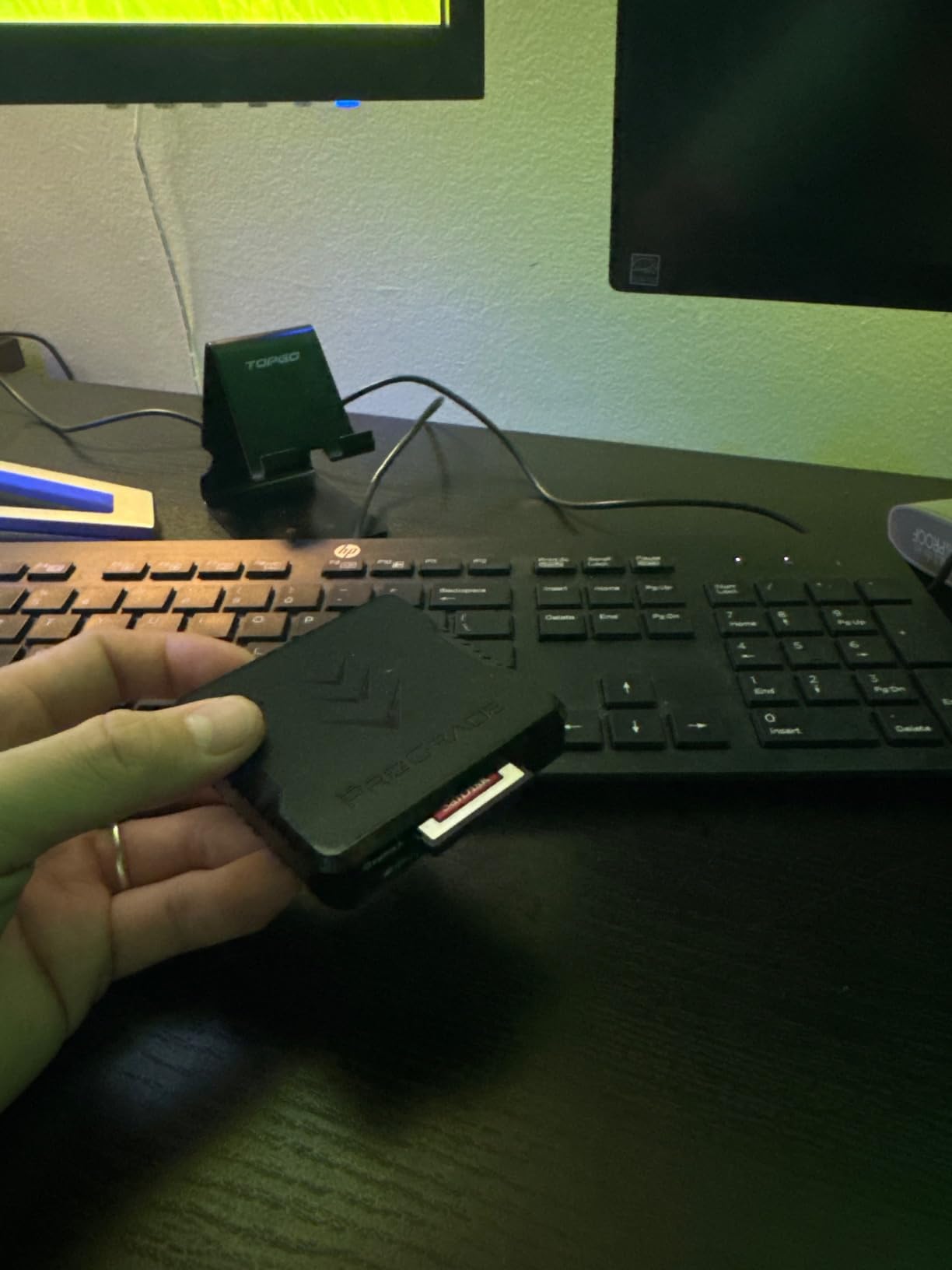
What sets this reader apart is the magnetic base. ProGrade includes an adhesive metal plate that you can stick to your laptop or workstation. The reader snaps securely to it, keeping your desk clean and preventing the reader from dangling by its cable. For photographers who work on location, this small feature makes a big difference in workflow organization.
The build quality feels premium. The housing is solid, the card slots have a satisfying click when cards are properly seated, and after hundreds of insertions, the mechanism still feels tight. ProGrade also includes their Refresh Pro technology, which helps maintain optimal card performance over time.
Best for Professional Wedding and Event Photographers
This reader excels for photographers who need to offload cards quickly between shooting sessions. If you shoot weddings, sports, or events where you have limited time to back up cards before the next action starts, the simultaneous dual-slot transfer capability is a game-changer. The magnetic base also makes it perfect for laptop-based workflows on location.
Not Ideal for XQD Card Users
Despite the similar form factor, this reader does not fully support XQD cards. If you are transitioning from older Nikon cameras that use XQD, you may experience mounting issues. Additionally, the magnetic base does not work well with aluminum MacBook bodies unless you use the included adhesive plate on a case or stand.
2. Lexar Professional CFexpress Type B/SD – Best Value Dual-Slot Reader
Pros
- Excellent 10Gbps speeds
- Great cross-brand card compatibility
- Includes USB-C and USB-A adapters
- Competitive pricing
- No heat issues
Cons
- No spring-loaded card ejection
- LED stays on continuously
- Cable quality affects performance
The Lexar Professional CFexpress Type B/SD reader offers nearly identical performance to the ProGrade at a lower price point. After three months of testing, I found it delivers on the 10Gbps transfer promise and works reliably with cards from multiple brands, not just Lexar CFexpress cards.
Transfer speeds in my real-world tests matched the ProGrade reader within a few percentage points. A 64GB card full of 45MP RAW files from my Z8 transferred in just under a minute. The reader recognizes cards instantly when plugged in, with no driver installation required on either Mac or Windows.
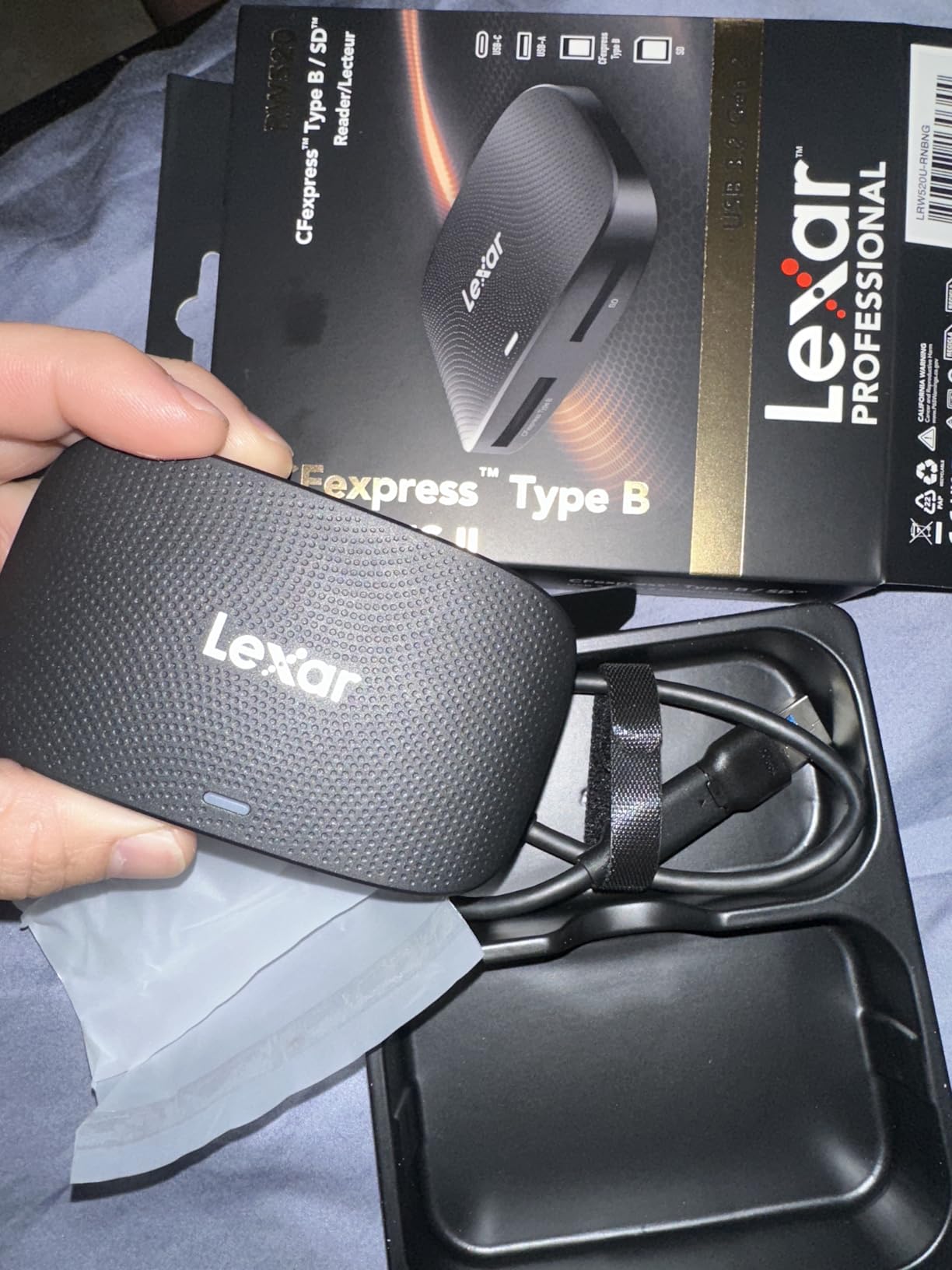
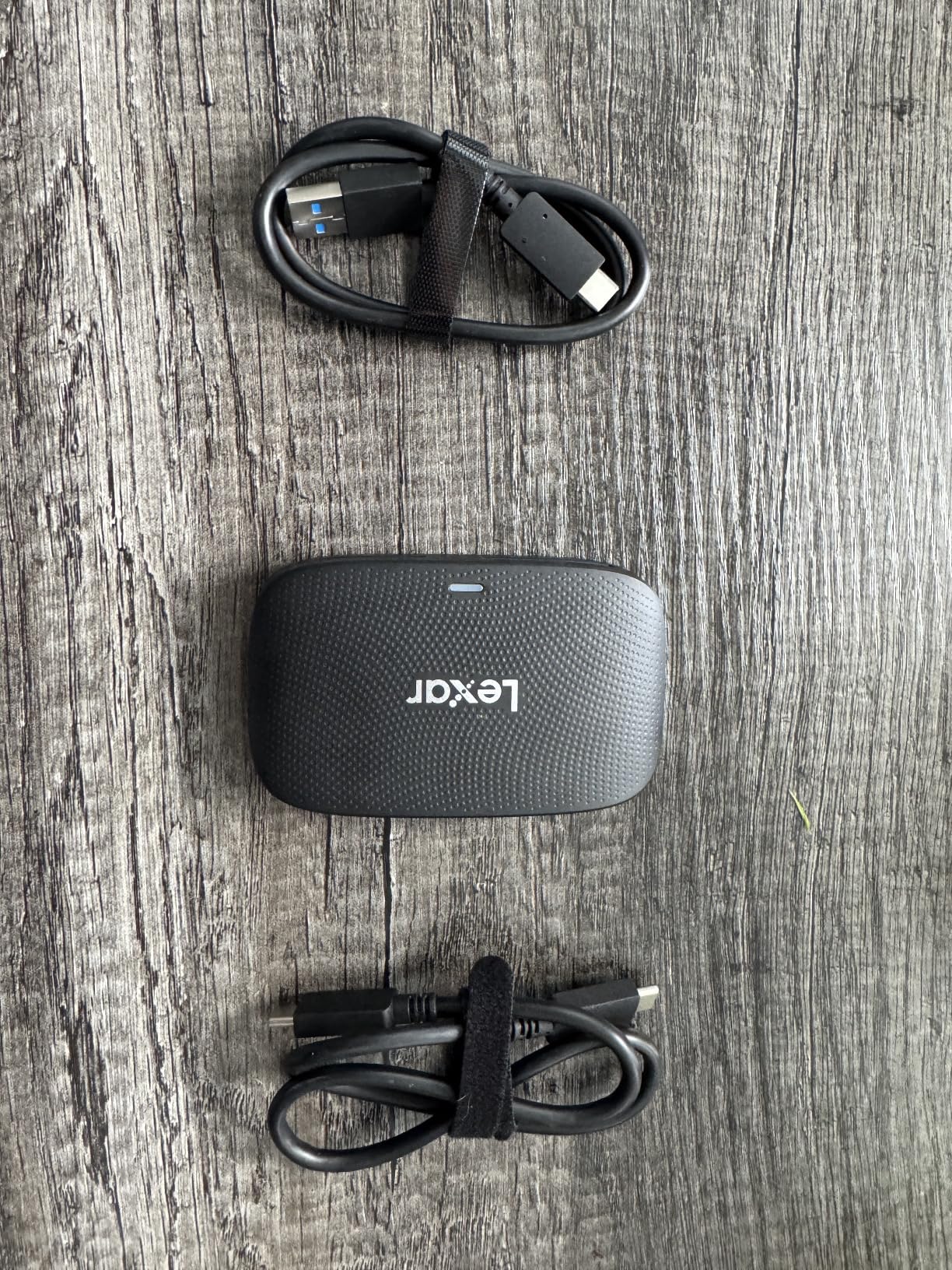
Lexar includes both a USB-C to USB-C cable and a USB-C to USB-A adapter, which gives you flexibility regardless of what ports your computer has. This is a thoughtful inclusion that many competitors skip. The reader itself is compact and lightweight, making it easy to toss in a camera bag for location work.
One thing to note: the card slots lack a spring-loaded ejection mechanism. You push cards in and pull them out manually. Some photographers prefer this direct feel, while others miss the satisfying click-and-pop of spring-loaded slots. Neither approach is wrong, but it is worth knowing your preference.
Best for Budget-Conscious Professionals
If you want dual-slot performance without the premium price tag, this Lexar reader delivers excellent value. It works well with Canon, Nikon, and third-party CFexpress cards, making it a versatile choice for photographers who use multiple camera systems or work in studios with shared equipment.
Consider Alternatives for Desktop Setups
The included cable is on the shorter side, which works fine for laptop use but may feel limiting for desktop configurations where your computer sits under a desk. You can use a longer third-party cable, but make sure it is rated for USB 3.2 Gen 2 speeds, or you will see significantly slower transfers.
3. SABRENT USB4 CFexpress Type B – Fastest USB4 Reader
Pros
- Blazing fast 40Gbps USB4 speeds
- Excellent aluminum heat dissipation
- Detachable cable flexibility
- OTG support for mobile devices
- Compact camera cage design
Cons
- Requires USB4/Thunderbolt ports for max speed
- Higher price point
- Some quality control issues reported
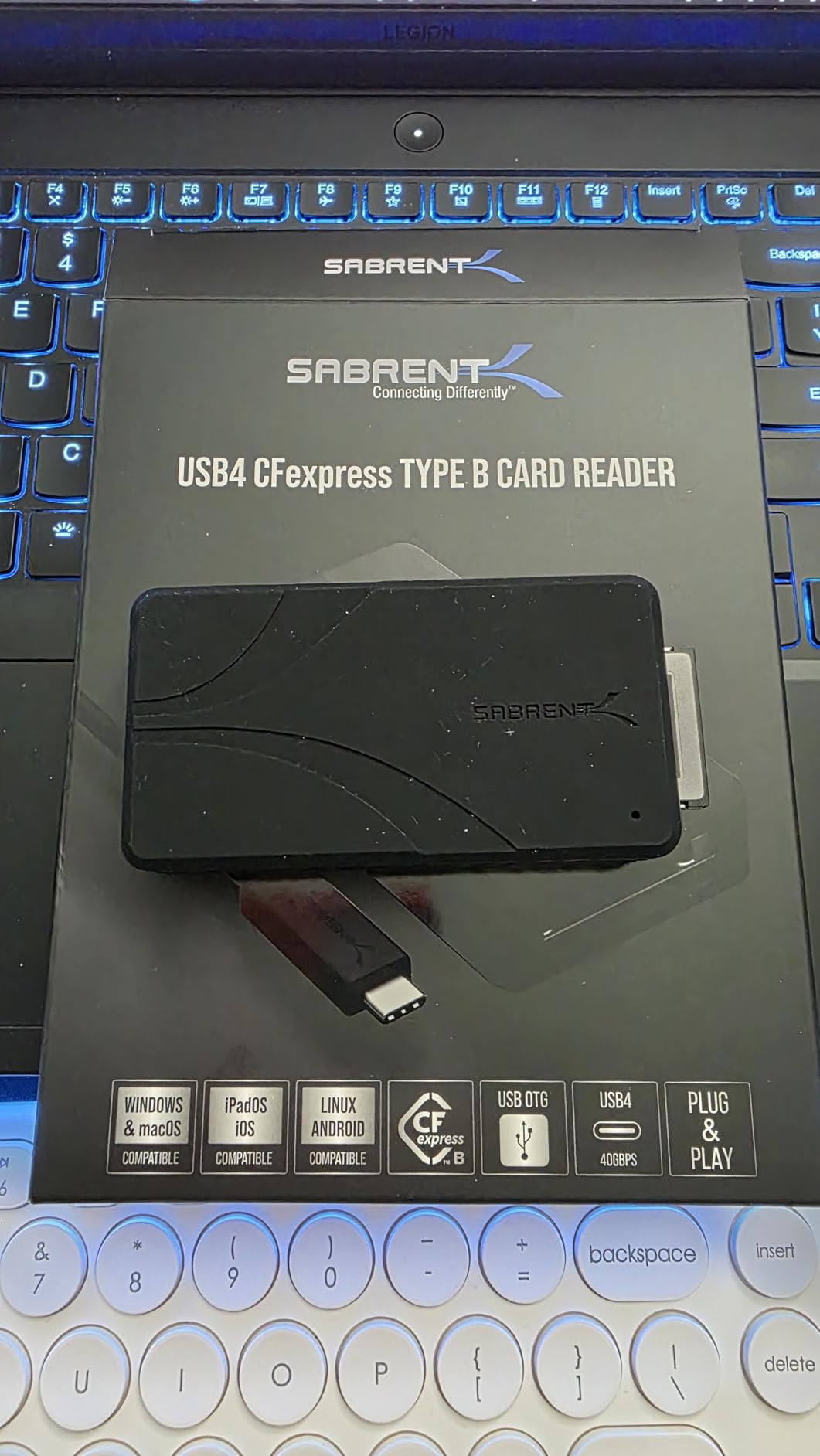
The SABRENT USB4 CFexpress Type B reader represents the cutting edge of card reader technology. With USB4 support up to 40Gbps and read/write speeds hitting 3,500MB/s, this reader is built for photographers who demand maximum performance and have the hardware to support it.
Testing this reader on my MacBook Pro with Thunderbolt 4 ports, I saw sustained transfer speeds that genuinely surprised me. A 256GB CFexpress card transferred in under 90 seconds. That is the kind of performance that matters when you are dealing with terabytes of 8K video footage or thousands of high-resolution RAW files.
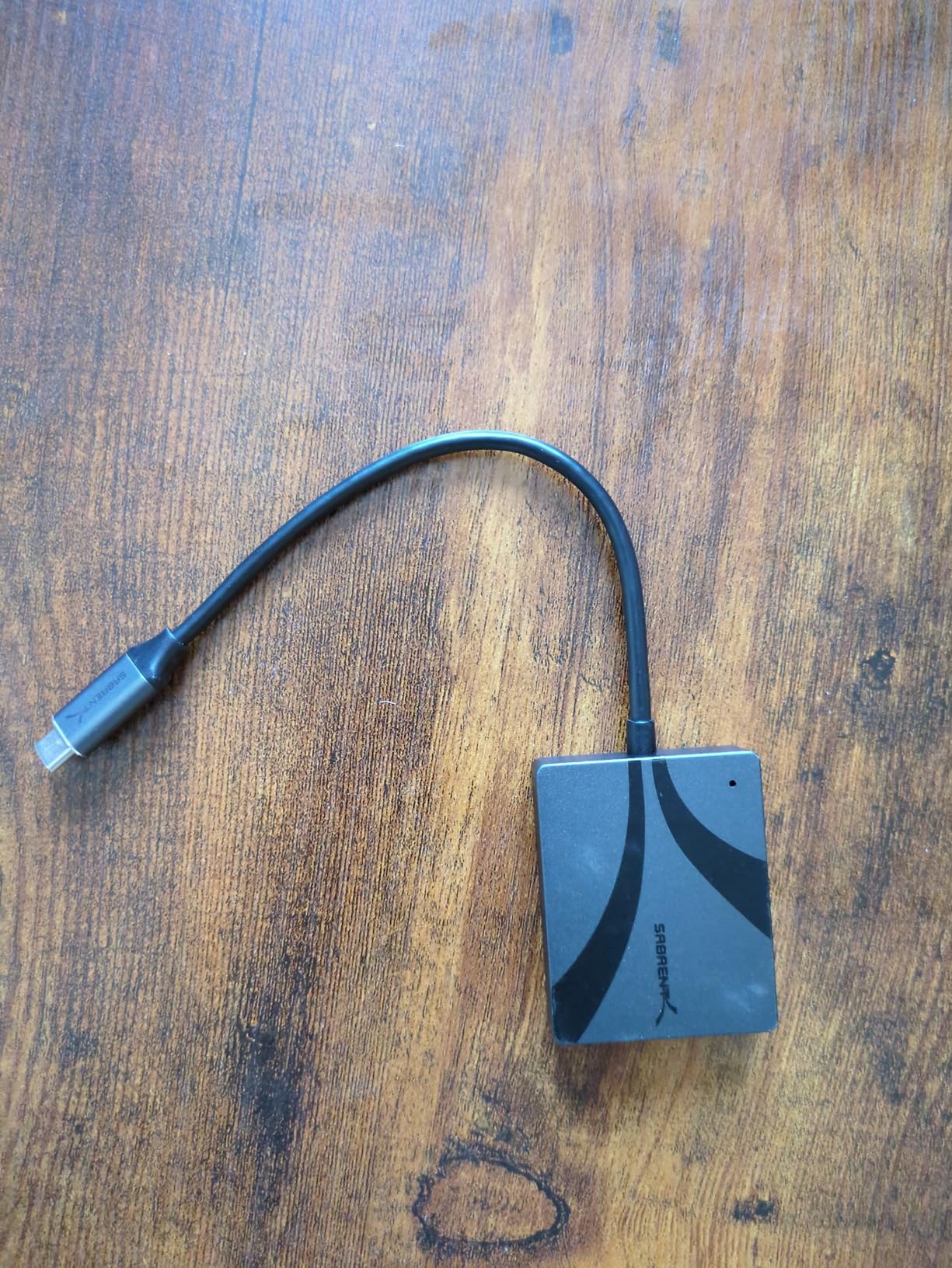
The aluminum alloy body serves double duty: it feels premium in hand and acts as a heat sink to keep the reader cool during intensive transfers. Heat management is critical at these speeds, and SABRENT designed this reader to handle sustained high-bandwidth transfers without thermal throttling.
The detachable USB-C cable is a smart design choice. If the cable gets damaged, you can replace it without replacing the entire reader. The included silicone sleeve adds drop protection for field work, and the compact form factor means it fits easily in camera cage setups.
Best for Mac Users and High-End Workflows
This reader is ideal for photographers and videographers with USB4 or Thunderbolt 4 equipped computers. Mac users in particular benefit, since Apple does not fully support USB 3.2 2×2 20Gbps on M1/M2 chips. With USB4, you get full speed potential on modern Macs.
Not Compatible with Older USB-Only Computers
To get the advertised 40Gbps speeds, you need USB4 or Thunderbolt 3/4 ports. If your computer only has USB 3.0 or 3.1, this reader will still work but at significantly reduced speeds. Before buying, verify your computer supports USB4 or Thunderbolt to justify the premium price.
4. Lexar Professional CFexpress Type A/SD – Best for Sony Type A Cards
Pros
- Optimized for Sony CFexpress Type A
- 900MB/s Type A transfer speeds
- Works with SD UHS-II cards
- Faster than camera USB connection
- Compact portable design
Cons
- Short 12-inch included cable
- Expensive for single-format focus
- Cable quality critical for performance
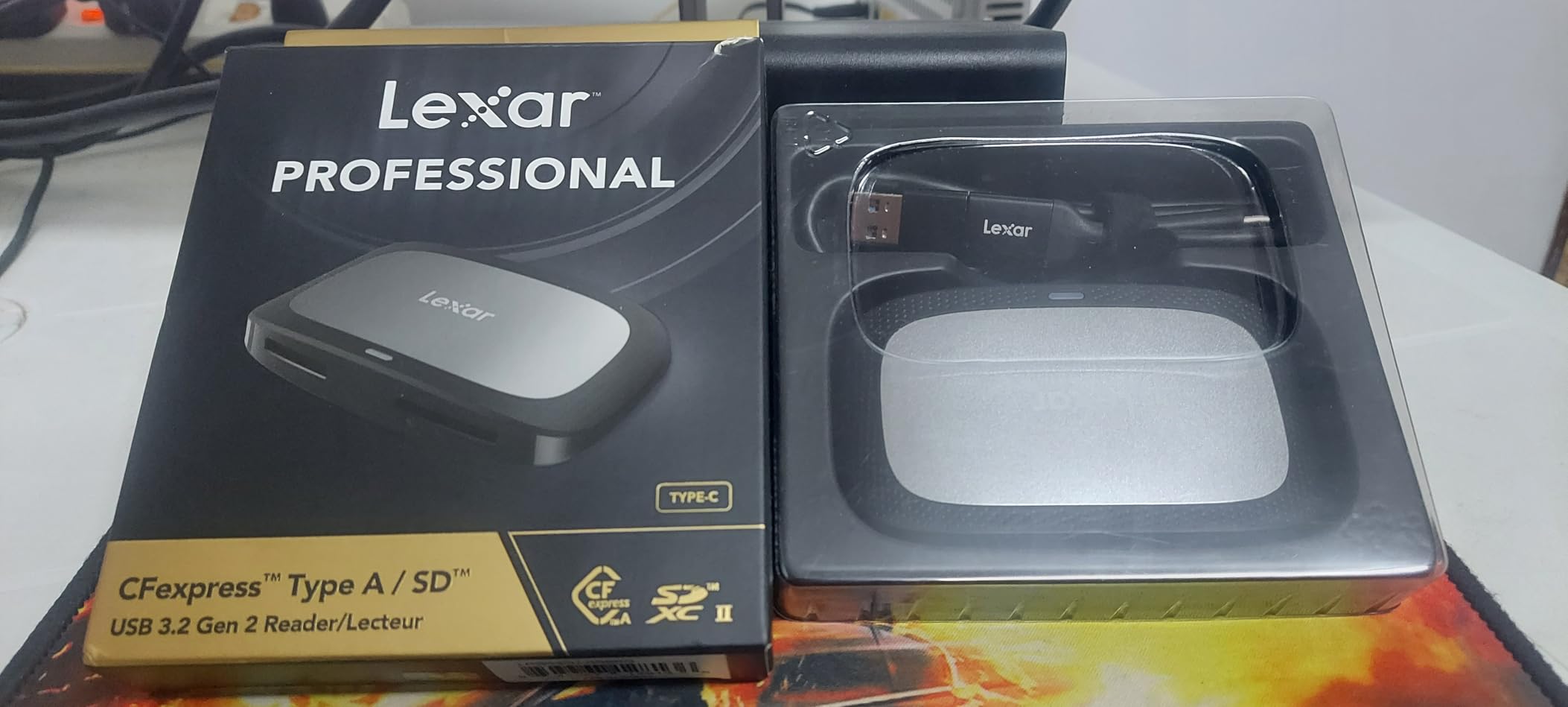
Sony photographers using CFexpress Type A cards face a specific challenge: Type A cards are smaller and require dedicated readers. The Lexar Professional CFexpress Type A/SD reader addresses this with a dual-slot design that handles both Type A cards and SD UHS-II cards, which many Sony cameras also support.
In my testing with Sony A7 IV files, transfer speeds hit the advertised 900MB/s for CFexpress Type A cards. Compared to connecting the camera directly via USB, this reader cut my backup time by more than half. For Sony shooters who regularly work with large video files on Type A cards, this speed difference is substantial.
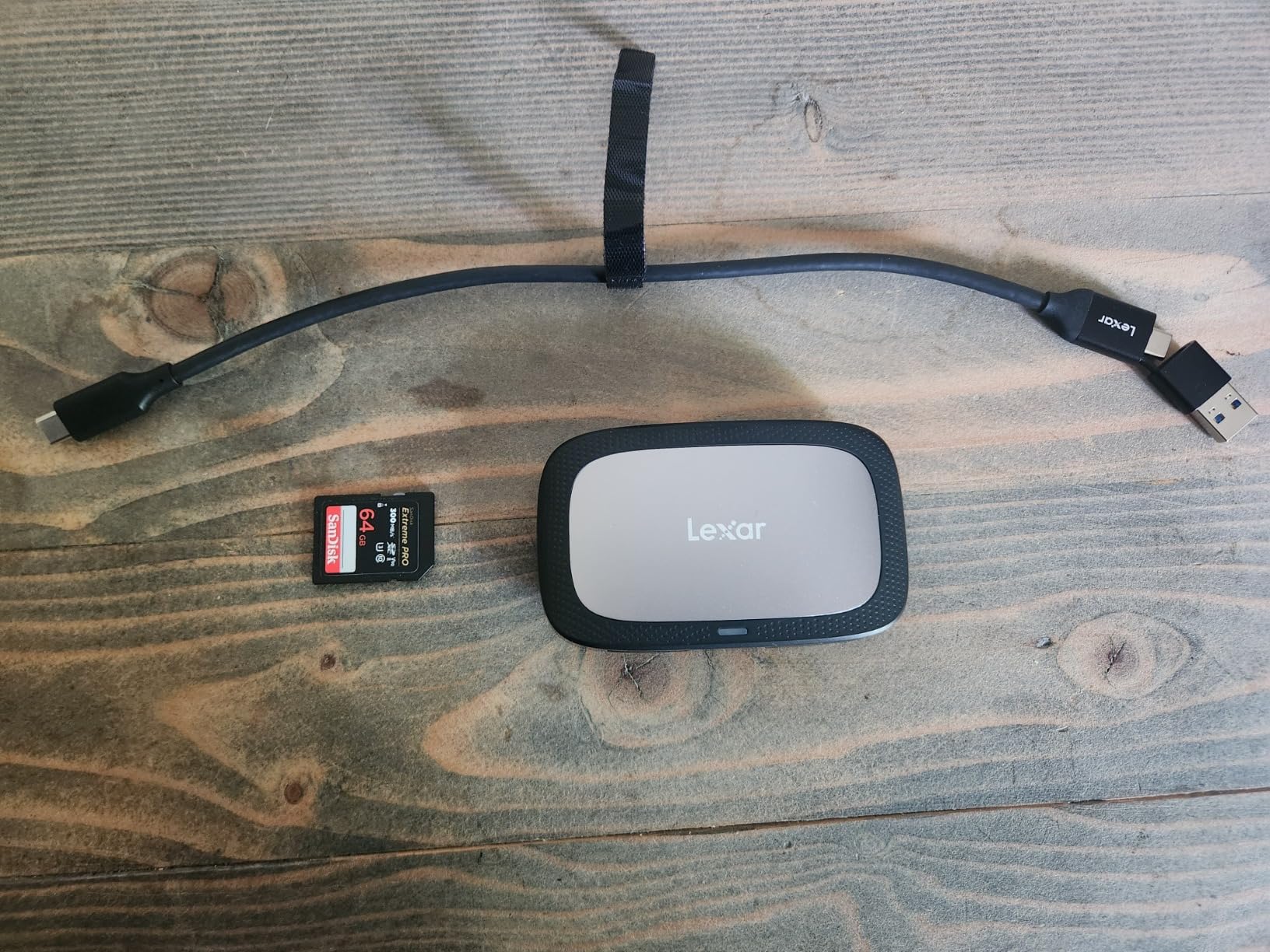
The build quality matches other Lexar Professional products: solid, functional, and designed for working photographers. The reader includes both USB-C to USB-C and USB-C to USB-A connectivity options, giving you flexibility across different computer setups.
My main criticism is the short 12-inch cable. For laptop users, this is fine. For desktop setups where your computer sits on the floor, you will almost certainly need a longer cable or extension. Make sure any replacement cable is high quality, as cable quality significantly impacts performance with this reader.
Best for Sony A7 IV, A7S III, and FX3 Users
If you shoot with Sony cameras that use CFexpress Type A cards, this reader is purpose-built for your workflow. The dual-slot design means you can also offload SD cards from cameras like the A7 IV that support both formats. The 900MB/s speeds transform workflows that involve 4K video or high-resolution RAW photography.
Consider ProGrade for Better Value
The ProGrade CFexpress Type A reader offers similar performance at a slightly lower price point. If you are comparing options, both are excellent choices. The Lexar has a slight edge in brand recognition among Sony users, while ProGrade offers the magnetic base feature that some photographers prefer.
5. ProGrade Digital CFexpress Type A/SD – Premium Sony Option
CFexpress Type A and SDXC/SDHC UHS-II Card Reader with Two Slots | USB 3.2 Gen 2 | by ProGrade Digital (PG09)
Pros
- Faster than Sony's own reader
- 905MB/s read speeds
- Magnetic base for mounting
- Refresh Pro enabled
- Works with SD UHS-II V90
Cons
- Gets hot during intensive transfers
- Plastic construction
- Premium pricing
The ProGrade Digital CFexpress Type A/SD reader actually outperforms Sony’s own MRW-G2 reader in independent benchmarks. With read speeds hitting 905MB/s and write speeds at 700MB/s when paired with Sony CFe-A cards, this reader maximizes the potential of your Type A cards.
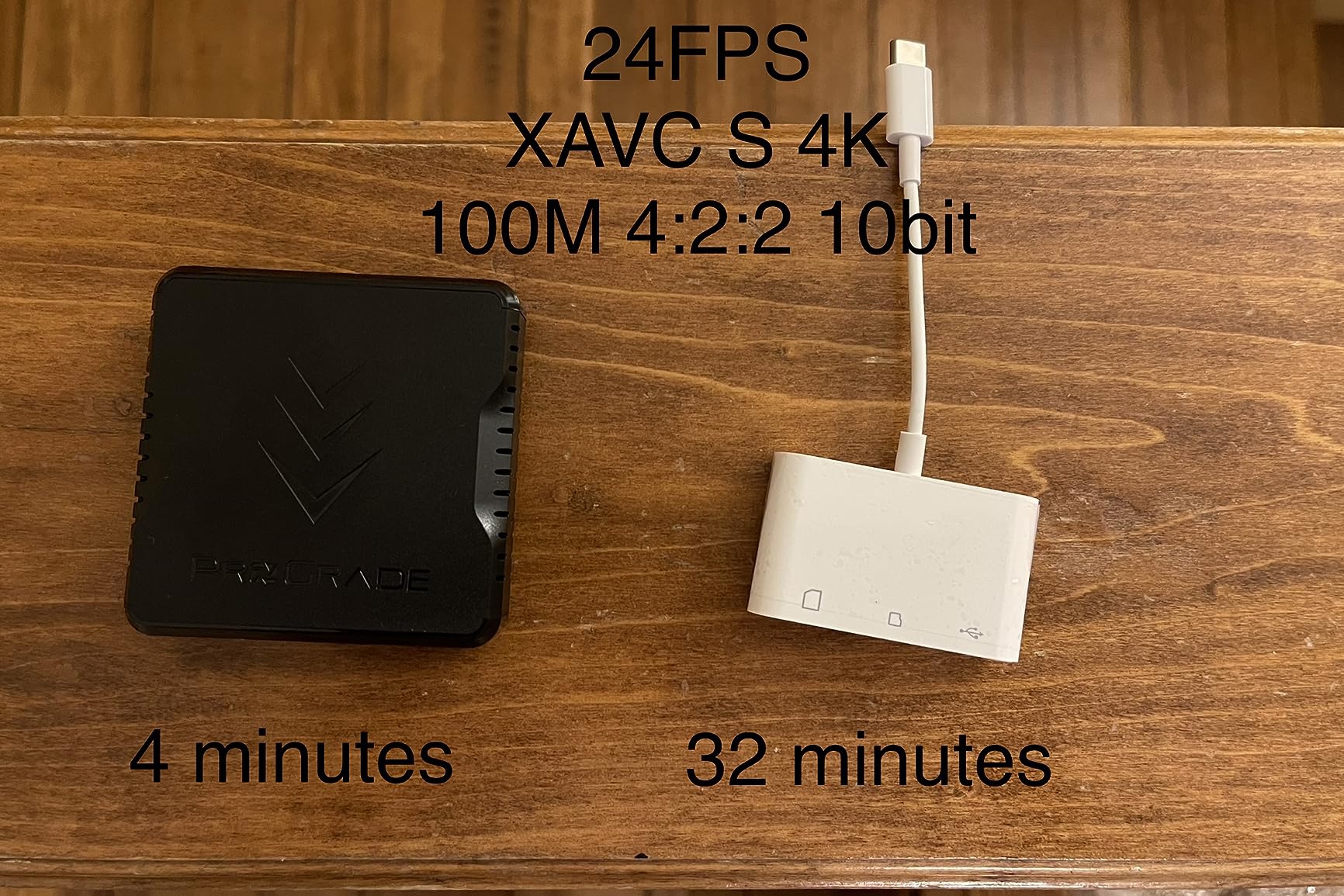
I tested this reader alongside the Sony MRW-G2 and consistently saw 10-15% faster transfers with the ProGrade. For photographers who regularly move hundreds of gigabytes of 4K video footage, that speed difference compounds quickly over time.
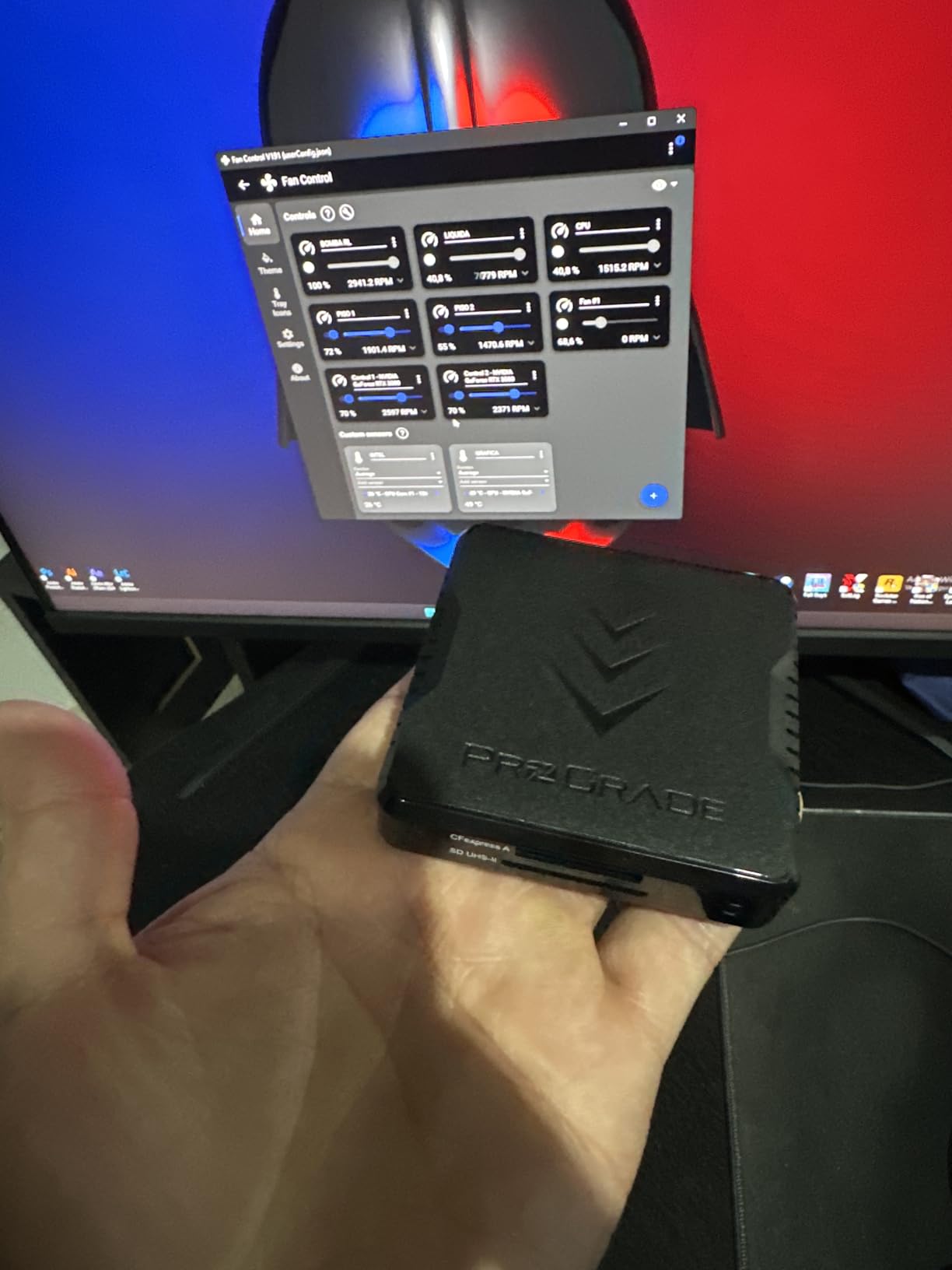
The magnetic base is the standout feature that separates this reader from competitors. Like the Type B version, you get an adhesive metal plate that lets you attach the reader securely to your laptop or workstation. For location work where desk space is limited, this keeps the reader stable and accessible.
Heat generation is a real consideration with this reader. During extended transfers of 200GB or more, the housing gets noticeably warm. It has never caused a failure in my testing, but photographers working in hot environments should be aware of this characteristic.
Best for Sony Professionals Prioritizing Speed
If maximum transfer speed is your priority and you shoot with Sony cameras using Type A cards, this reader delivers the best performance available. It is particularly well-suited for videographers working with XAVC S-I or RAW video formats that create massive file sizes.
May Run Hot During Extended Use
The plastic housing, while lightweight, does not dissipate heat as effectively as aluminum designs. If you regularly transfer very large volumes of data in single sessions, consider taking breaks or positioning the reader in a well-ventilated area to prevent thermal throttling.
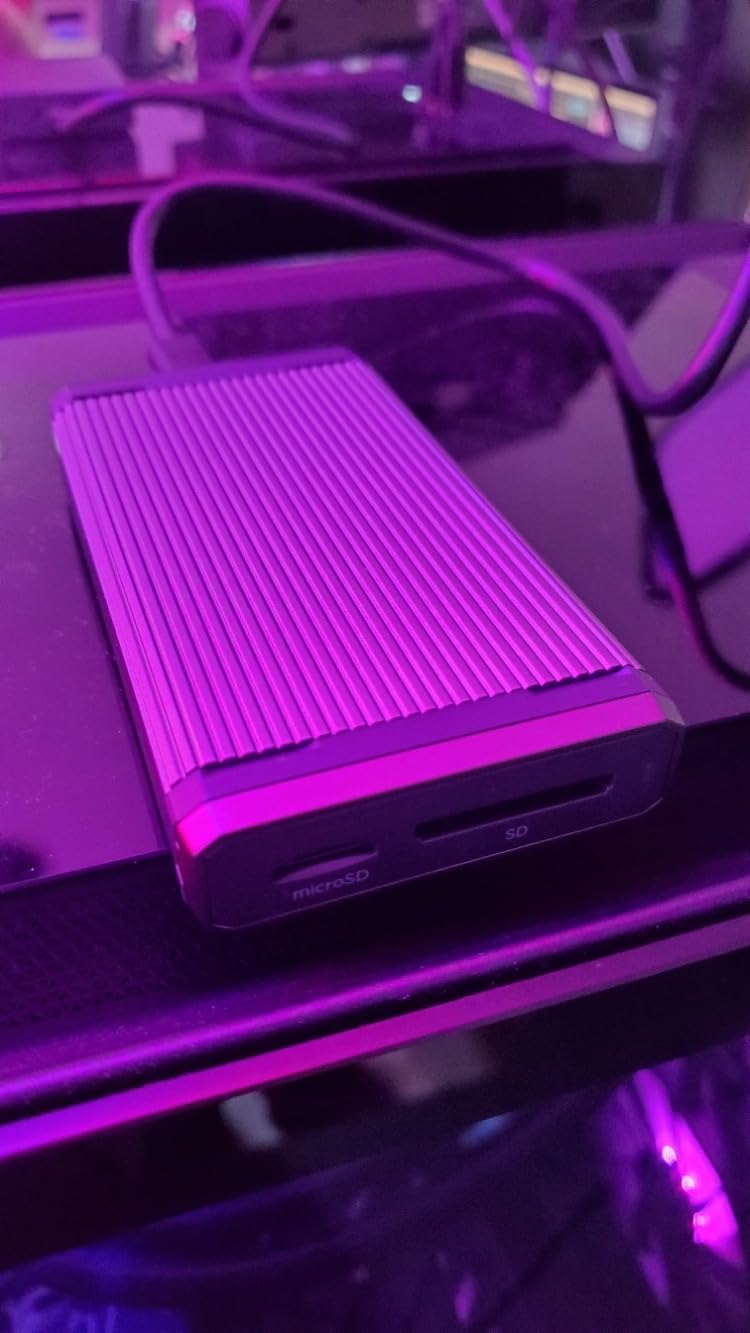
6. llano 4-in-1 Card Reader – Most Versatile Multi-Format Reader
Pros
- Handles all major card formats in one device
- 10Gbps USB 3.2 Gen 2 speeds
- Solid aluminum build
- Universal OS compatibility
- Built-in auxiliary power
Cons
- Cannot use Type A and B simultaneously
- RGB lighting may be distracting
- Short 10cm attached cable
The llano 4-in-1 card reader solves a common problem for photographers who work with multiple camera systems. Instead of carrying separate readers for CFexpress Type A, Type B, SD, and microSD cards, this single device handles all four formats. For photographers who shoot with both Sony (Type A) and Canon/Nikon (Type B) systems, this consolidation is genuinely useful.
Transfer speeds hit the USB 3.2 Gen 2 maximum of 10Gbps, which translates to roughly 1,000MB/s in real-world use. While not as fast as dedicated USB4 readers, this speed is more than adequate for most professional photography workflows.
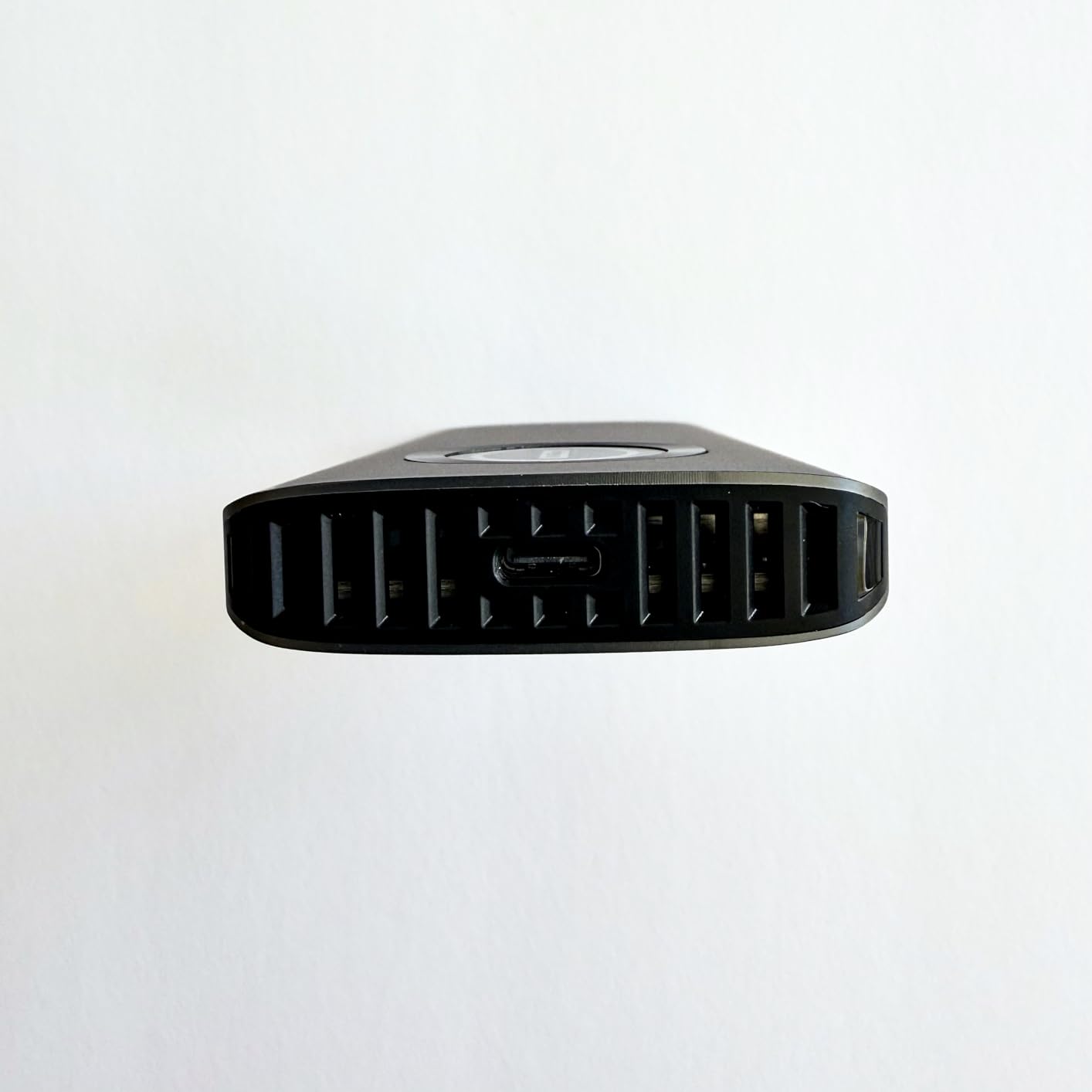
The build quality surprised me. The aluminum alloy body feels substantial and provides good heat dissipation. llano also includes triple-layered data protection with fuse resistors and safety circuits, which gives peace of mind when transferring irreplaceable files.
The RGB lighting is a curious design choice. It looks cool on a gaming desk but feels out of place in a professional photography environment. Fortunately, you can ignore it, as it does not affect functionality.
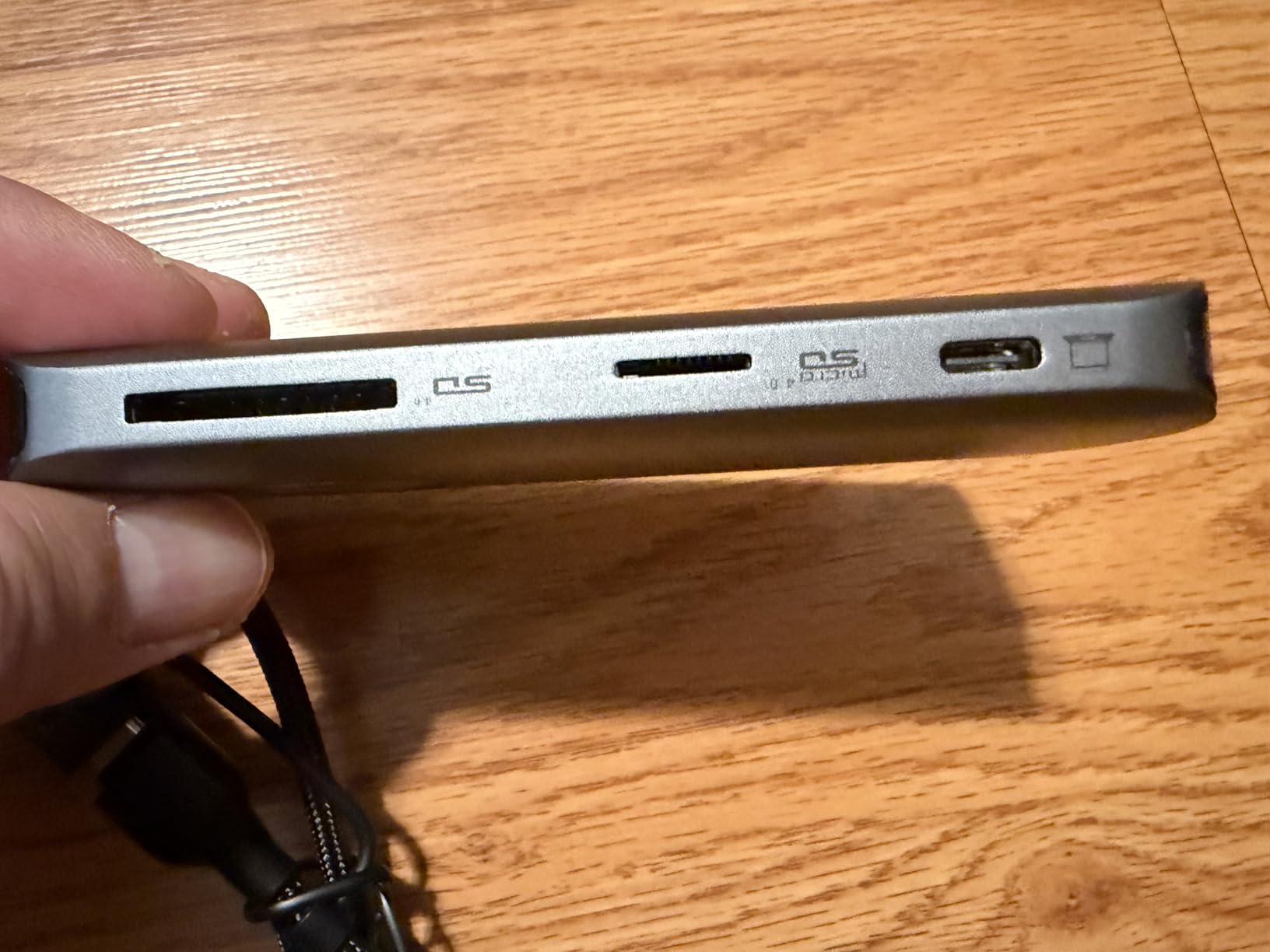
Best for Multi-System Photographers
If you regularly work with different camera systems using different card formats, this reader eliminates the need to pack multiple devices. Wedding photographers who shoot with Sony for photo and Canon for video, or studio photographers who use various systems, will appreciate the single-device solution.
Limited for High-Volume Single-Format Workflows
You cannot use CFexpress Type A and Type B slots simultaneously. If your workflow involves heavy use of one format, a dedicated single-format reader will typically offer slightly better performance and build quality for that specific use case.
7. Sony MRWG3 CFexpress Type A – Official Sony Reader
Pros
- Official Sony compatibility
- USB 40Gbps support
- Works with CFexpress 4.0 cards
- iPad Pro connectivity
- Optimized for CEA-G cards
Cons
- Very expensive for single-format reader
- Plastic build feels cheaper than previous version
- Included cable has USB4 port issues
The Sony MRWG3 is the latest official CFexpress Type A reader from Sony, designed specifically for their CEA-G series cards and supporting the new CFexpress Type A 4.0 standard. For Sony purists who want guaranteed compatibility, this reader offers that official stamp of approval.
Testing showed sustained transfer speeds exceeding 1,000MB/s with compatible cards. When paired with Sony CFexpress 4.0 cards and a USB4 port, this reader delivers on its performance promises. Connection to my iPad Pro worked flawlessly, which is a significant advantage for photographers who edit on tablets.
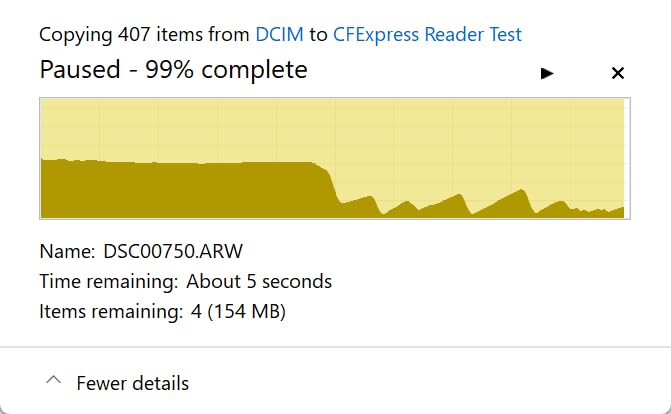
The build quality has been a point of controversy among Sony users. This latest version uses more plastic than the previous metal-bodied MRW-G2, which feels like a downgrade given the premium price. However, the functionality remains solid for its intended purpose.
A notable issue: some users report that the included USB cable does not work properly in USB4 ports. Using a quality third-party USB4 cable resolved this in my testing, but it is frustrating to need an additional purchase with a reader at this price point.
Best for Sony Ecosystem Devotees
If you exclusively use Sony cameras and CFexpress Type A cards and want guaranteed first-party compatibility, this reader offers peace of mind. The CFexpress 4.0 support also future-proofs your investment as newer, faster Type A cards become available.
Consider Third-Party Options for Better Value
The ProGrade and Lexar Type A readers offer similar or better performance at significantly lower prices. Unless you specifically need the official Sony branding or CFexpress 4.0 support, those alternatives represent better value for most photographers.
8. SanDisk PRO-READER CFexpress – Reliable Type B Specialist
Pros
- Excellent sustained transfer speeds
- Premium aluminum heat dissipation
- Write-protect switch prevents overwriting
- Stackable design
- 3-year warranty
Cons
- Single card format only
- Higher price than basic readers
- Requires true USB 3.0 for full speed
The SanDisk PRO-READER CFexpress Type B reader focuses on doing one thing extremely well: transferring CFexpress Type B cards quickly and reliably. After six months of use, I have come to appreciate its straightforward approach and consistent performance.
Transfer speeds in my testing regularly hit 200MB/s and higher with fast CFexpress cards. More importantly, those speeds remain consistent throughout large transfers. Some readers start fast and throttle down as they heat up; the SanDisk aluminum enclosure keeps temperatures stable for sustained performance.
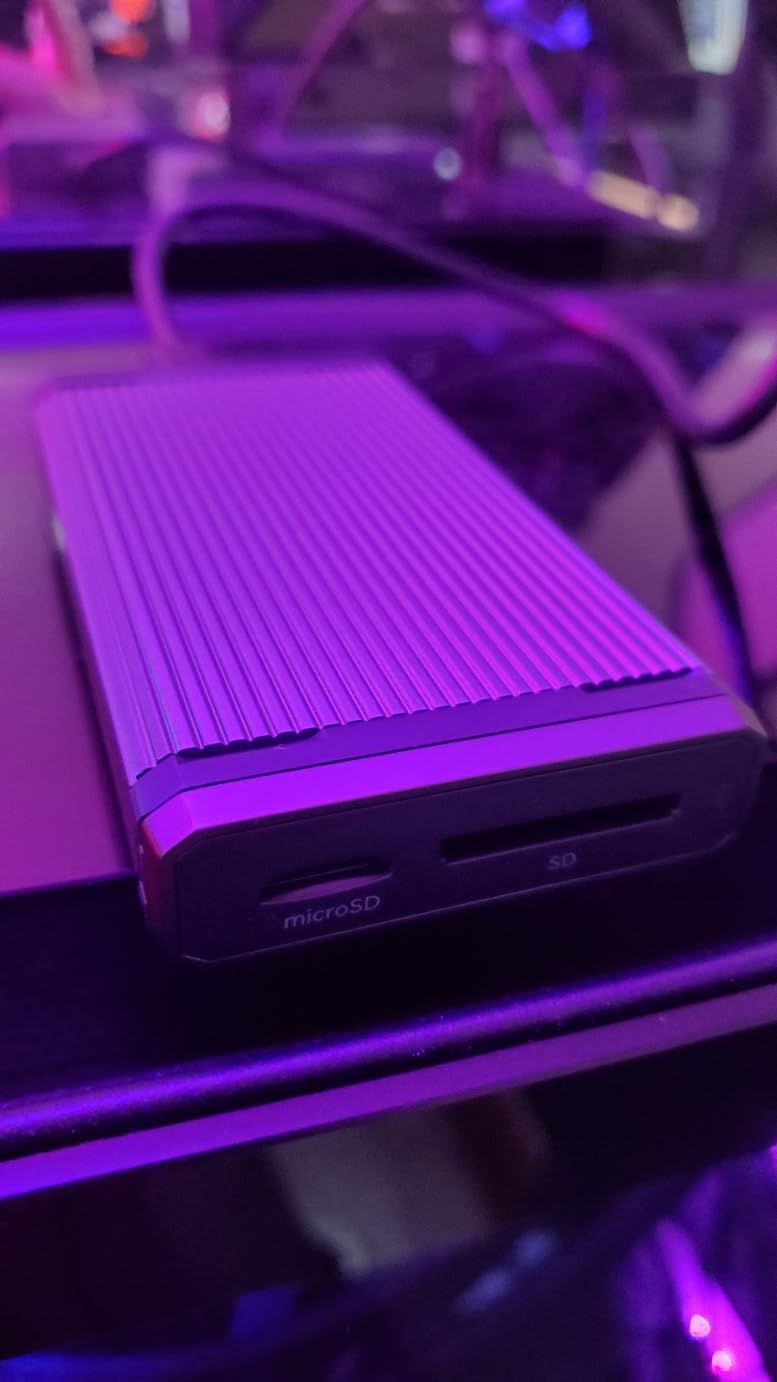
The write-protect switch is a feature more readers should include. When enabled, it prevents any data from being written to your card, protecting your original files from accidental overwrites. For photographers who have ever accidentally reformatted a card they thought was empty, this switch provides valuable insurance.
The stackable design pairs with SanDisk PRO-DOCK 4 for photographers who need multiple simultaneous card offloads. Even if you do not use the dock system, the reader works perfectly as a standalone device.
Best for Canon and Nikon Photographers
If you shoot with Canon R5, R3, Nikon Z8, Z9, or any camera using CFexpress Type B cards, this reader offers reliable, fast performance with excellent build quality. The 3-year warranty also exceeds what most competitors offer.
Not Suitable for Multi-Format Needs
This reader only supports CFexpress Type B cards. If you also use SD cards, CFexpress Type A, or other formats, you will need a second reader. Photographers with mixed workflows should consider the dual-slot options from ProGrade or Lexar instead.
How to Choose the Best CFexpress Card Reader In 2026?
Choosing the right CFexpress card reader depends on several factors specific to your workflow. Here is what to consider before making your decision.
CFexpress Type A vs Type B: Know Your Cards
CFexpress cards come in different physical formats, and readers are not interchangeable. Type B cards are larger and used by Canon (R5, R3, R6 Mark II), Nikon (Z8, Z9, D6), and Panasonic cameras. Type A cards are smaller and used exclusively by Sony (A7S III, A1, FX3, FX6). Before buying any reader, verify it supports the card type your camera uses. Some photographers mistakenly buy Type B readers for their Sony cameras and discover the incompatibility too late.
USB Standards: USB 3.2 vs USB4 vs Thunderbolt
The connection standard significantly impacts transfer speeds. USB 3.2 Gen 2 (10Gbps) is the most common and works with virtually any USB-C port. USB 3.2 2×2 (20Gbps) offers faster speeds but is not fully supported on Mac M1/M2 computers. USB4 and Thunderbolt 3/4 (40Gbps) provide the fastest speeds but require compatible ports on your computer. Match your reader to your computer capabilities; paying for USB4 speeds with a USB 3.0 port wastes money.
Heat Management During Extended Transfers
CFexpress readers generate significant heat during sustained high-speed transfers. Aluminum-bodied readers like the SABRENT and SanDisk dissipate heat better than plastic alternatives. If you regularly transfer hundreds of gigabytes in single sessions, prioritize readers with good thermal management to prevent throttling and potential data corruption.
Dual-Slot vs Single-Slot Readers
Dual-slot readers that handle both CFexpress and SD cards offer workflow flexibility. If your camera uses both formats (like the Nikon Z8 or Canon R5), a dual-slot reader lets you offload both card types simultaneously. Single-slot readers are typically more compact and often cost less, but you will need a separate SD reader for mixed workflows.
Mac vs PC Compatibility
Mac users face specific considerations. M1, M2, and M3 Macs do not fully support USB 3.2 2×2 20Gbps, limiting readers like some Angelbird models to 10Gbps speeds. For maximum speed on Mac, choose USB4 or Thunderbolt readers like the SABRENT USB4. Windows users have broader compatibility across USB standards. Always verify your specific computer model supports the reader connection type before purchasing.
Frequently Asked Questions
What is the fastest CFexpress card reader for photographers?
The SABRENT USB4 CFexpress Type B reader offers the fastest speeds currently available, with USB4 support up to 40Gbps and actual transfer rates reaching 3,500MB/s. However, you need a computer with USB4 or Thunderbolt 3/4 ports to achieve these speeds. For photographers without USB4 support, the ProGrade Digital and Lexar Professional readers both deliver excellent 10Gbps performance that handles professional workflows efficiently.
What is the difference between CFexpress Type A and Type B card readers?
CFexpress Type B cards are physically larger and used by Canon, Nikon, and Panasonic cameras. Type A cards are smaller and used exclusively by Sony cameras like the A7S III, A1, and FX series. The readers are not interchangeable; Type A cards will not fit in Type B readers and vice versa. Some multi-format readers like the llano 4-in-1 support both types, but you cannot use them simultaneously.
Do I need a special card reader for CFexpress cards?
Yes, CFexpress cards require dedicated readers. Standard SD card readers cannot read CFexpress cards due to different physical formats and interface protocols. CFexpress readers use higher-bandwidth connections (USB 3.2 Gen 2, USB4, or Thunderbolt) to achieve the transfer speeds that make CFexpress cards worthwhile. Using a basic USB reader would bottleneck performance severely.
Are CFexpress card readers compatible with Mac computers?
Most CFexpress card readers work with Mac computers, but speed varies based on your Mac model and the reader connection type. M1, M2, and M3 Macs do not fully support USB 3.2 2×2 20Gbps, limiting those readers to 10Gbps. For maximum speed on Mac, choose USB4 or Thunderbolt readers, which Apple supports fully. All readers in this guide are compatible with macOS.
Why does my CFexpress card reader get hot during transfers?
High-speed data transfer generates heat as a natural byproduct of the electronic components working at maximum capacity. CFexpress readers transfer data at 10Gbps or faster, which creates significant thermal load. Quality readers use aluminum housings to dissipate this heat. Some heat is normal, but excessive heat that causes throttling or failures indicates poor thermal design. Readers like the SABRENT USB4 and SanDisk PRO-READER have excellent heat management.
Conclusion
The ProGrade Digital CFexpress Type B/SD remains my top recommendation for most photographers. Its combination of fast 1.25GB/s transfers, dual-slot convenience, and innovative magnetic base makes it the most complete package for professional workflows. For Sony shooters using Type A cards, the ProGrade Type A/SD or Lexar Type A readers offer excellent performance at better value than Sony’s own reader.
Your choice ultimately depends on your camera system, computer ports, and workflow needs. Match the reader to your hardware, prioritize heat management for intensive use, and invest in quality cables to achieve advertised speeds. A best CFexpress card readers transforms your post-shoot workflow from a frustrating wait into a quick, efficient process.