
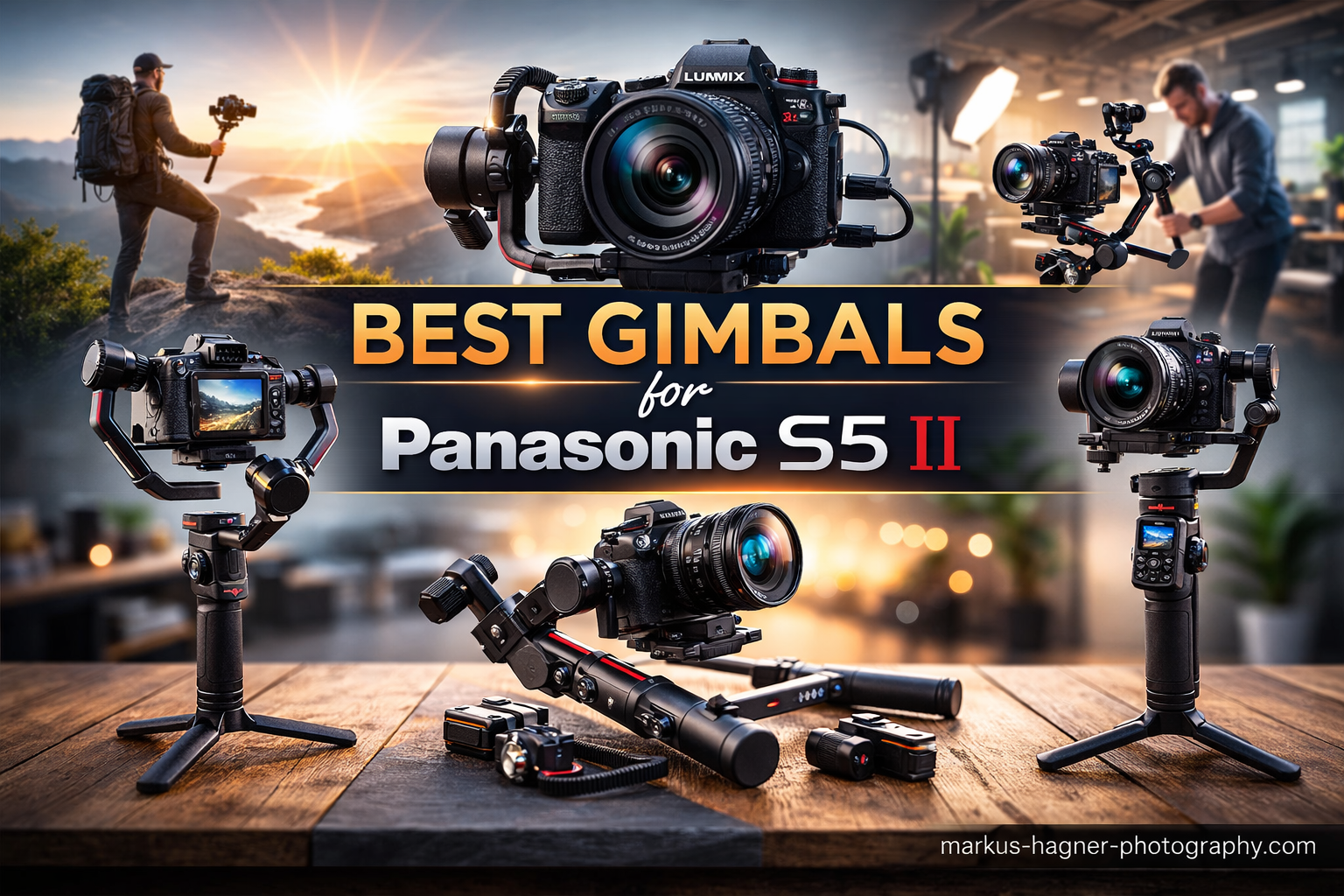
The Panasonic Lumix S5 II has become one of my favorite hybrid cameras for professional video work. With its excellent 6K recording capabilities and impressive in-body image stabilization, this camera delivers stunning footage right out of the box. But when I started doing more run-and-gun shooting and walking shots for real estate walkthroughs, I quickly realized that even the best IBIS has limitations.
That is where a quality 3-axis gimbal becomes essential. The S5 II body alone weighs 744 grams, and when you add a professional lens like the Sigma 28-70mm f2.8 or the Lumix 24-105mm, your setup can easily reach 2 to 2.5 kilograms. Finding the best gimbals for Panasonic S5 II means matching payload capacity, battery life, and features to your specific shooting style.
After testing gimbals extensively with my S5 II over the past year, I have narrowed down the best options for different budgets and use cases. Whether you are a content creator needing portability, a wedding videographer requiring all-day battery life, or a professional cinematographer working with heavier lenses, this guide covers the top gimbals that work seamlessly with the Panasonic S5 II in 2026.
Top 3 Picks for Panasonic S5 II Gimbals

Best Gimbals for Panasonic S5 II In 2026
| Product | Specifications | Action |
|---|---|---|
|
DJI RS 4 Pro
|
|
Check Latest Price |
 DJI RS 4
|
|
Check Latest Price |
 DJI RS 3 Mini
|
|
Check Latest Price |
 DJI RS 4 Mini
|
|
Check Latest Price |
 ZHIYUN Weebill S
|
|
Check Latest Price |
 ZHIYUN WEEBILL 3E
|
|
Check Latest Price |
 FeiyuTech SCORP-C2
|
|
Check Latest Price |
 FeiyuTech SCORP 3
|
|
Check Latest Price |
1. DJI RS 4 Pro – Professional Heavy-Duty Stabilizer
Pros
- Excellent stability with heavy setups
- AutoLock saves setup time
- Native vertical shooting for social media
- Carbon fiber construction
- 29-hour battery with optional grip
- LiDAR focusing for manual lenses
Cons
- Roll axis limited to 30 degrees
- Axis tension makes balancing challenging
- Expensive accessory ecosystem
- Learning curve for beginners
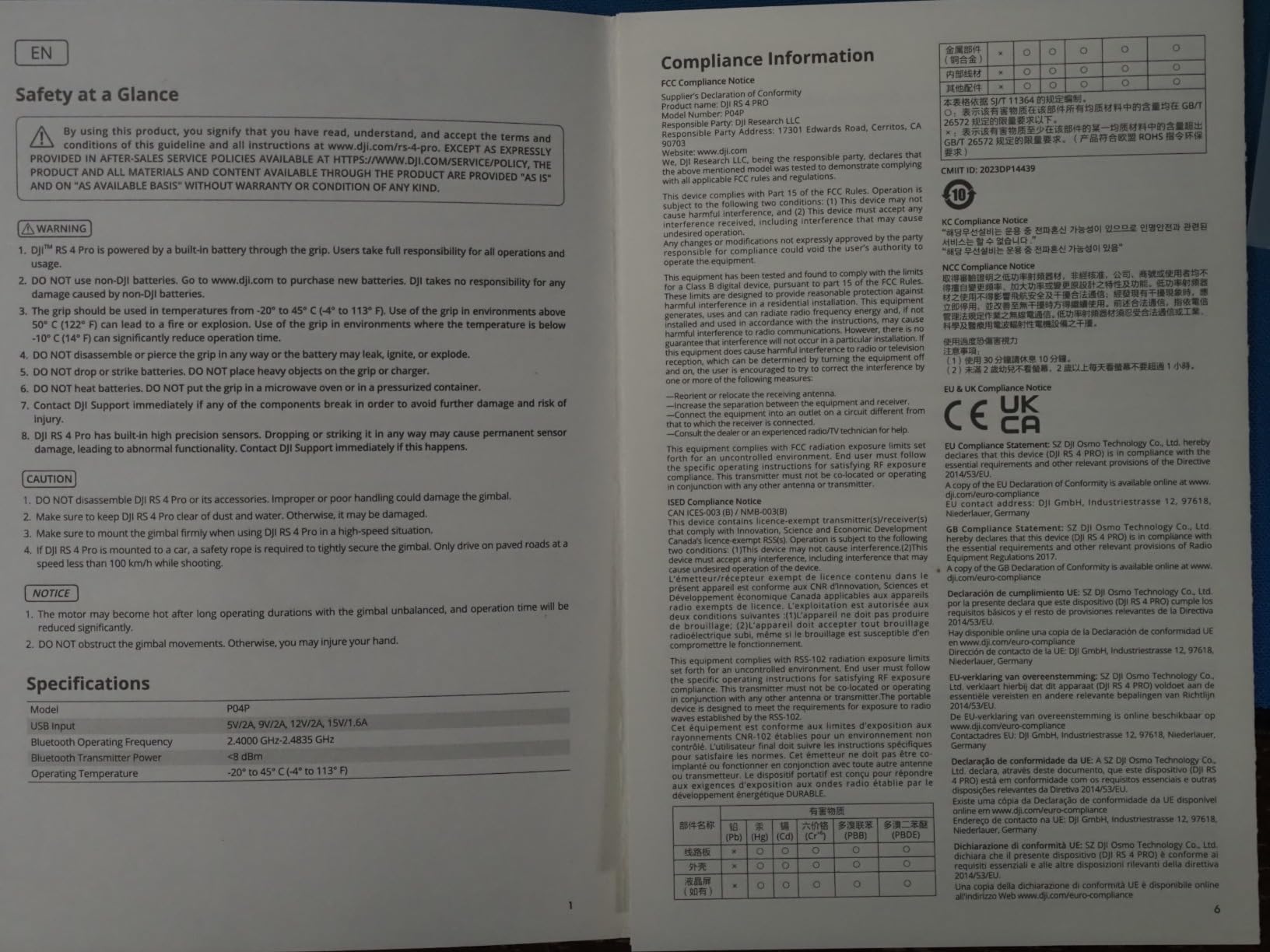
I have been using the DJI RS 4 Pro with my Panasonic S5 II for several months now, and it handles my heaviest setups without breaking a sweat. The 4.5kg payload capacity means I can mount the S5 II with my Sigma 28-70mm f2.8, a wireless mic, and even a small monitor without worrying about motor strain. The carbon fiber axis arms keep the weight manageable while feeling incredibly solid.
The AutoLock feature is something I did not realize I needed until I had it. When I am done shooting, I just lock all three axes with a single motion, and the gimbal powers down safely. This prevents the camera from flopping around and potentially damaging the USB-C port on my S5 II. The second-generation native vertical shooting is also fantastic for my social media content, switching from horizontal to vertical in seconds without any accessories.
Where the RS 4 Pro really shines for S5 II users is the LiDAR focusing capability. When I use manual focus lenses or need precise focus pulls, the LiDAR system with its 76,800 ranging points makes tracking subjects incredibly accurate. The motors are 20 percent stronger than the previous generation, which you can feel when making quick panning movements or when the gimbal needs to compensate for sudden shifts in weight distribution.
Battery life with the standard grip gives me about 12 hours of shooting, but I picked up the BG70 battery grip separately, and that extends runtime to nearly 29 hours. For wedding videographers or anyone doing multi-day shoots, this is a game changer. The only downside is that the accessory ecosystem can get expensive if you want to take full advantage of features like the focus motor or video transmission system.
Who Should Buy This Gimbal
The DJI RS 4 Pro is ideal for professional videographers and cinematographers who work with heavier camera setups. If you regularly use professional zoom lenses like the Sigma 28-70mm f2.8 or Lumix 24-105mm with your S5 II, this gimbal handles the weight with room to spare. It is also perfect for content creators who need vertical shooting for social media without sacrificing horizontal shooting capabilities.
Who Might Want to Look Elsewhere
If you are a beginner or hobbyist just getting started with gimbals, the RS 4 Pro might be overkill. The price point is significant, and the learning curve for balancing and using all the features can be steep. Content creators working with lighter prime lenses might find the DJI RS 3 Mini or RS 4 Mini more practical and easier to travel with.
2. DJI RS 4 – Premium Performance at Mid-Range Price
Pros
- Teflon coating makes balancing smoother
- AutoLock feature very convenient
- Good battery life with BG70 support
- Native vertical shooting
- Extended tilt axis for better balancing
- Lightweight and portable
Cons
- Learning curve for beginners
- Not as powerful as Pro version
- Some reports of defective units
- App issues on some devices
The DJI RS 4 sits in a sweet spot for S5 II owners who want professional features without the Pro price tag. With a 3kg payload capacity, it handles my S5 II with most of my lenses comfortably. The Teflon-coated axis arms make the balancing process noticeably smoother than older models, which I appreciate when switching between different lens setups during a shoot.
One improvement I noticed immediately is the extended tilt axis, which is 8.5mm longer than the previous generation. This gives me more room to position the S5 II for optimal balance, especially when using slightly front-heavy lenses. The joystick mode switch is also a nice touch, letting me quickly toggle between gimbal control and zoom control without taking my eyes off the shot.
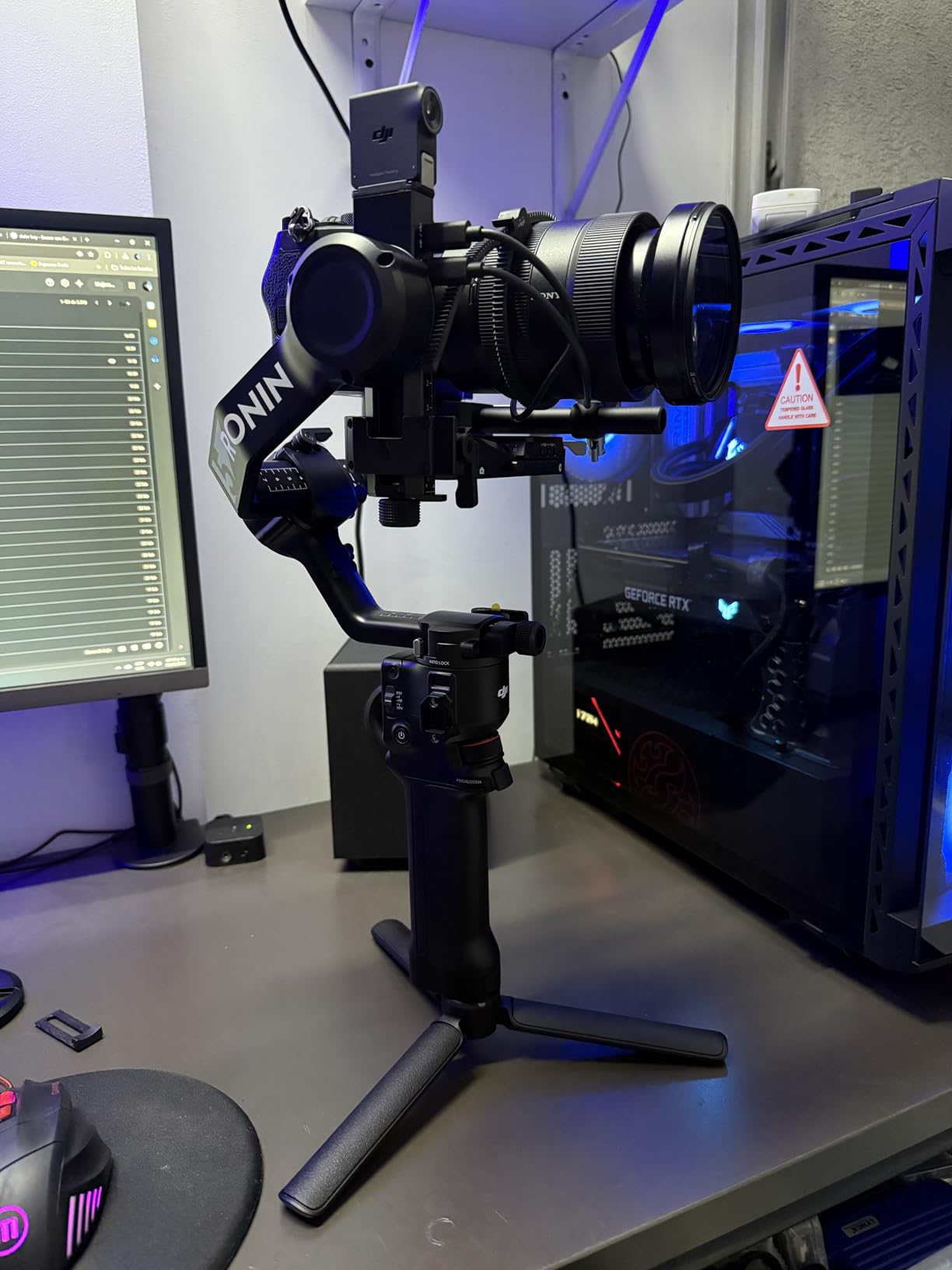
For Panasonic S5 II users, the native vertical shooting works exactly as expected. I can switch from horizontal to vertical orientation in about 10 seconds, which is perfect when I need to capture both cinematic footage and vertical content for Instagram or TikTok from the same shoot. The RSA communication port opens up accessory options if you want to expand later.
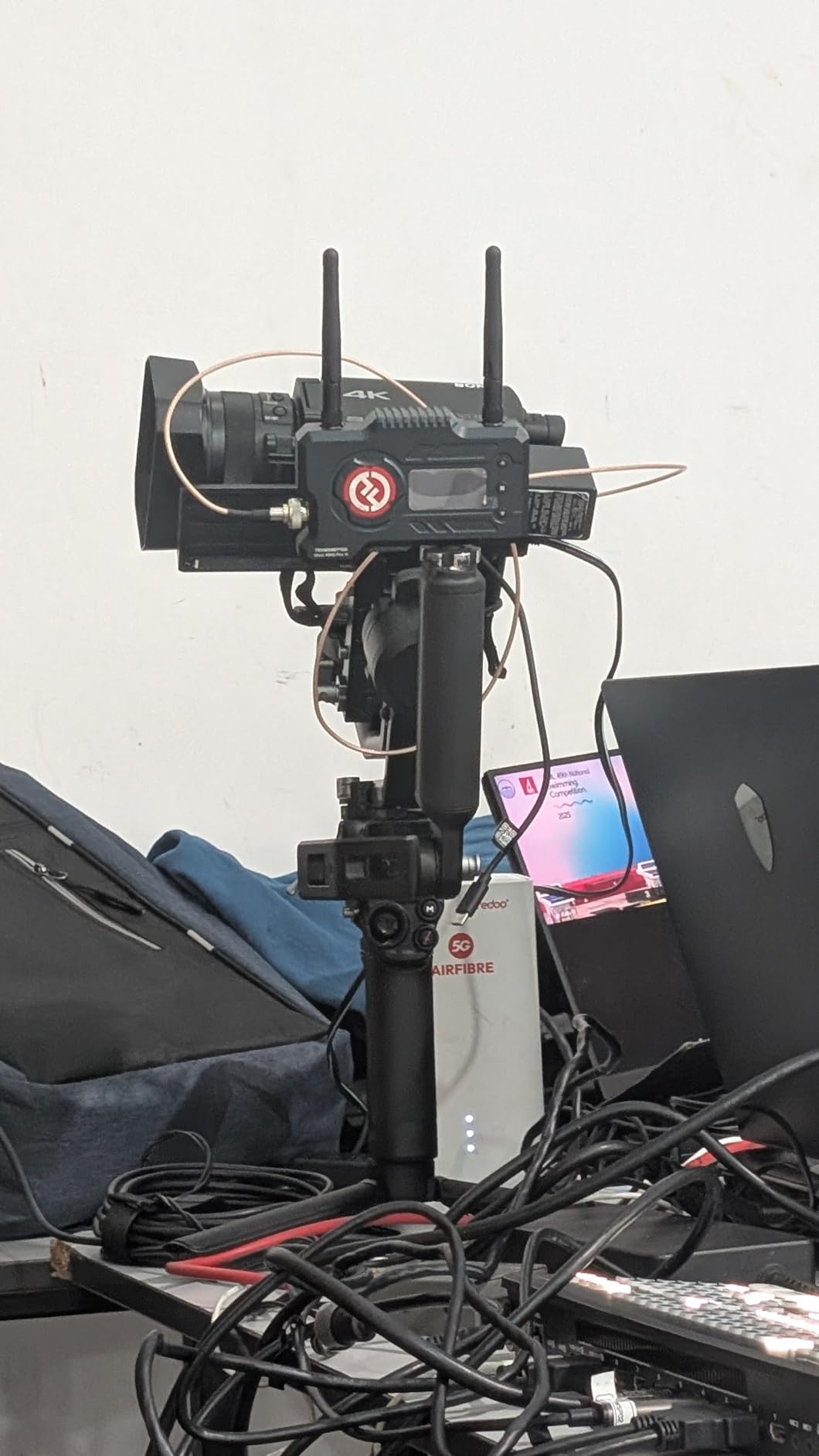
Battery life clocks in at around 12 hours with the standard grip, but like the Pro model, you can add the BG70 grip for extended shooting sessions. I found the stabilization performance excellent for walking shots and smooth panning movements. While it does not have the LiDAR focusing of the Pro model, most S5 II users will be relying on the excellent autofocus system built into the camera anyway.
Who Should Buy This Gimbal
The DJI RS 4 is perfect for serious content creators and semi-professional videographers who need reliable stabilization without the premium price of the Pro model. If your typical S5 II setup stays under 2.5kg total weight and you value features like native vertical shooting and AutoLock, this gimbal offers excellent value. It works great for real estate walkthroughs, travel videography, and event coverage.
Who Might Want to Look Elsewhere
If you frequently work with heavy professional lenses or need LiDAR focusing for manual focus work, you might want to step up to the RS 4 Pro. Beginners might also find the initial setup and balancing process challenging, though the Teflon coating does make it easier than older DJI models.
3. DJI RS 3 Mini – Lightweight Champion for Travel
Pros
- Ultra-lightweight at only 795g
- Excellent value for money
- Native vertical shooting
- Bluetooth shutter control
- Axis locks make balancing easier
- 1.4 inch touchscreen with intuitive UI
Cons
- Not suitable for heavy camera/lens combinations
- Battery life may be insufficient for all-day shoots
- Non-removable battery
- Some motor issues reported after extended use
The DJI RS 3 Mini has become my go-to gimbal when I need to travel light with my Panasonic S5 II. At just 795 grams, it adds minimal weight to my camera bag while still providing excellent 3-axis stabilization. The 2kg payload capacity handles my S5 II with compact prime lenses perfectly, though I would not recommend it with heavy zoom lenses.
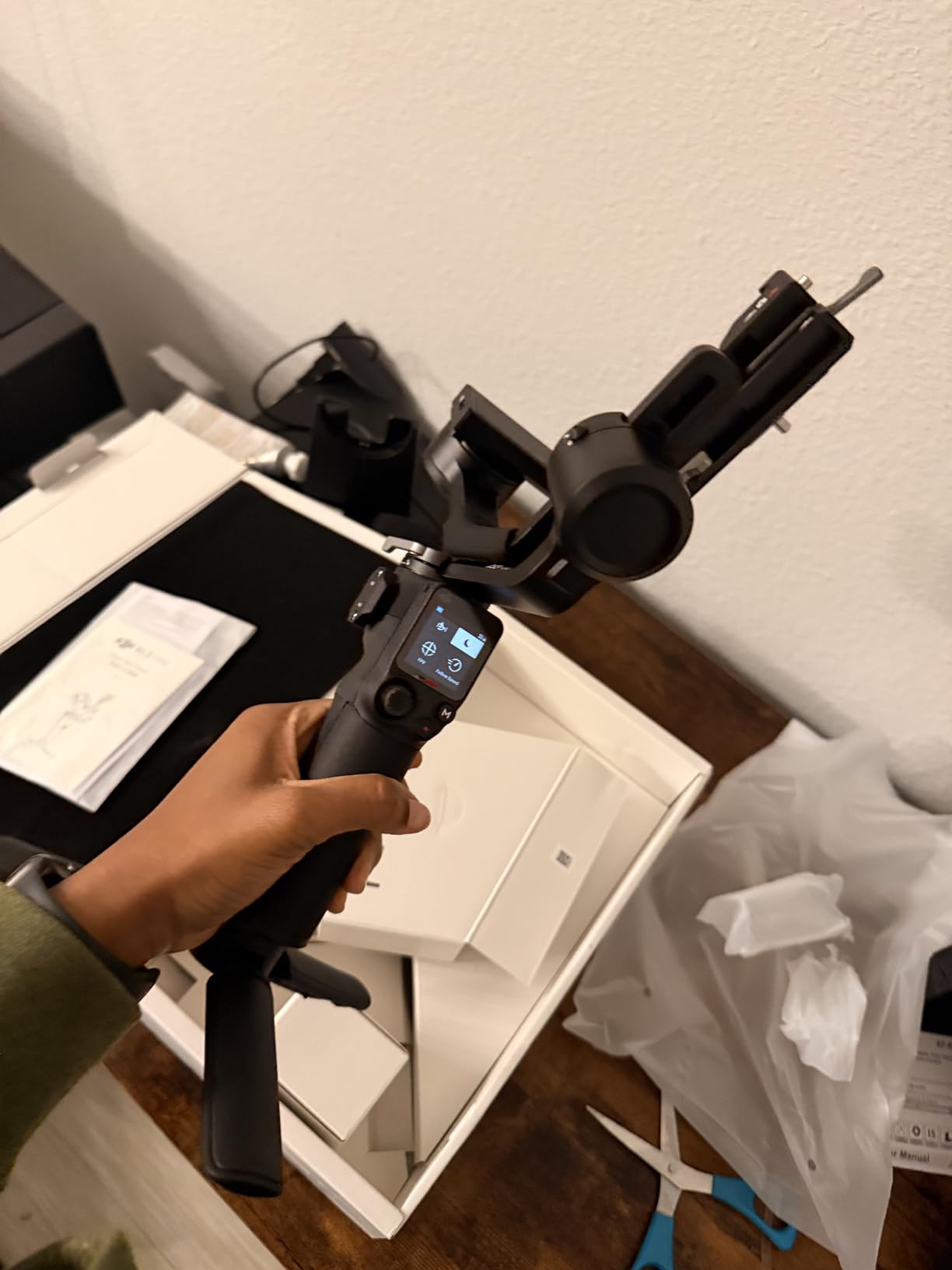
What surprised me most about the RS 3 Mini is how well the Bluetooth shutter control works with the S5 II. I can start and stop recording wirelessly without any cables running between the gimbal and camera. This makes the whole setup cleaner and eliminates the risk of accidentally pulling a cable during a shot. The 1.4-inch touchscreen is responsive and makes adjusting settings on the fly straightforward.
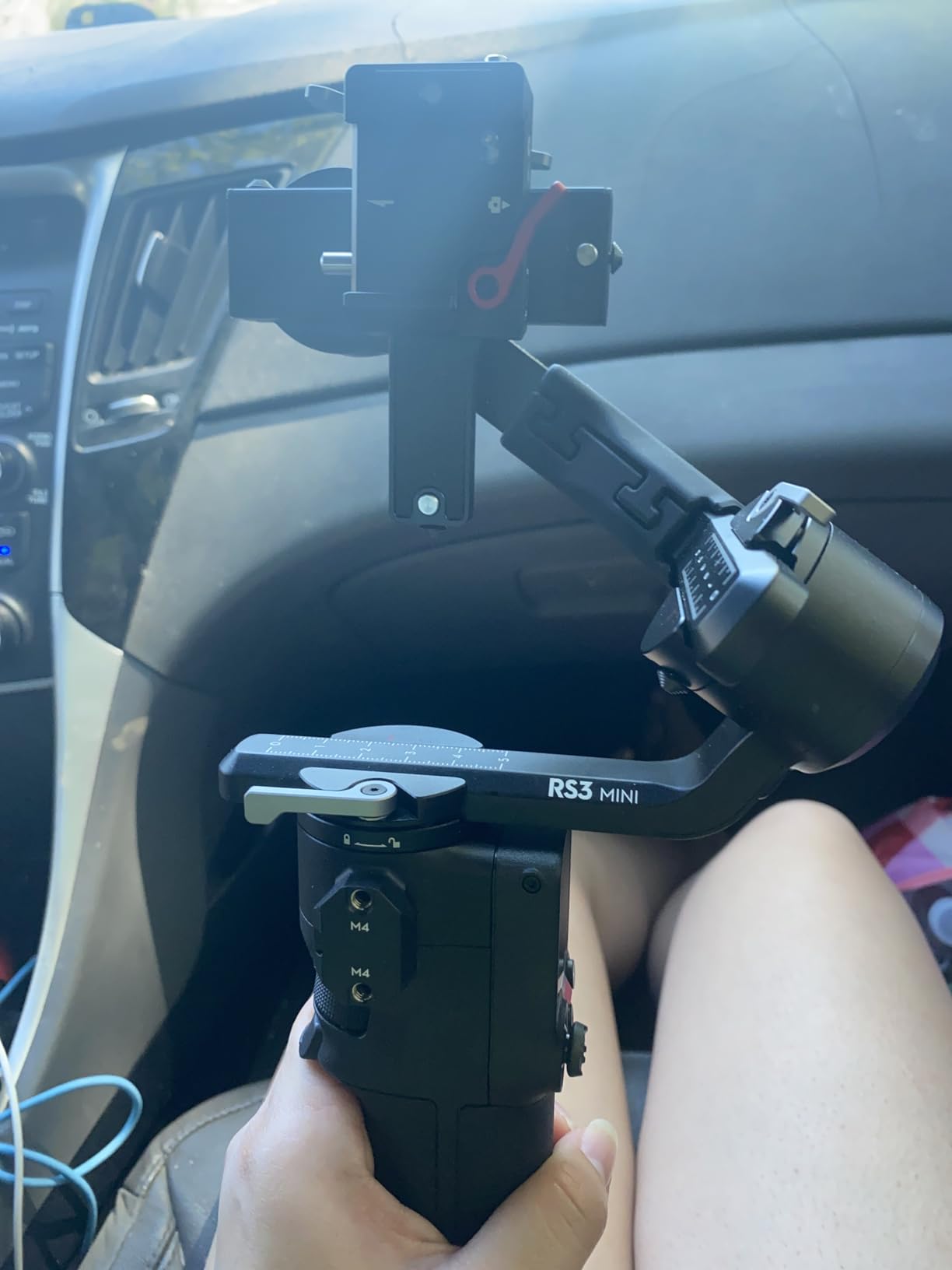
I tested this gimbal extensively with my Lumix S prime lenses, and the combination works beautifully. The native vertical shooting means I can create content for social media without any additional accessories. The axis locks make balancing quick and easy, which is helpful when you are setting up in a hurry or changing locations frequently during a shoot.
The third-generation RS stabilization algorithm does an excellent job of smoothing out walking shots and handheld movements. While the IBIS in the S5 II is impressive, combining it with the RS 3 Mini gives footage that extra polish, especially for tracking shots and smooth pans. The main limitation is battery life, which typically gives me around 10 hours of use before needing to recharge.
Who Should Buy This Gimbal
The DJI RS 3 Mini is ideal for content creators, travel videographers, and vloggers who prioritize portability. If you primarily use compact prime lenses or lightweight zooms with your S5 II, this gimbal provides professional stabilization at an unbeatable price point. It is perfect for run-and-gun shooting where every gram counts.
Who Might Want to Look Elsewhere
If you regularly use heavy professional lenses like the Sigma 28-70mm f2.8 or need all-day battery life, you should consider a larger gimbal with more payload capacity. The non-removable battery also means you cannot swap batteries mid-shoot, which could be limiting for wedding videographers or event coverage.
4. DJI RS 4 Mini – Smart Features in a Compact Package
Pros
- Auto axis locks incredibly convenient
- Intelligent tracking module works well
- Teflon coating for smoother balancing
- Fast 10-second vertical switch
- Lightweight and easy to use
- Bluetooth camera connection
Cons
- Some units have pan axis drift issues
- Plastic build feels cheaper than premium models
- Balancing process can be involved
- Battery not swappable
The DJI RS 4 Mini brings some impressive upgrades over its predecessor, making it an excellent choice for S5 II owners who want smart features in a portable package. The auto axis locks are my favorite feature, allowing me to lock or unlock all three axes in about one second. This makes setup and breakdown significantly faster compared to manually locking each axis individually.
The intelligent tracking module works surprisingly well with the S5 II. When I am doing solo shoots and need to keep myself in frame, the tracking keeps me centered accurately without needing a separate operator or expensive follow-focus system. The Teflon-enhanced balancing makes initial setup smoother, which is helpful when you are working with a camera as heavy as the S5 II.

Battery life comes in at 13 hours, which is impressive for a gimbal this size. I have used it for full-day shoots without needing to recharge, though the non-swappable battery means you need to plan charging time. The 2kg payload handles my S5 II with moderate lenses well, but I would stay away from the heaviest professional zoom lenses to avoid motor strain.
The vertical shooting switch takes about 10 seconds, which is fast enough for most shooting situations. The responsive follow mode handles quick movements smoothly, maintaining that cinematic look even when I am moving quickly through a scene. The Bluetooth connection to the S5 II has been reliable in my testing, allowing wireless control of recording functions.

Who Should Buy This Gimbal
The DJI RS 4 Mini is perfect for solo content creators who need intelligent tracking and auto-locking features in a portable package. If you value quick setup times and smart features like AI tracking for self-recording, this gimbal offers excellent value. It works great for vloggers, social media creators, and anyone doing run-and-gun style shooting with their S5 II.
Who Might Want to Look Elsewhere
If you need the absolute highest build quality or plan to use heavy professional lenses regularly, you might want to consider the RS 4 or RS 4 Pro instead. Some users have reported pan axis drift issues, though this seems to affect only a small percentage of units. The non-swappable battery could also be limiting for multi-day shoots.
5. ZHIYUN Weebill S – Reliable Workhorse with Sling Mode
Pros
- Excellent stabilization performance
- Sling mode comfortable for extended shooting
- 14-hour battery life
- Compatible with wide range of cameras
- Compact and portable design
- Great value for money
Cons
- Non-intuitive setup process
- Mobile app can be inconsistent
- Small LCD screen
- Learning curve for beginners
- Older model released in 2019
The ZHIYUN Weebill S has been a reliable companion for my Panasonic S5 II for over two years now. What keeps me coming back to this gimbal is the sling mode, which allows comfortable underslung shooting for extended periods. When I am doing real estate walkthroughs or event coverage that requires hours of continuous shooting, the ergonomic design makes a noticeable difference in fatigue levels.
The 14-hour battery life is genuinely impressive and has gotten me through many full-day shoots without needing to recharge. The eighth-generation Instune algorithm provides smooth stabilization that holds up well against newer competitors. While it is an older model, the core functionality remains solid for professional video work with the S5 II.
![Weebill S [Official] 3-Axis Gimbal Stabilizer for Mirrorless and DSLR Cameras customer photo 1](https://markus-hagner-photography.com/wp-content/uploads/2026/01/B07Y47P31Y_customer_1.jpg)
Compatibility with the S5 II has been excellent in my experience. The gimbal handles the camera body weight comfortably, and the dual focus control system works well when I need to make focus adjustments on the fly. The OLED display, while small, provides enough information to monitor battery life and gimbal status without being distracting.
The main downside is that the setup process is not as intuitive as newer DJI models. Balancing takes some practice, and the mobile app has been inconsistent in my experience. However, once you get past the learning curve, the Weebill S performs reliably. The quick release system makes it easy to switch between handheld and gimbal shooting when needed.
![Weebill S [Official] 3-Axis Gimbal Stabilizer for Mirrorless and DSLR Cameras customer photo 2](https://markus-hagner-photography.com/wp-content/uploads/2026/01/B07Y47P31Y_customer_2.jpg)
Who Should Buy This Gimbal
The ZHIYUN Weebill S is ideal for videographers who prioritize battery life and comfortable ergonomics for extended shooting sessions. If you do a lot of underslung shooting or need a reliable gimbal that will not run out of power during long events, the 14-hour battery life is hard to beat. The sling mode design is particularly comfortable for wedding videographers and real estate photographers.
Who Might Want to Look Elsewhere
If you want the latest features like native vertical shooting or intelligent tracking, you will need to look at newer models. The Weebill S is showing its age compared to the latest offerings from DJI and even Zhiyun’s own newer products. Beginners might also struggle with the less intuitive setup process compared to more modern gimbals.
6. ZHIYUN CINEPEER WEEBILL 3E – Modern Features at Budget Price
Pros
- Compact and lightweight at only 1.05kg
- Excellent stabilization performance
- Native vertical shooting
- Long battery life with fast charging
- Easy to balance for most mirrorless cameras
- Great value for money
- Included carrying case
Cons
- Non-touchscreen display uses dial navigation
- Vertical shooting mode can be fiddly
- Non-removable internal battery
- May struggle with fast movements
The ZHIYUN CINEPEER WEEBILL 3E surprised me with how much it offers at its price point. With a 3kg payload capacity, it handles my Panasonic S5 II with professional lenses more confidently than the smaller DJI Mini options. The native vertical shooting with quick-mount system is genuinely useful when I need to switch between horizontal and vertical content creation.
Weighing just 1.05kg, this gimbal is easy to carry all day without fatigue. The Bluetooth shutter control works reliably with the S5 II, eliminating the need for cables running between the gimbal and camera. The 14W fast charging is a nice bonus, getting the battery from empty to full in under three hours.
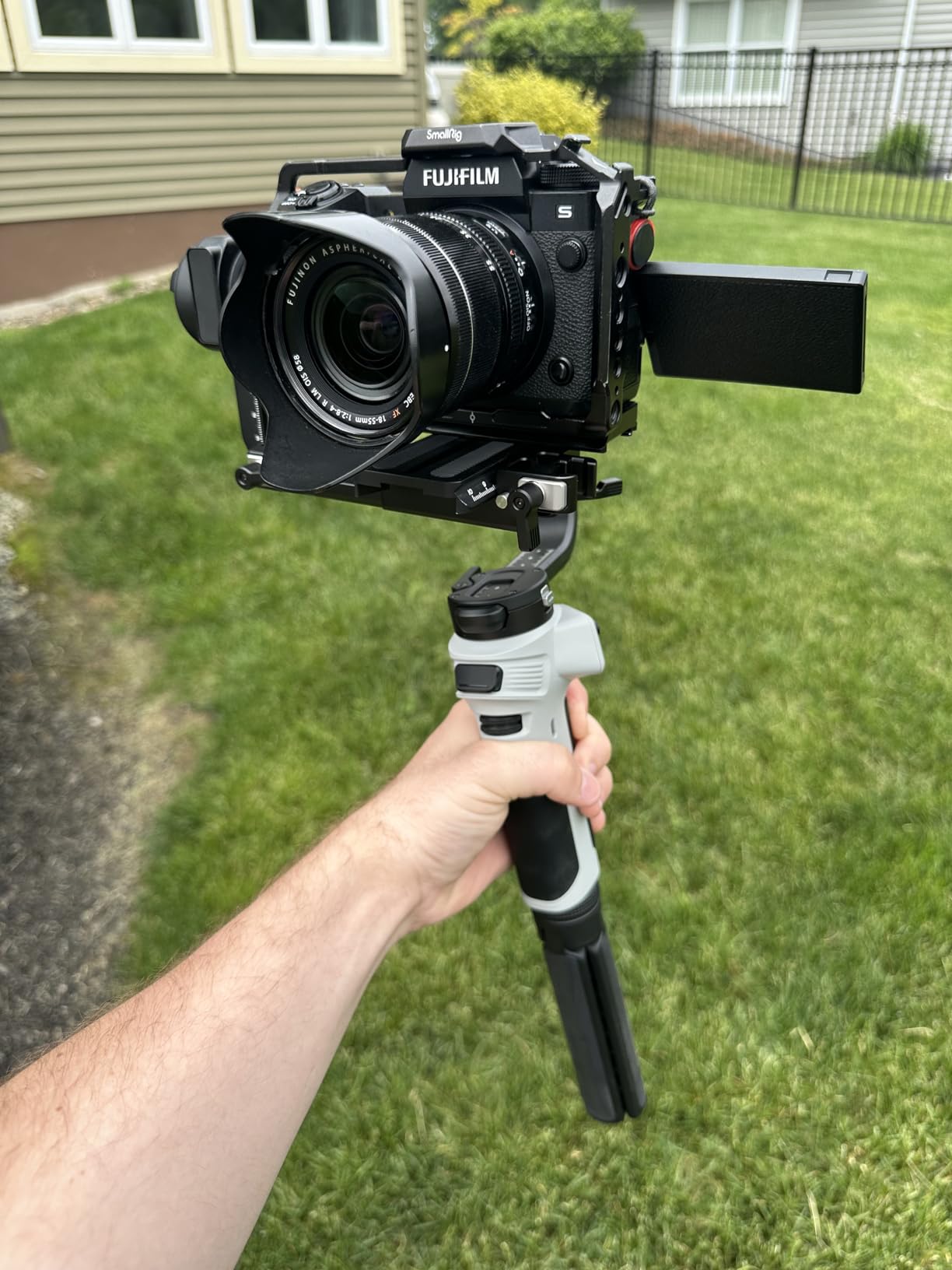
In my testing with the S5 II, the stabilization performance has been excellent for walking shots, smooth pans, and tracking movements. The strong motors handle the 3kg payload without struggling, even when I have the Sigma 28-70mm attached. The comfortable handle design reduces fatigue during extended shoots, which is important for all-day coverage.
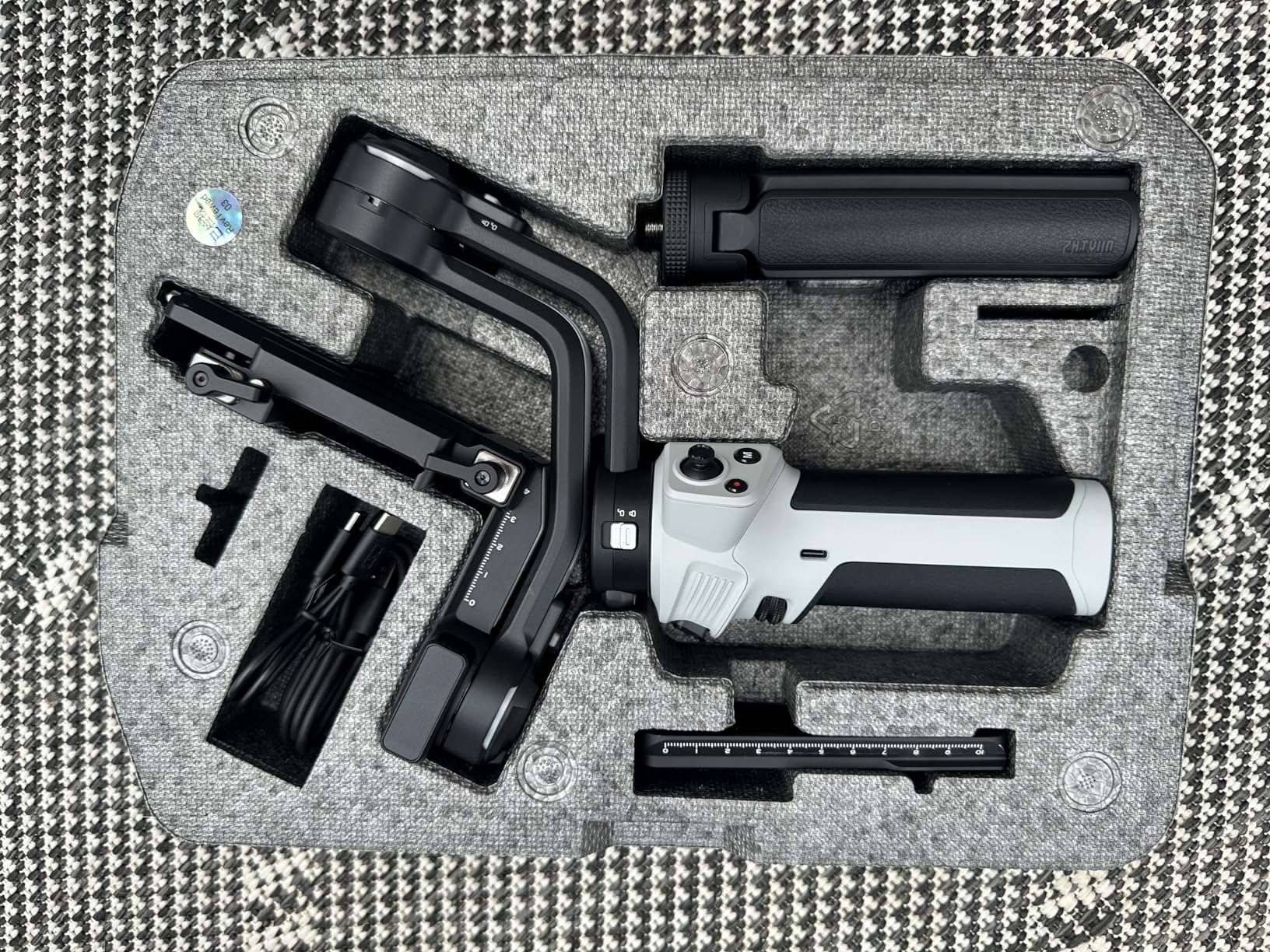
The included carrying case is a thoughtful addition that many competitors omit. The main trade-off is the non-touchscreen display, which uses a dial for navigation. While it takes some getting used to, it works well enough once you learn the menu system. The vertical shooting mode switch can be a bit fiddly compared to the seamless systems on DJI models.
Who Should Buy This Gimbal
The ZHIYUN WEEBILL 3E is perfect for budget-conscious videographers who want modern features like native vertical shooting and Bluetooth control without paying premium prices. If you need a 3kg payload capacity for your S5 II setup and value the included carrying case, this gimbal offers excellent value. It is great for content creators, indie filmmakers, and semi-professional videographers.
Who Might Want to Look Elsewhere
If you prefer touchscreen interfaces or need the absolute smoothest vertical shooting switch, you might prefer DJI options. The non-removable battery could also be limiting for videographers who need to shoot for more than a single day without access to charging. Those doing fast-paced action work might find the gimbal struggles slightly with sudden movements.
7. FeiyuTech SCORP-C2 – AI Tracking on a Budget
Pros
- Built-in AI tracking works excellently for solo shoots
- 14-hour battery life is impressive
- High payload capacity of 7.72 lbs
- Ergonomic one-piece handle
- Quick and secure locking mechanisms
- Great value for money
- OLED display is clear and easy to read
Cons
- Learning curve for first-time gimbal users
- Balancing can be tricky
- Some motor fighting issues reported
- Not touchscreen navigation
- App setup can be confusing
The FeiyuTech SCORP-C2 brings AI tracking capabilities to a budget-friendly price point, which is a significant advantage for solo creators using the Panasonic S5 II. The built-in AI tracking sensor recognizes and follows faces automatically, eliminating the need for a separate operator or expensive tracking accessories. For my solo content creation work, this feature alone has been incredibly valuable.
With a 7.72 lbs payload capacity, this gimbal handles the S5 II with professional lenses easily. I have tested it with the Lumix 24-105mm and even added a small monitor without any motor strain. The ergonomic one-piece handle design is comfortable for extended shooting sessions, and the quick-release plate makes balancing precise once you get the hang of it.
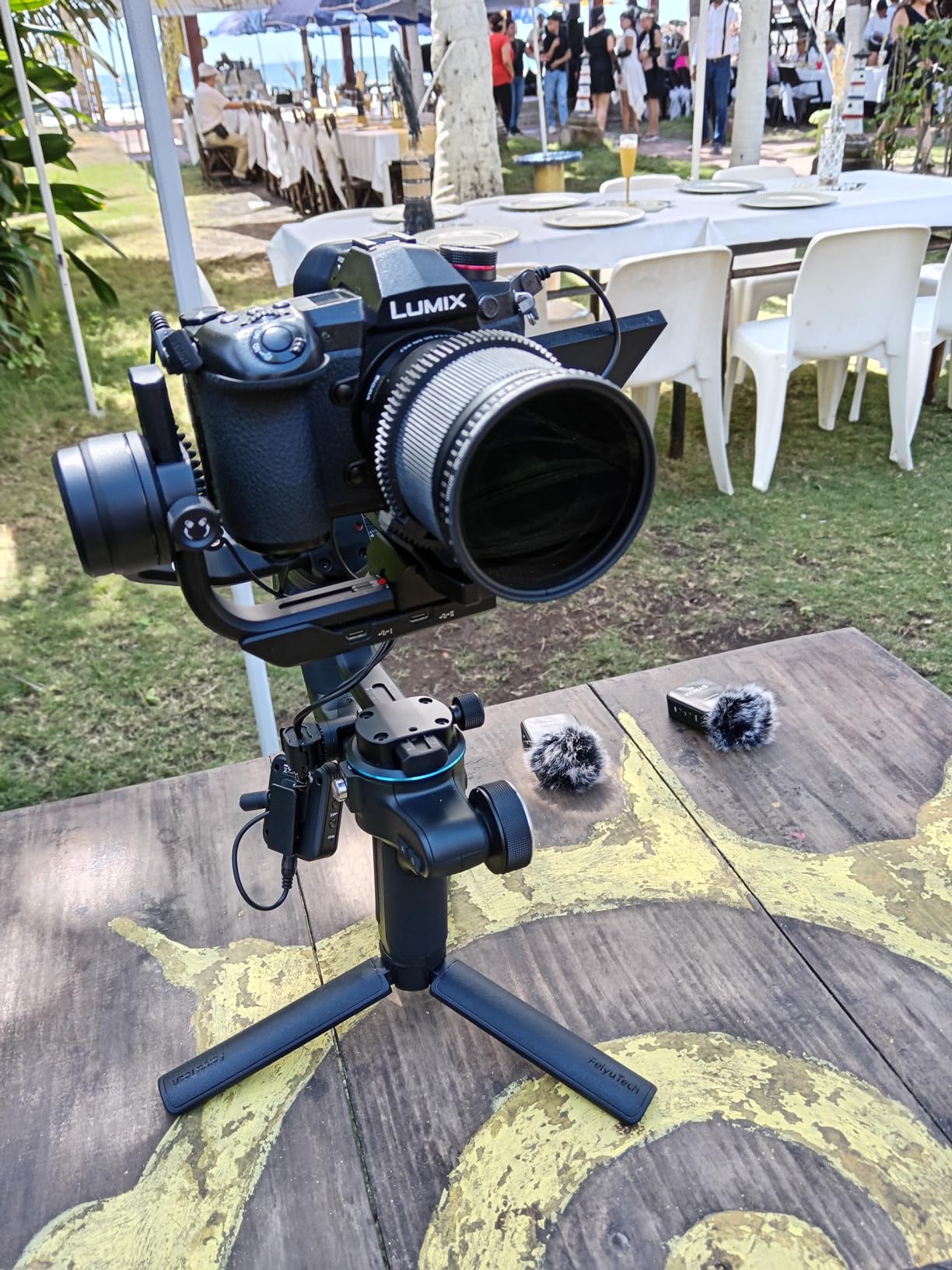
The 14-hour battery life matches what I get from more expensive competitors, allowing full-day shoots without worry. The gesture control feature lets me start and stop tracking with simple hand movements, which is perfect when I am filming myself and do not have a free hand to press buttons. The OLED display provides clear status information at a glance.
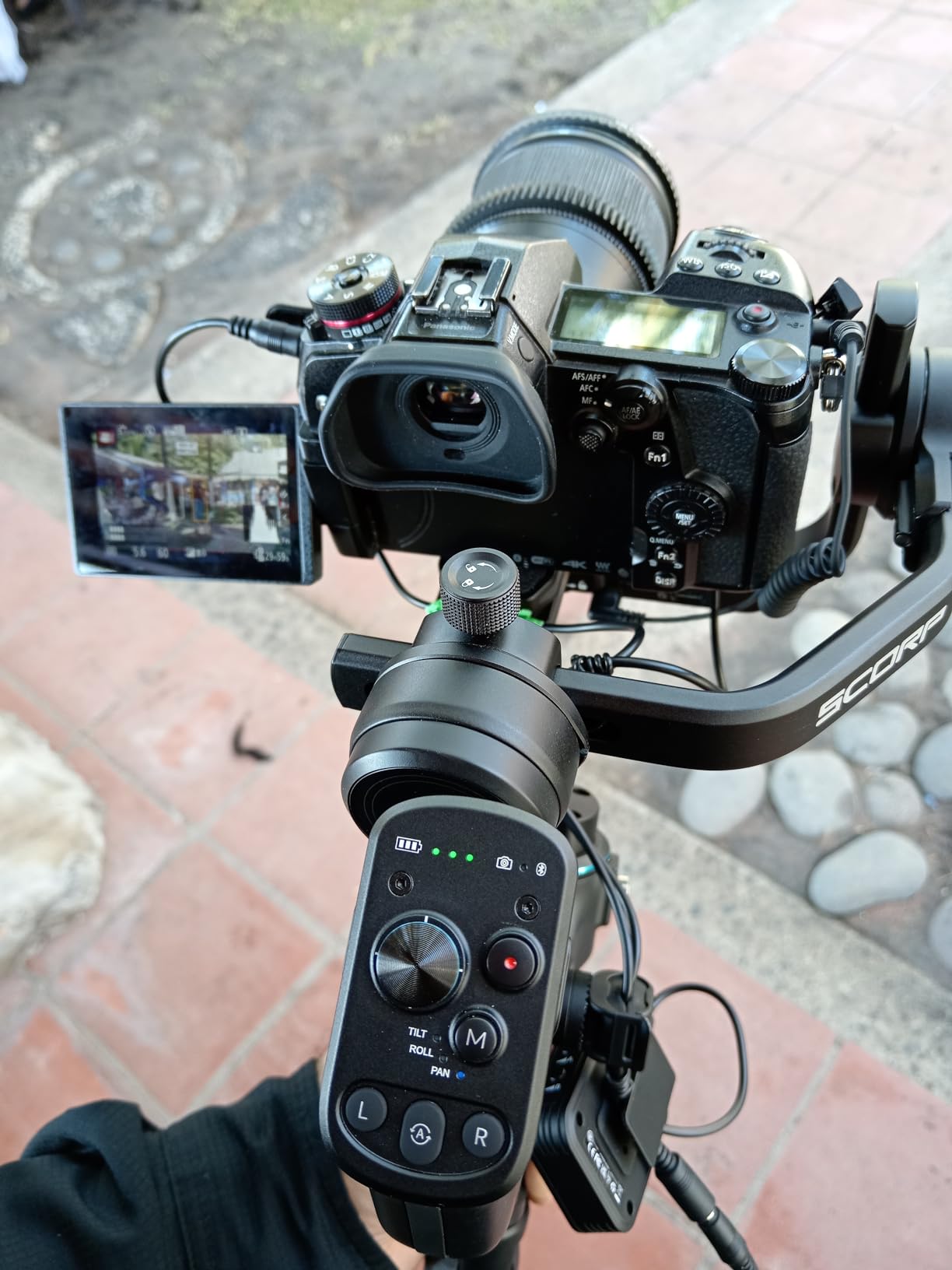
Native vertical shooting support means I can create content for social media platforms without additional accessories. The main challenges are the learning curve for balancing and some reports of motor fighting issues where the gimbal self-corrects unexpectedly. Once properly balanced, these issues are minimal in my experience.
Who Should Buy This Gimbal
The FeiyuTech SCORP-C2 is ideal for solo content creators who need AI tracking capabilities without the premium price tag. If you frequently film yourself and need reliable subject tracking, the built-in AI sensor is a game changer. The high payload capacity also makes it suitable for S5 II users with heavier lens setups who need that extra margin of safety.
Who Might Want to Look Elsewhere
If you are completely new to gimbals, the balancing process and setup might feel overwhelming compared to more beginner-friendly options. Those who prefer touchscreen interfaces will need to adapt to the button and dial navigation system. The app setup process has also been reported as confusing by some users, though it is not essential for basic operation.
8. FeiyuTech SCORP 3 – Premium Features with Detachable Remote
Pros
- Detachable handle works as wireless remote
- Built-in AI tracking with impressive range
- Large 1.3-inch touchscreen
- High 3.5kg payload supports professional setups
- Gesture control for hands-free operation
- Excellent 14-hour battery life
- 2025 stabilization algorithm
Cons
- Middle bracket difficult to adjust for balancing
- Not very compact when folded
- Higher price point
- Balancing requires practice
- Advanced features may overwhelm beginners
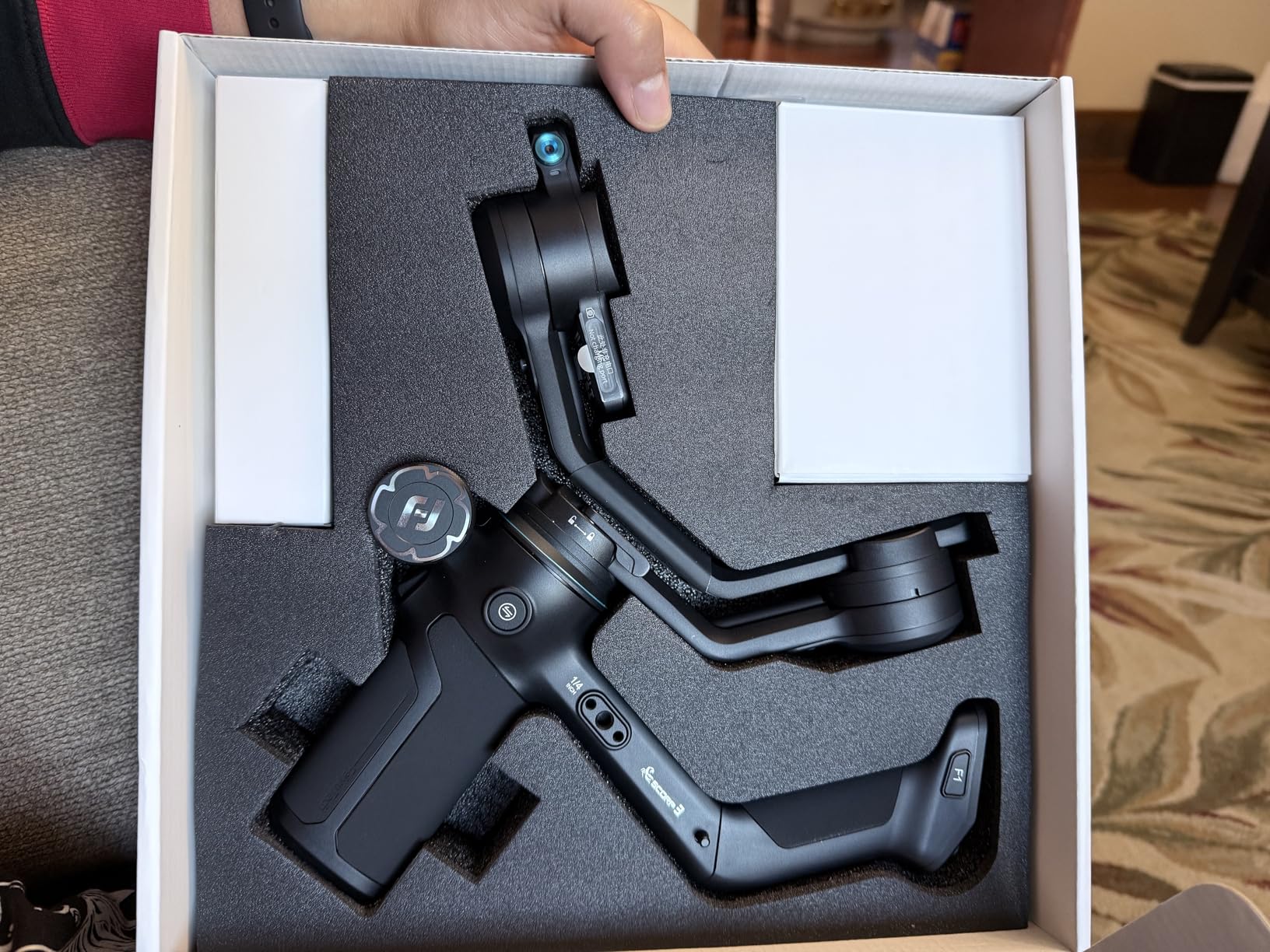
The FeiyuTech SCORP 3 represents the latest evolution in FeiyuTech’s gimbal lineup, and it shows. The standout feature for me is the detachable teapot handle that doubles as a wireless remote control. When I am doing solo shoots with my Panasonic S5 II, I can control the gimbal from up to 12 meters away, which opens up creative possibilities for self-filming and remote operation.
The built-in AI tracking module works without requiring additional accessories or apps. The tracking range extends up to 18 meters, which is impressive for a built-in system. Combined with gesture control, I can start tracking or trigger photos without touching the gimbal, which is incredibly useful for solo content creation.
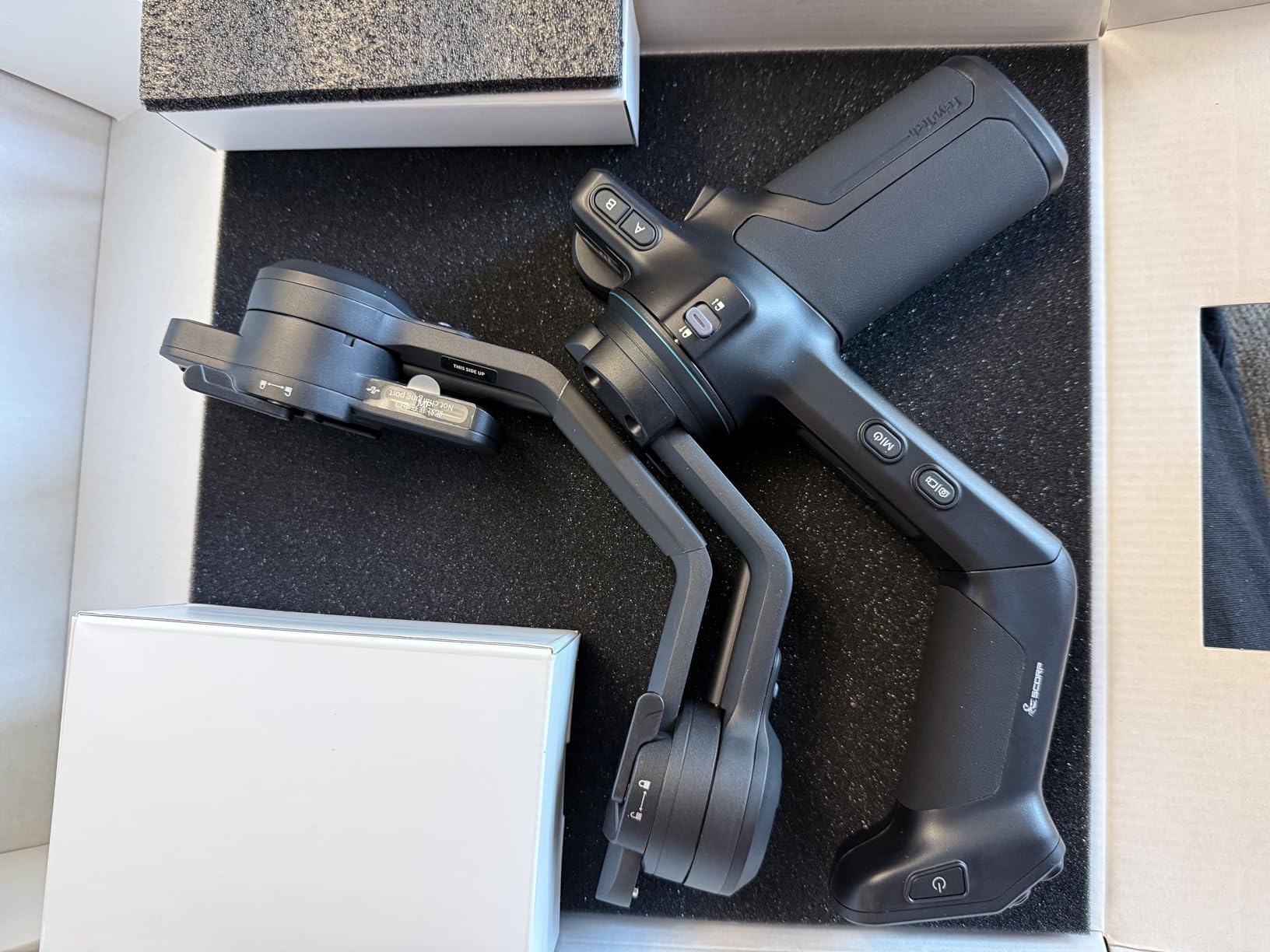
The 1.3-inch touchscreen is bright, responsive, and makes adjusting settings much more intuitive than button-based navigation. The 2025 quaternion stabilization algorithm delivers cinema-grade smoothness in my testing with the S5 II. Fast movements and quick pans are handled gracefully, maintaining that professional look throughout the footage.
With a 3.5kg payload capacity, this gimbal handles the S5 II with professional zoom lenses comfortably. The 14-hour battery life supports all-day shooting, and the auto-tune motor calibration helps optimize performance for different camera setups. The main drawbacks are the higher price point and the somewhat awkward middle bracket adjustment during balancing.
Who Should Buy This Gimbal
The FeiyuTech SCORP 3 is perfect for professional videographers and serious content creators who want premium features like a detachable remote, touchscreen interface, and advanced AI tracking. If you frequently do solo shoots and need remote control capabilities, the teapot handle design is genuinely innovative. The 3.5kg payload makes it suitable for heavier S5 II setups.
Who Might Want to Look Elsewhere
If you are on a tighter budget or need a more compact gimbal for travel, this might be more than you need. The balancing process, especially with the middle bracket, takes some practice. Beginners might find the wealth of advanced features overwhelming initially, though the touchscreen interface helps with navigation.
Buying Guide: Choosing the Right Gimbal for Panasonic S5 II
Selecting the best gimbal for your Panasonic S5 II requires understanding several key factors that affect performance and usability. The S5 II has specific characteristics that influence which gimbal will work best for your shooting style.
Payload Capacity for S5 II Setups
The Panasonic S5 II body weighs 744 grams on its own. When you add a professional lens like the Sigma 28-70mm f2.8, which weighs around 485 grams, plus a battery grip, microphone, and other accessories, your total setup can easily reach 2 to 2.5 kilograms. I always recommend choosing a gimbal with at least 1kg of margin above your heaviest anticipated setup.
For most S5 II users, a gimbal with 2.5kg or higher payload capacity provides comfortable headroom. If you plan to use heavy cinema lenses or extensive rigging, consider gimbals with 3.5kg to 4.5kg capacities like the DJI RS 4 Pro. Running a gimbal at its maximum payload reduces battery life and can affect stabilization performance.
IBIS vs Gimbal vs E-Stabilization
The Panasonic S5 II has excellent in-body image stabilization, but IBIS and gimbal stabilization serve different purposes. IBIS excels at compensating for small, high-frequency movements when shooting handheld from a stationary position. However, it cannot match the smooth panning, tilting, and tracking movements that a 3-axis gimbal provides.
For walking shots, real estate walkthroughs, and any footage requiring cinematic camera movement, a gimbal is essential. The S5 II also features E-Stabilization, which uses digital crop to further stabilize footage, but this comes at the cost of resolution and can introduce artifacts. I recommend using IBIS for static handheld work and a gimbal for any movement-based shots.
Battery Life Considerations
Gimbal battery life typically ranges from 9 to 14 hours depending on the model. For wedding videographers and event coverage, I recommend gimbals with at least 12 hours of battery life or models with swappable batteries. The DJI RS 4 Pro with the optional BG70 grip offers up to 29 hours, which is exceptional for multi-day shoots.
Consider how you typically shoot. If you do shorter sessions with breaks, a 10-hour battery is usually sufficient. For continuous all-day coverage without charging opportunities, prioritize gimbals with the longest battery life or removable battery systems.
Wireless Control Options
Modern gimbals offer various levels of wireless control for the Panasonic S5 II. Bluetooth shutter control is the most common, allowing you to start and stop recording wirelessly. More advanced models support USB-C connections for full camera control, including autofocus adjustments and parameter changes.
The FeiyuTech SCORP 3 takes this further with a detachable handle that works as a wireless remote up to 12 meters away. For solo creators, these wireless capabilities eliminate the need for cables and enable more flexible shooting setups.
Balancing and Ease of Use
Balancing a gimbal properly is essential for optimal performance and battery life. Modern gimbals have simplified this process significantly with features like automated axis locks, quick-release systems, and calibration screens. The DJI RS 4 Mini can lock all axes in one second, while the Teflon-coated arms on DJI’s newer models make sliding adjustments smoother.
If you are new to gimbals, prioritize models with user-friendly balancing systems. The learning curve varies significantly between models, with DJI generally offering more intuitive setups than budget alternatives. Most manufacturers provide tutorial videos that walk through the balancing process step by step.
Lens Compatibility and Weight Examples
Common lens pairings with the S5 II illustrate payload requirements clearly. The Lumix S 20-60mm kit lens weighs about 350 grams, bringing total setup weight to roughly 1.1kg. The Sigma 28-70mm f2.8 adds about 485 grams for a 1.23kg total. The Lumix 24-105mm f4 weighs around 500 grams, resulting in approximately 1.25kg.
Heavier professional lenses like the Lumix S Pro 50mm f1.4 weigh over 900 grams, pushing total setup weight toward 1.7kg. For these heavier combinations, gimbals with 3kg or higher payload capacity are recommended. Always test your heaviest lens combination before committing to a gimbal purchase.
Frequently Asked Questions
What gimbal is recommended for Panasonic Lumix S5 II?
The DJI RS 3 Mini is the most recommended gimbal for Panasonic Lumix S5 II due to its excellent payload capacity of 2kg, lightweight design at 795g, and seamless Bluetooth control integration. For professional use with heavier lenses, the DJI RS 4 Pro offers 4.5kg payload capacity and advanced features like LiDAR focusing and native vertical shooting.
Do I really need a gimbal with the S5 II’s built-in stabilization?
While the Panasonic S5 II has excellent in-body image stabilization, a gimbal is still necessary for professional video work. IBIS helps with handheld shooting from stationary positions but cannot match the smooth panning, tilting, and tracking movements of a 3-axis gimbal. For walking shots, real estate walkthroughs, and cinematic movement, a gimbal is essential.
What’s the maximum weight my gimbal setup should be?
The Panasonic S5 II body weighs 744g. With a typical zoom lens like the 24-70mm f2.8 at approximately 800-900g, plus accessories, your total setup will be approximately 2 to 2.5kg. Choose a gimbal with at least 1kg margin above your heaviest setup for optimal performance and battery life.
Can I control my S5 II wirelessly through the gimbal?
Yes, many modern gimbals offer wireless control for the Panasonic S5 II. DJI and Zhiyun gimbals provide Bluetooth shutter control for starting and stopping recording wirelessly. Some models also support USB-C connections for full camera control including autofocus and parameter adjustments. The FeiyuTech SCORP 3 offers a detachable handle that works as a wireless remote up to 12 meters away.
How long does gimbal battery typically last during shoots?
Gimbal battery life varies from 9 to 14 hours depending on the model. Budget options like the FeiyuTech SCORP-C2 offer 14 hours, while premium models like the DJI RS 4 provide 12 hours standard and up to 29.5 hours with the optional BG70 battery grip. For extended shoots, look for gimbals with removable batteries or pass-through charging.
Conclusion
Finding the best gimbals for Panasonic S5 II comes down to matching payload capacity, features, and budget to your specific shooting needs. For most users, the DJI RS 3 Mini offers the best balance of portability, performance, and value. Professional videographers working with heavier lenses should consider the DJI RS 4 Pro for its 4.5kg payload and advanced LiDAR focusing capabilities.
Budget-conscious creators get excellent value from the FeiyuTech SCORP-C2 with its built-in AI tracking and 14-hour battery life. For those wanting premium features like a detachable remote and touchscreen interface, the FeiyuTech SCORP 3 delivers professional performance at a mid-range price point.
Remember to account for your total setup weight including the S5 II body at 744g plus your heaviest lens and accessories when choosing a gimbal. With any of these options, you will transform your S5 II footage from good handheld video to smooth, cinematic professional content.