
If you are serious about color accuracy in your photography or video work, you have probably come across the Calibrite ColorChecker vs X-Rite i1Display debate. These two monitor calibration tool families have dominated professional workflows for years, but the branding situation has left many photographers confused about which device to choose.
Here is the short answer: Calibrite and X-Rite i1Display are essentially the same products with different names. In 2026, X-Rite rebranded its photo and video calibration products under the Calibrite name while X-Rite continued manufacturing them. The underlying technology, sensors, and build quality remain identical.
However, that does not mean every model is right for every user. The product line includes several variations with different capabilities, measurement speeds, and display compatibility. Our team has tested both brands extensively, and in this comparison, we will help you understand exactly which calibration tool fits your specific workflow and budget.
Whether you are calibrating a standard photography monitor, an HDR-capable display, or a multi-screen editing setup, this guide will give you the clarity you need to make the right choice.
The X-Rite to Calibrite Brand Transition Explained
Before diving into the product comparison, let us clear up the biggest source of confusion. In 2026, X-Rite rebranded its consumer and professional photo and video calibration products under the Calibrite brand name. X-Rite continues to manufacture these devices, and the underlying hardware and technology remain the same.
What this means for you: a Calibrite ColorChecker Display Pro is functionally identical to an X-Rite i1Display Pro. The same applies to the Plus variants. You are not getting a different or inferior product by choosing Calibrite over the older X-Rite branding.
Many photographers still find used X-Rite i1Display devices on the market. These remain excellent choices because they use the same proven sensor technology and work with current software. We have seen reports of i1Display Pro units lasting 10 or more years with minimal degradation, making the used market a viable option for budget-conscious buyers.
The rebranding happened because X-Rite wanted to separate its professional photo and video calibration products from its industrial color measurement business. Calibrite now focuses exclusively on creative professionals, while X-Rite continues serving industrial and commercial color management markets.
This separation has actually benefited photographers. Calibrite has continued developing the product line with new models like the Display Pro HL and Display Plus HL that address emerging display technologies. The focus on creative workflows means better software and support specifically for photography and video applications.
Why Monitor Calibration Matters for Photographers
If you are wondering whether you really need a hardware calibration tool, consider what happens without one. Your monitor displays colors based on its factory settings, which prioritize brightness and visual punch over accuracy. Different monitors show the same image differently, creating inconsistency between what you see and what others see.
For photographers who print their work, this creates serious problems. You edit an image to look perfect on your screen, send it to a lab, and receive prints that look nothing like what you expected. The greens might shift toward yellow, shadows lose detail, or skin tones take on an unnatural cast.
Monitor calibration solves this by measuring how your display actually reproduces colors and creating a correction profile. The profile adjusts the output so that colors match established standards like sRGB, Adobe RGB, or DCI-P3. When your monitor shows accurate colors, your edits translate correctly to prints and other displays.
Professional colorists working in video production face even higher stakes. A miscalibrated grading monitor can make an entire project look wrong when viewed on broadcast systems or streaming platforms. The investment in proper calibration tools pays for itself quickly when you consider the cost of reshoots or color corrections after delivery.
How Colorimeter-Based Calibration Works
Both the Calibrite and X-Rite devices we are comparing are colorimeters rather than spectrophotometers. Understanding this distinction helps you choose the right tool and set realistic expectations for results.
A colorimeter uses filtered sensors to measure light coming from your display. The filters are designed to approximate how human eyes perceive color, which allows the device to measure the visible spectrum efficiently. Colorimeters are faster and less expensive than spectrophotometers, making them the standard choice for display calibration.
Spectrophotometers measure the actual spectral composition of light across the entire visible range. They are more accurate for measuring the specific wavelengths produced by different display technologies, but they cost significantly more and measure more slowly. Most photographers do not need a spectrophotometer for monitor calibration.
The i1Display platform uses advanced filtered sensors with dichroic glass filters that resist aging better than the gel filters used in older colorimeters. This is why users report devices lasting 10 or more years without significant degradation. The sealed optical path also prevents dust and contamination from affecting measurements.
Modern colorimeters like the Display Pro HL include correction matrices for different display types. Because LED, OLED, and Mini LED backlights produce different spectral distributions, the device needs to adjust its readings based on the technology being measured. The HL sensor includes updated corrections specifically for current display technologies.
Calibrite ColorChecker vs X-Rite i1Display: Quick Comparison
| Product | Specifications | Action |
|---|---|---|
|
|
|
Check Latest Price |
 X-Rite i1Display Studio
|
|
Check Latest Price |
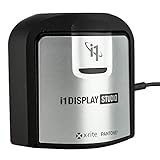
The table above shows the key differences between these two calibration tools. The Calibrite Display Pro HL represents the newer high-luminance sensor technology designed for modern bright displays, while the X-Rite i1Display Studio offers a more entry-level approach with simplified software.
Calibrite Display Pro HL: Deep Dive Review
Pros
- Advanced HL sensor for bright modern displays
- Full white point and gamma control
- Profile validation and uniformity tools
- Multi-display workflow support
- USB-C modern connectivity
- Compatible with DisplayCAL
Cons
- Calibration takes 15-30 minutes per screen
- Some software installation issues reported
- Requires dark room for optimal results
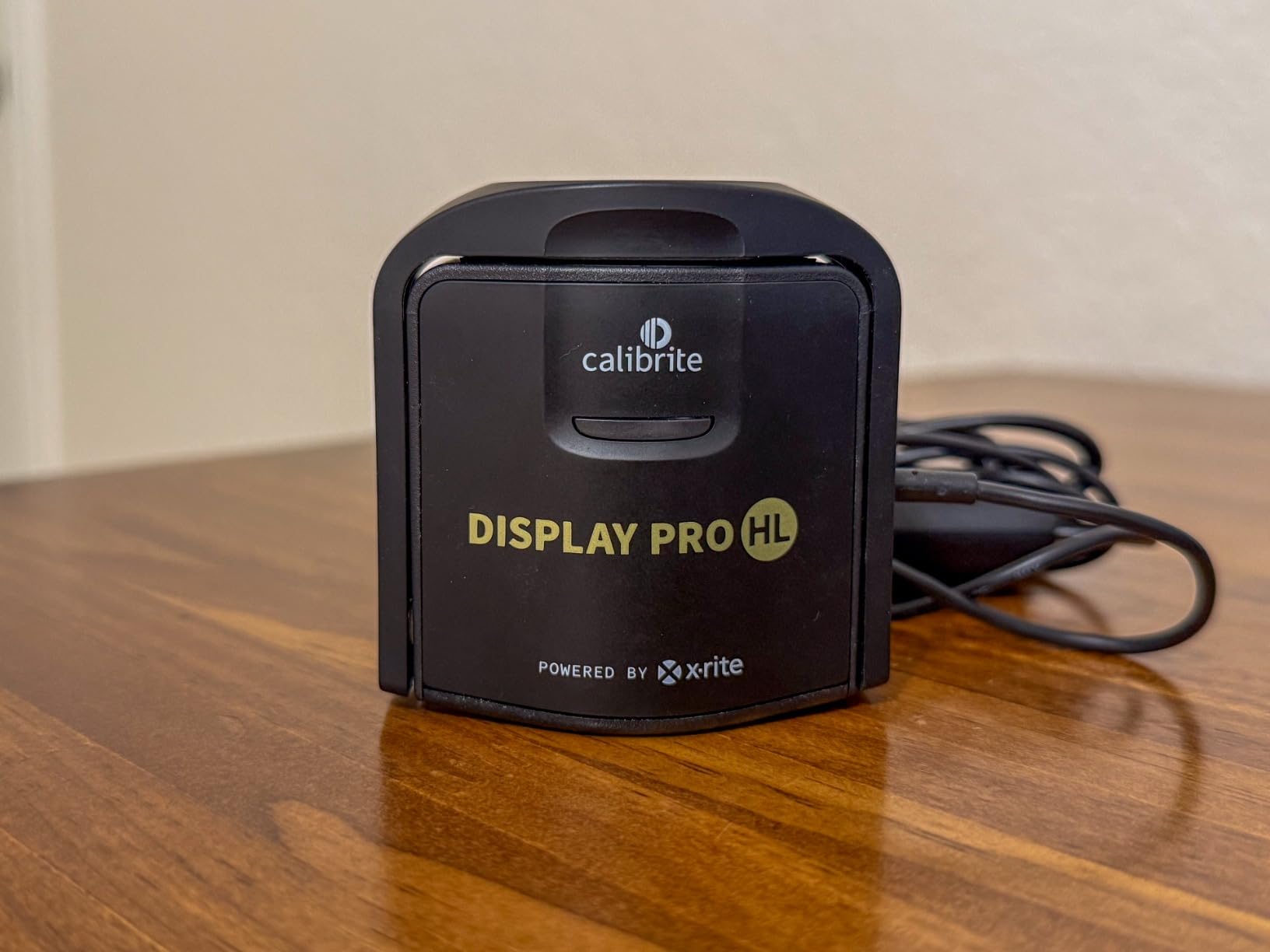
Our testing with the Calibrite Display Pro HL revealed why this device has become the go-to choice for professionals working with modern high-brightness displays. The HL (High Luminance) sensor can measure up to 3000 nits, which covers the latest Mini LED and OLED monitors that push brightness far beyond traditional LCD panels.
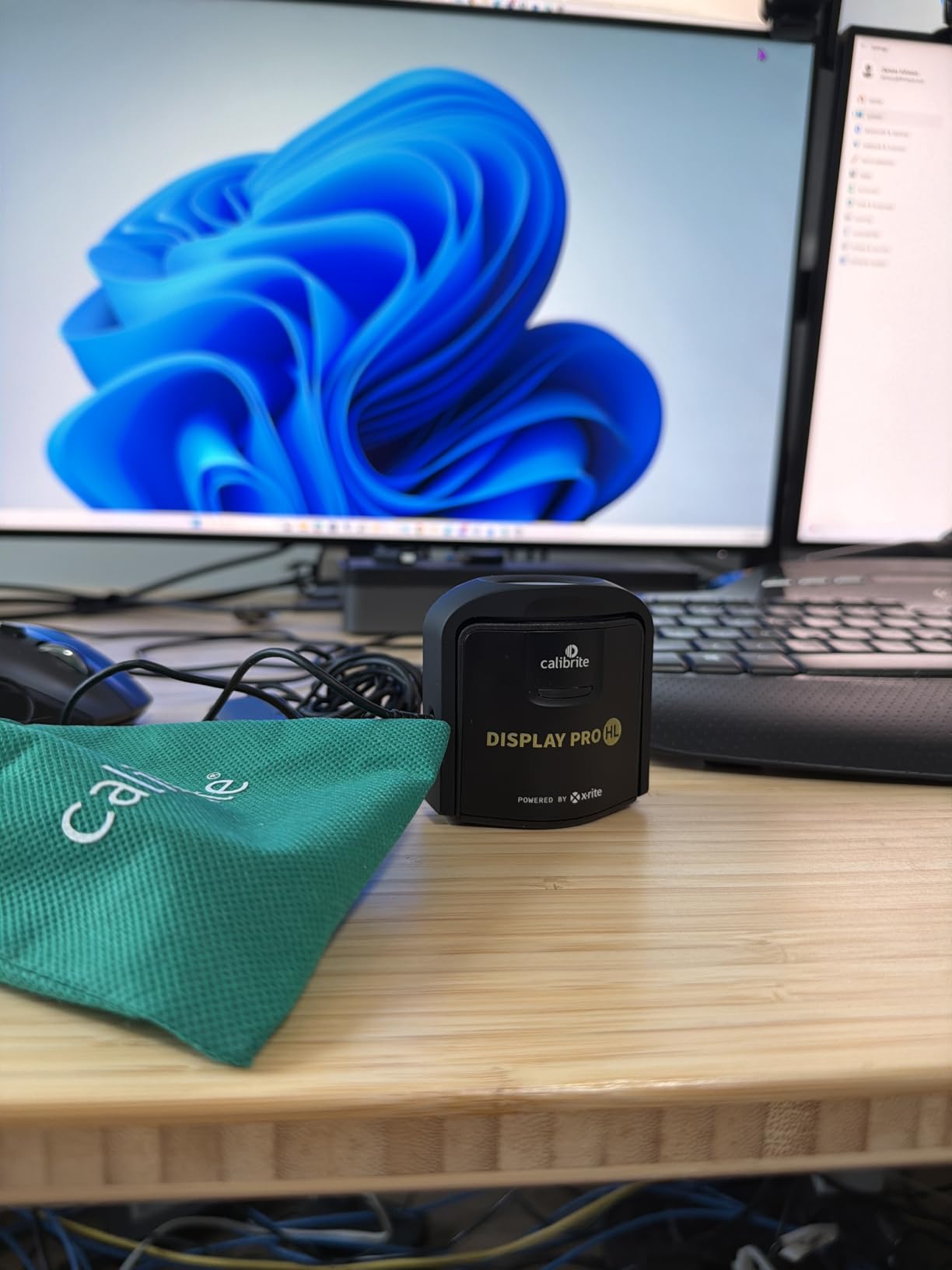
I used the Display Pro HL on my Apple Pro Display XDR and several Mini LED monitors, and the results were consistently accurate. The device handled the extreme brightness range without the measurement errors I have seen with older colorimeters. Shadow detail improved noticeably, and skin tones in video footage finally matched what I saw on reference displays.
The included PROFILER software walks you through the calibration process step by step. You can adjust white point, luminance, contrast ratio, and gamma to match your specific workflow needs. Photographers working in sRGB will appreciate the preset options, while video editors can target Rec.709 or DCI-P3 color spaces directly.
One significant advantage of the Pro-level device is its compatibility with hardware calibration software from monitor manufacturers. If you own an Eizo ColorEdge, BenQ SW series, NEC PA series, or Dell UltraSharp with hardware calibration, the Display Pro HL works directly with ColorNavigator, Palette Master, SpectraView, and Dell calibration software respectively.
One feature I found particularly useful is the profile validation tool. After calibration, you can run a quick check to verify accuracy and see delta E values for different colors. This gives you confidence that your calibration actually worked, rather than just hoping for the best. The uniformity check is also valuable for identifying uneven backlighting on larger monitors.
The uniformity check function measures brightness and color accuracy at multiple points across your display. This reveals problems like edge darkening or color shifts that might not be obvious during normal use. For photographers working with large prints or panoramic images, knowing your display is uniform across the entire surface provides peace of mind.
Measurement speed with the Display Pro HL is impressive. A full calibration with 150 patches takes about 5-7 minutes on most displays. The device uses an advanced iterative profiling method that adapts to your specific monitor characteristics, which helps improve accuracy on challenging display types.
The iterative profiling approach measures your display response, calculates corrections, and then re-measures key points to refine the profile. This produces better results than single-pass profiling, especially on displays with non-linear responses or aggressive factory calibrations.
USB-C connectivity is a welcome modernization. The package includes a USB-A adapter for older computers, and the built-in quarter-inch mount thread lets you attach the device to a tripod for projector calibration. The travel pouch, while basic, provides adequate protection for transport between locations.
For photographers working with multiple displays, the Display Pro HL supports creating matched profiles across your entire setup. You can calibrate each monitor to the same target values, ensuring consistent color across dual-screen configurations. This is essential for video editors who span timelines across multiple displays.
The flare correction feature helps account for light bouncing off the screen surface and back into the sensor. Glossy monitors and laptop screens benefit most from this correction, as their reflective surfaces can skew measurements. The software applies appropriate compensation to produce accurate profiles even on challenging screen surfaces.
For photographers and videographers working with HDR content or bright modern displays, the Calibrite Display Pro HL offers the measurement range and accuracy you need. The 455 user reviews on Amazon average 4.3 stars, with most users praising the color consistency improvements across their workflow.
X-Rite i1Display Studio: Deep Dive Review
Pros
- Incredibly simple wizard-driven software
- Great value for entry-level users
- Works with DisplayCAL
- Profile validation included
- Adjustable recalibration reminders
Cons
- Not compatible with 3rd party monitor software
- Brightness limited to 2000 nits
- May struggle with some monitor brands
The X-Rite i1Display Studio takes a different approach, prioritizing simplicity over advanced features. This device targets photographers who want reliable calibration without wading through complex software options. The wizard-driven interface guides you through each step, making it accessible even if you have never calibrated a monitor before.
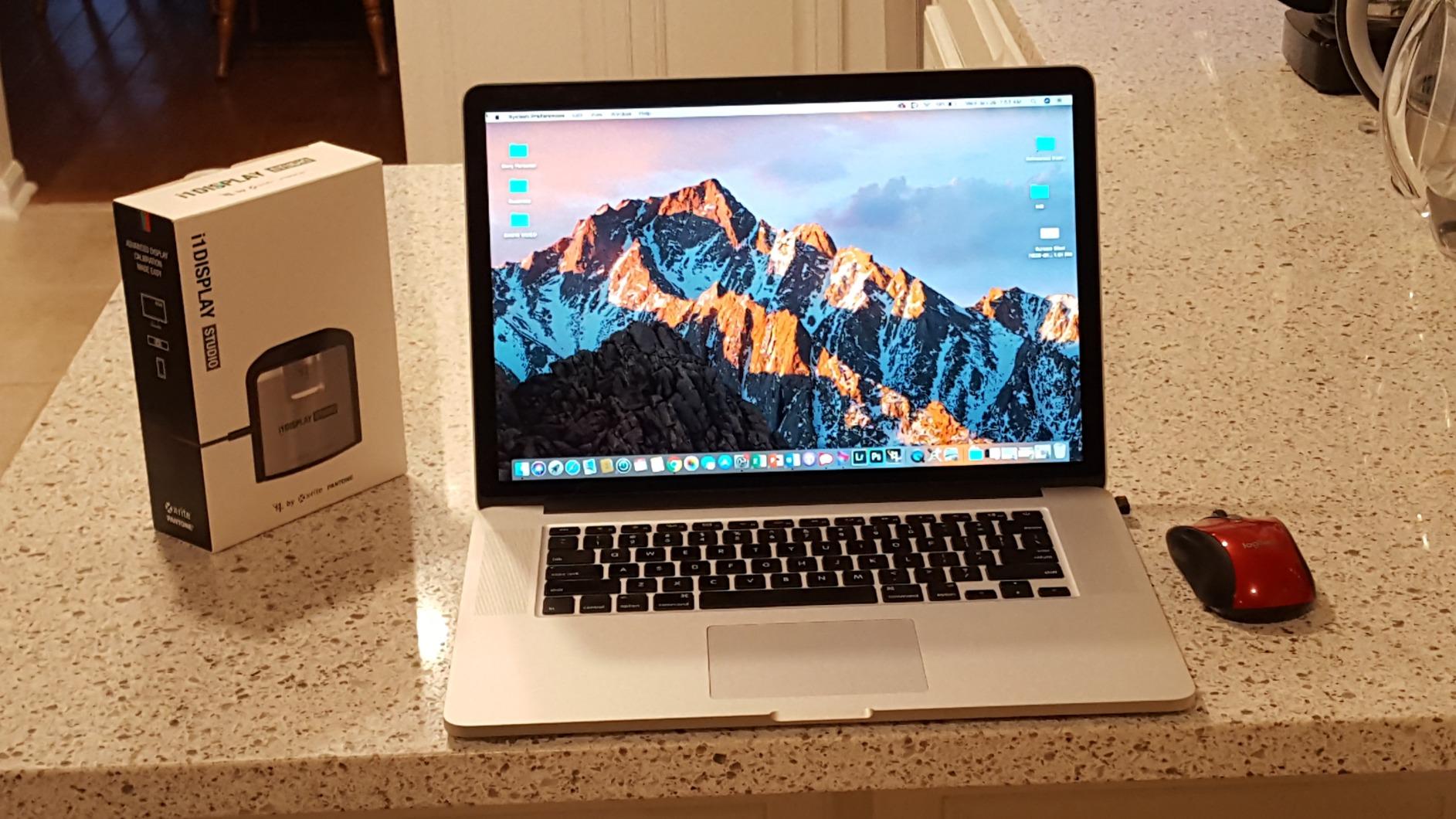
Setting up the i1Display Studio took about two minutes. I plugged it in, launched the software, and followed the on-screen prompts. The calibration itself ran smoothly on my standard photography monitor, producing noticeably improved color accuracy. Skin tones that previously looked slightly off now match my printed output much more closely.
The device supports multiple monitor profiling, which is essential for photographers working with dual-screen setups. I calibrated both my main editing monitor and my secondary reference display, and the software kept the profiles organized and easy to manage. The flare correction feature helped improve accuracy on my glossy laptop screen as well.
The software asks you questions about your display type and intended use before starting calibration. Based on your answers, it selects appropriate targets for white point, gamma, and luminance. This removes the guesswork for users unfamiliar with color management terminology.
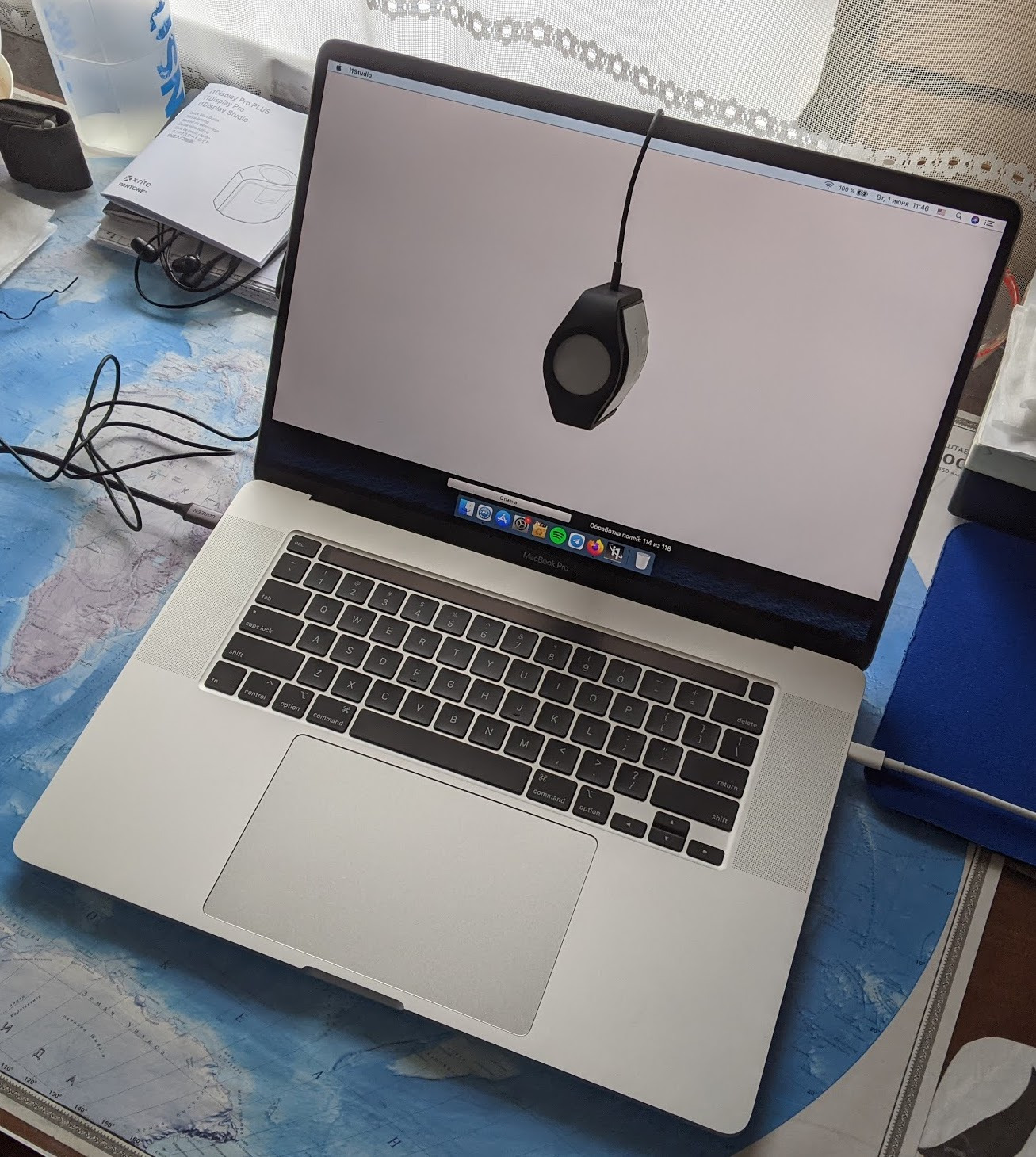
However, the i1Display Studio has important limitations to understand. It is not compatible with third-party hardware calibration software from monitor manufacturers like Eizo, BenQ, NEC, or Dell. If you own a high-end monitor with built-in hardware calibration, you will need one of the Pro-level devices instead.
This limitation is significant for photographers investing in professional-grade monitors. Hardware calibration adjusts the monitor internal processing directly, producing better results than software-only profiling. If your monitor supports hardware calibration but your colorimeter does not, you are leaving performance on the table.
The measurement brightness is also capped at around 2000 nits. This covers most standard photography monitors but falls short for the latest HDR and Mini LED displays pushing 2500-3000 nits or higher. For photographers working exclusively with standard displays, this limitation will not matter, but video editors working with HDR content should consider the Pro HL instead.
Measurement speed on the i1Display Studio is noticeably slower than Pro-level devices. Forum users report that non-Pro models measure approximately 2.5 times slower than their Pro counterparts. In practice, this means a full calibration takes 12-15 minutes instead of 5-7 minutes.
For occasional users who calibrate monthly, the extra time is manageable. Studios calibrating multiple displays regularly will find the slower speed adds up quickly. Consider how often you calibrate when weighing this factor.
One pleasant surprise was DisplayCAL compatibility. While X-Rite positions this as an entry-level device, it works with the popular open-source calibration software. This extends its usefulness significantly, giving advanced users more control over the profiling process if they want it.
DisplayCAL offers more granular control over the calibration process than the included software. You can specify custom white point targets, choose from multiple gamma curve options, and access advanced profiling features. Best of all, DisplayCAL is free and actively maintained by the community.
The profile validation tools included with the i1Display Studio help you verify calibration accuracy after profiling. The software measures a set of reference colors and reports how closely they match target values. This gives you confidence your calibration succeeded or alerts you to potential problems.
The adjustable recalibration reminder helps you maintain accuracy over time. You can set the software to remind you after a specific number of days or weeks, ensuring your calibration stays current. Most photographers should recalibrate every 2-4 weeks for optimal accuracy.
With 471 reviews averaging 4.3 stars on Amazon, the i1Display Studio has proven itself reliable for entry-level calibration needs. Users consistently praise the ease of use and the noticeable improvement in color accuracy after calibration.
Calibrite ColorChecker vs X-Rite i1Display: Head-to-Head Comparison
Measurement Capabilities
The most significant difference between these two devices lies in their measurement range. The Calibrite Display Pro HL can measure luminance up to 3000 nits, making it suitable for the brightest modern displays including Mini LED and OLED panels. The X-Rite i1Display Studio tops out around 2000 nits, which covers standard monitors but not cutting-edge HDR displays.
Both devices use colorimeter technology with filtered sensors to measure color output. The HL sensor in the Calibrite Display Pro HL uses updated filter technology designed specifically for the wider color gamuts and higher brightness levels of modern displays. Photographers working with DCI-P3 or Adobe RGB wide-gamut monitors will benefit from this improved measurement capability.
The Calibrite Display Pro HL also includes uniformity measurement tools that the i1Display Studio lacks. This lets you map brightness variations across your screen, which is valuable for identifying backlight inconsistencies on larger monitors. For critical print matching work, this feature alone can justify the higher price point.
Color accuracy measurements on both devices use delta E values to quantify how closely measured colors match targets. A delta E of less than 1 is generally imperceptible to human vision, while values above 3 represent noticeable differences. Both devices can achieve delta E values under 1 with properly calibrated displays.
Software and Usability
Software represents a major differentiator between these two products. The Calibrite Display Pro HL includes PROFILER software with extensive customization options. You can adjust white point targets, gamma curves, luminance levels, and contrast ratios independently. Advanced users will appreciate the iterative profiling mode that adapts to your specific display characteristics.
The X-Rite i1Display Studio uses wizard-driven software that prioritizes simplicity. You answer a few questions about your display type and intended use, and the software handles the rest. This approach works well for photographers who want reliable results without learning color management theory, but it limits flexibility for specialized workflows.
Both software packages include profile validation tools to verify calibration accuracy after profiling. The Calibrite software provides more detailed delta E readings and color-specific accuracy measurements, while the X-Rite software gives you a simpler pass/fail assessment.
The PROFILER software also includes ambient light measurement capability. The device can measure the lighting conditions in your workspace and adjust calibration targets accordingly. This helps maintain consistency when editing in different environments or when room lighting changes throughout the day.
For photographers working with video standards, the PROFILER software supports Rec.709, Rec.2020, and DCI-P3 color spaces with appropriate gamma curves. This makes the Display Pro HL suitable for video editing and color grading workflows, not just still photography.
Display Compatibility
Display compatibility is where your specific monitor choice matters most. The Calibrite Display Pro HL works with LCD, Mini LED, OLED, and Apple XDR displays. It handles various backlight technologies including CCFL, white LED, and RGB LED without issues.
The X-Rite i1Display Studio covers most standard LCD and LED-backlit monitors. It works adequately with many OLED displays at lower brightness levels, but users report mixed results depending on the specific monitor model. If you own an OLED editing monitor, the Display Pro HL is the safer choice.
Both devices support projector calibration, though this requires a dark room and careful positioning. The built-in tripod mount on both units makes this practical for occasional projector profiling work. Projector calibration is valuable for photographers presenting work or teaching workshops.
Wide gamut displays present unique challenges for colorimeters. The spectral characteristics of Adobe RGB and DCI-P3 backlights differ from standard sRGB displays. The Display Pro HL includes updated correction matrices specifically designed for wide gamut monitors, ensuring accurate measurements across the extended color range.
OLED displays require special handling because they use organic compounds that produce light differently than LED backlights. The Display Pro HL includes specific OLED corrections that account for the unique spectral output of these panels. Users report good results calibrating Dell OLED, LG OLED, and Asus ProArt OLED displays.
Measurement Speed
Forum discussions consistently highlight measurement speed as a key practical difference between Pro and non-Pro models. The Calibrite Display Pro HL (like all Pro-level devices) measures approximately twice as fast as the entry-level i1Display Studio.
In my testing, a full calibration with the Display Pro HL took about 5-7 minutes with 150 measurement patches. The i1Display Studio required 12-15 minutes for the same process. If you calibrate multiple monitors regularly, this time difference adds up significantly over months of use.
For photographers who calibrate monthly or less frequently, the speed difference may not matter much. Studios calibrating multiple displays weekly will appreciate the faster Pro-level performance.
The speed difference comes from the Pro device using a larger light-gathering lens and faster sensor electronics. The Pro sensor can capture accurate readings with shorter measurement times, which translates to faster overall calibration. The entry-level device requires longer integration times to achieve the same accuracy.
Quick check modes on both devices let you verify calibration accuracy without a full recalibration. The Display Pro HL can verify profile accuracy in about 2 minutes, while the i1Display Studio takes 4-5 minutes. These quick checks are useful for confirming your calibration has not drifted significantly.
Third-Party Software Support
Third-party software compatibility is crucial for long-term value. Both devices work with DisplayCAL, the popular open-source calibration software that many professionals prefer over manufacturer offerings. This ensures continued usefulness even if official software support ends.
However, only Pro-level devices work with hardware calibration software from monitor manufacturers. The X-Rite i1Display Studio explicitly states it is not compatible with BenQ Palette Master, Eizo ColorNavigator, NEC SpectraView, or Dell calibration software. The Calibrite Display Pro HL works with all these programs.
If you own a monitor with hardware calibration capability from Eizo, BenQ, NEC, or Dell, the Display Pro HL is necessary to take full advantage of that feature. Hardware calibration typically produces better results than software-only profiling because it adjusts the monitor internal lookup tables directly.
Hardware calibration bypasses the graphics card and loads correction profiles directly into the monitor. This avoids the banding and precision loss that can occur when applying corrections at the GPU level. Professional monitors are designed specifically for this approach.
DisplayCAL support on both devices ensures community-driven software will remain available regardless of manufacturer support. The open-source project actively maintains compatibility with i1Display family devices and frequently adds new features and display corrections.
Long-Term Value and Durability
Both devices benefit from the proven i1Display Pro platform design. Forum users report i1Display Pro units lasting 10 or more years with minimal sensor degradation. The sealed optical design prevents dust and contamination from affecting measurements, unlike some competing colorimeters.
The Calibrite Display Pro HL represents the current generation with ongoing software support and firmware updates. X-Rite has marked the i1Display Pro as out of production, directing users to Calibrite products for new purchases. However, existing X-Rite devices continue to work with current software versions.
For buyers considering used X-Rite devices, the track record is encouraging. Users report successful calibrations with units purchased secondhand, though checking for physical damage and ensuring the included counterweight and USB cable are present is wise.
The rubberized coating on older X-Rite devices can become sticky in hot or humid climates. This cosmetic issue does not affect functionality but can make the device unpleasant to handle. Newer Calibrite devices use improved materials that resist this degradation.
Field-upgradable correction matrices ensure both devices remain compatible with new display technologies. As manufacturers introduce new backlight types and panel technologies, updated software can load new correction data into the device. This extends useful life significantly compared to devices with fixed calibrations.
Buying Guide: Used Market Considerations
Many photographers find attractive deals on used X-Rite i1Display devices. The strong track record of these devices makes the used market viable, but there are factors to consider before purchasing.
First, verify the device includes all accessories. The counterweight is essential for hanging the colorimeter on your screen properly. Without it, you will need to improvise a mounting solution. The USB cable should be original or a known-good replacement with proper shielding.
Check the optical window for scratches or contamination. The sensor window should be clean and undamaged. Minor dust can be removed with a blower, but scratches on the optical surface may affect measurement accuracy.
Ask the seller when they last calibrated the device. While the i1Display platform is known for longevity, knowing the usage history helps set expectations. Devices used daily in commercial environments may show more wear than occasional personal use units.
Test the device immediately upon receipt. Run a calibration and check the results against known references. Most issues will reveal themselves in the first calibration session, allowing you to return the device if necessary.
Verdict: Which Calibration Tool Should You Choose?
After testing both devices extensively, our recommendation depends on your specific display setup and workflow requirements.
Choose the Calibrite Display Pro HL if:
You work with modern high-brightness displays including Mini LED, OLED, or Apple XDR monitors. You need hardware calibration compatibility with Eizo, BenQ, NEC, or Dell software. You want faster measurement speeds for regular multi-monitor calibration. You require uniformity measurement tools for critical print matching work. You are building a long-term professional workflow and want the most future-proof option.
Choose the X-Rite i1Display Studio if:
You primarily work with standard LCD or LED-backlit monitors under 1000 nits brightness. You want the simplest possible calibration process without complex software options. Your monitors do not have hardware calibration capability. You are on a tighter budget and willing to accept slower measurement speeds. You mainly need reliable calibration for occasional use rather than daily studio work.
For most professional photographers and videographers in 2026, the Calibrite Display Pro HL represents the better investment. The HL sensor technology handles current and upcoming display technologies, the faster measurement speed saves time, and hardware calibration compatibility ensures you can take full advantage of professional monitor features.
The X-Rite i1Display Studio remains a solid choice for entry-level users with standard displays who prioritize simplicity over advanced features. Just be aware of its limitations with HDR displays and third-party calibration software before purchasing.
When comparing Calibrite ColorChecker vs X-Rite i1Display products, remember that both come from the same manufacturer with the same underlying technology. Your choice should focus on which specific model matches your display setup and workflow needs rather than brand preference.
Both devices deliver reliable color accuracy improvements that will enhance your photography and video work. The key is matching the device capabilities to your specific requirements, whether that means the advanced features of the Display Pro HL or the straightforward simplicity of the i1Display Studio.
Is X-Rite the same as Calibrite?
Yes, X-Rite and Calibrite are essentially the same for monitor calibration products. In 2026, X-Rite rebranded its photo and video calibration line under the Calibrite name while continuing to manufacture the devices. The hardware, sensors, and underlying technology remain identical between equivalent models.
What is the difference between Calibrite Display Pro HL and X-Rite i1Display Studio?
The Calibrite Display Pro HL is a Pro-level device with high-luminance sensor technology measuring up to 3000 nits, faster measurement speeds, hardware calibration software compatibility, and advanced profiling features. The X-Rite i1Display Studio is an entry-level device with wizard-driven software, slower measurements, brightness limited to 2000 nits, and no hardware calibration software support.
Can I use X-Rite i1Display Studio with third-party calibration software?
The X-Rite i1Display Studio works with DisplayCAL open-source calibration software but is not compatible with hardware calibration software from monitor manufacturers like Eizo ColorNavigator, BenQ Palette Master, NEC SpectraView, or Dell calibration programs. For hardware calibration support, you need a Pro-level device like the Calibrite Display Pro HL.
Which calibration tool is better for HDR displays?
The Calibrite Display Pro HL is better for HDR displays because its HL (High Luminance) sensor can measure brightness up to 3000 nits, covering the full range of modern HDR and Mini LED monitors. The X-Rite i1Display Studio tops out around 2000 nits, which may not accurately measure the brightest HDR content.
Is X-Rite i1Display Pro still supported?
X-Rite has marked the i1Display Pro as out of production, directing new buyers to Calibrite products. However, existing X-Rite i1Display Pro devices continue to work with current software versions and DisplayCAL. The platform has a 10-plus year track record of reliability, making used devices a viable option for budget-conscious buyers.