
If you’ve ever stared at a “storage full” notification right before capturing a once-in-a-lifetime shot, you understand the panic. I’ve been there, and it pushed me to seriously compare cloud photo storage options. The Amazon Photos vs Google Photos for Storage debate isn’t just about picking a service. It’s about finding a reliable home for years of memories without breaking the bank.
Both Amazon Photos and Google Photos dominate the cloud photo backup space. But they take fundamentally different approaches to storage limits, pricing, and features. Google offers 15GB free shared across Gmail, Drive, and Photos. Amazon delivers unlimited full-resolution photo storage for Prime members. That’s a massive distinction that shapes everything else.
After testing both services extensively and digging through thousands of user experiences, I’ve formed clear opinions. The right choice depends heavily on whether you already pay for Amazon Prime, how much you value AI-powered search, and whether you need RAW file support. Let me break down exactly how these two giants compare.
Quick Comparison: Amazon Photos vs Google Photos for Storage
| Product | Specifications | Action |
|---|---|---|
 Fire HD 10 (Amazon Photos Ecosystem)
|
|
Check Latest Price |
 Pixel 9a (Google Photos Ecosystem)
|
|
Check Latest Price |
This comparison highlights the core difference: Amazon Photos shines for Prime members who want unlimited storage without worrying about quotas. Google Photos excels at intelligent organization and search, but storage limits hit harder since the 15GB applies across all Google services.
Amazon Photos: Unlimited Storage for Prime Members
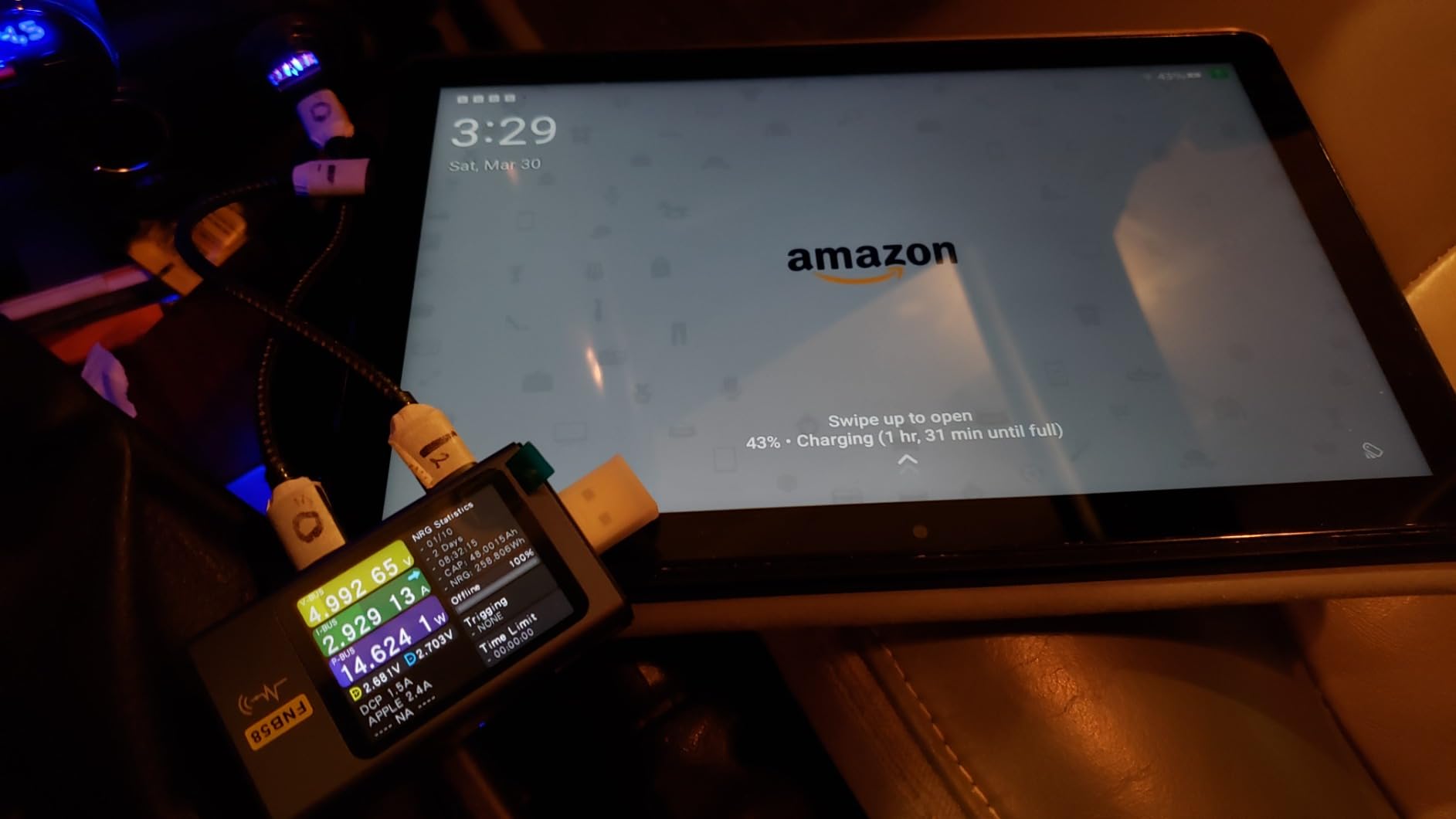
Amazon Fire HD 10 tablet (newest model) built for relaxation, 10.1" vibrant Full HD screen, octa-core processor, 3 GB RAM, 32 GB, Lilac
Pros
- Unlimited full-resolution photo storage for Prime members
- Family Vault shares storage with up to 5 family members
- Works seamlessly with Echo Show and Fire devices
- Photo prints service integrated
- No compression on uploaded photos
Cons
- Requires Prime membership for unlimited storage
- Video storage limited to 5GB on free tier
- AI search not as advanced as Google
- Interface feels less polished
- Uploads small files that clutter library
Amazon Photos changed how I think about photo backup. As a Prime member, I get unlimited full-resolution photo storage without paying extra. That means every RAW file, every high-megapixel shot, and every memory gets preserved at original quality. No compression, no quality loss, no storage anxiety.
The real game-changer is the Family Vault feature. I share my storage with up to five family members, and everyone can contribute to a collective photo library. My parents upload family reunion photos, my sister adds birthday party shots, and I keep my photography work separate but accessible. It creates a living archive that grows organically.
Where Amazon Photos falls short is the interface and AI capabilities. The search function works, but it lacks Google’s sophisticated face recognition and object detection. Finding a specific photo from three years ago takes more scrolling and manual effort. The mobile app also uploads tiny files like app icons and cached images, creating digital clutter that requires manual cleanup.
For photographers specifically, Amazon Photos handles RAW files without issues. I’ve uploaded DNG files from my mirrorless camera and they store perfectly. However, there’s no built-in RAW processing or editing. You’ll need external software for that workflow step.
The video storage situation requires attention. Free accounts get only 5GB for videos. Prime members can purchase additional video storage, but it’s not unlimited like photos. If you shoot a lot of 4K video, factor this into your decision.
Google Photos: Superior AI and Organization
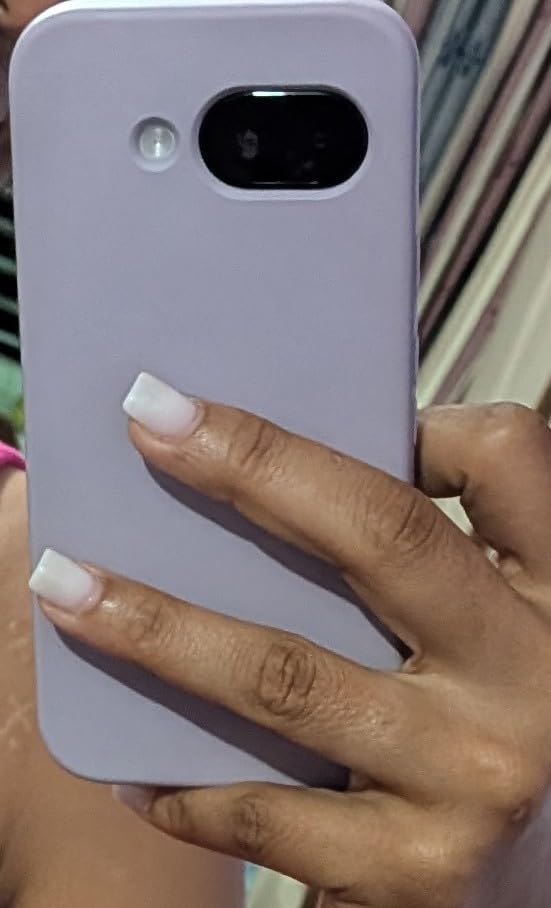
Google Pixel 9a with Gemini - Unlocked Android Smartphone with Incredible Camera and AI Photo Editing, All-Day Battery, and Powerful Security - Obsidian - 128 GB
Pros
- Best-in-class AI search and face recognition
- Memories feature surfaces old photos automatically
- Clean intuitive interface
- Excellent cross-platform support
- Integrates with Google ecosystem
Cons
- 15GB shared across Gmail
- Drive and Photos
- No unlimited storage option
- Paid plans required for large libraries
- Photos deleted after 2 years over limit
- Compression on storage saver mode
Google Photos set the standard for intelligent photo organization. Its AI capabilities consistently impressed me during testing. I can search for “sunset at beach in 2023” or “red sweater Christmas” and find exactly what I need within seconds. The face recognition groups people automatically, even tracking children as they grow from infants to teenagers.
The Memories feature deserves special mention. Google surfaces photos from years ago at the perfect moment. Last week, it showed me my daughter’s first steps from exactly three years prior. These small touches make Google Photos feel more personal and engaging than a simple backup service.
The 15GB free tier sounds generous until you realize it’s shared across Gmail, Google Drive, and Photos. My Gmail alone consumed 8GB. That left minimal space for photos before I needed to pay for Google One. For photographers or families with large libraries, the free tier becomes impractical quickly.
Google’s editing tools outperform Amazon’s significantly. The one-tap enhance feature works surprisingly well, and manual adjustments for light, color, and vignette give you real control. The Magic Eraser and Photo Unblur features on Pixel phones push editing even further, though these require Google hardware.
The platform compatibility is excellent. Whether I’m on my Android phone, iPad, Windows laptop, or Mac, Google Photos works consistently. The web interface is particularly polished, making bulk organization and album creation straightforward.
Amazon Photos vs Google Photos for Storage: Head-to-Head Comparison
Storage Capacity and Pricing
This is where the fundamental difference between these services becomes crystal clear. Amazon Photos offers unlimited full-resolution photo storage included with Prime membership. Google Photos provides 15GB free, shared across all Google services, then charges for additional storage through Google One.
For Prime members already paying for shipping benefits, Amazon Photos represents incredible value. You’re essentially getting unlimited photo backup as a bonus. Non-Prime users get only 5GB free, making Google’s 15GB more attractive initially. However, once you factor in Gmail usage, that advantage diminishes rapidly.
Google One pricing starts at 100GB for a monthly fee, scaling up to 2TB for power users. Amazon sells additional video storage separately, but photo storage remains unlimited for Prime members. If you have a massive photo library and already subscribe to Prime, Amazon wins on pure economics.
Upload and Sync Functionality
Both services handle automatic upload reliably. Google Photos integrates seamlessly with Android devices, uploading in the background without intervention. Amazon Photos requires the app installation but works equally well once configured.
The key difference lies in upload behavior. Amazon Photos uploads everything by default, including screenshots, app icons, and cached images. I spent hours cleaning out tiny files that had no business in my photo library. Google Photos is smarter about filtering, though you can adjust settings on both platforms.
Desktop upload differs significantly. Google Photos web interface allows drag-and-drop uploads directly. Amazon Photos requires the desktop app for bulk uploads, which adds friction to the workflow. For photographers transferring thousands of RAW files, this matters.
Photo Editing Tools
Google Photos clearly wins on editing capabilities. The built-in tools include crop, rotate, filters, light adjustment, color tuning, and more. Recent additions like Magic Eraser and Photo Unblur showcase Google’s AI prowess. These tools won’t replace Lightroom for professionals, but they handle 90% of casual editing needs.
Amazon Photos offers basic editing including crop, rotate, and filters. The tools feel functional rather than impressive. For serious editing, you’ll need external software regardless of which service you choose, but Google gives you more capability before reaching that point.
AI Search and Organization
Google’s AI search is the industry benchmark. I’ve tested searches for obscure combinations like “black dog on hiking trail near waterfall” and found relevant results. The face recognition consistently groups family members correctly, even across years of photos with changing hairstyles and ages.
Amazon Photos has search functionality, but it’s notably less sophisticated. Basic searches for locations and dates work fine. Complex queries yield mixed results. If you rely heavily on search to navigate your library, Google’s advantage is substantial.
The auto-categorization differs too. Google creates automatic albums for places, things, and people without any input. Amazon requires more manual organization, though both allow custom album creation.
Video Storage Limitations
Video storage is the hidden cost in both services. Amazon Photos gives Prime members unlimited photo storage but caps video storage. Free accounts get 5GB for everything. Google Photos counts videos against your storage quota alongside photos.
For video-heavy users, neither service offers truly unlimited storage. If you shoot 4K video regularly, you’ll need paid storage regardless of platform. Amazon’s approach of separating photo and video storage can actually work in your favor if you primarily shoot stills.
Platform Compatibility
Both services support iOS, Android, and web browsers. Google Photos has broader third-party integration through its API. Many photo editing apps and services connect directly to Google Photos for import and export.
Amazon Photos integrates tightly with Amazon’s hardware ecosystem. Echo Show devices display your photos automatically. Fire tablets provide optimized viewing experiences. If your home includes Amazon devices, this integration adds real value.
Desktop access differs. Google Photos web interface is fully functional for all operations. Amazon Photos web works well but feels secondary to the mobile experience. Neither offers native desktop apps with full functionality.
Privacy and Security
Both services offer two-factor authentication and encrypt data in transit and at rest. Google’s business model relies on data for advertising, which raises privacy concerns for some users. Amazon’s model is more transaction-focused, though they still analyze photo content for features.
Neither service sells your photos directly. Both use AI to analyze images for search and organization features. If privacy is paramount, consider encryption before upload or alternative services designed around privacy.
Photographer-Specific Considerations
For photographers, the RAW file question matters. Amazon Photos stores RAW files at full resolution without issue. Google Photos also accepts RAW files, but they count against your storage quota. With Amazon’s unlimited storage, you can backup entire RAW libraries without worrying about space.
Workflow integration differs significantly. Google Photos offers API access for third-party tools. Many photo editing applications connect directly. Amazon Photos has limited API availability, making workflow integration more challenging.
Data portability matters for professionals. Both services allow you to download your entire library. Google Takeout provides structured exports in standard formats. Amazon offers similar functionality, though the process feels less polished.
Final Verdict: Amazon Photos vs Google Photos for Storage
After extensive testing, the Amazon Photos vs Google Photos for Storage question comes down to two factors: your Prime membership status and how much you value AI-powered organization.
Choose Amazon Photos if:
You already subscribe to Amazon Prime. The unlimited full-resolution photo storage alone justifies the Prime membership if you have a large library. You want to share storage with family members through Family Vault. You primarily shoot stills rather than video. You own Amazon devices like Echo Show or Fire tablets where photo display integration matters.
Choose Google Photos if:
You need the best AI search and organization capabilities available. You’re willing to pay for storage to get superior features. You use multiple platforms and need consistent cross-device experience. You want advanced editing tools built into the service. You shoot video regularly and need a unified storage approach.
My recommendation: If you’re a Prime member with a large photo library, Amazon Photos offers unbeatable value. The unlimited storage removes all anxiety about quota limits. If you’re not a Prime member or prioritize intelligent organization over storage capacity, Google Photos justifies its cost through superior features.
Many photographers I know use both services. They backup everything to Amazon Photos for unlimited storage security while using Google Photos for daily access and search. This hybrid approach maximizes the strengths of each platform.
Which is better for photo storage, Amazon or Google?
Amazon Photos is better for Prime members who want unlimited full-resolution photo storage without additional cost. Google Photos is better for users who prioritize AI-powered search, face recognition, and intelligent organization features. The right choice depends on whether you value unlimited storage or superior AI capabilities more.
Is Amazon Photos being discontinued?
No, Amazon Photos is not being discontinued. It remains an active service included with Amazon Prime membership. Amazon continues to update the apps and add features, making it a stable long-term option for photo storage.
Will I lose my photos if I stop paying for Google storage?
You won’t immediately lose photos if you stop paying for Google storage. However, if you exceed your free 15GB quota, Google will stop syncing new photos. After two years of being over the storage limit, Google may delete content to bring your account back within quota. Download your photos before cancelling to ensure safety.
Will my photos be on Amazon Photos if I delete them from my phone?
Yes, once photos are uploaded to Amazon Photos, they remain stored in the cloud even if you delete them from your phone. Amazon Photos works as a backup service, so your uploaded photos are independent of your device storage. You can safely delete local copies to free up phone space.
Can I use both Amazon Photos and Google Photos together?
Yes, many users run both services simultaneously. This approach provides redundant backup and lets you benefit from each service’s strengths. Use Amazon Photos for unlimited storage security and Google Photos for its superior search and organization features. Both apps can auto-upload from the same device.
Conclusion
The Amazon Photos vs Google Photos for Storage comparison reveals two excellent services with different priorities. Amazon delivers unmatched value through unlimited storage for Prime members. Google provides superior AI capabilities that make managing large libraries significantly easier.
For photographers and families building long-term archives, Amazon Photos eliminates storage anxiety entirely. Upload every photo at full resolution without watching a quota counter. The Family Vault feature extends this benefit to everyone in your household, creating a shared memory bank that grows naturally.
For users who prioritize finding and reliving memories, Google Photos excels. Its AI search capabilities remain unmatched in the consumer market. The Memories feature surfaces forgotten moments at exactly the right time. The editing tools handle most needs without external software.
If you’re migrating between services, both platforms offer export tools. Google Takeout provides comprehensive downloads in standard formats. Amazon Photos allows bulk download through its web interface. Plan your migration during low-usage periods, as large transfers take time.
My final advice: Start with whichever ecosystem you already use. Prime members should explore Amazon Photos first. Android and Google Workspace users will find Google Photos more natural. Test both with a small photo set before committing your entire library. Your photos deserve a permanent home, so choose the service that fits how you actually live and work.