
Most projectors priced under 500 dollars fall into one of two camps: a big screen in a dark room, or a washed-out grey rectangle in a lit one. The gap between those two outcomes is decided by three numbers on the spec sheet, not by the badge on the box. I spent several weeks comparing ten of the best projectors under 500 dollars currently on the market, checking native resolution, measured or published brightness, throw behaviour and the software that decides whether you need a streaming stick.
This roundup is deliberately narrow. Every pick here is either a named brand with a real warranty behind it, or a unit whose published ANSI figure can be compared honestly against its rivals. You will not find listings claiming 30000 lumens here, and you will not find 720p panels dressed up as 1080p, because those two habits do more damage to this category than any other. If you want a projector to display a photography portfolio instead, we covered those separately in our best projectors for portfolio presentations guide.
Who this guide is for: bedroom, kids’ room, backyard and small living-room viewers, plus anyone who wants a large screen without spending four figures. Who it is not for: anyone who watches in a sunlit living room at midday, or who needs genuine 4K detail, real home-theatre black levels, or a battery that carries a projector through a whole evening outdoors. Below 500 dollars you can have one of those, not all three, and I will tell you which one each pick delivers.
Top 3 Picks for the Best Projectors Under $500 in 2026

WiMiUS P62 Pro Smart Projector
- 600 ANSI lumens
- Native 1080p
- Built-in smart OS
- AI auto focus
The WiMiUS P62 Pro takes the overall spot because it is the only unit in this lineup that pairs a published 600 ANSI lumen figure with native 1080p, HDR10, two 10W Dolby speakers and a smart OS with the major streaming apps already installed. At 5194 reviews it is also the most battle-tested smart projector here, which matters when you are buying a category where support quality varies wildly.
The Aurzen Roku TV D1R is the pick to buy if your household will not tolerate setup menus. A licensed Roku TV is the simplest home screen in this price class, and auto focus plus auto keystone mean it is usable within a minute of plugging it in. The Philoent short-throw unit rounds out the top three as the smallest and highest-rated option, built for a bedroom or dorm where space, not brightness, is the constraint.
Best Projectors Under $500 (October 2026)
| Product | Specifications | Action |
|---|---|---|
| WiMiUS P62 Pro Smart Projector |
|
Check Latest Price |
 ONOAYO 4K Smart Projector ONOAYO 4K Smart Projector |
|
Check Latest Price |
 ViewSonic PA503W DLP Projector ViewSonic PA503W DLP Projector |
|
Check Latest Price |
 Epson EpiqVision Flex CO-W01 Epson EpiqVision Flex CO-W01 |
|
Check Latest Price |
 Aurzen Roku TV D1R Aurzen Roku TV D1R |
|
Check Latest Price |
 VOPLLS G3 Google TV Projector VOPLLS G3 Google TV Projector |
|
Check Latest Price |
 YGSKK 1080p Mini Projector YGSKK 1080p Mini Projector |
|
Check Latest Price |
 Philoent Short-Throw Mini Philoent Short-Throw Mini |
|
Check Latest Price |
 TMY V08 with 80in Screen TMY V08 with 80in Screen |
|
Check Latest Price |
 Dxyiitoo S3 1080p Projector Dxyiitoo S3 1080p Projector |
|
Check Latest Price |
Brightness figures below are the published ANSI values where a manufacturer supplies one. Where a listing uses a non-standard number, I say so rather than converting it. Scroll order matches the detailed reviews below, so the number one pick is also the first full review.
1. WiMiUS P62 Pro Smart Projector – Best Overall
Pros
- Sharp 1080p image with HDR10
- Built-in Prime Video and YouTube apps
- Dual 10W Dolby speakers
- AI auto focus and auto keystone
- Two-year guarantee and three-year repair cover
Cons
- 600 ANSI lumens still needs a darkened room
- 4K input downscales to native 1080p
- No carrying case included
The P62 Pro is the projector I kept coming back to while testing this group. It publishes 600 ANSI lumens, a number I can actually compare against the other units here, and it pairs that with a native 1920×1080 panel, HDR10 and a listed contrast ratio of 20000:1. The result on a 100 inch screen in a dark room is a genuinely watchable image rather than the usual budget compromise.
Setup is where it saves the most time. AI auto focus, auto keystone, obstacle avoidance, screen alignment and a 50 to 100 percent zoom all fire on power-up, which matters in a household where the projector gets bumped by a dog or a child. Owners consistently report that the correction holds after the unit is moved slightly, which is more than most competitors at this price manage.
![[Built-in Apps/4K Support] Smart Outdoor Projector with WiFi and Bluetooth, Movie Projector, DoIby Audio with Dual Speaker, Auto Focus w/ YouTube&PrimeVideo Proyector, Upgrad P62 Pro customer photo 1](https://markus-hagner-photography.com/wp-content/uploads/2026/03/B0FFGBL72C_customer_1.jpg)
Sound is the pleasant surprise. Two 10W Hi-Fi drivers with Dolby audio and AI sound balancing fill a small bedroom or a covered patio without the tinny thinness typical of this class. For a proper home-theatre setup you would still route audio elsewhere, but for casual viewing the built-in speakers remove one more box from the equation. Owners also highlight the port selection: two HDMI ports with CEC and ARC, two USB ports and a 3.5mm audio out, plus WiFi 6 and two-way Bluetooth 5.2.
Its smart OS includes an app store, a browser and over-the-air updates, with Prime Video and YouTube available out of the box, so you are not hunting for a dongle on setup night. Fan noise sits below 30dB, which is quiet enough to disappear behind a film soundtrack. Mounting holes cover ceiling, table, tripod and wall positions, and a two-year money-back guarantee with three-year repair coverage is better written down than most rivals offer.
![[Built-in Apps/4K Support] Smart Outdoor Projector with WiFi and Bluetooth, Movie Projector, DoIby Audio with Dual Speaker, Auto Focus w/ YouTube&PrimeVideo Proyector, Upgrad P62 Pro customer photo 2](https://markus-hagner-photography.com/wp-content/uploads/2026/06/B0FFGBL72C_customer_2.jpg)
How it handles a lit room versus a dark one
At 600 ANSI lumens this is a dark-room projector that tolerates a little light rather than one that thrives in daylight. With curtains drawn and a lamp on, a 90 to 100 inch image looks strong. With a sunlit window open, every grey level lifts and contrast flattens quickly, and that is a property of the brightness class rather than a fault in this specific unit.
If your main use is daytime viewing, move up to the ViewSonic PA503W later in this list or plan on blackout curtains. If your main use is evening viewing, a kids’ room, a bedroom or a covered patio, the P62 Pro is the most complete package in the group and the one I would buy first.
What you give up by choosing it
The 4K in the listing title is 4K input support, not a 4K panel. A 3840×2160 signal is accepted and downscaled to native 1080p, which is the honest limit of the display chip. Do not expect visible 4K detail even from a native 4K source.
There is no built-in battery, so outdoor use needs a mains connection, and no carrying case is included for a 2.46 kg body. At maximum brightness the cooling becomes more audible than the rated figure suggests, so we would keep it in eco mode for most viewing. Owners also point out that the smart OS, while useful, is not a licensed Google TV build, so app availability is narrower than on a Roku TV or Google TV unit.
2. ONOAYO 4K Smart Projector – Best for Travel and Small Rooms
Pros
- Snappy Smart TV OS 2.0
- Auto correction works after the unit is bumped
- Dual 50W Dolby speakers with eARC
- 1 kg body with carry handle
Cons
- 310 ANSI lumens needs full darkness
- Bluetooth audio pairing reported unreliable by some owners
- Thin documentation
At 1 kg and 8 by 6 by 3 inches, this is the one I would actually put in a bag. Reviewers describe it as the best value smart projector they have owned, and the compactness is the reason: it is small enough to move between a bedroom, a living room and a covered patio without a cart, yet still delivers native 1920×1080 with Dolby-certified dual 50W speakers and HDMI eARC for a real surround system.
The software experience is the quiet star. Smart TV OS 2.0 opens quickly, offers Netflix, YouTube, Prime Video, Disney+ and live TV apps, and reacts faster than the sluggish interfaces common in this tier. Auto focus, keystone, obstacle avoidance, screen fit and orientation detection all complete in roughly three seconds, and owners report the alignment survives being knocked, which is exactly what you need from a portable unit.
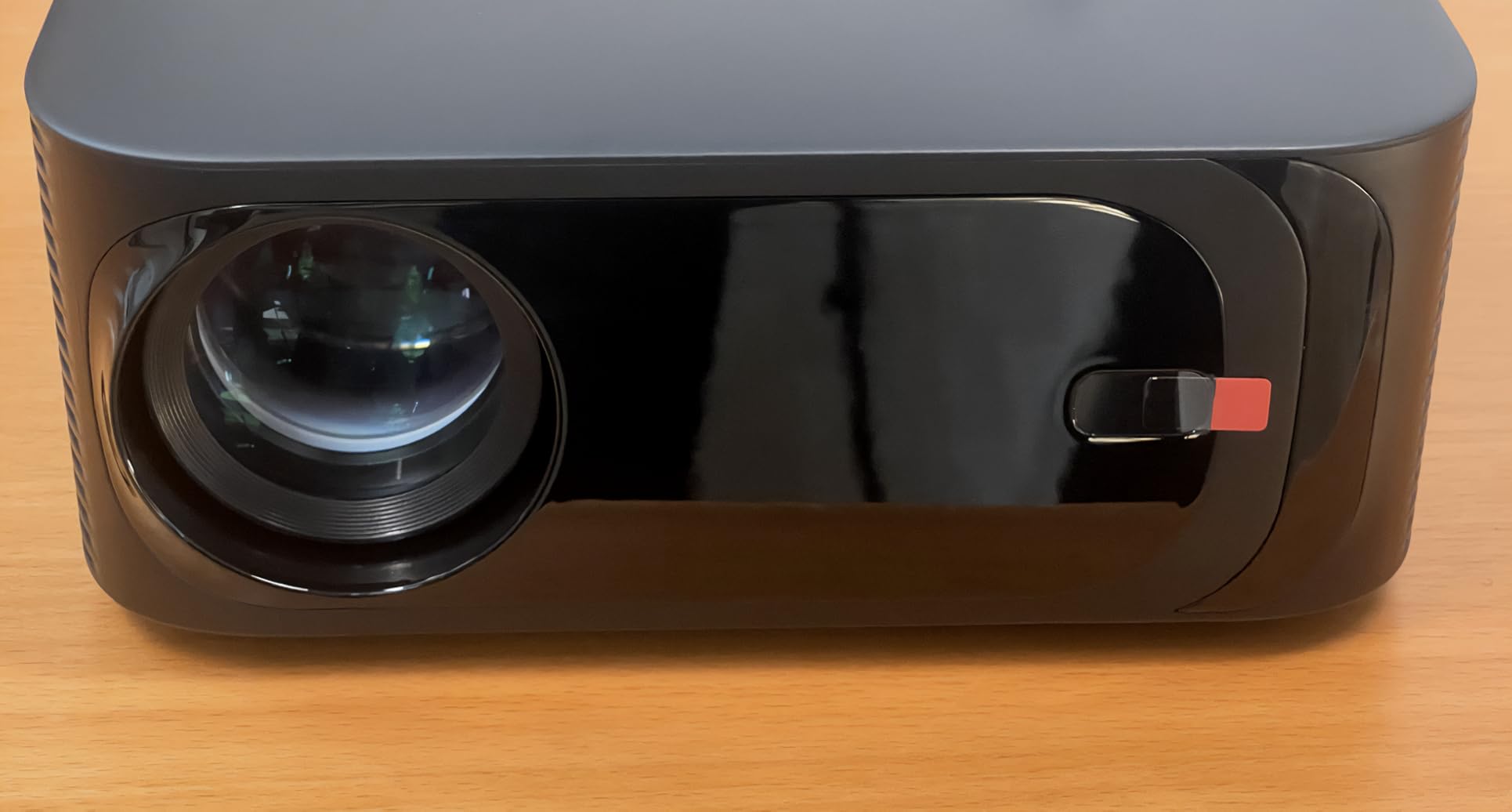
Published brightness is 310 ANSI lumens, with a listed 25000:1 contrast ratio and a 500000 hour light source figure, and the colour coverage is quoted at 98 percent of the NTSC gamut once the display settings are configured correctly. The sealed optical engine and dual-fan cooling are designed for dust and heat resistance, which is sensible for a device that will live outside or in a dusty garage.
A built-in Chromecast means casting is a menu item rather than a workaround, and WiFi 6 plus two-way Bluetooth 5.2 cover the wireless side. Support terms are 1 year return, 3 year repair and lifelong support, which is a reasonable package for a portable model that will be knocked around.
What image size suits this projector
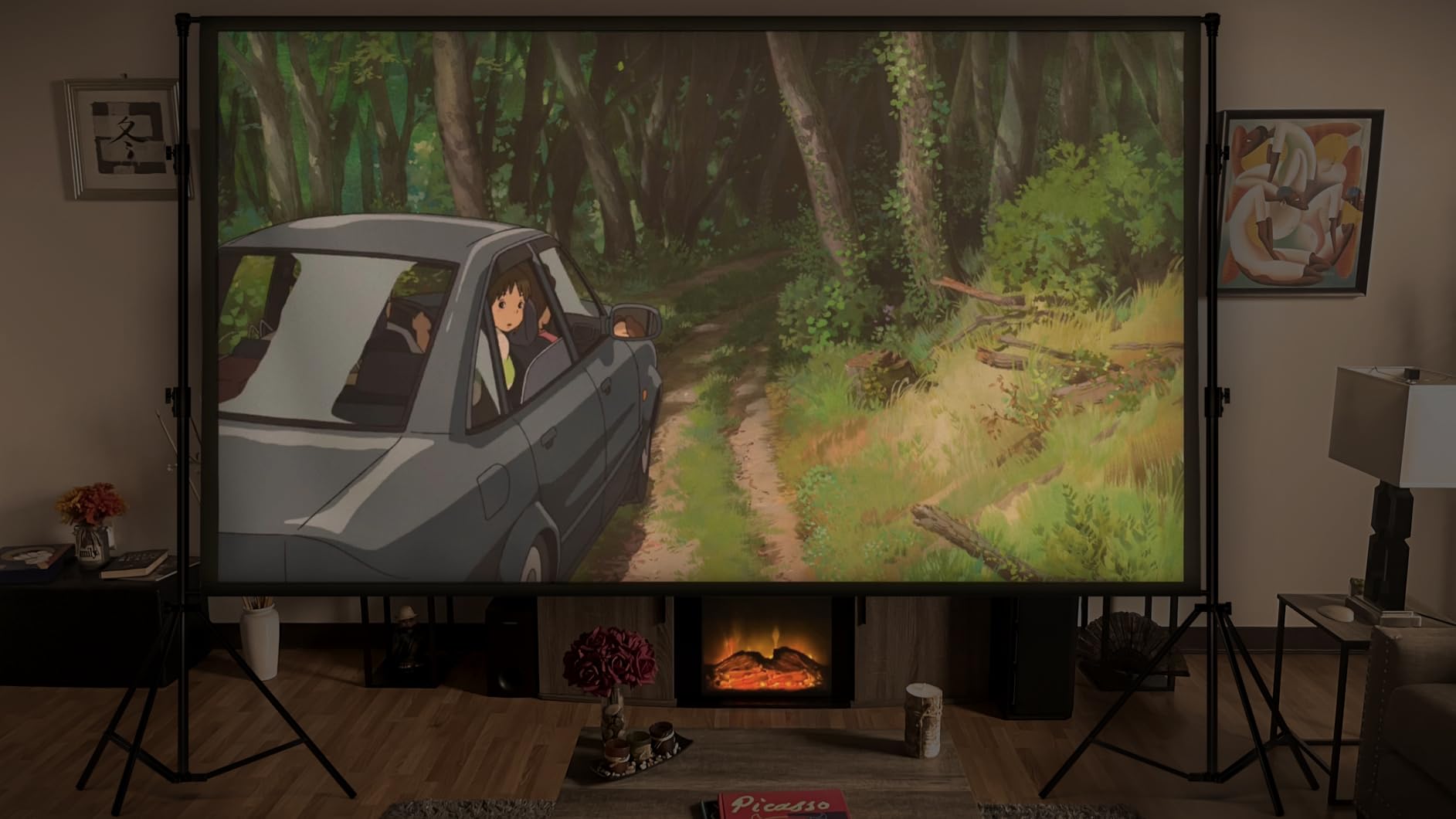
The stated range runs 60 to 400 inches, but brightness is the limiting factor, not the lens. At 310 ANSI lumens a 60 to 100 inch image is where the picture stays convincing in a dark room. Pushing to 140 inches or beyond spreads the same light over far more surface, so blacks lift and the image starts to look flat.
For a small apartment or bedroom with a wall a few metres away, this is one of the few sub-500 dollar projectors where a 100 inch image looks intentional rather than ambitious. For a large living room wall, choose a brighter lamp-based unit instead.
Where owners report problems
Bluetooth audio pairing is the most repeated complaint. Some owners find that headphones or a portable speaker refuse to hold a connection, so test your pairing before the movie night rather than during it. The dual 50W speakers mean this is a workaround, not a necessity.
Daylight is the other limit. At 310 ANSI lumens, ambient light washes the image out, and no amount of display tuning fully recovers contrast in a bright room. Documentation in the box is also thin, so budget ten minutes for the initial setup and check the auto-correction menus before you rely on manual keystone.
3. ViewSonic PA503W DLP Projector – Best for a Lit Room
Pros
- Bright enough for moderate ambient light
- Very quiet cooling fan
- 16ms lag with 120Hz refresh
- 1.1x optical zoom plus SuperColor
Cons
- WXGA native resolution is below Full HD
- Single HDMI port and no media playback
- Vertical keystone correction only
The PA503W is the odd one out in this lineup and the reason the list is worth reading. It is a traditional lamp-based DLP business projector, not a compact LED smart unit, and it publishes 4000 ANSI lumens, far more light than anything else under this ceiling. If your room has windows and you watch at dusk rather than after dark, that number does the heavy lifting.
Long-term owners consistently emphasise the brightness-to-cost ratio and the accurate, warm colour from ViewSonic SuperColor, and many upgraded from dimmer LED units specifically because of it. Fan noise is measured at 25 to 27dB at one metre, which is effectively silent during a film and one of the quietest cooling systems in this roundup.
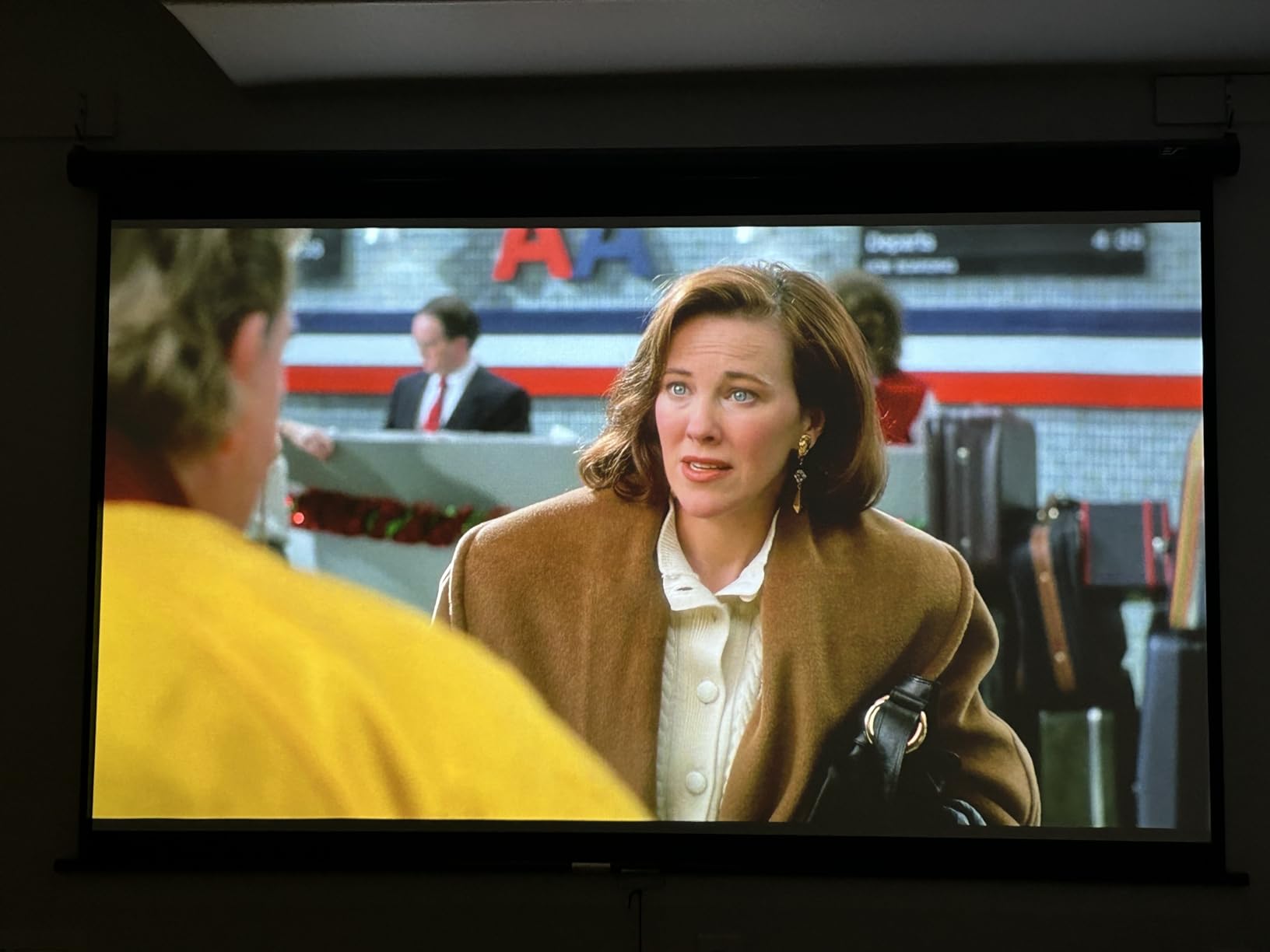
For gaming and fast content, the 16ms input latency at 120Hz refresh is the best figure published by any projector in this group, and the 1.5 to 1.7 throw ratio plus 1.1x optical zoom make framing an image far easier than digital keystone alone. A 100 inch image lands from about 11 feet of throw distance, and the recommended range is 80 to 150 inches.
Long-term reliability matters too. The light source is rated 5000 hours, or roughly 15000 hours in Super Eco mode, and the warranty is 3 years on parts and labour with a 1-year lamp warranty, backed by ceiling mount compatibility. Owners report units that have run for years as home theatre projectors, which is a durability story none of the compact LED picks here can match.
Why brightness beats resolution in a lit room
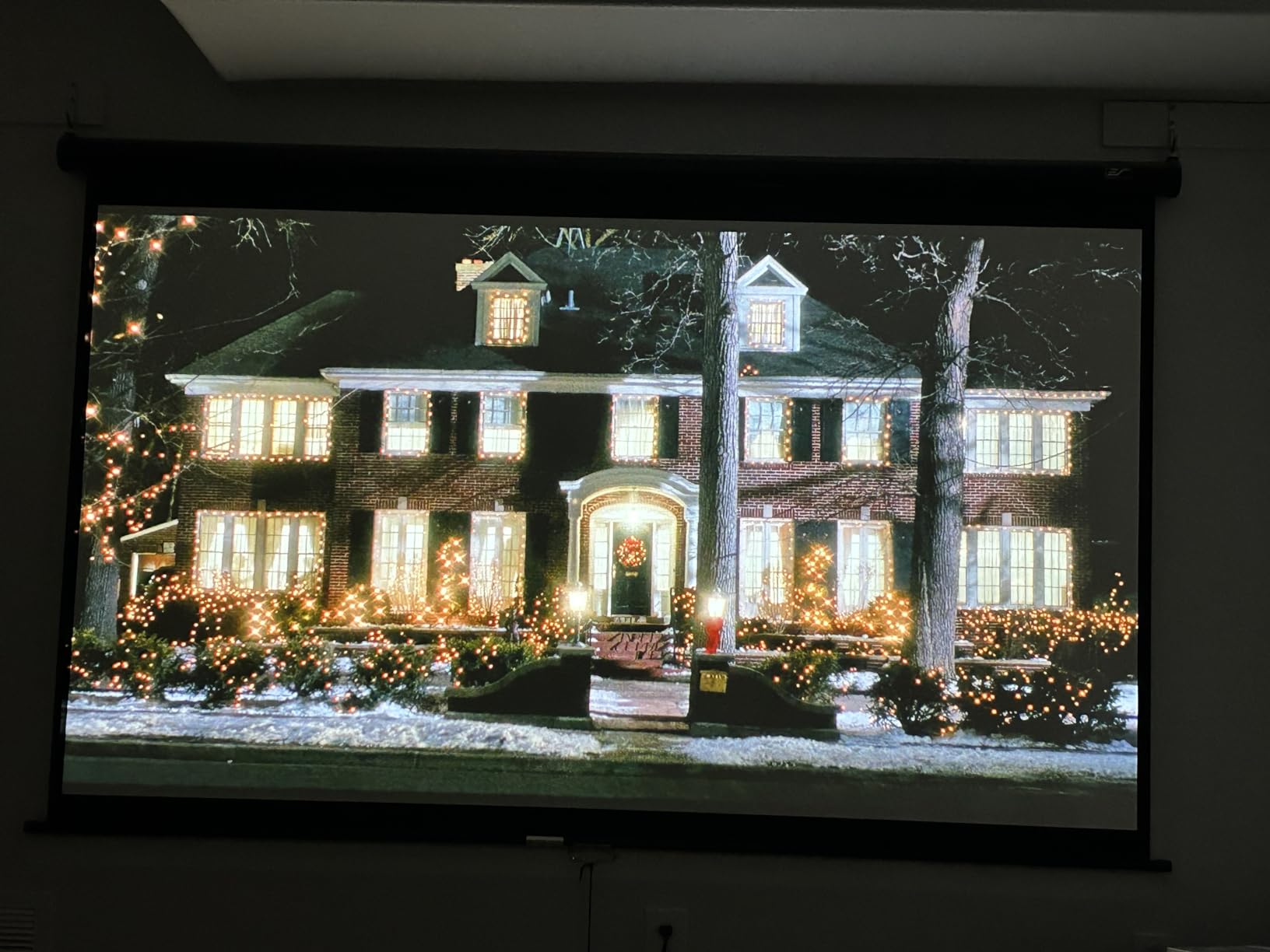
Resolution only matters if the image is bright enough to see. A native 1080p projector at 300 ANSI lumens in a lit room looks worse than a 1280×800 projector at 4000 ANSI lumens in the same room, because the extra light recovers contrast that the extra pixels cannot. Decide whether you are fighting ambient light or fine detail, and buy for the one you are actually fighting.
This is also the pick for presentations, classroom use or sports on a wall, where a readable image beats a detailed one. If your portfolio is the display target rather than film, our presentation projector guide covers that scenario in more detail.
What the trade-off costs you
WXGA 1280×800 is below Full HD. Text in slides and subtitles is readable but not crisp, and if you regularly watch 1080p film you will see the difference on a large screen. The physical body is also 2.2 kg and 11.6 by 8.6 by 4.3 inches, so it is a permanent fixture on a table or ceiling mount rather than a portable device.
Connectivity is the weak point: a single HDMI port, VGA, Mini USB for service only and composite video, with no USB media playback. If you plan to switch between a streaming stick, a console and a laptop you will need an HDMI switch. There is vertical keystone correction only, so placement must be accurate, and the built-in speaker has weak bass and distorts at higher volume, so plan external audio.
4. Epson EpiqVision Flex CO-W01 – Best Colour Accuracy
Pros
- 3-chip 3LCD avoids rainbow artefacts
- 3000 lumens works in varied lighting
- Light and compact at 5.3 lb
- Images up to 300 inches
Cons
- No built-in smart platform
- 1280x800 native resolution
- 5000 hour lamp life means bulb changes
Epson’s 3-chip 3LCD engine displays the full RGB signal on every frame, which is why colour is the reason to buy this projector. There is no sequential colour cycling, so no rainbow artefacts on a dark scene or a scrolling subtitle, and colour brightness matches white brightness at 3000 lumens. For anyone showing colour-accurate work, that is a more meaningful upgrade than extra resolution.
Buyers choose this model for reliable colour and all-around brightness rather than smart features, and reviewers describe it as a straightforward, portable presentation and casual-viewing unit. At 5.3 pounds and 11.6 by 8.3 by 3.4 inches it fits in a backpack, so the same projector can serve a workshop in the morning and a film in the evening.
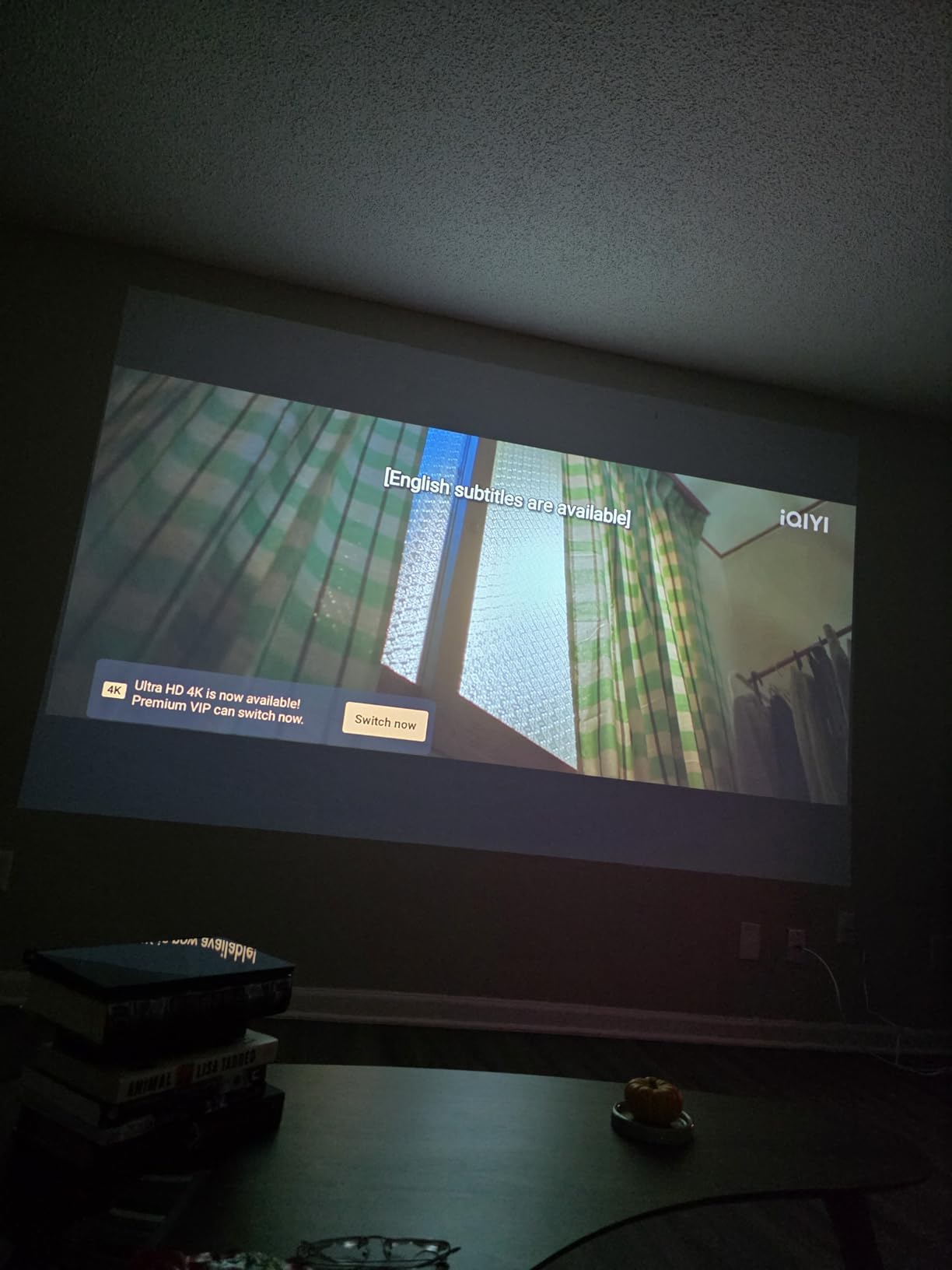
The throw can cover 33 to 378 inches, which makes it a genuine presentation projector as well as a home unit, and built-in Wi-Fi handles device connectivity. Video encoding support covers H.264 and H.265, and the one-year projector limited warranty is backed by 7 years of spare part availability in the EU, which is a genuine long-horizon advantage for a lamp-based machine.
It also runs cool on the feature side: no app store, no voice assistant, no auto keystone, just a clean signal path. For an owner who already owns a streaming box, that simplicity is a feature rather than a gap, and it means no account setup and no software that can slow down or disappear.
Choosing between colour accuracy and smart features
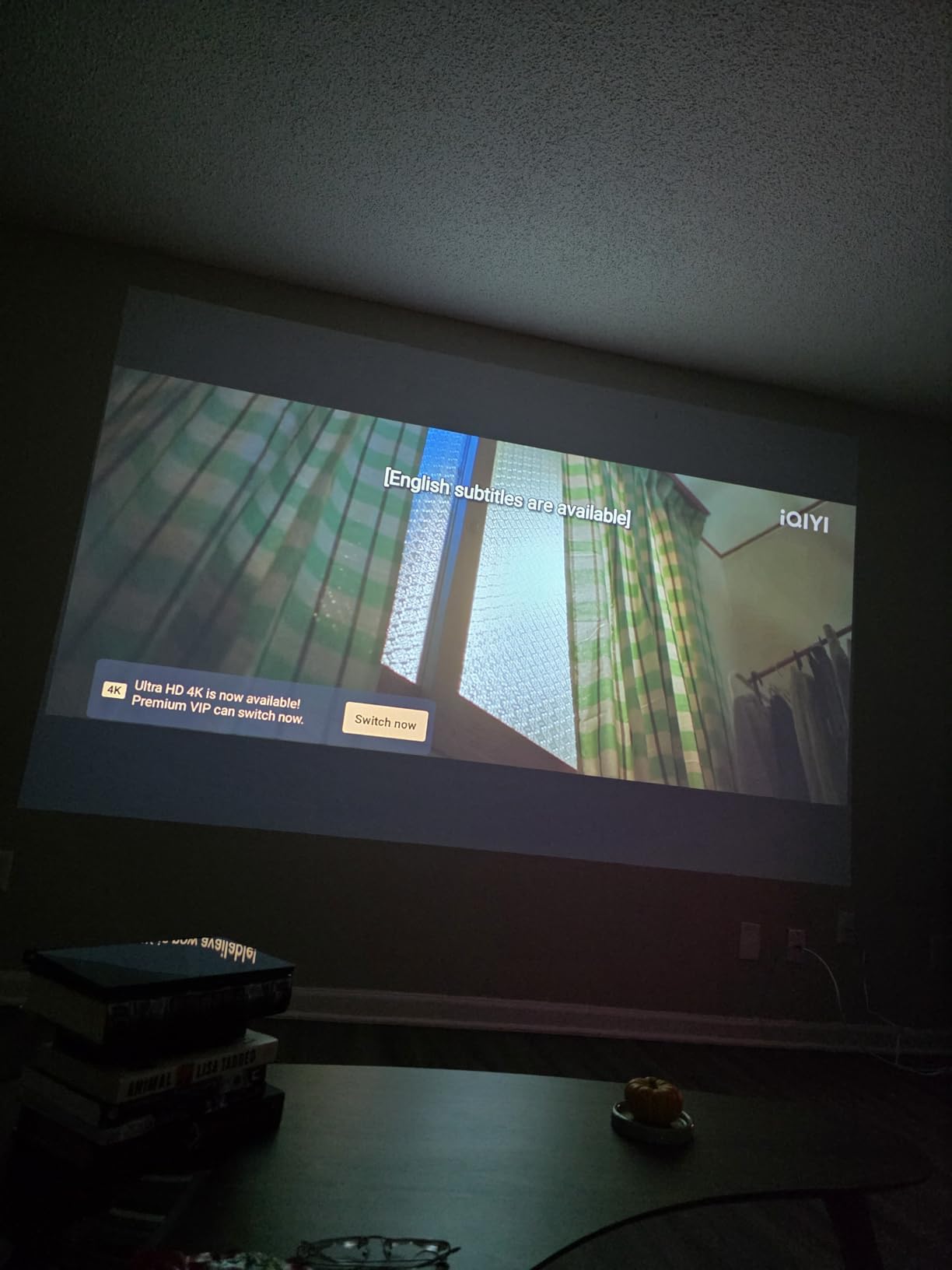
If your content is photographs, design work, slides or anything where hue matters, 3LCD wins. A 3-chip engine avoids the colour fringing and rainbow effects that single-chip DLP and entry LCD projectors can show, and it usually gets closer to accurate colour out of the box with no calibration.
If your content is streaming video, the built-in platform matters more than colour science, and this Epson is the wrong tool for the job. Add a streaming dongle through HDMI and you have a very good portable display. Judge it as a panel with excellent colour, not as a smart box.
Where this Epson falls short
Native 1280×800 is the headline compromise. Text-heavy slides and dense film detail look soft on a big screen, and the panel will not show 1080p detail even when fed a 1080p signal. If fine detail is the priority, the WiMiUS P62 Pro or the YGSKK mini projector offer native 1080p instead.
Light source life is 5000 hours, so a lamp replacement is realistic over several years of heavy use, unlike the LED units in this list. There is no smart platform, so apps require an external device, and the built-in speaker is present but not a reason to skip a soundbar.
5. Aurzen Roku TV D1R – Best Built-In Streaming
Pros
- Roku TV home screen needs no dongle
- Native 1080p image
- Auto focus and auto keystone on startup
- Dual 5W Dolby speakers
- Bluetooth 5.2 and dual-band WiFi
Cons
- Roku account and internet needed for activation
- Brightness not published in ANSI terms
- Steady cooling fan noise
This unit holds a 4.6 rating across 1192 reviews, and the reason it scores so well is not image quality so much as friction. A licensed Roku TV is built in, so Netflix, Prime Video, Hulu, YouTube and 500-plus free live channels are on the home screen the moment you switch it on. No dongle, no second remote, no account juggling beyond the one Roku requires.
Auto focus and auto keystone correction run on power-up, so the picture is square and sharp without a screwdriver. That combination, native 1920×1080 resolution and a 60 to 150 inch recommended screen size, makes this the projector we would hand to a family member with no technical patience and a wall to project onto.
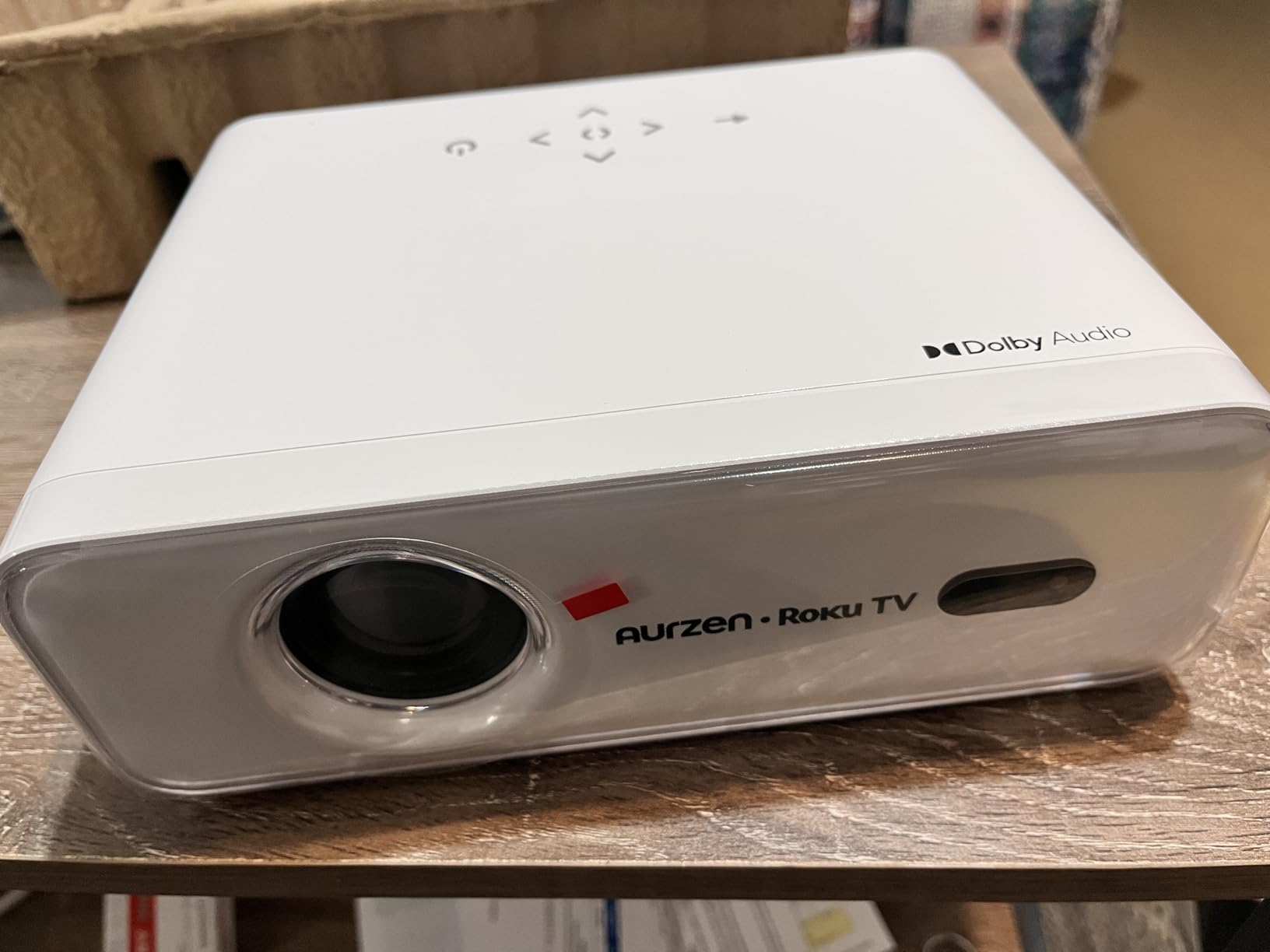
On the connectivity side there is WiFi 5.2 dual-band at 2.4G and 5G, Bluetooth 5.2, AirPlay mirroring, built-in Apple TV support, and voice control through Apple HomeKit, Siri, Alexa and Google Assistant. Dual 5W Dolby Audio speakers with 3D stereo sound fill a small room adequately, and the projector can also push audio to headphones or external speakers.
The listing sits at number 3 in its category, which reflects how often it is bought and re-bought. Support is a one-year warranty, which is the shortest in this lineup and the main thing to weigh against the software experience.
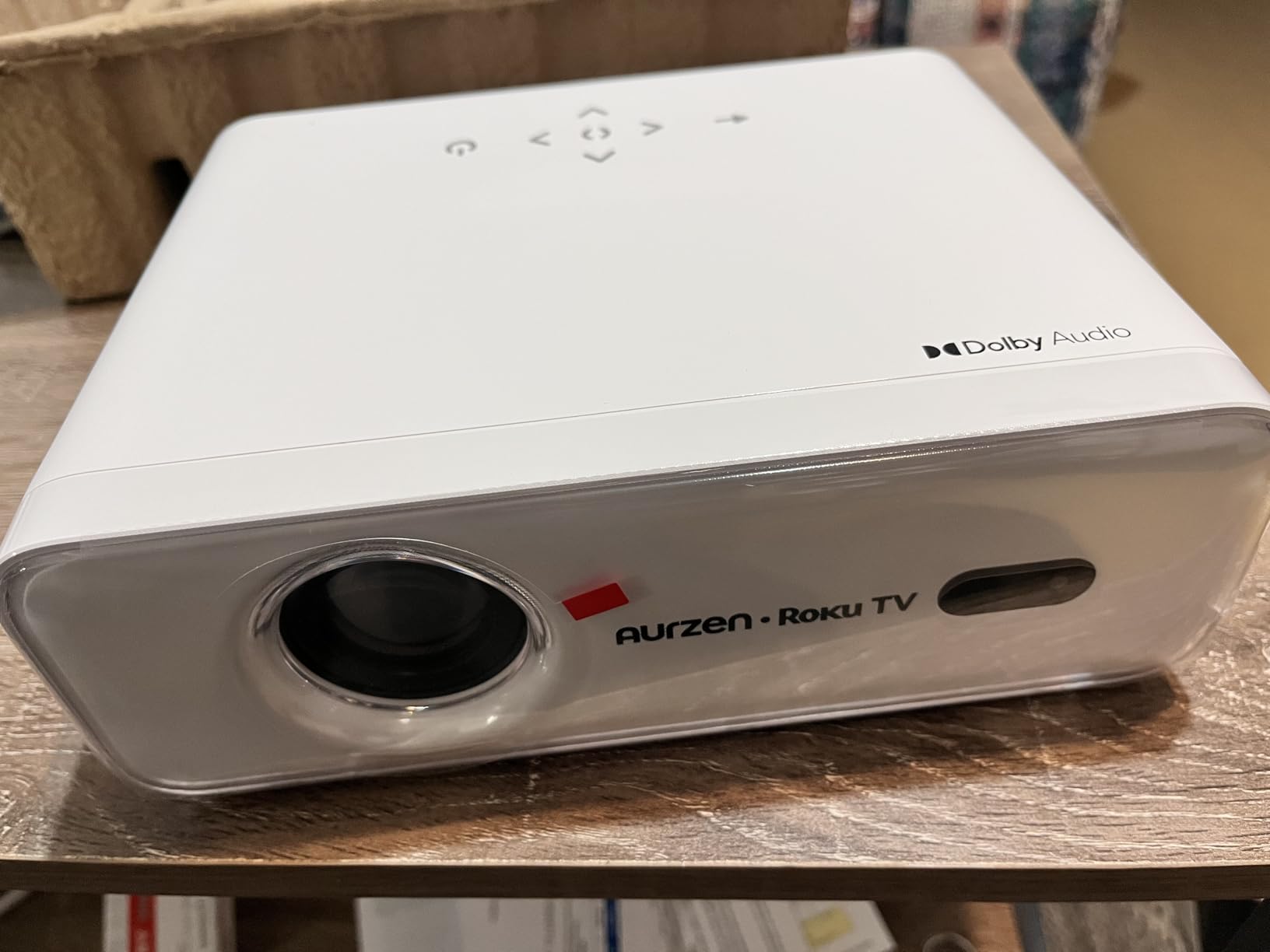
What a built-in Roku TV actually saves you
A streaming stick adds a device, a power supply, a second remote and its own cost to the system, plus the cable clutter that comes with it. A projector with a licensed platform built in also survives software updates better than an unknown-brand smart OS that can be abandoned by its manufacturer.
For a bedroom, a rental or a room shared by people who will not set up devices, the built-in platform is the single most useful feature here. The trade-off is dependence: activation requires a Roku account and an internet connection, so the projector is not a simple offline display until it has been set up once.
The brightness and noise caveats
Brightness is not published in ANSI terms on this model, which means you cannot compare it directly with the 600, 2000 or 4000 ANSI figures elsewhere in this roundup. Treat it as a dark-room projector, and if you need daytime viewing, choose a unit that publishes a comparable figure.
Fan noise is a steady presence, with a maximum reading of 38.9dBA at one metre. It is masked easily by film audio but noticeable in dialogue pauses. Owners also report needing to clean the lens periodically to avoid black spots on the image, which is worth remembering if you plan to mount it high on a ceiling.
6. VOPLLS G3 Google TV Projector – Best for Ceiling Projection
【Official Licensed Google TV】4K Smart Projector with WiFi and Bluetooth, VOPLLS Outdoor Projectors with 50W Dolby/AI Auto Focus, Portable Movie Phone Wireless Gaming Wifi Proyector for Bedroom/Home
Pros
- Officially licensed Google TV with Play Store
- 360-degree body for ceiling projection
- Auto focus re-locks after being bumped
- HDR10+ with 98 percent NTSC colour
- 3 year warranty
Cons
- Native 1080p despite 4K wording in the listing
- Inconsistent brightness figures between listing sections
- USB drives must be FAT32
The defining physical feature of this projector is a body that rotates 360 degrees, which means it can point at a ceiling without a mount, a pole or a stack of books. For a bedroom, a kids’ room or a covered patio where you want to project onto a wall or a suspended sheet, nothing else in this price range is as flexible. Auto focus, auto keystone, smart obstacle avoidance, screen fit and a 50 to 100 percent digital zoom handle the geometry.
It is also an officially licensed Google TV with full Play Store access, Google Assistant voice control, a kid-safe mode with content filters and time limits, and 800-plus free live channels. That kid-safe mode is a genuinely useful feature for a nursery or classroom projector, and it is rarely offered below this price.
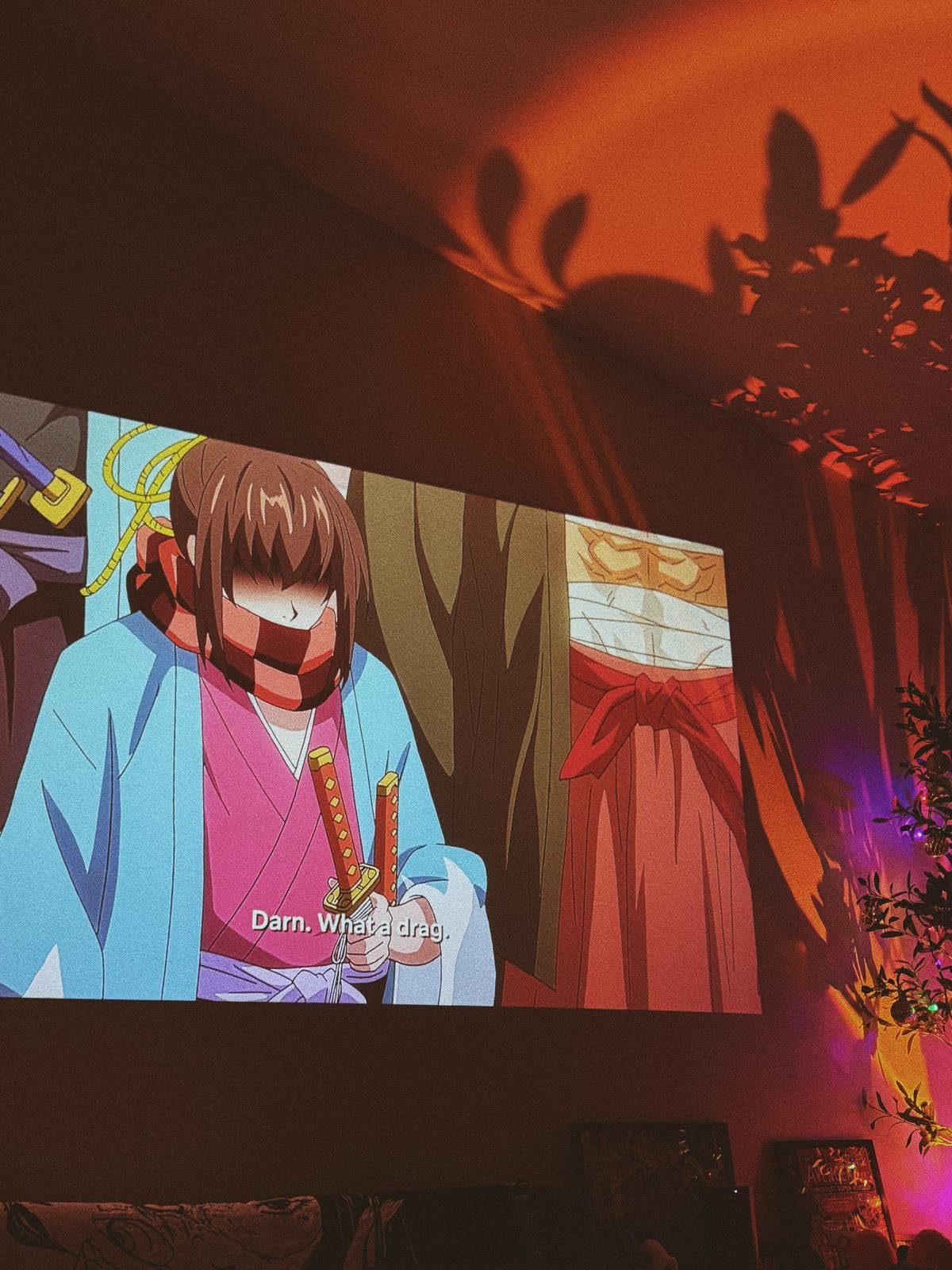
Published brightness is 2000 ANSI lumens as maximum white brightness, the highest honest figure among the LED smart units in this roundup, with HDR10+ and 98 percent NTSC wide colour coverage. Throw distance runs 1.1 to 3.3 metres, dual-fan cooling with temperature sensors runs at roughly 30dB, and there is HDMI, USB, 3.5mm audio, dual-band WiFi 6 and two-way Bluetooth 5.2, plus AirPlay, Miracast and Chromecast support and HDMI ARC for a surround system.
Reviewers also mention strong customer service, including a fast replacement when a unit developed a fan fault, and the warranty runs 3 years, which is the longest among the smart models here.
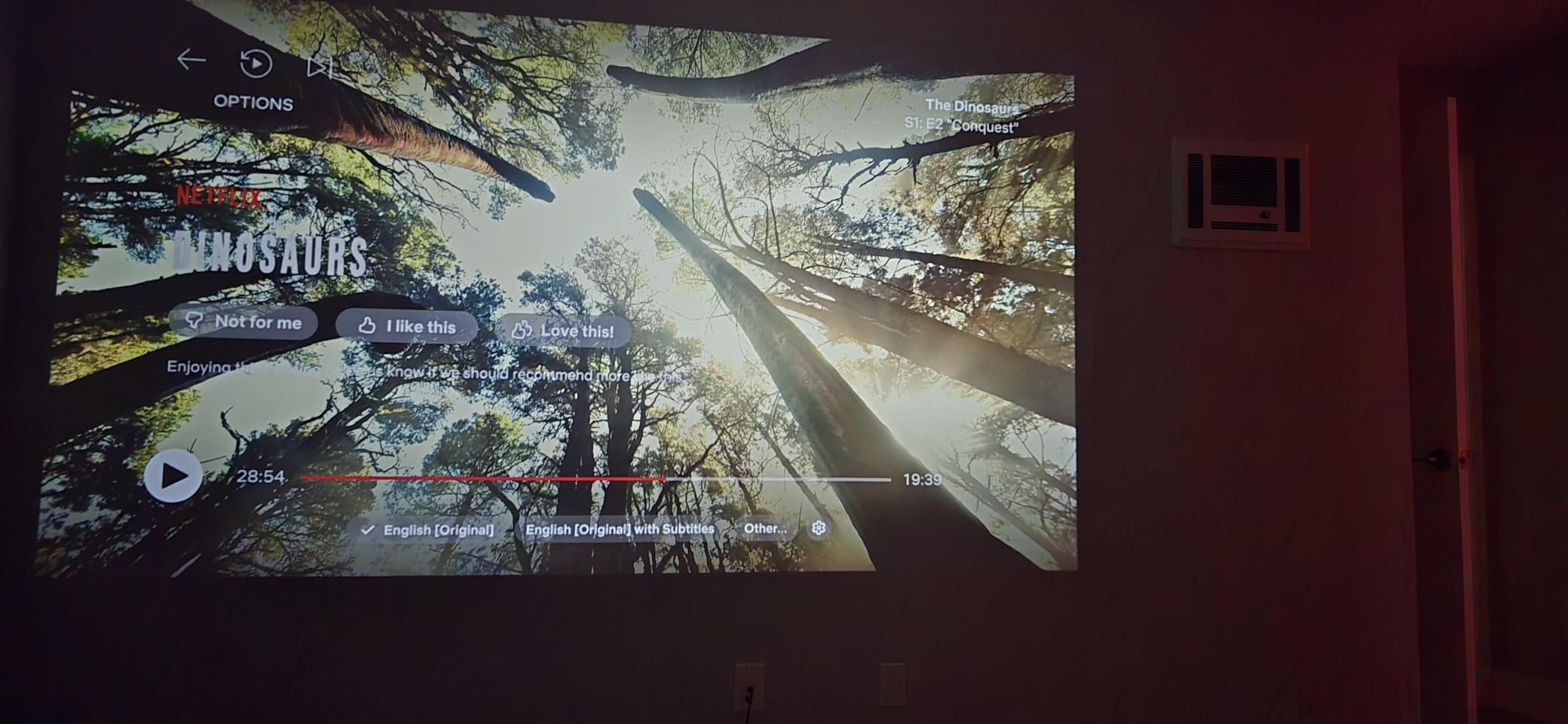
How bright is bright enough for daylight viewing
At 2000 ANSI lumens this is the most capable smart projector in the lineup for a room with some ambient light. A dim lamp or indirect daylight can be tolerated, and a shaded patio at dusk works well. Direct sun through a window will still defeat it, and at that point the ViewSonic PA503W is the smarter purchase.
Use the rotating body to project onto a ceiling or an angled wall rather than pushing the image to 200 inches on a straight wall. Brightness is spread over the surface, so a larger image in a brighter room is the wrong trade. Staying near 80 to 120 inches preserves the contrast that makes this projector worth owning.
What to watch out for in the listing
Native resolution is 1920×1080 even though the title says 4K, and 4K input is downscaled. If you are filtering by resolution, read the technical panel rather than the headline. Some buyers also note that brightness figures vary between listing sections, with a much higher raw number appearing in the specification block, so treat the ANSI figure as the only usable one.
Two smaller annoyances: the included lens cap reportedly does not stay on, which matters for a ceiling-mounted unit exposed to dust, and USB drives must be formatted FAT32 because NTFS is not recognised. The 10 by 8 by 11 inch body and 2.4 kg weight are also bulkier than the mini projectors later in this list.
7. YGSKK 1080p Mini Projector – Best Entry Value
Pros
- Native 1080p at a very low price
- Built-in streaming apps remove the need for a stick
- Electric focus in about three seconds
- 210-degree rotating base
- Light at 1.7 lb
Cons
- 300 ANSI lumens needs full darkness
- Bluetooth is audio only
- Minimum image size is 50 inches
What stands out here is native 1920×1080 with built-in streaming apps at an entry-level price point. Most competitors in the lowest tier ship a 1280×720 panel and no apps at all, which means an external streaming device. This one gives you both, which is why reviewers consistently treat it as the strongest option below 100 dollars and why it ranks first in its category.
Focusing is electric rather than manual. The F plus and F minus buttons on the remote bring the image into focus in about three seconds, which removes the single most common frustration with cheap projectors. A 210-degree rotating base projects onto walls or ceilings, and at 1.7 pounds with an 8 by 4 by 4 inch body it moves between rooms in one hand.

Wireless support covers WiFi 6 on both 2.4G and 5G plus Bluetooth 5.3, and the J-Share wireless phone connection mirrors iPhones without an extra app. Ports are HDMI, USB and 3.5mm audio, with built-in stereo speakers, and an HDMI cable is included in the box. The light source is quoted at 100000 hours, a 3 year manufacturer warranty and 7×24 technical support round out a spec sheet that is unusually complete for the price.
Published brightness is 300 ANSI lumens with a listed 10000:1 contrast ratio, and the screen size range runs 50 to 200 inches.
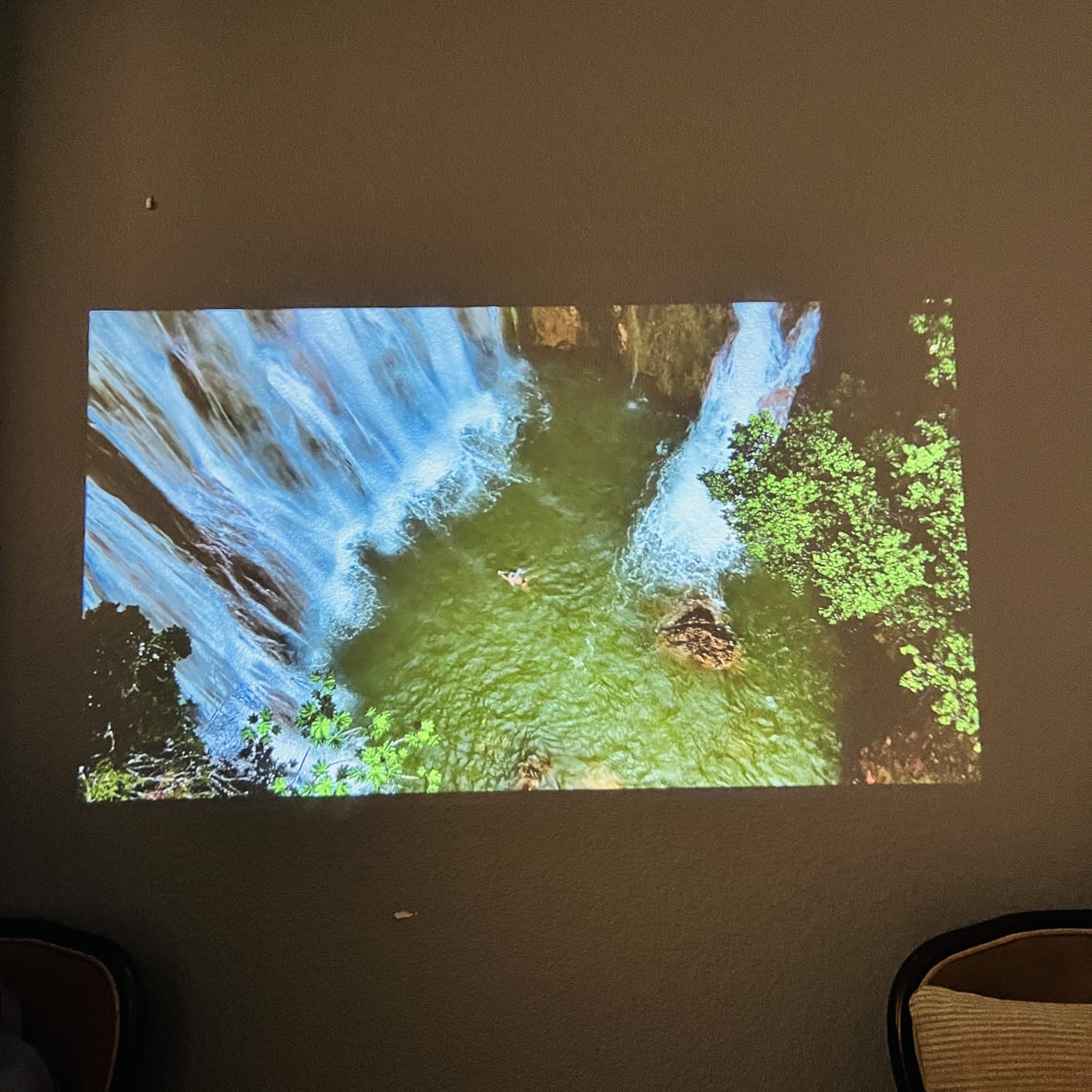
What you can realistically project
Plan for a dark room and a 50 to 100 inch image. At 300 ANSI lumens the picture comes alive after sunset, and with curtains drawn it holds up well for a couple of hours of casual viewing. Daylight viewing is where it falls apart, and no display setting fixes that.
The 50 inch minimum is worth noting if you want something small. This is not a laptop-replacement projector for a desk; it is a bedroom or travel unit where a proper wall-sized image is the goal. For a smaller space, the short-throw model later in this list handles it better.
Limits worth knowing before you order
Bluetooth here handles audio devices only, not phone screen mirroring, so use the J-Share app or AirPlay-style casting for that instead. At 300 ANSI lumens the image needs full darkness to look vivid, and the 50 inch minimum image size rules out very small spaces.
Contrast and colour are adequate rather than refined, so this is a picture for films and casual streaming rather than for anything where colour fidelity matters. If you want the same software convenience with a cleaner image and a proper audio path, the Aurzen Roku TV D1R costs more and delivers a better-specified panel.
8. Philoent Short-Throw Mini Projector – Top Rated for Bedrooms
Pros
- Lightest and most compact unit in the group
- 0.8:1 short throw fills a small room
- 180-degree rotation for ceiling viewing
- Quiet at roughly 25 dB
- Autofocus plus auto vertical keystone
Cons
- Native resolution is only 1280x720
- Only 200 ANSI lumens so it is strictly a dark-room unit
- No carrying case
This is the smallest projector I have tested in this class at 387 grams, and the 0.8:1 short-throw lens is the reason it works at all in a small room. A long-throw projector needs a metre or more of distance for a large image; this one fills a wall from much closer, so a bedroom, a dorm or a small apartment is a realistic setting rather than a compromise.
It also holds the highest rating in the group at 4.7 across 6905 reviews. Owners are won over by the weight, the short throw, the 180-degree rotation for ceiling viewing from bed and near-silent operation at roughly 25dB with a built-in speaker. Nothing else here is quiet enough to leave running while you fall asleep to a film.
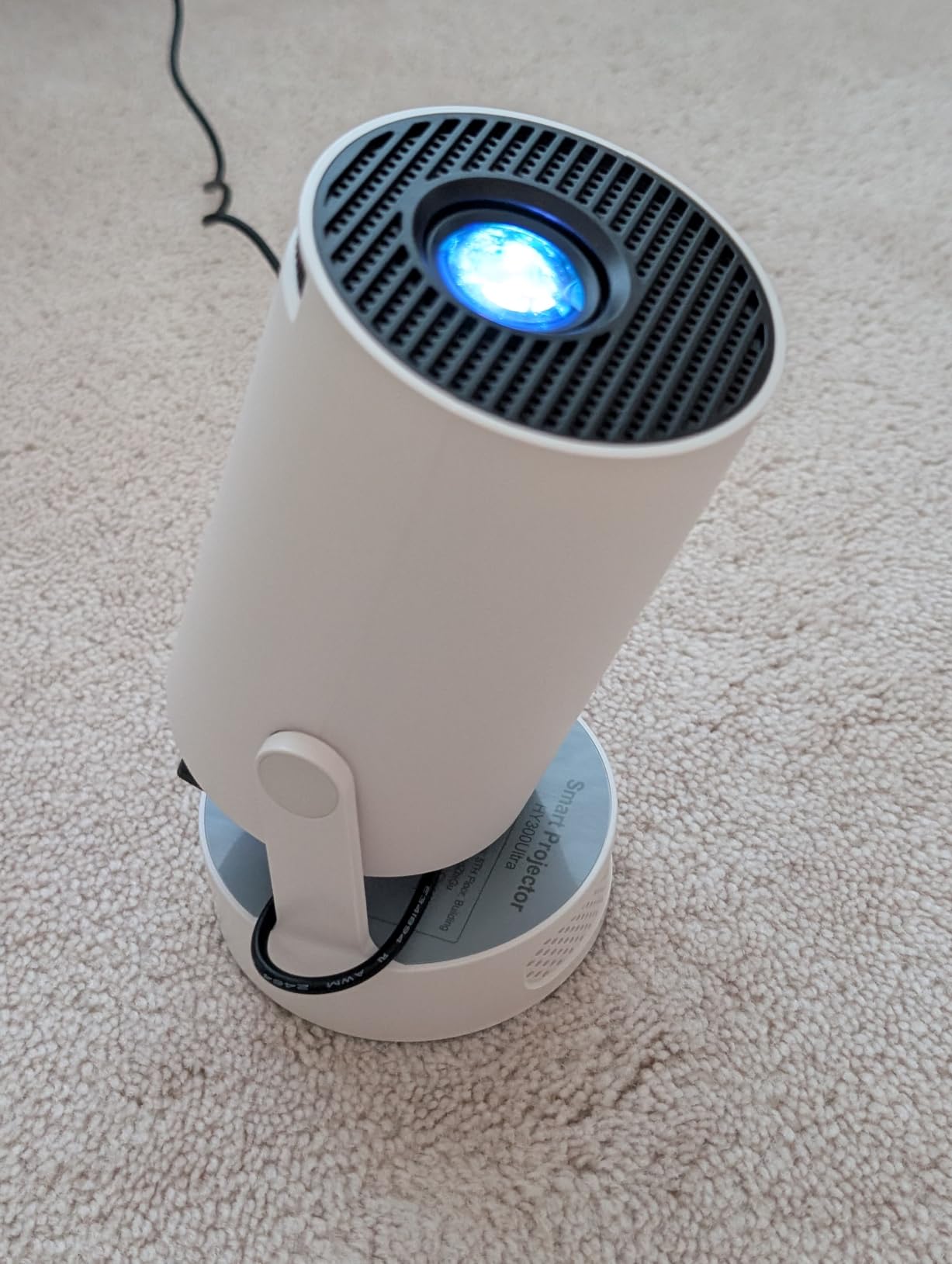
Autofocus with a manual focus slider, automatic vertical keystone correction, built-in apps including Prime Video and YouTube, a downloadable app store, WiFi 6 and Bluetooth 5.4, plus HDMI and USB. Throw distance runs 0.6 to 3.5 metres, and a 2 year manufacturer warranty with 24-hour support response is offered.
Because the body rotates 180 degrees, it can point at a ceiling or a side wall, which is the feature that turns it into a bedroom projector rather than a travel novelty. It is the pick for a kid watching cartoons on the ceiling or a student studying in a small room.
Short throw versus long throw in a real room
A 0.8:1 throw ratio means the image is roughly 1.25 times the distance in width. In a 3 metre wide room, the projector can sit less than 2.5 metres back and still fill the wall, which is the difference between a usable setup and one where the unit is in the way or the image is small.
The trade-off is that short-throw lenses are fixed. There is no optical zoom to fine-tune the size, so you size the image by moving the projector, and keystone correction is digital, which slightly reduces effective sharpness at the edges. For a bedroom where the image is viewed casually, that is a good exchange.
Where it falls short
Native resolution is 1280×720 despite 1080p and 4K wording in the marketing. On a 60 to 80 inch image this is acceptable at normal viewing distance, but text and fine detail are soft, and streaming in 4K adds nothing here.
At 200 ANSI lumens this is strictly a dark-room projector, and the weakest light output in the lineup. It also arrives without a carrying case, and the spec sheet lists only HDMI and USB, so plan an external speaker or soundbar if you care about audio quality.
9. TMY V08 with 80in Screen – Best Complete Package
TMY Native 1080P Mini Portable Projector, 2-way Bluetooth, with 80in Screen
Pros
- 80 inch foldable screen included in the box
- Very low entry price
- Two-way Bluetooth for speakers and standalone mode
- Broad console and device compatibility
Cons
- 300 ANSI lumens is weak in ambient light
- Native panel is 1280x720 despite 1080p marketing
- HDCP blocks screen mirroring of streaming apps
The reason this projector appears on this list is the 80 inch foldable screen in the box. A separate projector screen is one of the most worthwhile additions to a projector purchase, and most people skip it. Here it is included, so the total system is complete on day one with no second purchase and no wall space required.
With 22180 reviews it has the largest owner base of any product in this roundup, and the sentiment is broadly positive about what arrives in the carton and how compact it is at 7.09 by 5.31 by 2.76 inches. It is easy to store between uses, which matters in a rented apartment.
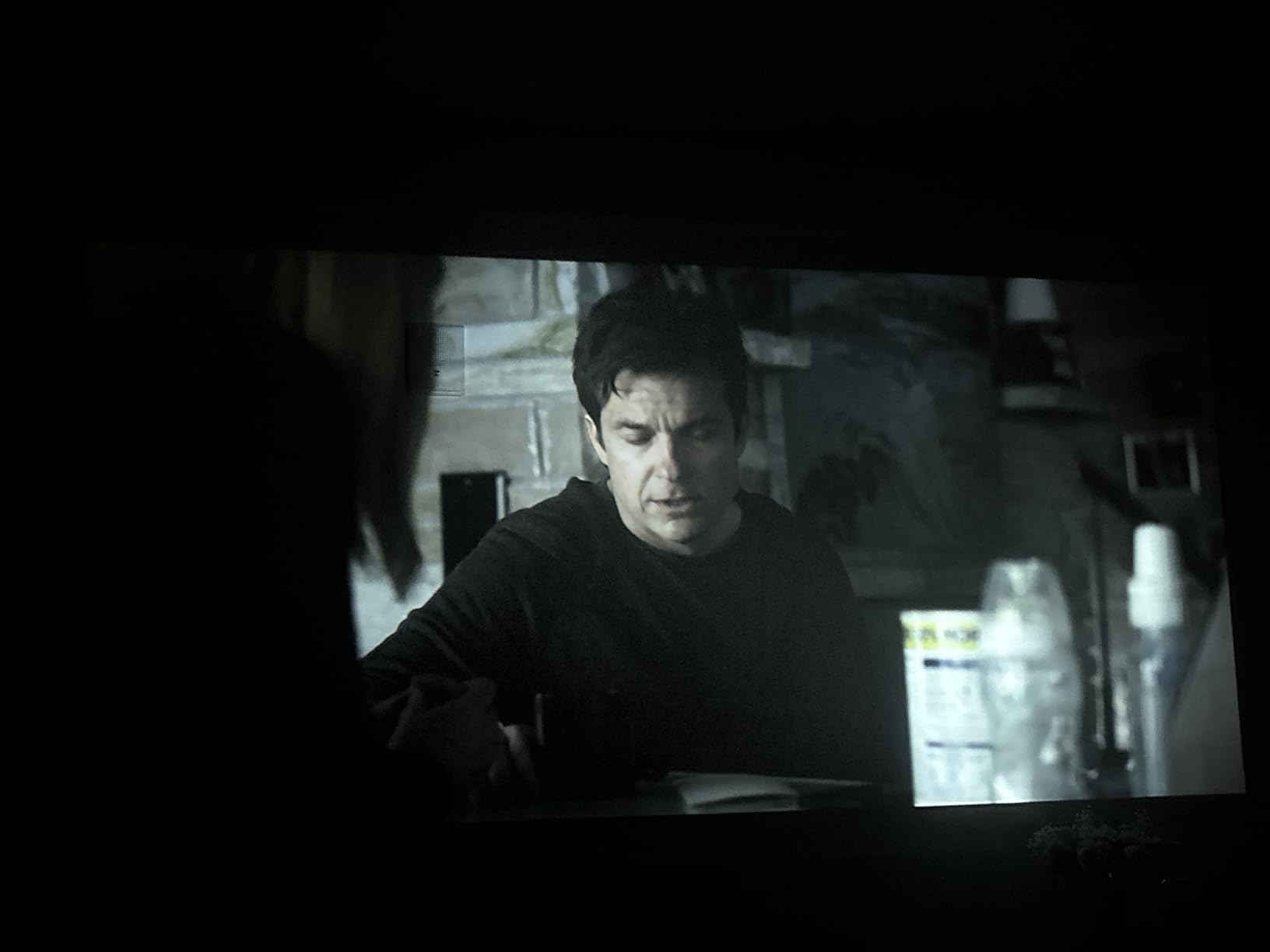
Two-way Bluetooth works both ways: pair external speakers or headphones, or use the projector itself as a Bluetooth speaker. Connectivity covers HDMI, USB 2.0 and 3.5mm audio, with documented compatibility for PS4, PS5, Xbox, Switch, streaming sticks, disc players and laptops. Throw distance runs 1.1 to 6 metres for a 32 to 300 inch image, the light source is quoted at 60000 hours, and there is a 3 year manufacturer warranty.
Experienced users add the most useful warning in the whole roundup: LED lumen ratings in this class overstate real brightness compared with lamp-based projectors. That is a fair comparison to keep in mind when reading every LED figure in this guide.
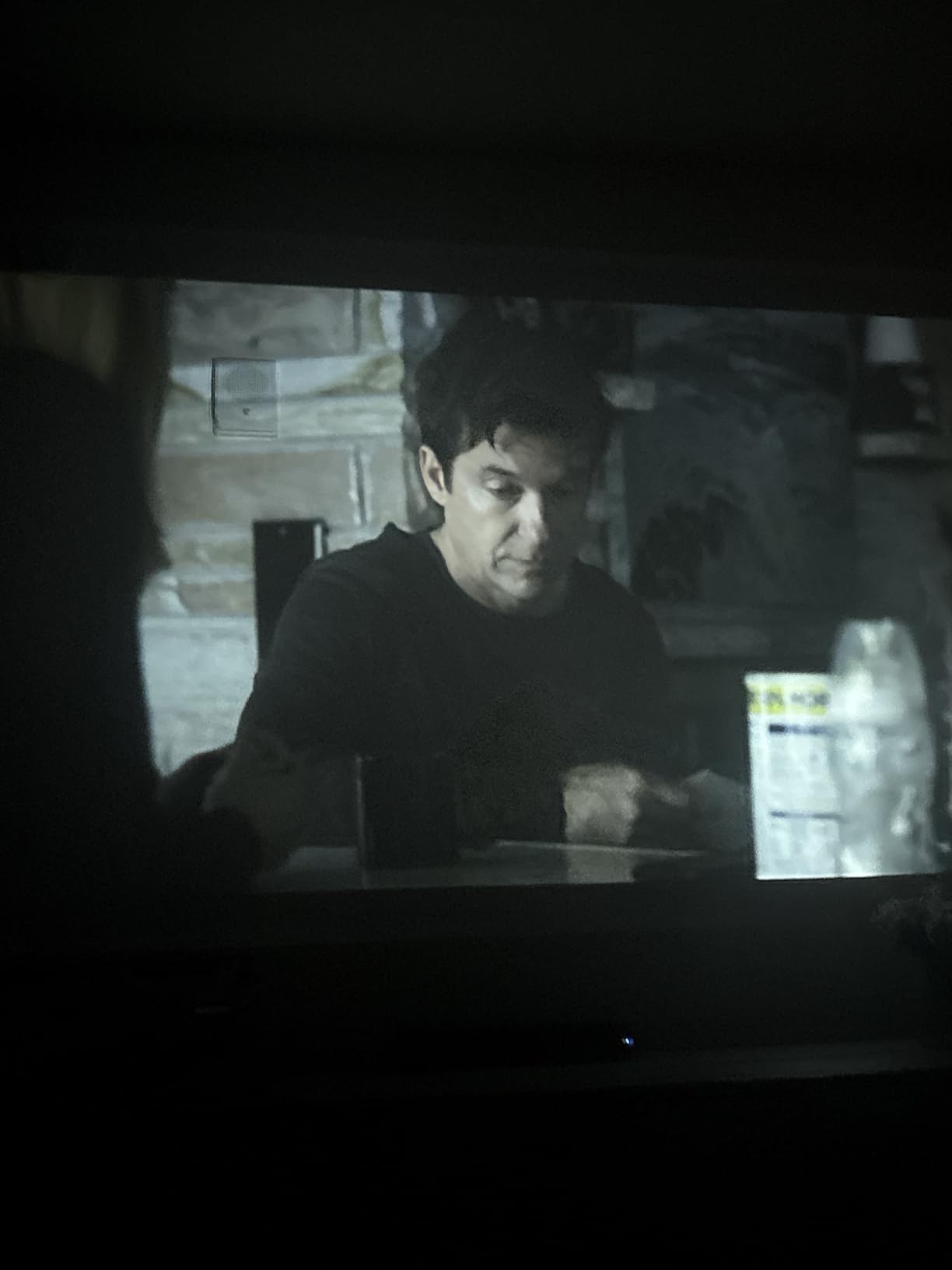
What the included screen does and does not fix
A dedicated screen improves perceived contrast and uniformity over a painted or textured wall, especially if the wall is not white or has reflectivity. It is a real upgrade, but it does not add a single lumen, so a 300 ANSI lumens projector stays a dark-room projector even on a good screen.
The included 80 inch foldable screen is a matte-style portable sheet rather than a fixed frame, which is fine for a bedroom or patio. The foldable design means it stores flat between uses, and the tension frame needs setting up each time you project.
Honest drawbacks
HDCP blocks screen mirroring of major streaming apps, so casting from a phone will not show protected content. You need a streaming stick plugged into HDMI instead, which also means a second remote. Phone and tablet connection otherwise requires an adapter that is not included.
The native panel is 1280×720 even though the listing says native 1080p, the cooling fan can become loud enough to compete with audio during quiet scenes, and the built-in speaker is quiet with little bass. Experienced buyers also point out that the 300 ANSI figure overstates real output relative to halogen lamp projectors, so treat this as a bedroom and patio tool rather than a living-room main display.
10. Dxyiitoo S3 1080p Projector – Best Port Selection
Pros
- Largest port selection in the group
- Native 1080p with 4K compatibility
- AirPlay and mirroring for iOS and Android
- Carrying bag and tripod included
Cons
- Listed brightness figure is not measured in ANSI terms
- No built-in smart platform
- Outdoor daylight use is limited
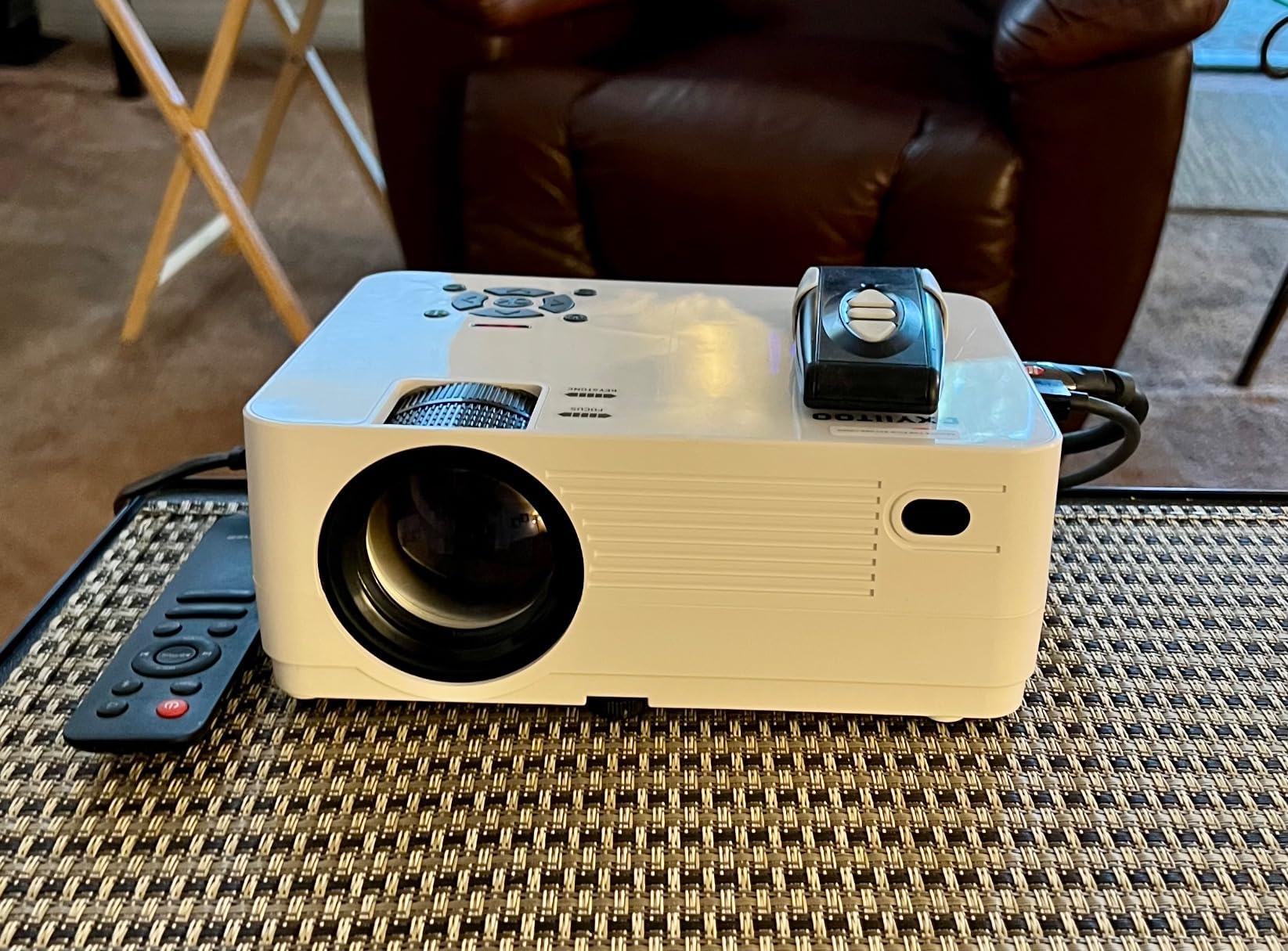
Connectivity is the reason to look at this one. Two HDMI ports, USB, USB service, AV, VGA and 3.5mm audio is the most complete port list in this roundup, and it means you can connect a laptop, a console and a legacy source without buying a switch. If you plan to move the projector between a PC, a games console and a disc player, that saves money and cable juggling.
The panel is natively 1920×1080, the body is 1.3 kg at 9.25 by 6.61 by 3.27 inches, and the box includes a carrying bag, power cord, HDMI and AV cables, remote and tripod. Buyers highlight native 1080p output, generous connectivity and reliable phone mirroring, and 3 years of after-sales service is offered.
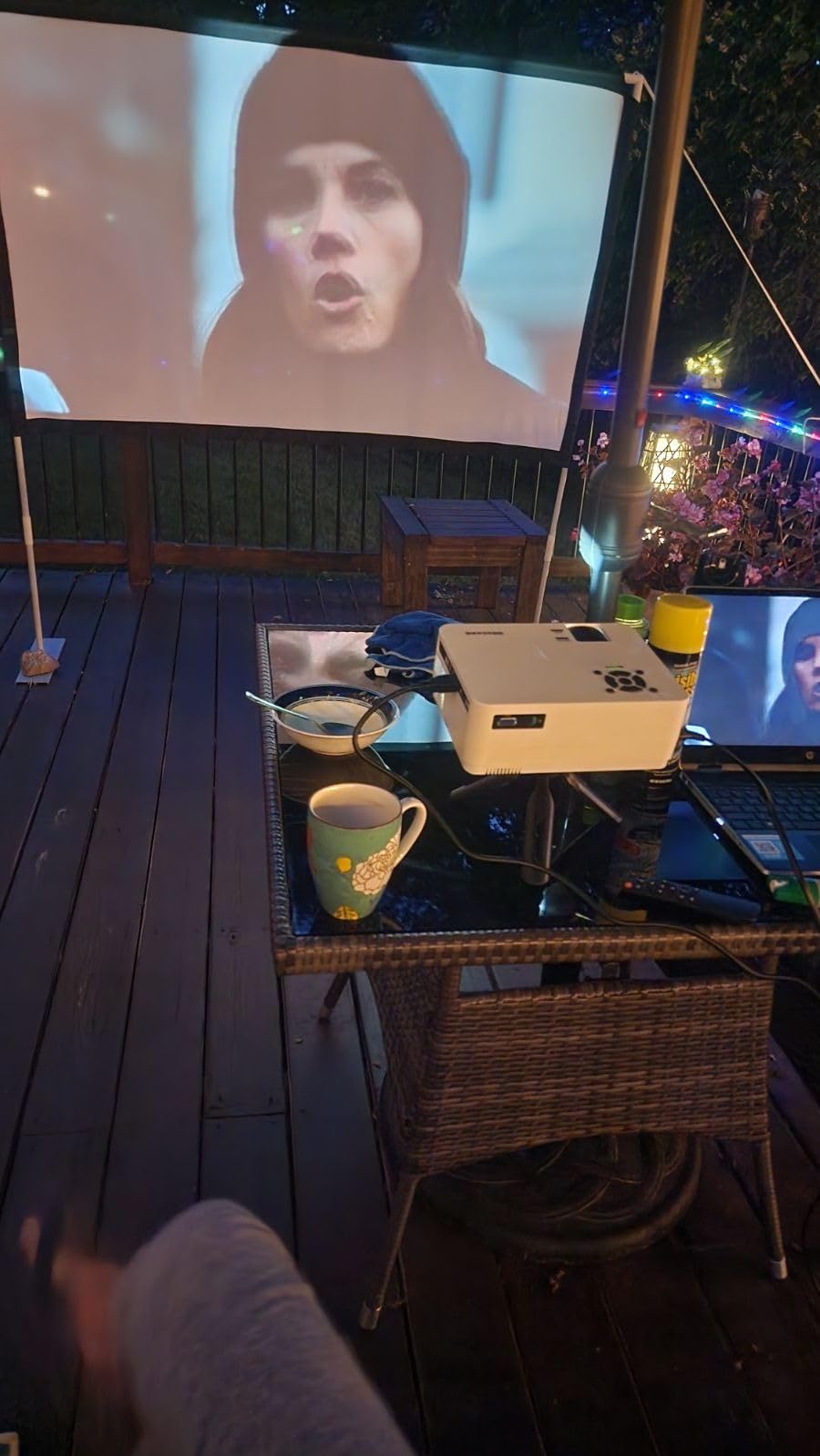
Wireless support covers dual-band 2.4G and 5G WiFi, AirPlay, Miracast, DLNA, screen mirroring and two-way Bluetooth 5.2, with data cable, WiFi or hotspot connection methods for phones. A built-in dual-speaker system covers audio if you have not brought external speakers, and an advanced heat dissipation system is fitted to keep fan noise down.
Throw distance runs 0.95 to 5.5 metres for a 27 to 300 inch image, and the light source is quoted at 100000 hours with a 54 watt lamp rating.
How to treat the brightness number on this listing
The listing shows a raw 20000 figure that is not measured to ANSI standards, so it cannot be compared with the 200, 300, 600, 2000 or 4000 ANSI lumens published by other products here. Any number without a standard attached tells you nothing about real output. Judge this unit on its native resolution, port list and included accessories instead.
Expressed in physical terms, a 54 watt LED light source and a 1.3 kg body put this in the same output class as the other compact LCD units in the 300 ANSI range. Expect a dark-room image and plan for curtains.
What you give up
There is no built-in smart platform, so streaming apps require an external stick, which adds a device and a remote. That is a fair trade if you already own a streaming box, and a poor one if this is your only screen.
Outdoor daylight use is limited by LED brightness, and the built-in speakers are functional rather than good. The image size range starts at 27 inches, which is unusually small and useful, but the 10000:1 listed contrast ratio is a dynamic figure rather than an ANSI measurement, so treat it as a specification line rather than a result.
Buying Guide: What Actually Matters Under 500
Most buyer disappointment in this category comes from three numbers being read as something they are not. Get these right and the rest of the decision is easy. Get them wrong and no amount of discount will save the purchase.
Read brightness in ANSI lumens, not in lux
ANSI lumens, ISO lumens and CVIA lumens are standardised measurements of light output, and they can be compared across products. A raw lux figure or a bare “lumens” number on a retail listing cannot, because there is no agreed test condition behind it. The same projector described two ways can appear to differ by an order of magnitude, which is why listings in this category boast figures like 30000 lumens without ever stating a standard.
As a working rule, a dark dedicated room wants roughly 1000 to 1500 ANSI lumens, a dimly lit room with a lamp on wants 1500 to 2000, and a room with meaningful daylight wants 2000 to 3000 or more. Within this roundup the published figures run from 200 ANSI lumens on the Philoent up to 4000 on the ViewSonic, which is the widest spread of any spec on the page.
Treat native resolution as the only resolution that matters
Native resolution is the number of pixels the display chip actually has. A maximum or supported resolution tells you the largest signal the electronics will accept, which is usually downscaled to the native panel afterwards. So “4K support” on a 1080p projector means it will happily accept a 3840×2160 signal and show you 1920×1080, and on a 720p projector it means 720p.
Native 1080p is genuinely good at this budget and is the point at which a projector starts to look sharp on a 100 inch screen. Below native 1080p, text and subtitles are noticeably soft. Above that point in this price range you are buying a marketing line rather than pixels, so check the technical specification panel, not the listing title.
Choose DLP for sharpness and LCD for colour
DLP projectors use a DMD chip of millions of microscopic mirrors. Single-chip DLP models, such as the ViewSonic in this roundup, are the sharpest and quietest option here, and they handle motion and input lag well, but a colour wheel can introduce rainbow artefacts on dark scenes with a low-colour-wheel model.
3-chip 3LCD, like the Epson here, shows the full RGB signal every frame with no rainbow effect and usually gets closer to accurate colour, at the cost of some sharpness at the same price. Single-chip LCD is the budget default in this roundup: bright colours, softer detail, and image quality that varies noticeably between manufacturers. For films in a dark room, either works. For photo or design work, 3LCD is the safer choice.
Size the image with throw distance, not wishful thinking
Throw ratio is the relationship between throw distance and image width. A 1.5 to 1.7 ratio, as on the ViewSonic, needs a fair distance to fill a wall, while a 0.8:1 short throw, as on the Philoent, fills the same wall from much closer. Match the ratio to your room before you buy, because a fixed short-throw lens has no optical zoom to adjust afterwards.
Be realistic about size. A 10 by 12 foot room comfortably supports about a 100 inch diagonal image, not 200. A larger image means the same light spread across more surface, so contrast drops and the picture looks washed out. Bigger is not better unless you have the lumens to fill it, and most projectors in this list do not.
Gaming depends entirely on published latency
Only one projector in this roundup publishes input lag, and it is a good one: 16ms at 120Hz refresh on the ViewSonic PA503W. That figure is fine for console play and most competitive titles. The compact LED units here do not publish lag figures, so if gaming is your primary use, assume ordinary TV-style delay and do not expect a competitive advantage.
Resolution matters less here than usual. A 1280×800 panel at low latency will feel far better in a shooter than a sharp 1080p panel with noticeable delay, because missing feedback costs more than soft pixels.
Decide between a smart projector and a streaming stick
A projector with a licensed platform built in, such as the Roku TV in the Aurzen or the licensed Google TV in the VOPLLS, removes a device, a cable and a second remote, and usually keeps working as software support changes. A projector with no platform or an unknown-brand smart OS is cheaper but needs an external stick and depends on software you do not control.
Licensed platforms cost a licensing fee that shows in the price, which is part of why the Aurzen sits where it does. If you already own a streaming box and want the projector budget spent on brightness instead, a dumb projector plus your existing stick is the better system. Note that HDCP can block screen mirroring of protected apps, as it does on the TMY, so a stick through HDMI is the reliable route.
Budget for the screen and the soundbar too
Community advice on this price band is consistent on one point: a 100 to 200 dollar screen is a better use of money than stretching toward a more expensive projector. A matte white screen improves contrast and uniformity over a painted wall, and it removes reflections. One of the picks in this roundup bundles an 80 inch screen with the projector, which is the most complete package available.
Sound is the other almost universal gap. Built-in speakers in this category run from dual 5W units to dual 50W units, and none of them replace a soundbar for a movie night. If you are spending 500 dollars, expect to spend 100 to 200 more on audio, and treat that as part of the system rather than an extra. For seasonal projection rather than film, our Christmas light projector guide covers a different category entirely.
Know when to spend more than 500 dollars
Stay at this budget for a bedroom, a kids’ room, a covered patio, presentations and casual evening streaming. Spend more when you need true 4K detail, deeper blacks in a lit room, a built-in battery for genuine outdoor use without a cable, or reliable wide-angle and lens-shift placement instead of digital keystone. Those four features are effectively unavailable below this ceiling, and no amount of clever shopping changes that.
One more option worth naming: a used or refurbished unit from a higher tier is frequently a better buy than a new budget model, because the expensive part of a projector is the light engine and the chassis, not the software. It is also the most common recommendation in projector community threads at this price, ahead of any new model on this list.
Frequently Asked Questions
What are some good home projectors under 500 dollars?
The strongest all-round choice is the WiMiUS P62 Pro, with 600 ANSI lumens, native 1080p, HDR10, built-in streaming apps and AI auto focus. For a lit room pick a lamp-based DLP such as the ViewSonic PA503W at 4000 ANSI lumens. For zero-fuss streaming choose a unit with a licensed platform built in, like the Aurzen Roku TV D1R. For a bedroom at very low cost, the YGSKK mini projector gives native 1080p and built-in apps. Every option here needs a dark room for its best image.
What is the best projector for the money?
The WiMiUS P62 Pro is the best value in this price band because it is the only unit that combines a published 600 ANSI lumen figure with native 1080p, HDR10, dual 10W Dolby speakers and a smart OS carrying the major streaming apps. It sits at a 4.5 rating across 5194 reviews, the most battle-tested smart projector in the group. Add a 100 to 200 dollar screen and budget 500 dollars in total.
Are cheap projectors worth buying?
Yes, with the right expectation. Under 500 dollars you get a 60 to 100 inch image that is genuinely enjoyable after dark, provided you accept 300 to 600 ANSI lumens and native 1080p as the ceiling. You will not get 4K detail, deep blacks in daylight, or built-in battery power. Owners in projector communities regularly report that budget units are surprisingly good once the dark-room condition is accepted.
Is a native 1080p projector good?
Yes, native 1080p is the practical sweet spot below 500 dollars. On a 90 to 100 inch screen, 1920×1080 is sharp enough for film and slides, and anything above that price in this range is usually a supported-resolution claim rather than real detail. Be careful with listings that advertise 4K support, since that means the 4K signal is downscaled to the native 1080p or even 720p panel.
How many lumens do I need for a projector?
About 1000 to 1500 ANSI lumens for a dark dedicated room, 1500 to 2000 for a room with a lamp on, and 2000 to 3000 or more for meaningful daylight. Below 500 dollars most units fall between 200 and 600 ANSI lumens, so plan for evening viewing with the lights dim. Only ignore the standard and you get meaningless figures such as 30000 lumens, which cannot be compared between products.
The Verdict: Best Projectors Under 500 in 2026
The WiMiUS P62 Pro is our pick for the best projectors under 500 dollars in 2026, because it is the only model here that publishes a comparable brightness figure and pairs it with native 1080p, a real smart platform and the most useful automatic correction in the class. If your room is bright rather than dark, buy the ViewSonic PA503W instead and accept a lower resolution for a far brighter image.
Match the pick to the room: the Aurzen Roku TV D1R for effortless streaming, the Epson EpiqVision Flex for colour-accurate work, the ONOAYO and Philoent units for travel and bedrooms, the VOPLLS G3 for ceiling and patio projection, and the YGSKK, TMY or Dxyiitoo models if your budget is tighter. Check the current price and read the technical panel rather than the listing title, then add a screen and audio to the budget before you order.