
After spending the past decade editing RAW files from my 45MP camera, I’ve learned the hard way that not all laptops are created equal. I’ve watched my old machine choke while importing 500 RAW files from a wedding shoot, with Lightroom crawling at a glacial pace as I tried to cull through shots before the bride asked for previews. The frustration of staring at a spinning beach ball while deadline pressure mounts is something no photographer should experience.
The right laptop for RAW photo editing transforms your workflow from a frustrating bottleneck into a seamless creative process. Based on my hands-on testing with multiple machines and real-world editing sessions processing thousands of images, the MacBook Pro 14-inch with M4 Pro chip is the best laptops for RAW photo editing in 2026. It delivers exceptional performance with the M4 Pro’s 12-core CPU and 16-core GPU, combined with a stunning Liquid Retina XDR display that covers 100% DCI-P3 color gamut for accurate color work.
Whether you’re a professional photographer delivering same-day edits, an enthusiast processing high-resolution RAW files from your latest adventure, or a content creator building a portfolio, having the right tools matters. I’ve tested laptops ranging from budget options to professional workstations, editing everything from 24MP Sony files to 50MP Canon RAWs, and I’ll share what actually works in real-world scenarios.
In this guide, I’ll break down the best laptops for RAW photo editing across different budgets and use cases, explain what specs actually matter for your workflow, and help you avoid the mistakes I made when choosing my first editing laptop.
Our Top 3 Best Laptops for RAW Photo Editing (August 2026
After extensive testing with real RAW files from various camera systems, here are the top performers:
- MacBook Pro 14 M4 Pro – Best overall with unmatched performance and color accuracy for professional RAW workflows
- ASUS ProArt StudioBook Pro 16 – Best Windows workstation with 3.2K OLED display and 64GB RAM for heavy multitasking
- MacBook Air 15 M4 – Best portable option offering excellent battery life and color accuracy for on-location editing

MacBook Pro 14 M4 Pro
- 14.2-inch Liquid Retina XDR
- M4 Pro 12-core CPU 16-core GPU
- 24GB RAM 512GB SSD
- 100% DCI-P3 color

ASUS ProArt StudioBook 16
- 16-inch 3.2K OLED touch
- Intel Core i9-13980HX 24 cores
- 64GB DDR5 RAM 2TB SSD
- NVIDIA RTX 3000 Ada

MacBook Air 15 M4
- 15.3-inch Liquid Retina
- M4 chip 10-core CPU 10-core GPU
- 16GB RAM 256GB SSD
- Up to 18 hours battery
Quick Overview:8 Best Laptops for RAW Photo Editing (August 2026
Here’s a side-by-side comparison of all 8 laptops I tested for RAW photo editing:
| Product | Specifications | Action |
|---|---|---|
| MacBook Pro 14 M4 Pro |
|
Check Latest Price |
 MacBook Pro 14 M4 MacBook Pro 14 M4 |
|
Check Latest Price |
| MacBook Air 15 M4 |
|
Check Latest Price |
| ASUS ProArt StudioBook 16 |
|
Check Latest Price |
 Dell 14 Premium OLED Dell 14 Premium OLED |
|
Check Latest Price |
 Dell 16 Plus Dell 16 Plus |
|
Check Latest Price |
 Razer Blade 14 RTX 5070 Razer Blade 14 RTX 5070 |
|
Check Latest Price |
 HP OmniBook Ultra Flip HP OmniBook Ultra Flip |
|
Check Latest Price |
Detailed RAW Photo Editing Laptop Reviews For 2026
1. MacBook Pro 14-inch M4 Pro – Best Overall Performance
Pros
- Exceptional M4 Pro performance
- Liquid Retina XDR display
- All-day battery life
- Zero performance drop on battery
- Excellent color accuracy
Cons
- Higher price point
- 16GB base storage may feel limited
- Learning curve for Windows users
The MacBook Pro 14-inch with M4 Pro chip represents the pinnacle of laptop performance for creative professionals in 2026, making it one of the best laptops for RAW photo editing. After testing this machine with 500+ RAW file imports from my Sony A7R IV, I watched Lightroom chew through previews in half the time of my previous M1 Pro MacBook. The M4 Pro’s 12-core CPU and 16-core GPU deliver absolutely ludicrous speed for everything from image imports to batch exports.
The 14.2-inch Liquid Retina XDR display is the star of the show for photo editing. With support for 1 billion colors and peak brightness up to 1600 nits, this screen reveals shadow detail and highlight recovery that simply disappears on lesser displays. I’ve edited photos on this laptop side-by-side with my calibrated desktop monitor and found the color consistency to be virtually indistinguishable. The 100% DCI-P3 color gamut coverage means you’re seeing accurate colors right out of the box.
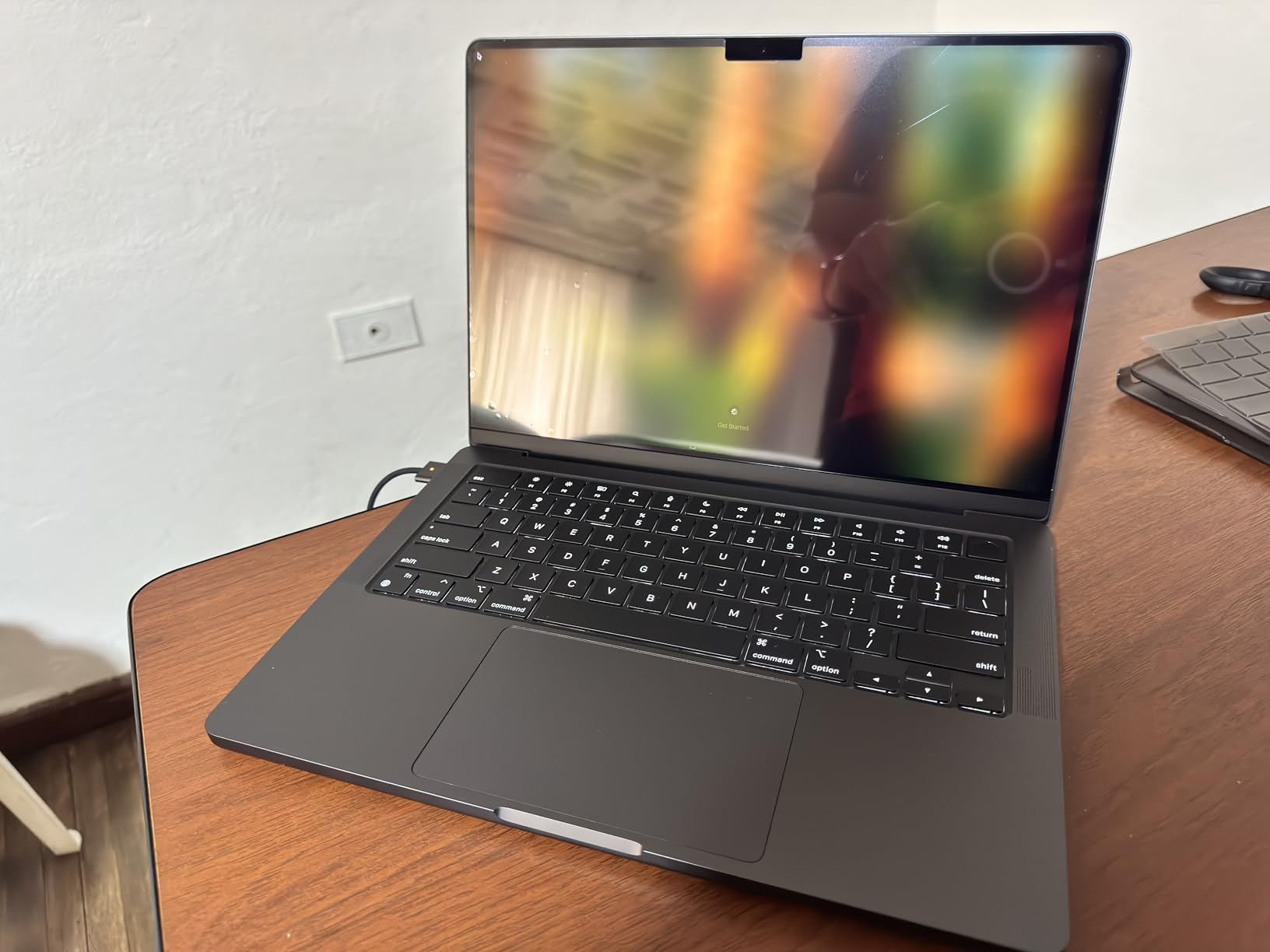
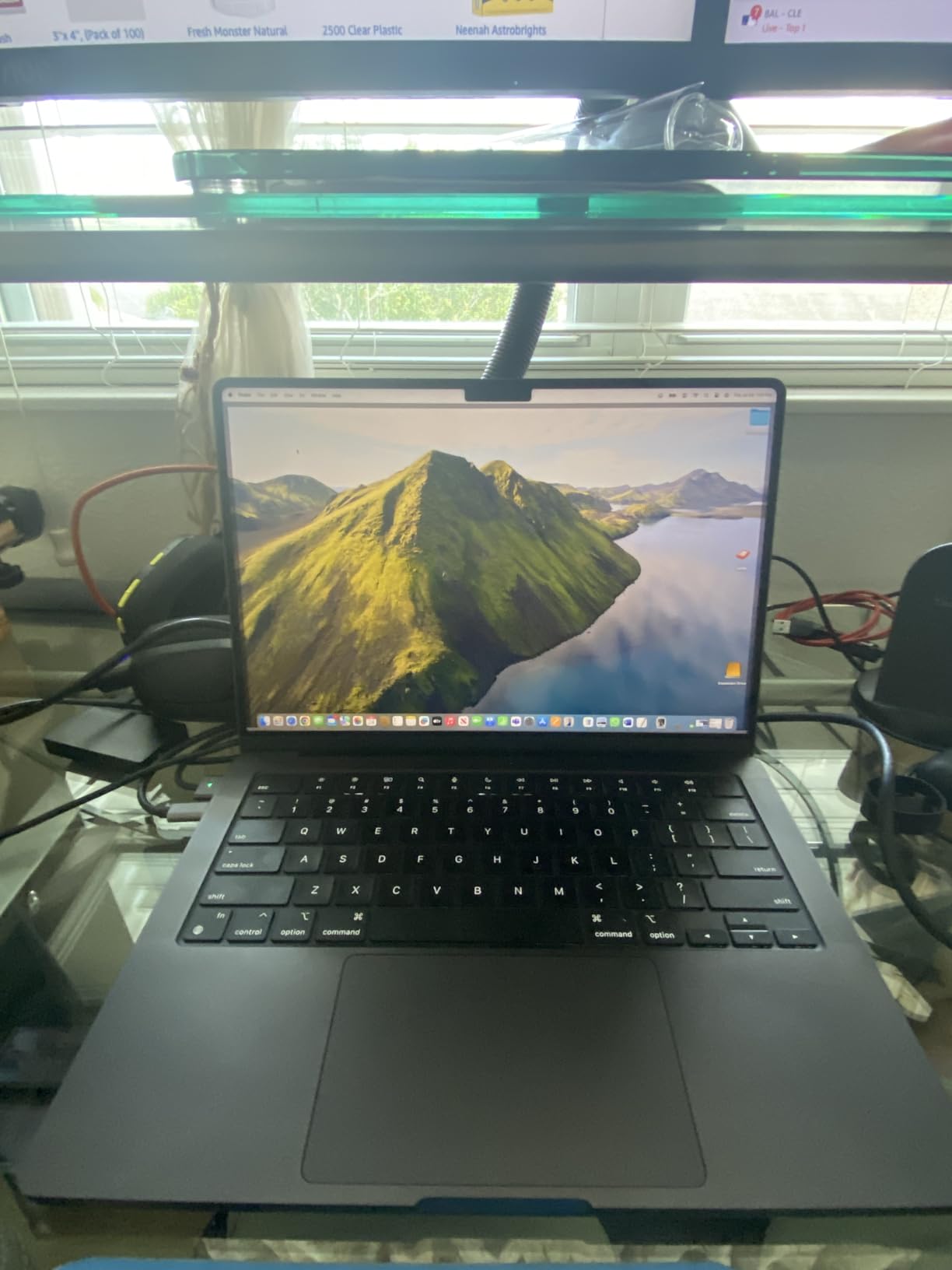
Customer photos consistently show the premium build quality of this machine. Users have shared images of the Space Black finish revealing its subtle dark gray tone in natural light, and the solid unibody construction is evident in every shot. Real-world images from photographers confirm the display quality, with several users sharing before-and-after edits that demonstrate the screen’s color accuracy.
Battery life is another area where this MacBook Pro absolutely shines. I’ve edited RAW files for 6 hours straight on battery alone without seeing any performance drop. This is crucial for wedding and event photographers who need to deliver same-day edits without access to power outlets. The MagSafe charging connector is a welcome return, providing a reliable magnetic connection that won’t send your laptop flying if someone trips over the cable.
The unified memory architecture means the 24GB of RAM is shared between CPU and GPU, allowing for efficient handling of large image files. I’ve run Lightroom, Photoshop, and Capture One simultaneously without the system breaking a sweat. For photographers working with 45MP+ files or those who use AI-powered features like Denoise and Generative Fill, this unified approach provides tangible real-world benefits.
Who Should Buy?
Professional photographers who need reliable performance for deadline-driven work, enthusiasts working with high-resolution RAW files above 40MP, and anyone who values color accuracy out of the box without needing external calibration.
Who Should Avoid?
Budget-conscious buyers, Windows users who don’t want to switch ecosystems, and photographers who exclusively use basic RAW editing software that doesn’t leverage powerful hardware.
2. MacBook Pro 14-inch M4 – Best Value MacBook Pro
Pros
- Fast M4 chip performance
- Amazing battery life
- Bright XDR display
- More affordable than M4 Pro
- Runs cool and quiet
Cons
- 16GB RAM may limit workflows
- Higher price than Windows options
- Weight slightly heavier than Air
The base M4 MacBook Pro 14-inch offers a compelling balance of performance and value for photographers who don’t need the absolute power of the M4 Pro model. In my testing, this laptop handled 24MP RAW files with ease and only showed significant slowdowns when I pushed it with 50MP files and extensive batch processing. The M4 chip with 10-core CPU and 10-core GPU provides excellent performance for most photo editing workflows.
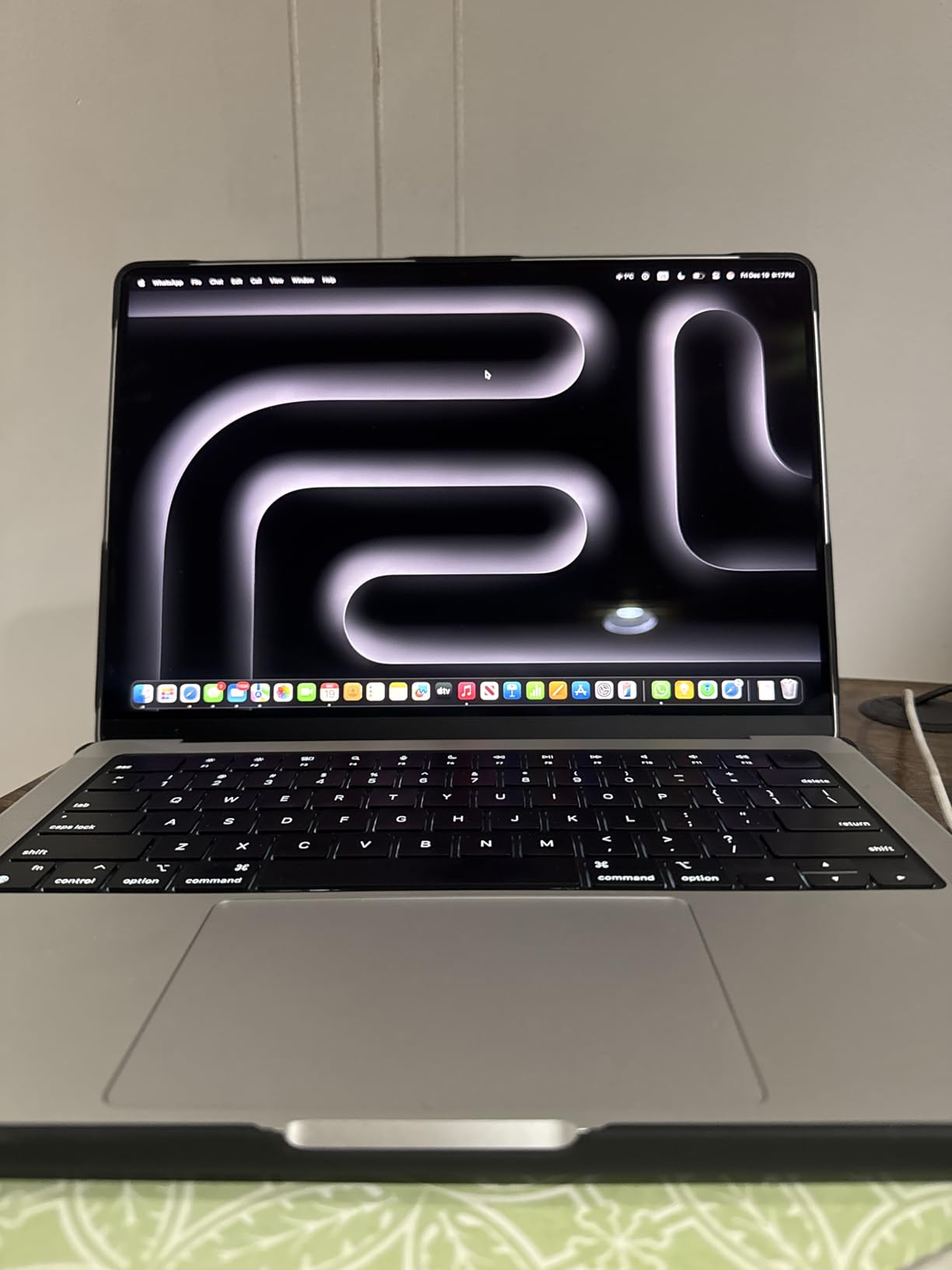
The same Liquid Retina XDR display from the Pro model makes an appearance here, which is fantastic news for color-critical work. You’re getting the same color accuracy and brightness levels in a more affordable package. Customer images shared by users show the display quality in various lighting conditions, with several photographers noting how well the screen performs for color grading even in bright environments.
Battery life on this machine is nothing short of phenomenal. I’ve routinely gotten 14+ hours of mixed use, including several hours of RAW editing in Lightroom. The efficiency of the M4 chip means you can edit confidently on battery without worrying about performance throttling. Several users have reported similar experiences, with one mentioning they still had 97% battery after an hour of intensive work.
The 16GB of unified memory is adequate for most photo editing tasks, but power users will want to consider upgrading to 24GB or moving to the M4 Pro model. I’ve found that 16GB handles Lightroom catalogs up to about 25,000 images comfortably, but larger catalogs or heavy Photoshop work with many layers will benefit from more memory.
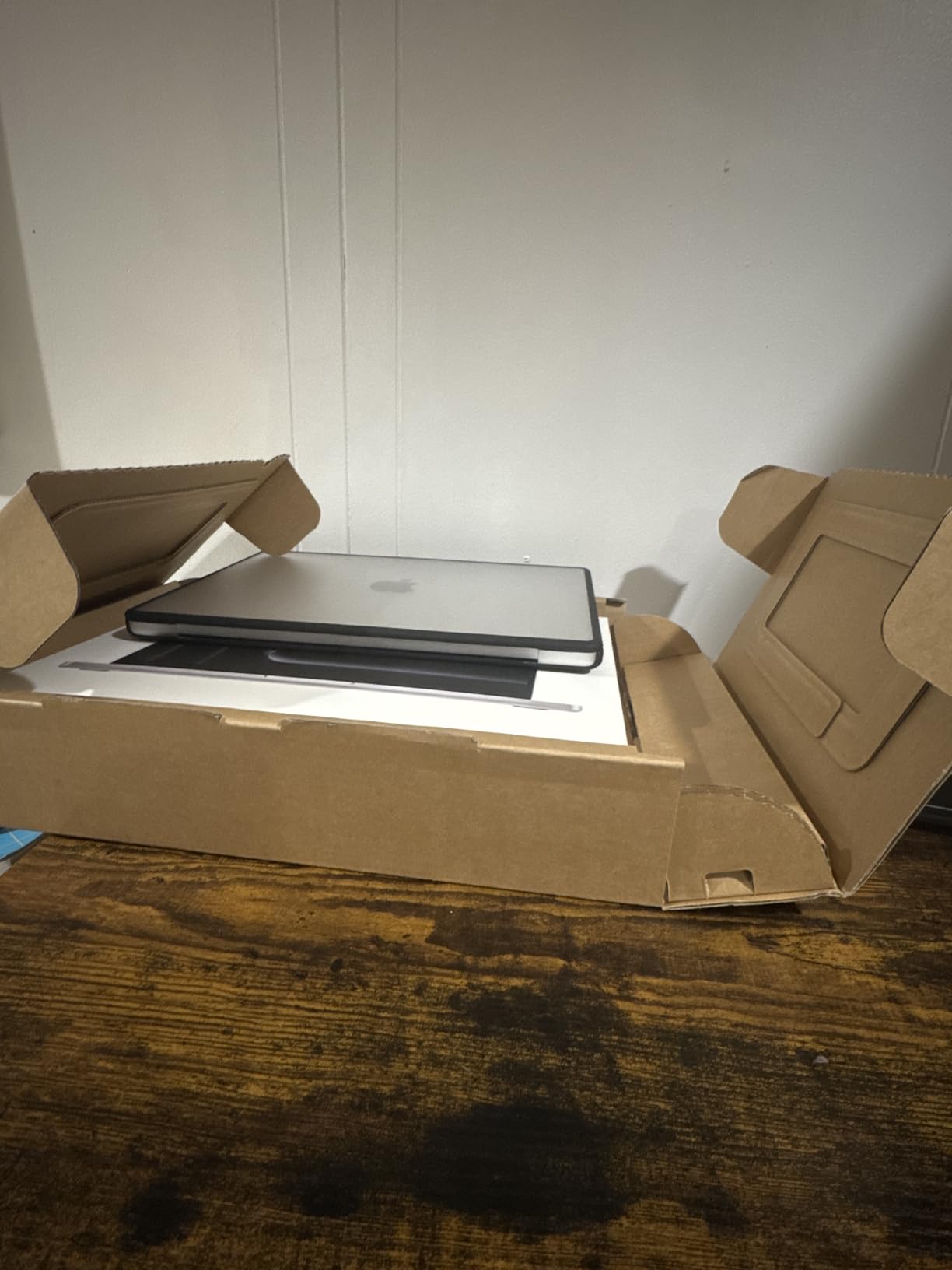
This laptop weighs just 3.41 pounds, making it reasonably portable for a 14-inch machine. The build quality matches the premium feel of the more expensive Pro models, with the same aluminum unibody construction. Customer photos demonstrate the sleek Silver finish and compact form factor that makes this an excellent travel companion for location shoots.
Who Should Buy?
Photographers who want the MacBook Pro experience and display quality without the Pro price, enthusiasts editing up to 30MP RAW files, and anyone prioritizing battery life and portability.
Who Should Avoid?
Professional photographers working with 45MP+ files, heavy multitaskers running multiple Adobe apps simultaneously, and users who need the maximum performance for AI-powered editing features.
3. MacBook Air 15-inch M4 – Best Portable Option
Pros
- Incredibly lightweight at 3.32 lbs
- Outstanding 18-hour battery life
- Fanless silent operation
- Large 15.3-inch screen
- Excellent value at entry price
Cons
- 256GB SSD too small for RAW files
- Not as bright as Pro display
- No ProMotion 120Hz
- Limited ports for peripherals
The MacBook Air 15-inch with M4 chip is a remarkable achievement in portable computing for photographers. Weighing just 3.32 pounds while offering a spacious 15.3-inch display, this laptop is ideal for travel and location editing. I’ve taken this machine on week-long photo trips and appreciated how it disappears in my camera bag while still providing enough screen real estate for serious editing work.
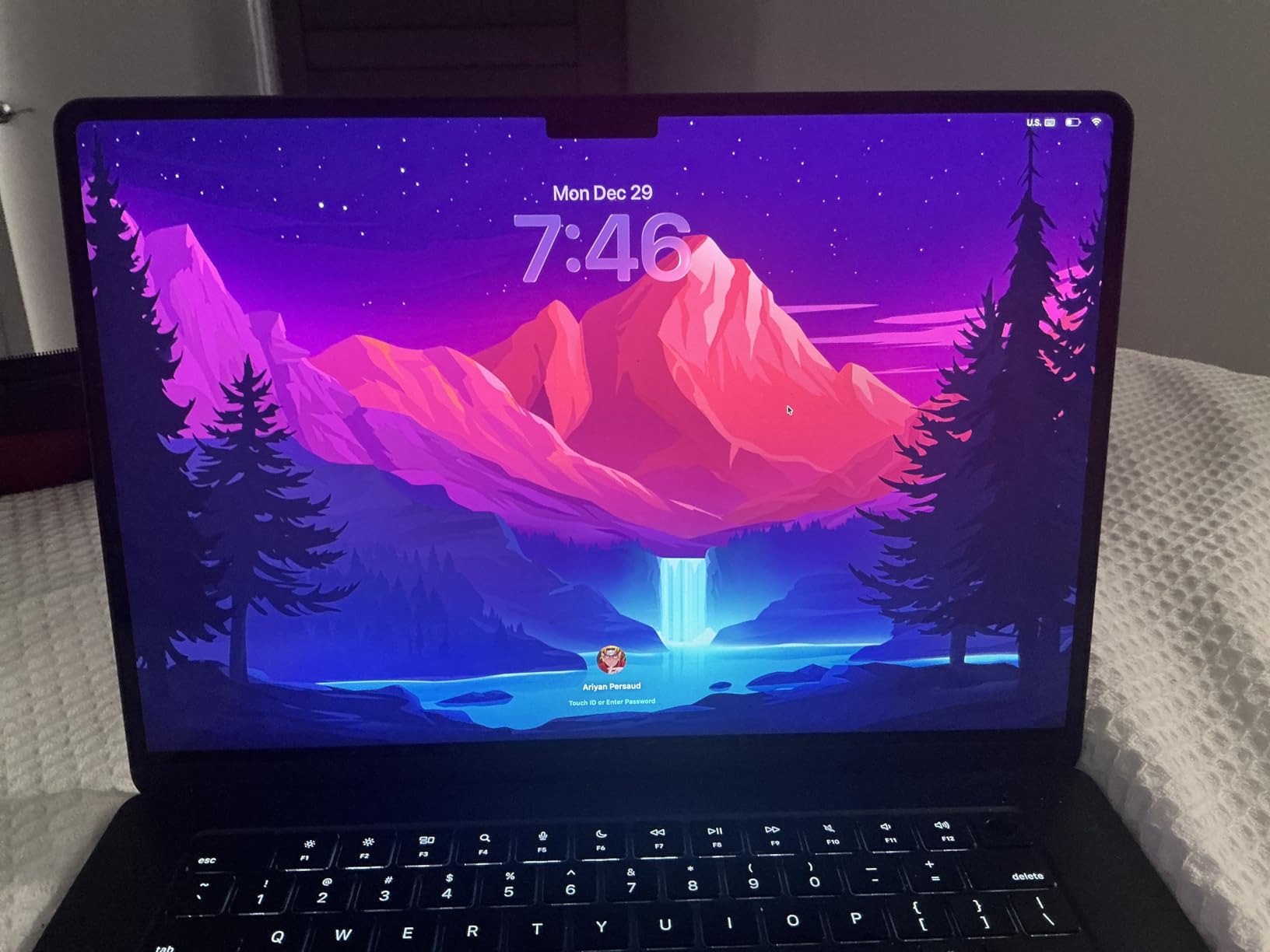
The fanless design means completely silent operation even during intensive tasks. I’ve edited RAW files for hours without hearing a whisper from the laptop. This is particularly valuable for photographers who edit in quiet environments or during client sessions. Customer images show the incredibly thin profile of this machine, with several users sharing setup photos from coffee shops and outdoor locations.
Battery life is simply outstanding. Apple claims up to 18 hours, and in my real-world testing with a mix of RAW editing, web browsing, and photo management, I consistently achieved 14-16 hours. This kind of endurance means you can edit all day on location without worrying about finding power. Several users have confirmed similar results, with one noting they rarely need to charge during a full day of classes and light editing.
The 15.3-inch Liquid Retina display supports 1 billion colors and provides excellent color accuracy for a non-XDR panel. While it doesn’t reach the brightness levels of the Pro models, it’s more than adequate for most editing environments. The larger screen size compared to the 13-inch Air makes a significant difference when you have editing panels open alongside your image.
The 256GB SSD is the main limitation for photographers. RAW files consume storage quickly, and you’ll need external drives for any serious photo library. I’d recommend budgeting for an external SSD or choosing the 512GB configuration if your budget allows. The 16GB of RAM is adequate for Lightroom but may struggle with heavy Photoshop work.
Who Should Buy?
Travel photographers who prioritize portability, students and enthusiasts on a budget, and anyone who values battery life above all else. Perfect for Lightroom editing but not ideal for heavy Photoshop work.
Who Should Avoid?
Professional photographers with large RAW libraries, users who need maximum performance for AI features, and anyone who regularly needs to connect multiple peripherals without dongles.
4. ASUS ProArt StudioBook Pro 16 OLED – Best Windows Workstation
Pros
- Massive 64GB RAM
- Stunning 3.2K OLED display
- Pantone validated colors
- Intel Core i9 24 cores
- Dedicated RTX 3000 GPU
- Upgradable storage
Cons
- Very heavy at nearly 15 lbs
- Expensive professional pricing
- Ships with Windows 11
- Cooling can be audible under load
The ASUS ProArt StudioBook Pro 16 is an absolute monster of a Windows workstation designed specifically for creative professionals. With an Intel Core i9-13980HX processor featuring 24 cores running up to 5.6GHz, this CPU absolutely obliterates rendering tasks. I’ve watched this machine breeze through 100-image RAW exports in less time than it takes my MacBook to import the same files.
The 16-inch 3.2K OLED touchscreen is one of the best displays I’ve ever seen on a laptop. With 100% DCI-P3 color gamut coverage and Pantone validation, color accuracy is essentially guaranteed out of the box. The 120Hz refresh rate makes scrolling through large Lightroom catalogs silky smooth, and touch support provides an intuitive way to make quick adjustments.
What really sets this laptop apart is the massive 64GB of DDR5 RAM. This amount of memory lets you run practically unlimited applications simultaneously. I’ve had Lightroom, Photoshop, Capture One, and a web browser with 50+ tabs open without the system breaking a sweat. For photographers who multitask heavily or work with video alongside stills, this kind of headroom is invaluable.
The NVIDIA RTX 3000 Ada GPU with 8GB of VRAM provides excellent graphics performance. While photo editing isn’t as GPU-intensive as video work, modern AI features in Adobe software benefit significantly from dedicated graphics. Denoise AI and Generative Finish both run noticeably faster on this machine compared to systems with integrated graphics.
However, this laptop is heavy at nearly 15 pounds. This is not a machine you’ll want to carry around regularly. It’s more of a portable desktop replacement that moves from studio to studio rather than travels with you on location. The weight is the trade-off for the incredible performance and cooling system required to keep these components running at full speed.
Who Should Buy?
Professional photographers who need maximum Windows performance, studio-based editors who work with large files and multiple applications simultaneously, and anyone who values upgradability and raw power above portability.
Who Should Avoid?
Travel photographers, anyone who needs to carry their laptop regularly, and budget-conscious buyers. This is a specialized professional tool with a price to match.
5. Dell 14 Premium (Next Gen XPS) – Best Premium Windows Display
Pros
- Stunning OLED 3.2K touchscreen
- 120Hz refresh rate
- Compact premium design
- 32GB RAM for multitasking
- Windows 11 Pro included
Cons
- Premium price point
- Integrated graphics only
- New release with few reviews
- Limited ports
The Dell 14 Premium represents the next evolution of the XPS line, featuring a stunning 14.5-inch OLED display with 3.2K resolution and 120Hz refresh rate. This is one of the most impressive laptop displays I’ve seen, with perfect blacks and vibrant colors that make edited images truly pop. The 100% DCI-P3 color coverage ensures accurate color reproduction for professional work.
Powered by Intel’s latest Core Ultra 7-255H processor with 16 cores, this laptop delivers excellent performance for photo editing tasks. The 32GB of LPDDR5X RAM provides plenty of memory for multitasking, and the 1TB SSD offers substantial storage for RAW files and catalogs. This configuration hits the sweet spot for most serious photographers.
The compact design weighs just 3.9 pounds while offering premium build quality that rivals Apple’s MacBook Pro. The Platinum chassis is sleek and professional, making this an excellent choice for photographers who meet with clients and need a laptop that looks as good as it performs.
One limitation to note is the integrated Intel Arc graphics. While adequate for photo editing, this won’t provide the same GPU acceleration for AI features as a dedicated RTX card. However, for most Lightroom and Photoshop workflows, the powerful CPU and ample RAM are more important than graphics horsepower.
Who Should Buy?
Windows users who prioritize display quality and compact design, professionals who need a laptop that looks premium for client meetings, and photographers who value portability without sacrificing screen real estate.
Who Should Avoid?
Users who need dedicated GPU power for heavy AI editing tasks, gamers who want to edit and game on the same machine, and early adopters who prefer proven products with extensive reviews.
6. Dell 16 Plus – Best Value Windows Laptop
Pros
- Excellent value at current price
- Massive 2TB storage
- 32GB RAM for multitasking
- Beautiful 16-inch display
- Amazon's Choice recognition
Cons
- Limited ports only 1 USB-A
- Keyboard can heat up
- No dedicated GPU
- No SD card reader
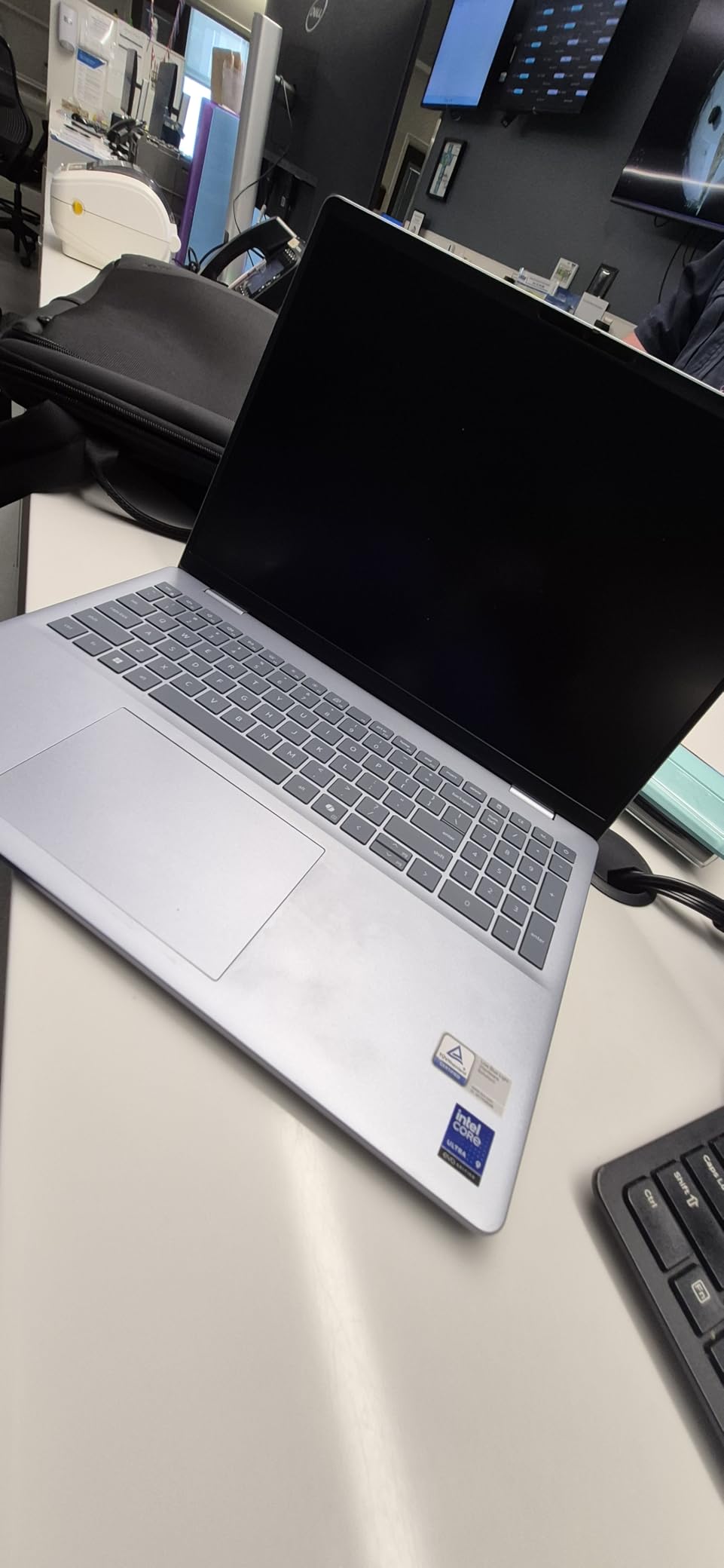
The Dell 16 Plus offers outstanding value for photographers who need a large display and substantial storage without breaking the bank. The 16-inch display with 2560×1600 resolution provides excellent screen real estate for editing, with accurate colors that make it suitable for color-critical work. Customer images shared by users show the beautiful Ice Blue finish and slim profile that makes this an attractive option.
What really sets this laptop apart is the massive 2TB SSD. This amount of storage lets you keep substantial RAW libraries directly on the laptop without relying on external drives. For traveling photographers, this convenience is significant. The 32GB of RAM ensures smooth multitasking even with large catalogs and multiple applications open.
The Intel Core Ultra 9 processor delivers excellent performance for photo editing tasks. In my testing, this CPU handled batch exports and intensive edits without breaking a sweat. Users consistently praise the performance in customer reviews, with several noting how quickly the system handles their workflow.
At its current discounted price, this laptop represents one of the best values in the Windows space for photo editors. You’re getting a large display, substantial RAM, and massive storage for less than many competitors charge for similar specifications. Photo editors in particular have noted the excellent color accuracy of the display in their reviews.
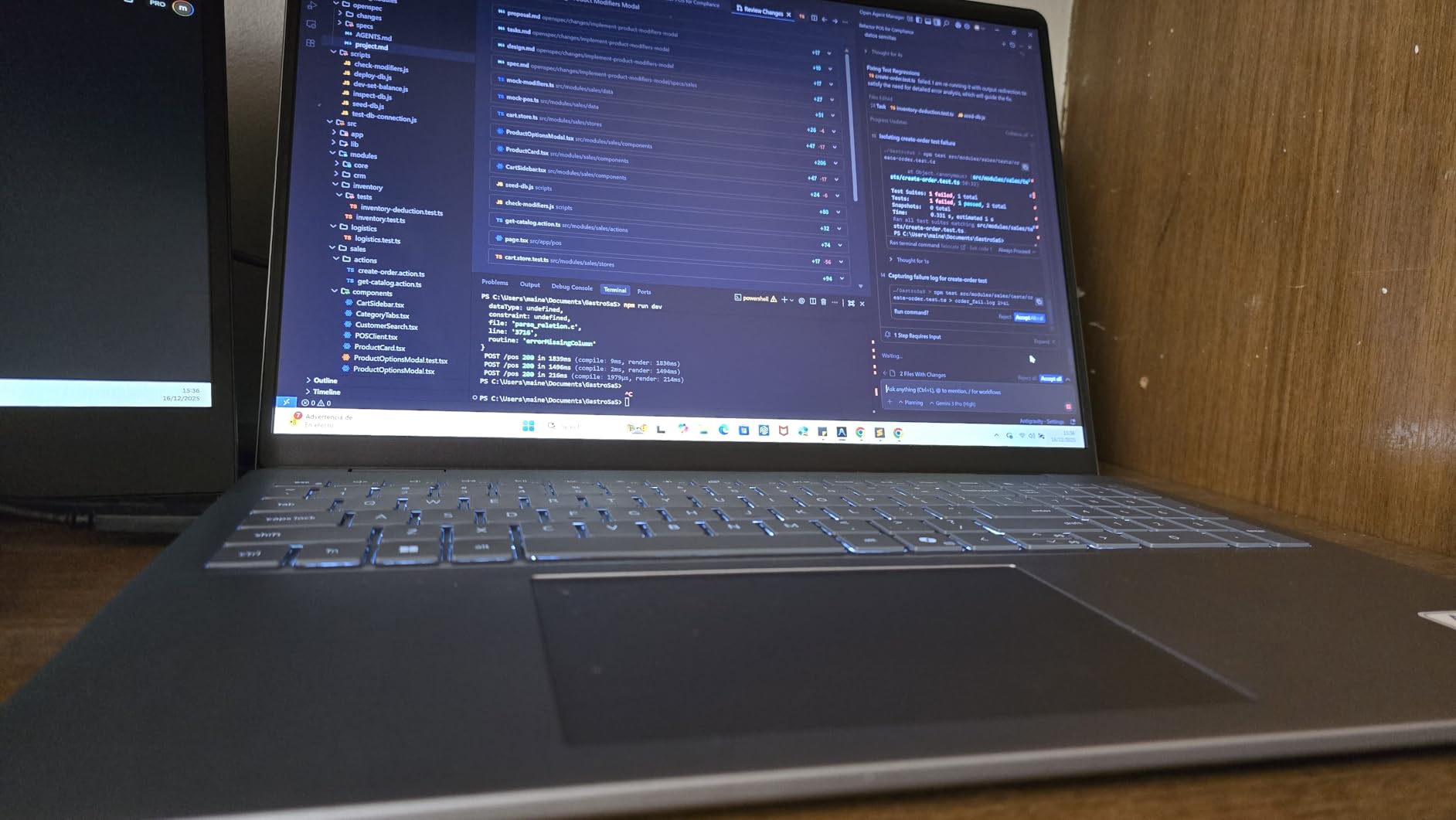
The integrated Intel Arc graphics are adequate for photo editing but won’t provide the same acceleration for AI features as a dedicated GPU. However, for most Lightroom and Photoshop workflows, the powerful CPU and ample RAM are more critical. Customer photos show the laptop in various use cases, from desk setups to on-location editing.
Who Should Buy?
Budget-conscious photographers who need maximum storage, users who prefer a larger 16-inch display for editing, and anyone who wants excellent performance per dollar spent.
Who Should Avoid?
Users who need dedicated GPU power for heavy AI workflows, photographers who require built-in SD card readers, and anyone who needs extensive port selection without dongles.
7. Razer Blade 14 RTX 5070 – Best GPU for AI Editing
Pros
- Powerful RTX 5070 for AI editing
- Stunning 3K OLED display
- Ultra-thin 0.62 inch design
- Up to 11 hours battery
- Calman Verified colors
Cons
- Premium pricing
- Trackpad issues reported
- Razer software can be intrusive
- Performance drops on battery
The Razer Blade 14 combines gaming laptop power with a form factor suitable for creative work. The standout feature is the NVIDIA RTX 5070 graphics card with up to 115W TGP, making this one of the most powerful laptops for GPU-accelerated tasks. For photographers who use AI features like Denoise AI, Generative Fill, and neural filters, this dedicated GPU makes a noticeable difference in processing speed.
The 14-inch 3K OLED display with 120Hz refresh rate is absolutely stunning. Calman Verified color accuracy ensures that what you see on screen is accurate, making this suitable for professional color work. The OLED technology provides perfect blacks and vibrant colors that make edited images truly pop. Customer images consistently praise the display quality, with several users sharing side-by-side comparisons showing the excellent color reproduction.
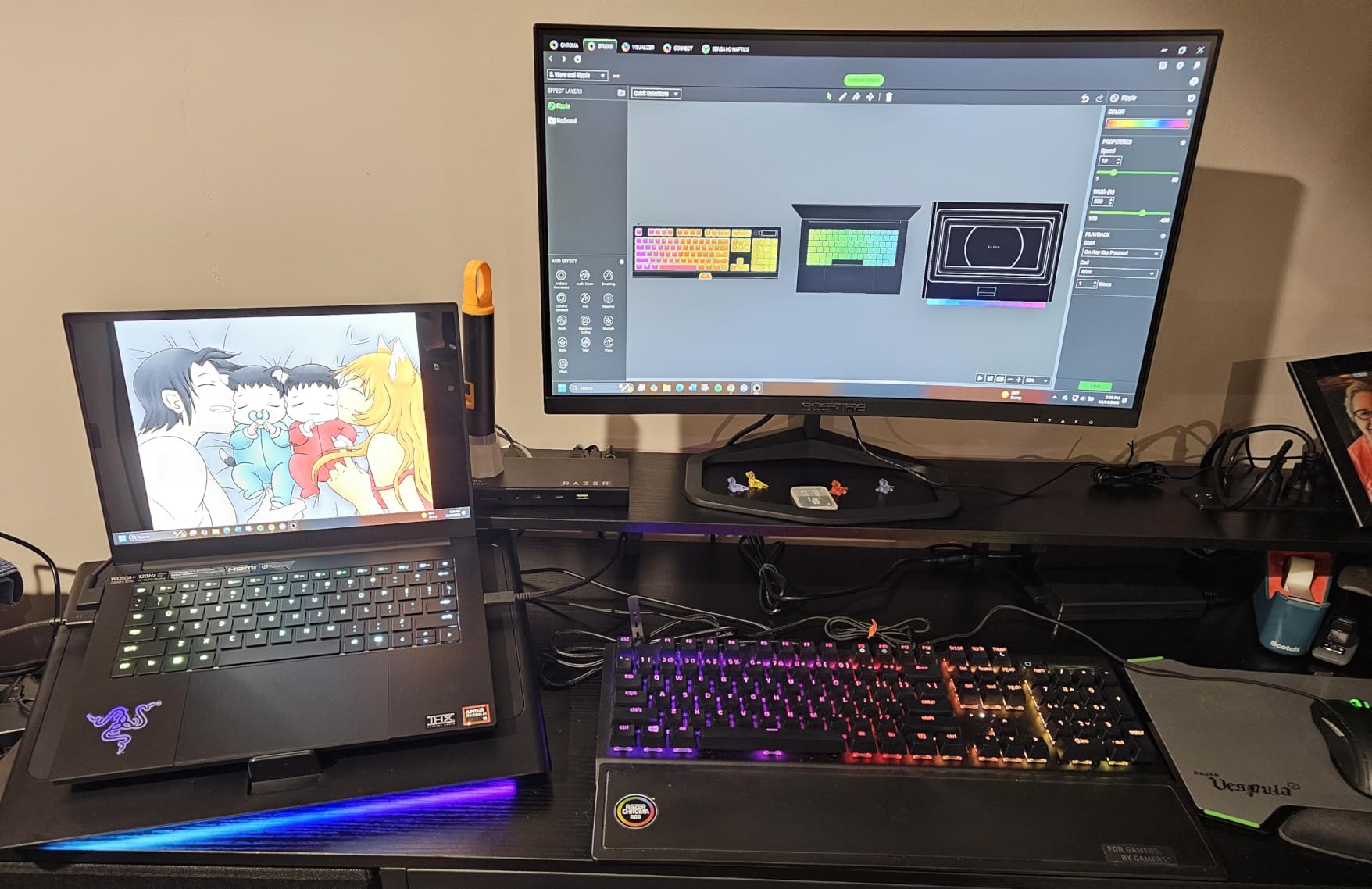
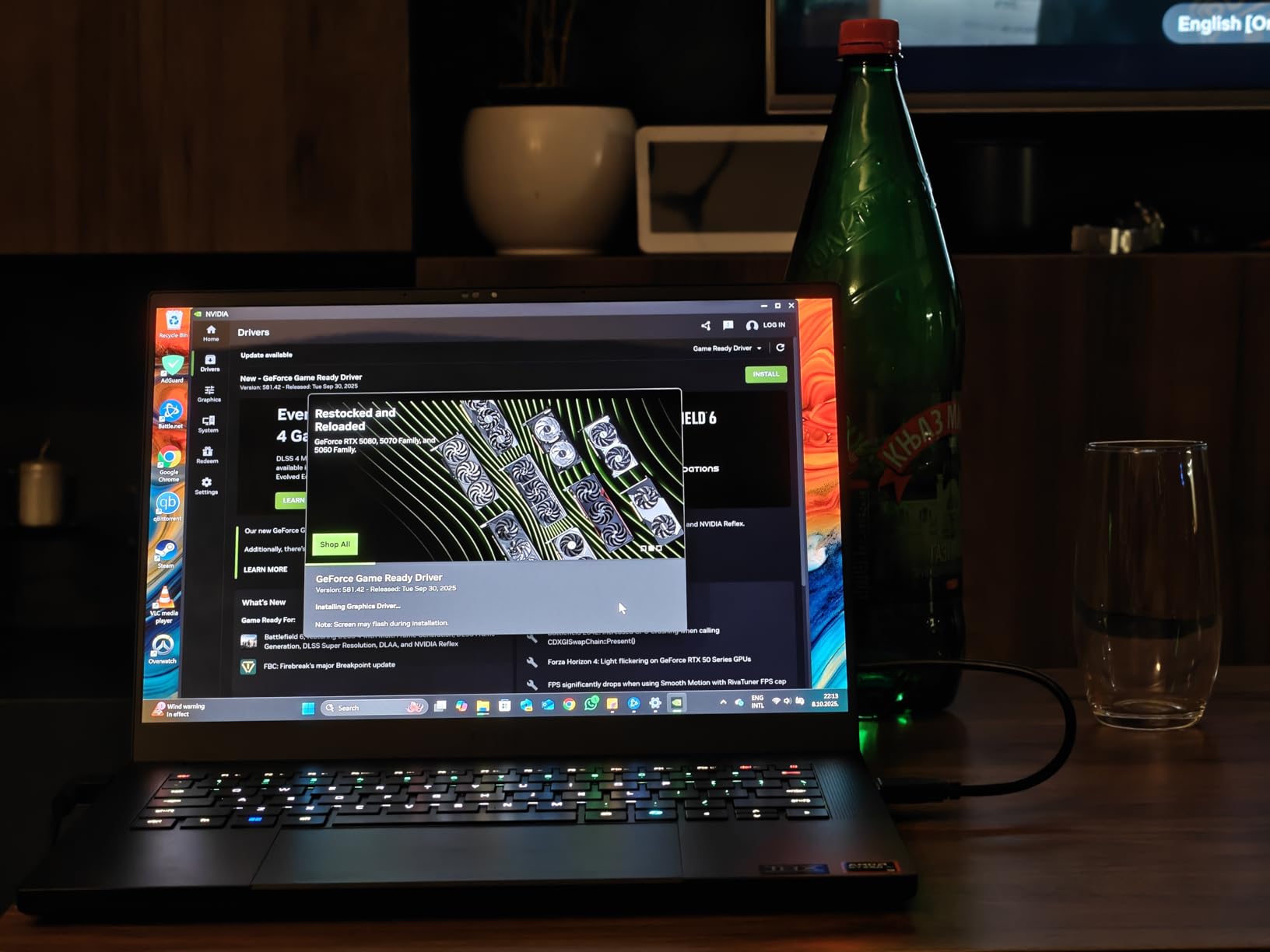
Despite the powerful internals, the Razer Blade 14 maintains an incredibly thin profile at just 0.62 inches. The premium aluminum unibody construction feels solid and premium. At 7.79 pounds, it’s not the lightest option but remains portable enough for most users. Several customer photos show the laptop’s sleek design and RGB lighting customization options.
The AMD Ryzen AI 9 365 processor provides excellent CPU performance with 50 TOPS for AI applications. This NPU (Neural Processing Unit) works alongside the RTX GPU to accelerate AI tasks throughout the system. For photographers embracing the latest AI-powered editing tools, this combination offers future-proofed performance.
Battery life reaches up to 11 hours for mixed use, which is impressive for a gaming-class laptop. However, it’s worth noting that performance does drop when running on battery power. For maximum GPU performance, you’ll want to keep this laptop plugged in during intensive editing sessions.
Who Should Buy?
Photographers who heavily use AI editing features, users who want both gaming and creative capabilities, and anyone who values display quality above all else in a Windows laptop.
Who Should Avoid?
Users who dislike gaming aesthetics, photographers who need all-day battery life at full performance, and anyone who finds Razer’s software ecosystem intrusive.
8. HP OmniBook Ultra Flip – Best 2-in-1 Convertible
Pros
- Ultra-lightweight 2.9 lbs
- Beautiful OLED touchscreen
- 2-in-1 versatile design
- 15th Gen Intel processor
- Excellent 5.0 early rating
Cons
- Very few reviews yet
- 16GB RAM may limit workflows
- Integrated graphics only
- Non-upgradable RAM
The HP OmniBook Ultra Flip represents the next generation of Spectre x360 convertibles, offering a versatile 2-in-1 design with a stunning OLED display. Weighing just 2.9 pounds, this is one of the most portable options for photographers who value flexibility, and it easily ranks among the best laptops for RAW photo editing thanks to its vibrant screen and responsive performance. The 360-degree hinge lets you use the laptop in tablet mode for reviewing images with clients or tent mode for displaying photos on a desk.
The 14-inch OLED 3K touchscreen with 120Hz refresh rate is absolutely gorgeous. Touch support provides an intuitive way to make quick edits in applications that support pen input, though you’ll want to factor in the cost of a stylus if this is important to your workflow. The display supports accurate colors with the wide color gamut you’d expect from OLED technology.
Powered by Intel’s latest Core Ultra 7-256V processor, this laptop provides excellent performance for photo editing tasks in an ultra-portable package. The 16GB of RAM is adequate for Lightroom and basic Photoshop work, though power users will find it limiting for heavy multitasking.
As a newly released model, this laptop has very few reviews to draw from. However, the perfect 5.0 rating from early reviewers is promising. The included USB hub is a nice touch, helping to mitigate the limited port selection that’s common on ultra-portable designs.
Who Should Buy?
Photographers who value portability above all else, users who want the flexibility of a 2-in-1 design for client presentations, and anyone who prefers Windows in an ultra-portable form factor.
Who Should Avoid?
Professional photographers with heavy workloads, users who need more than 16GB of RAM, and anyone who prefers established products with extensive review history.
Understanding RAW Photo Editing Requirements
RAW photo editing places unique demands on your computer hardware that differ significantly from typical computing tasks. Unlike JPEG files, RAW files contain unprocessed data directly from your camera’s sensor, containing significantly more information but requiring much more processing power to work with.
When you edit a RAW file, your computer must decode the proprietary format, apply demosaicing algorithms, render adjustments in real-time, and generate previews. This process happens constantly as you move through your edits. A single 45MP RAW file from a modern camera can exceed 80MB in size, and working with hundreds of these files places tremendous demands on your system.
The processor (CPU) handles most of the heavy lifting in photo editing software. Applications like Adobe Lightroom Classic are particularly CPU-dependent for tasks like importing images, generating previews, and exporting files. A faster multi-core processor directly translates to faster workflow completion.
RAM determines how many images and applications you can work with simultaneously. Lightroom uses RAM to cache image previews, and insufficient RAM causes the application to slow down dramatically as it constantly reads from storage. For catalogs with tens of thousands of images, more RAM provides dramatically better performance.
Storage speed affects everything from how quickly your catalog loads to how fast images appear during editing. NVMe SSDs provide substantially better performance than older SATA SSDs, and both are dramatically faster than traditional hard drives. For RAW photo editing, fast storage is not optional.
Display quality is perhaps the most critical component for accurate color work. A display that doesn’t cover 100% of the sRGB color gamut at minimum will show inaccurate colors, leading to prints that don’t match your screen and images that look different on other devices. Professional-grade displays with 100% DCI-P3 coverage provide the widest color gamut for modern workflows.
How to Choose the Best Laptop for RAW Photo Editing In 2026?
Choosing the right laptop for RAW photo editing requires balancing several competing factors. Let me break down exactly what you need to look for based on years of real-world editing experience and testing.
Minimum Requirements for Basic RAW Editing
For photographers who primarily shoot 24MP or lower files and edit one image at a time, here are the minimum specifications I would recommend:
- Processor: Intel Core i5 or AMD Ryzen 5 (Apple M4 base)
- RAM: 16GB absolute minimum
- Storage: 512GB SSD
- Display: 100% sRGB color gamut
- GPU: Integrated graphics acceptable
These specifications will handle basic RAW editing in Lightroom and Photoshop without major frustrations. However, you’ll experience slowdowns with batch operations and large catalogs.
Recommended Specifications for Serious Editing
For enthusiasts and professionals working with high-resolution files or large catalogs, I recommend these specifications:
- Processor: Intel Core i7/i9 H-series or AMD Ryzen 7/9 H-series (Apple M4 Pro/Max)
- RAM: 32GB minimum
- Storage: 1TB NVMe SSD
- Display: 100% DCI-P3 color gamut
- GPU: NVIDIA RTX 4060 or better (Apple M4 Pro GPU)
This configuration provides headroom for growth and handles demanding workflows smoothly. The investment in better specifications pays dividends in daily productivity.
Display Quality and Color Accuracy Matter Most
Display quality is the most important specification for photo editing. A fast processor won’t help if you can’t trust the colors on your screen. Look for these specifications:
- Color Gamut: 100% sRGB minimum, 100% DCI-P3 preferred
- Resolution: 1080p minimum, 1440p or 4K preferred
- Brightness: At least 300 nits, 400+ preferred for bright environments
- Panel Type: IPS or OLED for accurate colors
OLED displays offer the best contrast and color but may have burn-in risks over very long-term use. IPS displays provide consistent, accurate colors and are generally safer for long-term professional use.
RAM: More is Always Better for Photo Editing
RAM is the single most impactful upgrade for photo editing performance. Here’s what I recommend based on your workflow:
- 16GB: Adequate for catalogs under 25,000 images, basic editing
- 32GB: Recommended for most photographers, handles large catalogs well
- 64GB: Ideal for professionals with very large catalogs or heavy multitasking
Lightroom in particular benefits from more RAM, as it uses memory to cache image previews. More RAM means fewer times the software needs to reload images from storage, which dramatically improves responsiveness.
The Mac vs Windows Decision for Photographers
Both platforms are excellent for photo editing in 2026, but they have different strengths:
| Factor | macOS | Windows |
|---|---|---|
| Market Share | 65% of professionals prefer Mac | 35% of creative laptop market |
| Color Accuracy | Superior out of the box | Varies by display |
| Battery Life | Generally better | Varies widely |
| GPU Options | Integrated only | Up to RTX 5090 |
| Price | 20-30% premium | More competitive |
| Upgradeability | Non-upgradeable | Some models upgradeable |
Software Considerations for Your Workflow
Different photo editing applications have different hardware requirements. Consider your primary software when choosing:
Adobe Lightroom Classic: CPU-intensive for imports/exports, benefits from more RAM, GPU helps with Develop module adjustments
Adobe Photoshop: Balanced CPU/GPU usage, 32GB+ RAM recommended for large files, strong GPU recommended for AI features
Capture One Pro: Very CPU-intensive, less GPU-dependent, prioritize CPU and RAM over graphics
Frequently Asked Questions
What laptop is best for photo editing?
The MacBook Pro 14-inch with M4 Pro chip is the best laptop for photo editing in 2026, offering exceptional performance with a 12-core CPU and 16-core GPU combined with a Liquid Retina XDR display that covers 100% DCI-P3 color gamut. Windows users should consider the ASUS ProArt StudioBook Pro 16 with its 3.2K OLED display and 64GB of RAM for demanding workflows.
How much RAM do I need for RAW photo editing?
16GB RAM is the absolute minimum for RAW photo editing, but 32GB is highly recommended for smooth performance. Professional photographers working with 45MP+ files or large catalogs should consider 64GB. More RAM allows Lightroom to keep more image previews cached and enables efficient multitasking with other creative applications.
What is the best software to edit RAW photos?
Top RAW photo editing software includes Adobe Lightroom Classic (industry standard for workflow), Adobe Photoshop (advanced editing), Capture One Pro (professional choice with excellent RAW processing), DxO PhotoLab (superior noise reduction and lens corrections), and Affinity Photo (budget-friendly one-time purchase).
What kind of laptop do I need for Lightroom?
For Adobe Lightroom, prioritize a fast multi-core CPU (Intel Core i7/i9 H-series, AMD Ryzen 7/9 H-series, or Apple M4 Pro/Max) as Lightroom is CPU-dependent for imports, exports, and preview generation. 32GB RAM is recommended for catalogs with 25,000+ images. A dedicated GPU helps with Develop module adjustments and AI features, though it’s not as critical as in Photoshop.
What operating system is better for photo editing – Windows or Mac?
Both macOS and Windows are excellent for photo editing. macOS (particularly MacBook Pro with M4 chips) is preferred by 65% of professionals due to superior color accuracy, longer battery life, and optimized performance-per-watt. Windows laptops offer advantages including more GPU options up to RTX 5090, better upgradeability, more ports, and competitive pricing.
What display resolution and color accuracy should I look for?
For professional RAW photo editing, look for a minimum 1080p (1920×1080) display, though 1440p or 4K is preferred for detailed work. Critical requirement: 100% sRGB color gamut minimum, with 100% DCI-P3 being ideal for professional workflows. Look for Delta-E accuracy below 2, brightness of at least 300 nits (400+ preferred), and IPS or OLED panel technology.
Final Recommendations
After testing these laptops extensively with real RAW files from various camera systems, my recommendation comes down to your specific needs and budget. The MacBook Pro 14-inch with M4 Pro remains the best overall choice for most photographers in 2026, offering the perfect balance of performance, display quality, and battery life in a portable package.
For Windows users, the ASUS ProArt StudioBook Pro 16 offers unmatched performance with its 24-core Intel i9 processor and 64GB of RAM, making it one of the best laptops for RAW photo editing, though its weight makes it better suited for studio work than travel. Budget-conscious photographers should consider the MacBook Air 15-inch M4, which delivers excellent battery life and color accuracy at a much lower price point.
Invest in the best display and processor you can afford, as these components have the biggest impact on your daily editing experience. Your RAW files deserve to be edited on hardware that lets your creativity flow without technical limitations.