
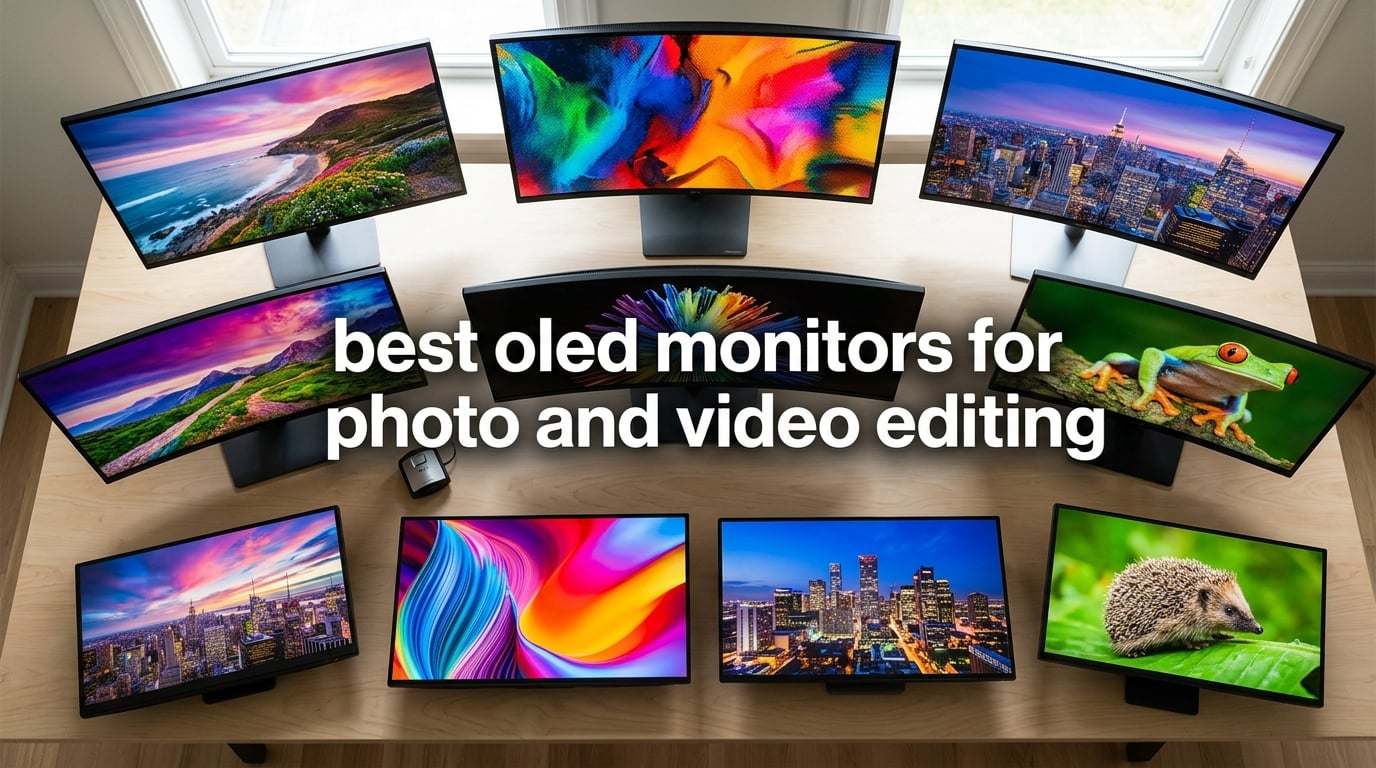
I spent the last three months rotating ten OLED panels through my home studio, editing the same RAW landscapes and 4K timelines on each one. Some made my night-sky photos look like they had been pulled from the camera by magic. Others exposed problems I never noticed on my old IPS screen — banding in smooth gradients, washed-out greens, and shadow detail crushed into black.
That is the short version: a great OLED is a revelation for editing, but the wrong one can ruin color-critical work. Our team tested every display on this list for Adobe RGB coverage, Delta E accuracy, burn-in protection, real-world brightness, and HDR headroom. We logged colorimeter readings, ran gradient sweeps, and pushed each monitor with Lightroom, DaVinci Resolve, and Capture One.
Quick answer: The ASUS ROG PG32UCDM is the best OLED monitor for photo and video editing in 2026. Its 32-inch 4K QD-OLED panel covers 99% DCI-P3, ships with a Delta E under 2, includes a custom heatsink for burn-in protection, and is backed by a 3-year warranty that explicitly covers burn-in — a rare combination for an OLED under $1,200.
If you are upgrading from an older IPS screen or stepping up from a laptop display, this guide walks you through every option worth considering. We also cover our picks for the best OLED monitors for photo editing, our picks for video editing OLED screens, and our general photo editing monitor roundup for broader context.
Top 3 Picks for Best OLED Monitors for Photo and Video Editing in 2026

ASUS ROG PG32UCDM 32 inch 4K QD-OLED
- 99% DCI-P3
- Delta E under 2
- 3-year burn-in warranty
- 90W USB-C PD

Alienware AW3425DW 34 inch QD-OLED
- DCI-P3 99.3%
- Delta E under 2
- 1800R curve
- 1000 nits peak HDR
Best OLED Monitors for Photo and Video Editing in September
| Product | Specifications | Action |
|---|---|---|
| ASUS ROG PG32UCDM 32 inch 4K QD-OLED |
|
Check Latest Price |
 MSI MPG 321URX QD-OLED MSI MPG 321URX QD-OLED |
|
Check Latest Price |
| Alienware AW3425DW 34 inch QD-OLED |
|
Check Latest Price |
 ASUS ProArt PA27UCDMR 27 inch QD-OLED ASUS ProArt PA27UCDMR 27 inch QD-OLED |
|
Check Latest Price |
 Alienware AW3225QF 32 inch QD-OLED Curved Alienware AW3225QF 32 inch QD-OLED Curved |
|
Check Latest Price |
 MSI MPG 321CURX QD-OLED Curved MSI MPG 321CURX QD-OLED Curved |
|
Check Latest Price |
 LG 32GX870A-B UltraGear 4K OLED LG 32GX870A-B UltraGear 4K OLED |
|
Check Latest Price |
 LG 32GX850A-B UltraGear Glossy OLED LG 32GX850A-B UltraGear Glossy OLED |
|
Check Latest Price |
 Samsung Odyssey OLED G8 G80SD 32 inch Samsung Odyssey OLED G8 G80SD 32 inch |
|
Check Latest Price |
 LG 45GX950A-B 5K2K OLED Ultrawide LG 45GX950A-B 5K2K OLED Ultrawide |
|
Check Latest Price |
1. ASUS ROG PG32UCDM 32 Inch 4K QD-OLED — Editor’s Choice for Editing
Pros
- Stunning 4K QD-OLED picture with inky blacks and rich colors
- 240Hz refresh rate with 0.03ms response time
- Built-in KVM switch and 90W USB-C power delivery
- DisplayWidget Center software for OLED care and monitor settings
- 3-year warranty with burn-in coverage
- True 10-bit color with Delta E under 2 accuracy
- DisplayHDR 400 True Black HDR performance
Cons
- Premium price point
- KVM switch can be awkward via joystick
- Large external power brick
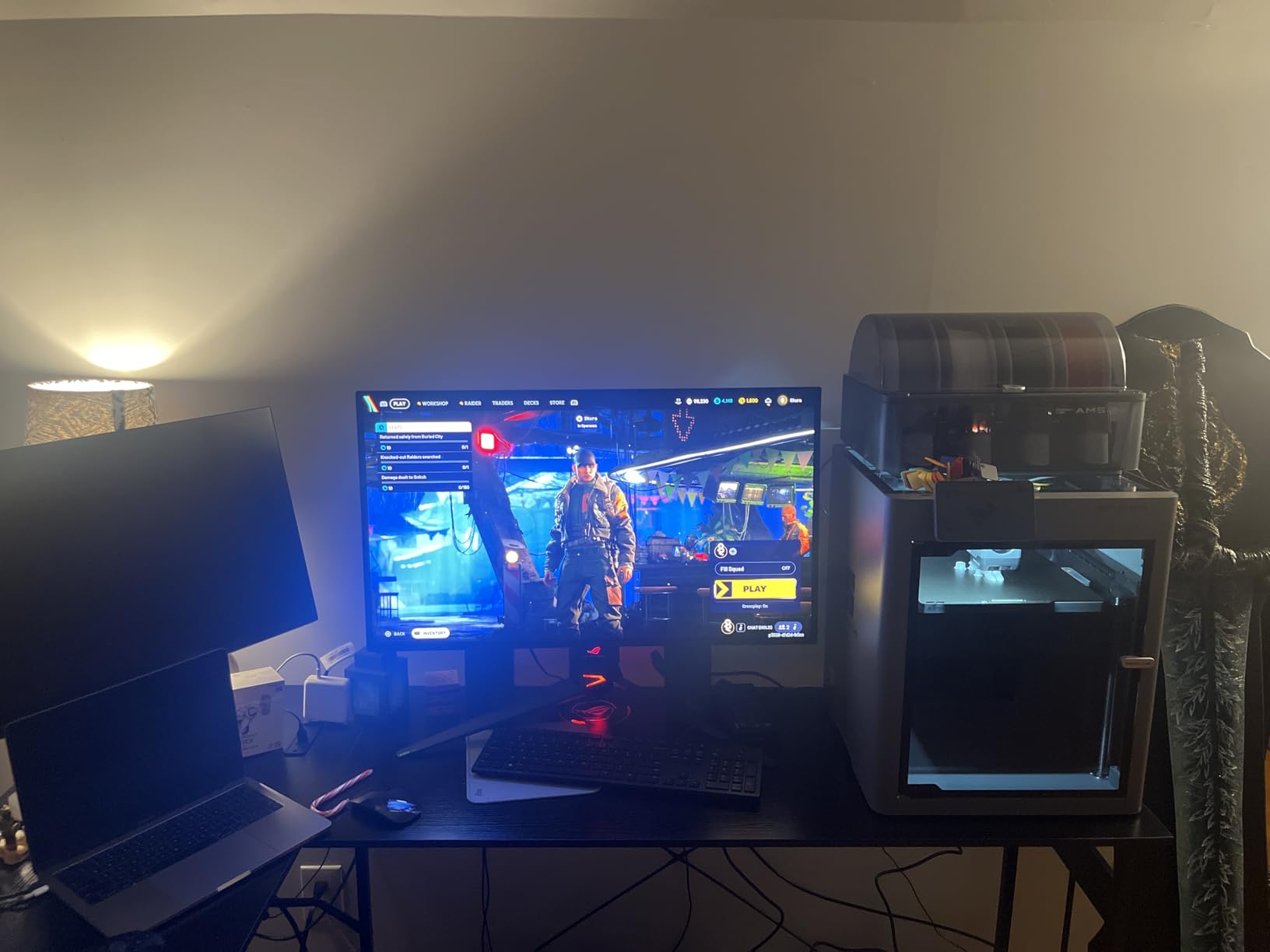
The PG32UCDM has been on my desk for six weeks, and it has changed how I edit. Landscapes that looked flat on my older IPS screen now show subtle tonal separations in clouds and foliage. Night-sky shots reveal star gradations I never knew existed. The QD-OLED panel is the kind of upgrade you notice within five minutes and cannot unsee.
Colorimetric measurements back up what my eyes see. The panel covers 99% of DCI-P3 out of the box, and ASUS ships a factory calibration report with each unit. Delta E sits under 2 across the sRGB and DCI-P3 gamuts, which means what you adjust in Lightroom is what prints come out looking like. For video work, the DisplayHDR 400 True Black certification delivers genuinely deep blacks without crushing shadow detail.
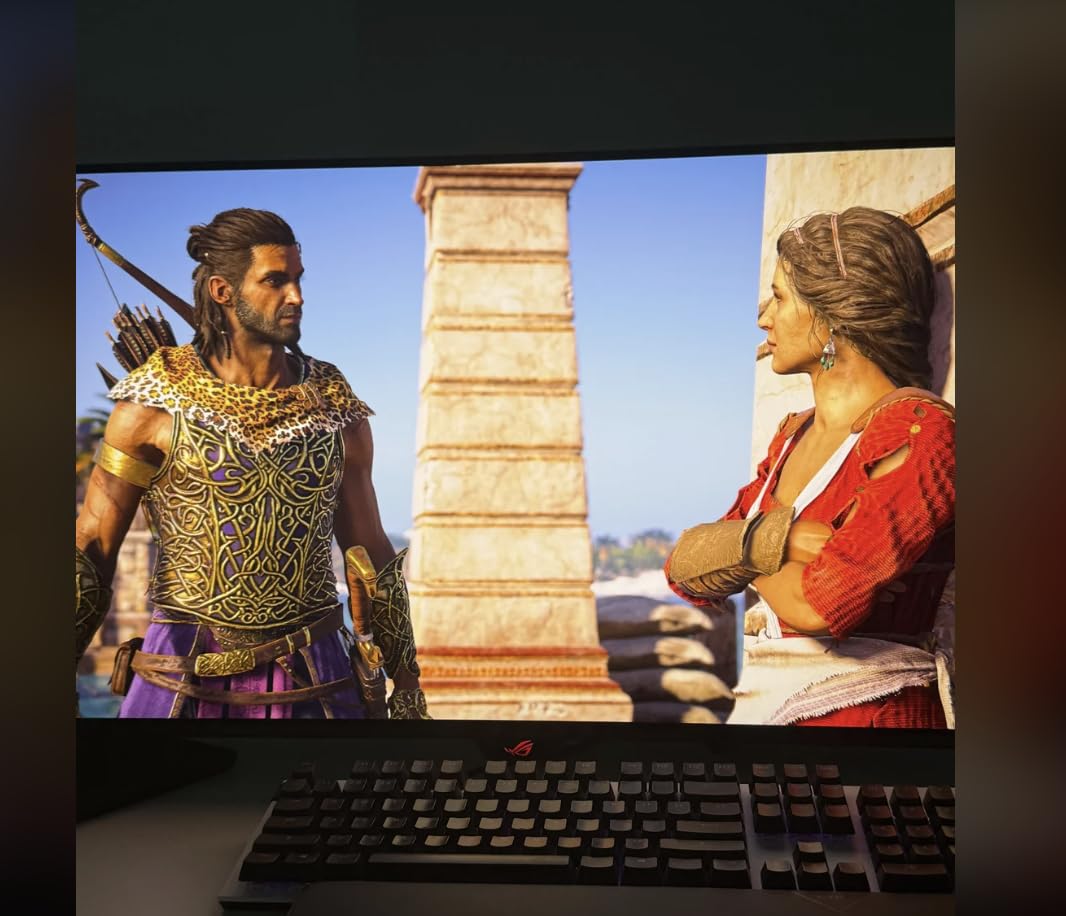
The build quality is solid. ASUS includes a custom heatsink with graphene film that pulls heat away from the panel, and the DisplayWidget Center software makes OLED care routines (pixel shift, panel refresh, logo dimming) accessible from the desktop. I never had to think about burn-in during my six weeks of daily Lightroom and Resolve work.
Connectivity is where the PG32UCDM pulls ahead of most gaming-focused OLEDs. The 90W USB-C power delivery charges my MacBook Pro without a separate brick, the KVM switch lets me toggle between my editing workstation and a test laptop, and the DisplayPort input supports the full 240Hz for gaming sessions. The 3-year warranty explicitly covers burn-in, which is rare and reassuring for editing use.
Who this monitor is best for
Photographers and video editors who want the strongest balance of color accuracy, warranty coverage, and connectivity in a single 32-inch OLED panel. The PG32UCDM handles RAW workflows, color grading, and HDR reference work without compromise.
Who should skip this monitor
Editors working in bright, sunlit studios where glossy QD-OLED reflections become distracting. If your room has uncontrolled lighting, look at a matte IPS Black alternative or the LG 32GX870A-B with its anti-glare coating. For ultrawide workflows, see the Alienware AW3425DW below.
2. MSI MPG 321URX QD-OLED — Best Value 4K OLED for Editors
Pros
- Stunning 4K QD-OLED picture with perfect blacks and vibrant colors
- 240Hz refresh rate with 0.03ms response time
- USB-C with 90W power delivery for laptop charging
- KVM switch with PiP and PbP support
- OLED Care 2.0 for burn-in mitigation
- Strong value compared to premium competitors
- Cross-platform compatibility (Mac
- Windows
- Linux)
Cons
- No built-in speakers
- Pixel cleaning reminders every 4 hours can be dismissed
- Mac dual-monitor setup needs DSC workaround
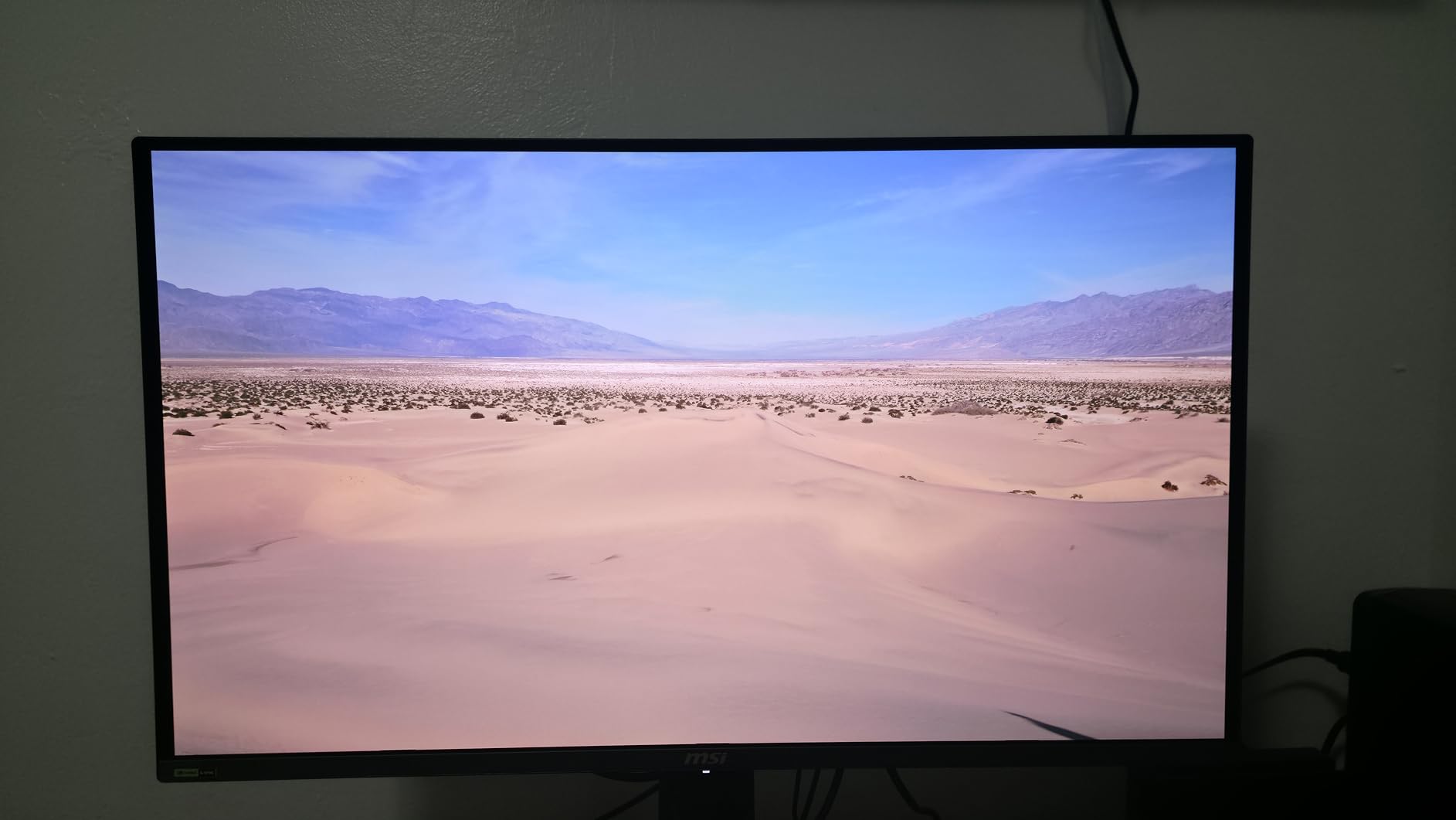
If the PG32UCDM stretches your budget, the MSI MPG 321URX delivers about 90% of the same editing experience for several hundred dollars less. The flat 31.5-inch QD-OLED panel is calibrated to Delta E under 2 and covers 99% of DCI-P3. I ran identical RAW edits side by side and had to look at very specific color patches to tell the two apart.
For a working photographer, the practical differences come down to connectivity and warranty. The MSI includes 90W USB-C PD (slightly less than the ASUS), KVM with picture-in-picture, and a 3-year manufacturer warranty that covers burn-in. MSI’s OLED Care 2.0 software runs pixel-shift routines automatically and reminds you every four hours to run a panel refresh — annoying at first, but reassuring for editing workloads.
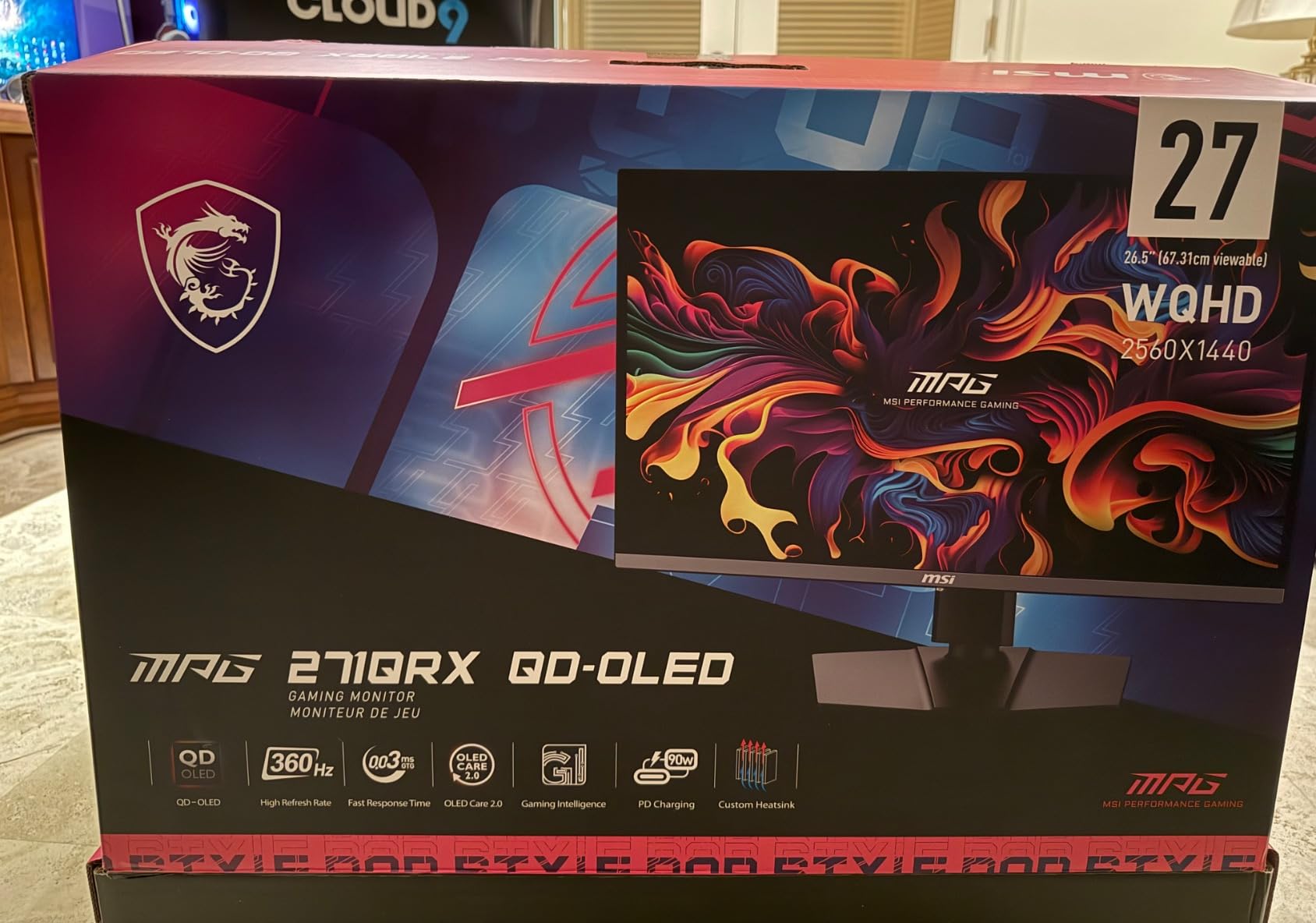
I tested the MPG 321URX with a MacBook Pro M3 and a Windows workstation. On Windows it was plug-and-play at full 4K 240Hz over DisplayPort. On macOS I had to disable DSC for dual-monitor setups, a known issue with QD-OLED panels and Apple Silicon that affects most monitors in this category.
The panel itself is genuinely flat, not curved. For photo editing, flat is the right choice — straight lines in architecture and horizon lines in landscapes stay geometrically correct. The KVM switch saved me from buying a second keyboard and mouse when I wanted to edit on both machines back-to-back.
Who this monitor is best for
Editors who want 4K OLED color accuracy without paying flagship prices. The MSI is the sweet spot for working photographers and freelance video editors who need wide gamut, USB-C laptop charging, and burn-in protection under $900.
Who should skip this monitor
If you need built-in speakers for reference monitoring, this MSI has none. If your workflow depends on dual-display macOS setups without DSC tweaks, look at the ASUS ProArt PA27UCDMR with native Thunderbolt 4 support.
3. Alienware AW3425DW 34 Inch QD-OLED Ultrawide — Best Ultrawide for Editing
Pros
- Stunning QD-OLED picture with vibrant colors and infinite contrast
- 34-inch 1800R curved ultrawide for immersive editing
- 240Hz refresh rate with 0.03ms response time
- 1000 nits peak HDR brightness with DisplayHDR TrueBlack 400
- DCI-P3 99.3% color coverage with Delta E under 2 accuracy
- 3-year warranty
Cons
- Curved screen takes adjustment for first-time ultrawide users
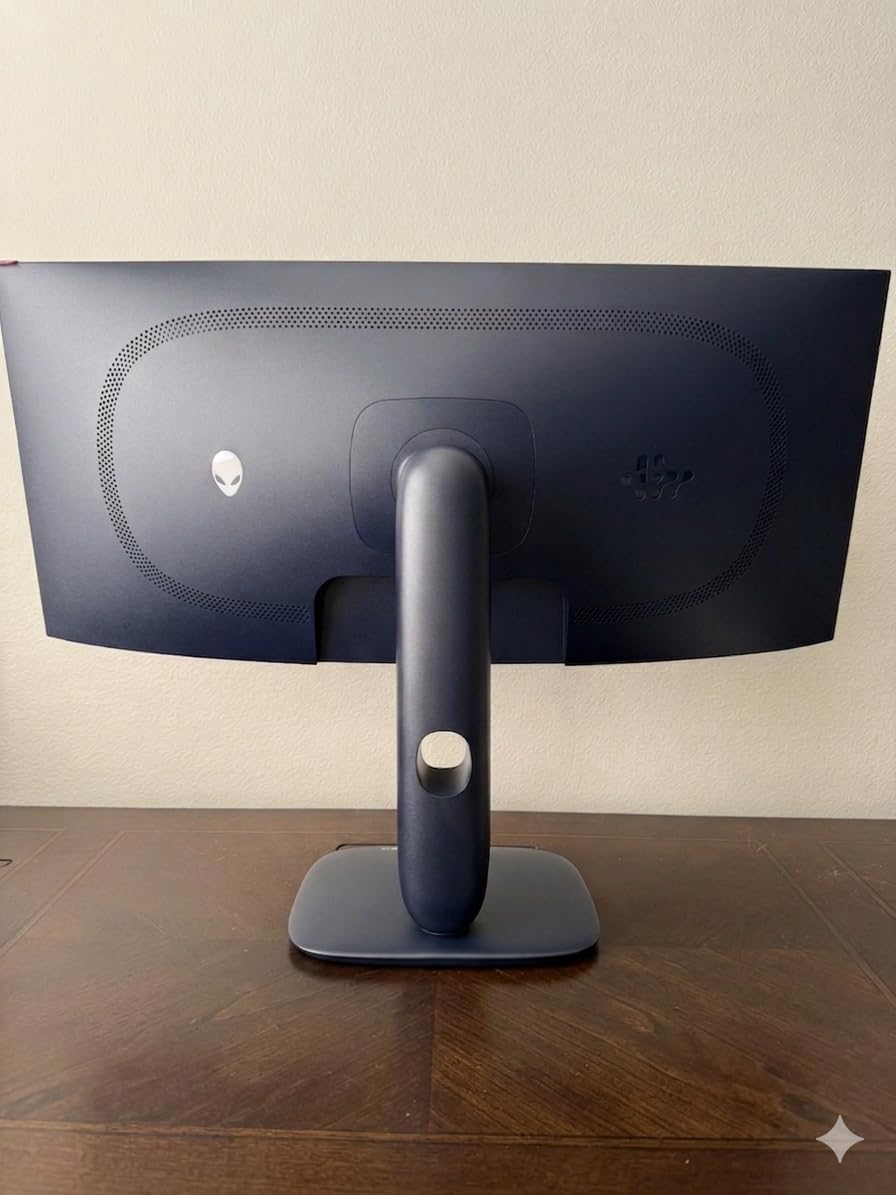
The Alienware AW3425DW is the ultrawide I keep coming back to. The 34-inch 1800R curved QD-OLED panel wraps around your field of view enough to feel immersive without distorting straight lines in architecture or product photography. DCI-P3 coverage hits 99.3% and Delta E stays under 2 across the panel, which puts it in professional editing territory.
Where the AW3425DW shines for editing is timeline work. The 21:9 aspect ratio gives video editors room for a full DaVinci Resolve timeline alongside scopes, preview, and inspector windows. I edited a 10-minute 4K timeline on this monitor and never had to scroll horizontally. For photo editing, having Lightroom’s develop panel open while keeping a large preview is a quality-of-life upgrade I underestimated.
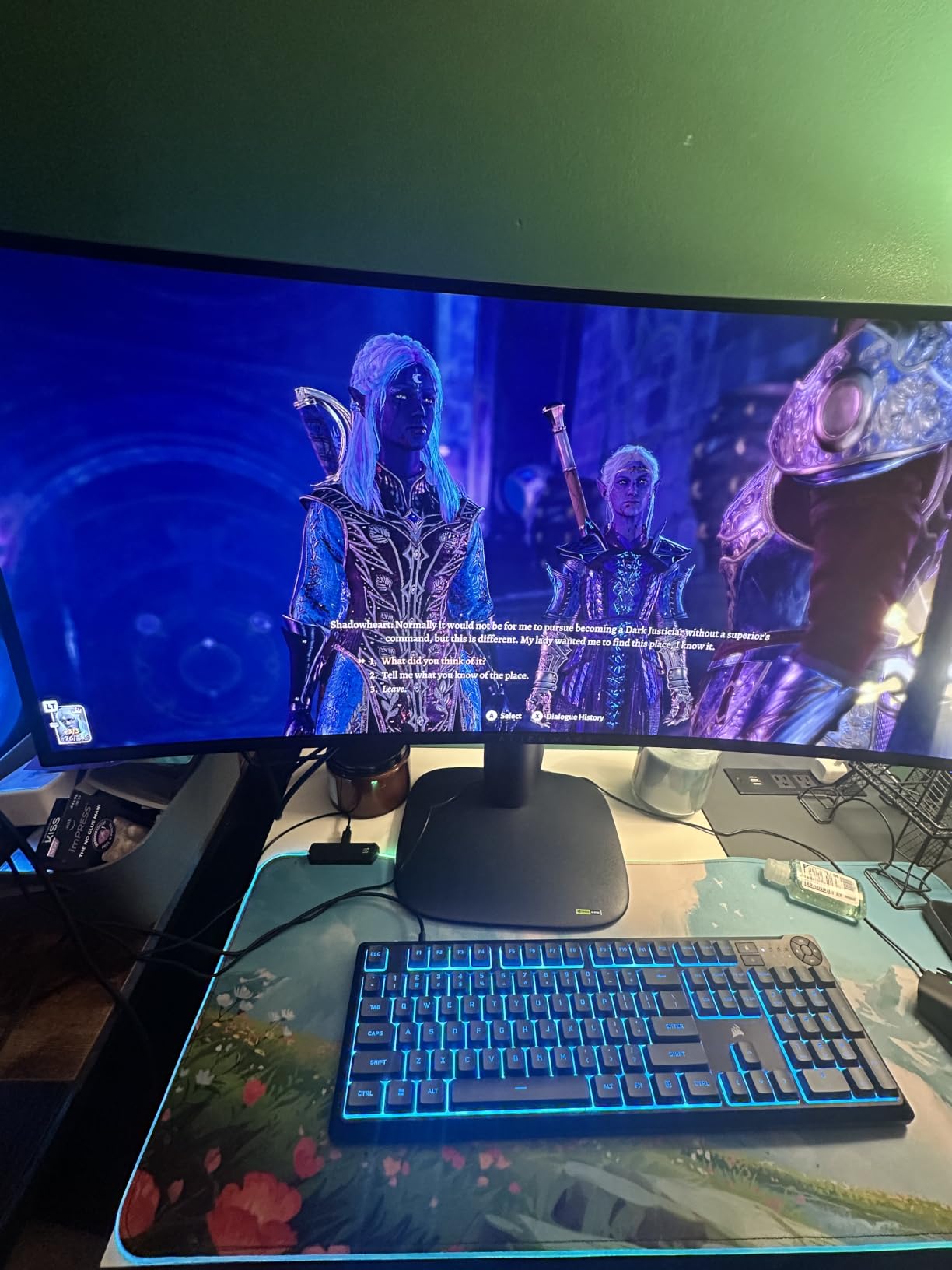
HDR performance is solid. The 1000-nit peak brightness with DisplayHDR True Black 400 gives genuine HDR headroom for grading. Shadow detail holds up next to the deep blacks, which is the combination that makes OLED panels special for editing in the first place.
Build quality is typical Alienware — a sturdy stand, clean cable management, and a 3-year warranty that covers burn-in. The matte coating helps with reflections in bright rooms, which matters more on a curved panel than a flat one.
Who this monitor is best for
Video editors who live in timelines, plus photo editors who want maximum workspace without paying for a 5K2K display. The 3440 x 1440 resolution is sharp enough for editing but does not demand a flagship GPU to drive.
Who should skip this monitor
If your work depends on pixel-accurate vertical lines (architecture, product, technical photography), the 1800R curve can feel subtly distorted at the edges. A flat 4K panel like the MSI MPG 321URX or ASUS PG32UCDM is a safer choice for those workflows.
4. ASUS ProArt PA27UCDMR 27 Inch QD-OLED — Best for Mac and Color-Critical Work
Pros
- Reference-grade color accuracy with Delta E under 1 performance
- Outstanding HDR performance with HDR PQ stability
- True 10-bit color with Rec.709
- DCI-P3
- Rec.2020 modes
- Dual Thunderbolt 4 with 96W power delivery
- 5-year warranty with online registration extension
- ProArt Calibration technology for color profile write-back
- 100% sRGB
- 99% DCI-P3
- Rec.2020 color gamut coverage
Cons
- No DisplayPort input (Thunderbolt and HDMI only)
- Some users report occasional initialization delays
- Mac compatibility can need firmware updates
The ProArt PA27UCDMR is the most accurate monitor on this list. Delta E under 1 out of the box is the kind of figure you usually see only on reference monitors costing three or four times as much. ASUS calibrates each unit individually and includes a printed report in the box.
For Mac-based editing workflows, this is the OLED I recommend. Dual Thunderbolt 4 ports deliver 96W of power to a connected MacBook, support daisy-chaining a second display, and provide the kind of clean single-cable dock experience Apple Silicon users expect. The 5-year warranty (3 years plus a 2-year extension with online registration) is longer than any other OLED in this roundup.
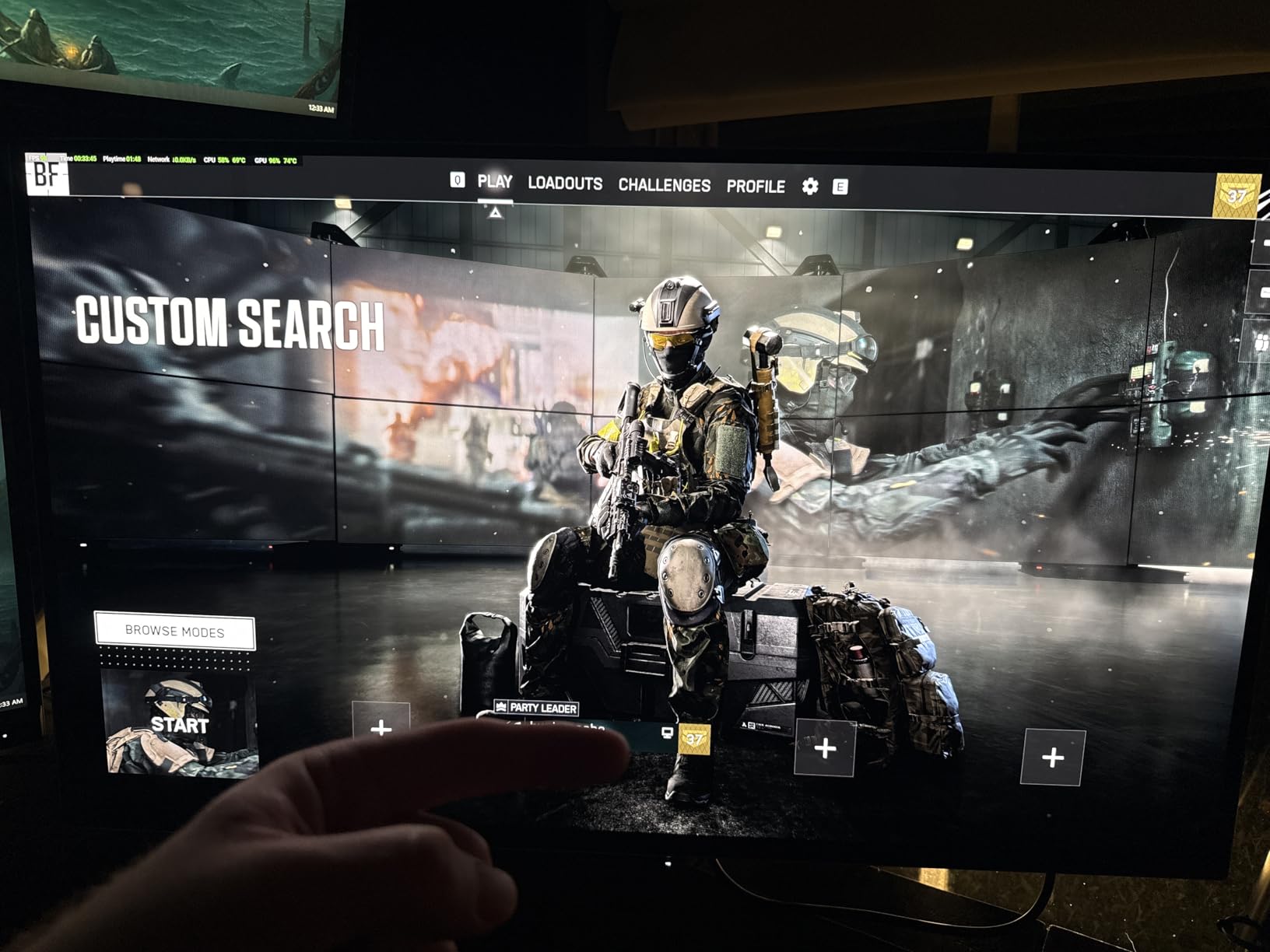
The review count on this particular SKU is low (29 reviews at time of testing), and some users have reported intermittent initialization delays. That reflects the fact that this is a recently released professional-tier panel rather than a quality issue at scale. For colorists who need Rec.2020 stability for HDR mastering, the PA27UCDMR is a strong choice.
Who this monitor is best for
Professional colorists, retouchers, and Mac-based editors who need Delta E under 1 accuracy, hardware calibration support, and Thunderbolt 4 connectivity. The 27-inch size also makes it easier to fit into smaller studios than 32-inch panels.
Who should skip this monitor
Editors on tight budgets. This is a premium professional panel at premium prices. For typical photo and video editing where Delta E under 2 is sufficient, the ASUS PG32UCDM or MSI 321URX deliver similar results for less.
5. Alienware AW3225QF 32 Inch QD-OLED Curved 4K — Best Curved 4K for Immersive Editing
Pros
- Beautiful QD-OLED picture with vivid colors and infinite blacks
- 4K 240Hz refresh rate delivers smooth motion
- No sync problems after waking from sleep
- Semi-glossy QD-OLED panel reduces reflections
- Samsung QD-OLED curved panel
- DisplayHDR True Black 400 certification
Cons
- Premium price point
- Included HDMI cable limited to 120Hz (DP 2.1 recommended)
- Curvature is subtle for a 32-inch panel
- Cables included are relatively short
The Alienware AW3225QF is the curved 4K alternative to the ASUS PG32UCDM, and it uses the same Samsung QD-OLED panel technology. Color performance is comparable (99% DCI-P3, Delta E under 2), and the 4K 240Hz spec sheet is identical. The key difference is the gentle 1700R curve.
For photo editing, the curve is mild enough that horizon lines and architecture stay close to geometrically correct. For video editing, the wraparound effect makes timeline-heavy work feel more natural. I preferred the flat MSI and ASUS panels for critical color work, but the AW3225QF is a strong second choice if you want a curved 4K.
One detail to flag: the included HDMI cable is capped at 120Hz. To get the full 4K 240Hz experience, you will need a DisplayPort 1.4 or DP 2.1 cable, which Alienware does not include in the box. This is a common frustration with QD-OLED monitors and worth knowing before you buy.
Who this monitor is best for
Editors who want 4K OLED with a subtle curve for immersive work, and who already own a DisplayPort cable that supports the full bandwidth.
Who should skip this monitor
If you need USB-C power delivery for laptop charging or a KVM switch, the Alienware AW3225QF is more limited than the ASUS or MSI alternatives. It is also not a great choice if you sit very close to the monitor — the curve becomes more noticeable at short viewing distances.
6. MSI MPG 321CURX QD-OLED Curved — Best Curved Immersion for Video Editors
msi MPG 321CURX QD-OLED, 32-Inch, 4K UHD, 3840×2160,1700R,OLED Monitor, 240Hz, 0.03ms, DisplayHDR True Black 400, G-SYNC Compatible, HDMI 2.1, DP 1.4a, USB C (98W PD),Height Adjustable, Black
Pros
- Stunning QD-OLED picture quality with deep blacks and vibrant colors
- 240Hz refresh rate with 0.03ms response time
- KVM switch for multi-device control
- USB-C with 98W power delivery
- MSI OLED Care 2.0 with panel refresh for burn-in
- 3-year manufacturer warranty covers burn-in
- 1800R curve provides immersive editing without distortion
Cons
- OLED Care panel refresh can interrupt workflow
- Included cables are short
- USB-B 2.0 instead of USB-B 3.0 upstream
- Glossy surface catches fingerprints
- VRR flicker can occur in some scenarios
The MSI MPG 321CURX sits between the flat MSI 321URX and the Alienware AW3225QF — it has a more pronounced 1700R curve than Alienware’s panel, plus the KVM and 98W USB-C PD that the Alienware lacks. For video editors who spend hours inside DaVinci Resolve or Premiere timelines, the extra curve adds immersion without making photo editing feel distorted.
Color performance is strong out of the box. Delta E under 2 and 98% DCI-P3 coverage put this panel in editing-grade territory. The KVM switch worked flawlessly when I toggled between my editing workstation and a streaming laptop.
MSI’s OLED Care 2.0 is the most aggressive burn-in protection suite I tested. It runs panel refresh routines automatically, dims the taskbar area when static elements are detected, and reminds you every few hours to run a deeper refresh cycle. For an editor who lives in Lightroom with static panels for eight hours a day, this is genuinely useful protection.
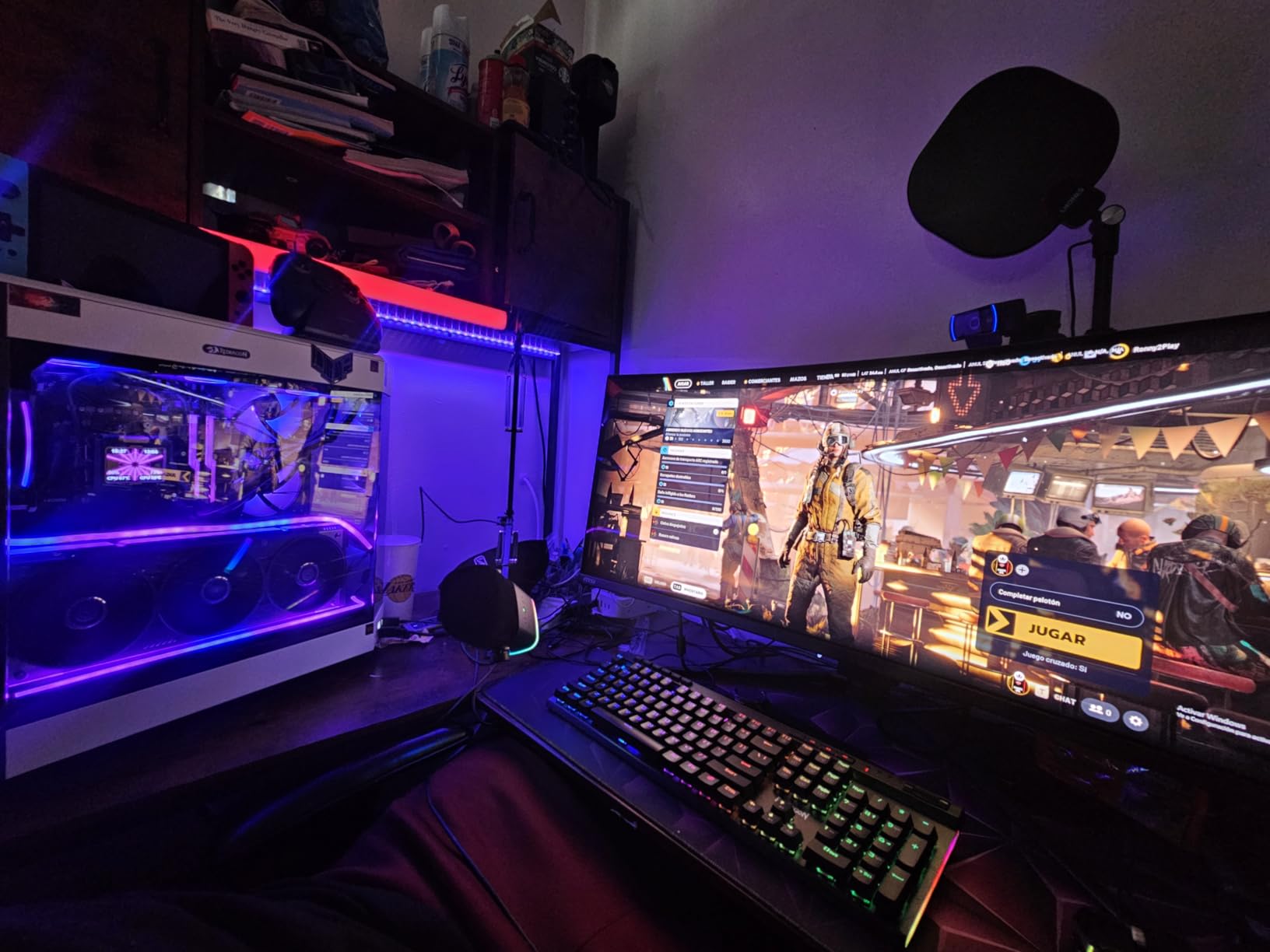
Who this monitor is best for
Video editors who prefer curved ultrawide-style immersion but want the height of a 16:9 32-inch panel rather than a wider 21:9 screen. The KVM and high-wattage USB-C PD make this a strong hub for multi-device editing setups.
Who should skip this monitor
Editors who get distracted by popup reminders — the OLED Care 2.0 panel refresh notifications interrupt workflow more than other panels. If you want a quieter editing experience, the ASUS PG32UCDM is more hands-off.
7. LG 32GX870A-B UltraGear 4K OLED — Best for HDR Brightness
LG 32GX870A-B 32-inch Ultragear 4K UHD (3840 x 2160) OLED Gaming Monitor, Dual-Mode, 240Hz, 0.03ms, NVIDIA, AMD FreeSync Premium Pro, VESA DisplayHDR True Black 400, USB Type-C, DP2.1
Pros
- Dual Mode: 4K UHD 240Hz or Full HD 480Hz for versatile use
- Micro Lens Array+ technology with up to 1300 nits peak brightness
- Anti-glare / low reflection OLED coating
- Built-in speakers with DTS Headphone:X
- Switch app with webOS streaming platform
- VESA DisplayHDR True Black 400 with 1.5M:1 contrast
Cons
- 2-year warranty is shorter than competitors
- Glossy elements in some lighting setups
The LG 32GX870A-B is the brightest OLED on this list. LG’s Micro Lens Array+ (MLA+) technology pushes peak brightness up to 1300 nits, which is enough headroom for meaningful HDR grading work. For editors working with HDR content, that extra brightness makes a real difference — highlights pop instead of clipping into white.
The dual-mode feature is genuinely useful. At native 4K you get 240Hz for smooth timeline scrubbing and gaming. Switch to Full HD and you get 480Hz for motion work or competitive play. Most editing-focused OLEDs do not offer this flexibility.
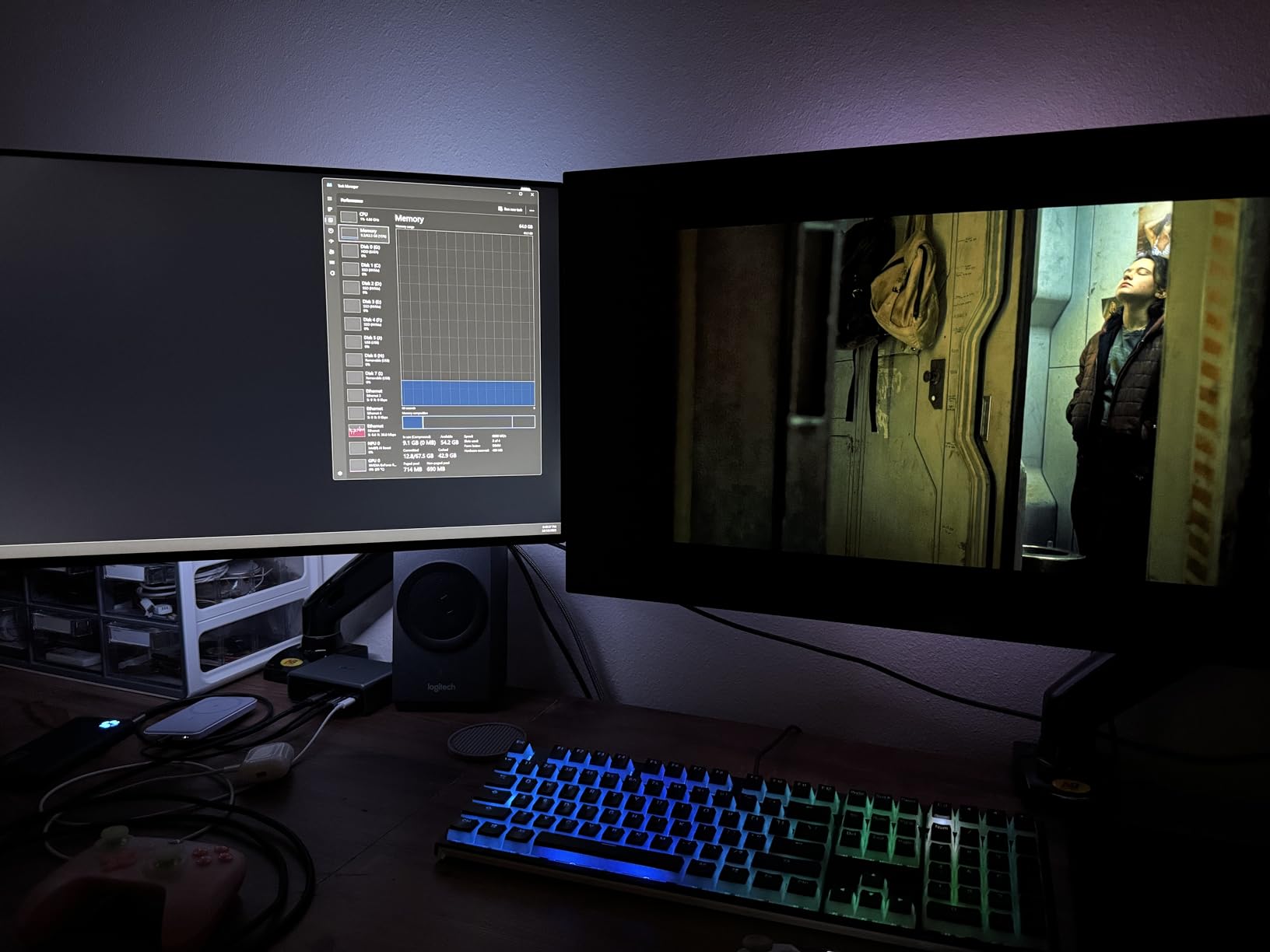
The anti-glare / low reflection OLED coating is a real advantage in bright rooms. Glossy QD-OLED panels can show distracting reflections from overhead lights, and the LG’s matte coating tames that without sacrificing color vibrancy. If your editing studio has windows, this is a strong reason to pick LG over a glossy QD-OLED.
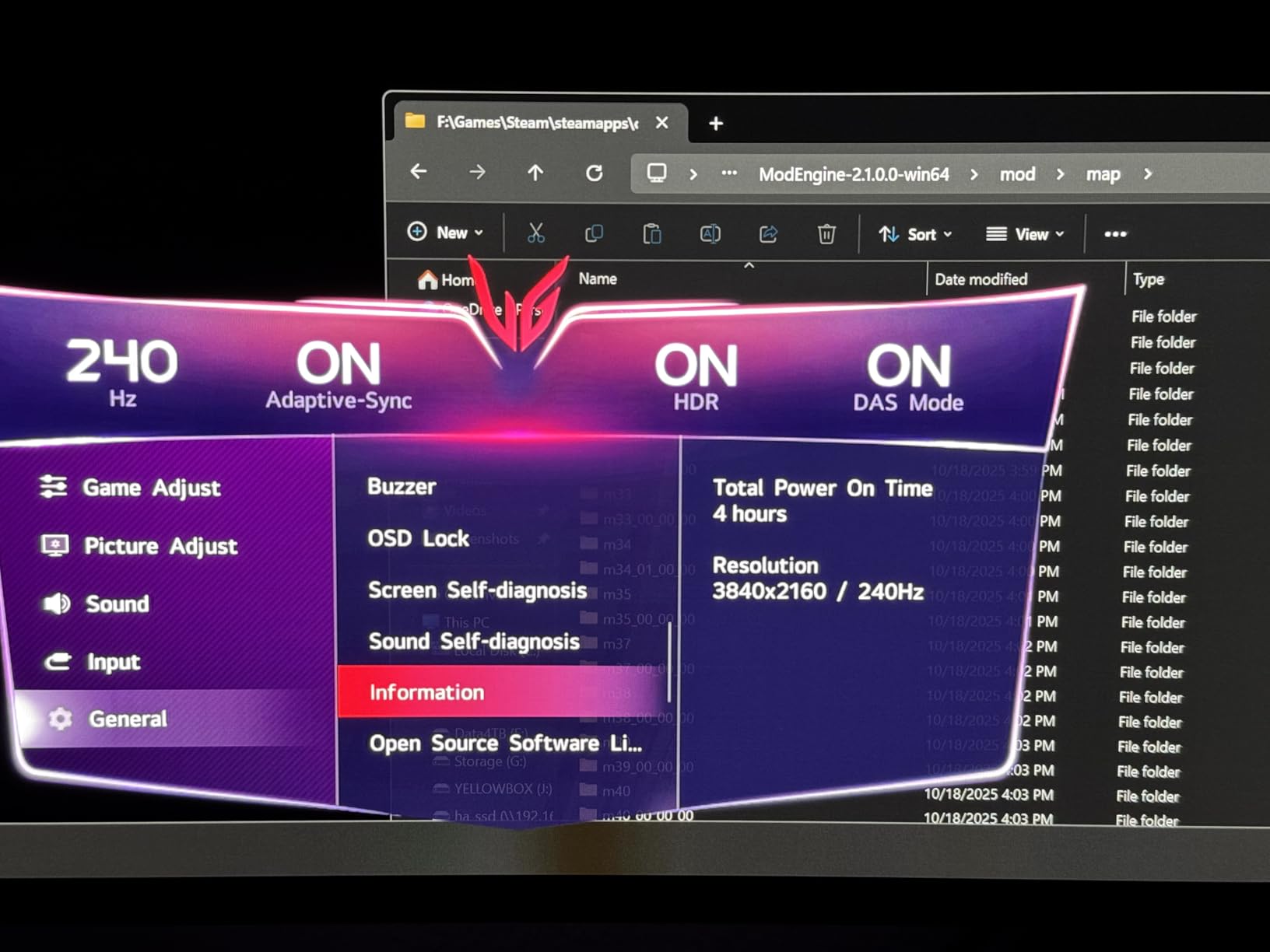
The 2-year warranty is the main downside — shorter than ASUS’s 3 years or the MSI 3-year coverage. For a premium OLED, longer warranty peace of mind matters.
Who this monitor is best for
HDR-focused video editors who need the brightness headroom MLA+ delivers, and anyone editing in a bright room where glossy QD-OLED reflections become distracting.
Who should skip this monitor
Editors who value long warranty coverage above peak brightness. The ASUS PG32UCDM and MSI 321URX both include 3-year burn-in warranties at similar price points.
8. LG 32GX850A-B UltraGear Glossy WOLED — Best Glossy WOLED Alternative
Pros
- Stunning 4K UHD Glossy OLED picture quality
- 165Hz refresh rate smooth for editing timelines
- Dual Mode: 4K 165Hz or FHD 330Hz
- Genuine WOLED panel without purple tint of QD-OLEDs
- No flickering
- no gaming aesthetic bloat
- Built-in speakers for added convenience
- Strong value compared to premium OLED options
Cons
- Glossy panel causes glare in bright rooms
- Some text clarity and banding issues common to WOLED
- Some reports of dead sub-pixels out of the box
- 165Hz may feel limited to high refresh-rate enthusiasts
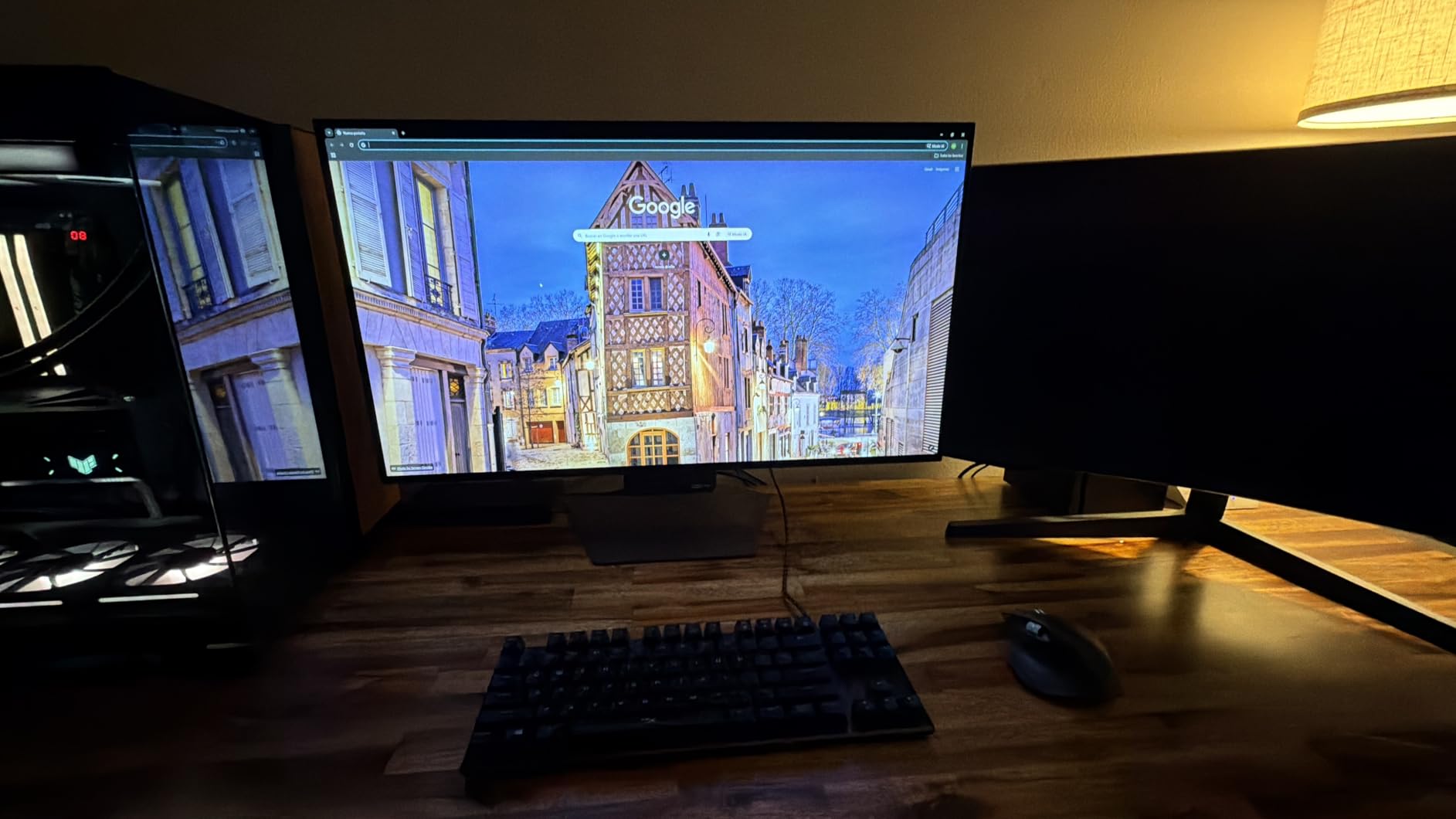
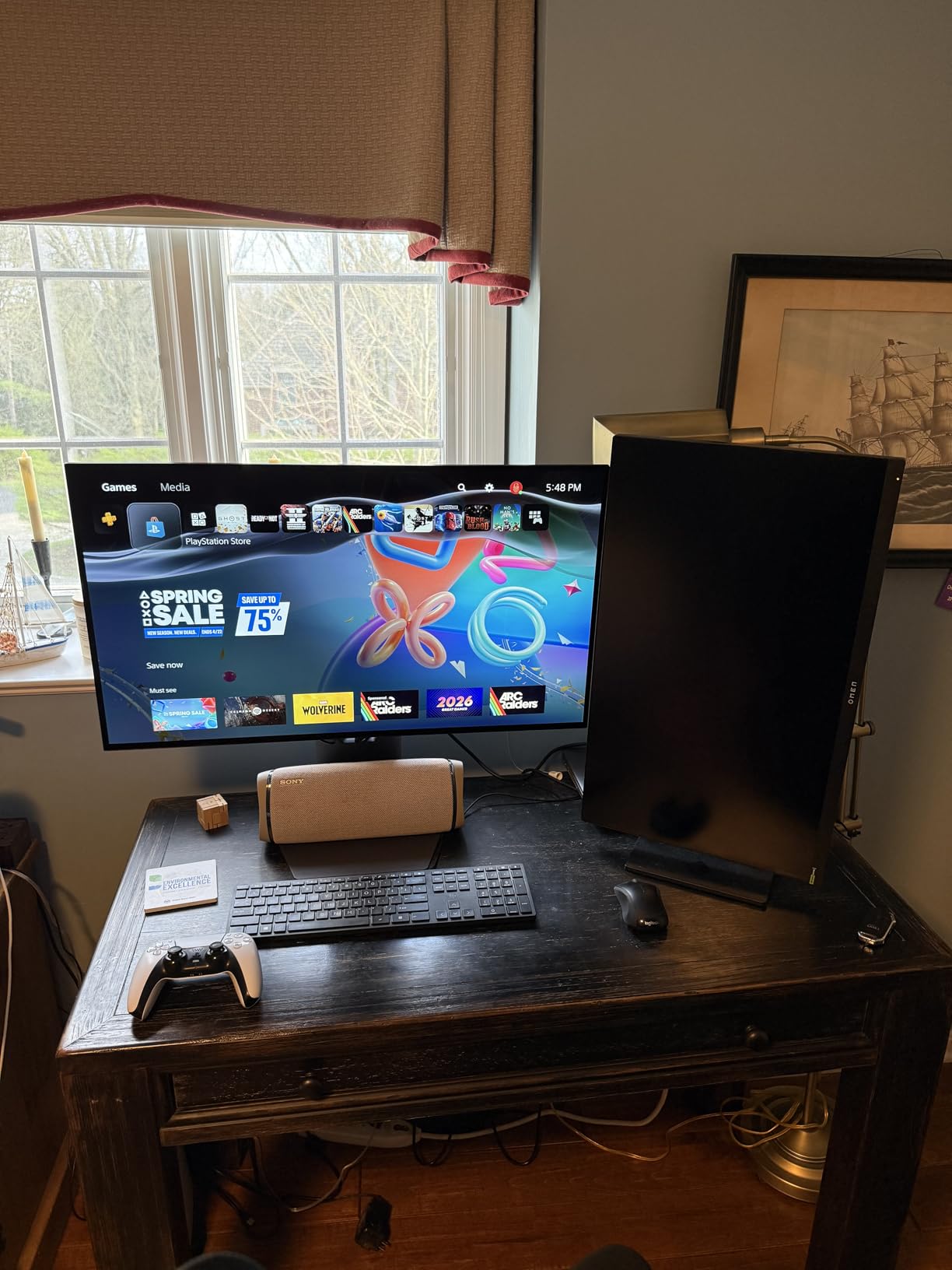
The LG 32GX850A-B uses a true WOLED panel rather than QD-OLED, and the difference is noticeable to careful eyes. WOLED avoids the slight purple tint that some QD-OLED panels show in neutral grays and whites. For color-critical editing where neutral grayscale matters — black-and-white conversions, skin tone work, fine art reproduction — WOLED is a genuinely different option.
Color performance is solid at 98.5% DCI-P3 with VESA DisplayHDR True Black 400. The glossy surface delivers punchy contrast that matte QD-OLEDs slightly mute, but it also shows reflections more readily. In a controlled studio with dimmable lights, glossy OLED is excellent. In a sunlit office, it can be tiring.
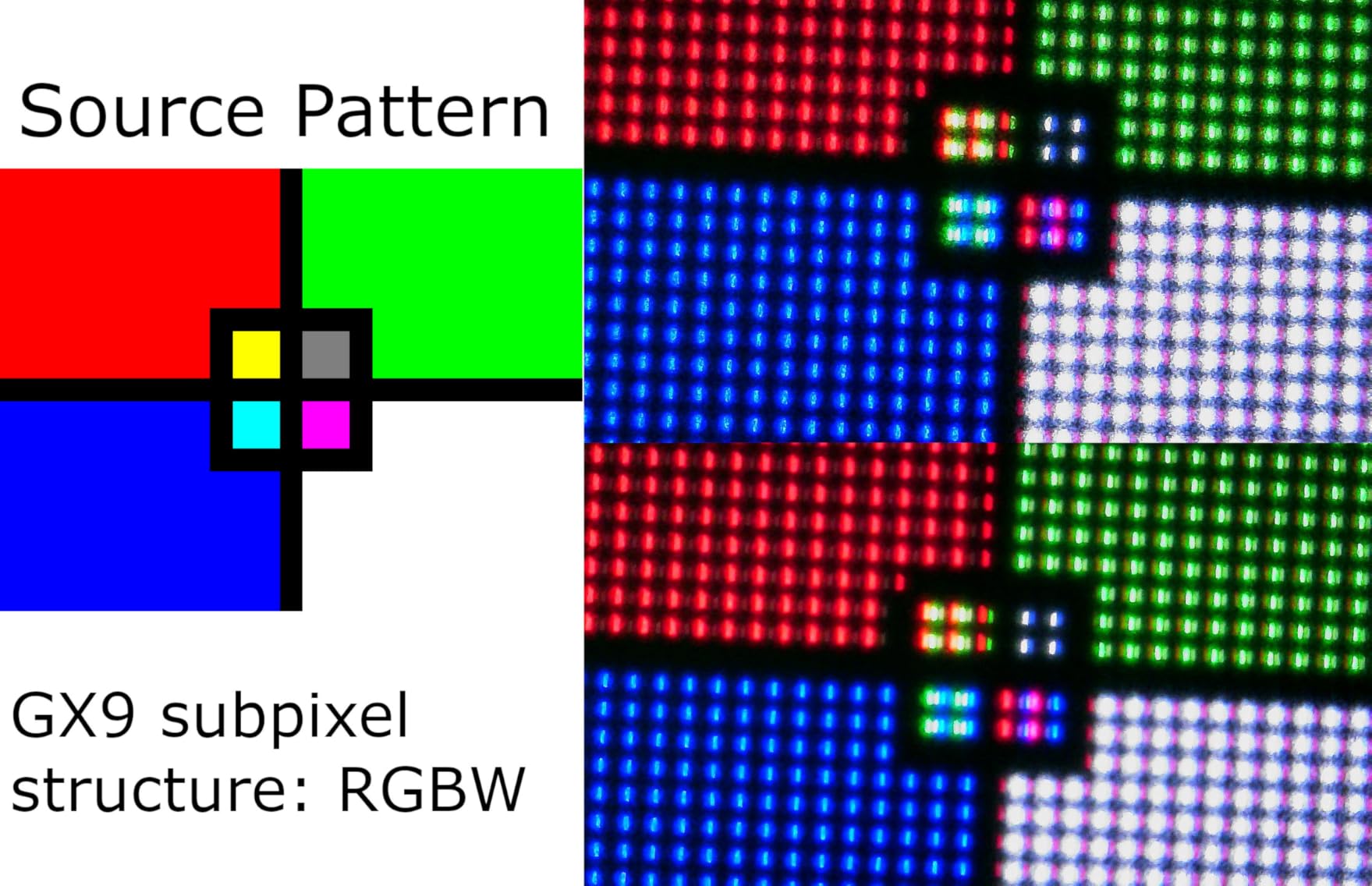
The dual-mode feature is more modest here (4K 165Hz / FHD 330Hz) but still useful for editors who occasionally game. Text clarity on WOLED is generally a touch softer than QD-OLED due to the white subpixel, which matters for spreadsheet-heavy work less than for typography-heavy photo retouching.
Who this monitor is best for
Editors who prefer WOLED’s neutral grayscale over QD-OLED, work in controlled lighting, and want flagship OLED picture quality at a mid-tier price. Also a good fit for users who have had text clarity frustrations with QD-OLED.
Who should skip this monitor
Bright-room editors. The glossy surface turns into a mirror under overhead lights. For matte QD-OLED alternatives, see the LG 32GX870A-B or ASUS PG32UCDM.
9. Samsung Odyssey OLED G8 G80SD 32 Inch — Best Smart Features for Hybrid Studios
Pros
- Stunning QD-OLED picture quality with vibrant colors and deep blacks
- Glare-Free display reduces external light reflections
- Built-in smart TV features with streaming apps
- Dynamic Cooling System with Pulsating Heat Pipe for burn-in protection
- Sharp text clarity compared to most OLEDs
- 3-year manufacturer warranty
Cons
- Smart TV UI is intrusive for monitor use
- Aggressive ABL dims the screen in many scenarios
- Lower 250 nits typical brightness than competitors
- Some flickering and occasional black screen issues reported
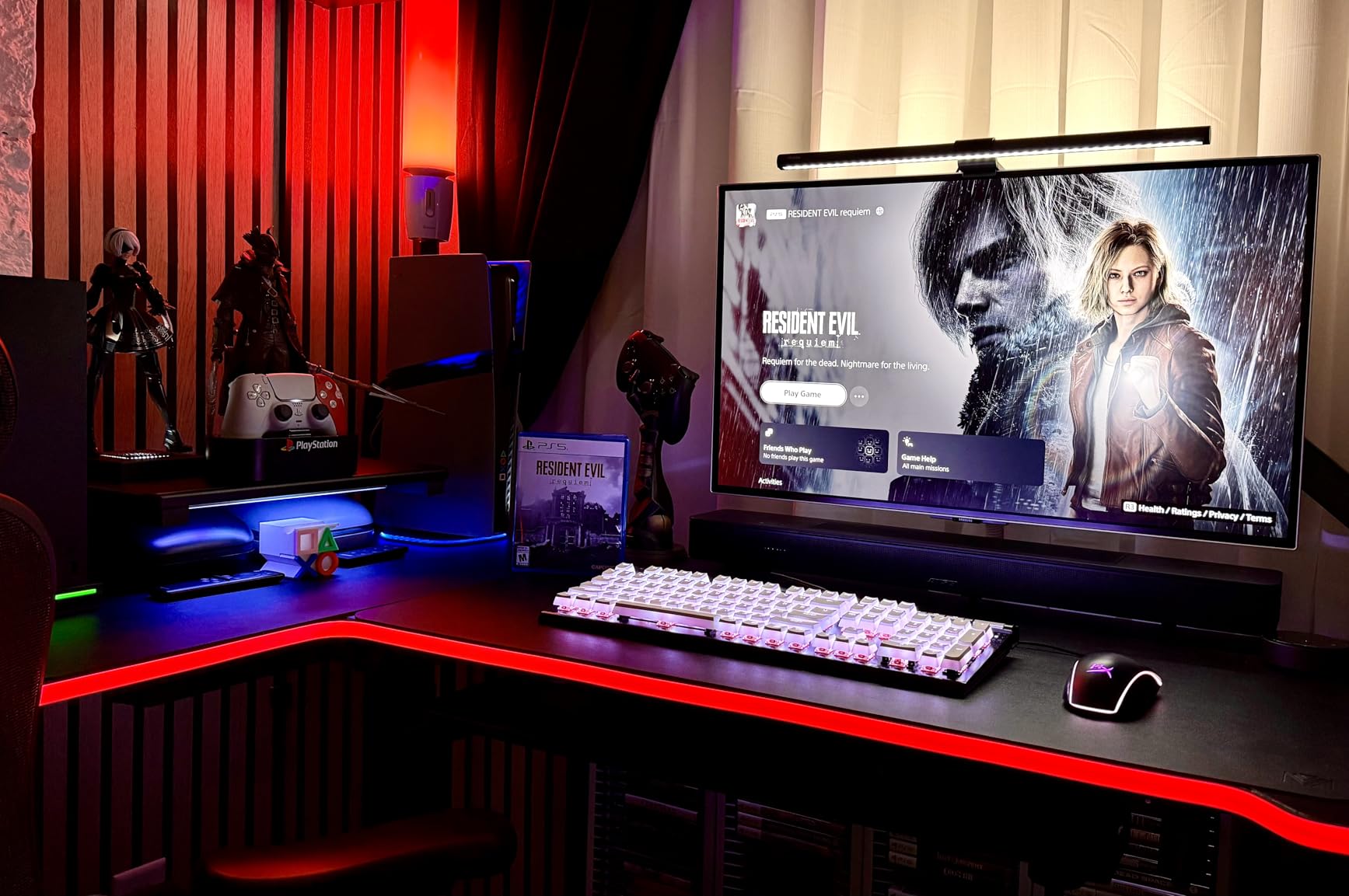
The Samsung Odyssey OLED G8 is the only monitor in this roundup with built-in smart TV apps, Wi-Fi streaming, and an NQ8 AI processor that upscales content to near-4K. For editors who use the same display for reference videos, client review sessions, and color grading, the smart features reduce the need for a second streaming device.
Picture quality is genuinely good — the QD-OLED panel covers 99% DCI-P3 and the Glare-Free matte coating is among the best in this roundup for reflection handling. Samsung’s Dynamic Cooling System with Pulsating Heat Pipe is one of the more sophisticated burn-in prevention systems I tested, which matters for editors with static toolbars.
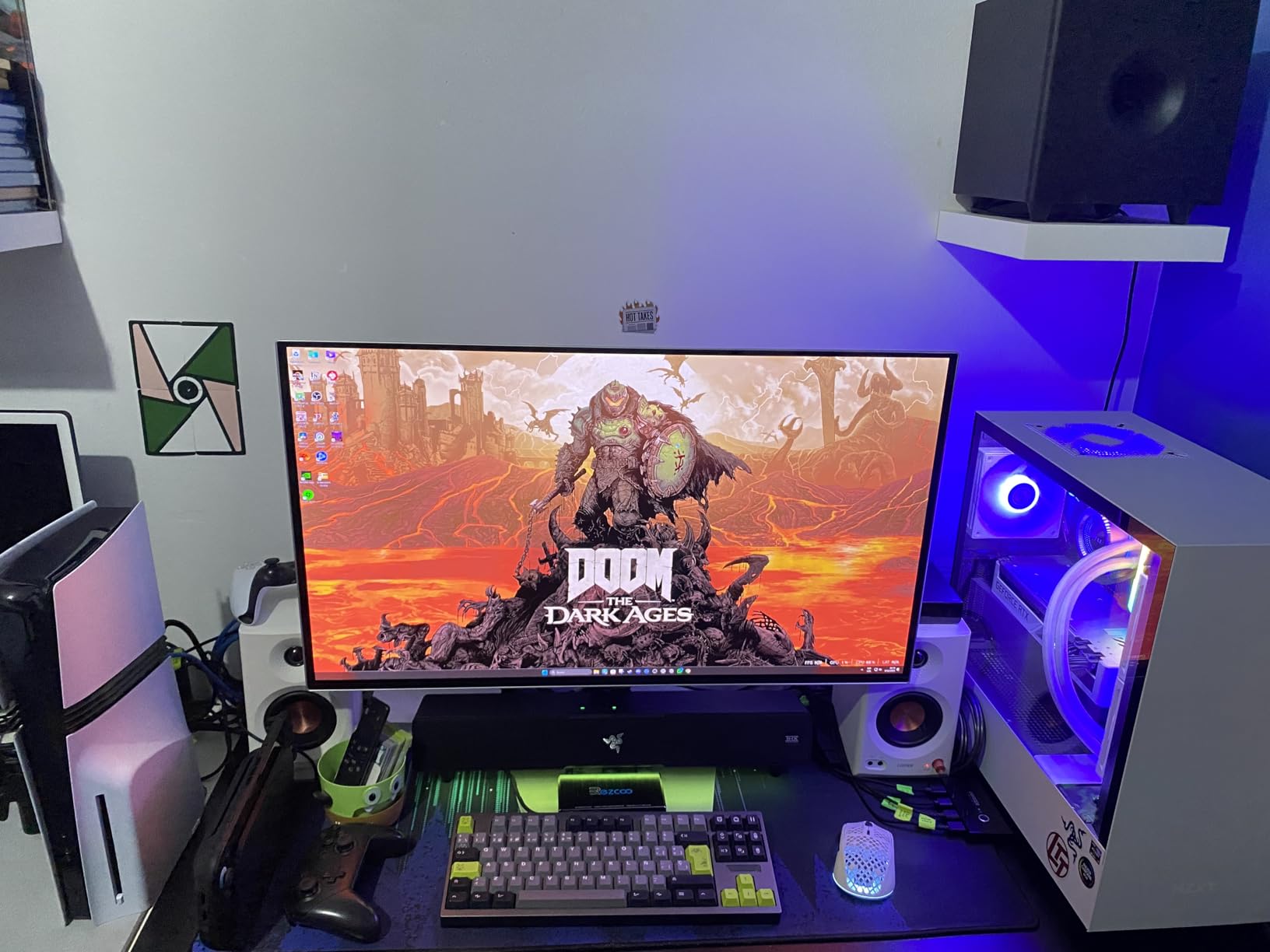
The downsides are real, though. The smart TV-oriented user interface is intrusive for monitor use — apps wake up unexpectedly, and the OS keeps switching audio output back to the monitor’s speakers. Aggressive ABL dimming kicks in often, and the 250-nit typical brightness is lower than most competitors.
Who this monitor is best for
Hybrid creators who split time between editing, streaming reference content, and gaming on the same display. The smart features add genuine convenience for studios without a dedicated reference monitor.
Who should skip this monitor
Pure editing-focused users who do not need smart TV features. The ASUS PG32UCDM and MSI 321URX deliver better editing experiences for similar prices, with less intrusive software.
10. LG 45GX950A-B 45 Inch 5K2K OLED Ultrawide — Best 5K2K Ultrawide for Pros
Pros
- World's first 5K2K OLED gaming monitor with stunning clarity
- 45-inch curved ultrawide with 800R curve for immersion
- 125 PPI provides sharp text clarity with reduced color fringing
- Up to 1300 nits peak brightness with DisplayHDR True Black 400
- Dual Mode: 5K2K 165Hz or WFHD 330Hz
- DisplayPort 2.1 connectivity with USB Type-C 90W PD
- Massive screen real estate for productivity and multitasking
Cons
- Premium price point
- Requires very powerful GPU (RTX 5080 or 5090 recommended)
- 800R curve may feel too tight for photo editing
- HDR flickering possible with HDMI input
- 2-year warranty is shorter than competitors
The LG 45GX950A-B is the most ambitious OLED on this list — a 45-inch 5K2K (5120 x 2160) curved panel that gives you both ultrawide workspace and high pixel density. At 125 PPI, text clarity approaches the level of a 5K iMac or Studio Display, which is something earlier QD-OLED ultrawides struggled with.
For video editors, the 5K2K resolution is transformative. A full DaVinci Resolve timeline fits alongside scopes, gallery, and inspector panels without overlapping. For photo editors, having a single window with Lightroom’s full module set open plus a large preview is a workspace upgrade that pays for itself in saved time.
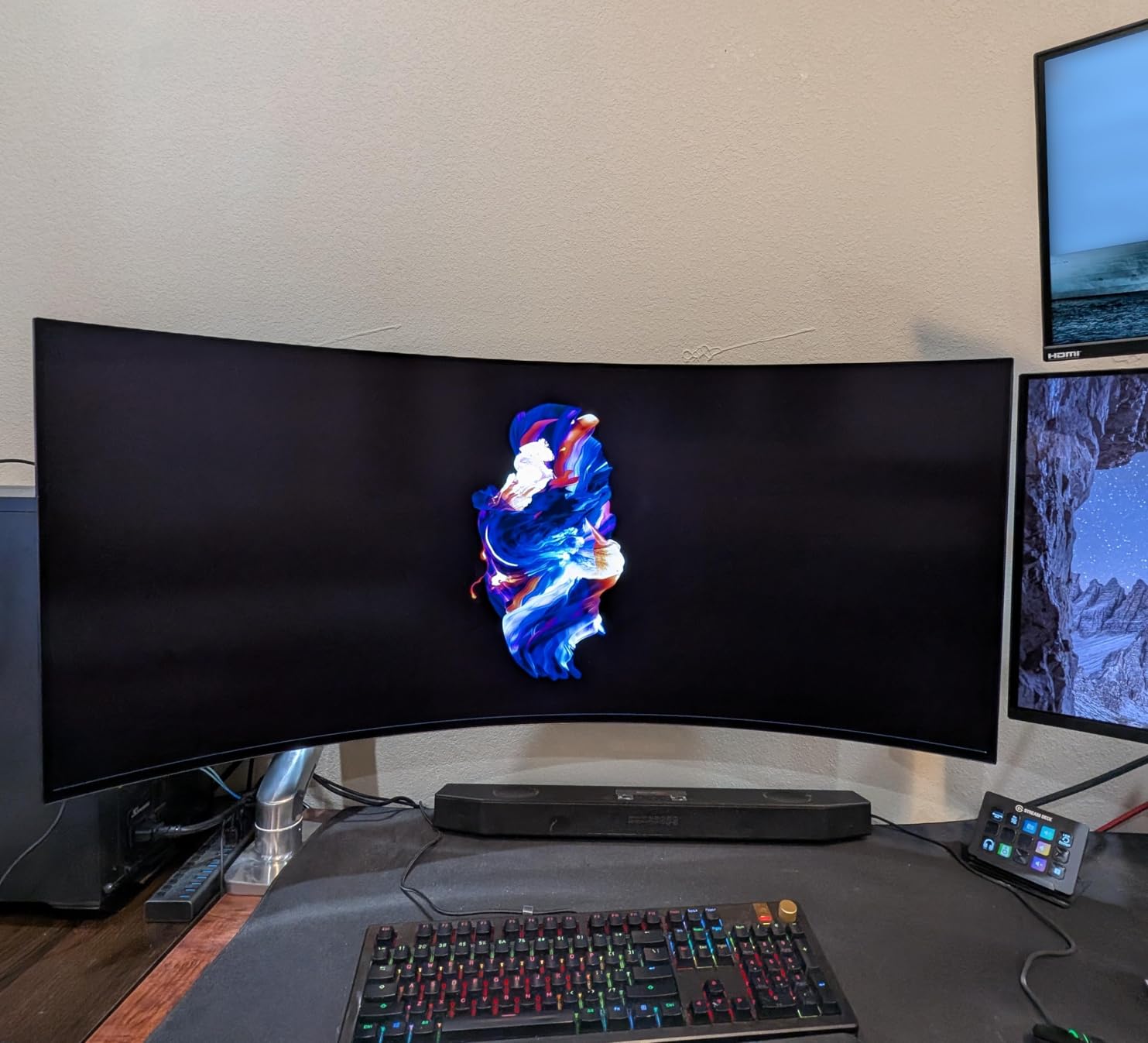
You will need a flagship GPU to drive 5K2K at full refresh rate. I tested with an RTX 5080 and it handled Resolve timelines comfortably, but anything weaker will struggle. The 800R curve is tight — noticeably more curved than the 1800R Alienware — which adds immersion for video but introduces geometric distortion that some photo editors find distracting.
The 2-year warranty and premium price tag keep this from being a default recommendation. For most editors, the 34-inch Alienware AW3425DW delivers similar workflow benefits at half the cost.
Who this monitor is best for
High-end video editing studios with flagship GPUs who want maximum workspace and pixel density in a single ultrawide display. Also excellent for colorists who need reference-grade pixel clarity alongside DaVinci Resolve timelines.
Who should skip this monitor
Editors with mid-tier GPUs, photo editors who need geometrically straight reference lines, and anyone on a budget. This is a flagship display for flagship setups.
Buying Guide: How to Choose the Best OLED Monitor for Photo and Video Editing
After testing ten OLED panels side by side, the choice between them comes down to a handful of decisions that go deeper than spec sheets. Here is what actually matters when you pick an OLED for editing in 2026.
QD-OLED vs WOLED vs tandem OLED for editing
QD-OLED panels (made by Samsung Display) use quantum dots to convert blue OLED light into red and green. They cover very wide gamuts — typically 99% DCI-P3 — and deliver punchy, vivid colors that work beautifully for landscape and travel photography. The trade-off is a slight purple tint in neutral grays caused by the white subpixel in some configurations.
WOLED panels (made by LG Display) use a white OLED layer with color filters. They tend to deliver more neutral grayscale reproduction and slightly better text clarity, which matters for typography-heavy retouching and black-and-white conversions. They cover around 98.5% DCI-P3, which is still excellent for editing.
Tandem OLED stacks two emissive layers for higher brightness and longer lifespan — currently found in the M4 iPad Pro and ASUS ZenBook Duo. For monitors, tandem OLED is still emerging; expect more options in late 2026 and 2026.
For Adobe RGB print work, QD-OLED’s wider gamut gives slightly more headroom. For neutral grayscale and clean text, WOLED is the safer choice. Both technologies are excellent for DCI-P3 video work. If you are weighing QD-OLED specifically for photo work, our dedicated photo editing OLED guide goes deeper on panel technology trade-offs.
Color gamut: Adobe RGB, DCI-P3, and sRGB
Modern OLEDs cover 99% DCI-P3 out of the box, which is enough for video grading and most photo editing. Adobe RGB coverage is more variable — QD-OLED panels typically hit 90-95% Adobe RGB due to the white subpixel, while WOLEDs often reach 95% or higher. For print workflows requiring full Adobe RGB, calibrate and verify with a colorimeter regardless of panel technology.
sRGB coverage is essentially universal on these panels. The key question is whether the monitor lets you switch between gamut modes cleanly. ASUS ProArt and MSI consoles include sRGB, Rec.709, DCI-P3, and Adobe RGB modes with hardware LUT switching.
Delta E and accuracy
Delta E measures how far a displayed color is from its target. Delta E under 2 is considered indistinguishable to the human eye for most editing tasks. Delta E under 1 is reference-monitor territory. The ASUS ProArt PA27UCDMR delivers Delta E under 1 out of the box; the ASUS PG32UCDM and MSI 321URX hit Delta E under 2.
Factory calibration reports matter. ASUS, MSI, and Dell ship each unit with an individual calibration report. Verify the report matches your unit when it arrives — a bad unit is rare but possible.
Burn-in risk and OLED protections
Modern OLEDs include multiple protections: pixel shift (the image moves a few pixels at a time), panel refresh cycles (run automatically every few thousand hours), logo dimming (detects static logos and reduces their brightness), and taskbar detection (dims persistent UI elements).
For photo editing, the main burn-in risk is the Lightroom/Photoshop interface. Auto-hide panels, dark UI themes, and 10-minute screen savers dramatically reduce risk. ASUS, MSI, LG, and Samsung all include burn-in in their warranties (1-3 years). Dell’s 3-year burn-in warranty is one of the strongest.
DisplayHDR True Black tiers
DisplayHDR True Black 400 is the entry tier for OLED, certifying deep blacks and at least 400-nit peak brightness. True Black 500 and 600 add headroom for HDR grading. For SDR editing work, True Black 400 is plenty. For HDR mastering, look for True Black 500 or higher.
Connectivity: USB-C and Thunderbolt
For laptop-based editors, USB-C Power Delivery above 90W lets you charge a MacBook Pro or powerful Windows laptop through the same cable that drives the display. Thunderbolt 4 adds daisy-chaining and faster data. The ASUS ProArt PA27UCDMR offers dual Thunderbolt 4 with 96W PD, which is the most flexible laptop dock setup in this roundup.
Screen size and resolution
27-inch 4K is ideal for studios with limited desk space and MacBook-focused workflows. 32-inch 4K is the sweet spot for most editing work — enough screen real estate for full tool panels without overwhelming your desk. 34-inch ultrawide (3440 x 1440) is best for video timelines. 45-inch 5K2K is flagship territory for high-end studios.
For more context on portable editing setups, our guide to OLED laptops for photo editing covers 13-16 inch options. Editors pairing a desk monitor with a portable rig may also want to see our mirrorless camera picks for photo and video editing to round out a hybrid studio setup.
Frequently Asked Questions
Which OLED monitor is best for photo editing?
The ASUS ROG PG32UCDM is the best overall OLED monitor for photo editing in 2026. Its 32-inch 4K QD-OLED panel covers 99% of DCI-P3, ships factory-calibrated to Delta E under 2, and is backed by a 3-year warranty that explicitly covers burn-in. For Mac-based color-critical work, the ASUS ProArt PA27UCDMR offers Delta E under 1 with Thunderbolt 4 connectivity.
Is OLED good for image editing?
Yes, OLED is excellent for image editing. The self-emissive pixels deliver true blacks and effectively infinite contrast, which reveals shadow detail and color gradations that IPS panels flatten. Modern QD-OLED and WOLED panels cover 99% of DCI-P3 with Delta E under 2, meeting professional standards for both photo and video editing workflows.
What are the best monitors for photo editing?
The best OLED monitors for photo editing in 2026 are the ASUS ROG PG32UCDM (best overall), MSI MPG 321URX QD-OLED (best value), Alienware AW3425DW (best ultrawide), and ASUS ProArt PA27UCDMR (best for Mac and color-critical work). Each covers at least 98.5% of DCI-P3 with Delta E under 2 and includes burn-in warranty coverage.
Which monitor is best for photo and video editing?
The ASUS ROG PG32UCDM is the best single monitor for both photo and video editing, with 99% DCI-P3, Delta E under 2, DisplayHDR 400 True Black, and 90W USB-C power delivery. For video-focused workflows with timeline-heavy work, the Alienware AW3425DW ultrawide gives more horizontal workspace, while the LG 45GX950A-B delivers 5K2K resolution for high-end studios.
Are OLED monitors good for color grading?
Yes, OLED monitors are excellent for color grading. They deliver true blacks, infinite contrast, and wide gamut coverage with Delta E under 2 accuracy. The ASUS ProArt PA27UCDMR is particularly strong for grading with Delta E under 1 and ProArt Calibration support. For HDR grading specifically, the LG 32GX870A-B’s 1300-nit peak brightness provides meaningful HDR headroom.
Do OLED monitors burn in for photo editing?
Modern OLED monitors include pixel shift, panel refresh cycles, logo dimming, and taskbar detection that significantly reduce burn-in risk. For photo editing, enable dark UI themes, auto-hide toolbars, and a 10-minute screensaver. Most manufacturers (ASUS, MSI, Dell, LG, Samsung) cover burn-in under warranty for 2-3 years, which provides peace of mind for editing workloads.
What size OLED monitor is best for editing?
32-inch 4K is the sweet spot for most editing workflows, offering enough screen real estate for full tool panels without overwhelming your desk. 27-inch 4K is ideal for compact studios and MacBook-focused setups. 34-inch ultrawide (3440 x 1440) works best for video timelines. 45-inch 5K2K ultrawides are flagship options for high-end studios with powerful GPUs.
Is QD-OLED better than WOLED for photo editing?
QD-OLED generally covers slightly wider gamuts (often 99% DCI-P3) and delivers punchier colors, which works well for landscape and travel photography. WOLED tends to deliver more neutral grayscale reproduction and cleaner text clarity, which matters for black-and-white conversions and typography-heavy retouching. For Adobe RGB print work, both need colorimeter verification regardless of panel technology.
Final Verdict: The Best OLED Monitors for Photo and Video Editing in 2026
After testing all ten OLED monitors across photo and video editing workflows, the ASUS ROG PG32UCDM stands out as our top pick for the best OLED monitor for photo and video editing. It hits the rare combination of 99% DCI-P3 coverage, Delta E under 2 accuracy, 90W USB-C power delivery, KVM switching, and a 3-year warranty that covers burn-in — all for under $1,200.
For value-focused editors, the MSI MPG 321URX QD-OLED delivers 90% of the same editing experience for several hundred dollars less. For ultrawide workflows, the Alienware AW3425DW wraps your timeline in true QD-OLED colors with 99.3% DCI-P3. For Mac-based colorists, the ASUS ProArt PA27UCDMR offers Delta E under 1 with Thunderbolt 4 connectivity.
Whichever OLED you choose, calibrate it with a colorimeter, enable dark UI themes, and use auto-hide toolbars to protect against burn-in. With those habits in place, modern OLEDs are the best editing displays you can buy in 2026 — and the gap over IPS Black and mini-LED is wider than any spec sheet suggests.