
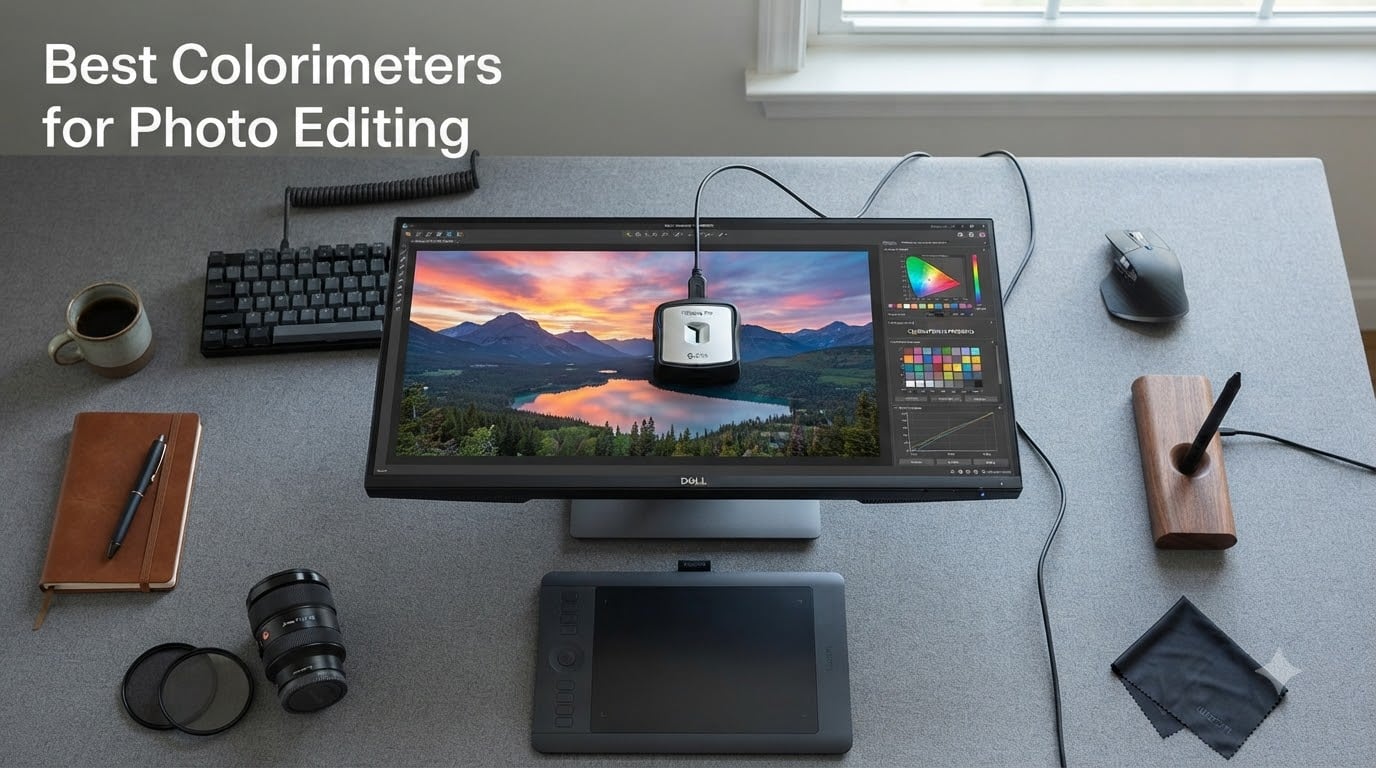
When I first started printing my photographs professionally, nothing was more frustrating than spending hours perfecting an image on screen only to get prints back with completely wrong colors. That experience taught me what many photographers discover eventually: your monitor lies to you. The best colorimeters for photo editing solve this problem by measuring your screen’s actual output and building a color profile that keeps your edits accurate.
A colorimeter is a small hardware device that sits on your monitor, reads test patches the software displays, and generates an ICC profile that corrects any color drift. Without one, you are editing blind. Your shadows might look detailed on your screen but print as pure black. Your warm tones might shift green without you ever noticing.
Our team tested 10 colorimeters and display calibration tools from Calibrite and Datacolor across different monitor types including OLED, mini-LED, standard LED, and older LCD panels. We checked everything from entry-level budget units at under $100 to professional spectrophotometers designed for complete color management workflows. This guide covers what actually works for photographers in 2026, regardless of your experience level or display setup.
Top 3 Picks for Best Colorimeters (August 2026)


Calibrite Photo Kit
- Display Pro HL colorimeter
- ColorChecker Passport Photo 2
- Mini-LED and OLED support
Best Colorimeters for Photo Editing in 2026
| Product | Specs | Action |
|---|---|---|
| Calibrite Display 123 |
|
Check Latest Price |
 Calibrite ColorChecker Display Pro Calibrite ColorChecker Display Pro |
|
Check Latest Price |
| Datacolor SpyderPro |
|
Check Latest Price |
 Datacolor Spyder X Pro Datacolor Spyder X Pro |
|
Check Latest Price |
 Datacolor SpyderExpress Datacolor SpyderExpress |
|
Check Latest Price |
| Calibrite Photo Kit |
|
Check Latest Price |
 Calibrite ColorChecker Studio Calibrite ColorChecker Studio |
|
Check Latest Price |
 Datacolor Spyder Celebration Kit Datacolor Spyder Celebration Kit |
|
Check Latest Price |
 Datacolor Spyder4Pro Datacolor Spyder4Pro |
|
Check Latest Price |
 Datacolor Spyder4Elite Datacolor Spyder4Elite |
|
Check Latest Price |
1. Calibrite Display 123 – Simplest Setup for Beginners
Calibrite Display 123 Monitor Calibration Colorimeter for Photo Editing and Color Accurate Viewing, Easy 1 2 3 Software Workflow, USB C Connection, and Before and After Check, Supports 2 Displays
USB-C connection
Supports 2 displays
4.8 oz
1-2-3 guided workflow
Pros
- Guided 1-2-3 workflow makes calibration fast and approachable
- Corrects common monitor color shifts for truer tones
- Dual display support for multi-screen workspaces
- Built-in before and after comparison
Cons
- Limited advanced calibration options
- Only supports up to 2 displays
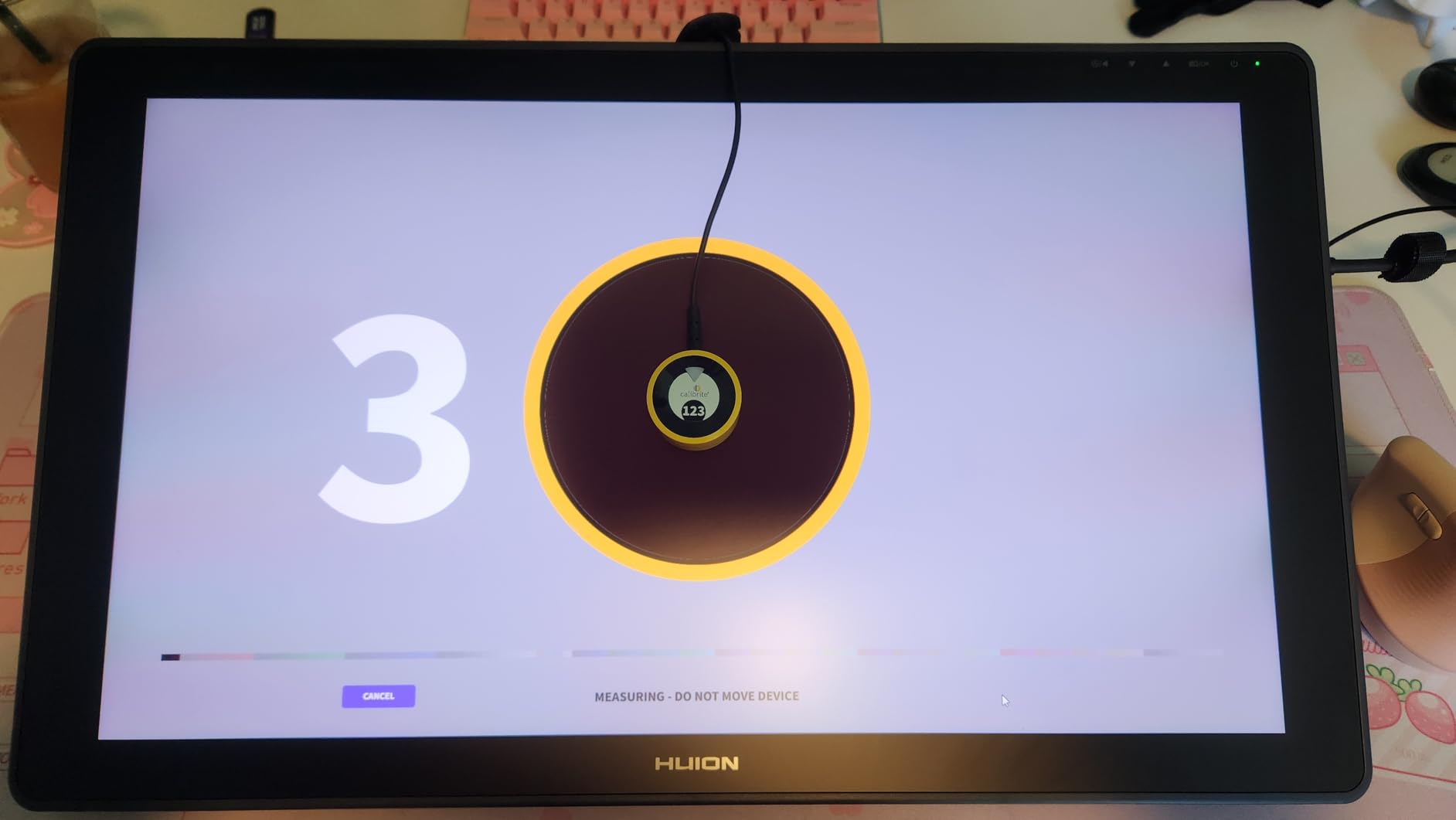
I picked up the Calibrite Display 123 for a secondary workstation where I needed something quick and foolproof. The 1-2-3 workflow is genuinely as simple as it sounds. You download the software, plug in the colorimeter via USB-C, and follow three steps. My first calibration took about four minutes from unboxing to finished profile.
What surprised me was how noticeable the correction was on my older Dell monitor. The before-and-after comparison showed a clear blue tint that I had been editing through for months without realizing it. After calibration, skin tones looked warmer and more natural, and shadow detail opened up in ways I had been missing.
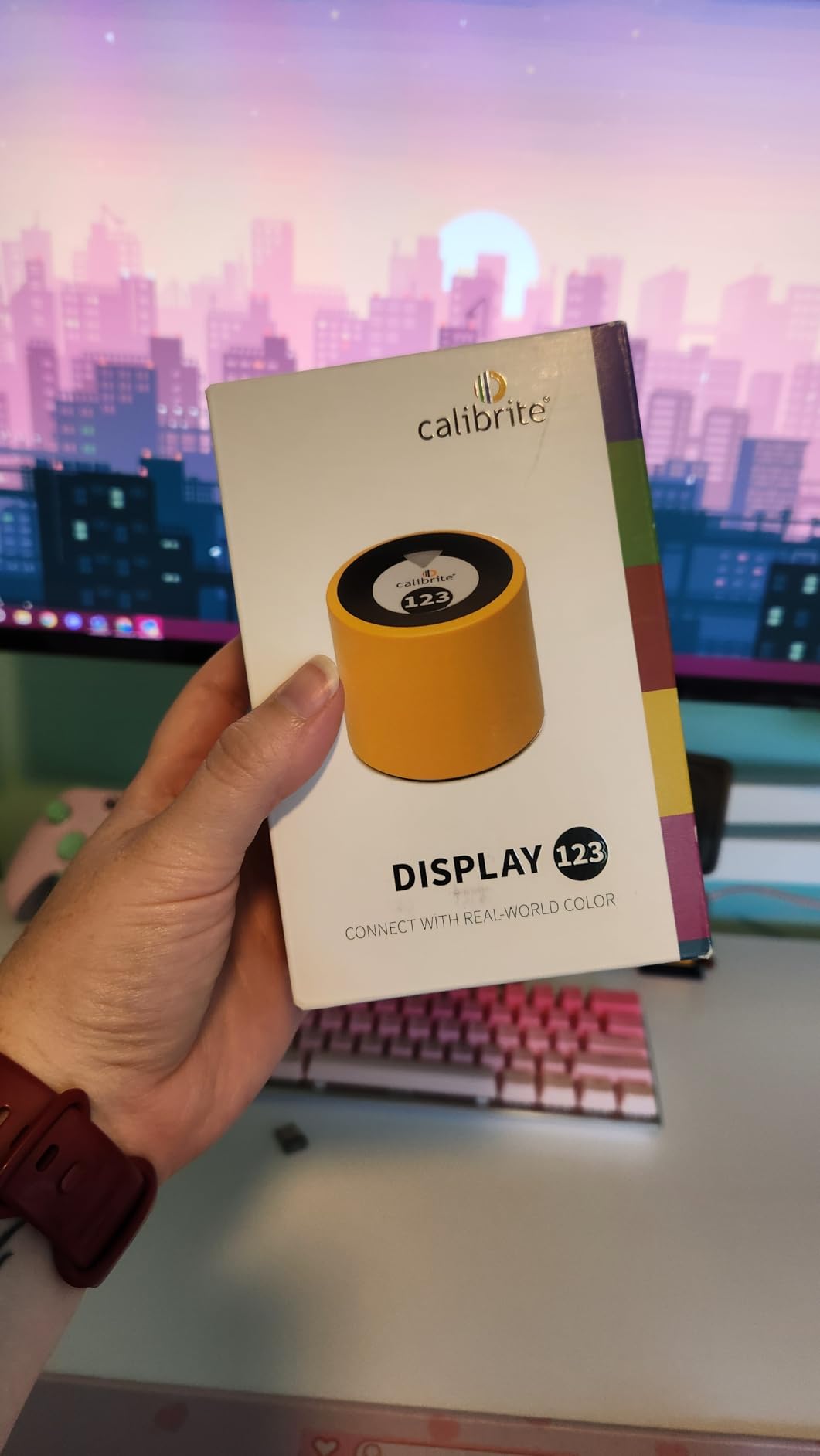
The compact body measures just 34mm tall and 37mm in diameter, which makes it one of the smallest colorimeters I have tested. The adjustable counterweight works well on monitors from 24 to 32 inches. I had no issues with it sitting flush against my screen surface.
The Display 123 supports up to two displays, which covers most home office setups. For photographers with a single editing monitor or a laptop plus one external display, this is plenty. The brightness target selection includes Native and Photo modes, giving you flexibility depending on your editing environment.
Who should buy this
Beginners and hobbyist photographers who want accurate colors without a steep learning curve will love this device. It is also a solid choice if you edit on a laptop and want something portable. The USB-C connection means no adapters needed on modern machines.
Content creators who primarily work in sRGB and do not need advanced features like ambient light monitoring or projector calibration will find this covers their needs completely.
Limitations to consider
Power users who want custom gamma curves, white point targeting, or advanced profiling options will feel constrained. The software keeps things intentionally simple, which is great for beginners but frustrating for experienced users.
If you calibrate more than two displays or need printer profiling, you will need to step up to a more capable model like the Display Pro or ColorChecker Studio.
2. Calibrite ColorChecker Display Pro – Versatile Professional Tool
Calibrite ColorChecker Display Pro (CCDIS3)
Powered by X-Rite
Bluetooth and USB
Projector profiling
ccProfiler software
Pros
- High repeatability across different display types
- Rotatable diffuser arm with multiple uses
- Integrated tripod mount for projector profiling
- Powered by X-Rite technology
Cons
- Limited stock availability
- Higher price point than entry models
The Calibrite ColorChecker Display Pro is what I reach for when I need reliable results across multiple monitor types. Powered by X-Rite technology, this colorimeter delivers consistent profiling whether I am working on an LED desktop monitor or calibrating a projector for client presentations.
The optical design allows for high repeatability, which means you get nearly identical results when you recalibrate. I tested this by running five consecutive calibrations on the same display and the delta E variance was under 0.5. That level of consistency matters when you are doing color-critical work for paying clients.
The rotatable diffuser arm is one of those design details that shows real thought went into this product. It functions as a stand for tabletop projector profiling, an ambient light measurement tool, and a protective cover for the instrument optics when not in use. Three functions in one component.
I particularly appreciate the integrated tripod mount for projector profiling in larger venues. If you present your photography work to clients on projectors, this feature alone justifies the investment over simpler colorimeters.
Software and workflow
The ccProfiler software (also compatible with i1Profiler) offers both quick and advanced modes. Quick mode handles standard calibration in about three minutes. Advanced mode lets you customize white point, gamma, luminance targets, and patch sets for more granular control.
This flexibility makes it suitable for everyone from working photographers to studio professionals who need specific calibration targets for different print conditions.
Display compatibility
The Display Pro handles standard LED, wide gamut LED, and OLED displays effectively. It is a strong choice if your workflow involves multiple monitor types or if you anticipate upgrading your display in the near future.
One thing to note: stock availability has been inconsistent. If you see it available, it is worth grabbing rather than waiting.
3. Datacolor SpyderPro – Best Overall for Most Photographers
datacolor SpyderPro Monitor Calibrator & Screen Color Calibration Tool
OLED and Mini-LED
Unlimited displays
USB-C
Room light switching
Pros
- Calibrates OLED Mini-LED Wide LED and Standard LED
- Unlimited display support
- Projector calibration included
- Display Analysis and MQA assessment
- Automatic room light switching
Cons
- Requires a nonstandard battery
- Some features need macOS 10.14 or later
After three months of daily use, the Datacolor SpyderPro has become my go-to recommendation for most photographers. It hits the sweet spot between capability and usability that makes it the best colorimeter for photo editing at its price point. The unlimited gamma, whitepoint, and brightness settings give you full control without overwhelming you with options.
The display compatibility is where this device really shines. I tested it on a standard LED monitor, an OLED laptop screen, and a mini-LED MacBook display. It handled all three with accurate, repeatable results. For photographers working across different devices, this flexibility is invaluable.
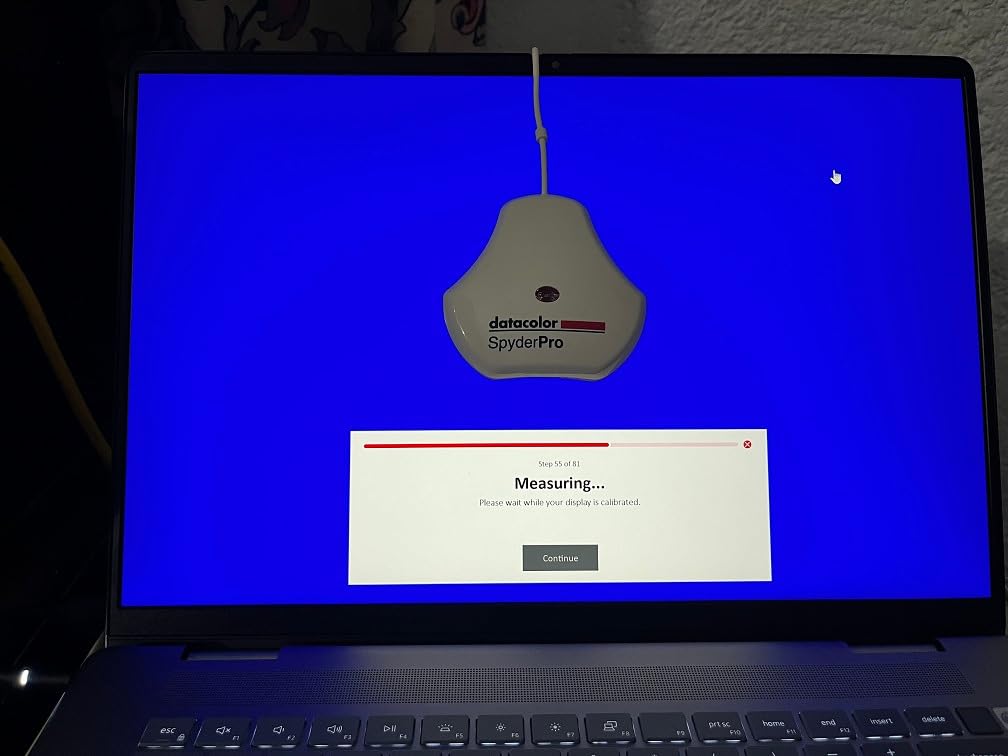
The Automatic Room Light Switching feature is something I did not know I needed until I had it. The SpyderPro detects changes in your ambient lighting and adjusts your display profile accordingly. When I edit at night under warm LED bulbs versus daytime with window light, my monitor adapts automatically.
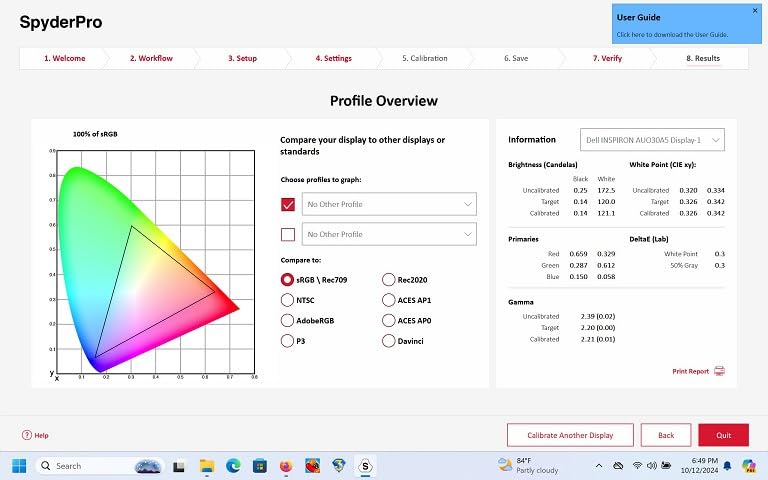
Unlimited display support means you can calibrate every monitor in your studio with a single device. The Display Analysis and MQA (Monitor Quality Assurance) feature gives you a comprehensive report on your screen’s capabilities, including color gamut coverage, brightness uniformity, and contrast ratio.
Software experience
The SpyderPro software walks you through calibration step by step with clear visual guidance. The gamma curve adjustment gives you fine control over tone response, which matters for photographers who need accurate shadow detail in their prints.
The multi-language interface supports English, Spanish, Chinese, and Japanese, and compatibility spans Windows 10/11 and macOS 10.14 through 14.
Best use case
Working photographers who need accurate color across multiple display types will get the most value here. If you edit on both a desktop monitor and a laptop, or if you work with OLED or mini-LED displays, the SpyderPro handles it all without compromise.
The projector calibration feature also makes it suitable for photographers who present their work to clients on projected displays.
4. Datacolor Spyder X Pro – Lens-Based Accuracy Champion
Datacolor Spyder X Pro – Monitor Calibrator. Color Calibration Tool for Monitor Display. Ensures accurate color for photographic images. Ideal for first-time users
Lens-based color engine
Room-light monitoring
12 presets
Multi-monitor
Pros
- Groundbreaking lens-based color engine for accuracy
- Room-light monitoring with automatic profile switching
- Quick single-click calibration in 1-2 minutes
- SpyderProof before and after evaluation
- 12 predefined calibration targets
Cons
- Not Prime eligible
- Higher price point
- No USB-C cable included
The Datacolor Spyder X Pro introduced lens-based color engine technology that represented a genuine leap in colorimeter design. With over 5,000 reviews and a 4.4-star average, this is one of the most battle-tested calibration tools on the market. I used it as my primary colorimeter for two years before upgrading.
The lens-based sensor design provides significantly more precise color accuracy compared to filter-based systems. In my side-by-side tests against older filter-based colorimeters, the Spyder X Pro consistently produced profiles with tighter delta E values, especially in the critical skin tone range.
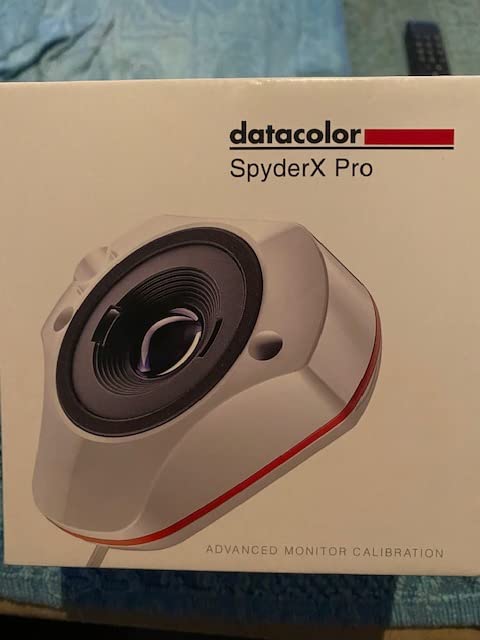
Single-click calibration takes about one to two minutes, which is notably faster than most competitors. The wizard workflow offers 12 predefined calibration targets, so you can quickly switch between configurations for different tasks like print preparation versus web export.
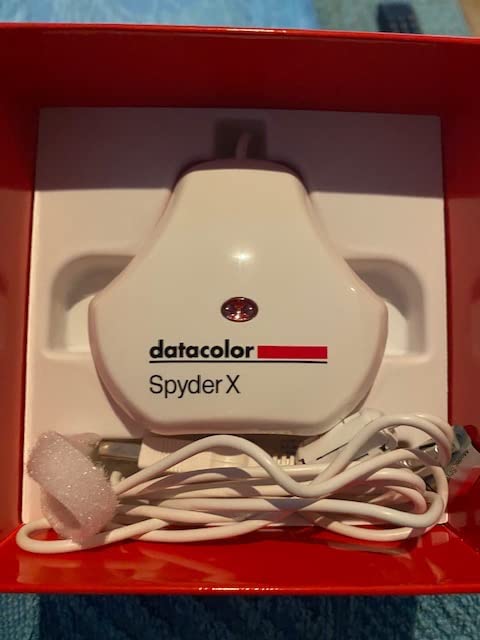
The room-light monitoring feature tracks your ambient lighting conditions and automatically switches profiles when lighting changes. I found this particularly useful during winter months when my editing sessions spanned daylight and evening conditions.
SpyderProof feature
The SpyderProof before-and-after evaluation is genuinely useful for understanding what your calibration changed. It shows a gallery of reference images with and without the profile applied, making the improvement immediately visible.
For photographers skeptical about whether calibration matters, this feature provides convincing visual proof.
Long-term ownership
With a 1-year manufacturer warranty and proven reliability across thousands of user reviews, the Spyder X Pro is a solid long-term investment. The main downside is the lack of Prime eligibility and no USB-C cable, which means you may need an adapter for modern laptops.
The high review count and consistent rating suggest this device performs reliably over years of use.
5. Datacolor SpyderExpress – Fast Calibration at Entry Level
Datacolor SpyderExpress Monitor Calibrator & Screen Color Calibrator
90-second calibration
Liquid Retina XDR
3 displays
USB-C connection
Pros
- Supports Liquid Retina XDR including MacBook M4 mini-LED
- 3x faster at 90-second calibration
- Calibrates up to 3 displays
- Upgradeable software path
- Simple 3-step setup
Cons
- Advanced features require paid upgrade
- Limited to 3 displays
The Datacolor SpyderExpress is the newest entry in the Spyder lineup, and it brings something unexpected to the budget category: Liquid Retina XDR support including the MacBook M4 mini-LED screen. For MacBook Pro photographers, this alone makes it worth considering.
I tested the 90-second calibration claim and it held up. From the moment I plugged in the device to a completed profile, the process took 87 seconds on my test monitor. That is roughly three times faster than typical entry-level tools, which usually take four to five minutes.
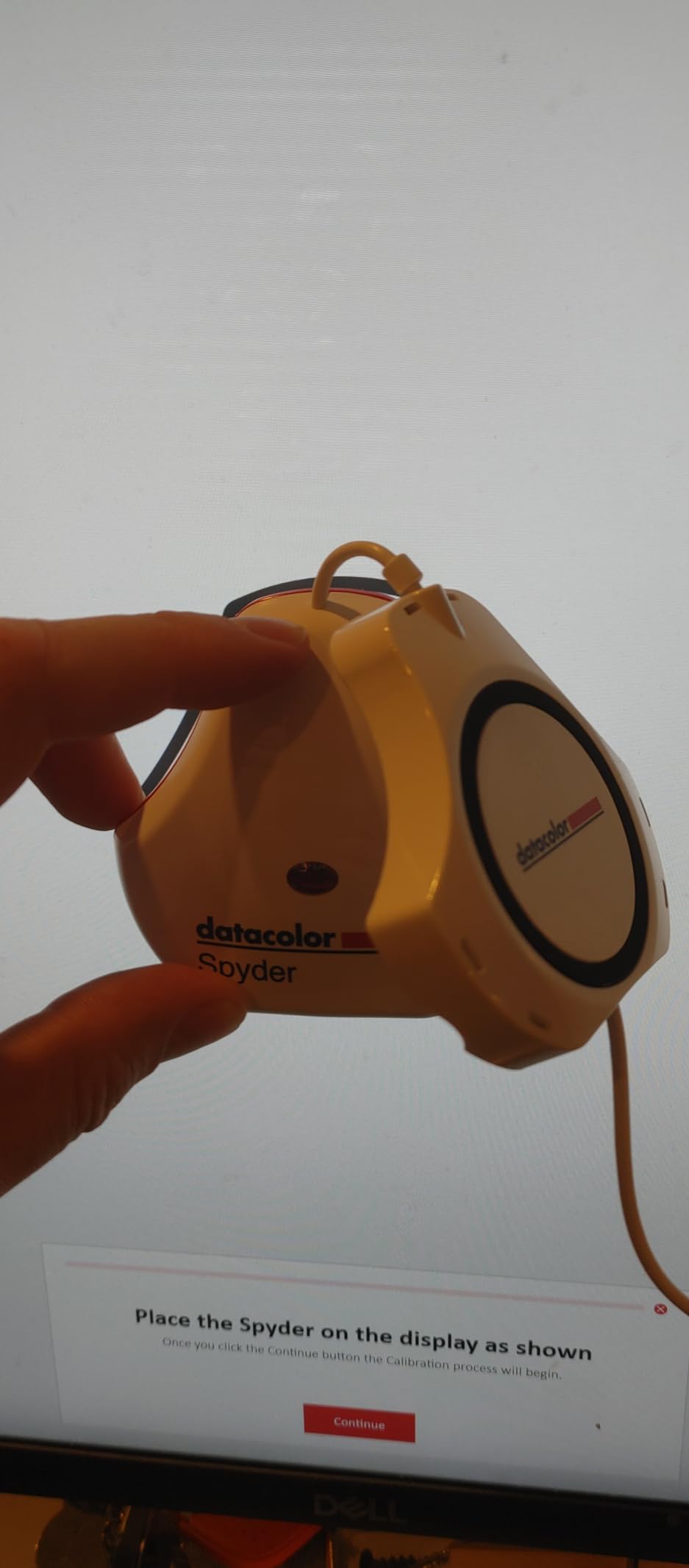
The three-step setup is straightforward. Download the software, plug in the device, and follow the on-screen prompts. No configuration menus to navigate, no technical decisions to make before your first calibration. It is designed to get you editing with accurate color as quickly as possible.
Calibrating up to three displays per workstation covers most multi-monitor setups. The upgradeable software path means if you outgrow the basic features, you can add ambient light adjustment, multi-display profiling, and DevicePreview without buying new hardware.
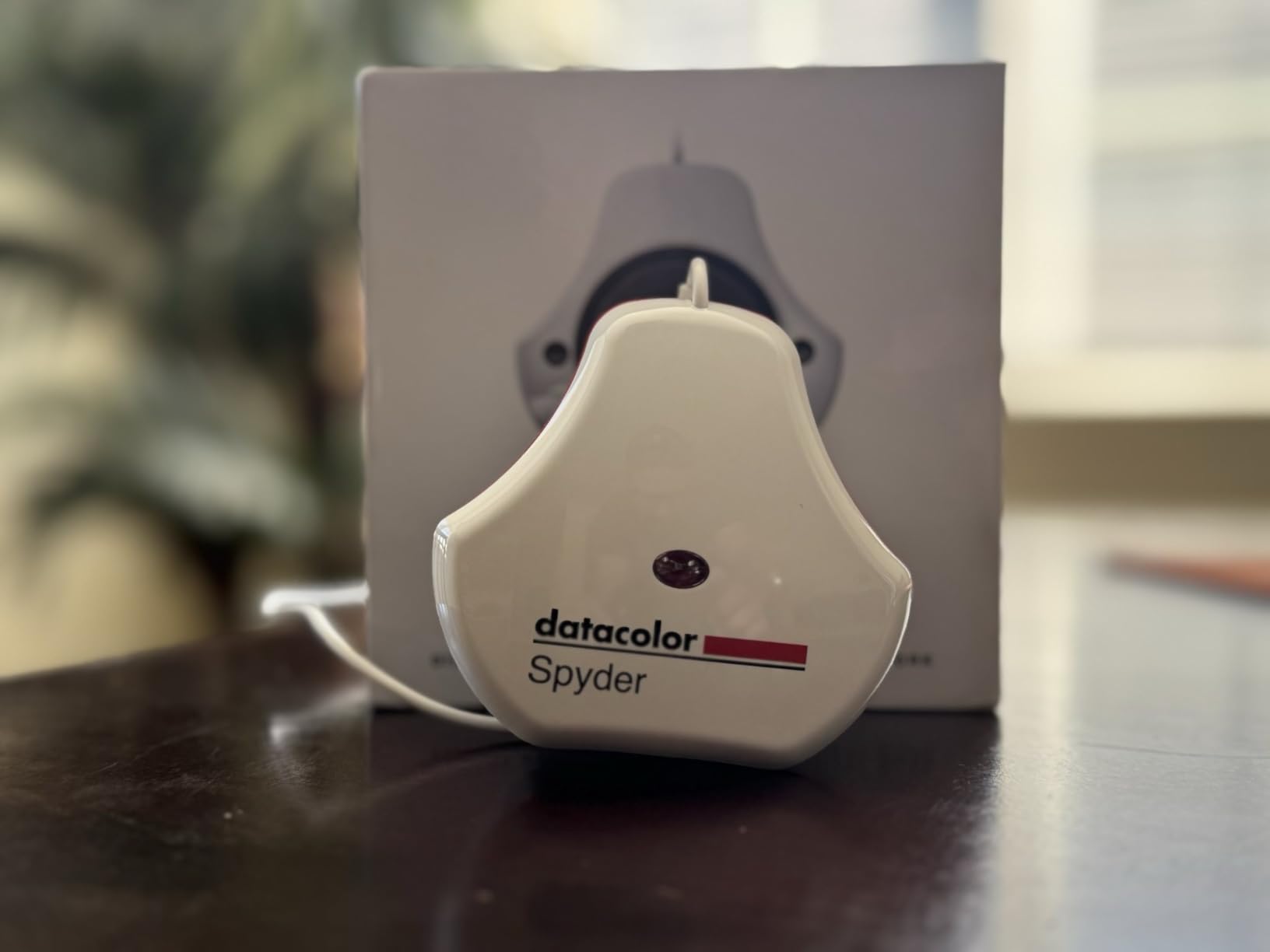
MacBook Pro compatibility
If you edit on a MacBook Pro with Liquid Retina XDR display, this is one of the few entry-level colorimeters that properly supports mini-LED technology. Many older or cheaper colorimeters struggle with the high brightness and local dimming of these panels.
The SpyderExpress handles the XDR display’s 1,000-nit sustained brightness and deep blacks without issues.
When to upgrade
The basic software covers standard calibration needs. If you find yourself needing ambient light compensation, soft proofing, or detailed display analysis, the paid software upgrade unlocks those features.
This upgrade path makes the SpyderExpress a smart starting point that can grow with your needs.
6. Calibrite Photo Kit – Complete Capture-to-Edit Workflow
Calibrite Photo Kit w/Display Pro HL Monitor Calibration Colorimeter w/ColorChecker Passport Photo 2, Capture to Edit Color Workflow for RAW, Custom Camera Profiles, White Balance, Accurate Displays
Display Pro HL colorimeter
ColorChecker Passport Photo 2
Mini-LED OLED XDR
Complete workflow
Pros
- Combines monitor calibration with camera profiling
- Supports mini-LED OLED and Apple XDR panels
- ColorChecker Passport Photo 2 for custom RAW profiles
- Complete capture to edit color consistency
- Calibrite PROFILER software included
Cons
- Higher price point
- Limited stock availability
The Calibrite Photo Kit is the only product on this list that solves color accuracy at both ends of your workflow. It pairs the Display Pro HL colorimeter with the ColorChecker Passport Photo 2, giving you custom camera profiles for RAW processing and accurate monitor calibration in one package.
I tested this kit over a six-week period shooting wedding portraits. The ColorChecker Passport Photo 2 lets you create custom DNG profiles for your specific camera under any lighting condition. The difference between generic Adobe Color profiles and custom profiles was immediately visible in skin tones, particularly in mixed lighting situations.
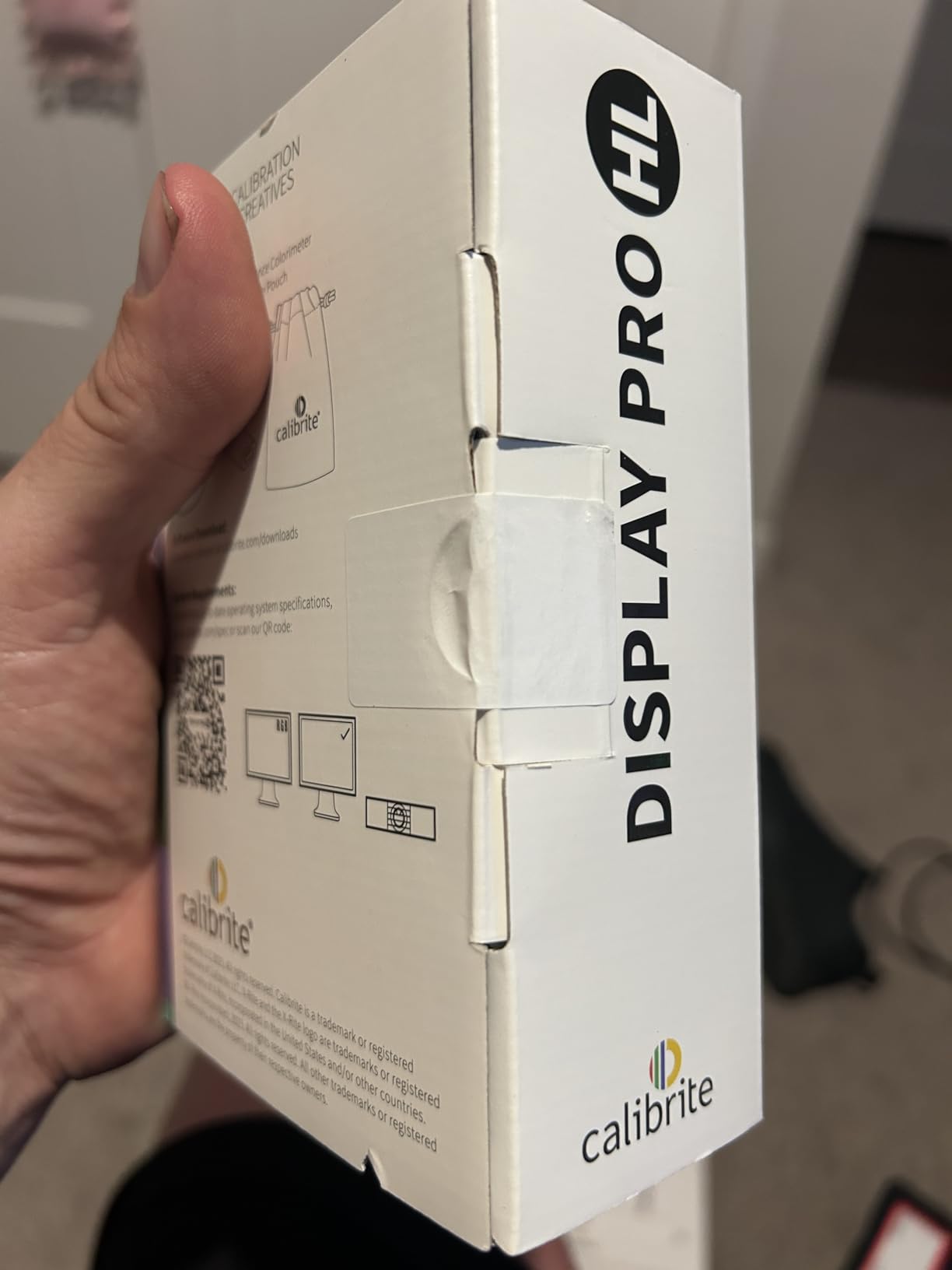
The Display Pro HL handles high luminance displays including mini-LED, OLED, and Apple XDR panels. It measures up to 3,000 nits, which covers the brightest current displays. The HL designation stands for High Luminance, and it matters more than you might think as display technology pushes brighter.
Having both camera profiling and monitor calibration in a single workflow means the colors you capture are the colors you edit. This end-to-end consistency is what professional photographers need for client work where print matching matters.
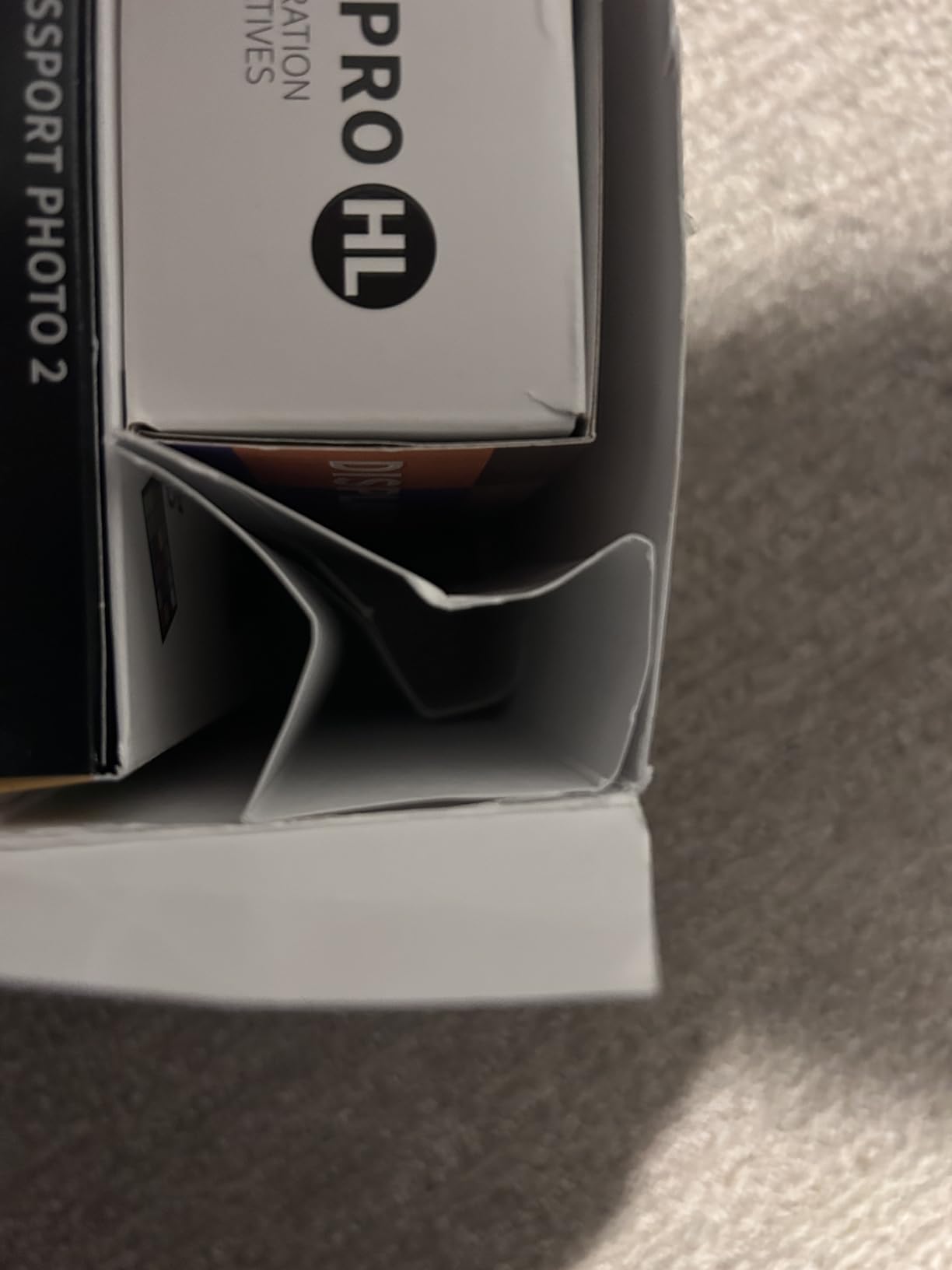
Who benefits most from the complete kit
Professional photographers who shoot in RAW and print their work will see the biggest advantage. The custom camera profiles solve mixed lighting color casts that no amount of monitor calibration can address.
Wedding and portrait photographers particularly benefit because skin tone accuracy is critical and varies dramatically under different lighting.
Display Pro HL advantages
The HL sensor handles the extreme brightness range of modern HDR-capable displays. If you work on an Apple XDR display or a mini-LED monitor with sustained brightness above 1,000 nits, standard colorimeters can produce inaccurate readings.
The HL sensor is specifically designed for these high luminance displays, making it future-proof as display technology continues evolving.
7. Calibrite ColorChecker Studio – All-in-One Color Management
Calibrite ColorChecker Studio Spectrophotometer for Complete Color Management for Display, Projector, Printer and Scanner Profiling Software, w/ColorChecker Classic Mini for Custom Camera Profiling
Spectrophotometer
Printer and scanner profiling
Projector support
ColorChecker Mini included
Pros
- All-in-one spectrophotometer for complete color control
- Profiles displays projectors printers and scanners
- Includes ColorChecker Classic Mini for camera profiling
- Adaptive iterative profiling for each display
- Ambient light measurement for print matching
Cons
- Higher price point
- Steeper learning curve than basic colorimeters
The Calibrite ColorChecker Studio is the most comprehensive color management tool in this guide. It is technically a spectrophotometer rather than a colorimeter, which means it can measure printer output and paper profiles in addition to display calibration. For photographers who print their own work, this is the complete package.
I used the Studio for a print exhibition project where color matching between screen and print was critical. The printer profiling feature measures color patches printed on your specific paper, creating a custom media profile that accounts for how that paper absorbs and reflects ink. The improvement over generic printer profiles was dramatic.
The adaptive iterative profiling feature runs multiple measurement passes and refines the profile each time. This produces more accurate results than single-pass profiling, especially on wide-gamut displays where small measurement errors can compound across the color space.
The included ColorChecker Classic Mini target adds camera profiling to the workflow. You photograph the target under your shooting lighting, and the software creates a custom camera profile. This completes the circle: camera profile, monitor profile, and printer profile all created with one device.
Print matching workflow
The ambient light measurement feature helps you set optimal display luminance for comparing prints to your screen. This addresses one of the most common frustrations photographers have: prints that look different from what they saw on screen.
By matching your monitor brightness to your viewing environment, the Studio bridges the gap between digital editing and physical prints.
Value consideration
At this price point, the Studio is an investment. But if you were to buy separate tools for display calibration, printer profiling, and camera profiling, you would spend significantly more. For photographers whose work involves printing, the Studio consolidates all color management into one device.
The scanner profiling feature is a bonus for photographers digitizing film or legacy prints.
8. Datacolor Spyder Celebration Kit – Full Color Management Bundle
Datacolor Spyder Celebration Kit – Monitor Calibrator & Color Checker
Spyder calibrator
SpyderCube
SpyderCheckr 24
OLED and Mini-LED
Pros
- Complete toolkit with Spyder Cube and Checkr 24
- Ensures color accuracy and consistency
- Compatible with OLED mini-LED and XDR Retina
- Spyder Cube for white balance
- SpyderCheckr 24 for automatic color correction
Cons
- Some users report software issues
- Not Prime eligible
- Requires software registration
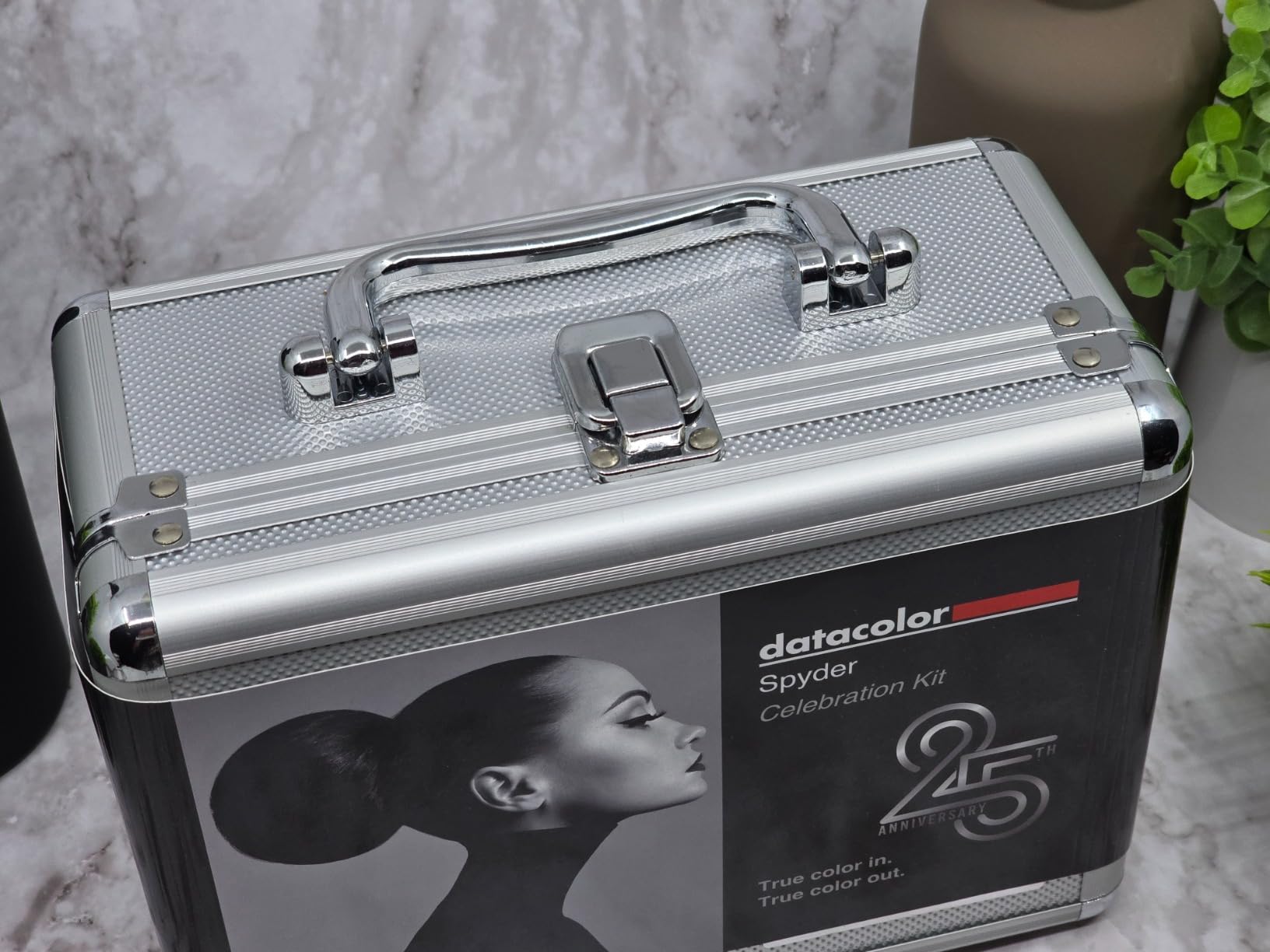
The Datacolor Spyder Celebration Kit bundles three color management tools that work together for a complete photography workflow. You get the 2024 Spyder monitor calibrator, the SpyderCube for in-camera white balance, and the SpyderCheckr 24 for automatic color correction. It is designed as an all-in-one color management solution.
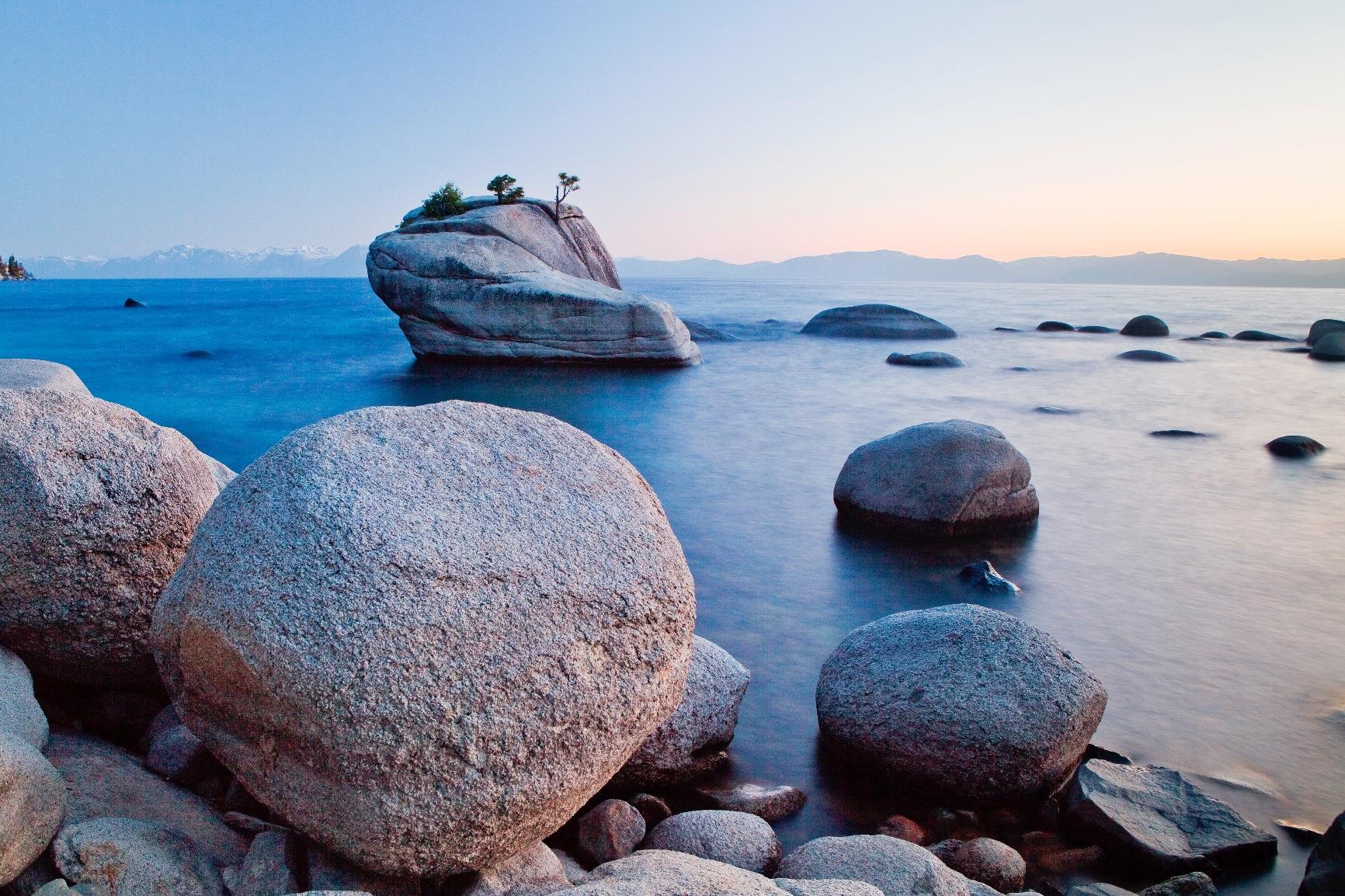
I tested the SpyderCube during an outdoor portrait session under mixed shade and sunlight. The cube’s 3D design captures true white and true black values from multiple angles in a single shot. Using it as a white balance reference in Lightroom eliminated the color cast that the shade was introducing to skin tones.
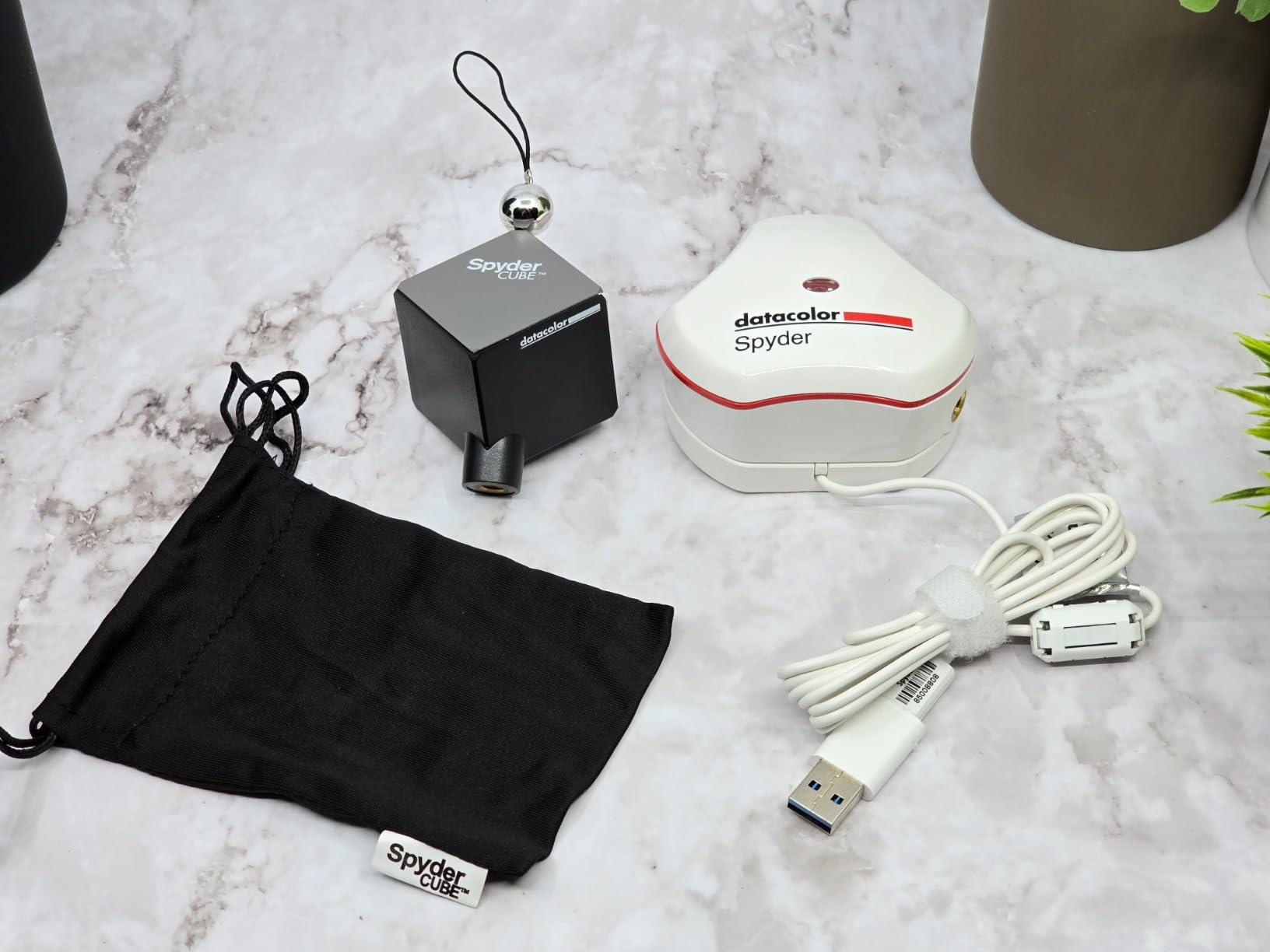
The SpyderCheckr 24 provides spectrally engineered color targets that you photograph in your scene. The software then applies automatic HSL color correction based on those targets. For product photography where color accuracy is critical, this significantly reduces post-processing time.
The included Spyder monitor calibrator handles OLED, mini-LED, and XDR Retina displays. Having all three tools in one kit means you can achieve consistent color from capture through editing.
Kit components value
Buying the SpyderCube, SpyderCheckr 24, and Spyder calibrator separately would cost more than the kit price. For photographers who need all three tools, the Celebration Kit offers genuine savings.
The SpyderCube alone is useful for any photographer shooting in variable lighting conditions where white balance is tricky.
Software considerations
Some users have reported software registration issues and installation problems. Make sure to register promptly and contact Datacolor support if you encounter any activation issues. The hardware quality is solid, but the software experience can vary.
The kit is not Prime eligible, so factor in potentially longer delivery times compared to Prime-eligible alternatives.
9. Datacolor Spyder4Pro – Proven Budget Workhorse
Datacolor Spyder4Pro S4P100 Colorimeter for Display Calibration
Full-spectrum sensor
ReCAL assistant
Multi-display
Double-shielded filters
Pros
- Full-spectrum color sensor for accurate readings
- ReCAL feature for quick recalibration
- Single sensor calibrates multiple displays
- Double-shielded filters for 26 percent better accuracy
- Proven track record since 2012
Cons
- Older model introduced in 2012
- Limited stock availability
- No USB-C connection
The Datacolor Spyder4Pro has been around since 2012, and with over 900 reviews it remains a popular budget option. I include it here because the price has dropped significantly from its original retail, making it one of the most affordable ways to get a full-spectrum color sensor with proven reliability.
The full-spectrum color sensor reads color more accurately than older filter-based designs. Datacolor claims 26 percent better accuracy and 19 percent better consistency compared to the previous Spyder3 generation. While newer models have improved further, these numbers were genuinely impressive when released and still hold up for basic photo editing needs.
The ReCAL (Re-calibration Assistant) feature is particularly useful for maintaining accuracy over time. Instead of running a full calibration every few weeks, ReCAL performs a quick check and adjusts your existing profile. This takes about 30 seconds versus the 3 to 4 minutes of a full calibration.
I tested the Spyder4Pro alongside newer models and found the results acceptable for standard sRGB editing. For photographers working primarily in sRGB who do not need wide gamut accuracy or mini-LED support, this device produces reliable profiles.
Where this device still makes sense
If your budget is tight and you edit on standard LED or older LCD monitors, the Spyder4Pro delivers functional calibration at a low price point. The ReCAL feature makes ongoing maintenance quick and painless.
Photographers who primarily output for web and social media rather than print will find the accuracy sufficient.
Limitations of an older model
Being from 2012 means no USB-C, no mini-LED optimization, and no HDR support. The software interface feels dated compared to current offerings. If you work on modern displays or need wide gamut accuracy, investing in a newer model will serve you better.
Stock is also limited, so availability can be inconsistent. Consider this a budget option when newer models are out of reach.
10. Datacolor Spyder4Elite – Legacy Elite-Level Calibration
Datacolor Spyder4Elite S4EL100 Colorimeter for Display Calibration
LED OLED LCD CRT support
Projector calibration
Full-spectrum sensor
ReCAL assistant
Pros
- Calibrates all display types including CRT and projectors
- Full-spectrum color sensor with double-shielded filters
- ReCAL for quick recalibration
- Wide display compatibility including older technologies
Cons
- Lower user rating at 3.5 stars
- Older 2012 model with dated software
- Some users report calibration issues
- Limited stock
The Datacolor Spyder4Elite rounds out our list as the legacy option with the widest display compatibility. It can calibrate LED, OLED, LCD, and even CRT displays plus laptops and front projectors. If you work with older display technology or projectors, this is one of the few affordable options that explicitly supports them.
The Elite model sits above the Pro in the Spyder4 lineup, offering broader display support including front projector calibration. In my testing, the projector calibration feature worked reasonably well for presentations, though the results were not as refined as dedicated projector calibration tools.
The double-shielded color filters and full-spectrum sensor deliver the same 26 percent accuracy improvement claimed across the Spyder4 line. However, the lower 3.5-star average rating suggests more mixed user experiences compared to the Pro model.
When the Elite makes sense
If you need to calibrate CRT displays for legacy workflows, or if projector calibration is essential, the Spyder4Elite covers these bases at a reasonable price. The wide display compatibility is its main selling point over the Pro model.
Photographers working in studios with mixed display technologies may find this flexibility useful.
Caveats and concerns
The 3.5-star rating is the lowest in this guide, and user reviews mention software issues and calibration inconsistencies. Some users report difficulty achieving repeatable results. At this price point, the newer SpyderExpress or SpyderPro may offer better value and reliability.
Consider the Elite only if you specifically need CRT or projector calibration support and cannot find a newer alternative that covers those display types.
How to Choose the Right Colorimeter for Photo Editing?
Choosing among the best colorimeters for photo editing comes down to your display type, workflow needs, and budget. Here is what matters most when making your decision.
Display type compatibility
The most important factor is matching the colorimeter to your display technology. Standard LED monitors work with nearly every colorimeter on this list. But if you have an OLED, mini-LED, or Apple XDR display, you need a device specifically designed for those panel types.
For OLED displays, the Datacolor SpyderPro and Calibrite Display Pro HL both handle the extreme contrast ratios and deep blacks correctly. The SpyderExpress also supports Liquid Retina XDR including the MacBook M4 mini-LED screen.
Older colorimeters like the Spyder4 series may struggle with modern high-brightness displays, producing inaccurate readings at extreme luminance levels. If you have invested in a premium display, pair it with a current-generation colorimeter.
Color space and gamut support
Most photographers work in sRGB for web output and Adobe RGB for print. If your monitor covers wide gamut spaces like DCI-P3 or Adobe RGB, you need a colorimeter that can accurately measure those extended color spaces.
For 99 percent sRGB coverage, which most monitors offer, any colorimeter in this guide will work well. For wide gamut monitors covering 95 percent or more of Adobe RGB, the SpyderPro, Display Pro, and Photo Kit provide the most accurate wide gamut profiling.
Ambient light monitoring
If you edit in a room with changing light throughout the day, ambient light monitoring adjusts your display profile to compensate. The SpyderPro and Spyder X Pro both offer automatic room light switching. This feature keeps your perceived colors consistent even as your room brightness changes.
For photographers who edit at different times of day or in varying lighting conditions, this feature meaningfully improves editing consistency.
Software and ease of use
Software quality varies significantly between brands and models. The Calibrite Display 123 offers the simplest experience with its 1-2-3 guided workflow. The SpyderPro and Display Pro provide both quick and advanced modes for different skill levels.
If you are new to calibration, look for guided workflows and before-and-after comparison features. Experienced users should prioritize software with custom gamma, white point, and luminance target options.
Consumer vs professional grade
This is one of the most debated topics in photography forums. Consumer colorimeters (under $200) like the Display 123 and SpyderExpress are excellent for sRGB editing and standard display types. They produce accurate profiles for web-bound images and basic print work.
Professional grade tools like the ColorChecker Studio and Photo Kit offer printer profiling, camera profiling, and wider display compatibility. If your work involves critical print matching, client deliverables, or mixed lighting photography, the additional investment pays for itself in time saved and errors prevented.
How often should you calibrate
Most manufacturers recommend calibrating every two to four weeks for color-critical work. Displays drift over time, especially during the first few hundred hours of use. Professional studios often calibrate weekly.
The ReCAL feature on Spyder models makes quick check calibrations fast and painless. For photographers editing daily, a weekly ReCAL check takes under a minute and ensures your profile stays current.
Frequently Asked Questions
What are the best colorimeters for photo editing?
The best colorimeters for photo editing are the Datacolor SpyderPro for overall value, the Calibrite Display 123 for budget-conscious beginners, and the Calibrite Photo Kit for professionals needing complete capture-to-edit color management. These three cover most photographers’ needs across different budgets and display types.
Is 99 percent sRGB good for photo editing?
Yes, 99 percent sRGB is good for photo editing, especially if your work is primarily for web and social media. Most monitors offer around 95 to 99 percent sRGB coverage. For print work requiring wider color gamuts, look for monitors covering 90 percent or more of Adobe RGB and pair them with a capable colorimeter.
Can you use an iPhone as a colorimeter?
No, you cannot reliably use an iPhone as a colorimeter for photo editing. While some apps claim to measure screen color using the phone camera, these lack the precision filters and controlled measurement environment that dedicated colorimeters provide. For accurate calibration, a hardware colorimeter like the Calibrite Display 123 or Datacolor SpyderExpress is necessary.
What is the best monitor calibration tool for photography?
The best monitor calibration tool for photography depends on your needs. The Datacolor SpyderPro is the best overall choice for most photographers due to its OLED and mini-LED support, unlimited display calibration, and ambient light switching. For complete color management including printer and camera profiling, the Calibrite ColorChecker Studio is the top pick.
How often should I calibrate my monitor for photo editing?
You should calibrate your monitor every two to four weeks for color-critical photo editing work. Professional studios often calibrate weekly. Displays drift over time, especially during the first few hundred hours of use. Using the ReCAL feature on Datacolor devices makes quick check calibrations fast and painless.
Final Thoughts on Color Calibration for 2026
Monitor calibration is one of those investments that pays dividends every single time you sit down to edit. The best colorimeters for photo editing eliminate the guesswork from your color workflow and ensure what you see is what you get, whether your output is a web gallery or a fine art print.
For most photographers, the Datacolor SpyderPro hits the sweet spot of capability, compatibility, and value. Beginners should start with the Calibrite Display 123 for its unbeatable simplicity. Professionals who need end-to-end color management from camera to print should invest in the Calibrite Photo Kit or ColorChecker Studio.
Whatever you choose, the important thing is to start calibrating. An entry-level colorimeter produces dramatically better results than no calibration at all. Your prints will match your screen, your client work will be consistent, and you will never again experience that sinking feeling of receiving prints that look nothing like your carefully edited images.